
Just Describe, AI Generates
Image from Text
Stop writing technical prompts or choosing between complex models. Pexo is the intelligent agent that interprets your creative intent and automatically selects the perfect model for your needs. You get ready-to-use visuals, with full ability to iterate or reformat directly inside your favorite chat application.
How Pexo Turns a Text Description into a Finished Image
Pexo simplifies creative work into a seamless three-step conversation that requires zero technical configuration.
Describe What You Have in Mind
Share your vision using your own words. Whether you describe a vague mood, a specific scene, or provide product context, Pexo reads the intent behind your language to understand exactly what you need.
Pexo Picks the Right Model
Pexo evaluates your description for style, realism, and purpose, then automatically routes the request to the best-performing model. You never have to navigate a dropdown menu or guess which tool is right.
Your Image Arrives, Ready to Use
Your visual is delivered inline immediately. If you need changes, just ask for a revision, variation, or format update in the same conversation without ever leaving your workflow.
Every Text to Image AI Capability, in One Conversation
Access a powerful creative agent through a single, intuitive conversation that adapts to your workflow.
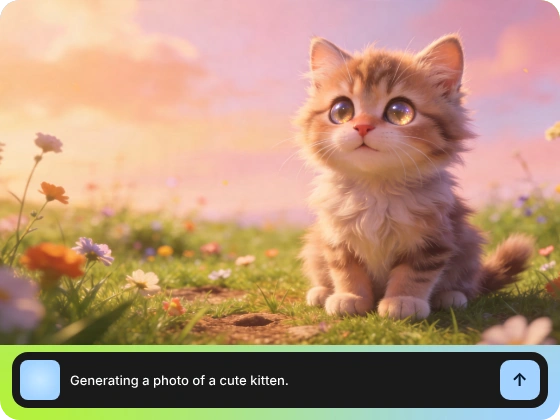
Any Description, Any Subject. Get a Usable Image Back
Forget about prompt engineering or structured syntax. Simply describe your idea in natural language and receive a polished result, contrasting with generic generators that require you to master specific keywords to achieve quality.
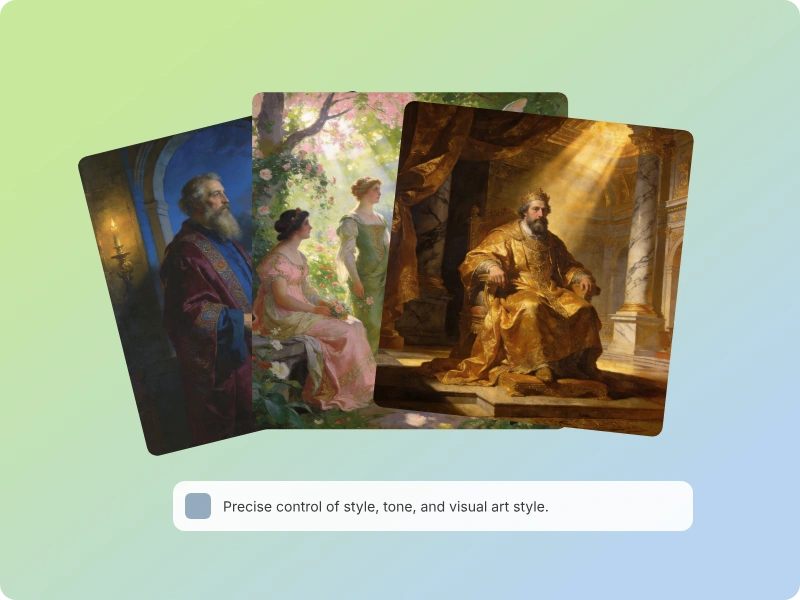
Photorealistic, Illustrated, Flat. Style in Plain Language
Directly command your visual aesthetic using everyday descriptions. Pexo handles the complex technical translation to model parameters, delivering everything from cinematic photography to vector illustration through plain-English requests alone.
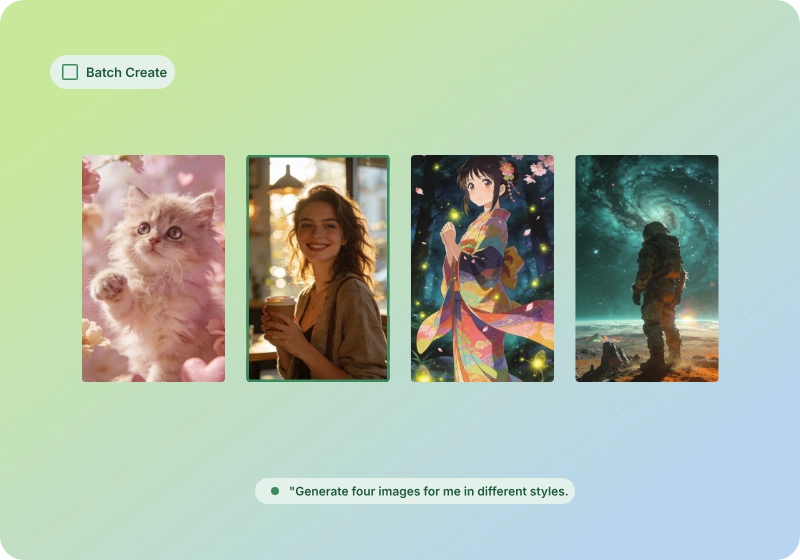
Request Multiple Variations in a Single Message
Generate a full set of variations for different compositions or moods in one pass. This efficiency is built for social managers and brand teams who need to scale output without repetitive manual generation.
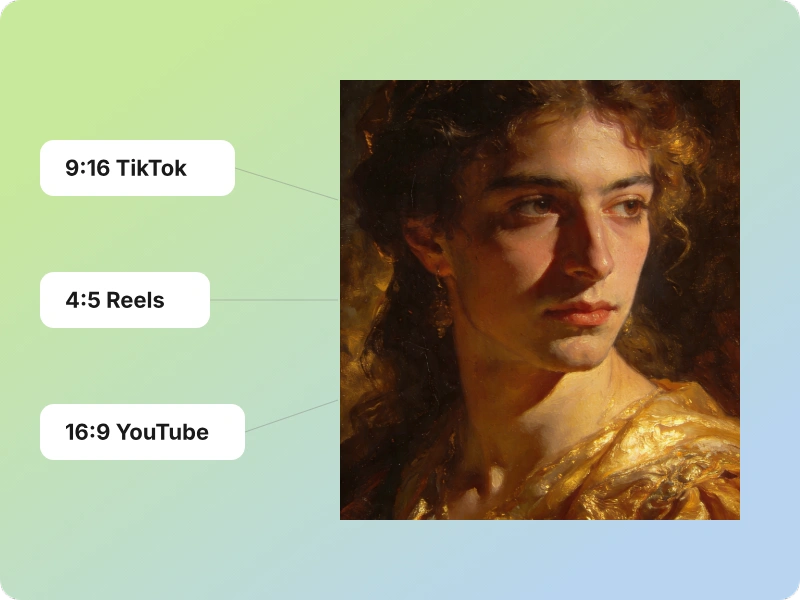
Specify the Format. Get the Right Dimensions Every Time
Define your format requirements during your initial request to get perfectly sized assets. Pexo removes the need for tedious re-cropping or re-generating by outputting the correct dimensions for any platform on the first try.
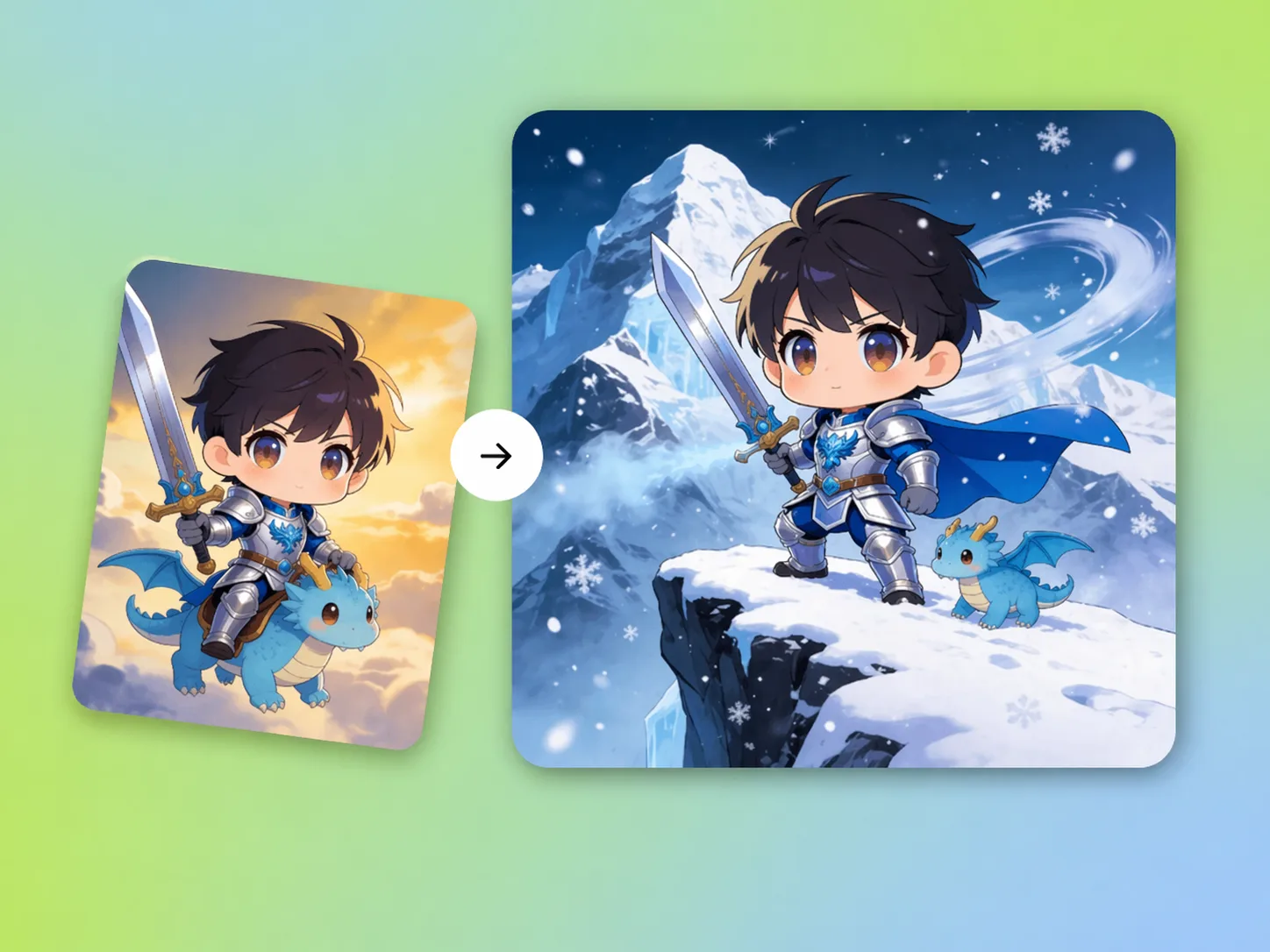
Upload a Reference. Pexo Matches the Style You Show It
Use a visual anchor to ground your description when words fall short. Send an image alongside your text, and Pexo will use it as a style reference to build from, ensuring your output aligns perfectly with your brand.
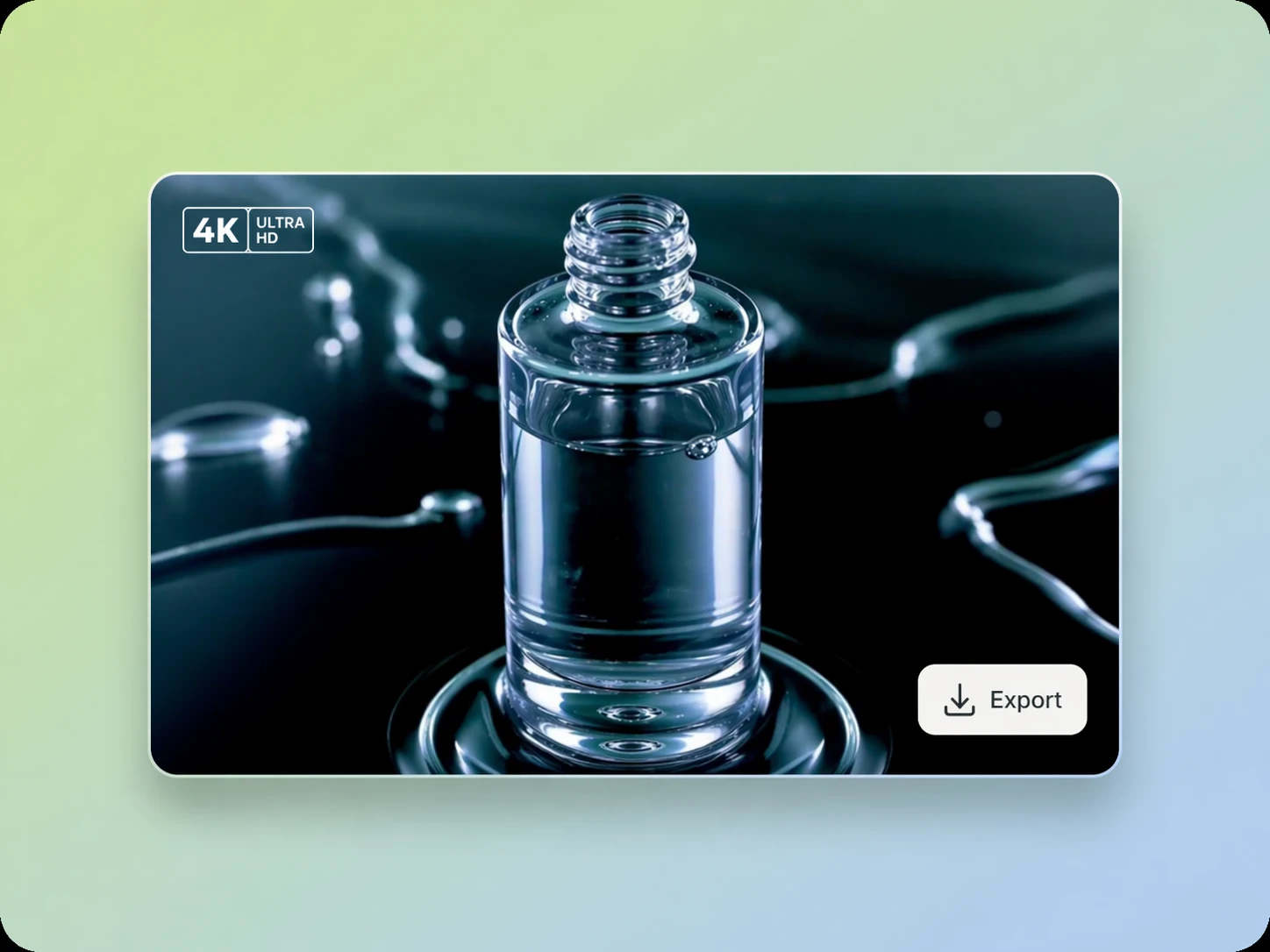
Upscale Any Output for Print, Export, or High-Resolution Use
Prepare your assets for professional use with one-click upscaling. You can elevate any generated image to print-ready or high-resolution quality, such as 2K and 4K, without using separate software to finalize your files.
Pexo vs. Standalone Text to Image AI Generators
Pexo removes the decision overhead of traditional tools, allowing you to focus on the result rather than the mechanics.
| Standalone AI Generator | Pexo | |
|---|---|---|
| Input method | Requires structured prompts | Natural language |
| Model selection | Manual selection required | Automated intent routing |
| Style control | Limited by keyword mastery | Conversational style tuning |
| Batch variation | Manual re-generation | Single-message generation |
| Aspect ratio handling | Post-export manual crop | Native format specification |
| Reference image support | Often siloed/complex | Native style anchoring |
| Iteration flow | Export and re-import | Continuous conversation |
| Where it works | Siloed web interfaces | Integrated in chat apps |
Input method
Requires structured prompts
Natural language
Model selection
Manual selection required
Automated intent routing
Style control
Limited by keyword mastery
Conversational style tuning
Batch variation
Manual re-generation
Single-message generation
Aspect ratio handling
Post-export manual crop
Native format specification
Reference image support
Often siloed/complex
Native style anchoring
Iteration flow
Export and re-import
Continuous conversation
Where it works
Siloed web interfaces
Integrated in chat apps
What you can make with Pexo
No prompt writing. No model picking. Just describe what you want.
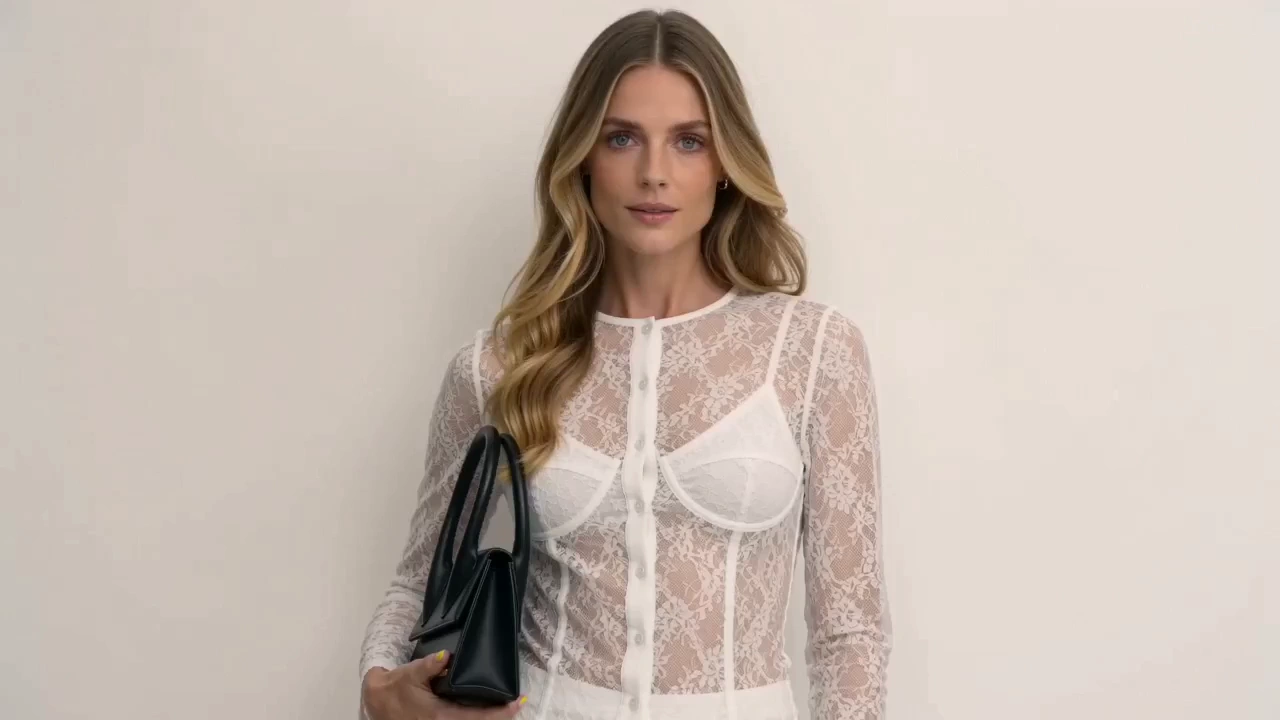
Product Ad Video
Sell products with stunning video ads
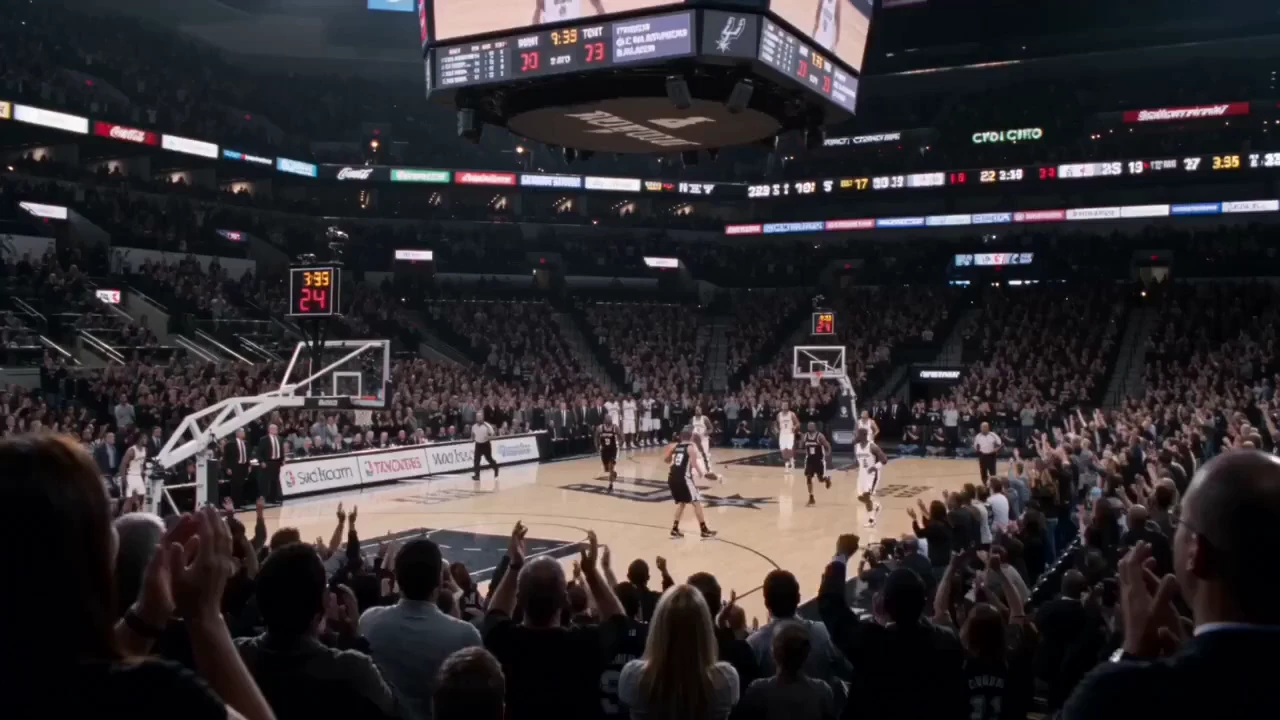
Social Media
Post scroll-stopping videos in minutes
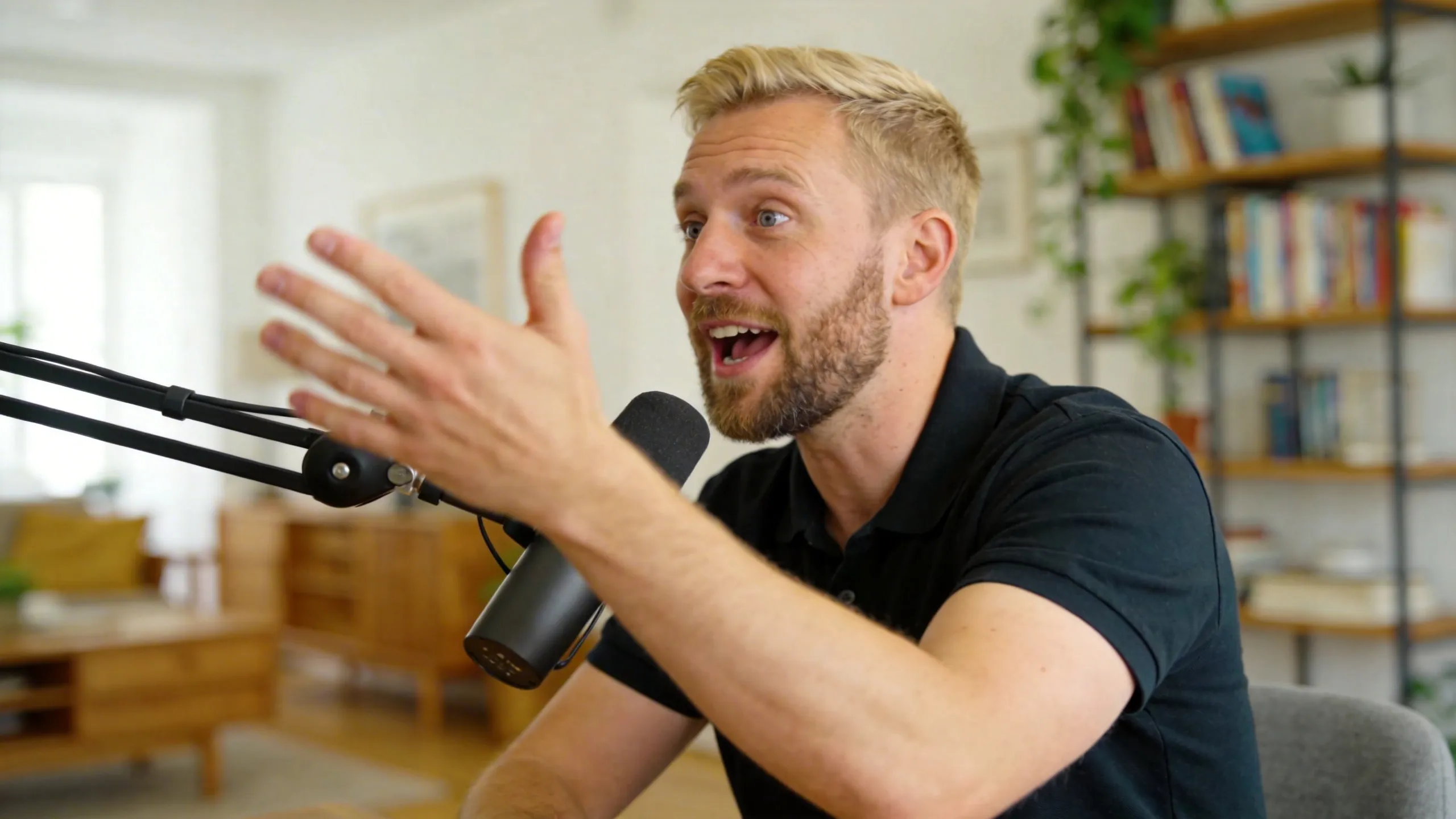
Explainer Video
Simplify complex ideas with clear visuals
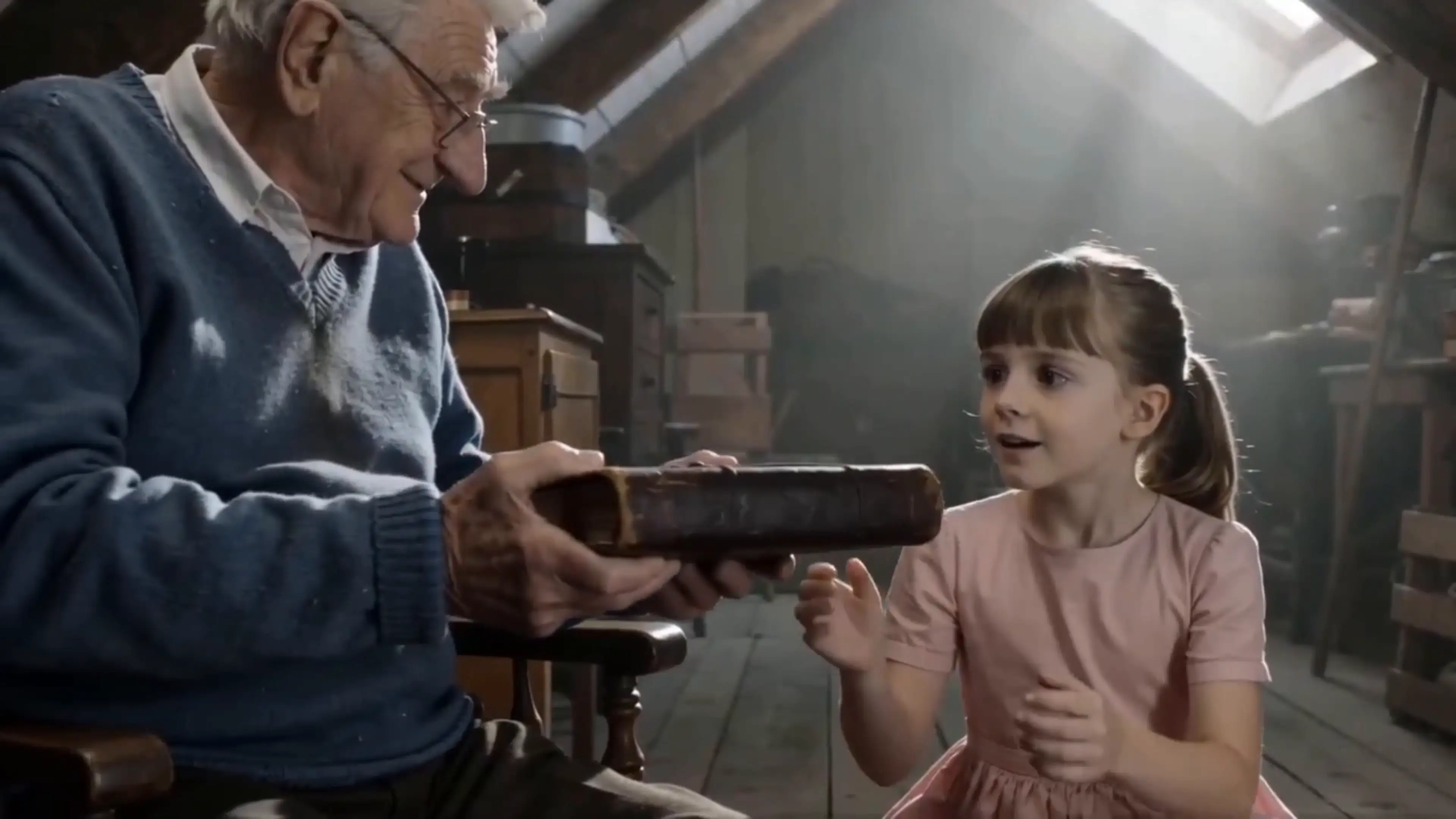
Short Story
Tell compelling stories in short form
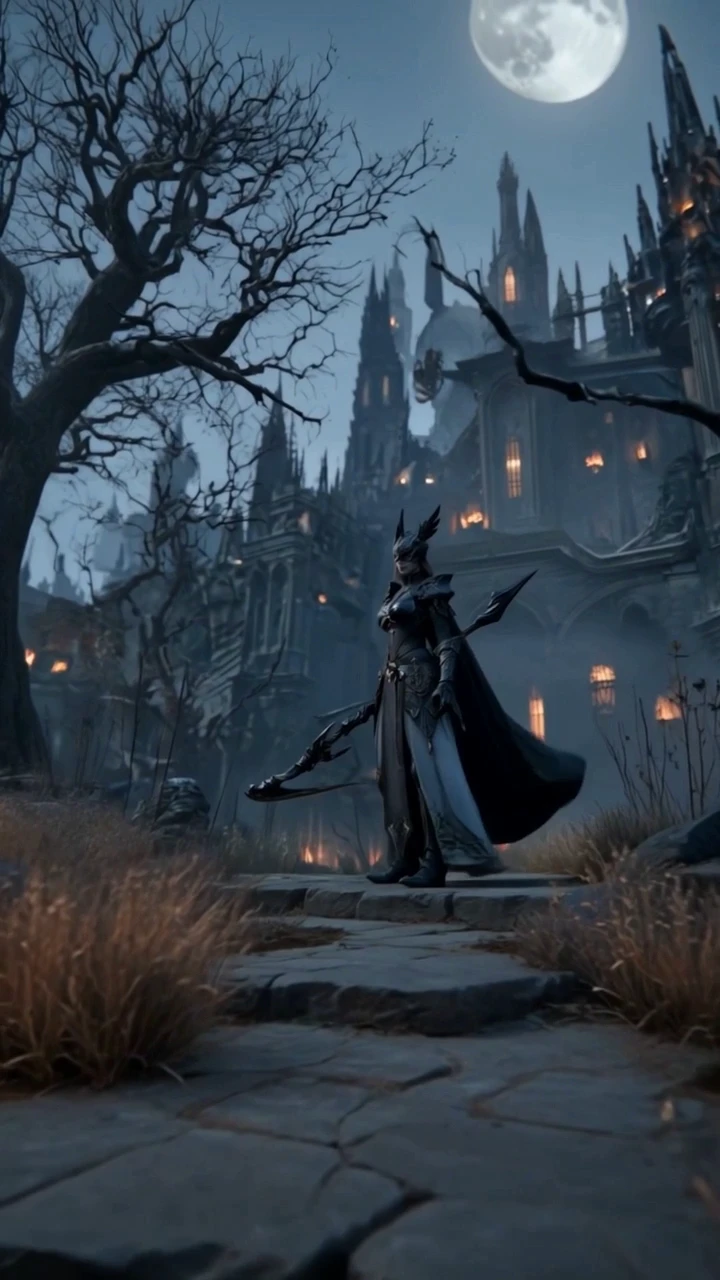
Anime Video
Generate stunning anime art & videos with AI
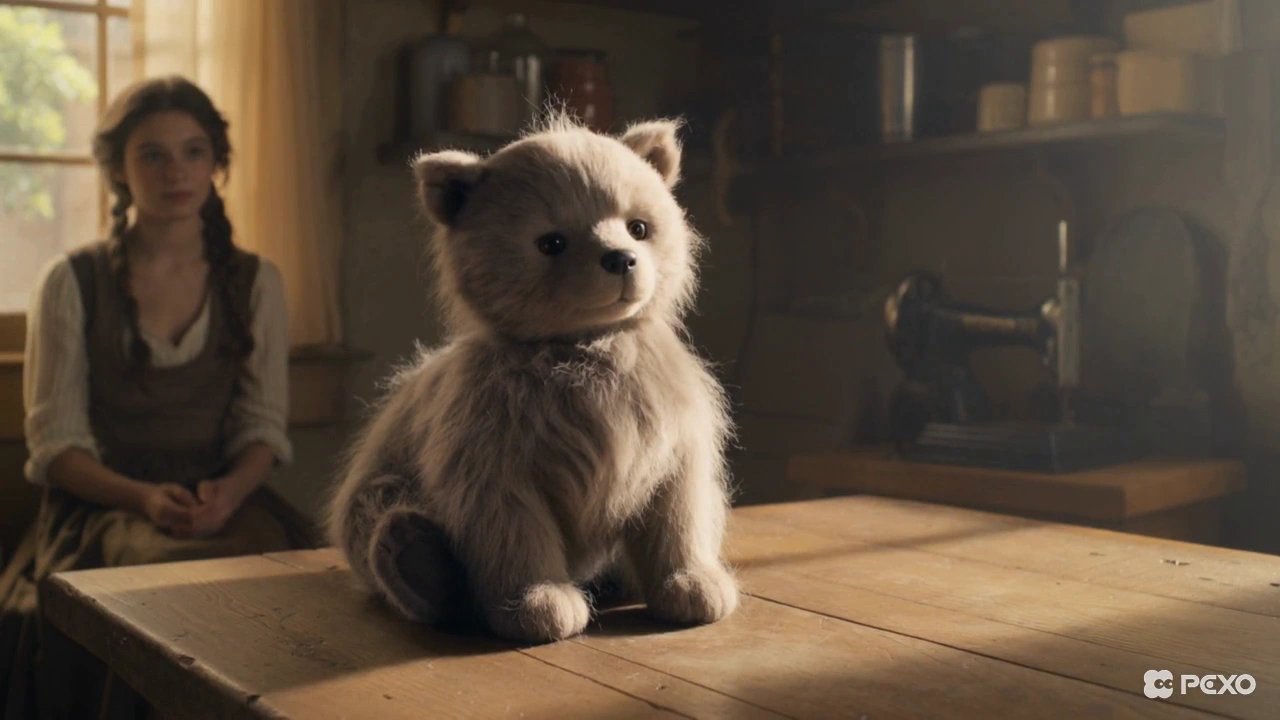
Music Video
Turn any song into a beat-synced video
Real People Using Text to Image AI Through Pexo

Freelance brand designer
I spent hours trying to get consistent product visuals from single-model tools, only to be disappointed. Pexo understood my brief on the first try and delivered a batch of on-brand variations that saved me half a day of manual work.

Social media manager, e-commerce
I need images in four different formats every single day. With Pexo, I just state the platform in my request and get the right dimensions back instantly. I never have to resize or crop anything manually anymore.

Indie game developer
Generating high-resolution concept art was always out of reach due to my lack of prompt expertise. By using reference images and Pexo's super resolution, I go from a rough description to print-ready game assets in a single session.
Frequently Asked Questions
What is text to image AI and how does Pexo use it?
Text to image AI is technology that converts written descriptions into visuals. Pexo uses it by acting as an intelligent agent that manages the underlying models, allowing you to generate professional images using only natural language.
How is Pexo different from other text to image AI generators?
Most generators require you to manually choose models and write complex prompts. Pexo removes that friction by automatically selecting the best model based on your intent, living directly inside the apps where you already work.
Do I need to write prompts to use Pexo's text to image AI feature?
No, you do not need to write technical prompts. Pexo is designed to understand your natural, conversational language so you can focus on your idea rather than worrying about specific syntax.
How fast does Pexo generate an image from a text description?
Pexo is designed for speed and rapid iteration. Most images are generated in seconds, allowing you to move through your creative process without the long wait times often found in other tools.
Can I control the style and aspect ratio of the image Pexo generates?
Yes, you can specify both the style and the aspect ratio simply by describing them in your request. Pexo interprets these instructions and outputs the image exactly as you envisioned.
Does Pexo work inside Slack, Discord, or WhatsApp for image generation?
Yes, Pexo is built to live where you collaborate. You can access all of our text to image AI features directly within Slack, Lark, WhatsApp, Telegram, and Discord through Openclaw connection without switching applications.
Is there a free plan for generating images with Pexo?
Yes, we offer a free plan so you can experience how easy it is to generate images with Pexo. You can start creating your first visuals immediately without needing a credit card.
What kinds of images can I create — are there content limitations?
Pexo is built for creative professionals to produce everything from brand assets to concept art. We maintain safety guidelines to ensure the platform remains a professional, high-quality environment for all creators.
Start Generating Images from Text — Free Today
No credit cards, prompts, or technical knowledge required — start creating with your new AI partner now.