
AI Visual Novel Video
Make a visual novel video with AI. Pexo casts anime characters, voices every line, and renders dialogue scenes with Seedance 2.5 and Kling AI 3.0.
Pexo is an AI short video generator that writes the script, renders every scene, and adds voiceover for you. Describe the clip you want and download a finished short video in minutes.

Type one line about the clip you want. Pexo doubles as a short form video generator: it expands that line into a shot list with scenes, dialogue, and camera direction before anything renders.
Paste a script, a product URL, or a rough note instead. Pexo turns any of them into a short video brief you can edit line by line before you spend a single credit.
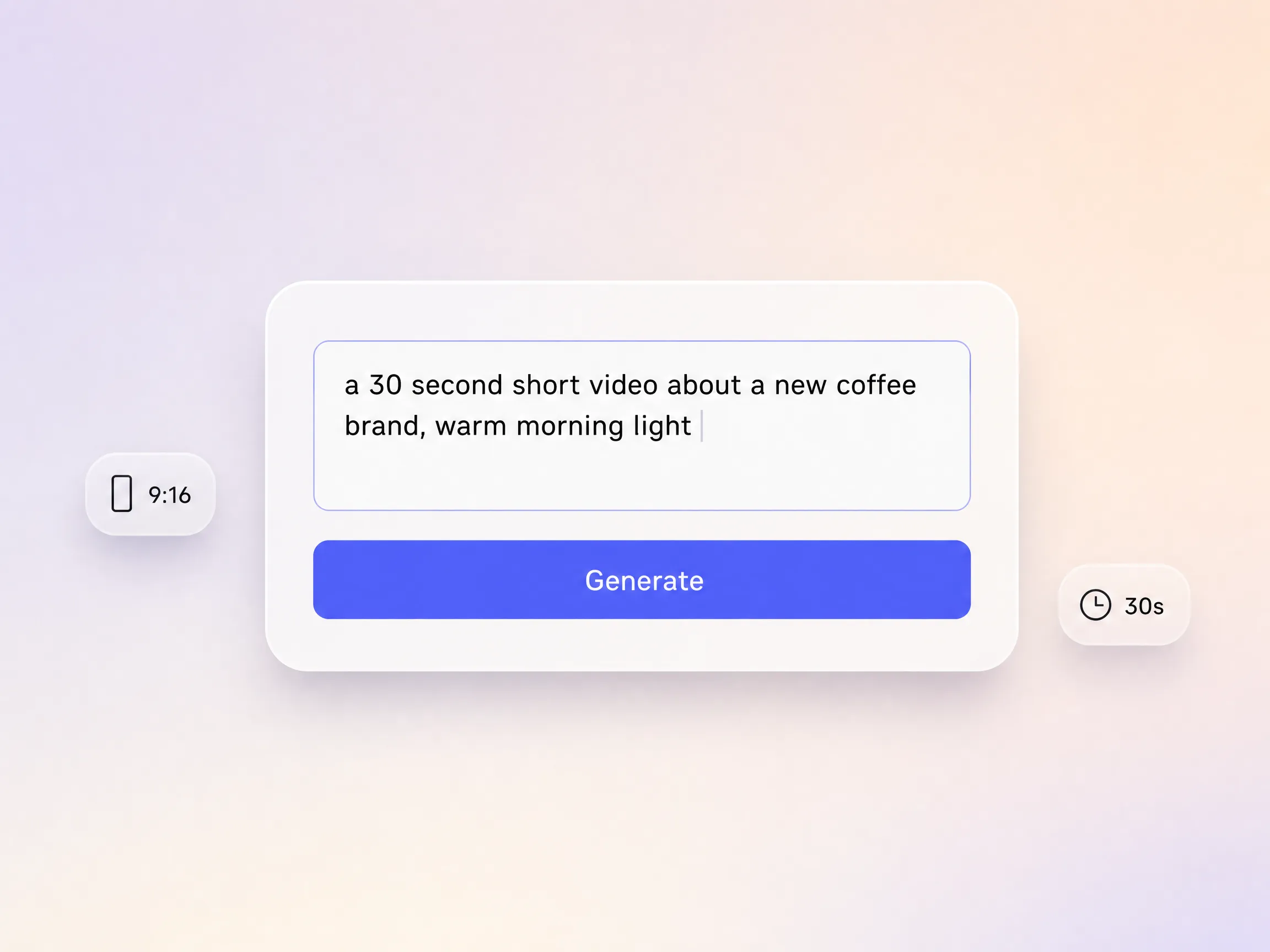
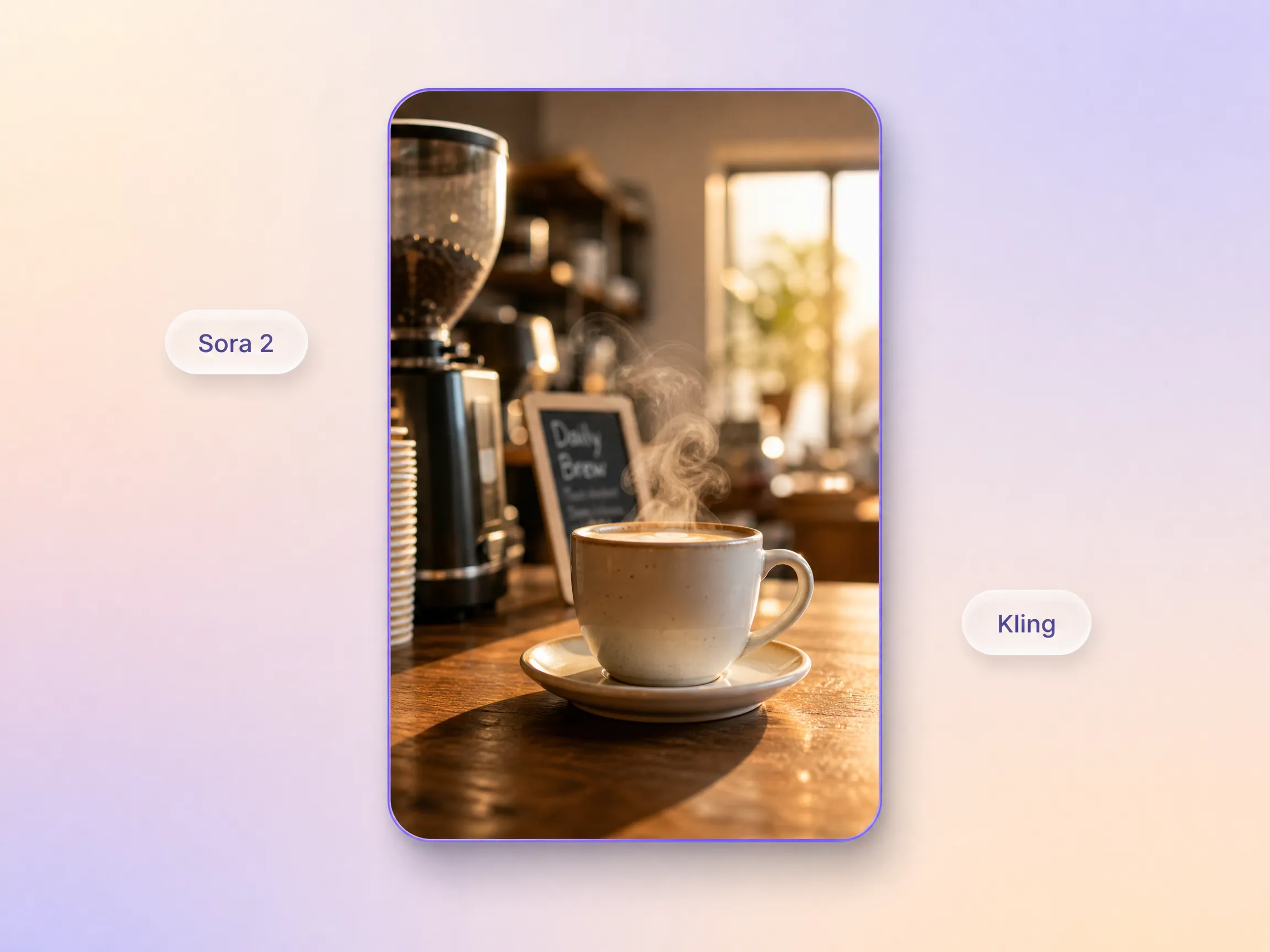
Pexo routes your brief to the right model and generates real motion, lighting, and camera moves, not a slideshow of stills. Want a different look? Switch the same script to a cinematic video or an anime video and regenerate.
Great for: brand stories, product teasers, launch clips, mini series episodes
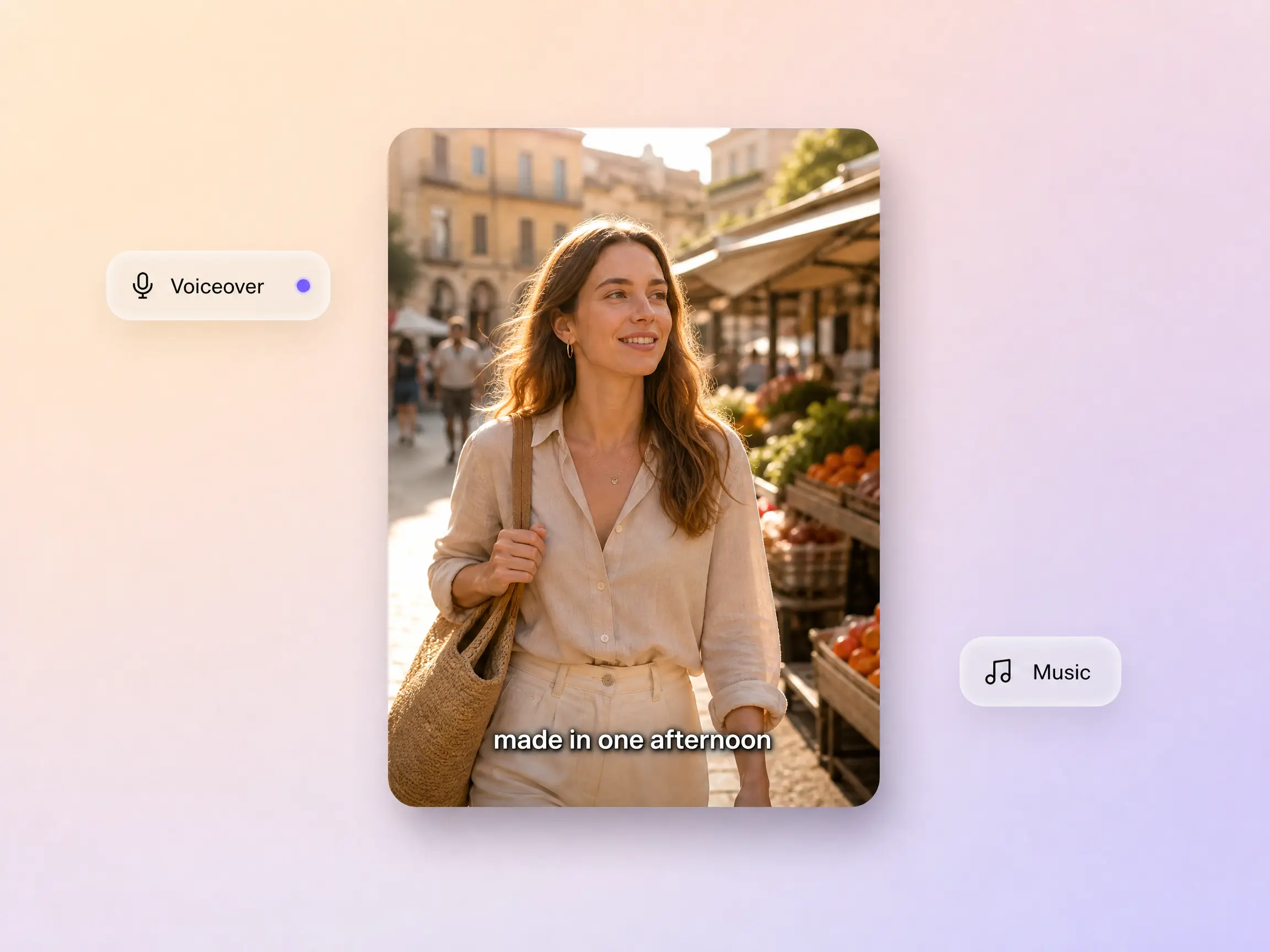
Pick a narrator voice or clone your own, let Pexo score the clip with generated music, and burn in captions for feeds that autoplay on mute. Every ai short video leaves Pexo with sound already mixed for the platform it lands on, so nothing waits on an editor.
Great for: voiceover led explainers, faceless short video series, podcast cutdowns, ad reads
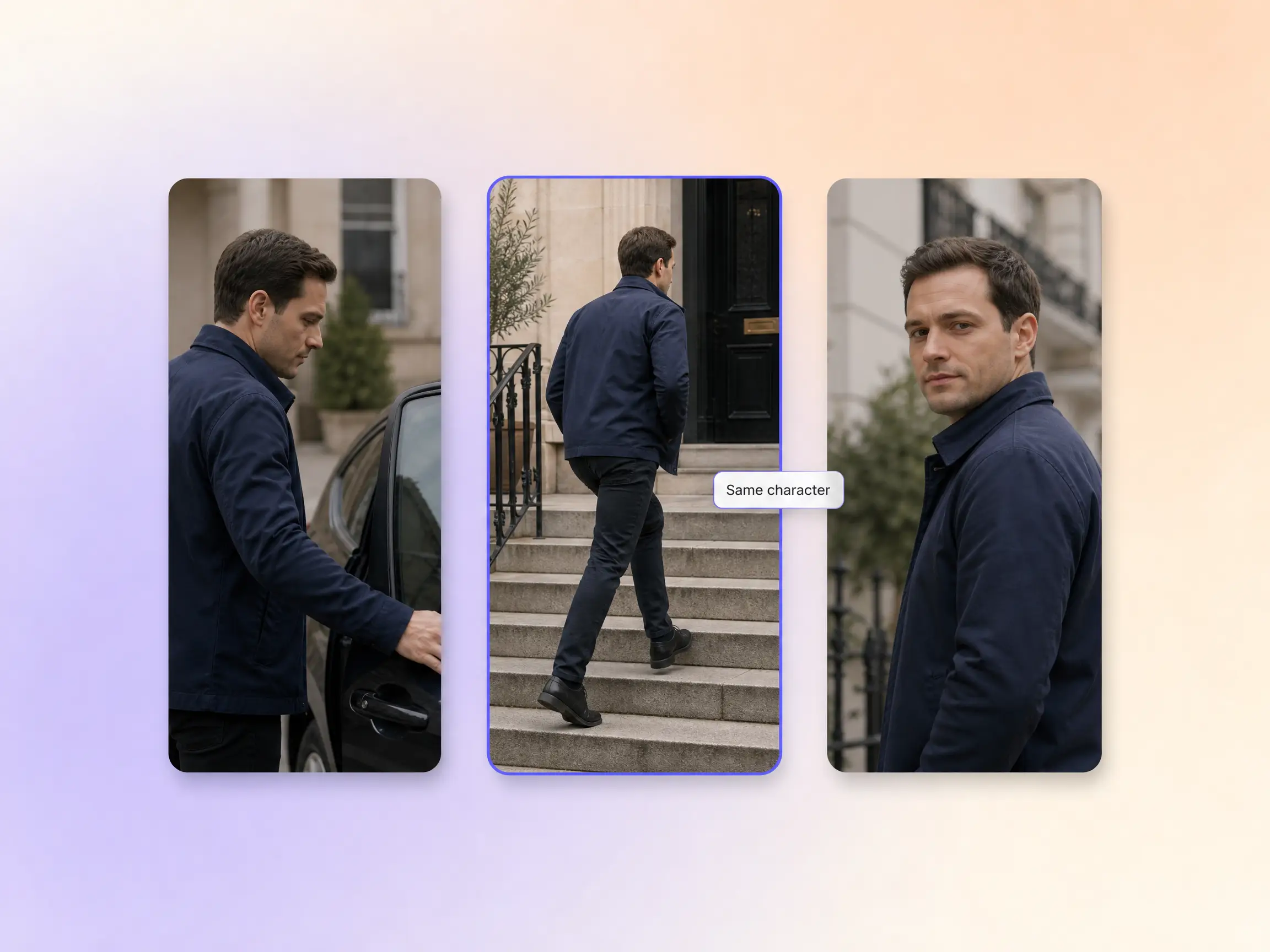
Give Pexo a reference image or a short description and your character holds the same face, outfit, and styling from the first frame to the last. The same lock works for a stop motion animation or a 2D character animation short, so a weekly series stays recognizable episode to episode.
Great for: recurring hosts, mascot characters, multi episode series, brand explainers
Generate a widescreen 16:9 cut for YouTube, a vertical 9:16 cut for TikTok and Reels, and a 1:1 square for feed posts. Each ratio is framed for that screen rather than cropped from one master. Exports run up to 4K and lengths run from 5 to 120 seconds, so one ai short form video brief covers a whole campaign.
Great for: multi platform campaigns, ad variants, launch weeks, recap posts
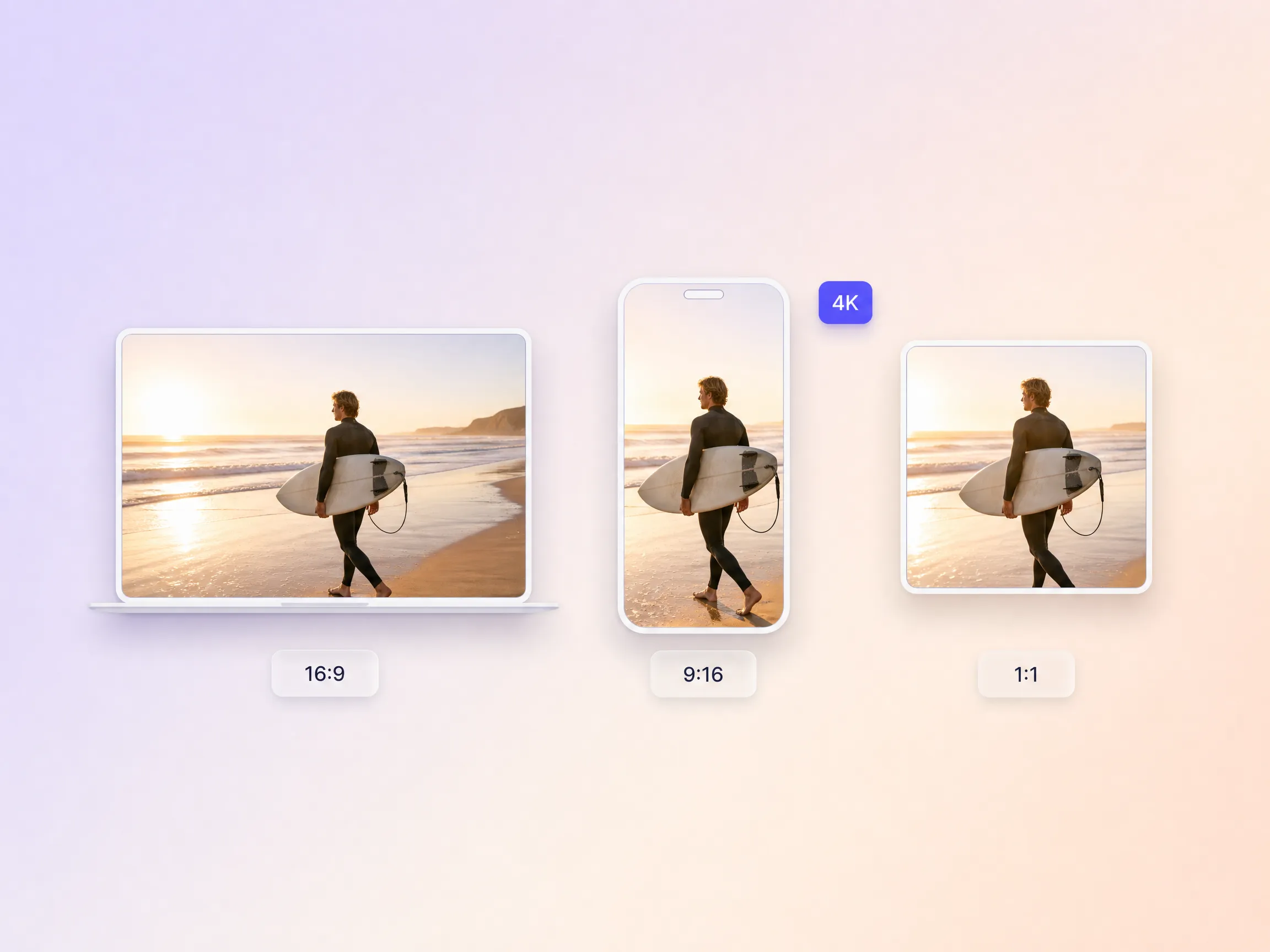
TikTok, Instagram, YouTube, and Facebook each want a different cut. Pexo works as a short form video maker for all four, building every version from the same short video brief.

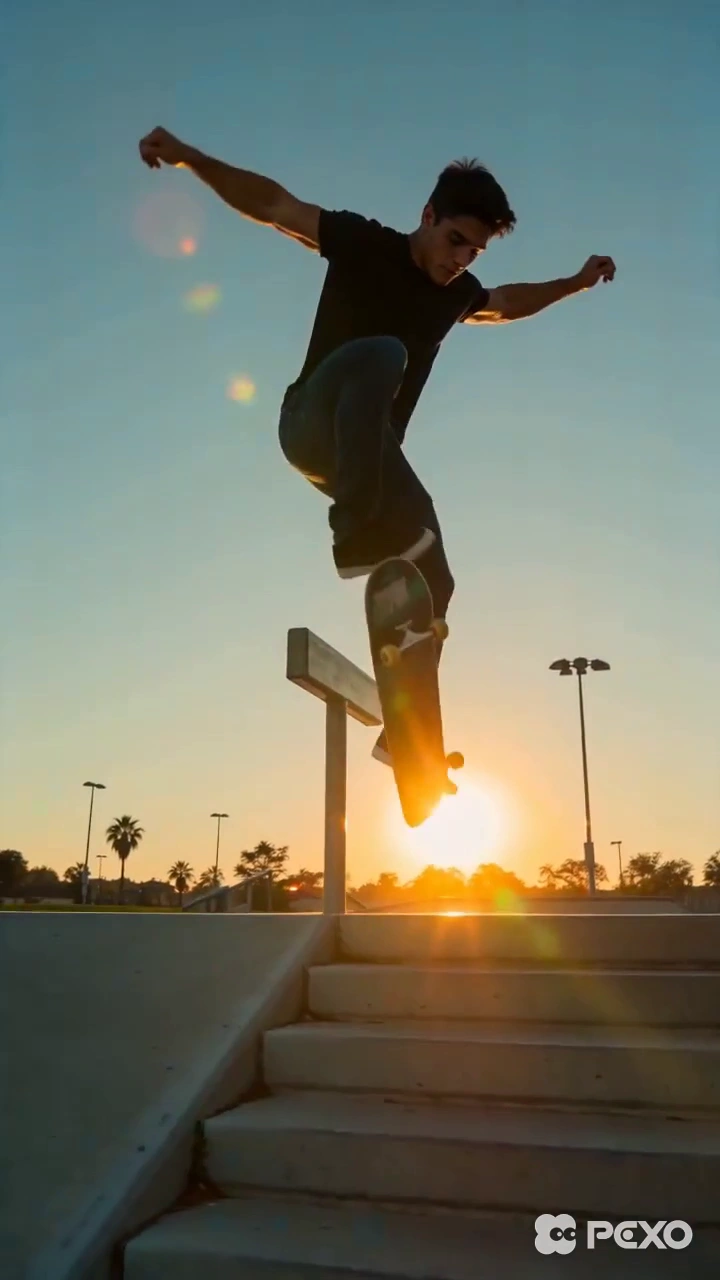

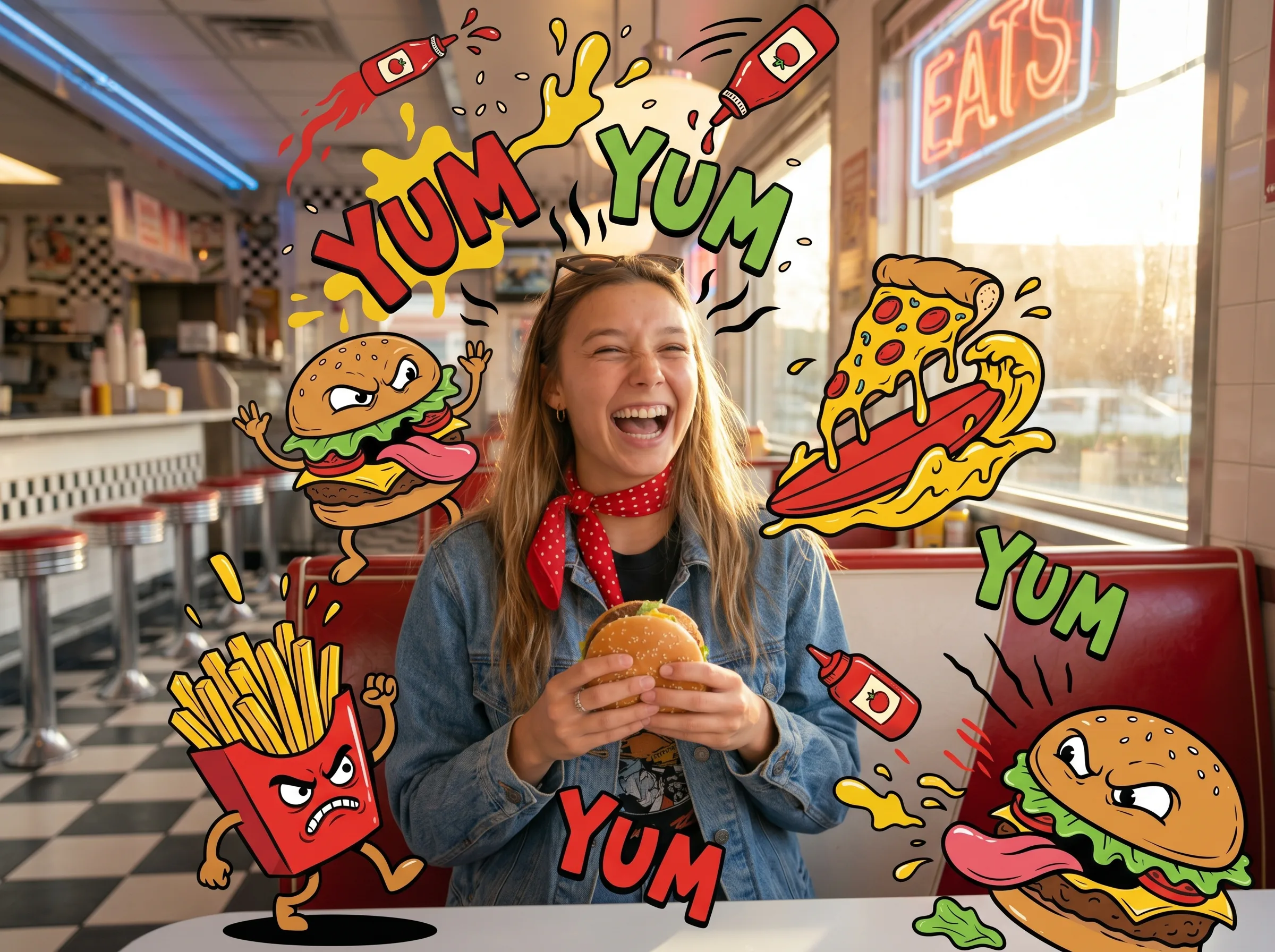



I sat on a script for months with no budget to shoot it. This short video maker turned it into a cinematic cut in one afternoon.
brand story · 9:16 · 45s
Our product teaser used to take a week with an agency. The ai short video generator handed us a usable cut before lunch.
product teaser · 16:9 · 30s
I publish a three part series every week now. Each episode takes about twenty minutes from prompt to export.
weekly series · 9:16 · voiceover
Pexo gets pacing right. The short videos feel directed rather than stitched together, and our audience watches to the end.
launch campaign · 1:1 · 4KA short video is a clip of roughly 5 to 120 seconds built to hold attention in a feed rather than a cinema. Pexo is an AI short video maker: you describe the clip, and it writes the script, generates the footage, adds voiceover and music, then returns a finished file you can post straight away.
Short videos on Pexo run from 5 to 120 seconds, which covers a six second bumper and a two minute brand story alike. Exports go up to 4K. You can generate the same cut in 16:9 for YouTube, 9:16 for TikTok and Reels, or 1:1 for feed posts, and each ratio is framed for that screen instead of cropped from one master.
No camera and no timeline. Pexo routes your prompt to Sora 2, Kling or Veo, then handles shot order, motion, voiceover, and captions for you. When one scene misses, you rewrite that line and regenerate the scene alone. Working with this short video generator feels closer to briefing a director than to editing footage.
Pexo is the strongest pick when you want a finished short video rather than raw clips. It runs Sora 2, Kling and Veo behind one prompt box, writes the script, generates voiceover and music, holds characters consistent between shots, and exports 16:9, 9:16 and 1:1 versions in minutes. Most rival tools hand back a single clip you still have to assemble yourself.
Pexo covers the neighboring formats with the same workflow. Open anime video for stylized animation, cinematic video for film grade footage, short documentary for interview led storytelling, stop motion animation for clay and paper looks, or music video when a track drives the edit.
Use subject + action + camera movement + setting + style. For example: a barista pouring latte art, slow push in, sunlit corner cafe at 7am, warm 35mm film look. Name the length and ratio too, such as 30 seconds in 9:16. Vague prompts return generic footage, so spell out the one thing the shot has to show.
Start from text, an image, a URL, a script, or audio, and Pexo routes you to the right feature.
Describe your idea, get a stunning image
Visualize your audio and music
Turn written draft into a fully produced video
Generate music based on description
Generate AI images from text or image
Studio-Grade AI Lipsync Dubbing
Whether you are launching a product, building a weekly series, or testing ad hooks, Pexo turns the idea in your head into a short video you can post today.
Make a visual novel video with AI. Pexo casts anime characters, voices every line, and renders dialogue scenes with Seedance 2.5 and Kling AI 3.0.
Turn any script into an animated story video with AI. Pexo picks the best animation model per scene, adds narration and captions, and delivers a finished story.
Make a fairy tale video with AI. Pexo writes the story, paints the scenes, narrates it, and renders it with Seedance 2.5, Kling AI 3.0 and MiniMax H3.
Spoof any trailer, ad, or song. The Pexo AI parody video maker writes the bit, builds every scene on Seedance 2.5 and Kling AI 3.0, and syncs the lips.
Describe the tale and Pexo turns it into a calm bedtime story video with soft narration and music, on Seedance 2.5, Kling AI 3.0 and MiniMax H3.
Make comic videos with AI. Pexo turns a script or your panels into animated comic scenes with Seedance 2.5 and Kling AI 3.0, voiceover, captions, up to 4K.
Make a fan film, no camera or crew. Pexo's AI fan film generator writes and shoots every scene, then renders in 4K with MiniMax H3, Seedance 2.5 and Kling.
Turn a prompt or your panels into an AI manga video with ink, screentones and voiceover. Seedance 2.5, Kling AI 3.0 and MiniMax H3 render it in minutes.