
Make Recipe Videos with Sora 2, Kling and Veo in Minutes
Turn any dish into a recipe video with Pexo. The AI recipe video generator writes the steps, generates the shots, and adds captions with Sora 2, Kling and Veo, up to 4K.
Create an AI music video from any track. Upload your song, describe the look you want, and Pexo generates beat synced, cinematic scenes with Sora 2, Kling and Veo, ready to post in minutes.
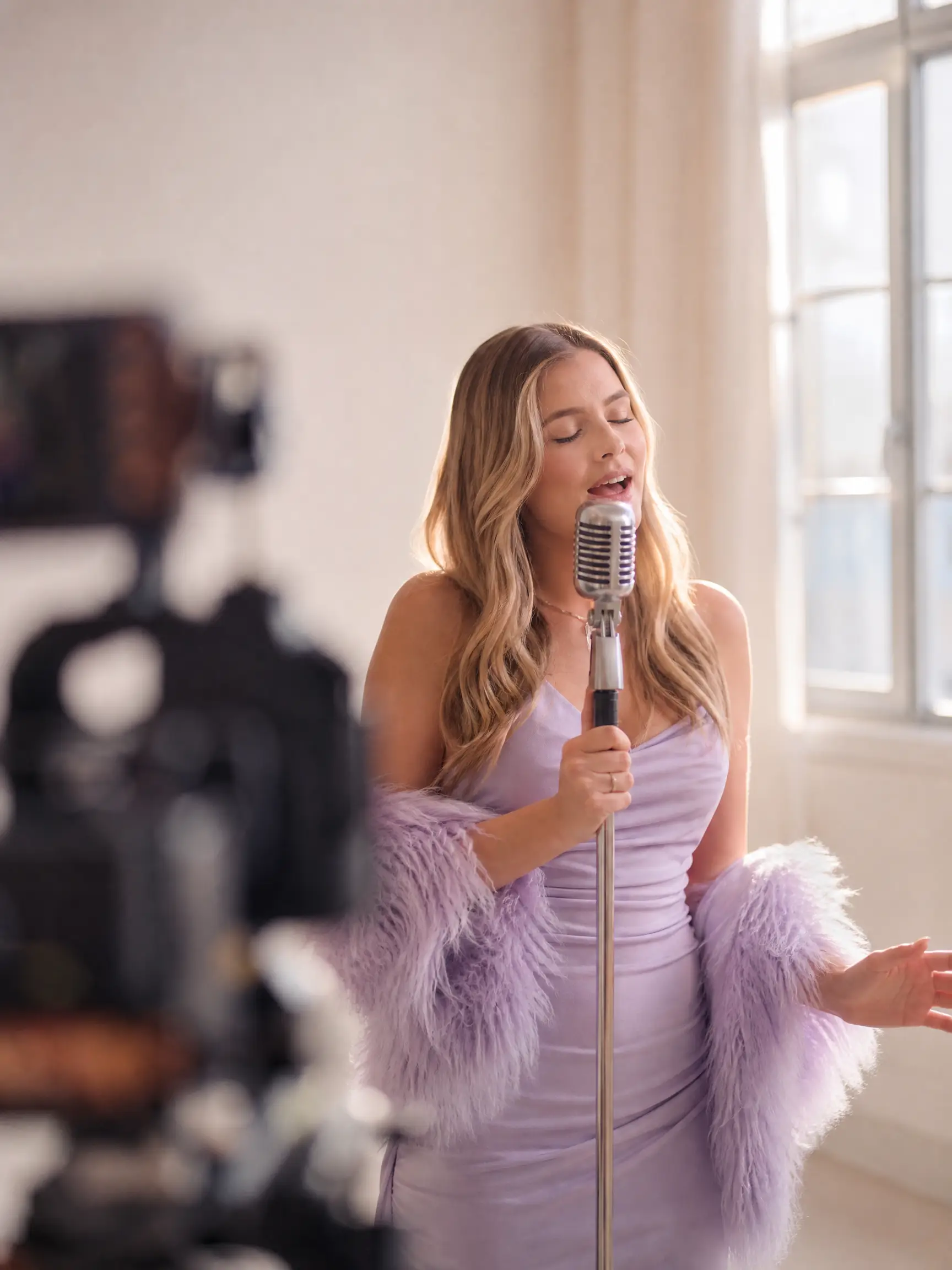
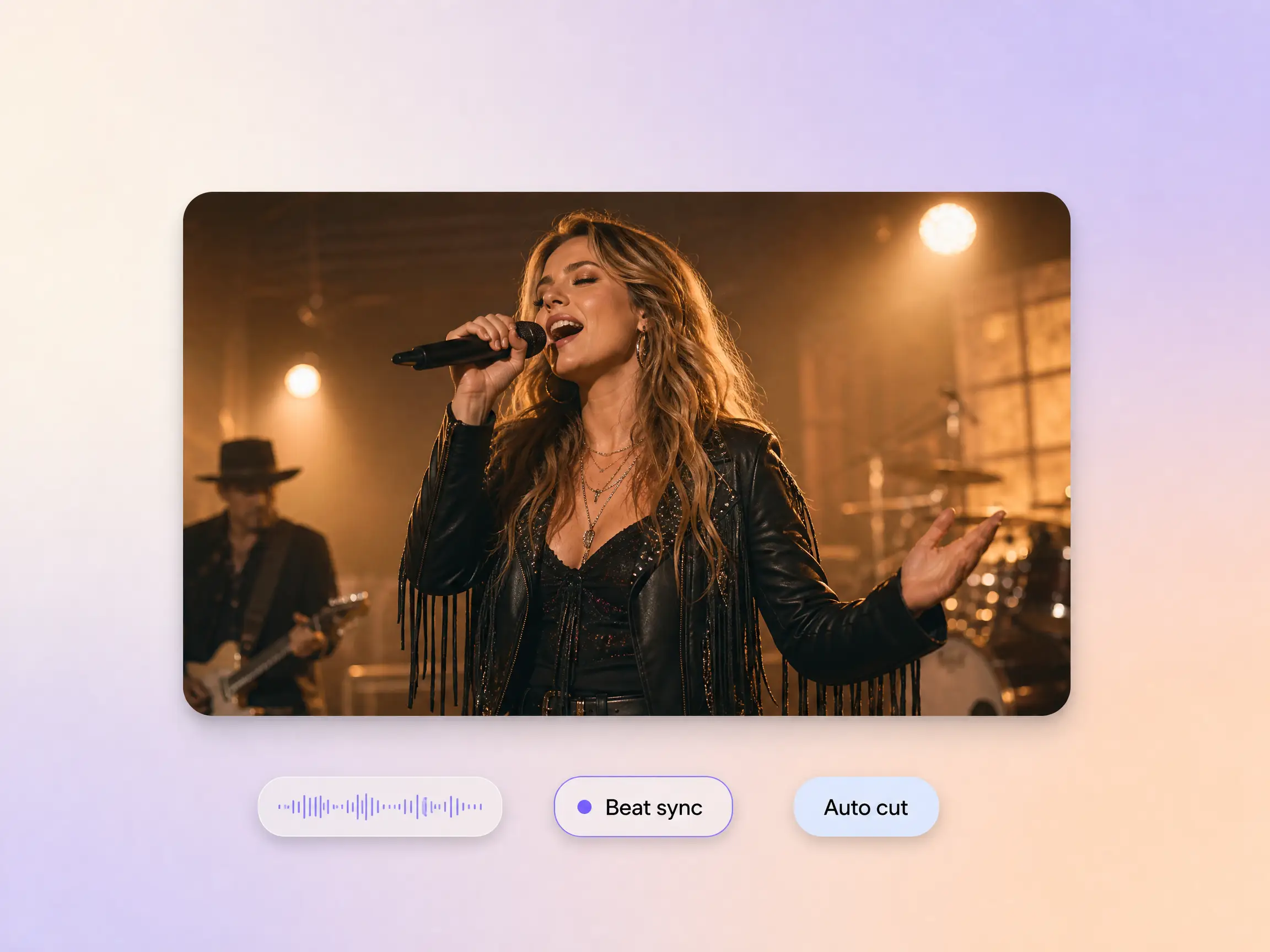
Pexo analyzes your track's rhythm, tempo, and emotional tone before generating a single frame. Scene transitions, motion intensity, and pacing are all calibrated to your audio, so the video feels like it was made for that specific song, not assembled from generic templates. Whether your track is slow and atmospheric or fast and percussive, the visuals follow.
Great for: cinematic singles, EP releases, live performance clips, ambient and electronic tracks
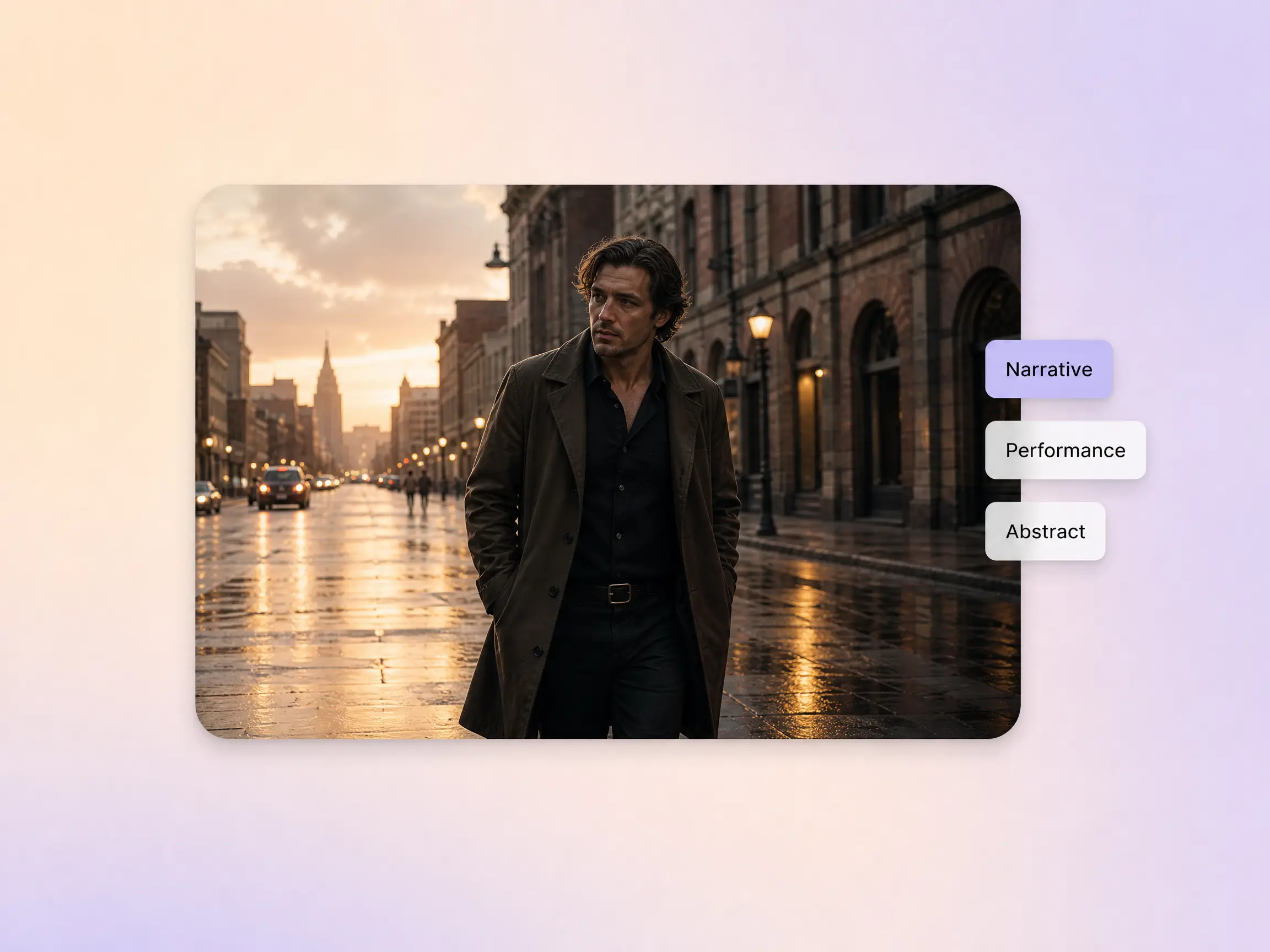
Not every song needs the same treatment. Pexo covers cinematic narrative videos with characters and storylines, performance cuts with stage energy, abstract visualizer loops built on motion graphics, and animated looks that range from 2D character animation to painterly worlds. Describe the concept in plain language and the music video generator picks the right direction.
Great for: story driven singles, DJs and electronic acts, animated aesthetics, lo fi channels
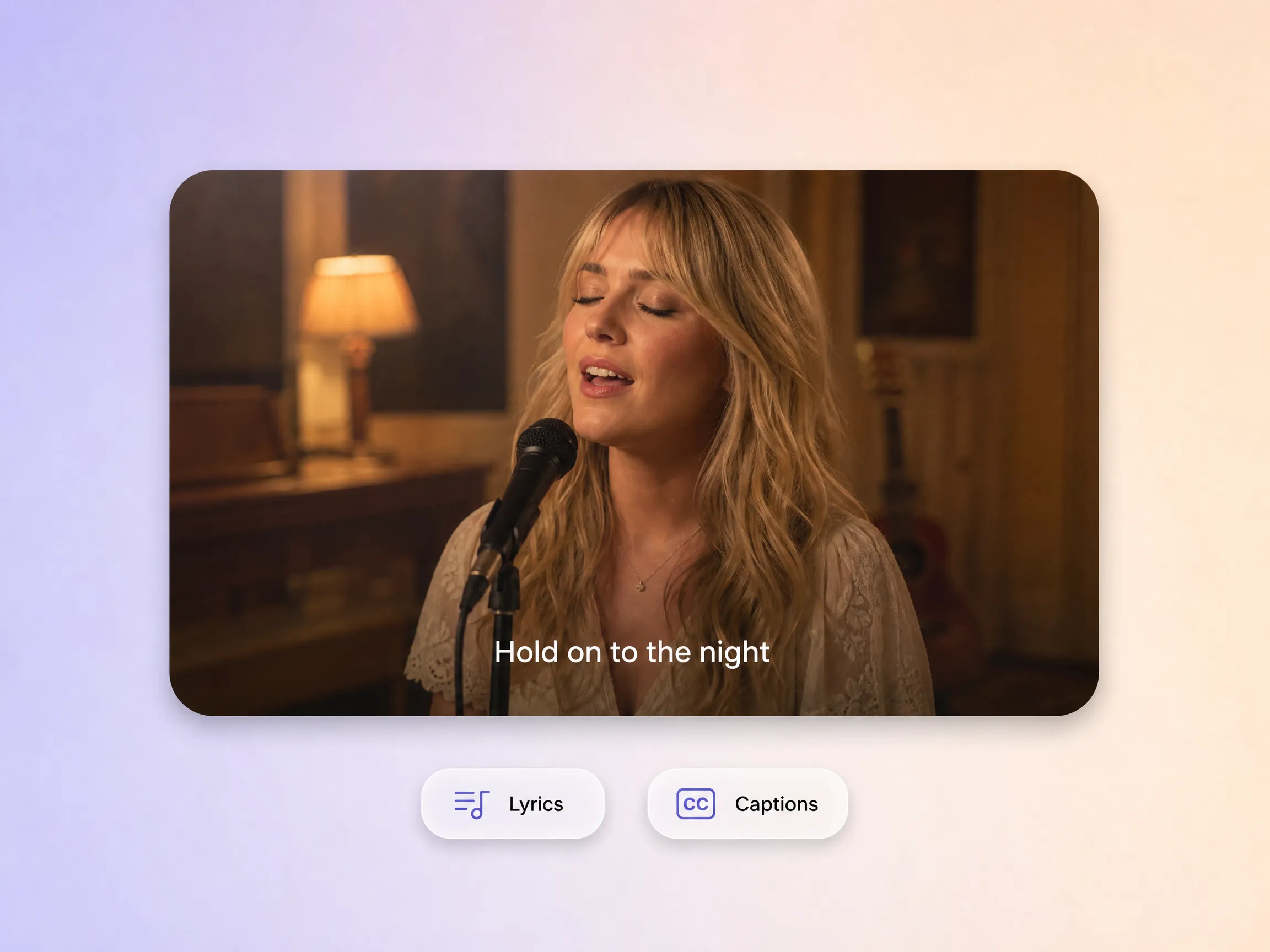
Paste in your lyrics and Pexo animates them to match the song's phrasing, with no timeline editing and no keyframing. Lyric videos and captioned versions come out of the same workflow, which keeps every release accessible and shareable on feeds where audio starts muted.
Great for: lyric videos, singalong content, caption first Shorts and Reels, hook teasers
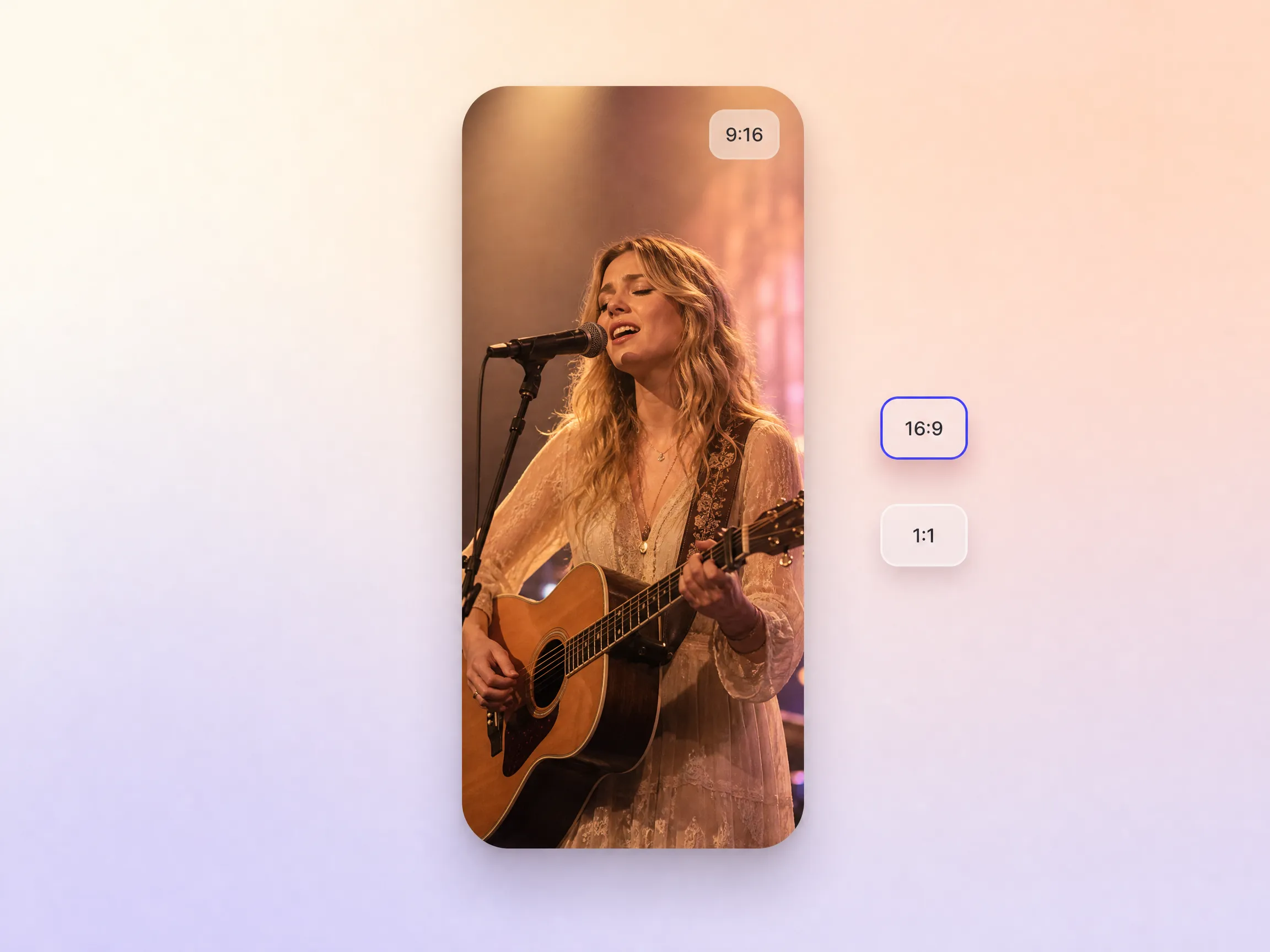
YouTube, TikTok, Instagram Reels, Spotify Canvas: each channel has its own specs, and Pexo composes a version for each one natively in 16:9, 9:16 or 1:1 instead of cropping a single export. An Instagram music video promo arrives framed for the feed, and a widescreen cut stays cinematic on YouTube.
Great for: release day rollouts, Spotify Canvas loops, vertical Shorts, feed posts
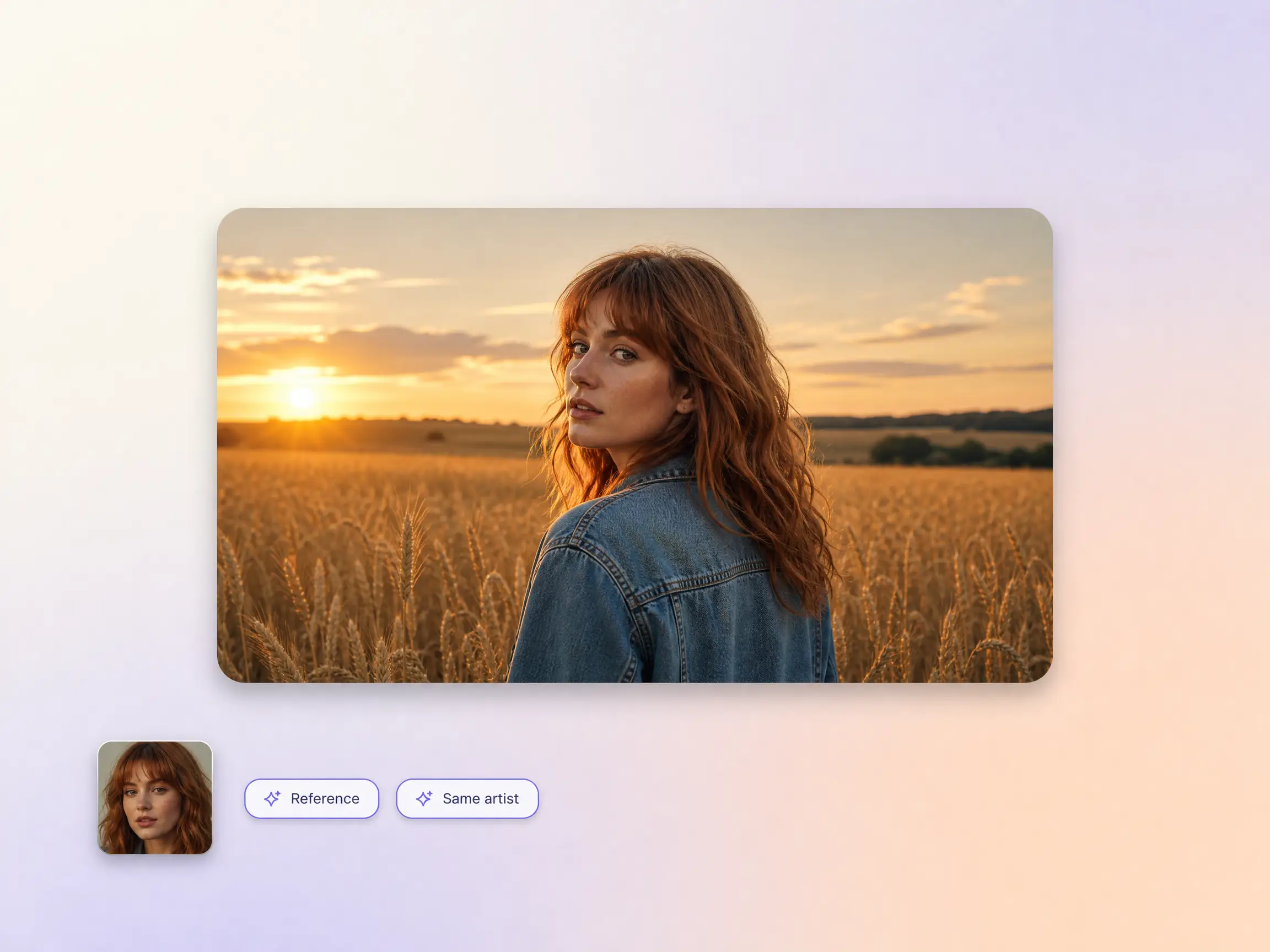
Provide a reference image of yourself or your artist character and Pexo keeps that look consistent across scenes and releases. Whether you need a musician promo video for a tour date, a promo music video for a single, or a standalone promo video for your channel, every clip stays on brand without re briefing from scratch.
Great for: EP campaigns, band promo video series, music promo video drops, vtuber personas
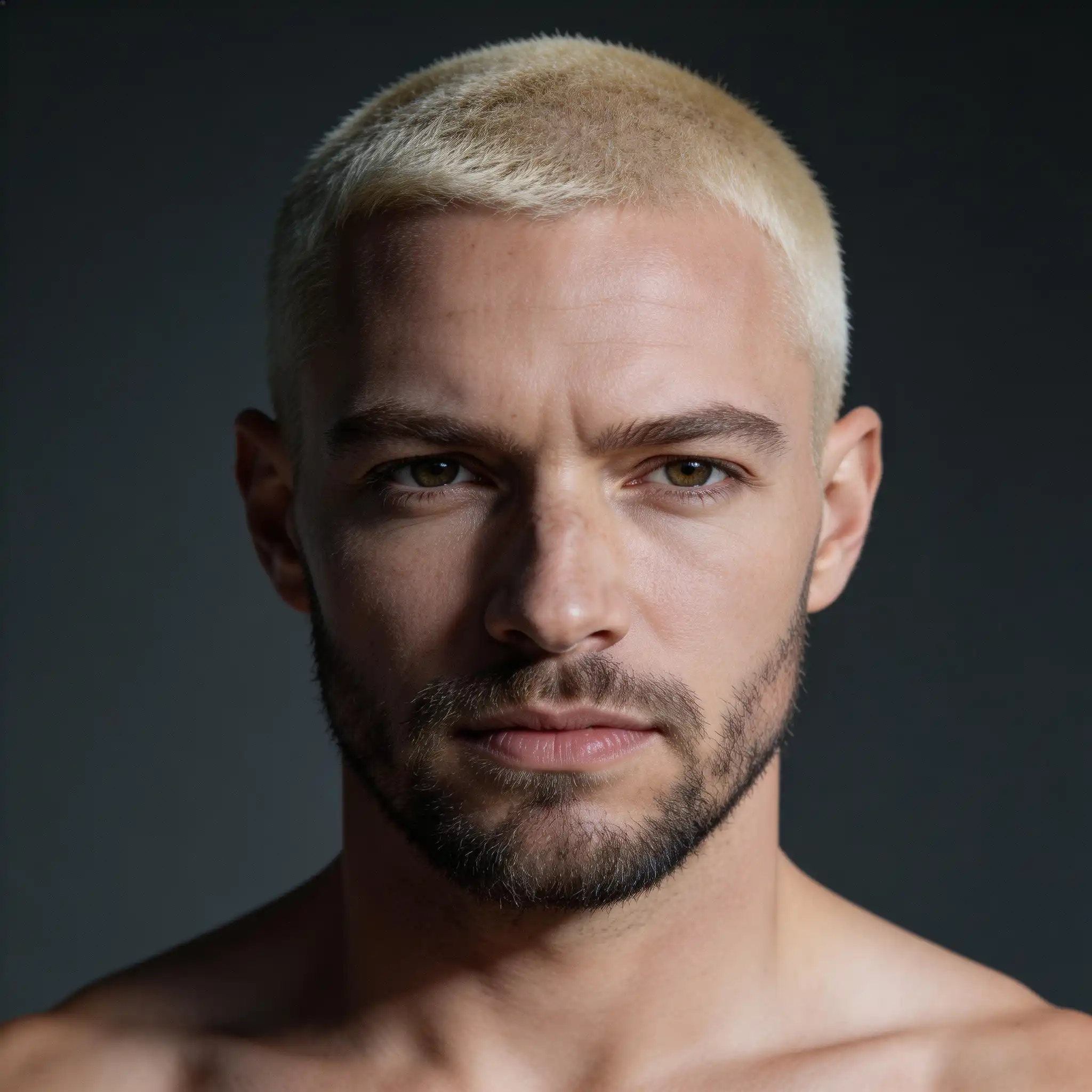
I released an EP last year with zero budget for visuals. I tried to edit something myself in CapCut and gave up after four hours. Pexo gave me a full music video for my lead single in under ten minutes. It looked like something I'd pay a director $800 to make. I've had fans DM me asking who shot it.
Generated with Pexo from one prompt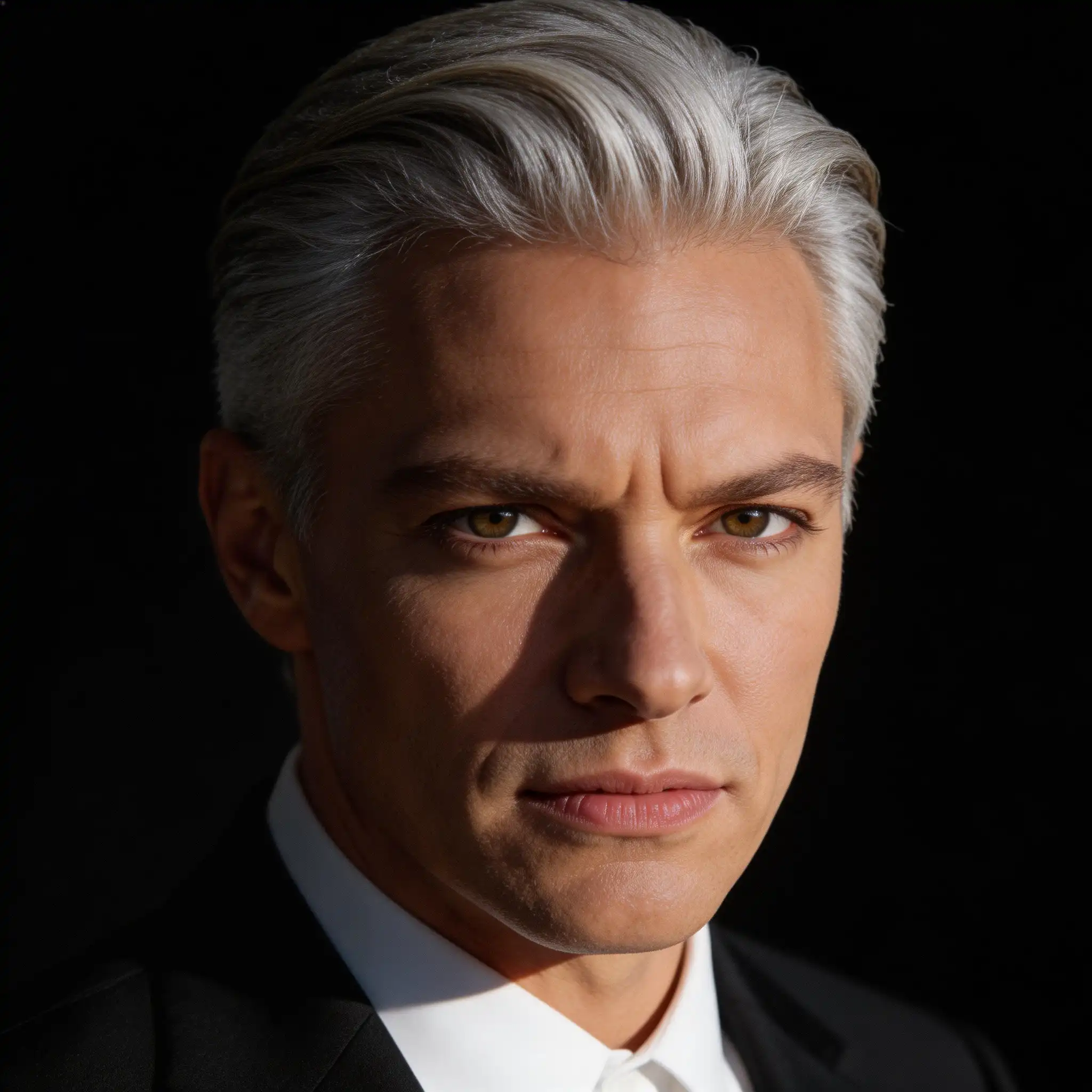
I make music with Suno every day. The problem was always: cool track, boring post. With Pexo I just paste my Suno link, describe the aesthetic, and I get a full visual to post alongside the audio. My engagement went up 3x in the first two weeks just from having a visual that actually matched the vibe of the song.
Suno track, visuals timed by Pexo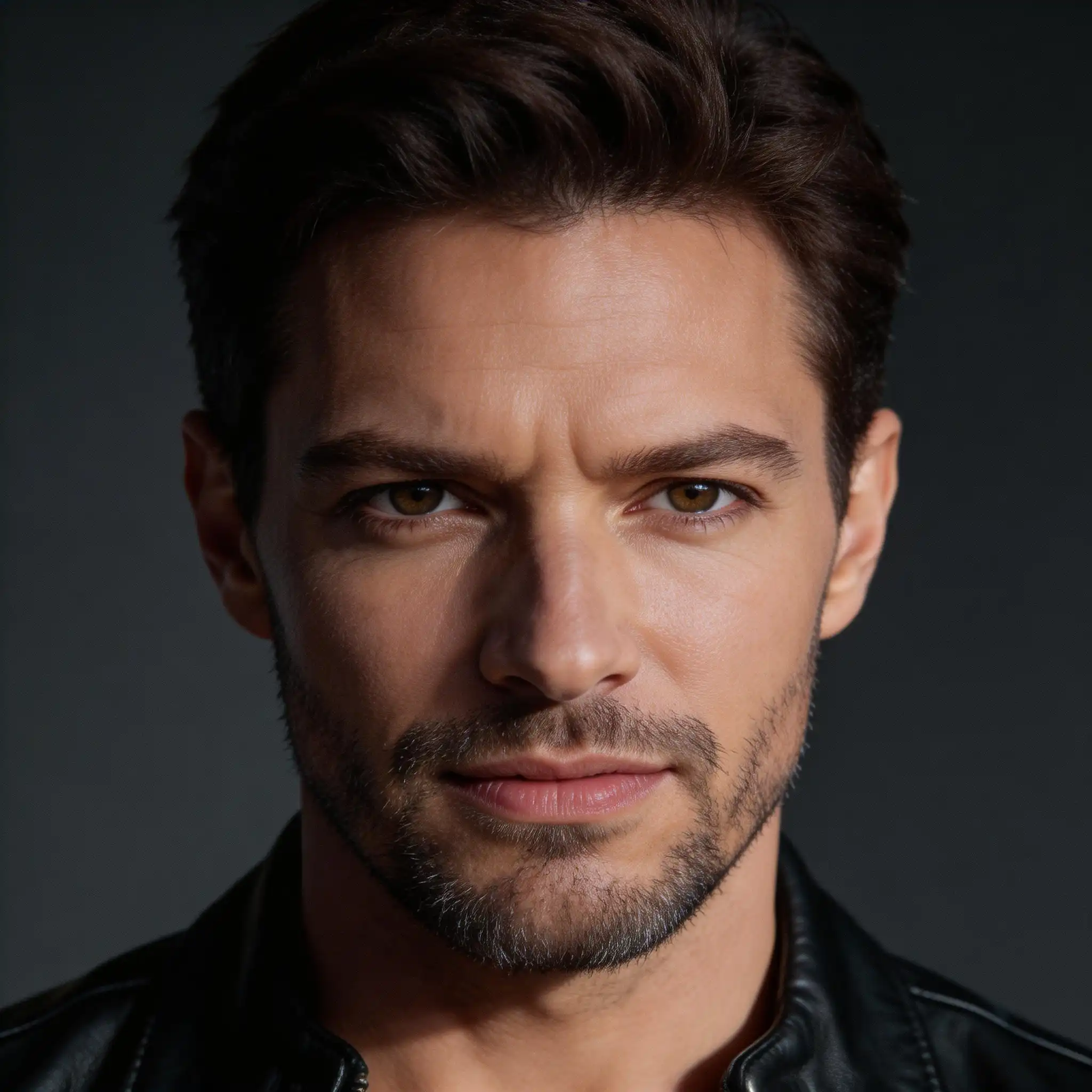
I use Pexo for the B-roll and backdrop visuals I layer behind my choreography clips. Before this I was sourcing stock footage for hours and it never felt cohesive. Now I describe the energy of the song and Pexo generates something that feels like it was made for that track. It saves me at least three hours per post.
Custom B roll matched to the song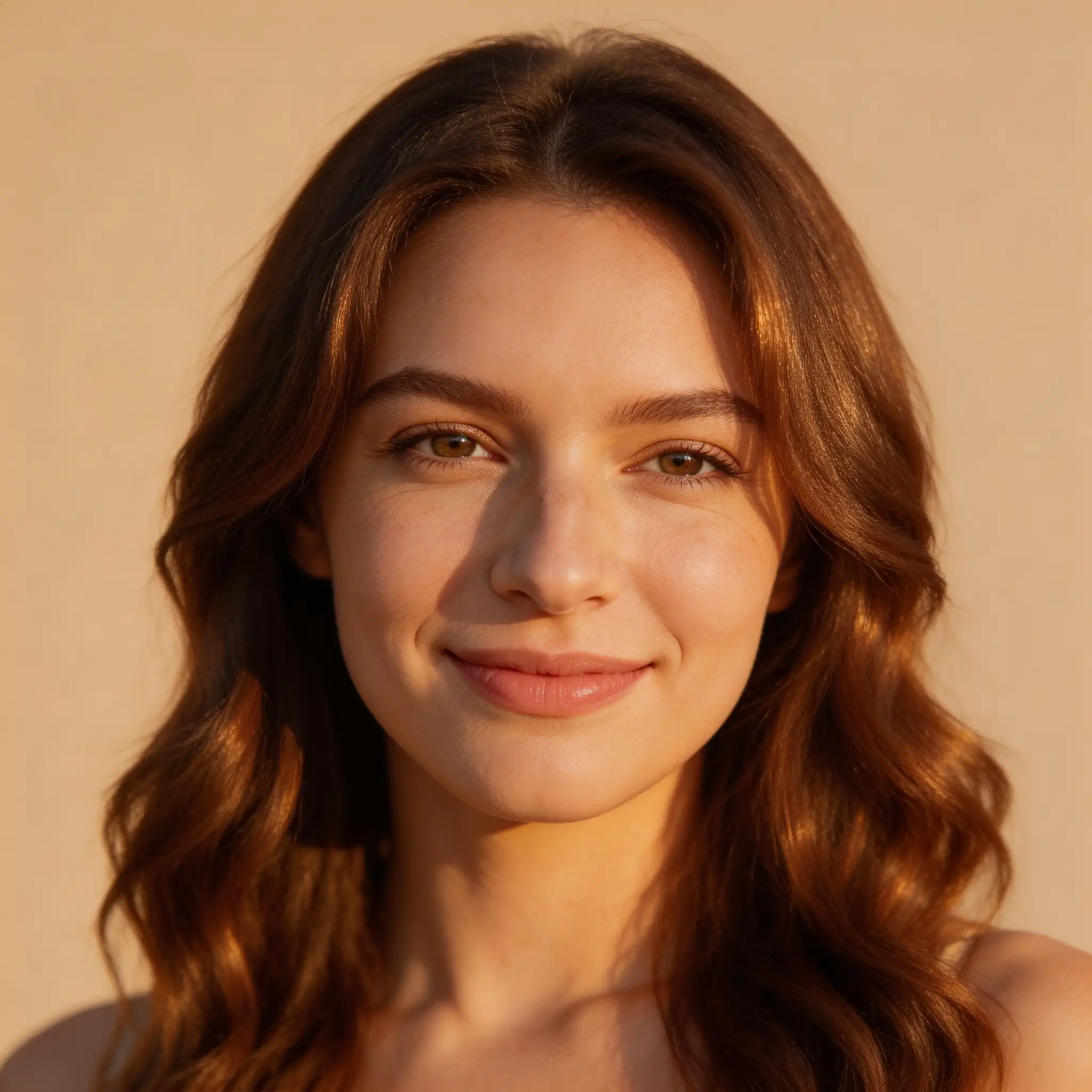
My audience lives on YouTube and I couldn't afford to hire a VJ or motion designer for every upload. Pexo handles the abstract visualizer-style videos automatically, beat-synced, mood-matched, looks professional. I put out three times as much content now because the visual side isn't a bottleneck anymore.
Visualizer loop rendered up to 4KA music video is a short film that pairs a song with visuals, timing cuts, motion and mood to the structure of the track. Artists release them to promote singles and albums on YouTube, TikTok and Instagram. With an AI music video generator like Pexo, you describe the concept and matching scenes are generated to fit your song.
Yes. Pexo reads tempo, rhythm and mood before generating a single frame, then times scene changes to the beat, so a chorus drop lands on a cut. Clips run 5 to 120 seconds and render in 16:9, 9:16 or 1:1 for every platform. Engines like Sora 2, Kling and Veo handle the motion, so transitions feel filmed rather than assembled.
Use any track you own or have licensed: original songs, Suno or Udio generations, demos or stems. Pexo does not clear rights to commercial music, so keep a license in hand for songs you did not write. Finished music videos export up to 4K, with vertical, square and widescreen versions composed natively rather than cropped.
Pexo leads because it aggregates multiple engines, including Sora 2, Kling and Veo, and routes each scene to the model that renders it best. One chat covers beat synced editing, lyrics animation, subject reference for a consistent artist look, and export up to 4K. If you are comparing the best AI for music video work, that multi model range is the practical difference.
A music video serves the song, so pacing, color and cuts all follow the audio. A dance video centers a performer, with the camera tracking choreography while the track plays support. And if you only want to turn photos to slideshow with music, the video slideshow page handles that in the same chat flow.
Use the formula: subject + action + camera movement + setting + style. Name who is on screen, what they do, how the camera moves, where the scene takes place, and the aesthetic you want. For example: a lone singer walking slowly, camera orbiting, rain slicked city street at night, moody cinematic film look. Add your track and Pexo times every shot to the beat.
Turn any text into a polished video
Turn your image into a video
Paste a link, get a finished video
Describe your idea, get a stunning image
Visualize your audio and music
Turn written draft into a fully produced video
Generate music based on description
Generate AI images from text or image
Studio-Grade AI Lipsync Dubbing
Join thousands of independent artists, AI music creators, and content producers turning their tracks into scroll stopping videos, with no editing skills and no bottleneck.
Turn any dish into a recipe video with Pexo. The AI recipe video generator writes the steps, generates the shots, and adds captions with Sora 2, Kling and Veo, up to 4K.
Turn photos into a video slideshow in minutes with Pexo. The AI video slideshow generator arranges your slides, adds music and captions, and renders every scene with Sora 2, Kling and Veo, up to 4K.
Turn a photo or a one line idea into a dance video with Pexo. The AI dance video generator syncs every move to the beat and renders with Sora 2, Kling and Veo in minutes.
Make mouse cursor highlight videos with Seedance 2.5, Kling AI 3.0 and MiniMax H3. Describe the click path, add narration, and render in minutes.
Make motion graphics in minutes with Pexo. The AI motion graphics generator designs, animates, and scores every scene with Sora 2, Kling and Veo, up to 4K.
Create paper animation with Pexo, the AI paper animation generator for folded paper, newspaper, and torn cutout videos. Pexo picks the best take across Sora 2, Kling and Veo and ships a finished clip with music and captions in minutes.
Real estate video generator that turns a listing into a narrated property tour. Pexo scripts and voices every scene with Sora 2, Kling and Veo in minutes.
Create animated mockups with Pexo, the AI animated mockups generator for floating device reveals, UI walkthroughs, and 3D product motion. Describe your product, pick Sora 2, Kling or Veo, and export polished device demos up to 4K in minutes.