
Drop a Link. Get a Video.
Paste any URL — a blog, a product page, a report, a thread. Pexo reads it, plans the production, and hands you a finished video. No scripting. No editing. No prompt syntax.
How to Make a Video from Any URL
Three steps. No URL to video app to install. Just paste a link.
Paste your URL
Any public webpage — blog, product page, social post, report. Pexo reads the full content. Works in Telegram, WhatsApp, Discord, and the web app.
Pexo plans and produces
Content extracted, video model selected, narrative structured, generation complete — all automatic.
Your video, ready to share
A finished video in your conversation. Download, share, or say "try a different tone" and iterate in seconds. URL to MP4, done.
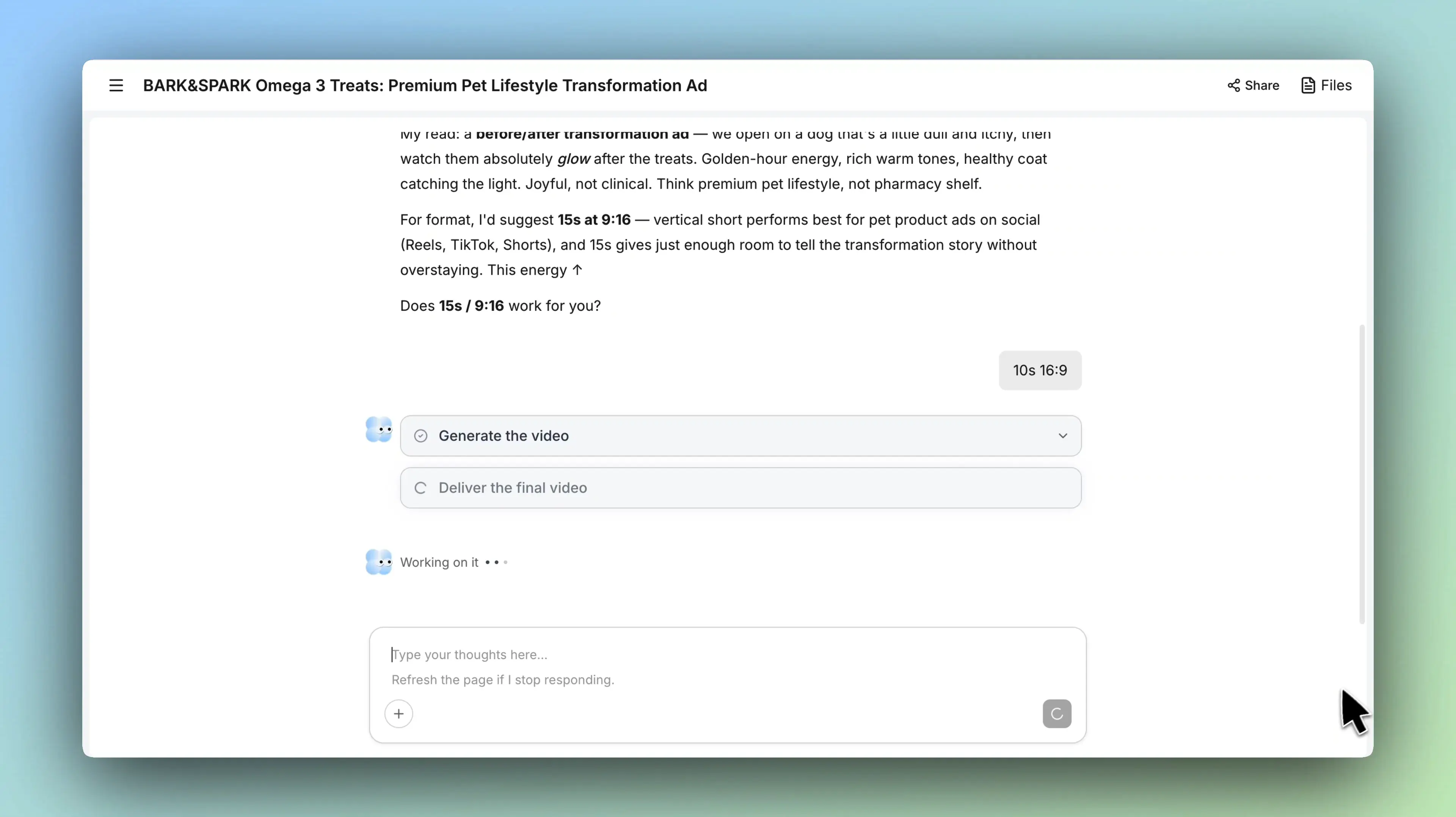
One link in. One video out.
Pexo serves as your URL to video agent. It reads the page, structures the story, and delivers a finished video. All in one conversation.

Your best article, now in video form.
That how-to guide or thought piece you spent hours writing? Paste the URL. Pexo pulls the key points, layers in visuals and voiceover, and delivers a short video ready for social. The fastest path from URL to video. No summarizing by hand.

A product listing shouldn't just sit there.
Paste a product page URL from your store, Amazon, or Shopify. Out comes a narrated video ad with motion, music, and a clear call-to-action, all built from the details already on the page. Pexo works as a URL to video maker that turns static listings into dynamic ads.

30 seconds beats 3,000 words.
What if your landing page could explain itself? Paste the URL and Pexo reads the headline, features, and value props. Then, it produces a concise explainer with voiceover and visuals. Pexo functions as a URL to video creator built for pages that need to sell faster.
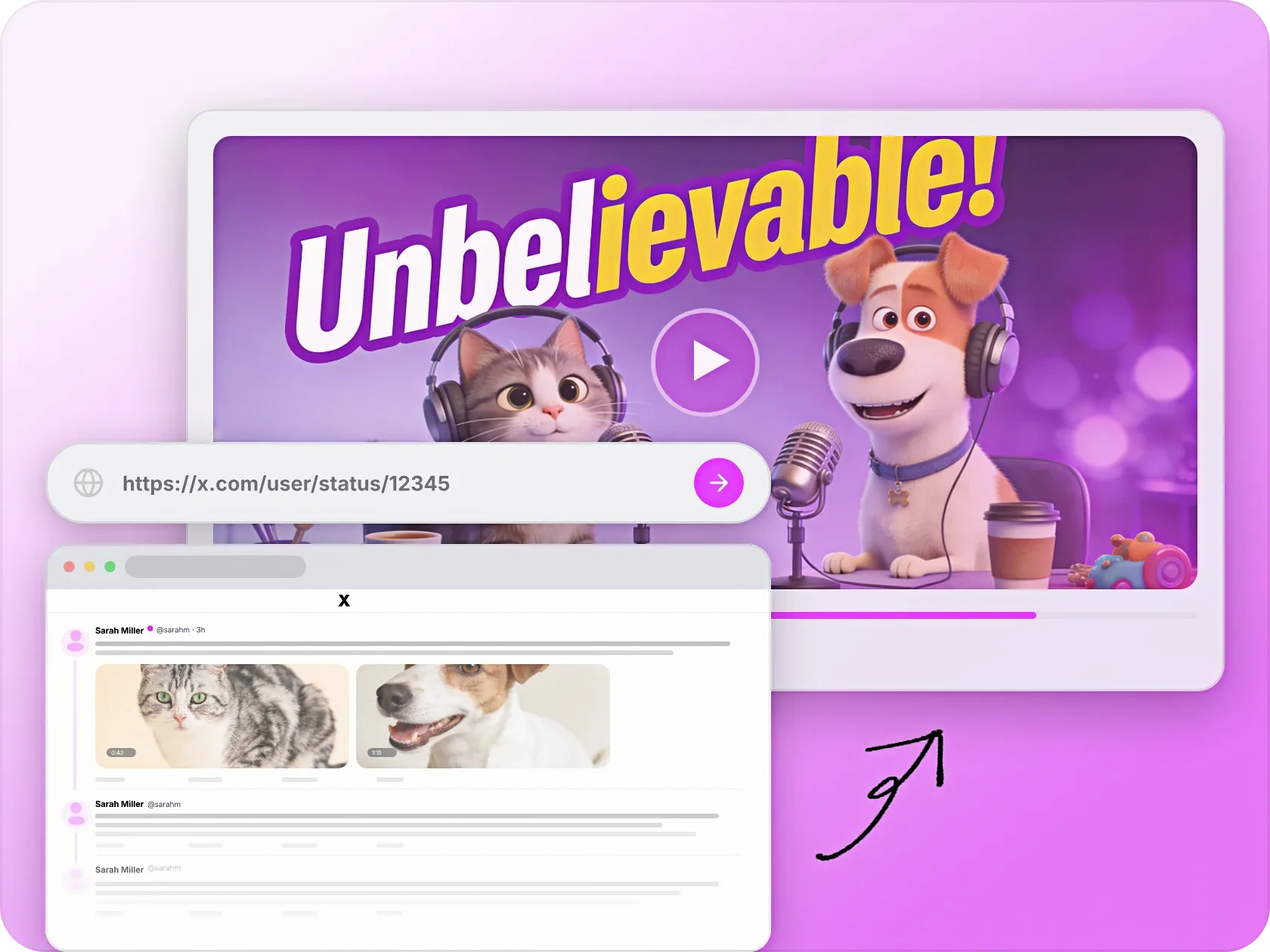
That viral thread deserves a second life.
Some content, like a Twitter/X thread, a Reddit post, a LinkedIn article, is born for video. Paste the URL. Pexo captures the narrative energy and delivers a short-form clip optimized for Reels, TikTok, or Shorts. This is what separates Pexo from basic URL to video tools.

Dense reports. Watchable briefings.
Two minutes of video can replace a 10-page PDF no one finishes. Drop in a news article or research summary URL. Pexo extracts the core findings and delivers a structured video brief with data callouts and voiceover. Pexo operates as a URL to video generator that makes dense content accessible.

The link is the raw material. Your words shape the output.
Paste any URL, then layer on your own creative direction — "keep it under 30 seconds," "focus on the pricing section," "make it feel cinematic." Pexo blends page content with your notes. A URL to video maker that listens, not just scrapes.
Pexo vs. Traditional URL to Video Generators
Most tools scrape a page and dump text onto slides. Pexo reads the content, makes editorial decisions, and delivers a production-quality video.
| Traditional Generators | Pexo | |
|---|---|---|
| Content extraction | Basic text scrape; often misses hierarchy and intent | Deep content reading that understands headings, structure, and context |
| Narrative structure | Text dumped onto slides in page order | Content restructured into a compelling visual narrative |
| Voiceover | Robotic text-to-speech bolted on after generation | Natural voiceover generated as an integrated part of production |
| Visual design | Generic stock templates applied uniformly | Visuals matched to page content, brand tone, and user direction |
| Creative control | Minimal — output is what you get | Add notes like "focus on pricing" or "make it playful" to shape the result |
| Iteration | Re-upload and start from scratch | Say "shorten the intro" and iterate in the same conversation |
Content extraction
Basic text scrape; often misses hierarchy and intent
Deep content reading that understands headings, structure, and context
Narrative structure
Text dumped onto slides in page order
Content restructured into a compelling visual narrative
Voiceover
Robotic text-to-speech bolted on after generation
Natural voiceover generated as an integrated part of production
Visual design
Generic stock templates applied uniformly
Visuals matched to page content, brand tone, and user direction
Creative control
Minimal — output is what you get
Add notes like "focus on pricing" or "make it playful" to shape the result
Iteration
Re-upload and start from scratch
Say "shorten the intro" and iterate in the same conversation
What you can make with Pexo
No prompt writing. No model picking. Just describe what you want.

Product Ad Video
Sell products with stunning video ads

Social Media
Post scroll-stopping videos in minutes

Explainer Video
Simplify complex ideas with clear visuals

Short Story
Tell compelling stories in short form

Anime Video
Generate stunning anime art & videos with AI

Music Video
Turn any song into a beat-synced video
Real Results from Real Links

E-commerce founder
“I dropped our bestseller page URL into Pexo and got a product video ad in under five minutes. We ran it on Meta that afternoon, and ROAS beat our agency-produced creative on day one.”

Content strategist
“Our blog posts were getting traffic but no shares. Now I paste the URL into Pexo and have a video version ready before the article even goes live. Engagement jumped 3x.”

Startup CEO
“Investors don't read decks anymore. I pasted our landing page URL, told Pexo to keep it under 45 seconds, and got a pitch video I now use in every cold outreach email.”
Common Questions About URL to Video
What kinds of URLs work?
Any public webpage, such as blogs, product pages, landing pages, social threads, news articles, and reports. Pexo reads the page content automatically.
Is there a free option?
Yes. Free URL to video generation is available on the free plan with starter credit. No credit card required.
Can I control style and length?
Absolutely. Add creative direction, from style, duration, tone, to aspect ratio, alongside the URL. Or let Pexo decide based on the content.
Does Pexo just scrape text, or does it actually produce a video?
It reads the full page, builds a visual narrative, generates voiceover, and delivers a complete video. Pexo functions as a URL to video creator. Not a text extractor with a slideshow layer.
Which AI video models does Pexo use?
Pexo selects from multiple leading models, including Seedance, Kling, and others, based on what fits your content type and style.
Can I use it on mobile?
Yes. Pexo works inside Telegram, WhatsApp, and Discord on any device. No separate URL to video app needed.
How is this different from other URL to video software?
Most URL to video software requires you to extract content, write a script, and configure settings manually. Pexo operates as a creative agent. Just paste the URL, add optional direction, and get a finished video.
Can I include my own images or clips?
Yes. Drop in reference images or footage alongside the URL. Pexo uses both to guide the result.
What Pexo Can Do For You
-
Text to Video
Turn any text into a polished video
-
Image to Video
Turn your image into a video
-
Text to Image
Describe your idea, get a stunning image
-
Audio to Video
Visualize your audio and music
-
Script to Video
Turn written draft into a fully produced video
-
AI Music Generation
Generate music based on description
-
AI Image Generation
Generate AI images from text or image
-
Lip Sync
Studio-Grade AI Lipsync Dubbing
Paste a link. Get a video. It's that simple.
Pexo thinks with you, serving as the AI URL to video generator that reads the page, plans the production, and delivers a finished video.