Pexo
HappyHorse 1.1

HappyHorse 1.1
Build a scene around your characters

Develop video ideas from text, a starting image, or multiple references, with audio-supported generation across the three Model Studio modes.

Core capabilities

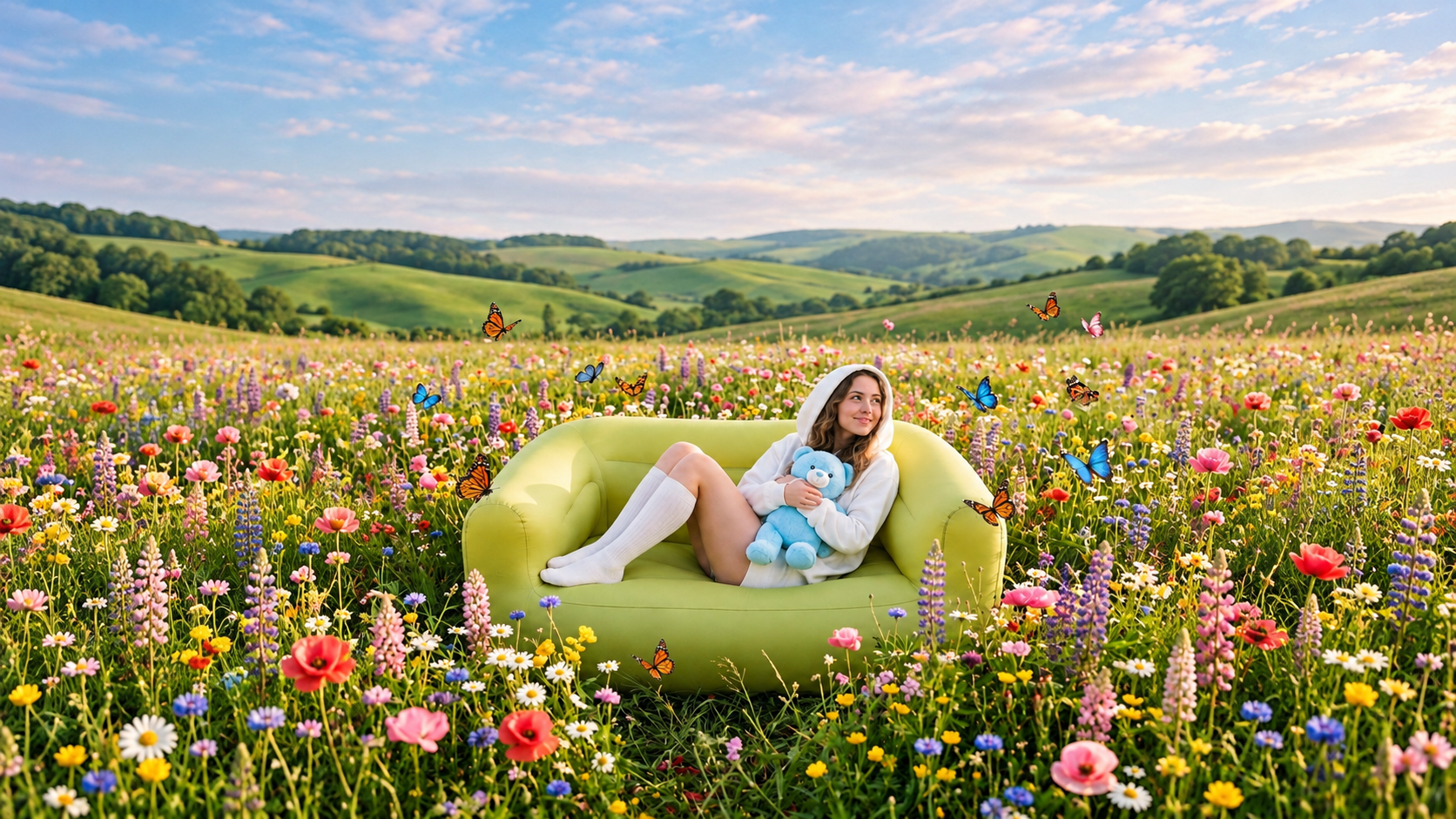
Capability illustration: Text-to-video generation

Text-to-video generation

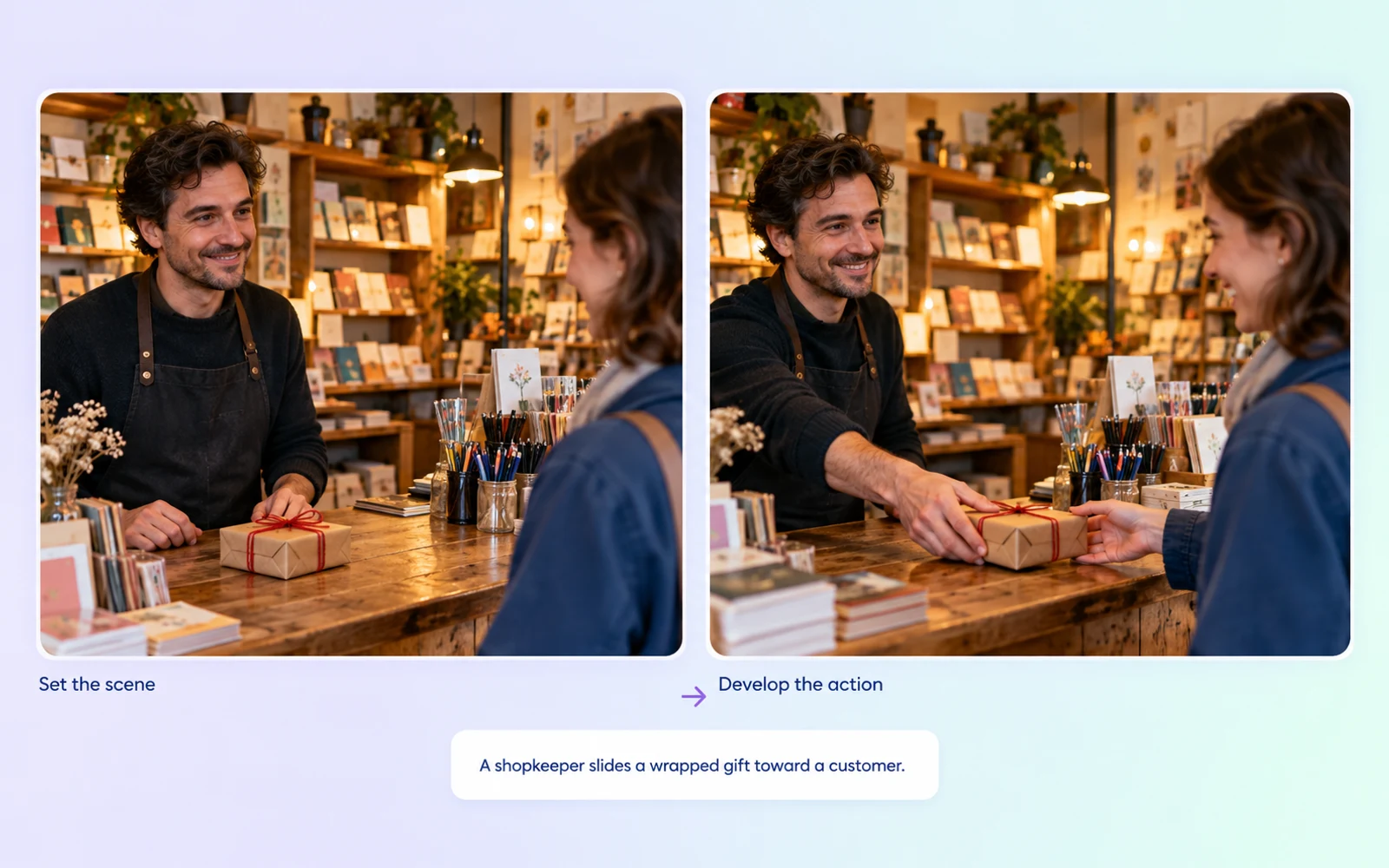
Use Model Studio’s happyhorse-1.1-t2v for a written scene. Name the participants and central action, such as a shopkeeper sliding a gift toward a customer. The mode has its own ID; the R2V reference-image allowance does not apply.
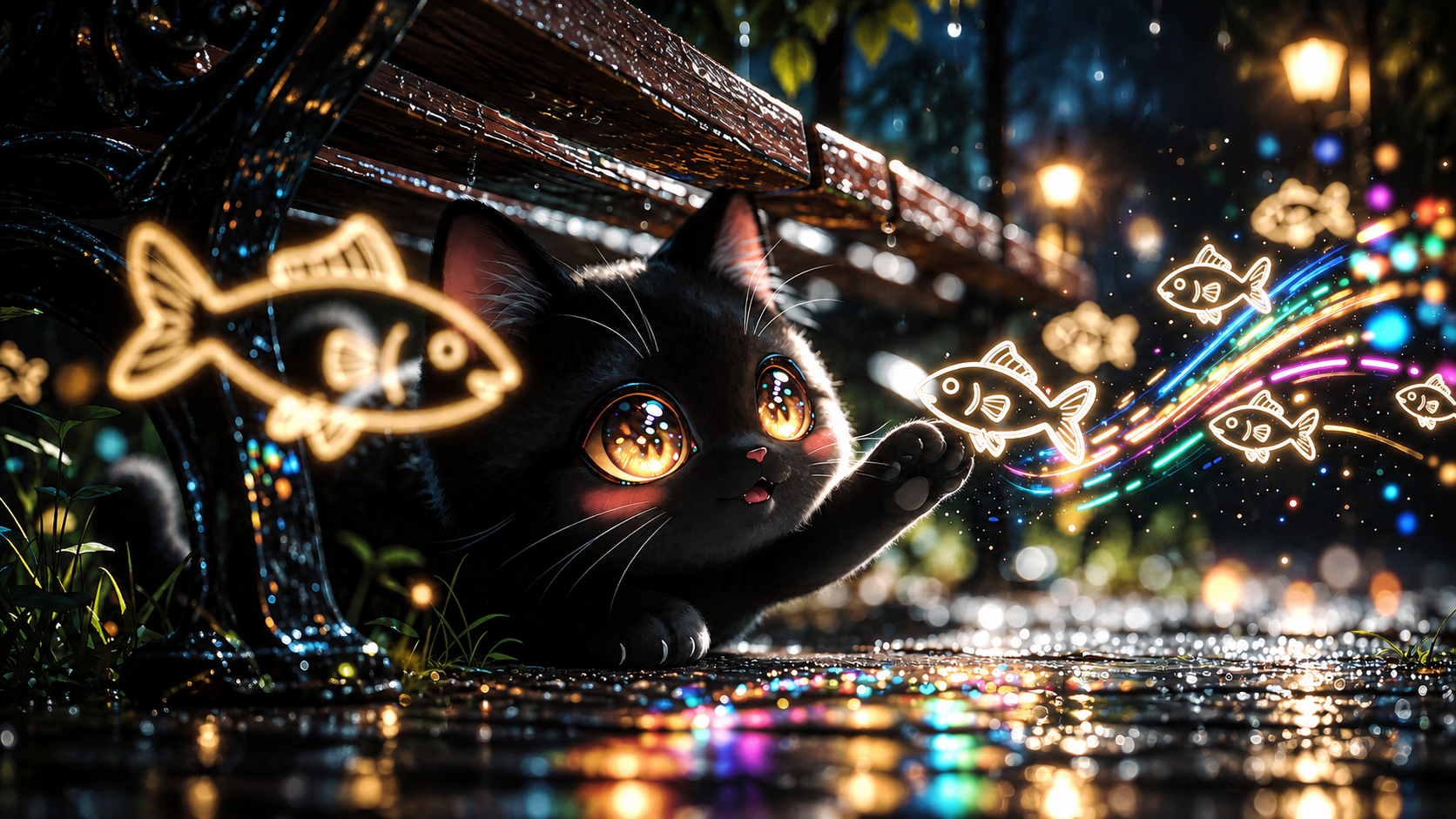
Capability illustration: Image-guided video generation

Image-guided video generation

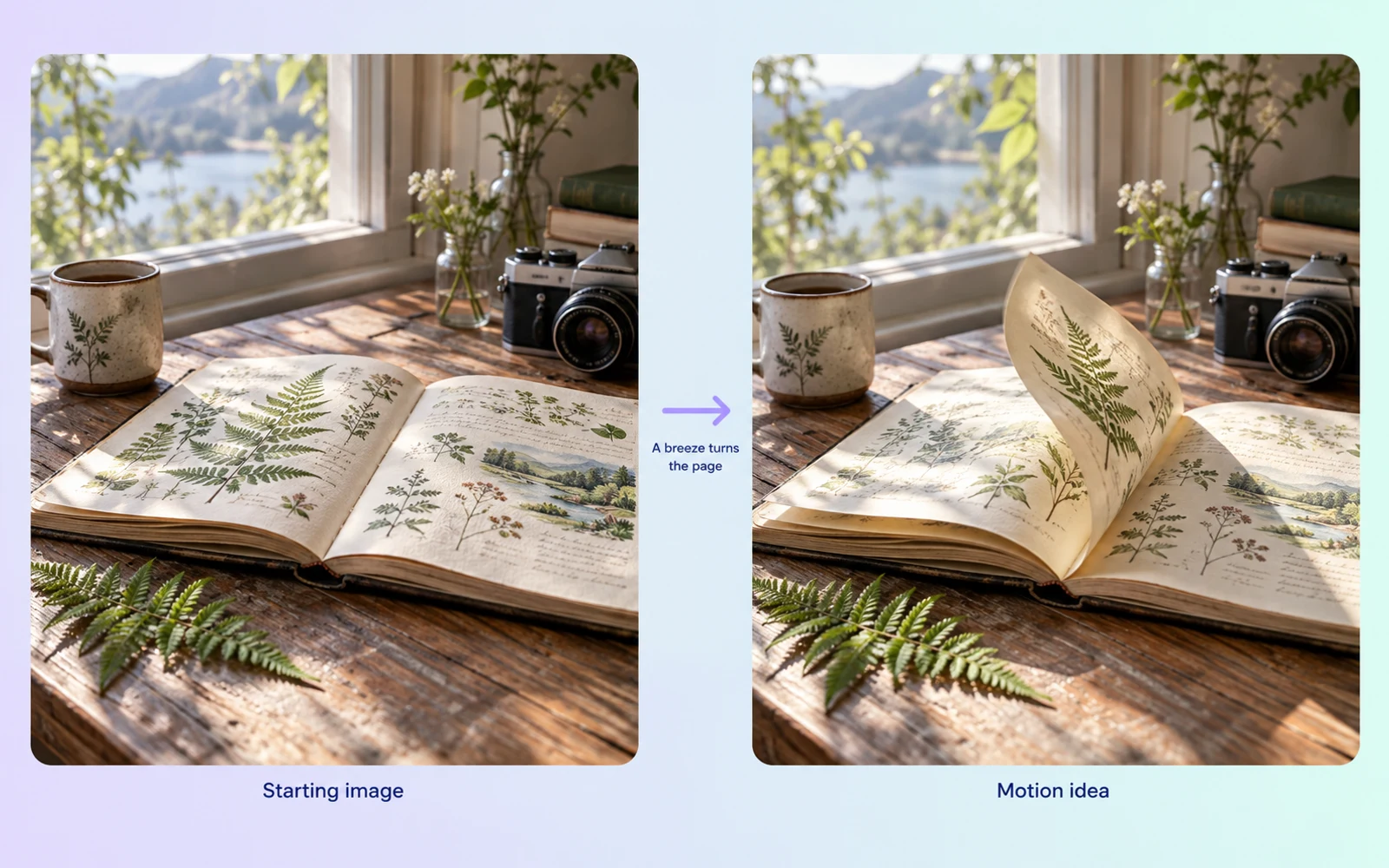
Model Studio’s happyhorse-1.1-i2v uses a first-frame image and a text prompt. The image establishes the opening composition; describe the subject’s next action and the camera movement to develop the shot.

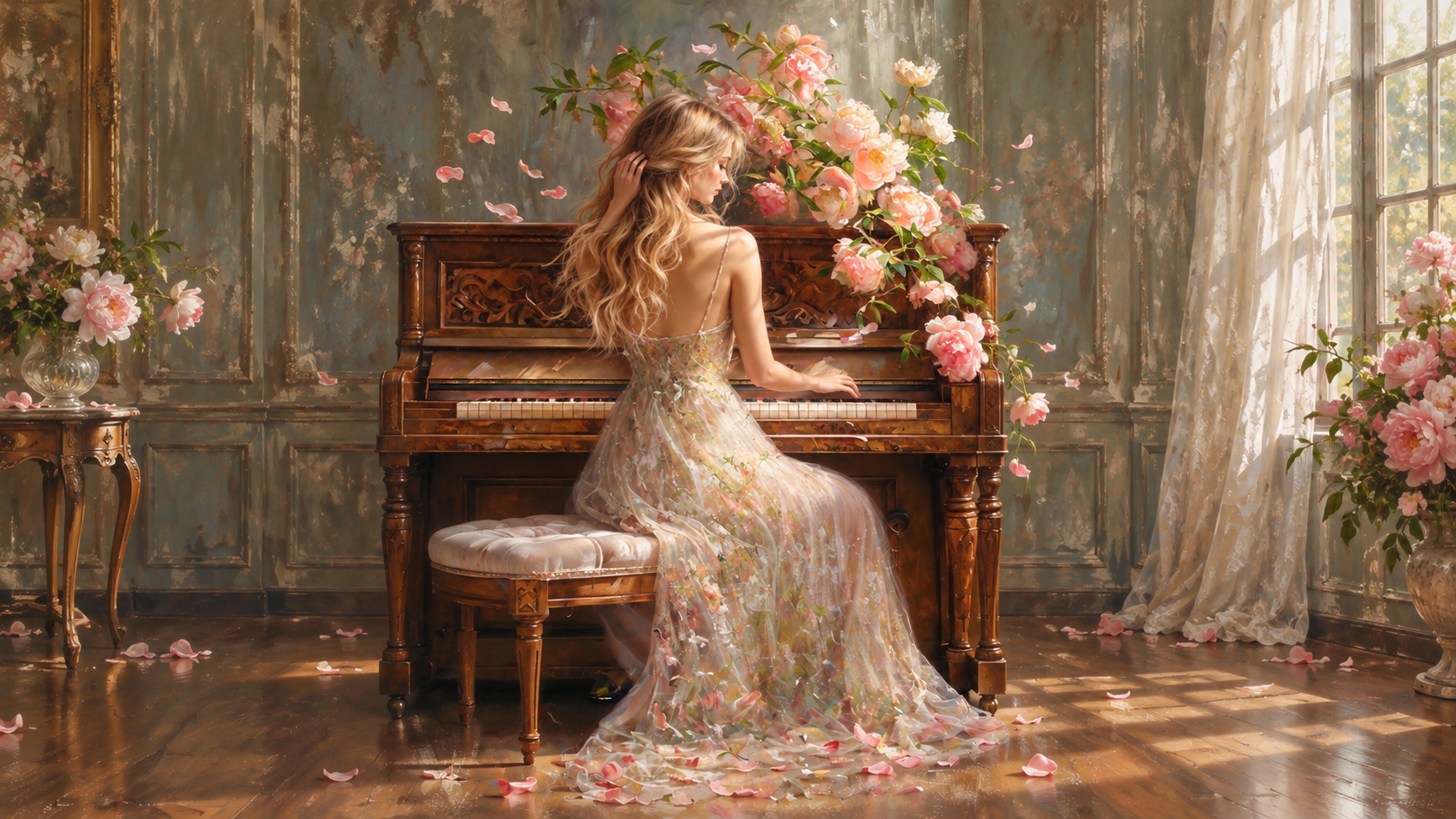
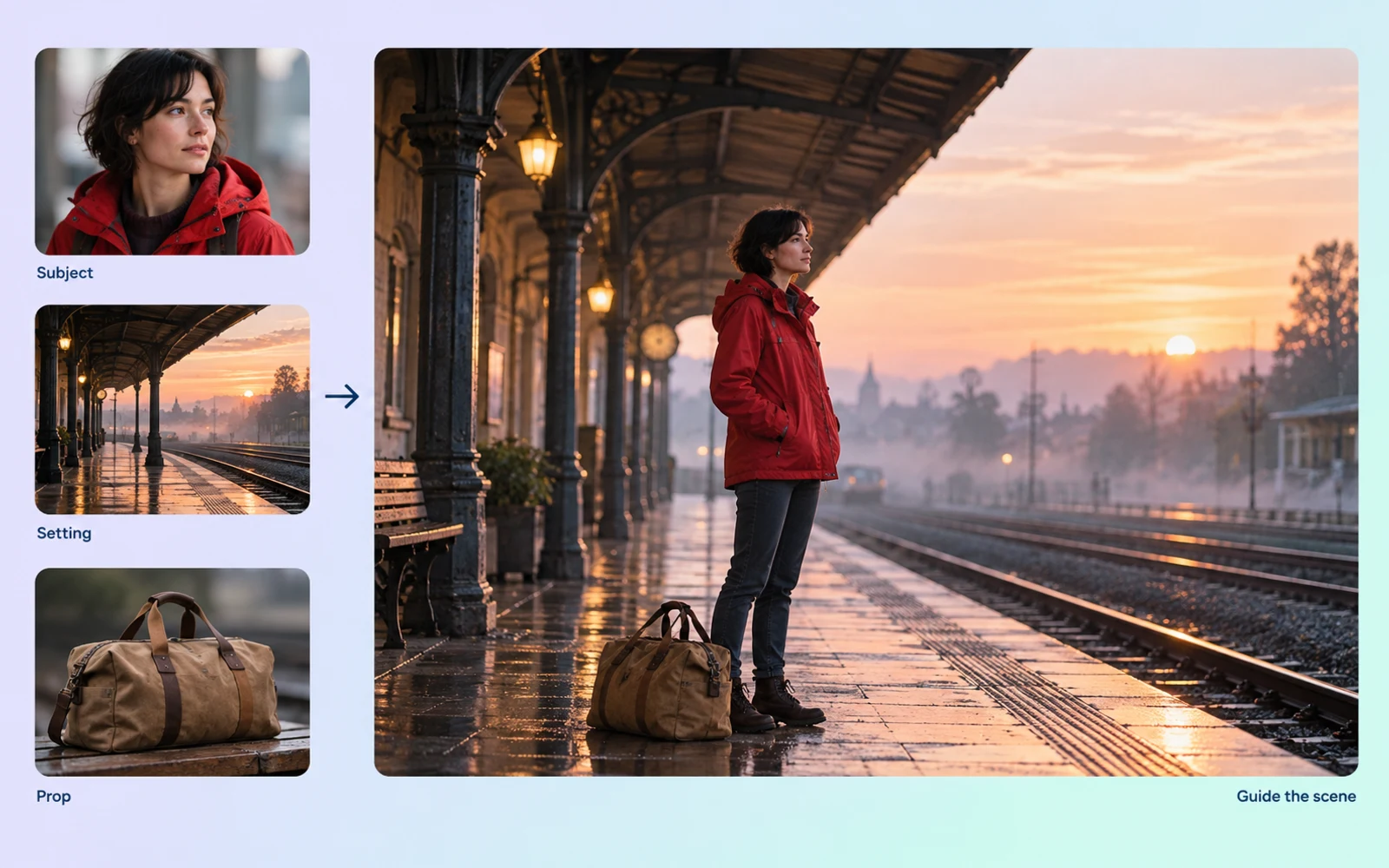
Capability illustration: Multi-image reference guidance

Multi-image reference guidance

Model Studio’s happyhorse-1.1-r2v accepts 1–9 reference images. Identify their roles in the prompt, such as appearance, clothing or setting. Each image can be JPEG, PNG or WebP, up to 20 MB, with a shortest side of at least 400 pixels.

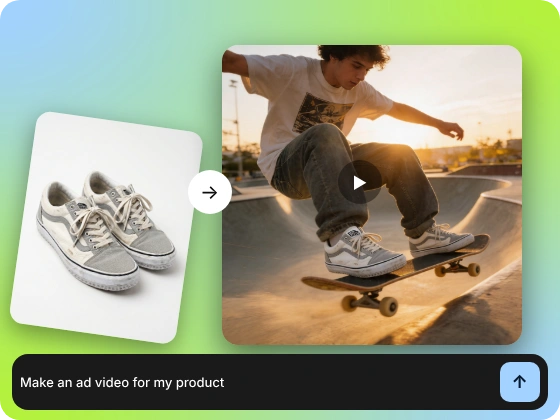
Capability illustration: Audio-supported video generation

Audio-supported video generation

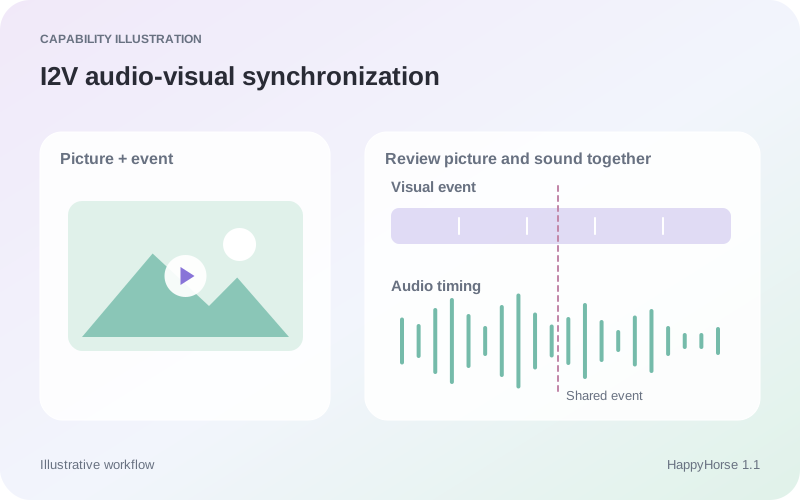
Model Studio lists audio support for HappyHorse 1.1 text-to-video, first-frame image-to-video and reference-to-video. Review the generated sound with the picture, checking important dialogue, audible events and the timing of visible actions.

Image showcase

Model comparison

DimensionHappyHorse 1.1Veo 3.1Wan 3.0 Prime
Input formatsText, image, multi-image reference modesText and image; visual referencesText, image, video, audio; task-specific combinations
Core directionSeparate text, image, and reference-to-video modesVideo generation with audio and visual guidanceMulti-shot video with multimodal references
Audio capabilitiesAudio-supported T2V, I2V and R2VNative audio generationNative dialogue, music, and effects
Video duration limitsModel Studio: 3–15 seconds in T2V, I2V and R2VGemini API: 4, 6, or 8s initially; references and 1080p/4K require 8sModel Studio: 2–30s; video inputs have a combined duration limit
Output resolutionModel Studio: 480P, 720P, 1080P in all three modesGemini API: 720p; 1080p/4K at 8s; extension at 720pModel Studio: 480P, 720P, 1080P
Suggested usesCharacter interactions planned from text, images, or referencesScenes planned around sound, visual references, and continuationMulti-shot stories and reference-led scene development

Specifications checked October 19, 2026. Sizes and controls refer to the named provider and task. Sources: Model Studio video model specifications · HappyHorse first-frame API · HappyHorse reference-image API · Google Veo 3.1 API guide · Wan Prime model guide · Wan 3.0 generation API · Wan 3.0 generation guide

Use-case scenarios

Character-focused video concepts

Use text or an input image to establish a person and opening scene, then describe the action and setting changes. This suits clips built around a character moment; review faces, limbs and motion closely.

Scenes guided by multiple references

Assign a clear role to each reference image, such as appearance, clothing or setting. This suits video proposals with established visual references; avoid conflicting instructions across those references.

Audiovisual clips from a still image

Establish the opening with a chosen image, then describe the intended action and sound. This suits content that develops a still into an audiovisual moment, with sound cues that support the visible action.

Use cases

Explore related video workflows for character scenes, visual references, and still-image motion.

Frequently Asked Questions About HappyHorse 1.1

How many reference images does R2V allow?

The Model Studio happyhorse-1.1-r2v API accepts 1–9 images in JPEG, JPG, PNG or WebP format. Each must be at most 20 MB with a shortest side of at least 400 pixels. Use [Image 1], [Image 2] and so on to identify each reference in the prompt.

How does the image-to-video mode use my image?

The happyhorse-1.1-i2v API is a first-frame workflow: provide one opening image and a text description of the movement that follows. Model Studio documents first/last-frame guidance separately for Wan 3.0; it is a different input workflow.

What duration and resolution does HappyHorse 1.1 support?

Model Studio lists integer durations from 3 to 15 seconds for T2V, I2V and R2V. All three modes support 480P, 720P and 1080P output at 24 fps in MP4 format.

Which HappyHorse 1.1 modes support audio?

Model Studio lists audio support for text-to-video, first-frame image-to-video and reference-to-video. Listen to the complete output alongside the picture and check speech, audible events and timing before using the clip.

Are identity improvements a consistency guarantee?

The improvements described by the provider are not a guarantee for every output. A character can remain recognizable in the opening yet change during a turn or interaction. Review the full clip against the identity details required by your particular scene.

Describe your idea and start your next creation.

Start creating

Other models