
Nano Banana on Pexo.
Nano Banana is Google DeepMind's image generation model built on the Gemini architecture, known for its exceptional character consistency, natural language understanding, and production-grade visual output. On Pexo, you access all of it by describing what you want in plain language, with no API setup and no prompt syntax to learn.
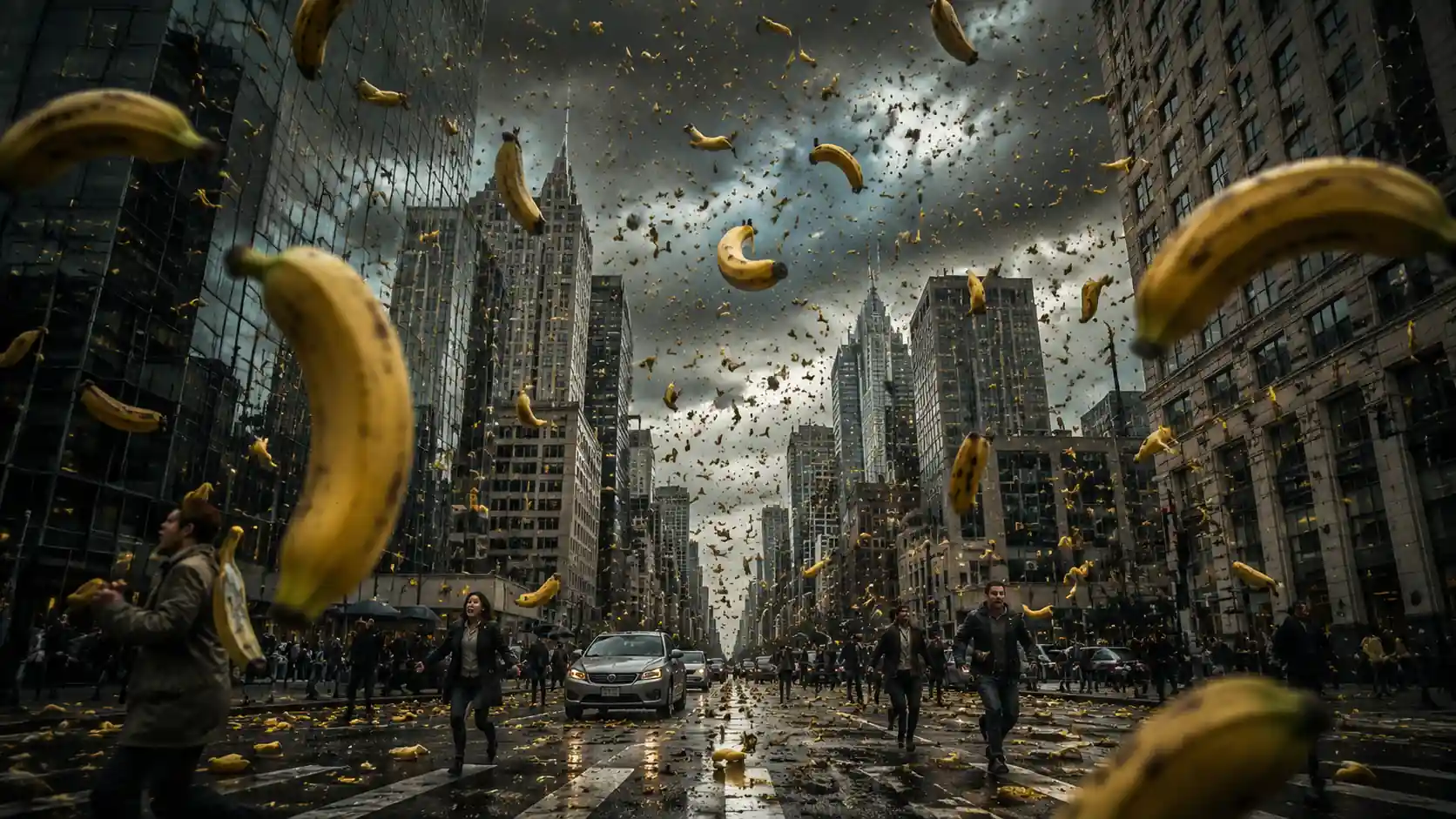
What Nano Banana Produces Seen Through Pexo
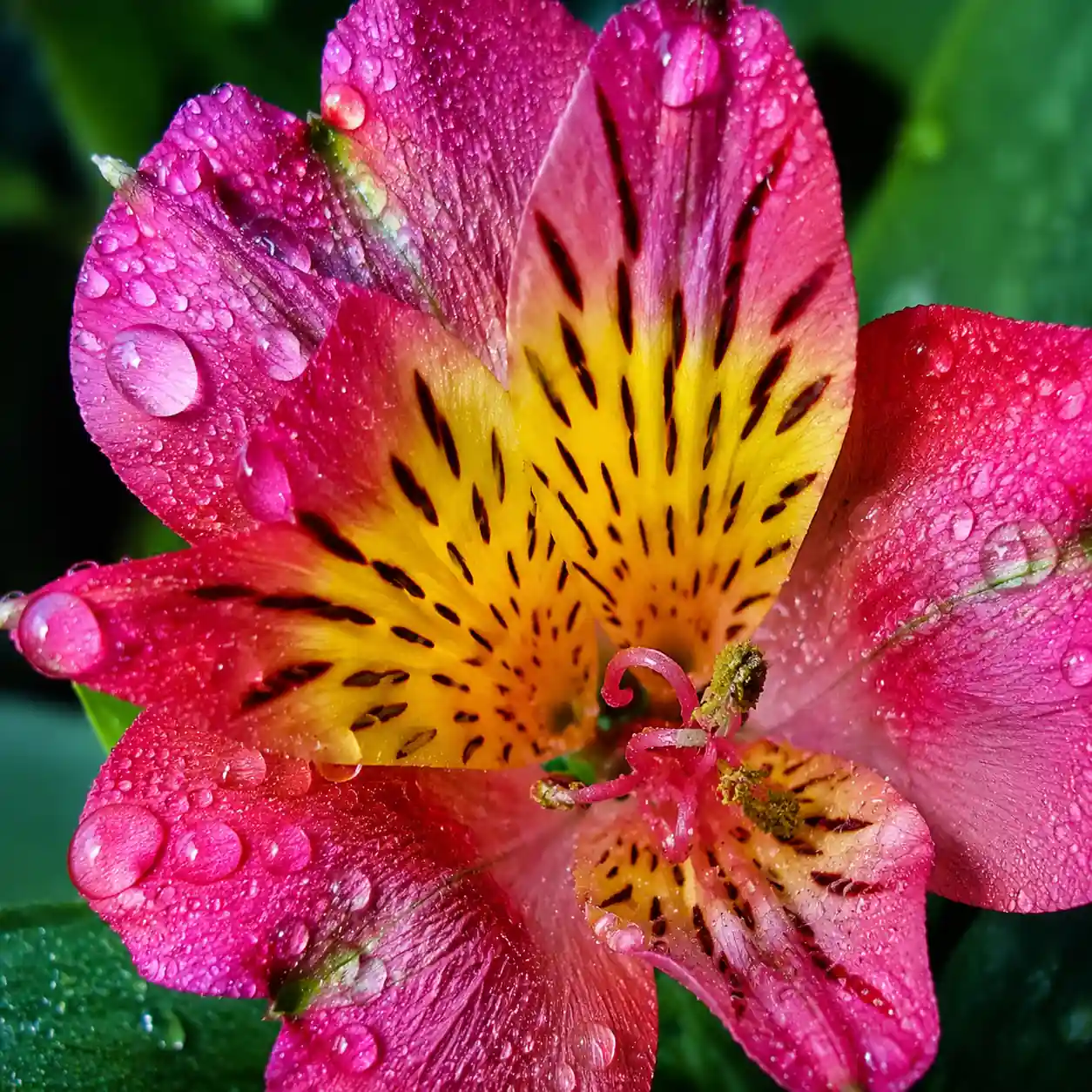
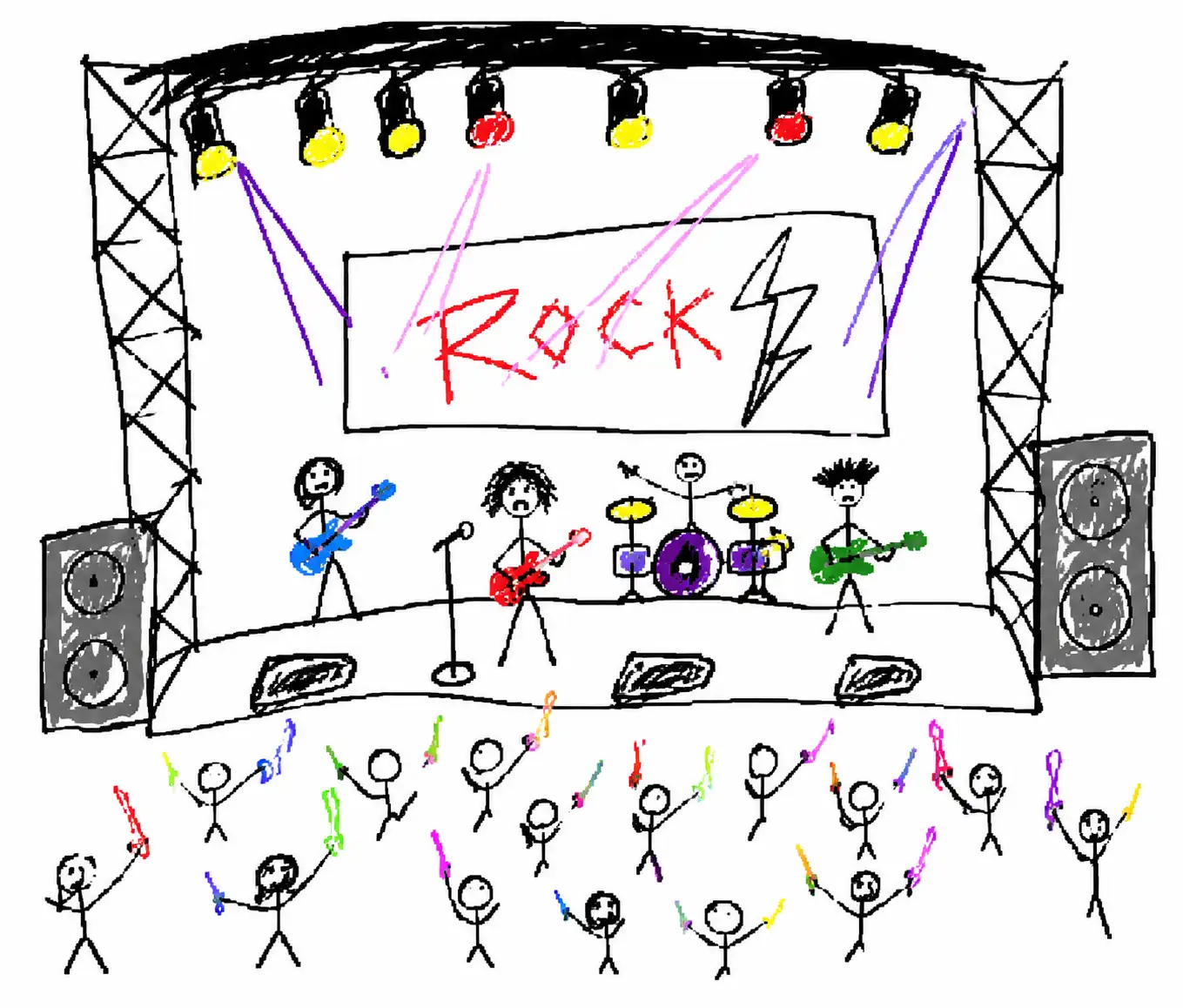
Every image shown here was created through Pexo using a plain-language description, with no special prompt structure or model configuration. This is the default output quality available to any Pexo user from their very first generation.
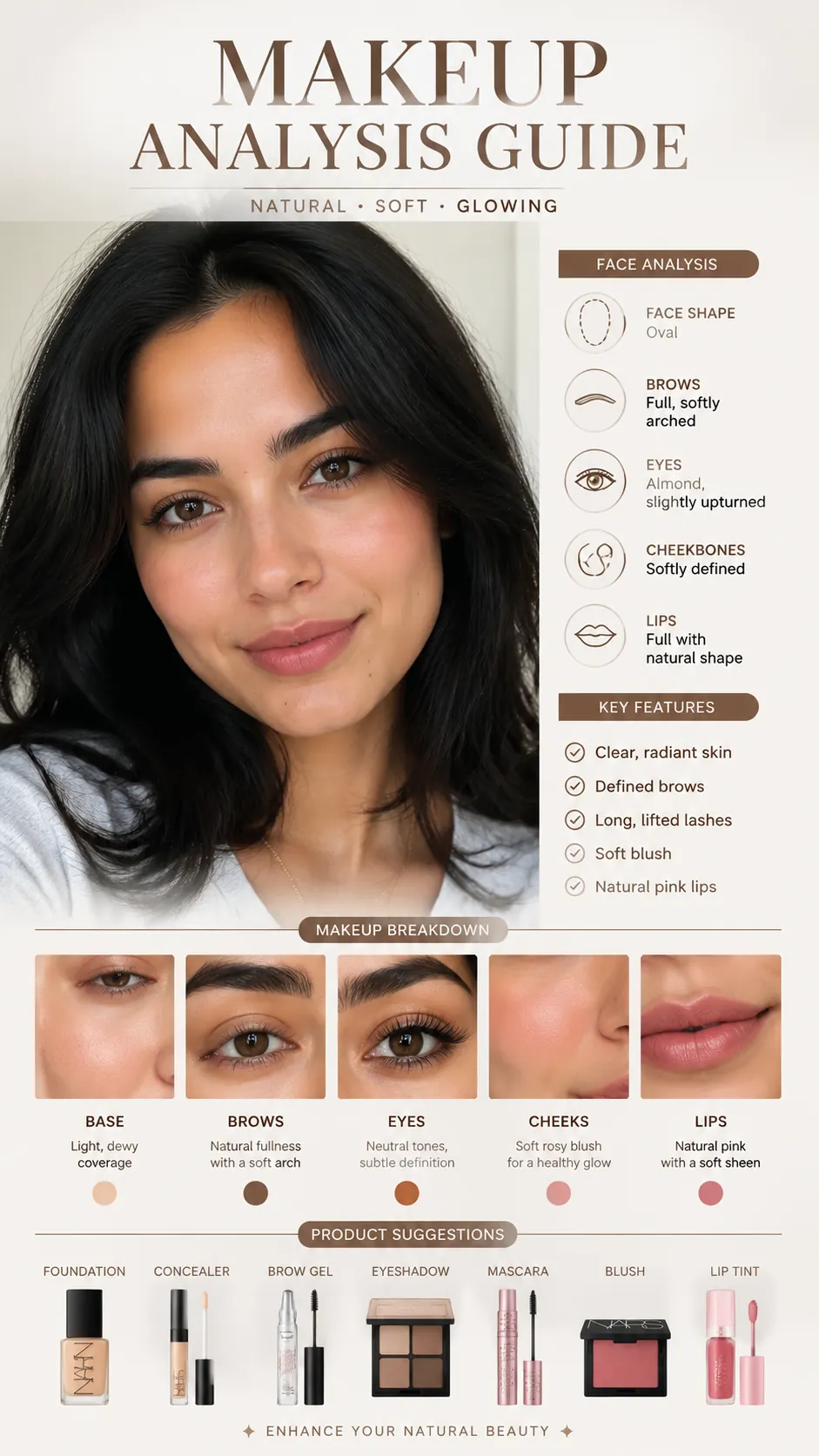


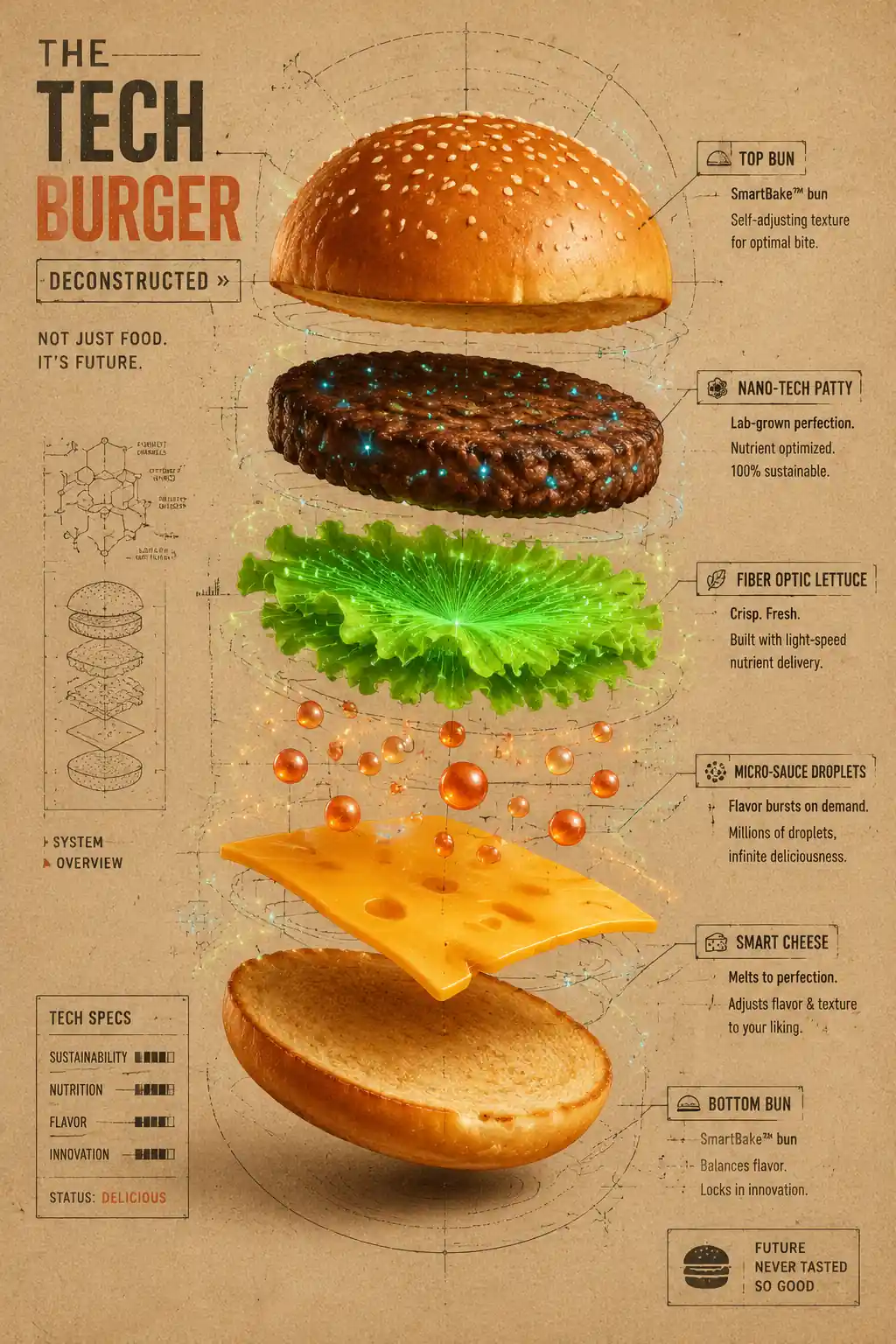

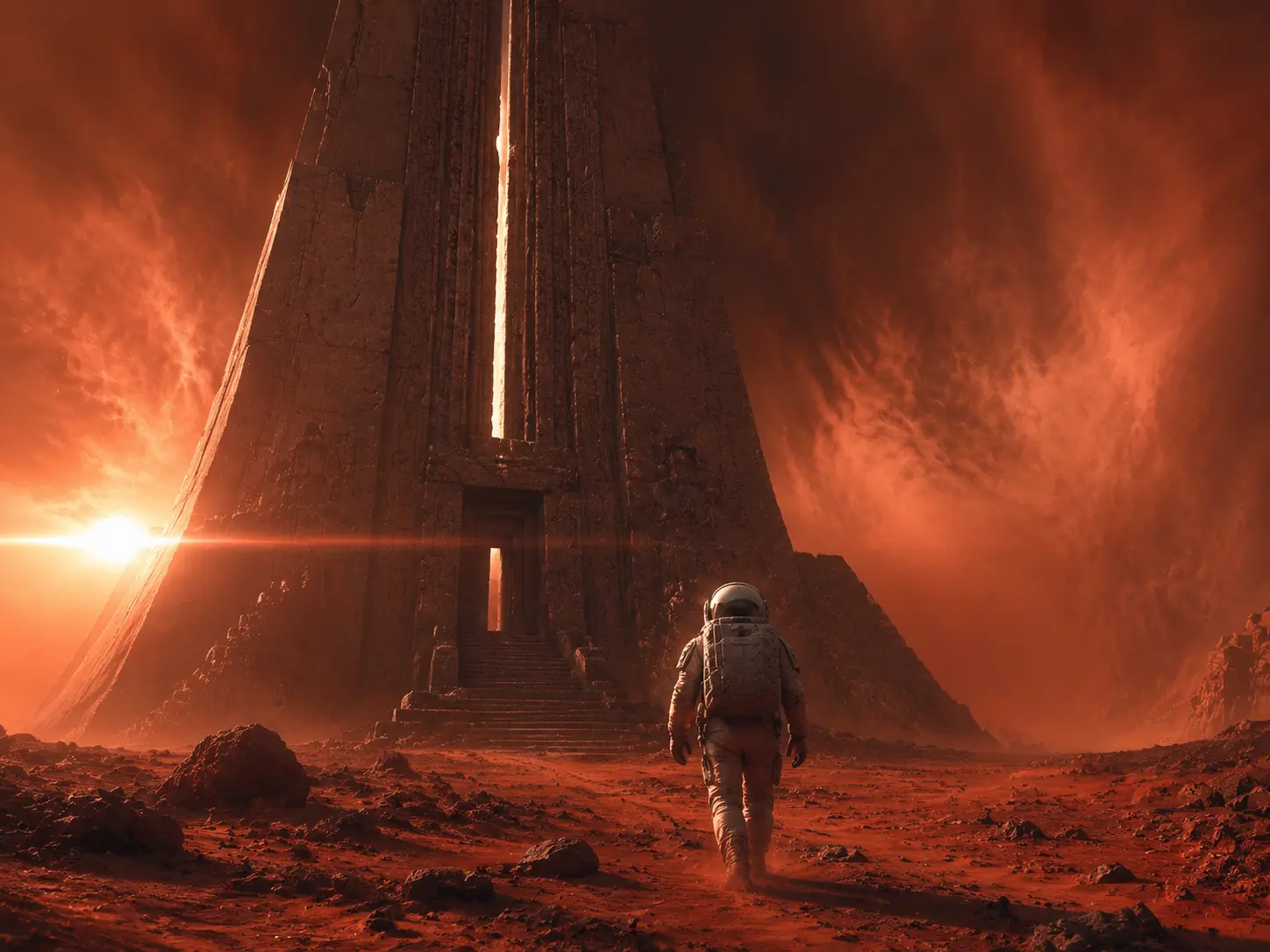
Everything Nano Banana AI Can Do Inside a Single Conversation
Nano banana is not just another image generator. It is a reasoning-first model that interprets context, applies real-world knowledge, and delivers results that look finished on the first try. Here is what sets it apart when you use it through Pexo.
From a Rough Idea to a Polished Image, No Prompt Engineering Required
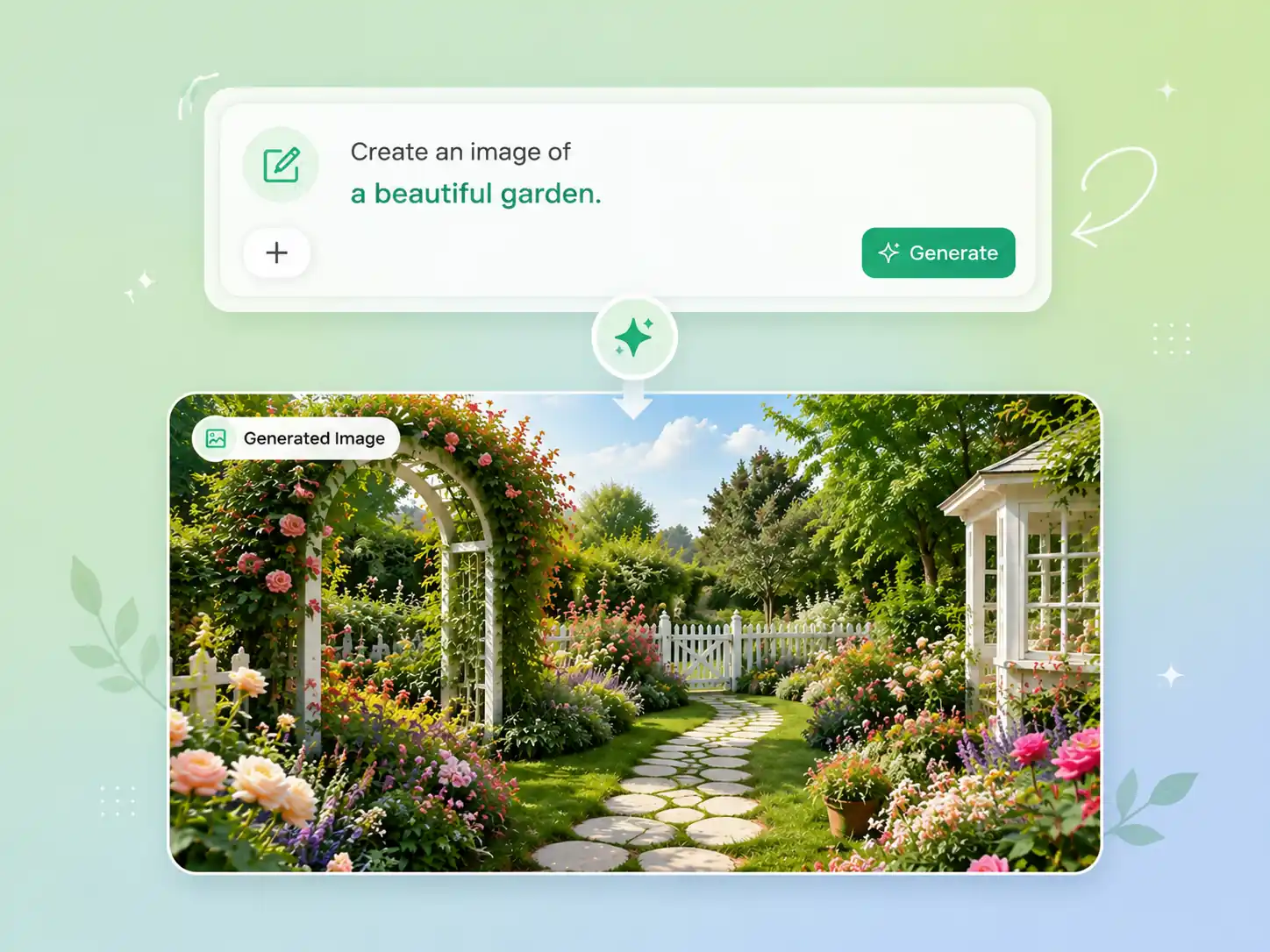
You do not need to master prompt syntax to get professional results with nano banana ai. Pexo interprets your natural language descriptions, even when they are vague or exploratory, and translates them into precise generation parameters. The gap between a half-formed concept and a finished visual disappears.

Clean, Legible Text Inside Generated Images, Finally Reliable
Nano banana pro treats in-image text as a first-class output. Titles, labels, signs, and UI elements render with correct character formation, consistent spacing, and coherent strings across multiple languages. For designers and marketers who need images with readable text, this removes a genuine production bottleneck.

The Same Character Across Every Scene, Every Angle, Every Edit
Storytelling and brand content require continuity. Nano banana maintains consistent character appearance, including facial features, proportions, and clothing, across multiple generations and edits within a single conversation. Your subjects look the same from scene to scene, making multi-image projects feel cohesive.
Upload a Photo, Describe the Change, Get a Precise Edit
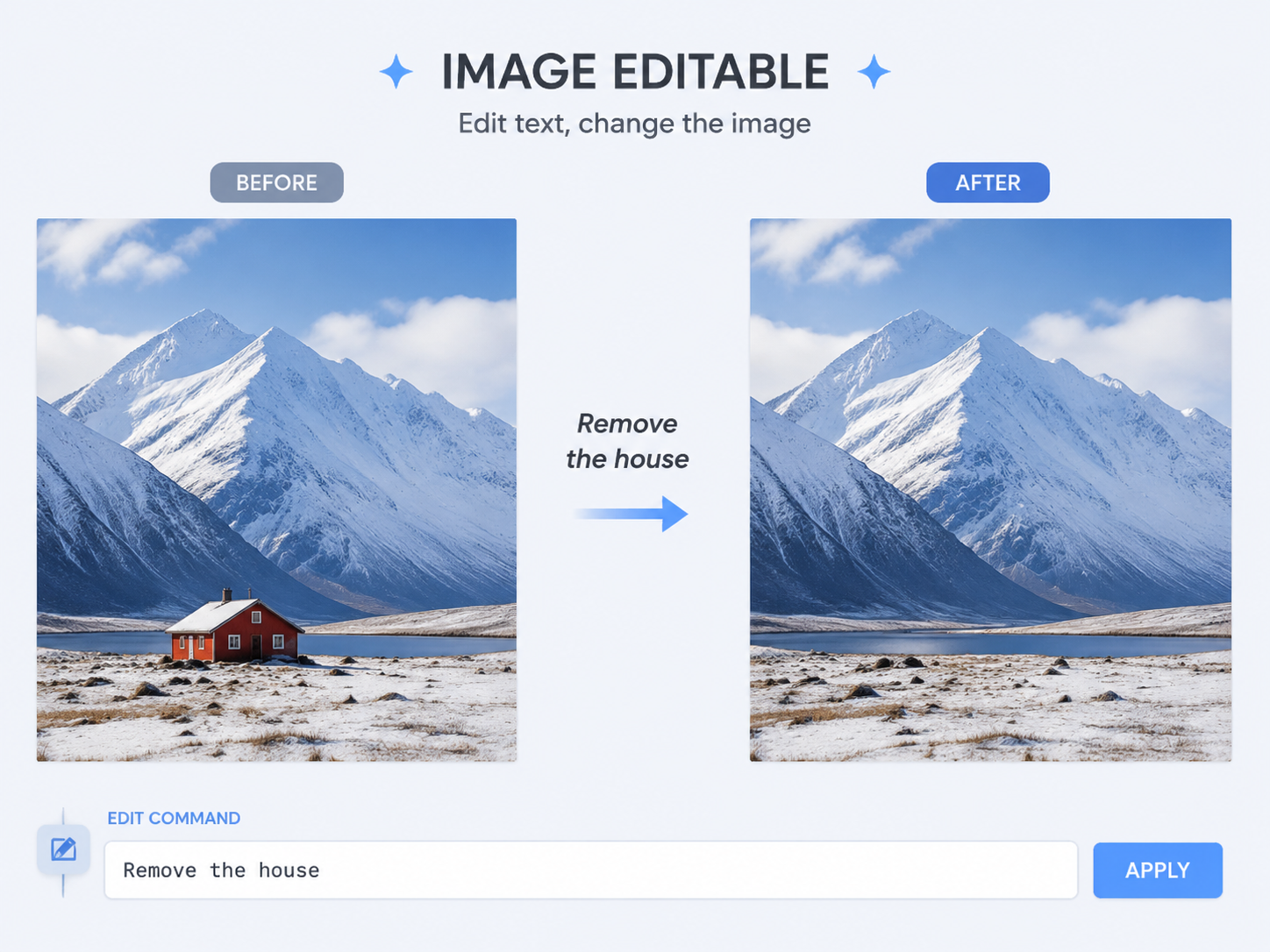
Nano banana ai is not limited to generating from scratch. Upload an existing image and describe what you want to modify, whether that means swapping a background, adjusting lighting, removing an object, or changing an expression. Pexo handles the translation, and nano banana preserves the original scene structure while applying your edits seamlessly.
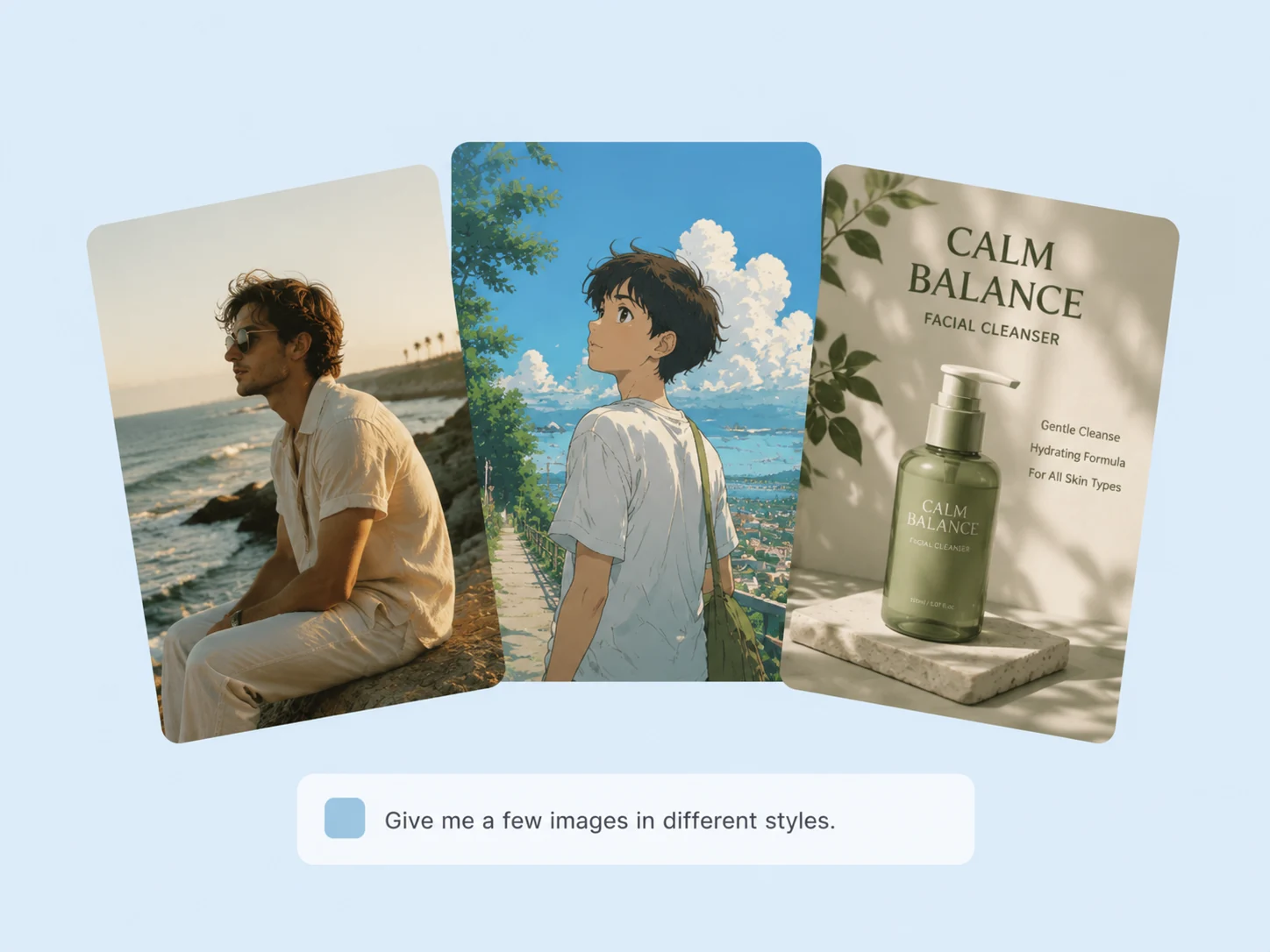
Photorealism, Illustration, Anime, 3D, One Model Covers It All
Whether you need a product shot that looks like it came from a studio or a stylized anime portrait, nano banana adapts to your aesthetic direction. It handles a broad spectrum of visual styles without requiring you to switch models or adjust technical settings. Describe the look you want, and Pexo applies it.
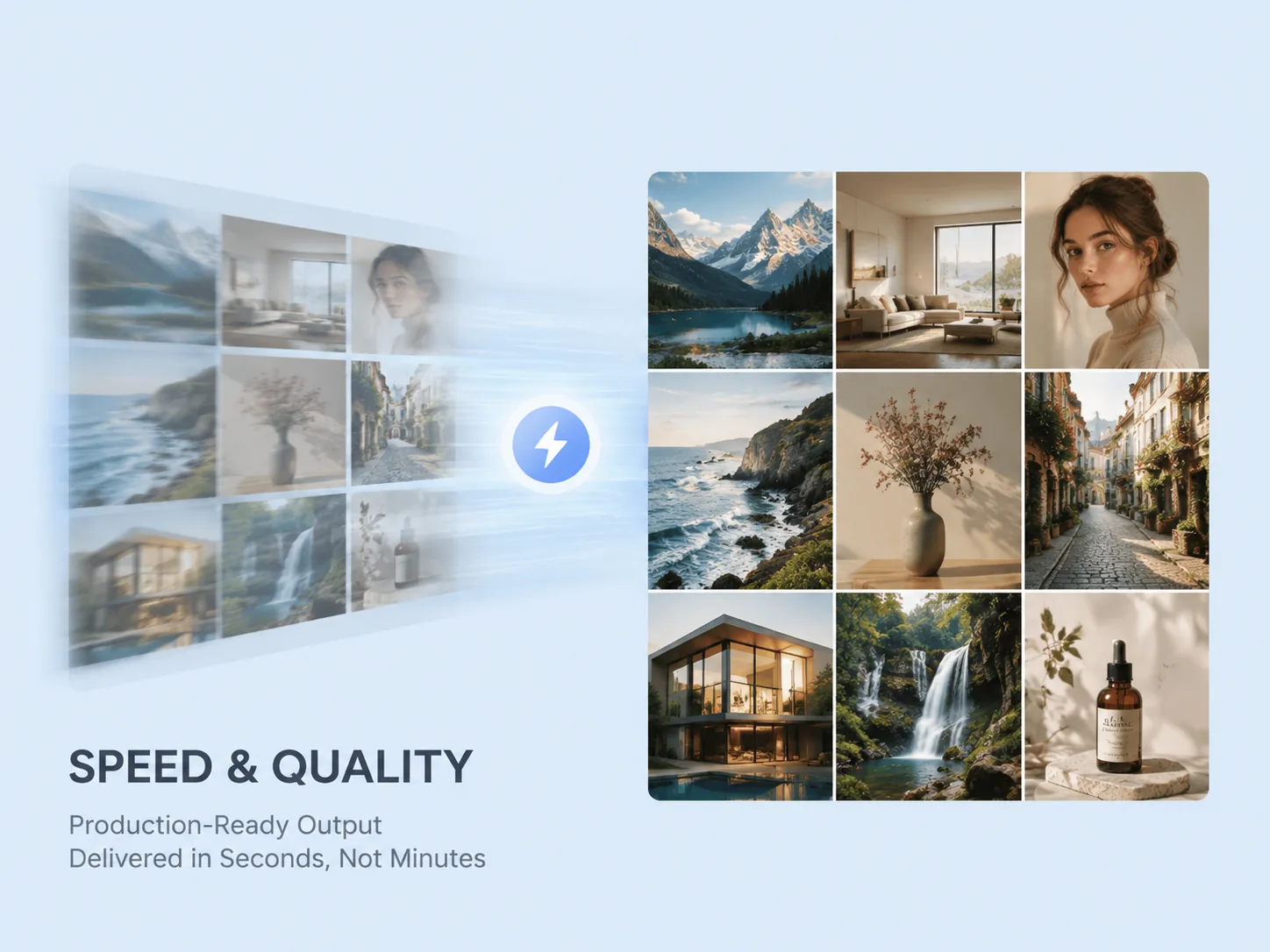
Production-Ready Output Delivered in Seconds, Not Minutes
When you are iterating through concepts or working on a deadline, speed matters. Nano banana free delivers usable results quickly without compromising on resolution or detail. Combined with Pexo's conversational interface, you can go from idea to finished image in a single exchange, and refine as many times as you need.
Nano Banana vs. Midjourney, DALL-E 3, and Flux: Character Consistency, Text Rendering, and Editing Compared
This is a capability-level comparison. Several dimensions below represent features that competing models do not offer at all, not simply areas where nano banana performs better.
| Feature | Nano Banana | Midjourney v7 | DALL-E 3 | Flux |
|---|---|---|---|---|
| Character consistency across images | High (multi-turn) | Limited | Low | Moderate (Kontext) |
| In-image text rendering accuracy | Strong (Pro: near-perfect) | Limited | Inconsistent | Moderate |
| Conversational image editing | ✓ native | — | — | ✓ (Kontext) |
| Multilingual prompt support | ✓ | Partial | Partial | Partial |
| Non-Latin script rendering in output | ✓ native | Limited | Inconsistent | Limited |
| Style range (photorealism to anime) | Broad | Broad | Moderate | Broad |
| Scene preservation during edits | High | — | — | Moderate |
| Generation speed | Fast (Flash backbone) | Moderate | Moderate | Fast |
| Access via Pexo (plain-language input) | ✓ | ✓ | ✓ | ✓ |
| API availability for developers | ✓ (Gemini API) | — | ✓ | ✓ |
Sources: Nano Banana Pro — Google DeepMind · Nano Banana — Gemini API docs · Midjourney v7 — Midjourney · DALL-E 3 — OpenAI · Flux — Black Forest Labs
How to Use Nano Banana in Pexo: Three Steps, No Setup
No Google account, API key, or technical knowledge is required at any point. Pexo handles model selection, generation, and delivery so you can focus entirely on what you want to create.
Describe What You Want
Type a description in plain language, in any supported language, at whatever level of detail you have available. There is no required format and no model to select. Pexo reads your intent and handles the rest.
Pexo Generates With Nano Banana
Pexo routes your request to nano banana, applies the optimal generation settings for your content type, and handles all parameters automatically. You configure nothing; the model runs and returns results in seconds.
Download Your Finished Image
Your image arrives ready to use. If you want adjustments, describe them in the same conversation and nano banana will edit in place. Once it looks right, download or share your file instantly.
Questions About Nano Banana on Pexo
What is Nano Banana and how is it different from other AI image models?+
Nano Banana is Google DeepMind's image generation model built on the Gemini architecture. Unlike traditional diffusion models, it uses a reasoning-first approach that understands context before rendering. The most significant differences compared to models like DALL-E 3 or Midjourney are its native character consistency across multiple images, conversational editing capabilities, and strong in-image text rendering with nano banana pro.
Can nano banana render text inside generated images accurately?+
Yes. Nano banana pro is specifically designed to generate legible, accurately formed text within images, including titles, labels, UI elements, and multi-language typography across Japanese, Chinese, Korean, Arabic, and more. This is one of its most significant advantages over older generation models.
How do I access nano banana without a Google or API account?+
Through Pexo. No Google account, Gemini subscription, API key, or technical setup is required. You describe what you want in plain language via Pexo's web app, Telegram, WhatsApp, or Discord, and Pexo handles model selection, generation, and delivery on your behalf.
Can I edit an existing photo with nano banana ai?+
Yes. Upload a reference image or existing photo and describe the changes you want. Nano banana ai preserves the original scene structure, including lighting, perspective, and composition, while applying your edits precisely. This works for background swaps, object removal, expression changes, style transfers, and more.
What languages does nano banana support for prompts and in-image text?+
Nano banana accepts prompts in multiple languages and renders non-Latin scripts accurately within generated images, including Japanese, Korean, Chinese, and Arabic. You can describe your vision in your native language and receive an image with correctly rendered text in that same language. On Pexo, multilingual input is handled as naturally as English.
Is nano banana free to use on Pexo?+
Yes. Pexo offers a free plan that includes access to nano banana free alongside other leading AI image models. You can start generating images with no credit card required. Check the Pexo pricing page for current plan details and generation limits.
Create Your First Nano Banana Image for Free Today
The best image model from Google takes one sentence to use. No credit card, no prompt expertise, no setup.