
Pexo Skill
Pexo for any
AI agent
Connect Pexo to your agent and turn plain prompts into finished, platform-ready videos — without ever leaving the chat.
npx skills add https://github.com/pexoai/pexo-skills --skill pexoai-agentGet started
Connect Pexo to your agent
Three steps, about two minutes. Sign in, add the skill, and start making videos from inside your chat.
Sign in to Pexo
Go to pexo.ai and log in with your Gmail. Enter your invite code to activate your account.
Add Pexo to your agent
Find the install link in your Pexo profile — one click to add the skill to Claude Code, Cursor, OpenClaw or any agent that supports skills.
Connect and start creating
Copy your API Key from Pexo settings and paste it into your agent. That's it — go back to your chat and describe your first video.
A full video studio inside your agent
One connection. The whole pipeline.
Generation, editing, music, subtitles and brand presets — Pexo handles every step and hands your agent a finished video.
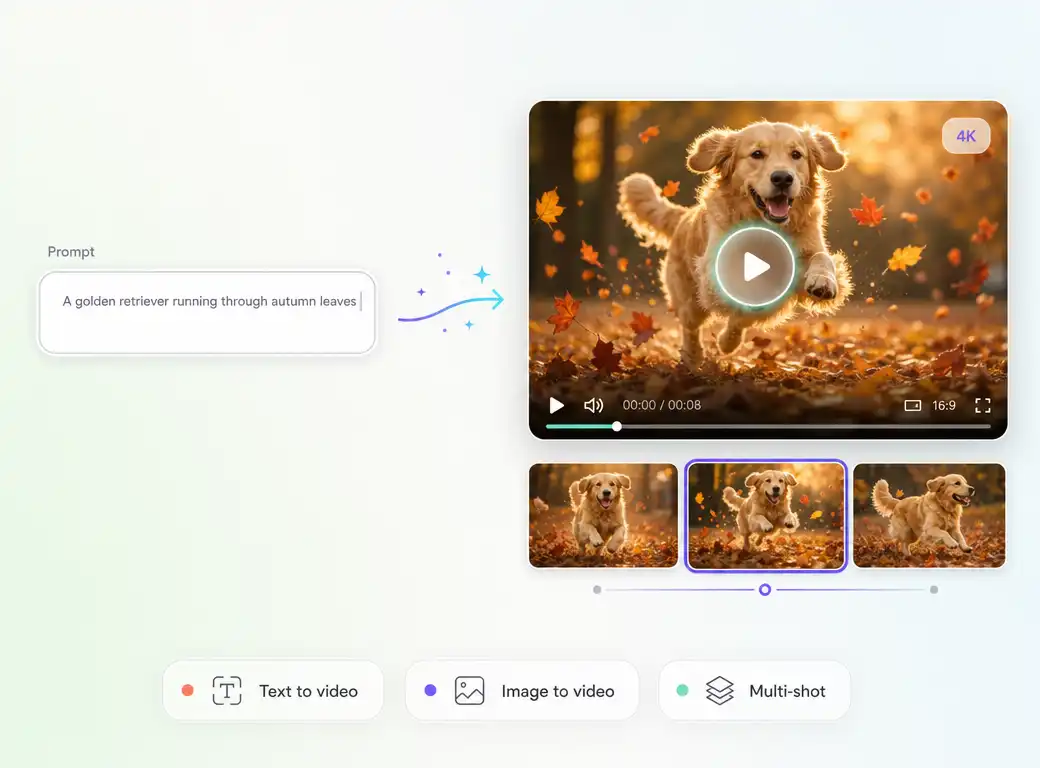
Generative video
Text & image to finished video
From a single line to a full edited clip — Pexo picks the model, generates every shot, and returns a finished video. Up to 4K, any aspect ratio, 5–120 seconds.
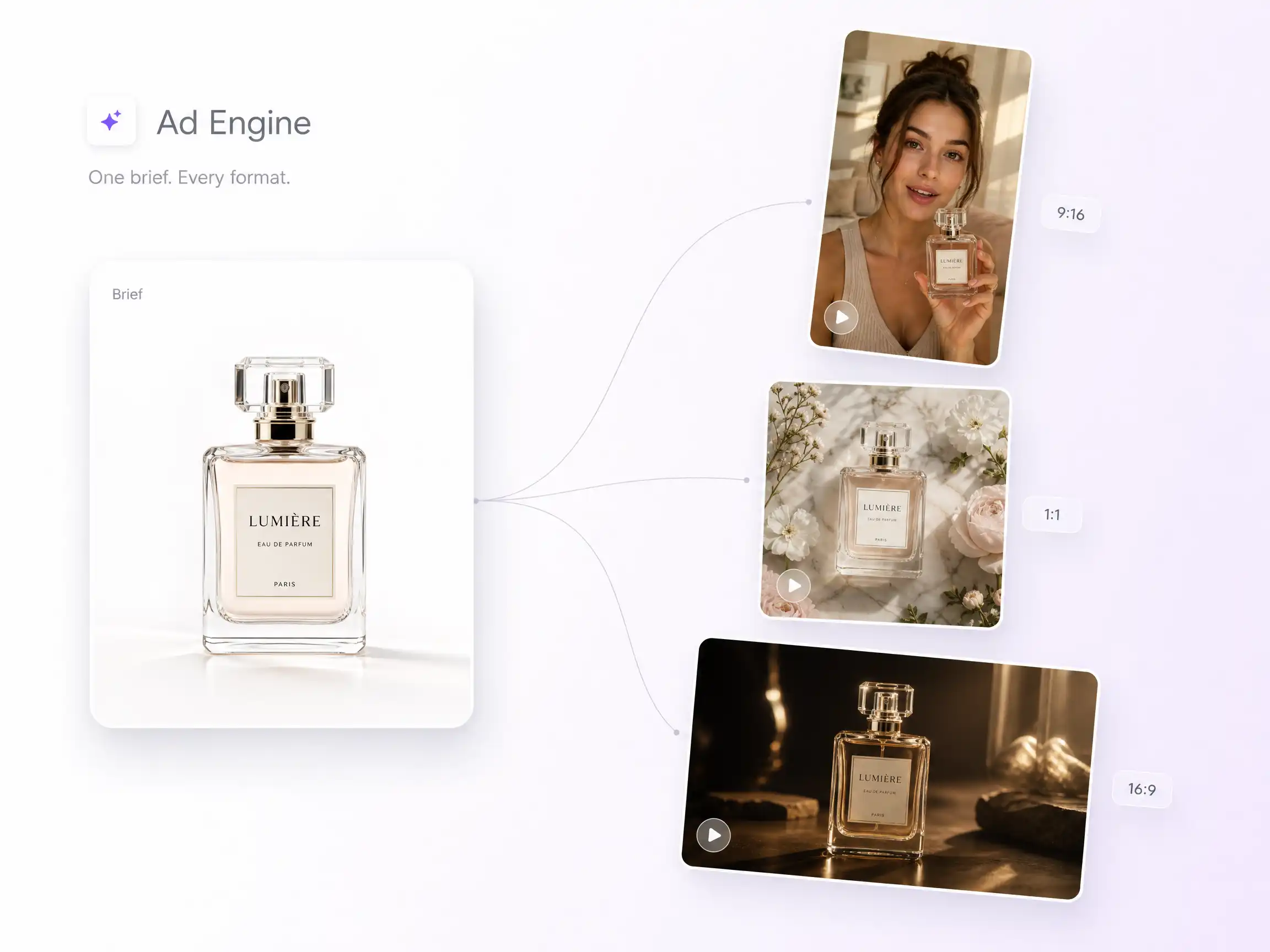
Ad engine
One brief becomes a full ad set
Hand Pexo a product and a goal. It writes the script, generates variations across UGC, hero, and TV-spot formats, and delivers ready-to-post cuts for every platform.
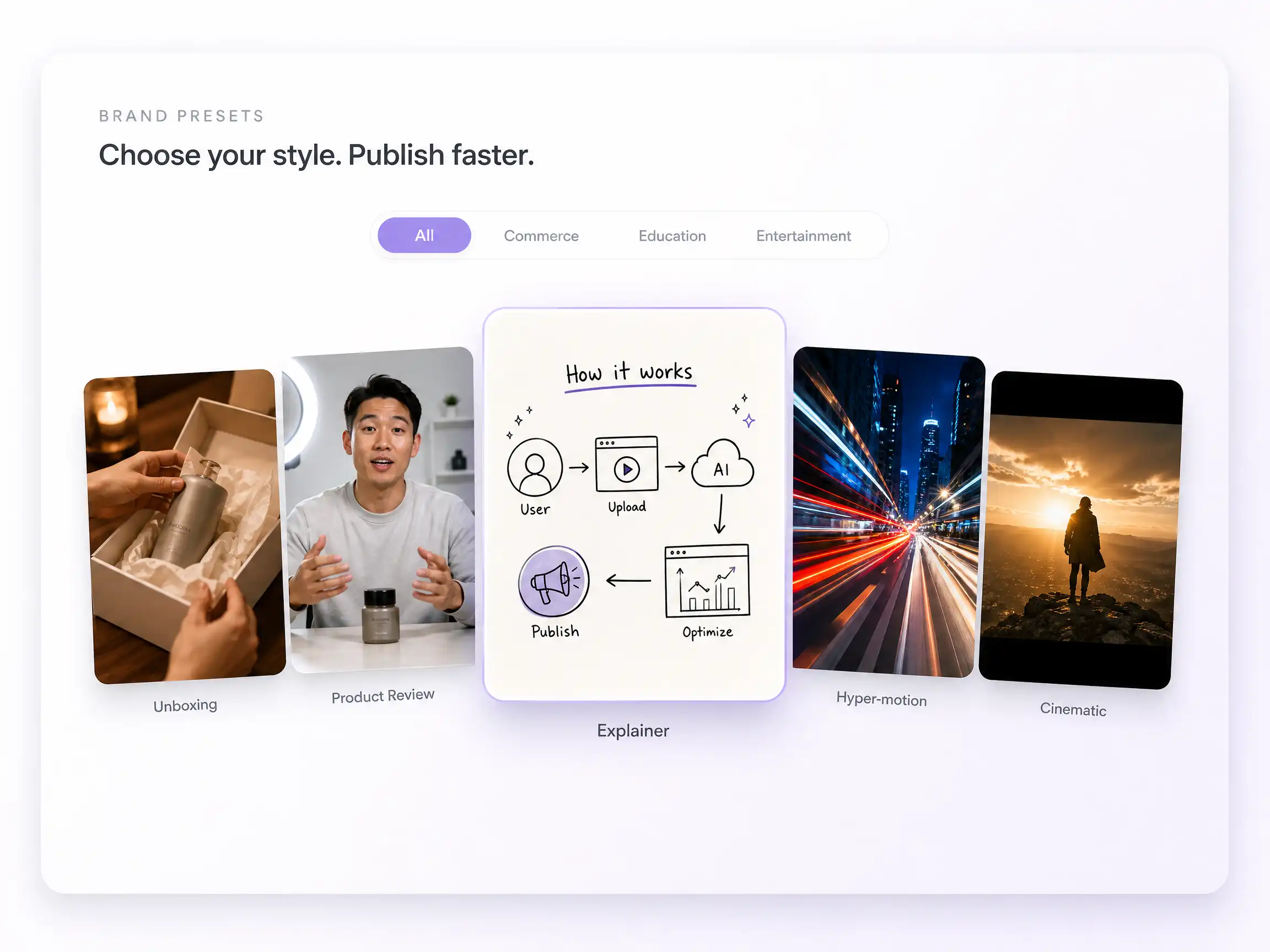
Brand presets
Pick a format, skip the setup
Curated presets — unboxing, product review, explainer, hyper-motion and more — drop the right look and pacing into generation automatically, so every clip stays on brand.
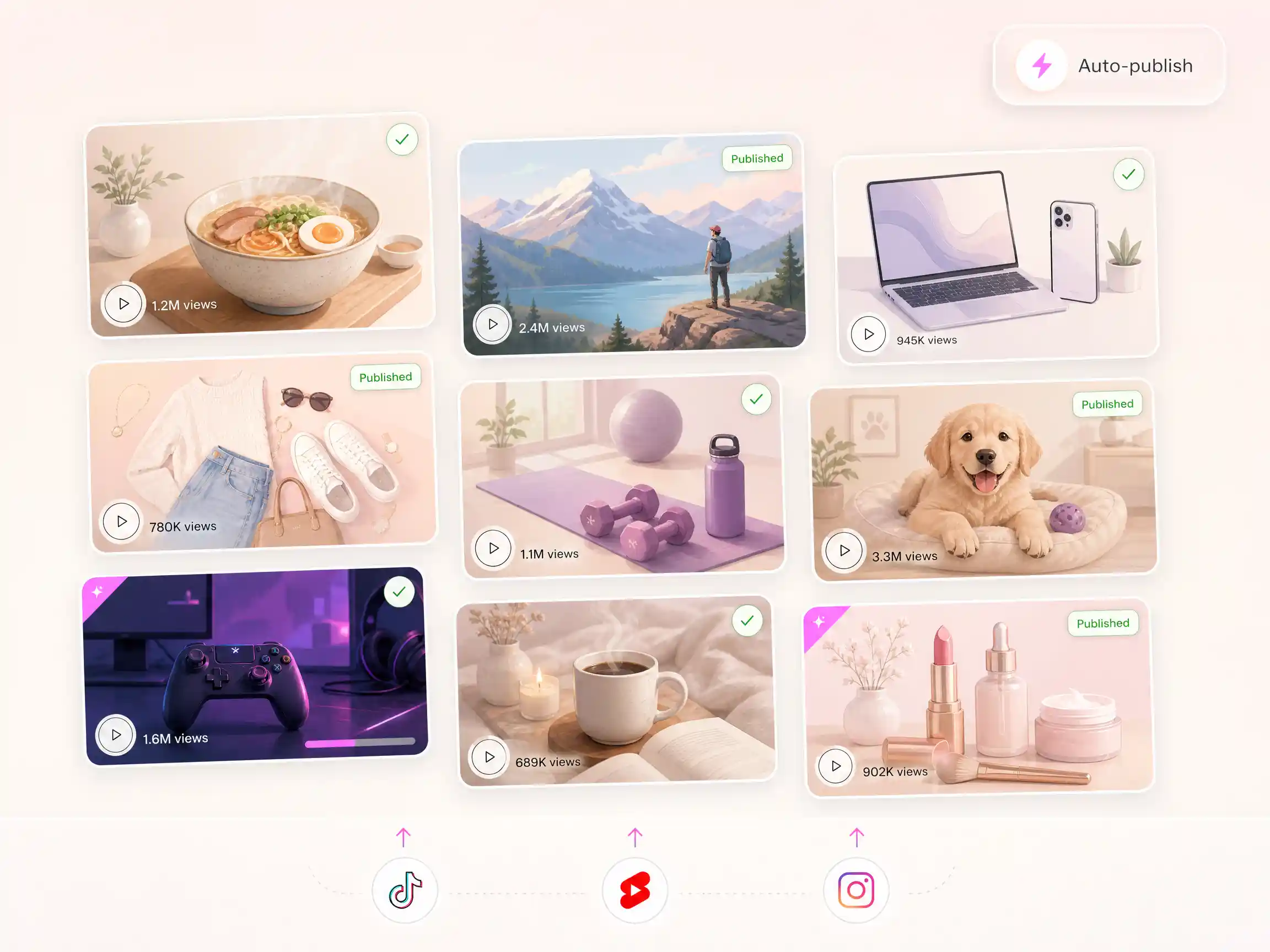
Content at scale
A whole channel on autopilot
Feed Pexo a list or a trend and it produces a polished video per item — then your agent posts to TikTok, YouTube, or wherever your audience is. Zero studio, zero agency fees.
From concept to content in one conversation
Tell your agent what you're working on
It picks the right models and hands back production-ready video — whatever you make.
E-commerce & product→
Lifestyle product clips and promo videos — no studio. Describe the product and scene, get ready-to-publish footage.
Explainers & data stories→
Turn dry numbers and scripts into compelling motion — custom visuals that make the point land.
Social media→
Scroll-stopping short-form for Instagram, TikTok and YouTube — idea to post in one chat.
Marketing teams→
Dozens of campaign variations across formats and styles in minutes — client-ready, from one brief.
Filmmaking→
Storyboard, previsualize and generate cinematic shots — with consistent characters across every frame.
From idea to campaign in one conversation
Start small, or go all the way
A quick one-shot clip, or a full multi-model production — Pexo handles the complexity either way.
One asset
Generate a clip in seconds
Describe it; Pexo picks the model, sets the parameters, and delivers.
you › make a cinematic 9:16 clip of a neon Tokyo alley at night
Full production
Build a visual system
Train a look, generate scenes across styles, and manage it all from history.
you › turn this script into a 60s explainer with music and subtitles
Multi-model
Compare models side by side
Run one prompt through several engines, pick the winner, iterate.
you › generate this scene on 4 models and show me the results
What you can create
One prompt, many outputs
FAQ