
Create a Talking AI Avatar From Text Online
Describe your ideal AI avatar in plain language, and Pexo acts as your conversational AI avatar generator. You get a complete video with voice, lip-sync, and visual style, not just a static image. Start creating now with three bonus projects on first registration, no credit card required.
How Pexo Works as an AI Avatar Video Generator
Pexo replaces manual configuration with a simple conversation. You brief Pexo like a creative collaborator, and the system handles everything from model selection to the final video render.
Describe Your Avatar Idea
Simply type out what you envision. Describe your character's appearance, personality, what they say, and the overall visual style. There are no technical parameters or complex prompts to learn.
Pexo Builds It Automatically
Pexo interprets your brief, intelligently selecting the best AI model like Seedance, Kling, or Sora. It generates the script if needed, applies natural voice and lip-sync, and ensures visual consistency across scenes—all without you needing to configure a thing.
Receive a Polished Avatar Video
You get a complete, shareable avatar video with perfectly synchronized audio, consistent character design, and the exact visual style you described. Your video is ready to post, present, or repurpose immediately.
Everything an AI Avatar Generator Should Do — and More
Pexo covers the full production stack, from character creation and voice to camera direction and multi-scene continuity. You never need a separate tool for any part of the process.
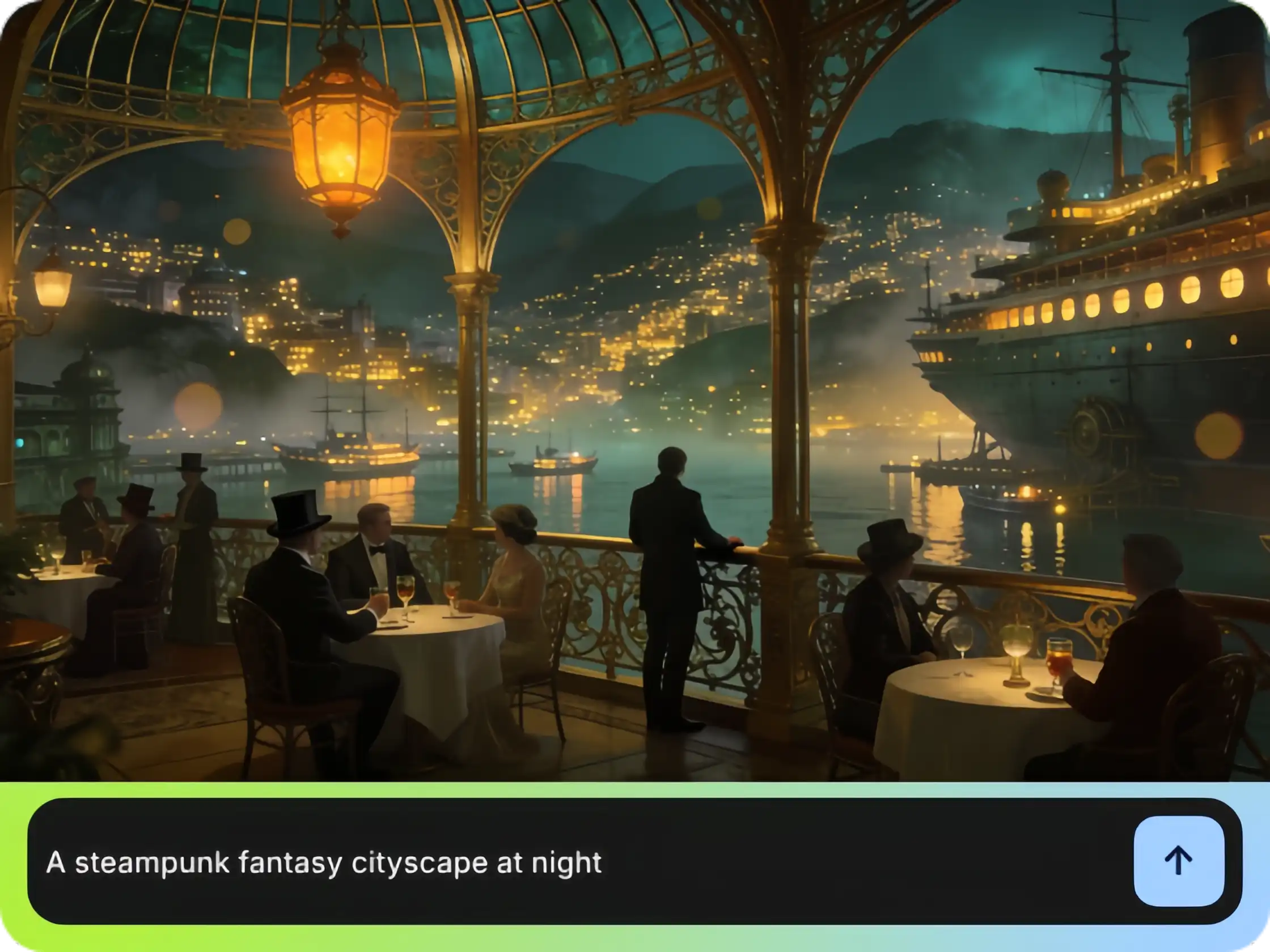
Generate Any AI Avatar From Text Description
Define your character's appearance, personality, and style using only plain language. Pexo acts as your AI avatar generator from text, so you don't need reference images or templates. Forget detailed prompt syntax; just describe your vision.
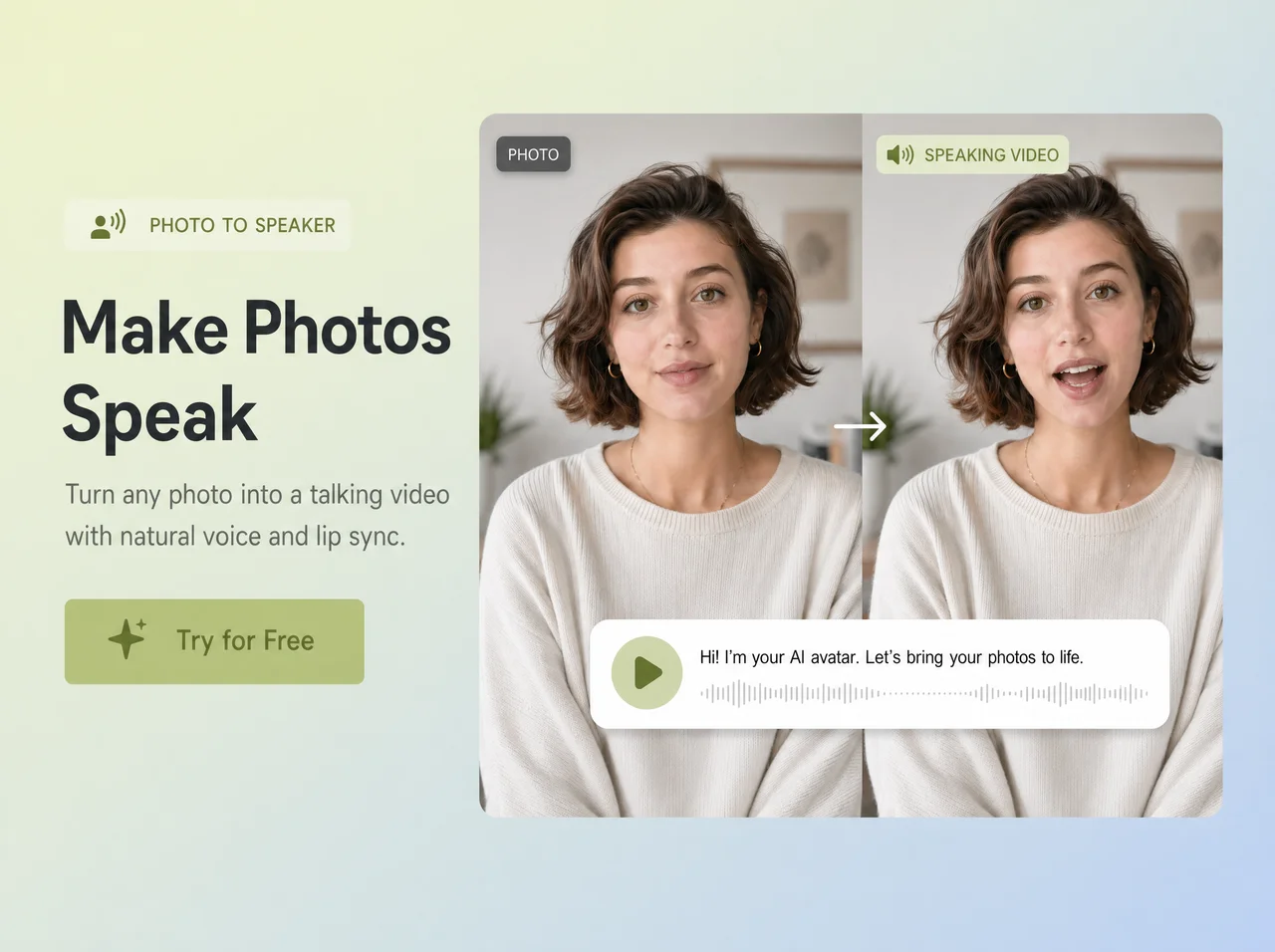
Talking Avatars With Synced Voice, Built In
Voice and lip-sync are core to Pexo's production pipeline, not an add-on. Pexo acts as your AI talking avatar generator free of complex setup. Your avatar speaks with natural timing and mouth movement, perfect for explainers, social content, or presentations.
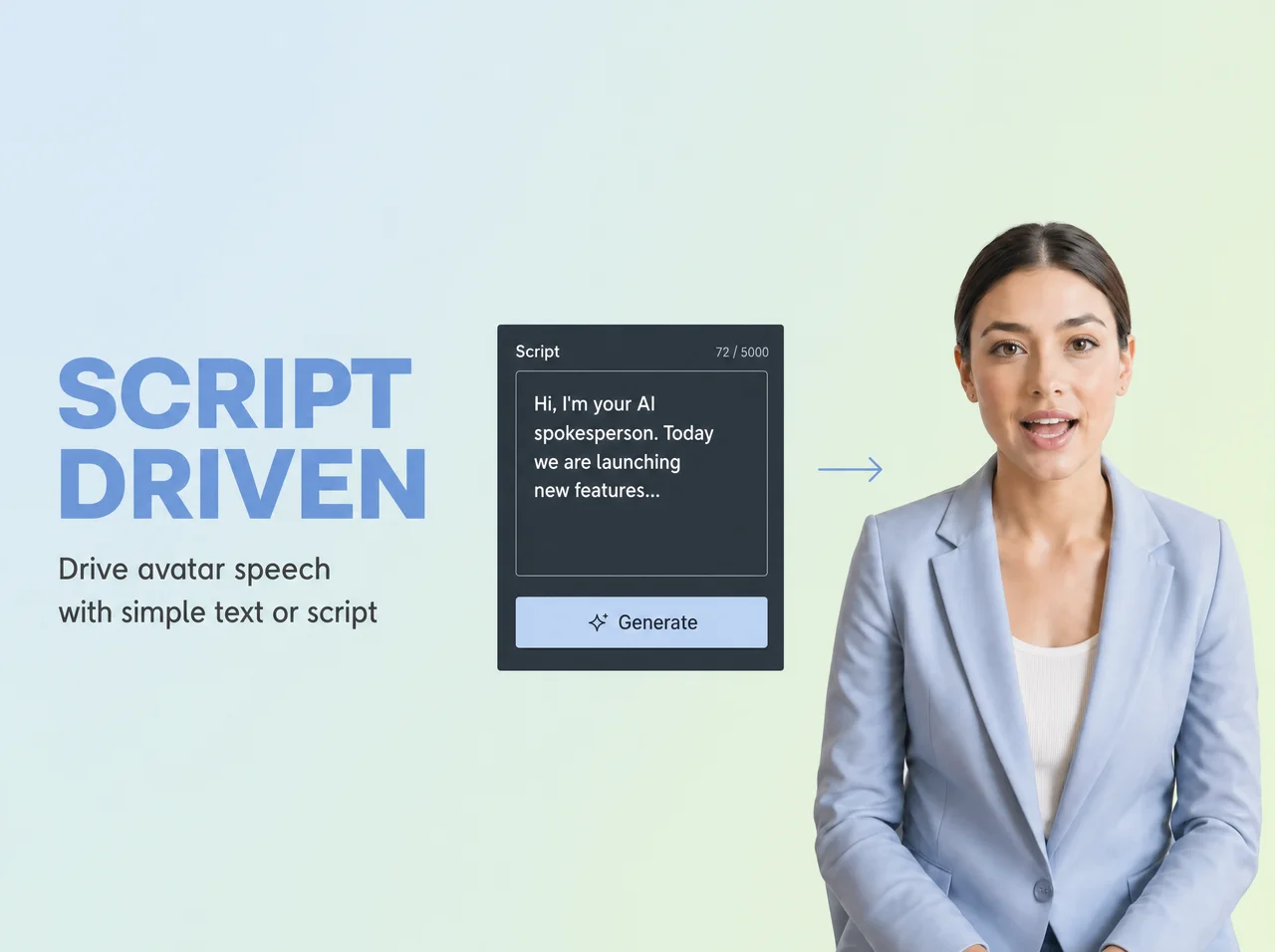
Apply Anime, Realistic, or Custom Visual Styles
Visual style is applied as creative direction. Say 'anime style' or 'cinematic realism,' and Pexo interprets and executes it. You can create an anime avatar, photorealistic character, illustrated figure, or even vtuber-adjacent aesthetics without filter selection.
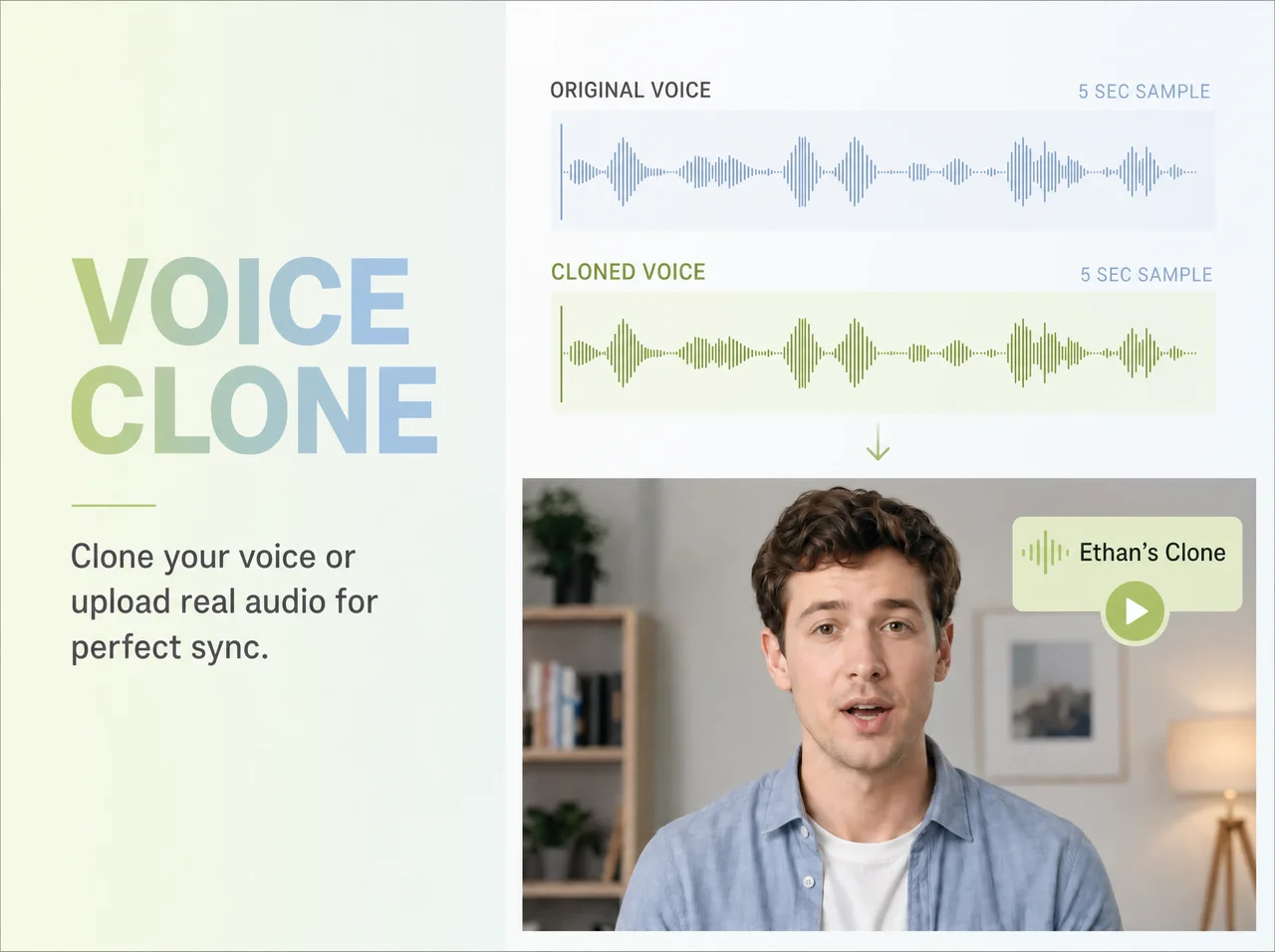
Turn a Photo Into a Talking AI Avatar
Upload a reference image alongside your text description, and Pexo uses it as a visual anchor. Pexo acts as your AI avatar generator from photo, producing a video where your avatar moves, speaks, and maintains likeness across scenes, not just a static image.

Keep Your Avatar Consistent Across Every Scene
Your character design, voice, and visual style remain consistent when your avatar appears across multiple scenes or a longer video. There's no manual re-prompting between clips. This is crucial for creators building series content, branded videos, or multi-part stories.
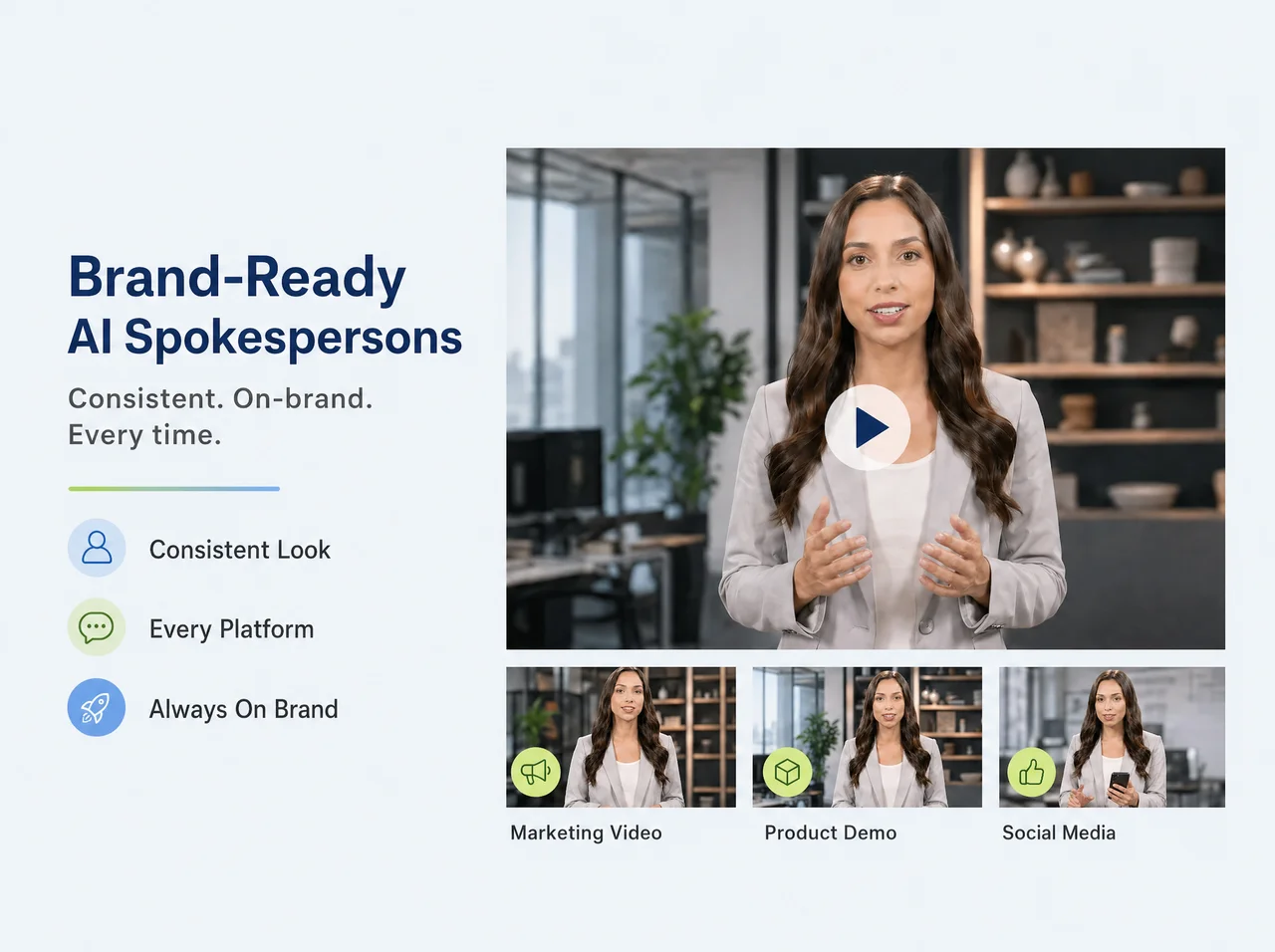
Create Avatar Videos Faster With AI Avatar Generators
Access Pexo as a free AI avatar generator with starter credits, three bonus projects on first registration, and one free project daily. You get real output without a paywall. Pexo is available on Telegram, WhatsApp, Discord, and the web app, so you can create wherever you work.
Why Pexo Beats a Standard AI Avatar Generator
Most avatar tools require manual model selection, detailed prompts, and separate voice steps. Pexo removes all that friction, letting you focus on your creative vision.
| Traditional Generators | Pexo | |
|---|---|---|
| Input | Requires structured prompts with specific syntax | Accepts plain language, messy notes, bullet points, or full scripts |
| Model Selection | You pick the model manually from a list | Pexo selects the best model for your content automatically |
| Script & Narrative | You write the script yourself before generating | Pexo structures the script and narrative from your raw input |
| Visual Style | Apply a filter or preset per clip | Describe the aesthetic once; Pexo applies it consistently across all scenes |
| Camera Direction | Limited or no camera control | Describe the shot — pan, zoom, aerial — and Pexo executes it |
| Multi-scene | One clip at a time; you stitch manually | Full multi-scene sequences with continuity built in |
| Iteration | Start over to make changes | Say "make it shorter" or "try a warmer tone" and iterate in the same conversation |
| Workflow | You manage every step of the pipeline | Pexo manages the entire production — you just describe and approve |
Input
Requires structured prompts with specific syntax
Accepts plain language, messy notes, bullet points, or full scripts
Model Selection
You pick the model manually from a list
Pexo selects the best model for your content automatically
Script & Narrative
You write the script yourself before generating
Pexo structures the script and narrative from your raw input
Visual Style
Apply a filter or preset per clip
Describe the aesthetic once; Pexo applies it consistently across all scenes
Camera Direction
Limited or no camera control
Describe the shot — pan, zoom, aerial — and Pexo executes it
Multi-scene
One clip at a time; you stitch manually
Full multi-scene sequences with continuity built in
Iteration
Start over to make changes
Say "make it shorter" or "try a warmer tone" and iterate in the same conversation
Workflow
You manage every step of the pipeline
Pexo manages the entire production — you just describe and approve
Frequently Asked Questions About AI Avatar Generators
How detailed does my text description need to be?
As vague or specific as you like. Pexo reads your intent and asks follow-up questions if anything is unclear. You don't need prompt syntax or special formatting.
Is there a free text-to-video option?
Yes. You can start for free with no credit card required. Free text-to-video generation is available on the starter plan.
Can I control the style, length, and aspect ratio?
Yes. Specify style, duration, and aspect ratio in your description. Or leave it to Pexo to decide based on your content.
Does Pexo write the script too, or just generate visuals?
Both. Pexo generates the narrative structure, visual direction, and voice, and builds the full video from your text. Pexo functions as a complete text-to-video creator, not just a clip generator.
Which AI text-to-video models does Pexo use?
Pexo selects from multiple leading video AI models, including Seedance, Kling, and others, based on what best fits your content type and style.
Can I use Pexo as a text to video app on mobile?
Yes. Pexo works inside Telegram, WhatsApp, and Discord on any device. No separate text to video app needed.
How is this different from other text to video software?
Most text to video software requires prompt engineering and manual model selection. Pexo operates as a creative agent. It interprets your idea, makes production decisions, and delivers a finished video. It's not a tool you configure; it's a partner that thinks with you.
Can I use my own images or clips with text?
Yes. Drop in reference images or existing footage and describe what you want. Pexo uses your assets to guide the result.
What you can make with Pexo
No prompt writing. No model picking. Just describe what you want.
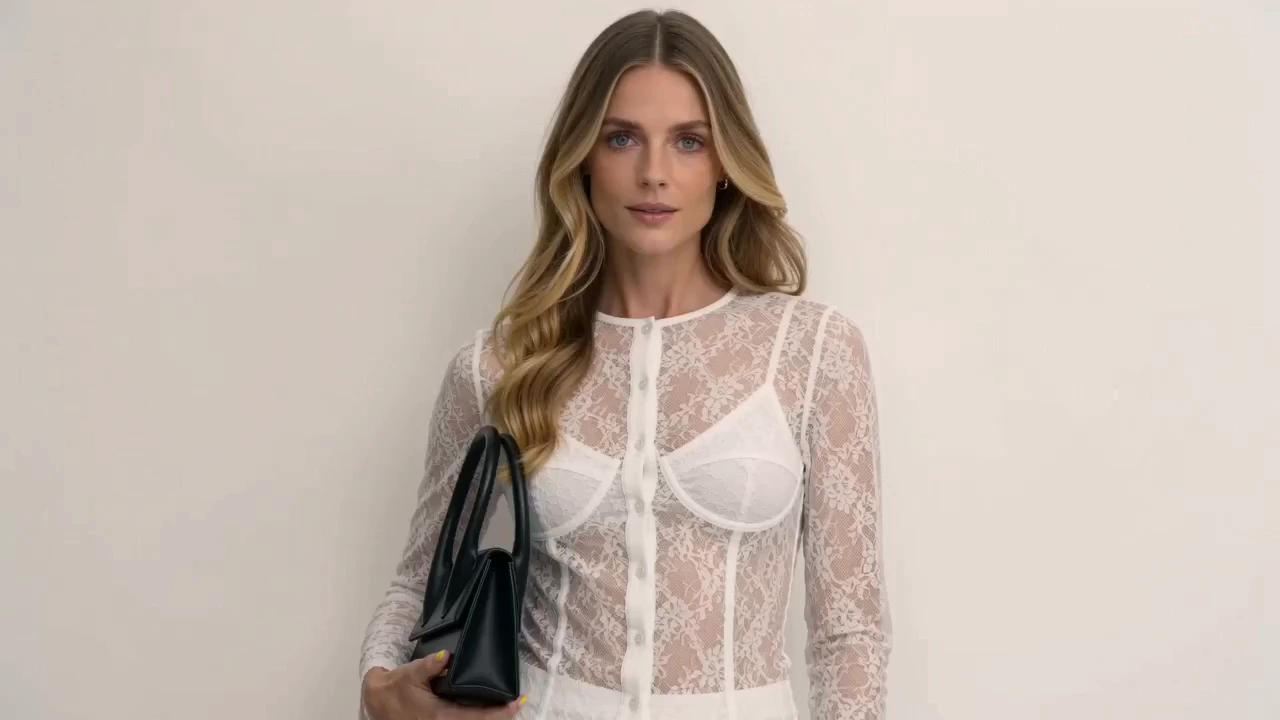
Product Ad Video
Sell products with stunning video ads
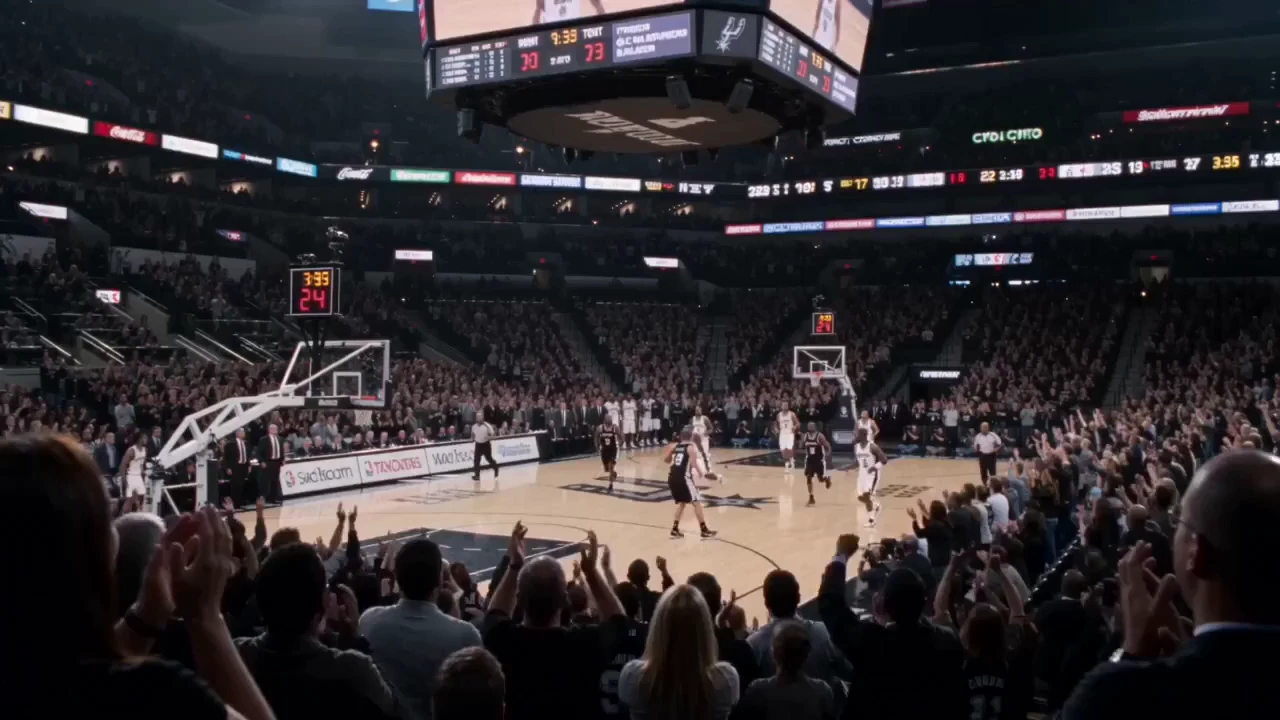
Social Media
Post scroll-stopping videos in minutes
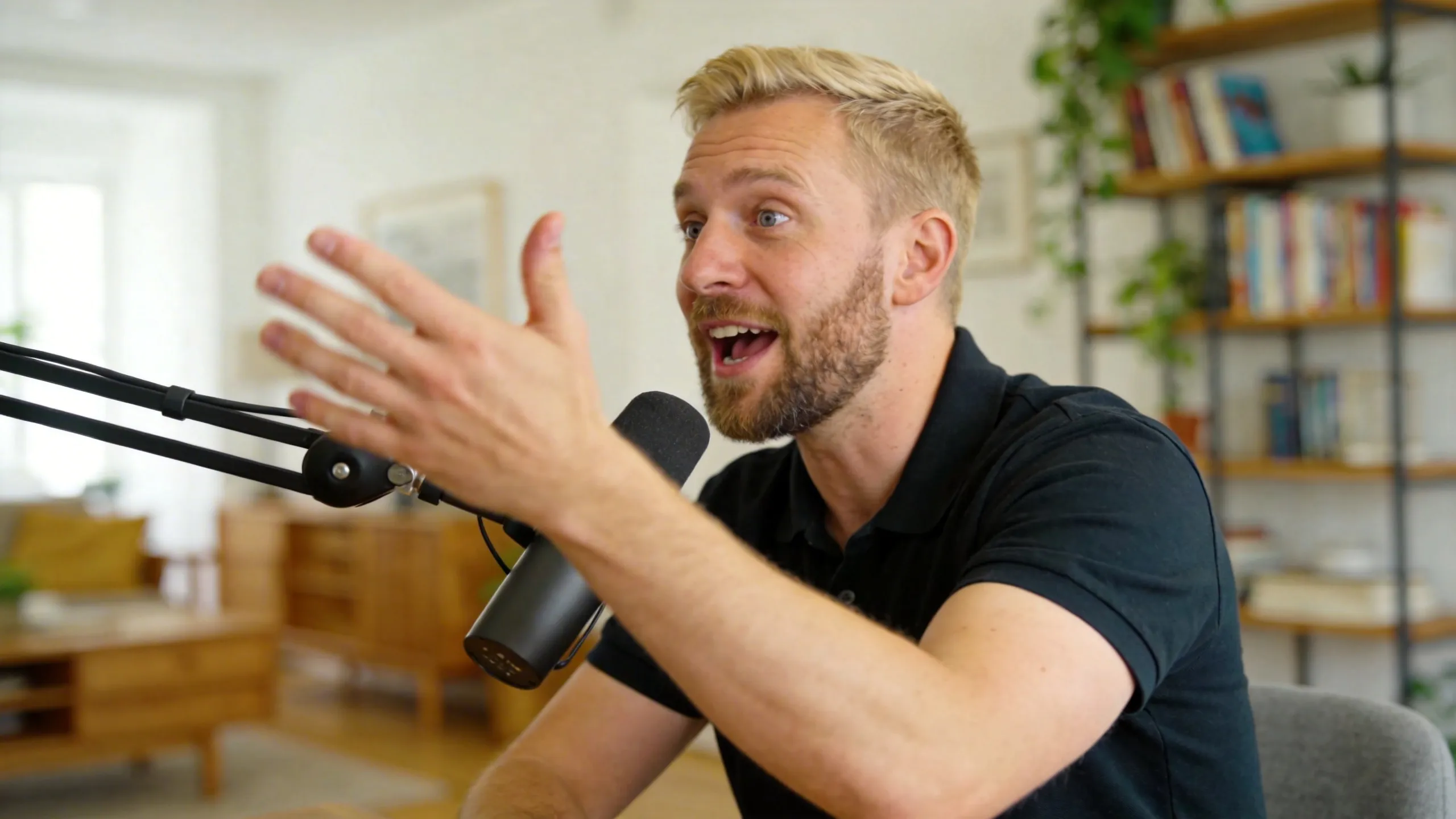
Explainer Video
Simplify complex ideas with clear visuals
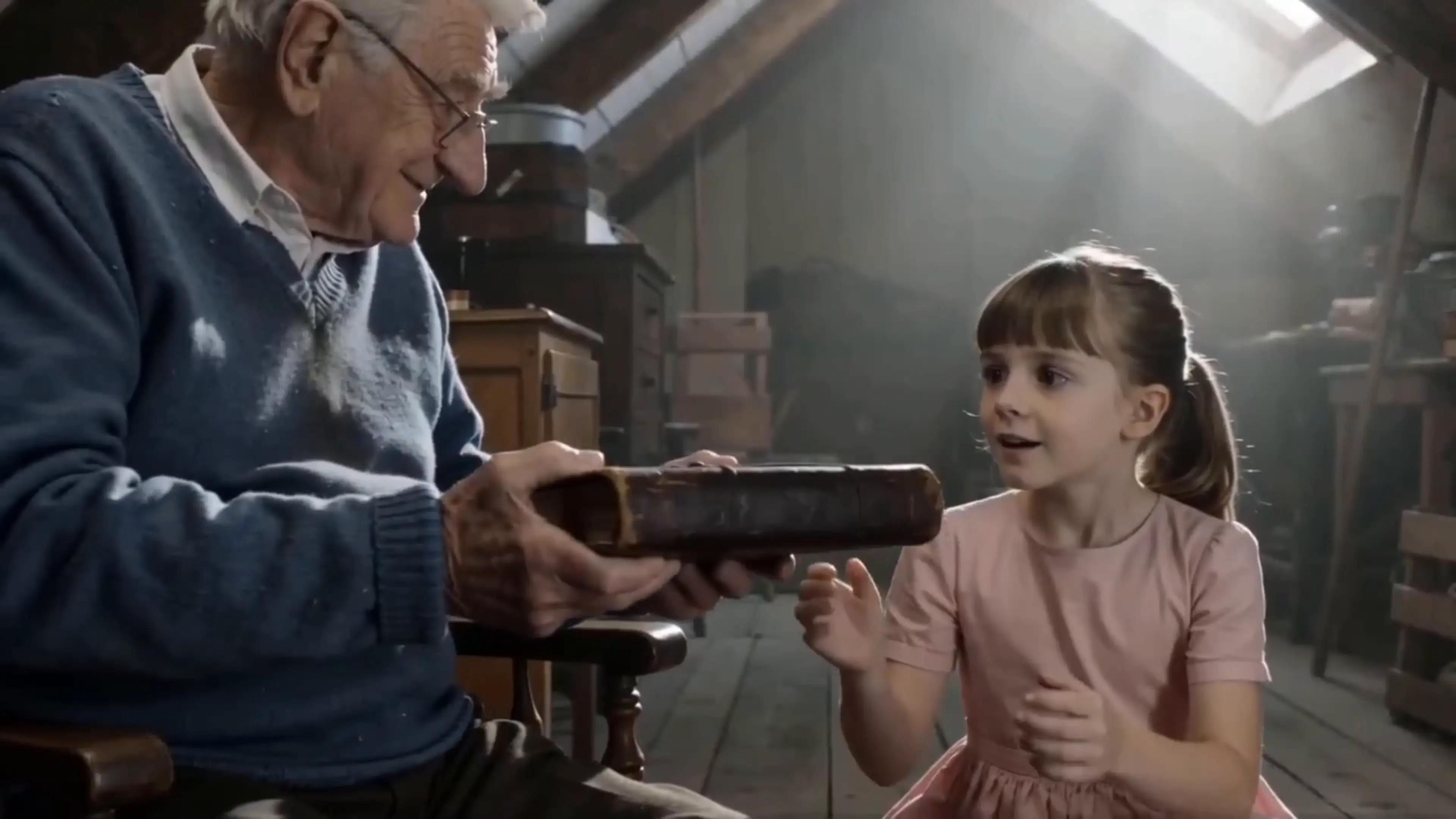
Short Story
Tell compelling stories in short form
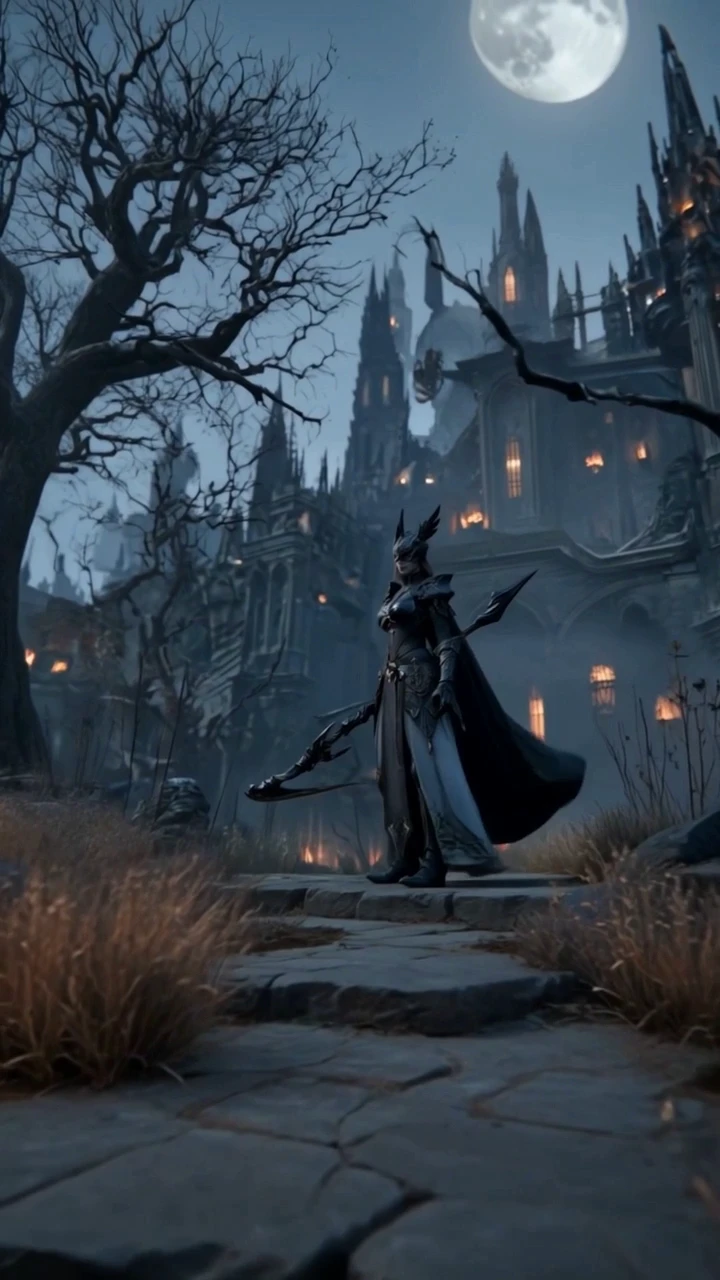
Anime Video
Generate stunning anime art & videos with AI
Music Video
Turn any song into a beat-synced video
Creators Using Pexo as Their AI Avatar Maker

I used to spend so much time messing with form-based avatar tools, trying to get the look right. With Pexo, I just describe my idea, and it gives me a complete video. The time saved is incredible, and the lip-sync quality is surprisingly natural. My audience loves the new AI avatar videos.
“I used to spend days finding a video editor. Now I just describe the product and the mood I want. Pexo turns my text into a video in under ten minutes. The output is good enough to run as an ad.”

Pexo acts as my free AI avatar creator for all my course modules. I can produce presenter-style videos without ever having to appear on camera myself. The best part is how the avatar maintains a consistent look and voice across multiple lessons without me re-configuring anything.
“I describe the video in plain English in Telegram, and Pexo handles the rest. It's the only free text-to-video tool I've found that actually delivers a finished, post-ready result.”

I wanted a custom anime-style avatar for my streams and social content. I just typed out a description, and Pexo delivered. I was genuinely surprised how close the output matched my described character, all without needing to upload reference images or manually adjust settings.
“I typed out a rough explainer concept, basically just bullet points. Pexo structured it into a proper video with voiceover and visuals in about fifteen minutes. I didn't touch a timeline once.”
What Pexo Can Do For You
-
Image to Video
Turn your image into a video
-
URL to Video
Paste a link, get a finished video
-
Text to Image
Describe your idea, get a stunning image
-
Audio to Video
Visualize your audio and music
-
Script to Video
Turn written draft into a fully produced video
-
AI Music Generation
Generate music based on description
-
AI Image Generation
Generate AI images from text or image
-
Lip Sync
Studio-Grade AI Lipsync Dubbing
Your AI Avatar Is One Conversation Away
Describe your avatar, and Pexo handles the rest—no setup, no prompt writing, and no credit card required. Three bonus projects are waiting for you on first sign-up.