
Kling AI 3.0
All in One. Camera, Cuts, and Sound.
Kling AI 3.0 is Kuaishou's most advanced video generation model, a unified multimodal engine built for physics-accurate motion, multi-shot narrative control, and native audio in a single generation. From product ads to short film previsualization, it handles the camera, the cuts, and the sound in one pass. Available on Pexo.
See What Kling AI 3.0 Makes Possible
Every video below was created through Pexo — just a description, no prompt syntax.
Built for Complete Video, Not Just Clips
Kling AI 3.0 unifies physics-accurate motion, multi-shot camera control, native audio sync, and character consistency into a single generation, so every output from Pexo arrives as a finished, coherent video.

Motion That Holds Up on Replay
Kling AI 3.0 on Pexo simulates real-world physics at a level where motion reads as captured, not generated. Fabric carries weight, fluids meet natural resistance, and objects accelerate and decelerate as they would on set. Where earlier models broke immersion with floaty movement or unnatural collisions, Kling 3.0 produces motion that stays convincing frame by frame.
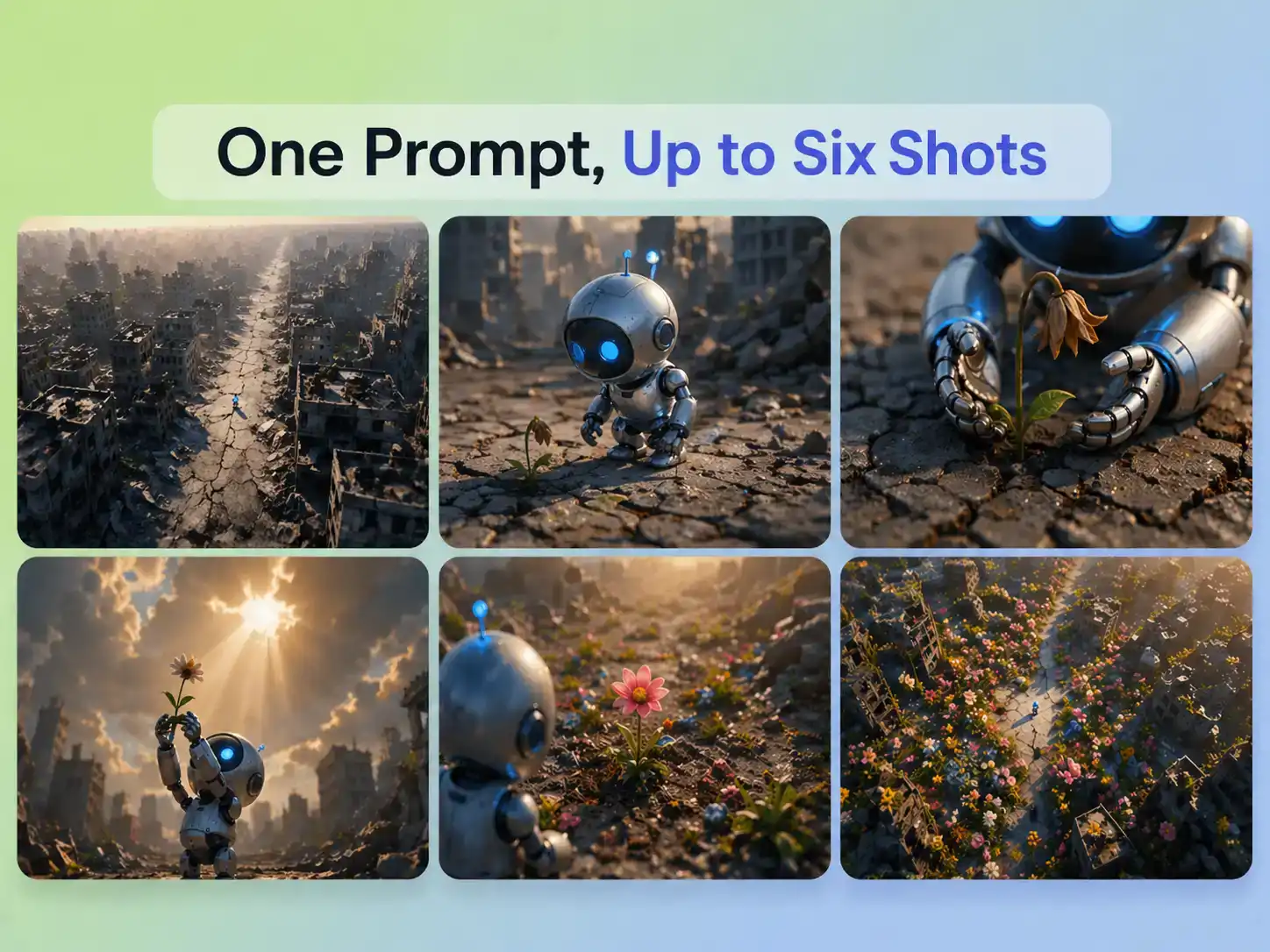
One Prompt, Up to Six Shots
With Kling 3.0 on Pexo, a single structured prompt becomes a multi-shot sequence — up to six distinct camera angles with automatic transitions. Shot-reverse-shot dialogue, cross-cutting, and coverage changes are handled natively. No manual stitching, no post-production assembly. You describe the scene; the model directs it.
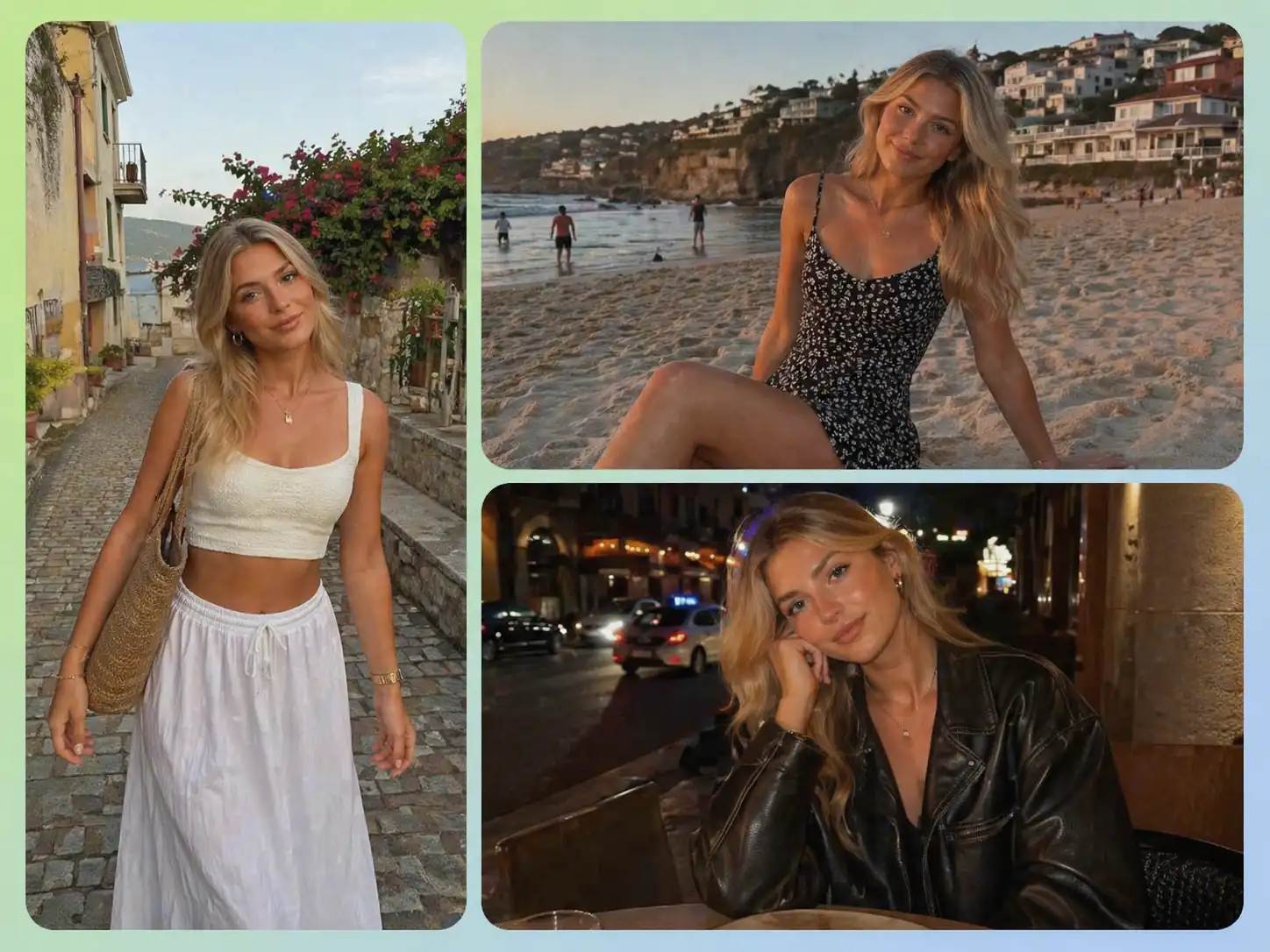
The Same Character, Scene After Scene
Kling AI 3.0 preserves facial features, clothing details, and body proportions across cuts, which is a core requirement for any narrative or branded video that follows a character through multiple scenes. Without this, multi-scene storytelling falls apart at the edit. Pexo handles multi-scene continuity instructions in plain language, so you describe the character once and Pexo carries those details forward without requiring you to re-specify them for every clip.
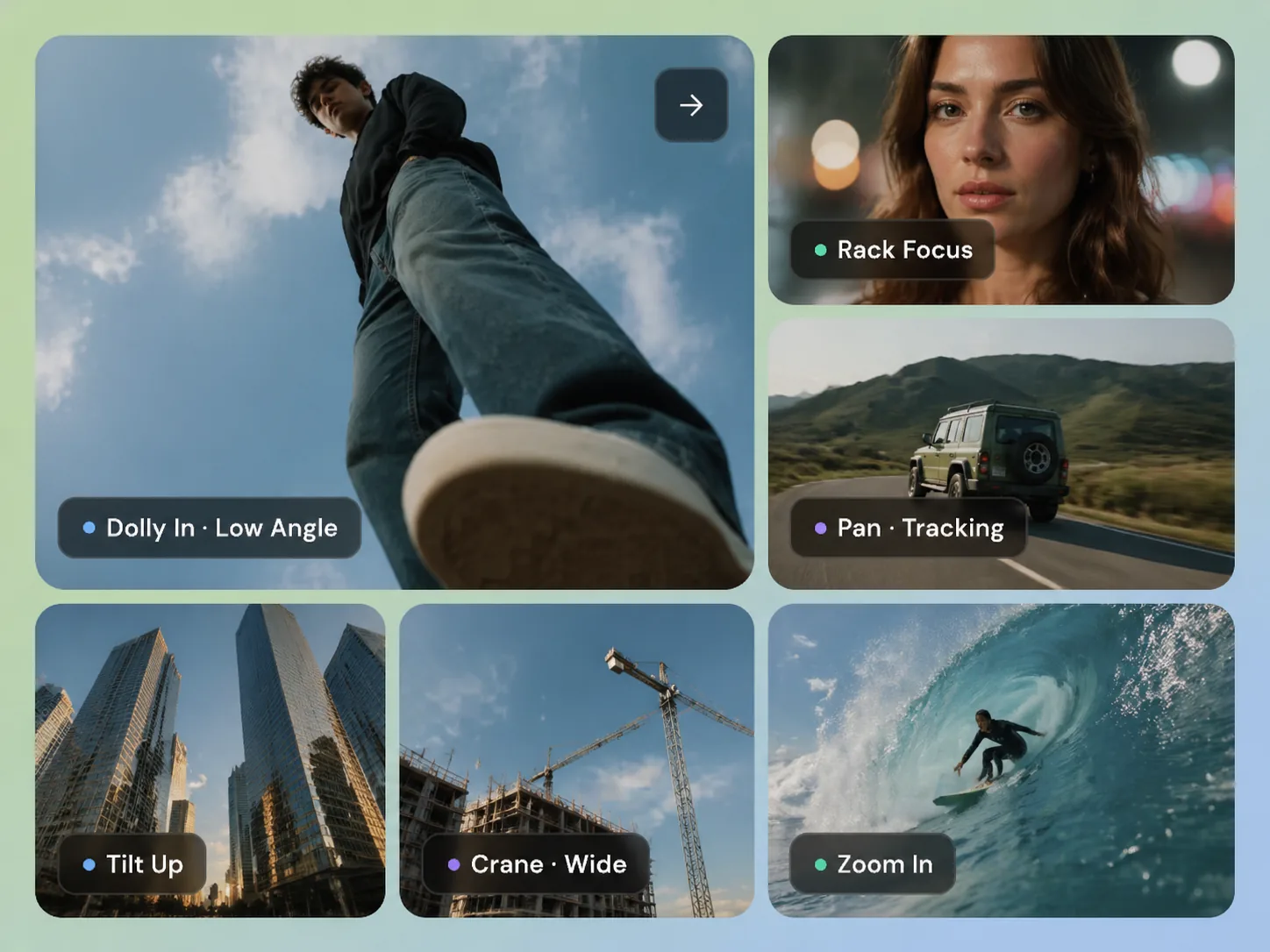
Direct the Camera Like a Shot List
Pexo gives you shot-level control over Kling 3.0's camera. Specify shot size, perspective, and movement — dolly, pan, tilt, rack focus, tracking — using standard cinematographic language. The model executes with smooth, predictable results. Combined with multi-shot mode, you get director-level pacing without touching a timeline.
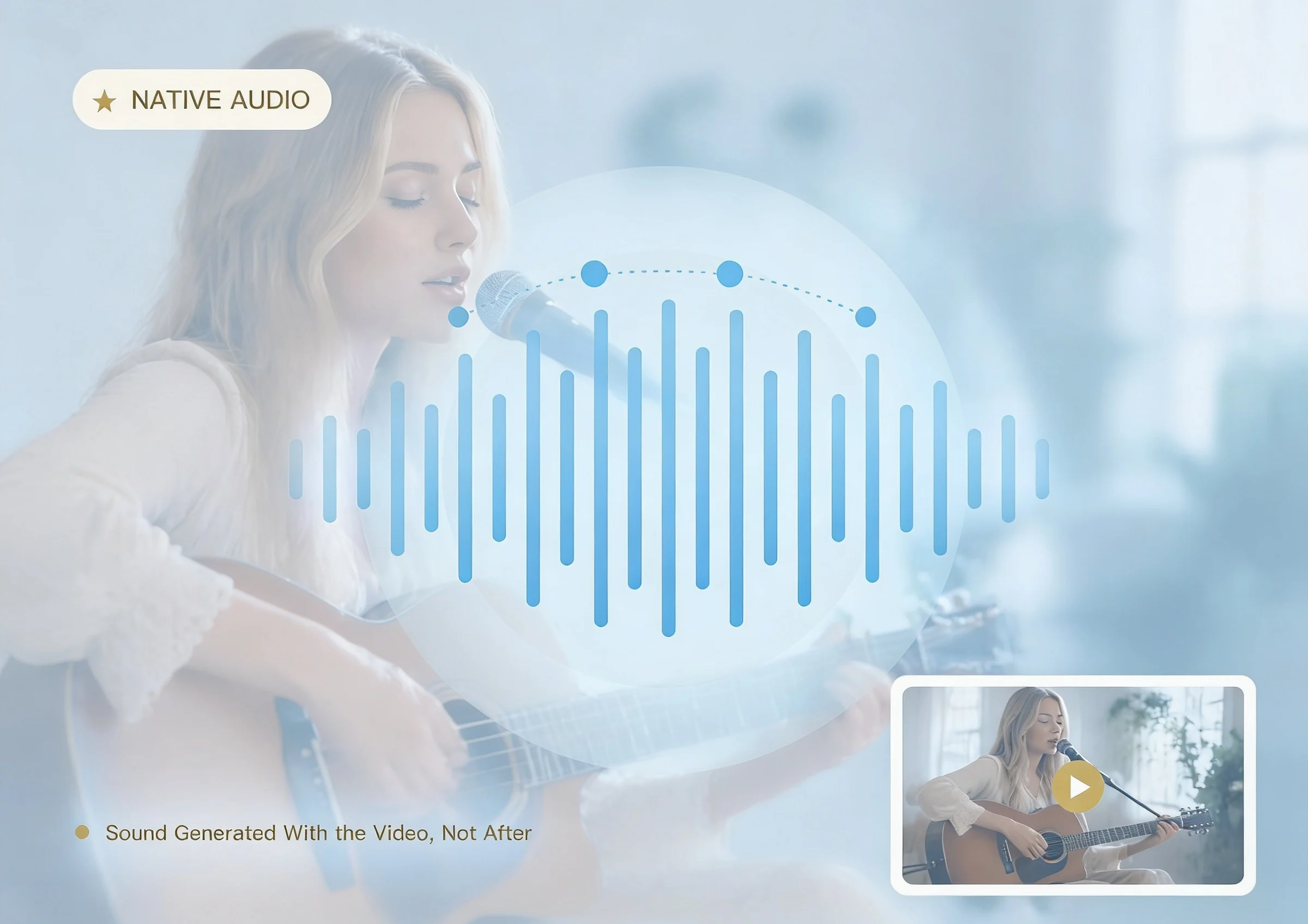
Sound Generated With the Video, Not After
Kling 3.0 on Pexo produces audio in the same pass as the visuals — dialogue, ambient sound, and sound effects all sync to the frame. Lip movements match speech across five languages with regional accent support. This eliminates the traditional step of layering audio onto silent footage and keeps every element temporally locked from the start.
Kling AI 3.0 vs Sora, Runway, and Seedance — Motion, Quality, and Access
This comparison is practical guidance for creators choosing a generative video model. Think of it as a capability map that helps the right use case find the right model, not a ranking.
| Feature | Seedance 2.0 | Kling 3.0 | Sora 2 | Veo 3 |
|---|---|---|---|---|
| Max clip duration | 15s + extension | 3–15s flexible | 20s (25s Pro) | 8s per clip |
| Multi-shot in one gen | ✓ | ↑ up to 8 shots | ✓ | — |
| Reference image inputs | Up to 9 images | Via video reference | 1 image (first frame) | — |
| Text-to-video | ✓ | ✓ Master edition | ✓ | ✓ |
| Camera control | ✓ | ✓ Physics engine | Prompt-guided | Prompt-guided |
Sources: Seedance 2.0 — ByteDance IR filing Q4 2025 · Kling 3.0 — Kuaishou Technology IR filing Q4 2025 · Sora 2 — OpenAI product page (2025) · Veo 3 — Google DeepMind Veo 3 release notes (2025)
How to Use Kling AI 3.0 in Pexo Without Prompt Engineering
The process takes three steps and requires no prior knowledge of Kling AI 3.0, generative video, or prompt syntax. If you can describe an idea, you can make a video.
Describe Your Video Idea
Type or send a natural-language description of your scene, mood, character, or story beat through Pexo on web, Telegram, WhatsApp, or Discord. There is no required format and no syntax to learn.
Pexo Selects and Configures Kling
Pexo interprets your creative intent, determines that Kling AI 3.0 is the right model for the job, and handles all configuration automatically. You make no technical decisions at any point in this step.
Receive Your Finished Video
You receive a complete, polished video clip ready to use. If you want to adjust or iterate, you continue the conversation rather than re-entering a form or starting over.
What you can make with Pexo's Kling 3.0
No prompt writing. No model picking. Just describe what you want.

Product Ad Video
Sell products with stunning video ads
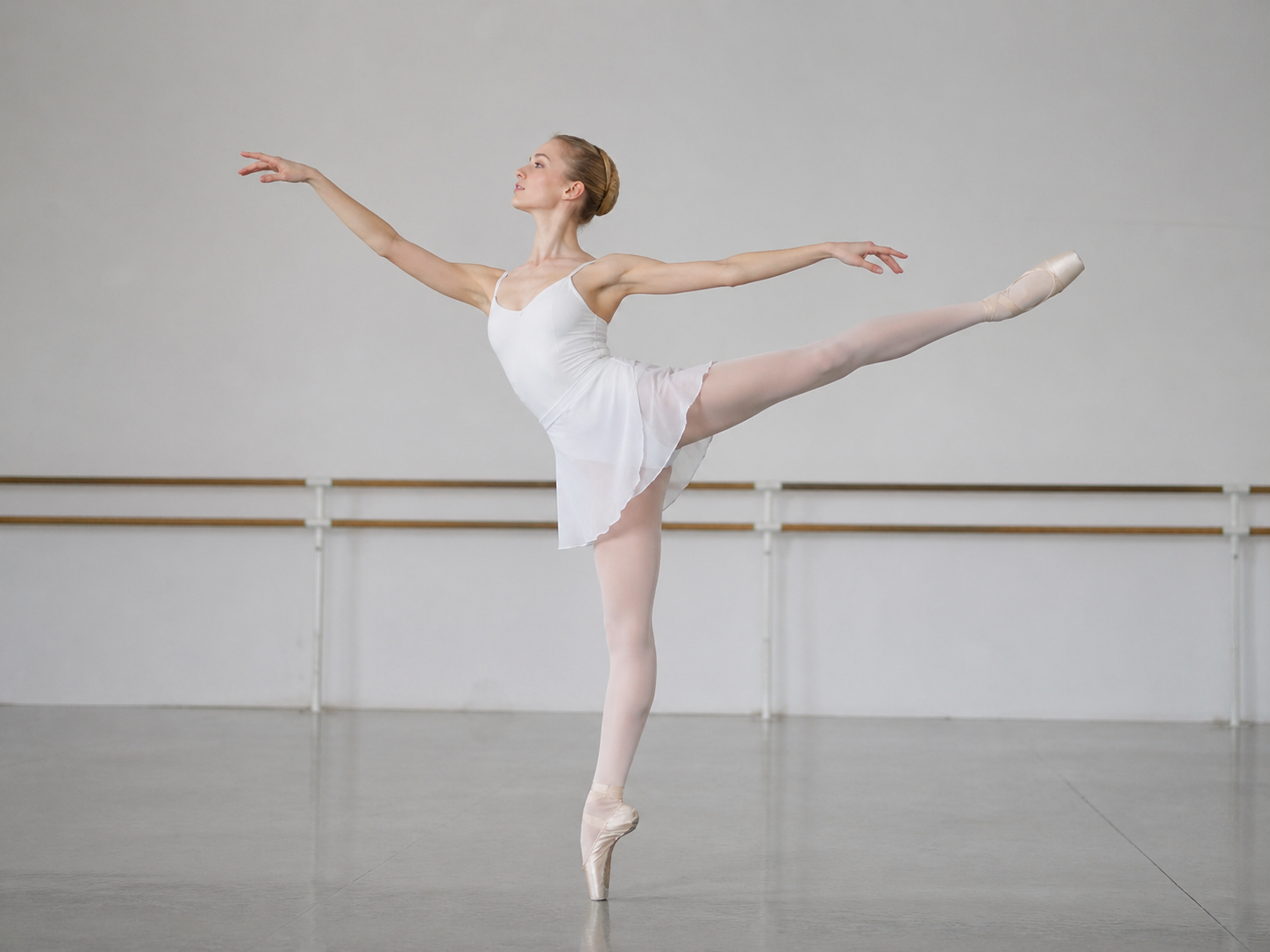
AI Dance Video
Turn music into a beat-synced video
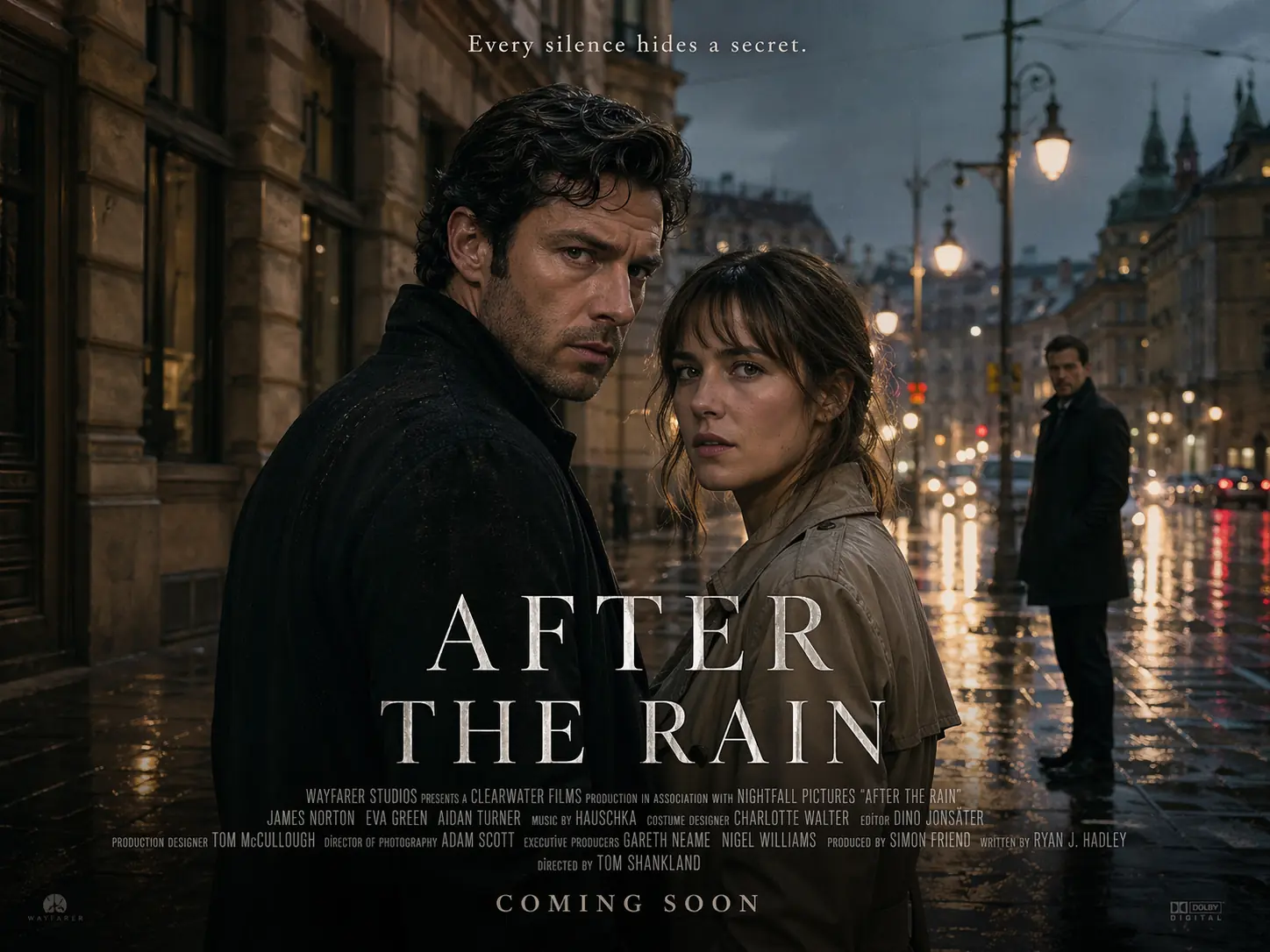
AI Cinematic Video
Film-quality videos from text

Short Story
Tell compelling stories in short form

Anime Video
Generate stunning anime art & videos with AI
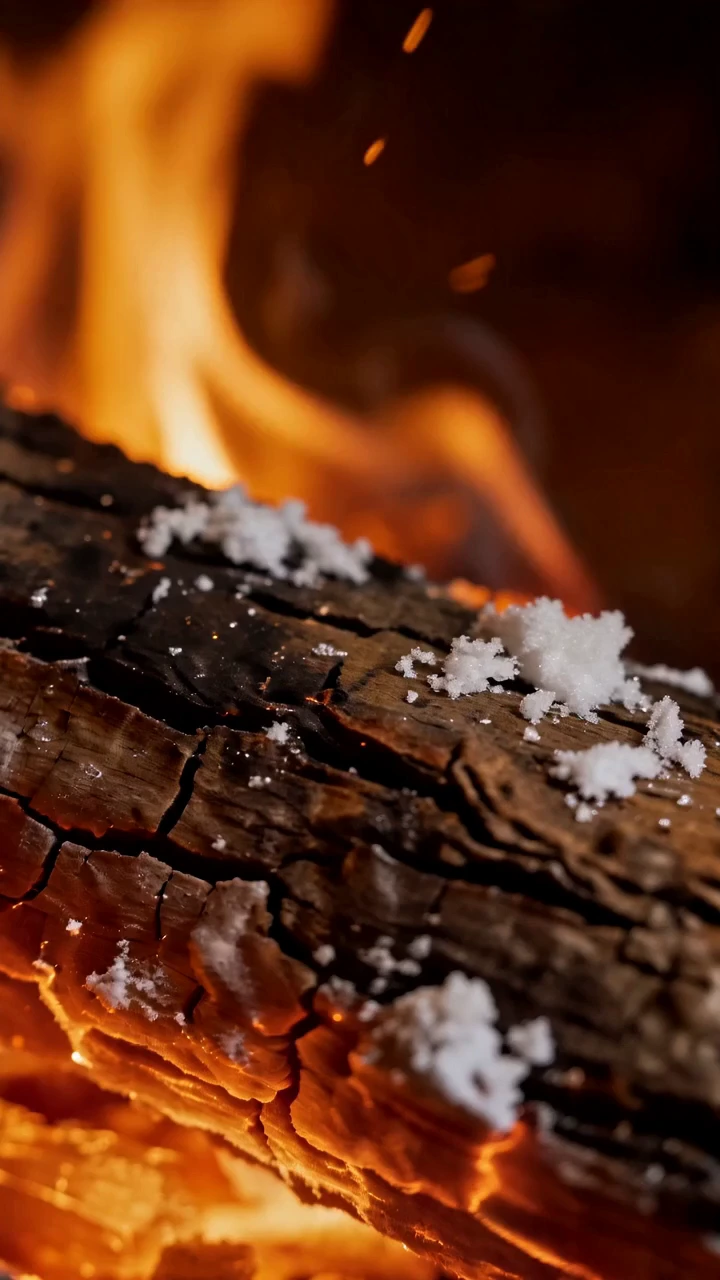
AI ASMR Video
Generate immersive ASMR video
Frequently Asked Questions About Kling AI 3.0
What is Kling 3.0?+
Kling 3.0 is an advanced AI video model developed by Kuaishou. It supports text-to-video and image-to-video generation with strong motion quality, cinematic aesthetics, and prompt adherence. It's one of the models Pexo is integrated with.
Do I need to know how to use Kling 3.0 to use Pexo?+
No. Pexo handles all model interaction behind the scenes. You describe what you want to make in plain language — Pexo takes care of the rest.
What kinds of videos can I make?+
Product ads, brand films, social reels, short stories, ASMR videos, music videos, and more. If you can describe it, Pexo can produce it.
Can I keep the same character across multiple scenes?+
Yes. Pexo helps you maintain consistent characters across multiple scenes, so your story stays visually coherent from start to finish.
Does the video include audio?+
Yes. Describe the voiceover, background music, or sound design you want. Pexo generates audio that fits and syncs to the video.
Is Kling 3.0 available now?+
Yes. It's integrated into Pexo and available to all users. No waitlist, no setup required.
Start Creating with Kling AI 3.0 on Pexo Today
No credit card, no prompts, no setup — your first video is free.