Text-to-video generation
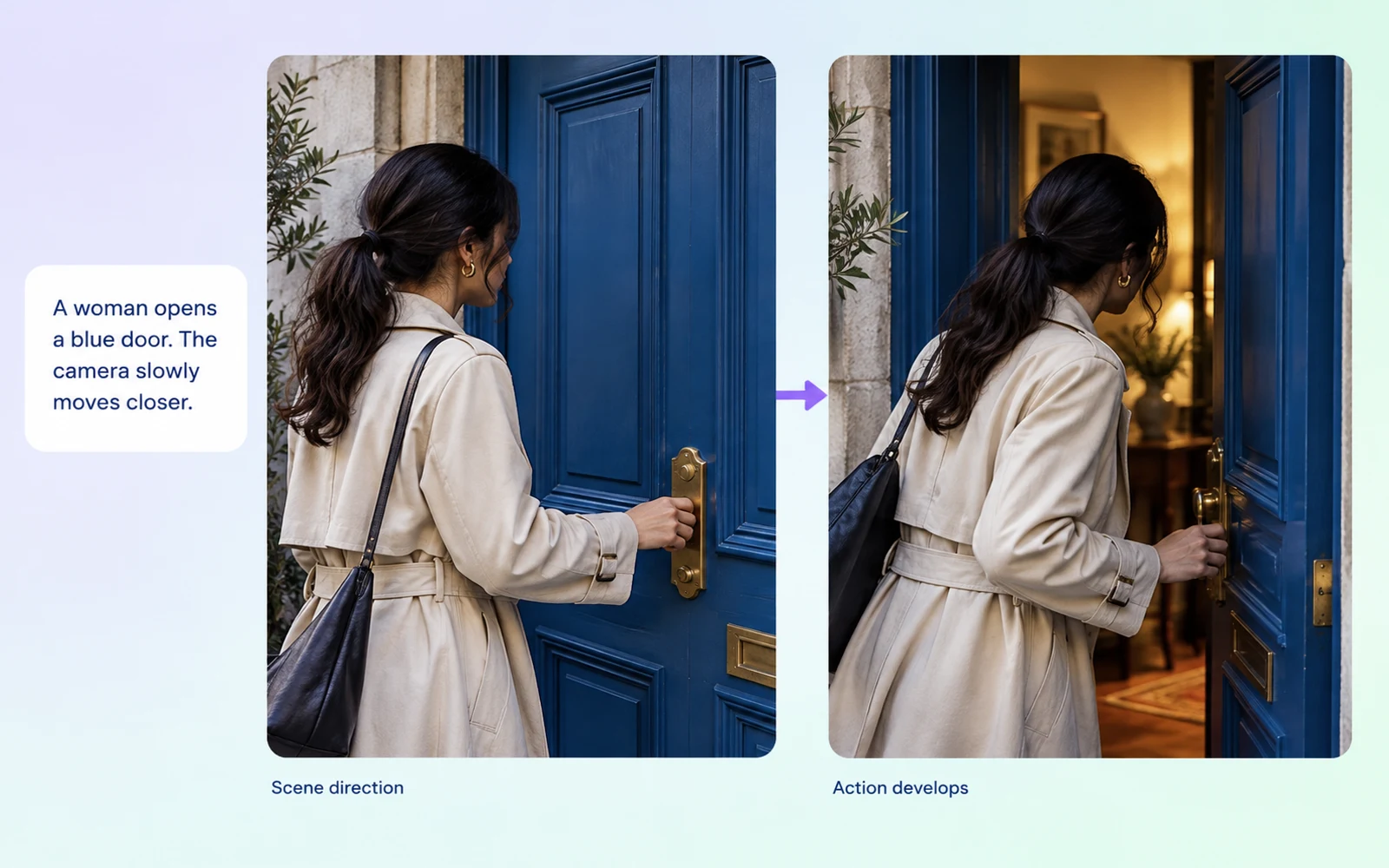
Start with a written scene and specify what changes during the shot. A character reaches for an object, a door opens, or a product enters the frame. Give the action a clear subject, setting, and camera direction.
Turn a written scene or starting image into video, with synchronized audio generation for action, atmosphere, and character moments.
Start with a written scene and specify what changes during the shot. A character reaches for an object, a door opens, or a product enters the frame. Give the action a clear subject, setting, and camera direction.
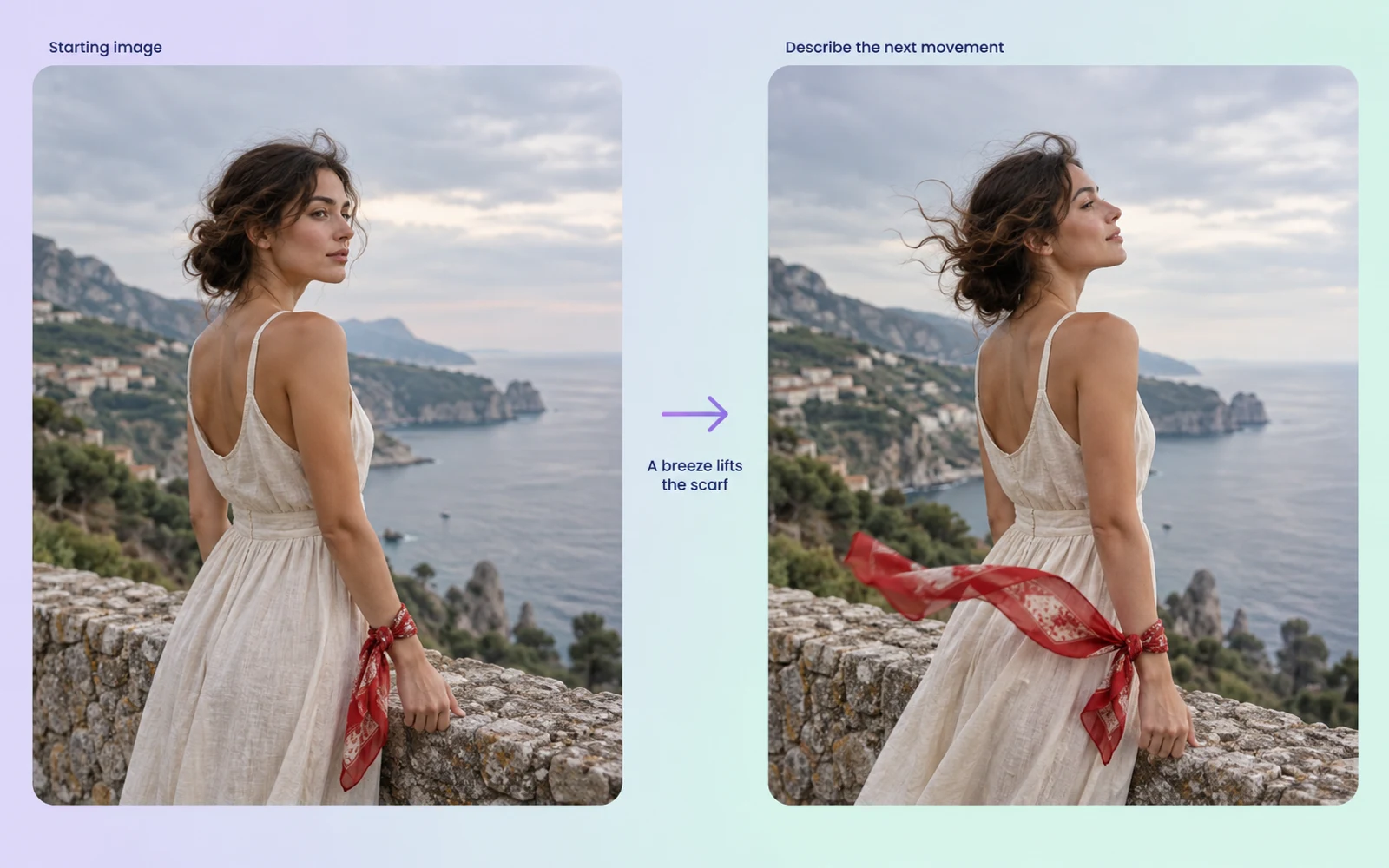
Use an image to establish the starting visual, then describe the movement that follows. This is a practical starting point when the subject and composition are already defined and you want to explore how the scene develops.
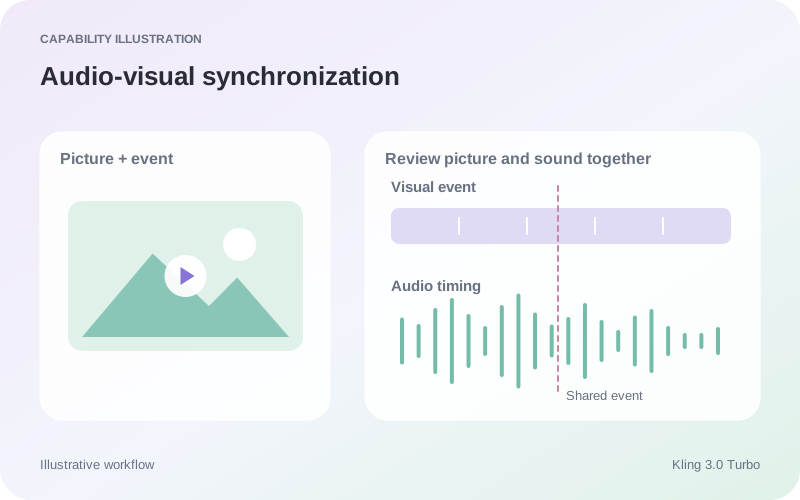
The Turbo Standard API documents native audio generation, while the Turbo Pro description highlights lip-sync. Describe sounds that belong to the action, then listen to the result alongside the visible movement before using the clip.



| Dimension | Kling 3.0 Turbo | Veo 3.1 | H3 Max Turbo |
|---|---|---|---|
| Input formats | Text and image | Text and image; visual references | Text and image; extension by task |
| Core direction | Text and image video generation with synchronized audio | Video generation with audio and visual guidance | Video generation, keyframe guidance, and extension |
| Audio capabilities | Standard API: native audio generation | Native audio generation | Uploaded audio can replace the soundtrack |
| Video duration limits | Turbo Pro API: 3–15 seconds | Gemini API: 4, 6, or 8s initially; references and 1080p/4K require 8s | Up to 15s requested per generation; extension adds 1–15s |
| Output resolution | Turbo Standard: 720P; Turbo Pro: 1080P | Gemini API: 720p; 1080p/4K at 8s; extension at 720p | fal T2V/I2V: 480P or 768P; 1080P refinement from 768P. Extension has separate settings. |
| Suggested uses | Action briefs from text or a starting image | Scenes planned around sound, visual references, and continuation | Keyframe-led shots and continuation of existing clips |
Specifications checked October 19, 2026. Sizes and controls refer to the named provider and task. Sources: Kling V3 Turbo Pro API · Kling V3 Turbo Standard API · Kling V3 Turbo I2V API · Google Veo 3.1 API guide · H3 Max Turbo API · H3 Max Turbo extension API
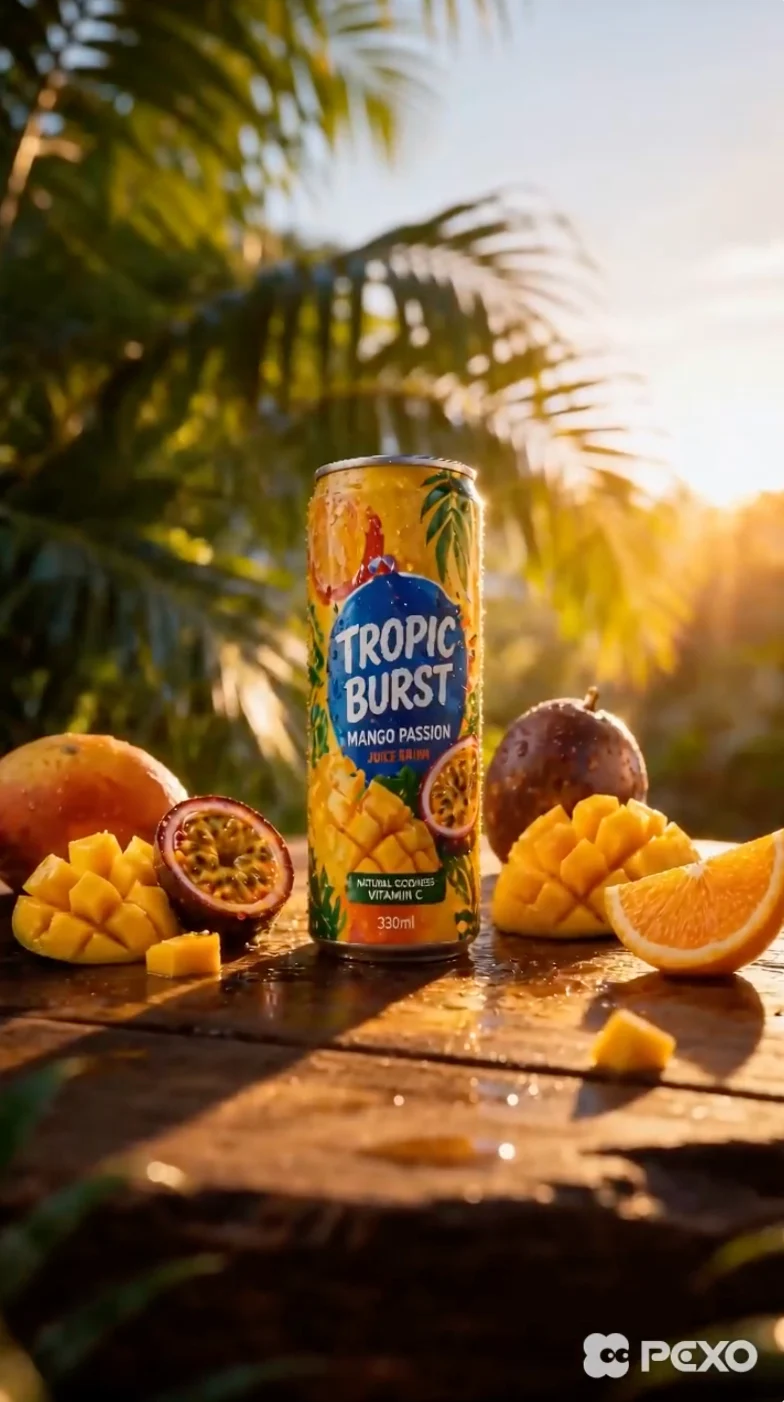
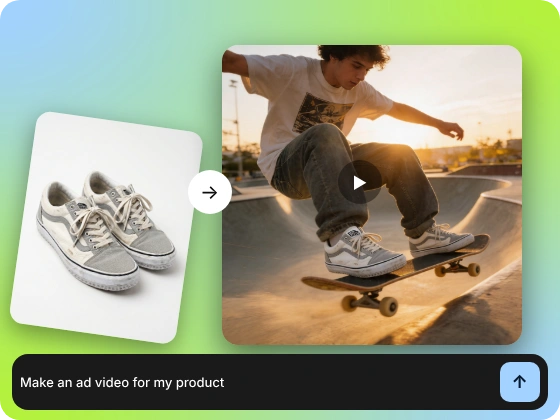
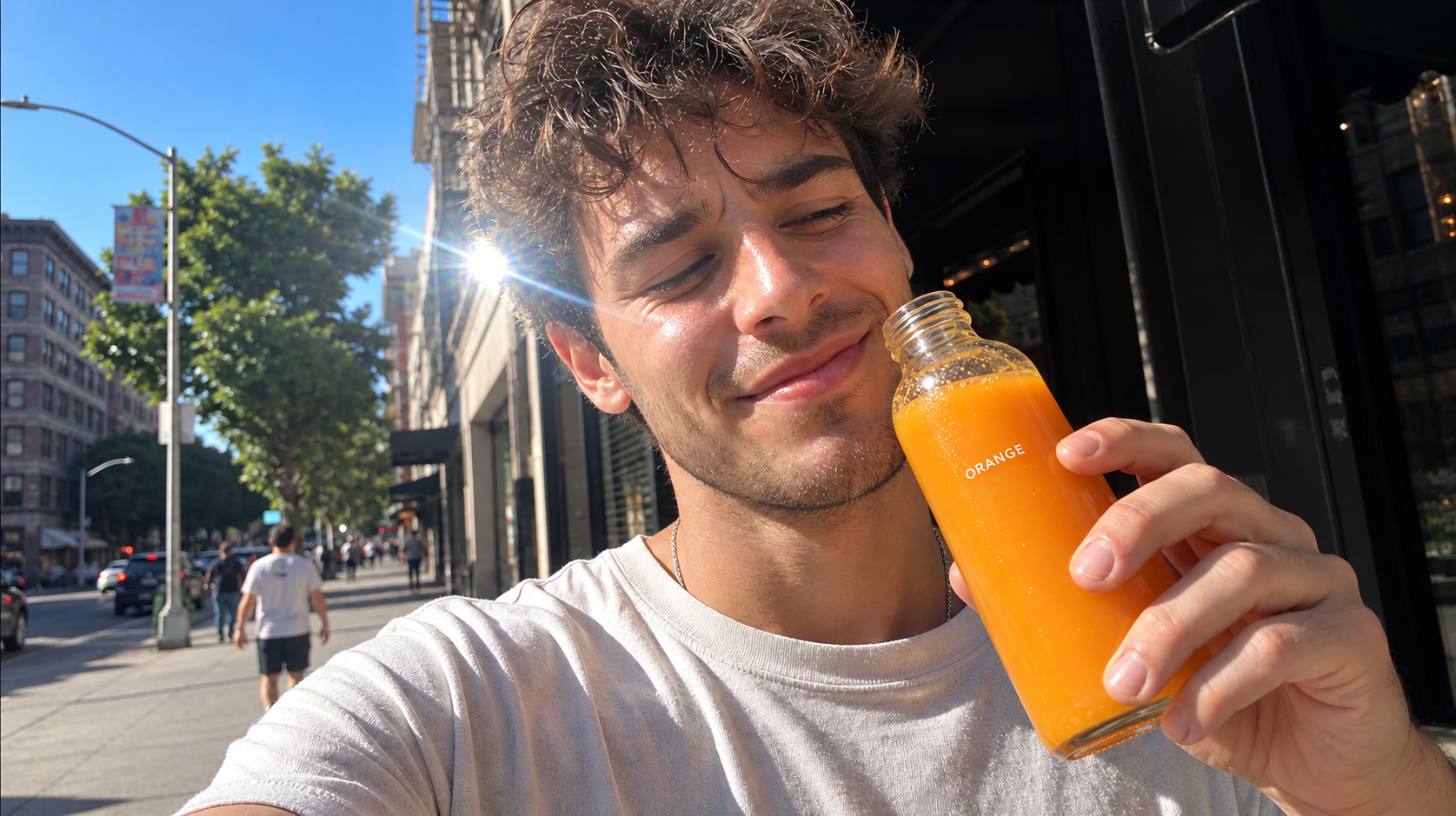
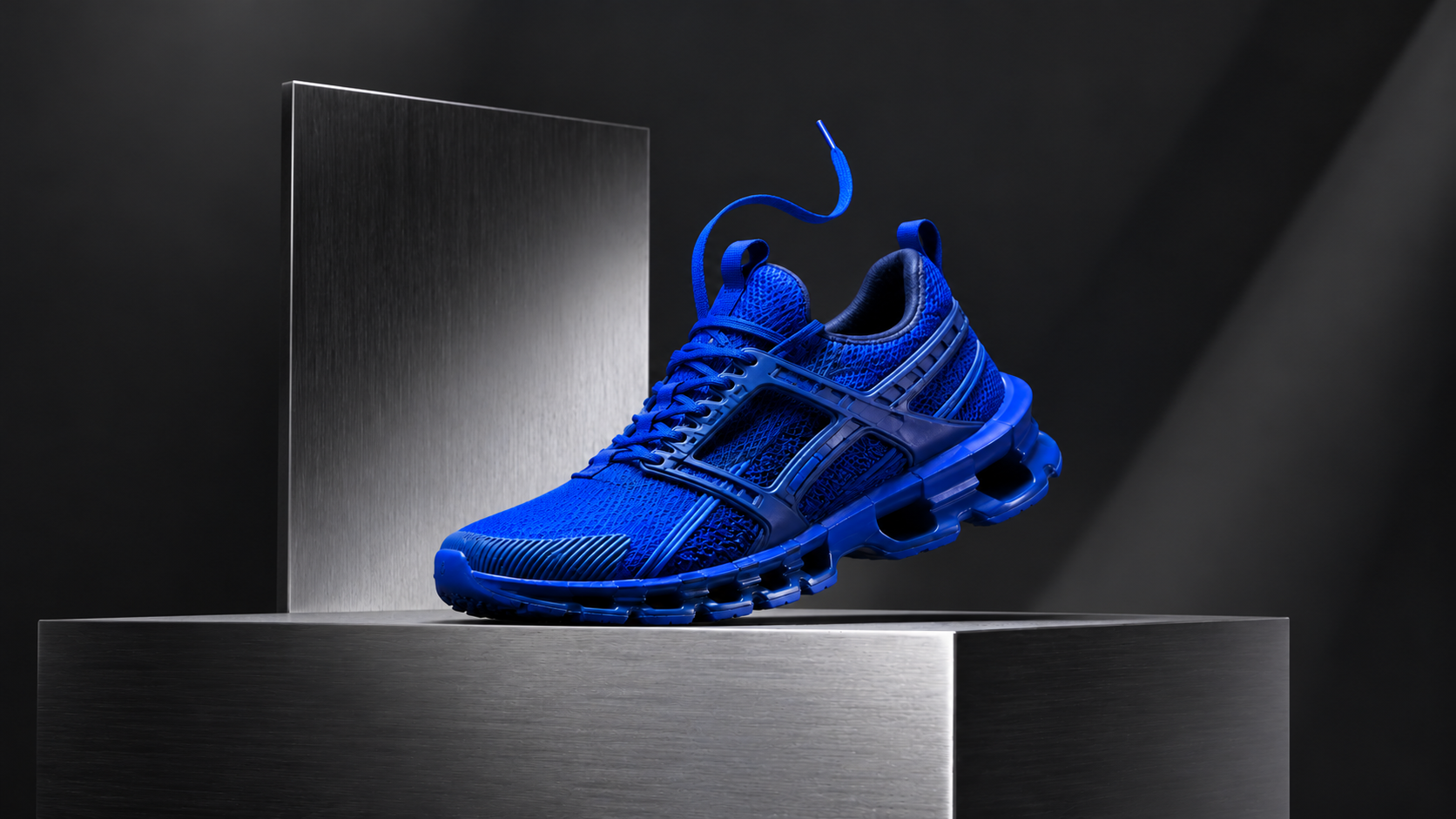
Start with a product image and describe a focused action, such as rotation or a camera move. This turns a static product concept into a video study; inspect labels, outlines and details throughout the motion.
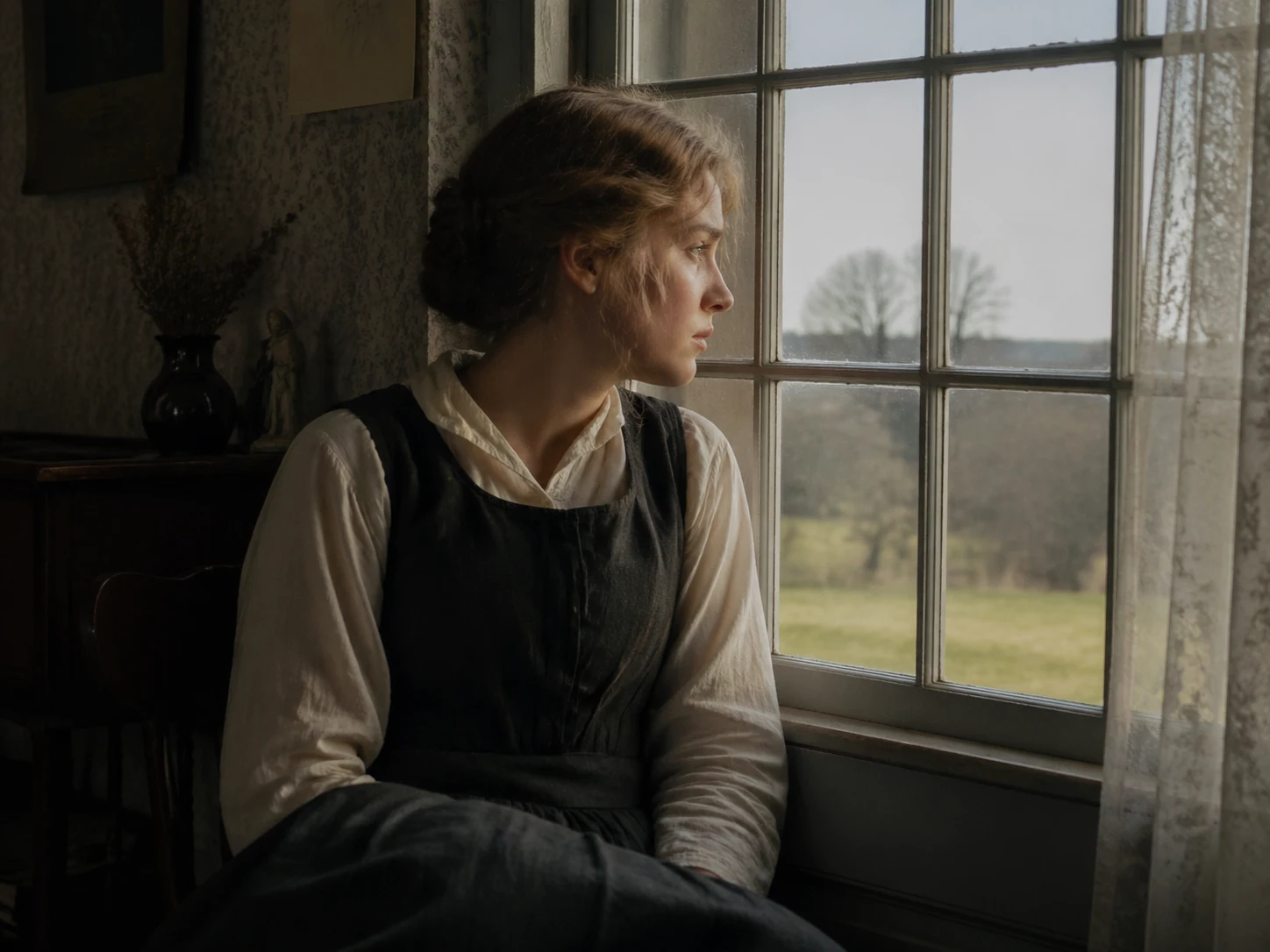
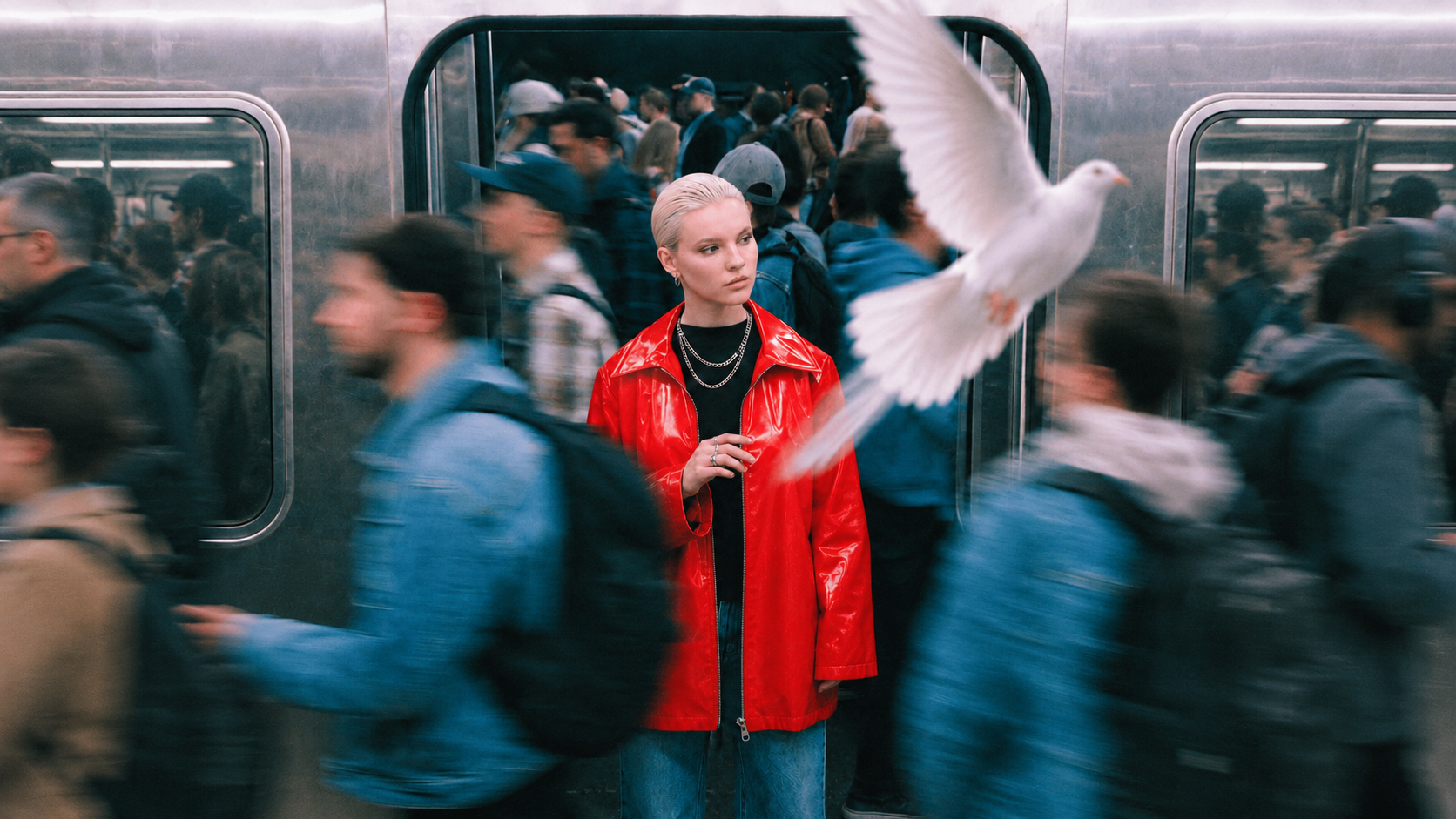
Describe the subject, setting and action sequence, or use an image to establish the opening. This suits focused shots of walking, turning or interacting with a scene, with revisions centered on one action.
Include ambient sound and action cues alongside the visual changes in the prompt. This suits short clips where sound helps explain the scene; review how the audio aligns with visible events.
Explore video workflows for product motion, character action, and short scenes.
Kling 3.0 Turbo is a video generation variant in the Kling family, with separate text-to-video and image-to-video endpoints. On fal, Turbo Standard is the 720P route and Turbo Pro is the 1080P route. Match the variant to the output you need.
Begin with text when you need to establish the whole scene. Begin with an image when its subject and opening composition already match your direction. In either case, describe what changes during the shot so the result has an event for the audience to follow.
The Turbo Standard text-to-video endpoint explicitly documents native audio generation. The Turbo Pro description highlights lip-sync. Review speech and sound against the picture; the Standard audio description does not imply that every variant exposes the same audio controls.
The name does not establish a guaranteed completion time. Turnaround can depend on the service, settings, and queue. If timing matters to the project, measure a representative run under your intended conditions and include review time when planning delivery.
The Turbo Pro API accepts integer durations from 3 to 15 seconds. Its text-to-video storyboard input supports 1–6 shots with a combined length of no more than 15 seconds. Use a focused action or a short shot sequence that fits the chosen duration.