Pexo
Nano Banana 2.1

Nano Banana 2.1
Keep developing the image

Create images, refine them through conversation, and combine references with text, layout, and search tools for a more specific visual brief.

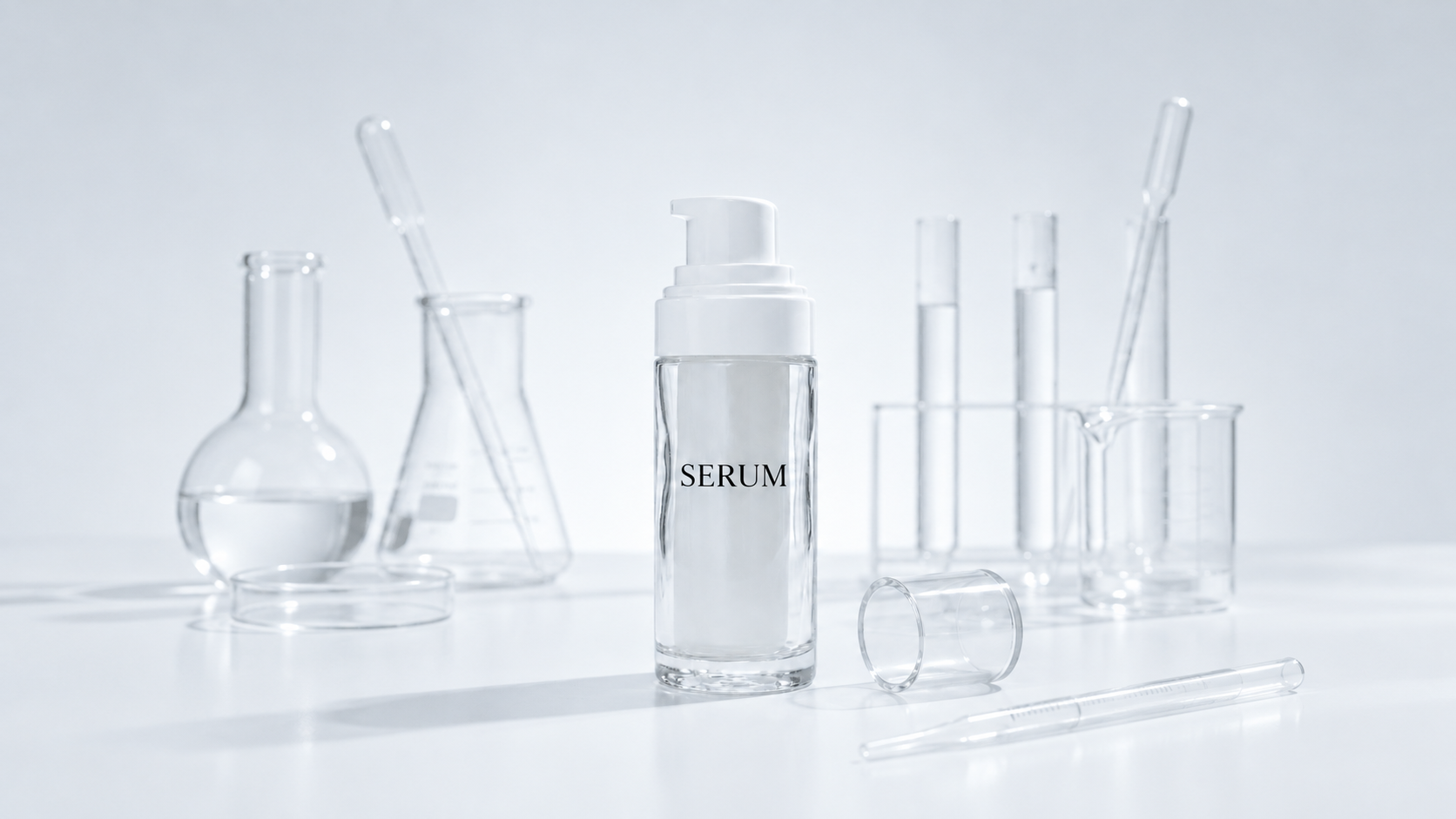
Skincare bottle among glass vessels

Core capabilities

Capability illustration: Image generation

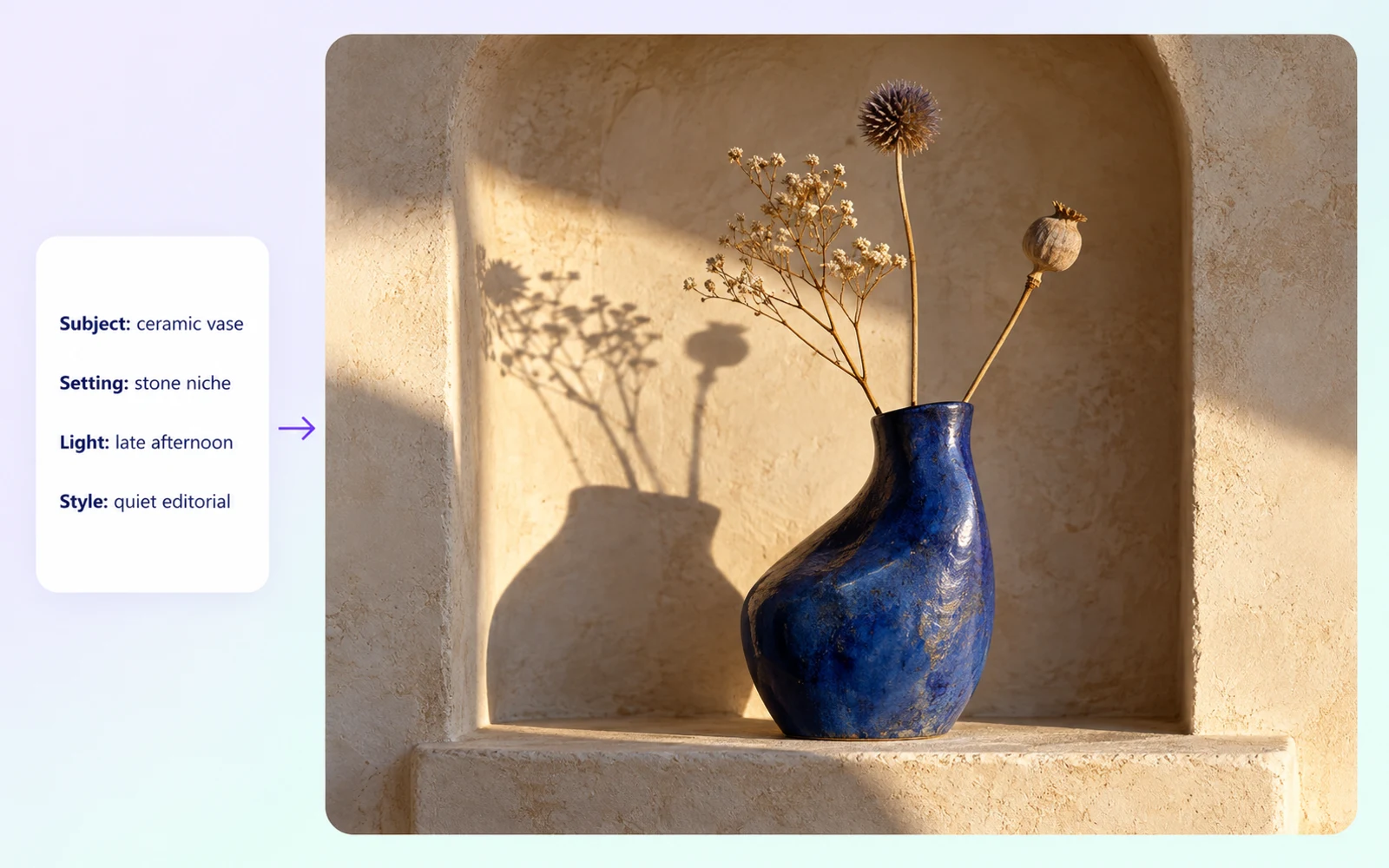
Image generation

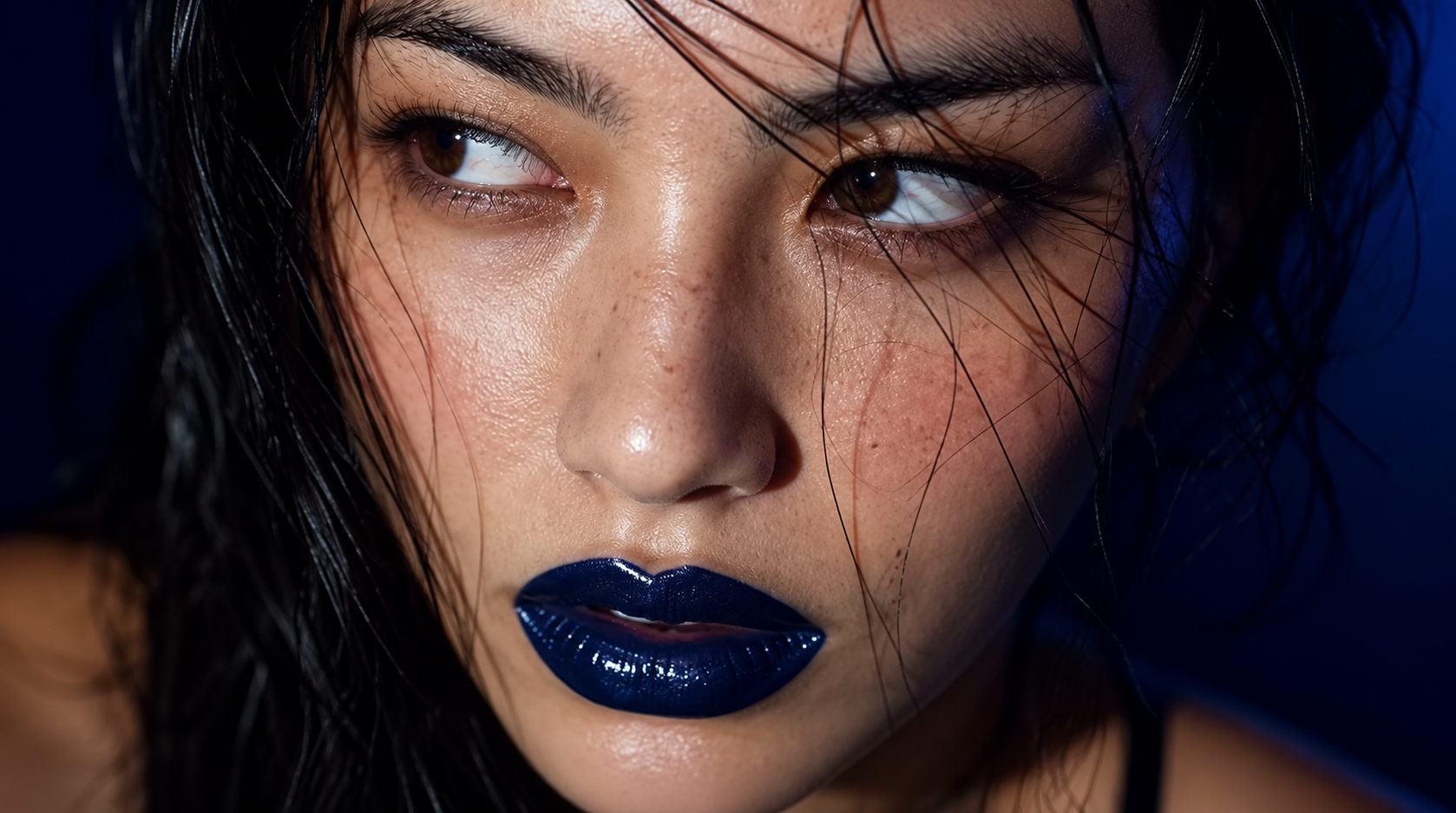
Describe the subject, setting, style, and composition to generate an image. A specific brief gives you a basis for evaluating the result and deciding which details need another instruction rather than restarting the whole creative direction.
Capability illustration: Conversational image editing

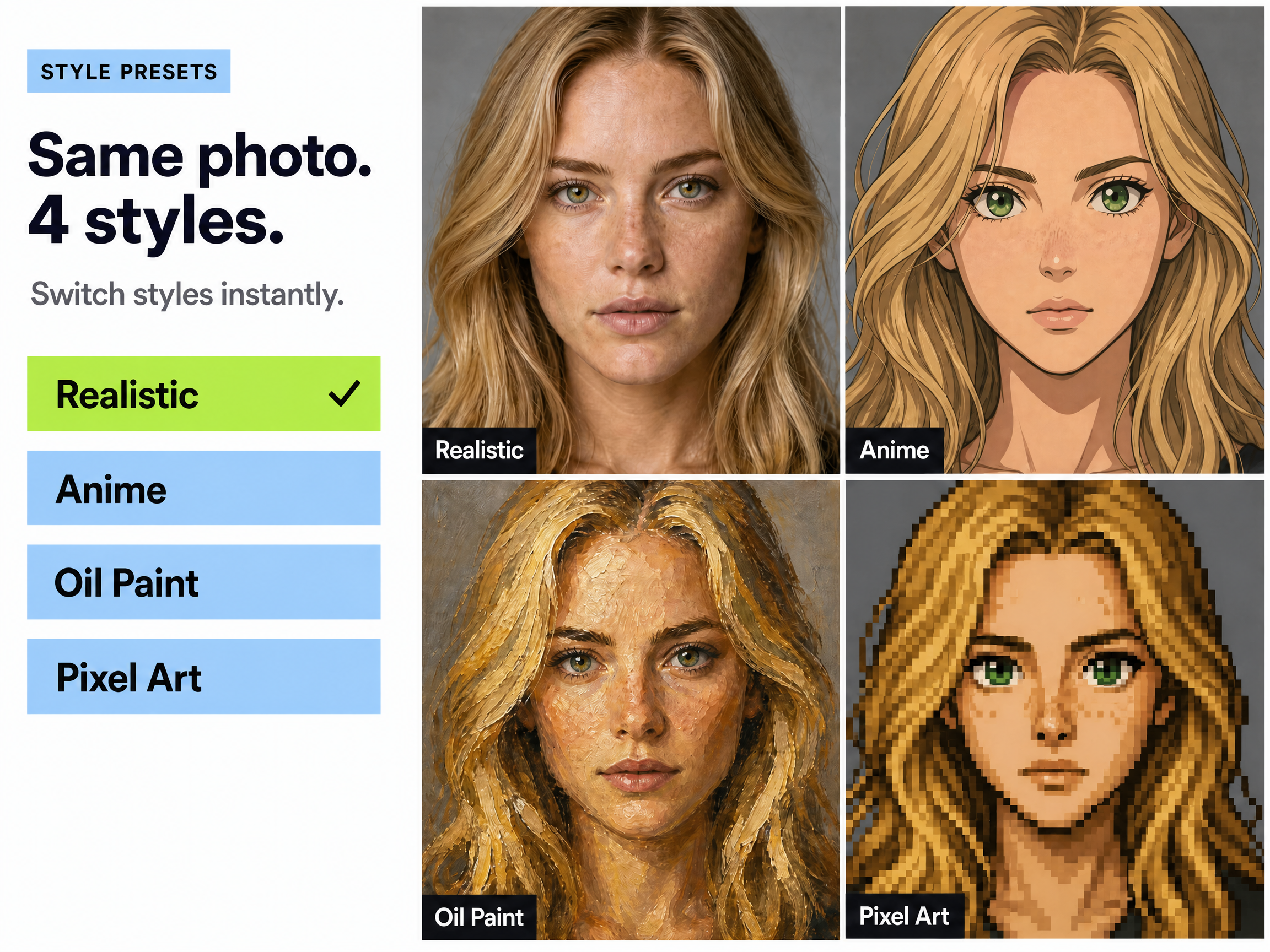
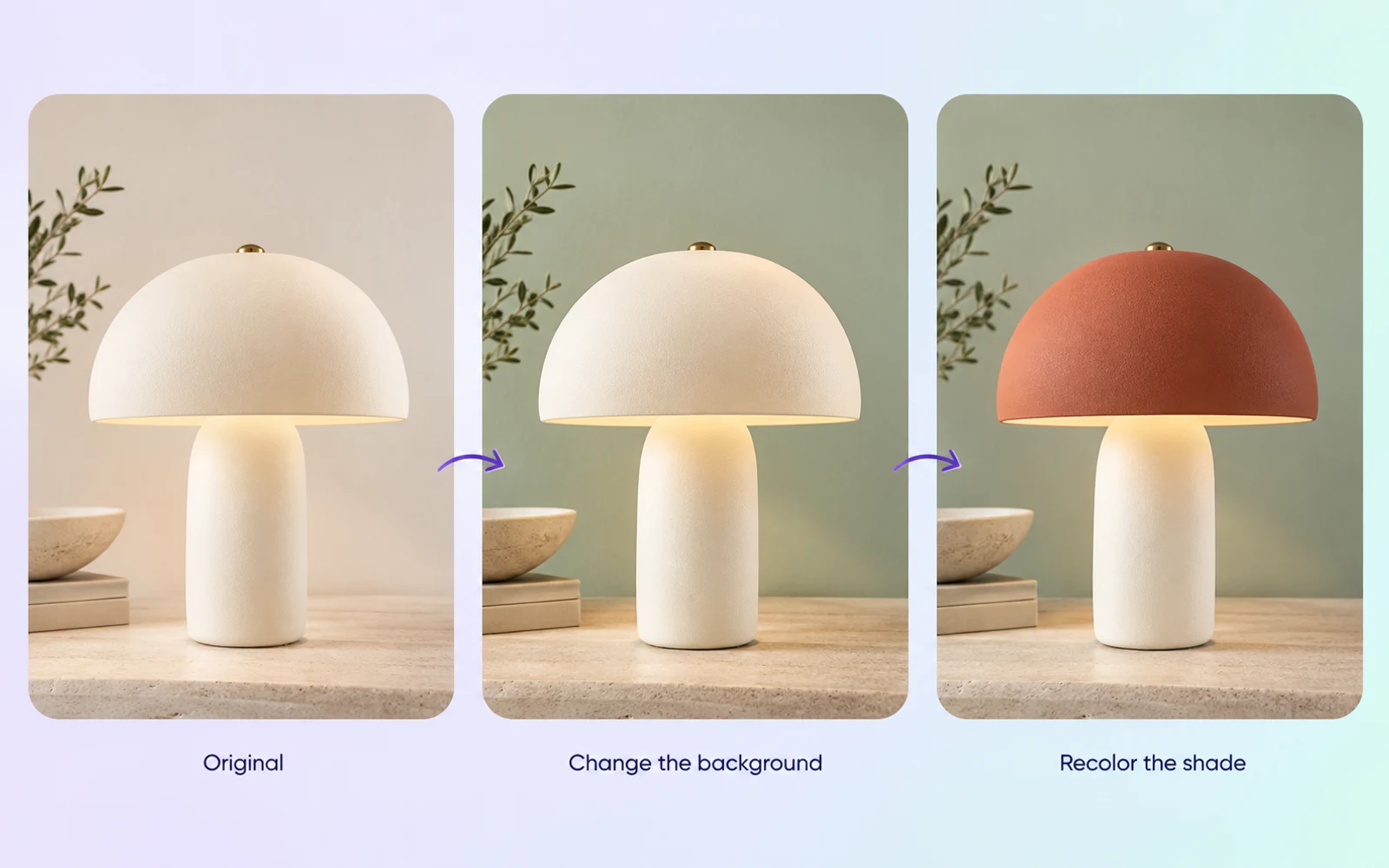
Conversational image editing

Refine an image through follow-up instructions. Change the background, adjust an element, or develop the composition as the idea evolves. Compare successive versions so the details you want to retain remain part of the review.

Capability illustration: Search-grounded image generation

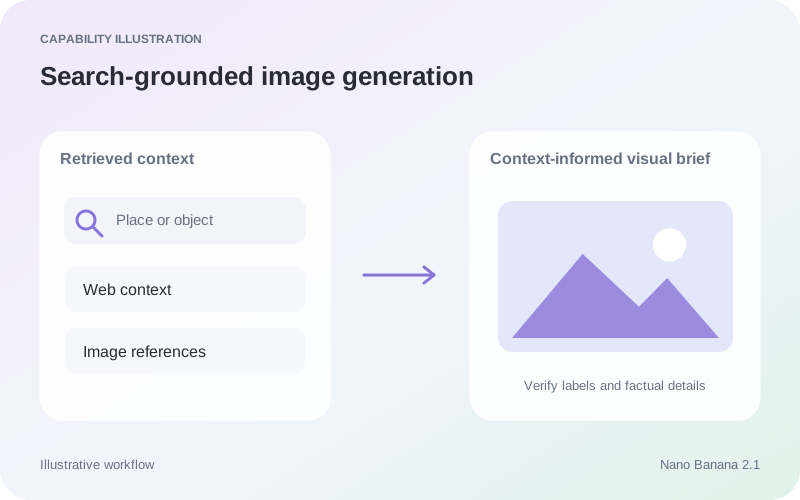
Search-grounded image generation

Nano Banana 2.1 supports Google Web and Image Search grounding, bringing retrieved information into a visual request. Use it for context about named places or objects, and verify facts, labels, and relationships in the finished image.

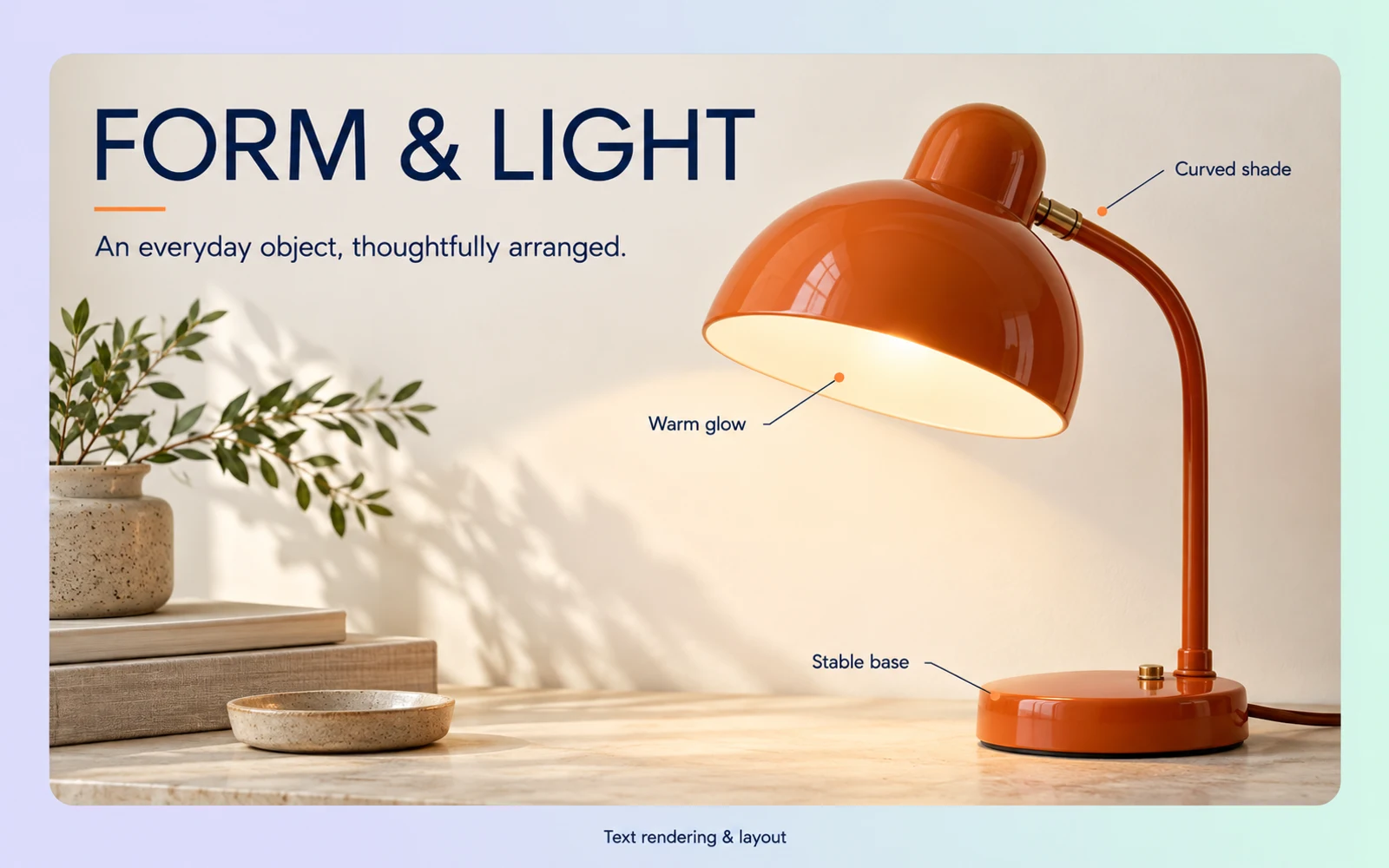
Capability illustration: Text rendering and layout

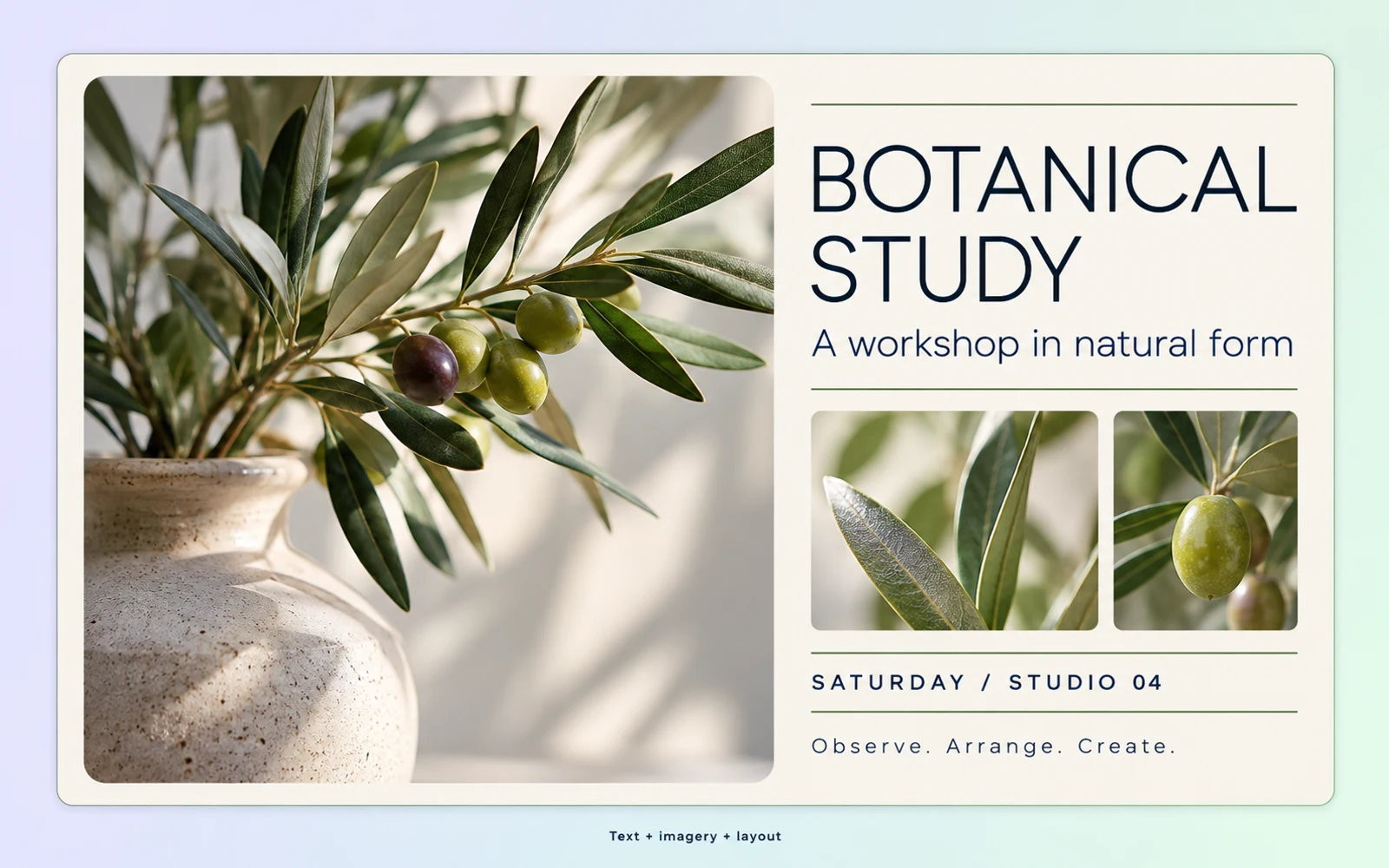
Text rendering and layout

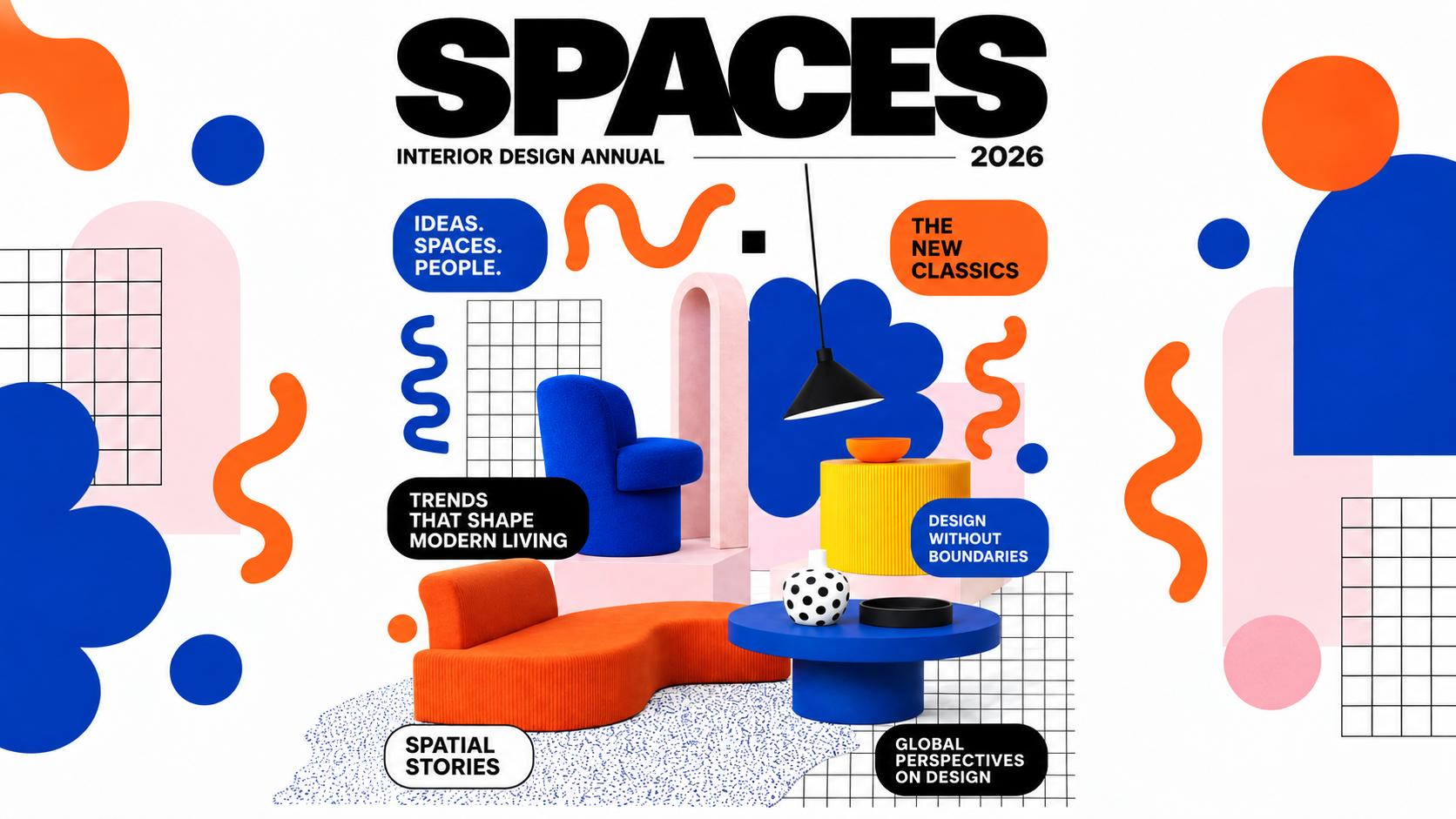
Generate images that incorporate text and information layouts. Provide the intended wording, hierarchy, and reading order, whether for a product graphic or an explanatory visual. Check the rendered letters and factual content before using the design.

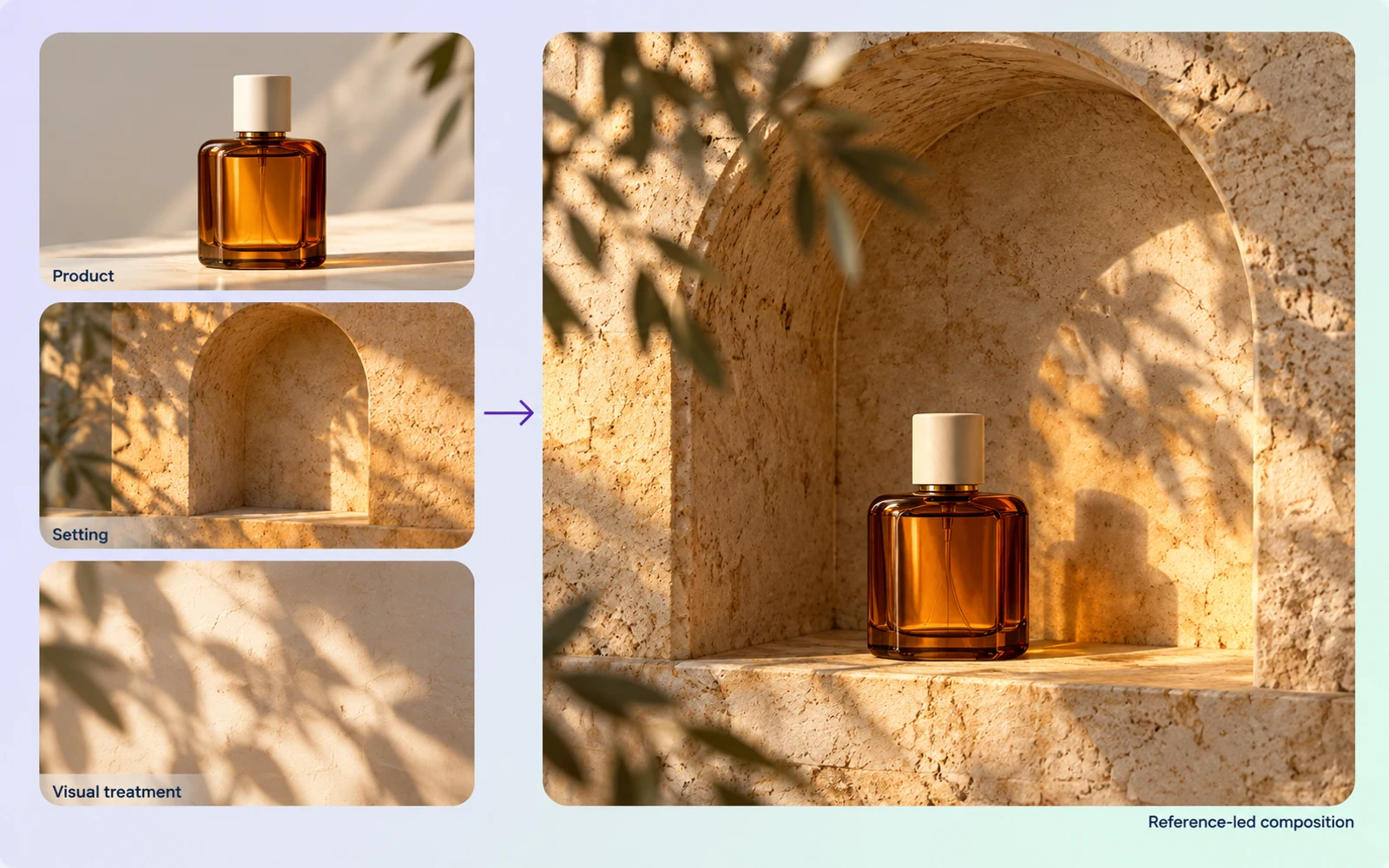
Capability illustration: Multi-image reference fusion

Multi-image reference fusion

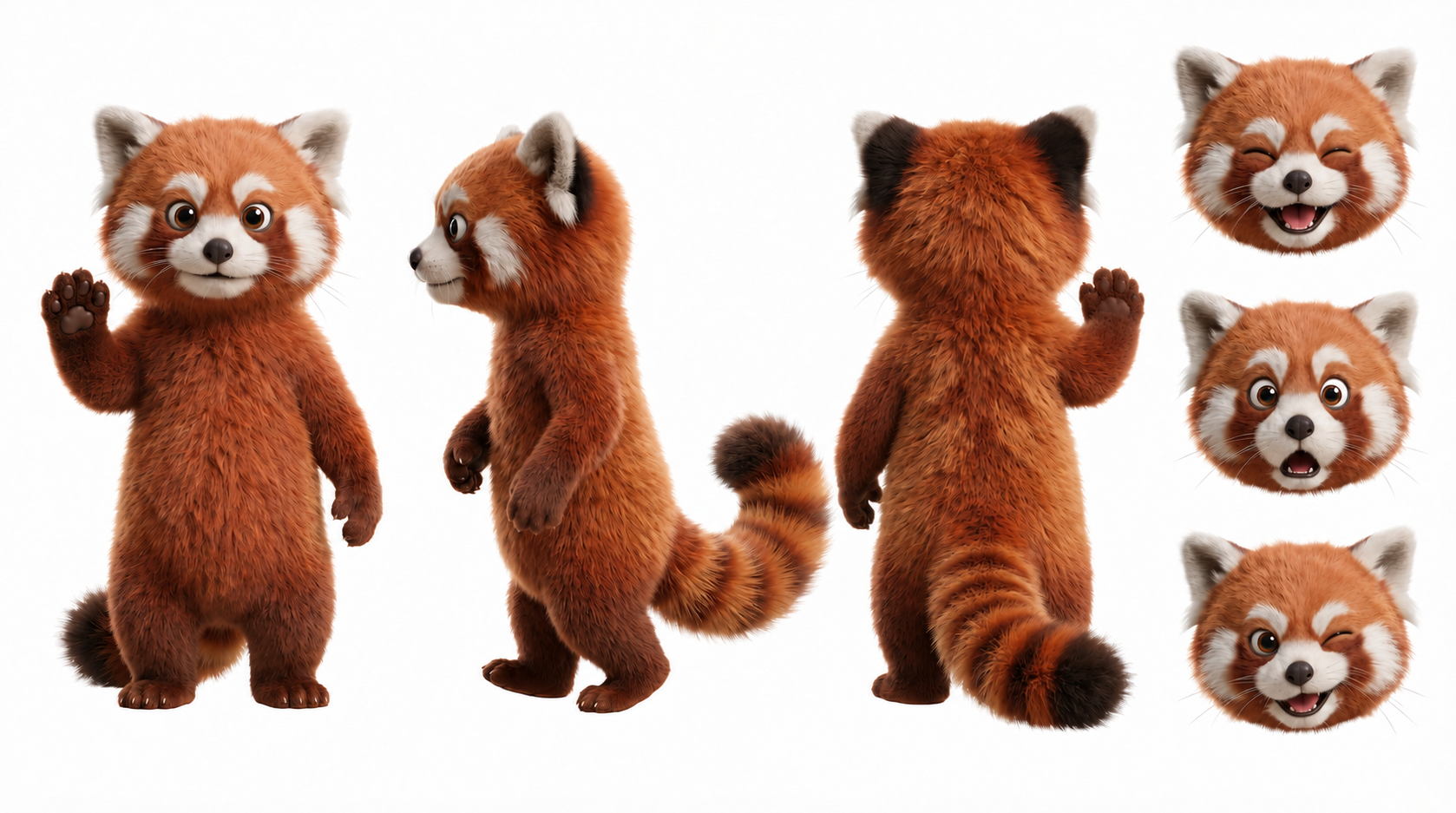
The Gemini API supports up to 14 reference images. Assign each a role: product, setting, or visual treatment. Choose those relevant to the task; the maximum input count does not guarantee exact preservation of every person or object.

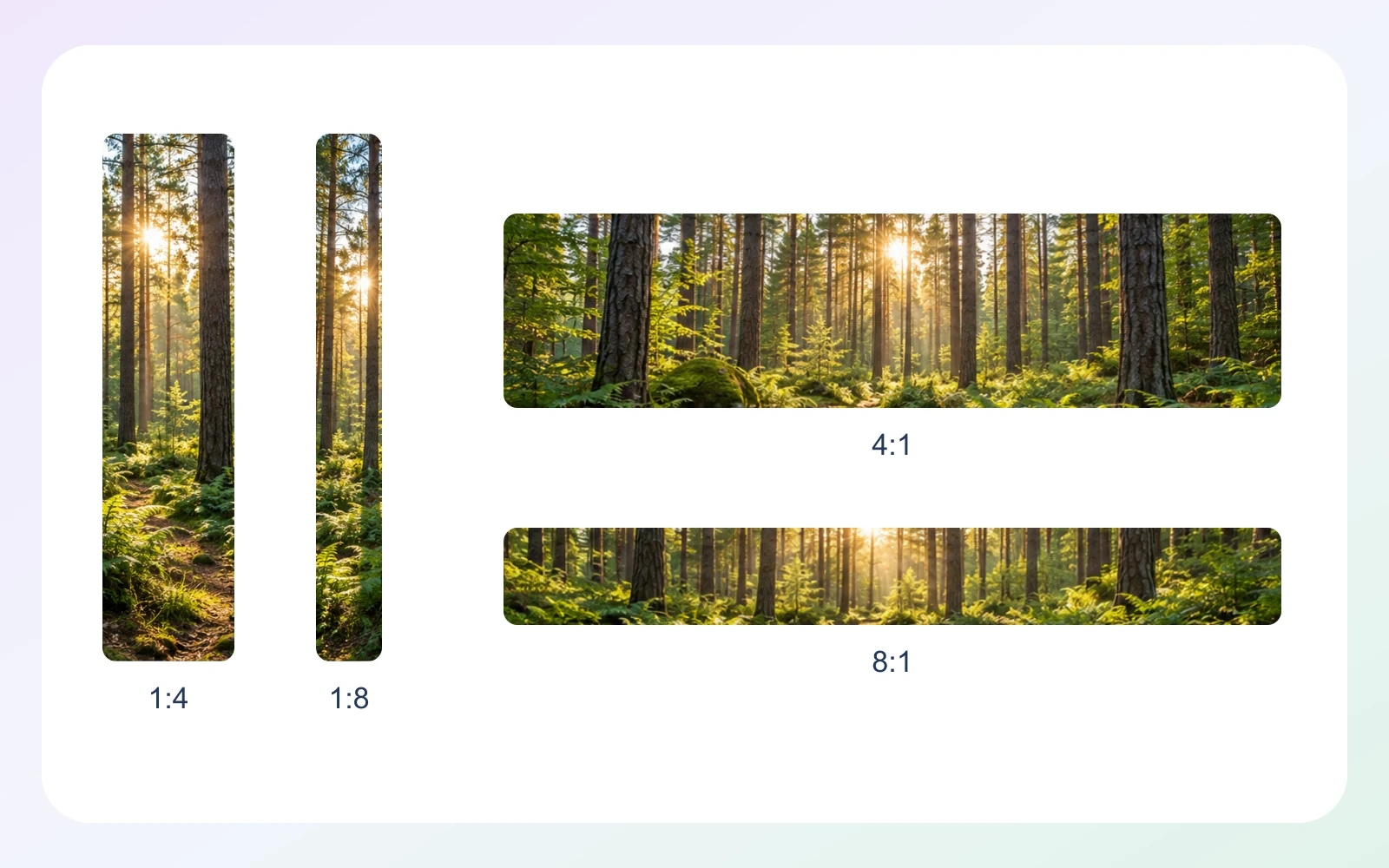
Capability illustration: Aspect ratio options

Aspect ratio options

Gemini API size settings are 1K by default, 2K, and 4K. Panoramic ratios include 1:4, 4:1, 1:8, and 8:1. Select size and ratio separately, arrange the subject and wording for the frame, and check the returned dimensions.

Image showcase

Model comparison

DimensionNano Banana 2.1Seedream 5.0 ProNano Banana 2 Lite
Starting inputsText and multiple reference imagesText; up to 10 reference images, including sketchesText and image
Core directionReference-guided images and conversational editingImage generation, layout, and local editingImage generation and multi-turn editing
Output typeText and imagesImagesText and images
Aspect ratio optionsIncludes 1:4, 4:1, 1:8, and 8:1 panoramic formatsArk custom sizes: width-to-height ratio from 1:16 to 16:1Includes 1:1, 9:16, 16:9, and 21:9
Output resolutionGemini API: 1K, 2K, 4KArk: 1K, 1.5K, 2K; default 2KGemini API: 1K; 2K and 4K not supported
Suggested usesReference-led concepts, text layouts, and image revisionsLayouts, localized visuals, and targeted image revisions1K image concepts and conversational revisions

Specifications checked October 19, 2026. Sizes and controls refer to the named provider and task. Sources: Google Nano Banana 2.1 model card · Seedream 5.0 Pro model guide · Ark image generation API · Google Nano Banana 2 Lite model card

Use-case scenarios

Conversational product visual iteration

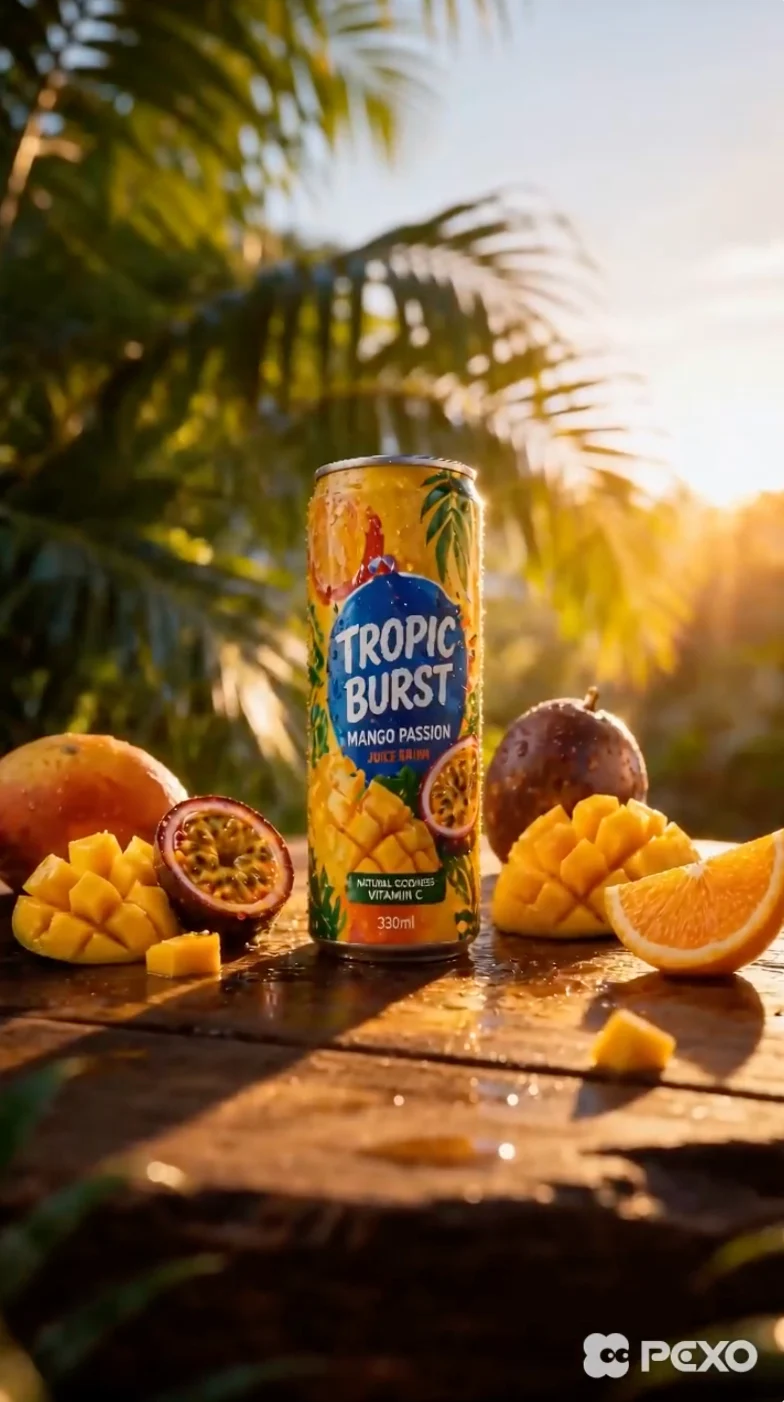
Begin with a product image and refine the background, composition or details through successive instructions. This suits creative work with evolving feedback; focusing each round on one goal makes versions easier to compare.

Promotional visuals with text

Describe the intended wording and layout together to explore promotional imagery. This suits posters, covers and social graphics; proofread the text and check readability at mobile sizes.

Reference-led and information-based concepts

Use multiple references to describe visual elements and, where relevant, search context to inform the composition. This suits proposals built from several sources; independently verify factual text and details.

Use cases

Explore image workflows for product revisions, promotional graphics, and reference-led concepts.

Frequently Asked Questions About Nano Banana 2.1

Which provider uses the Nano Banana 2.1 identifier?

Google's Gemini API identifies this image generation and conversational editing model as gemini-nano-banana-2.1. It is an update to Nano Banana 2 in that model family. Use the exact identifier to distinguish this version from older Nano Banana settings or a hosting service's display name.

Does search grounding make every visual fact accurate?

No. Web and image search can supply relevant information, but the final image may still contain incorrect labels, numbers, or relationships. Verify factual content against the approved project material and inspect the image itself before relying on it for an explanation or publication.

How many reference images can Nano Banana 2.1 use?

Google's Gemini API specification supports up to 14 reference images for multi-image fusion. Use only the inputs that contribute a clear subject, object, setting, or treatment. The input limit is not a guarantee of exact identity preservation, and a hosting interface may expose different controls.

Can a larger size setting fix a crowded layout?

A larger size setting can preserve more visible detail, but it does not decide reading order or remove unnecessary content. Simplify the message, separate the headline from supporting text, and assign the subject a clear area before using resolution as a finishing choice.

Which panoramic ratios and size settings are specified?

Nano Banana 2.1 in Google's Gemini API provides 1K, 2K, and 4K size settings, with 1K as default. Specified panoramic ratios include 1:4, 4:1, 1:8, and 8:1. Ratio and size tier are separate choices, so inspect the dimensions returned for the selected combination.

Describe your idea and start your next creation.

Start creating

Other models