Image generation
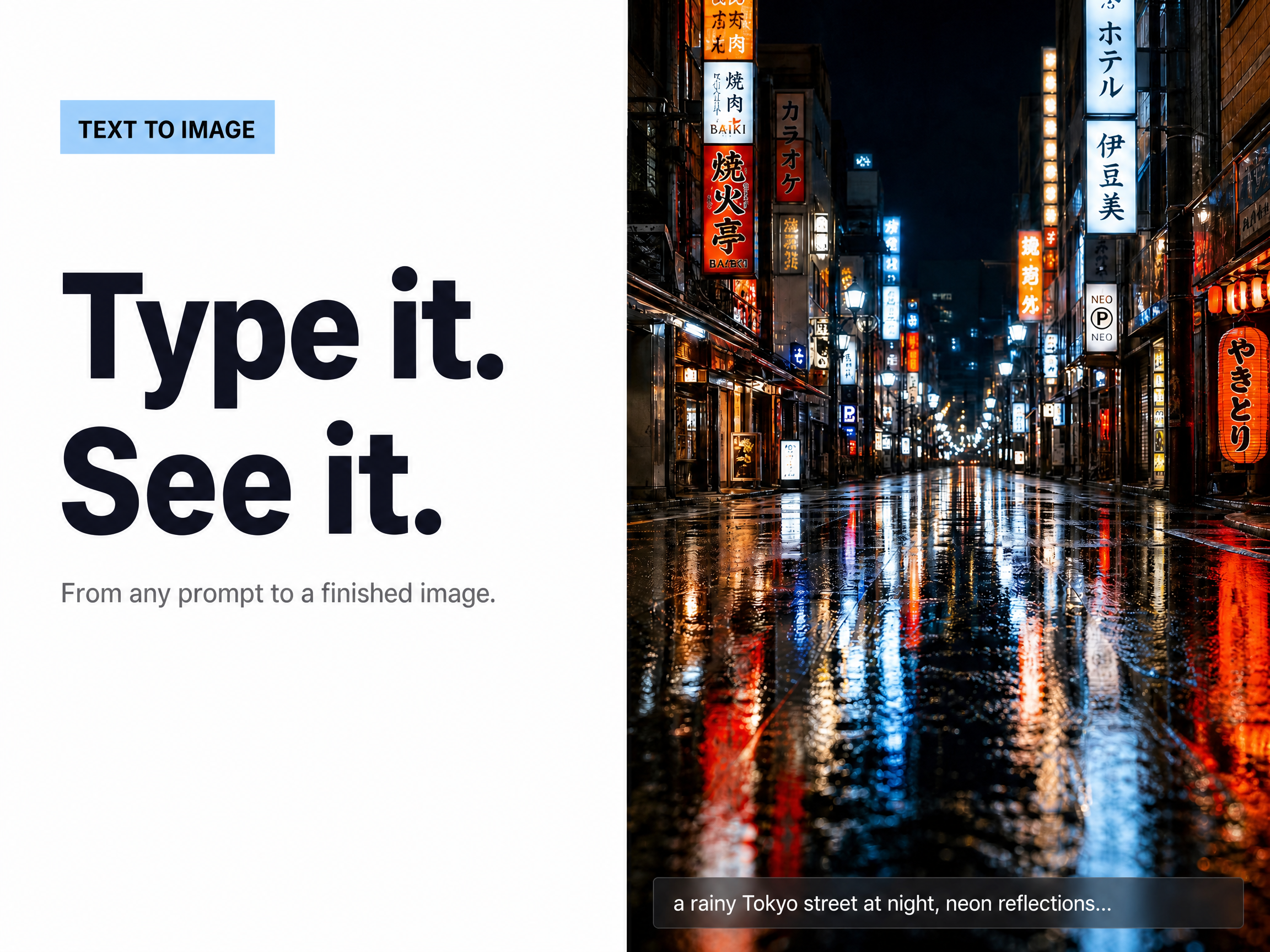
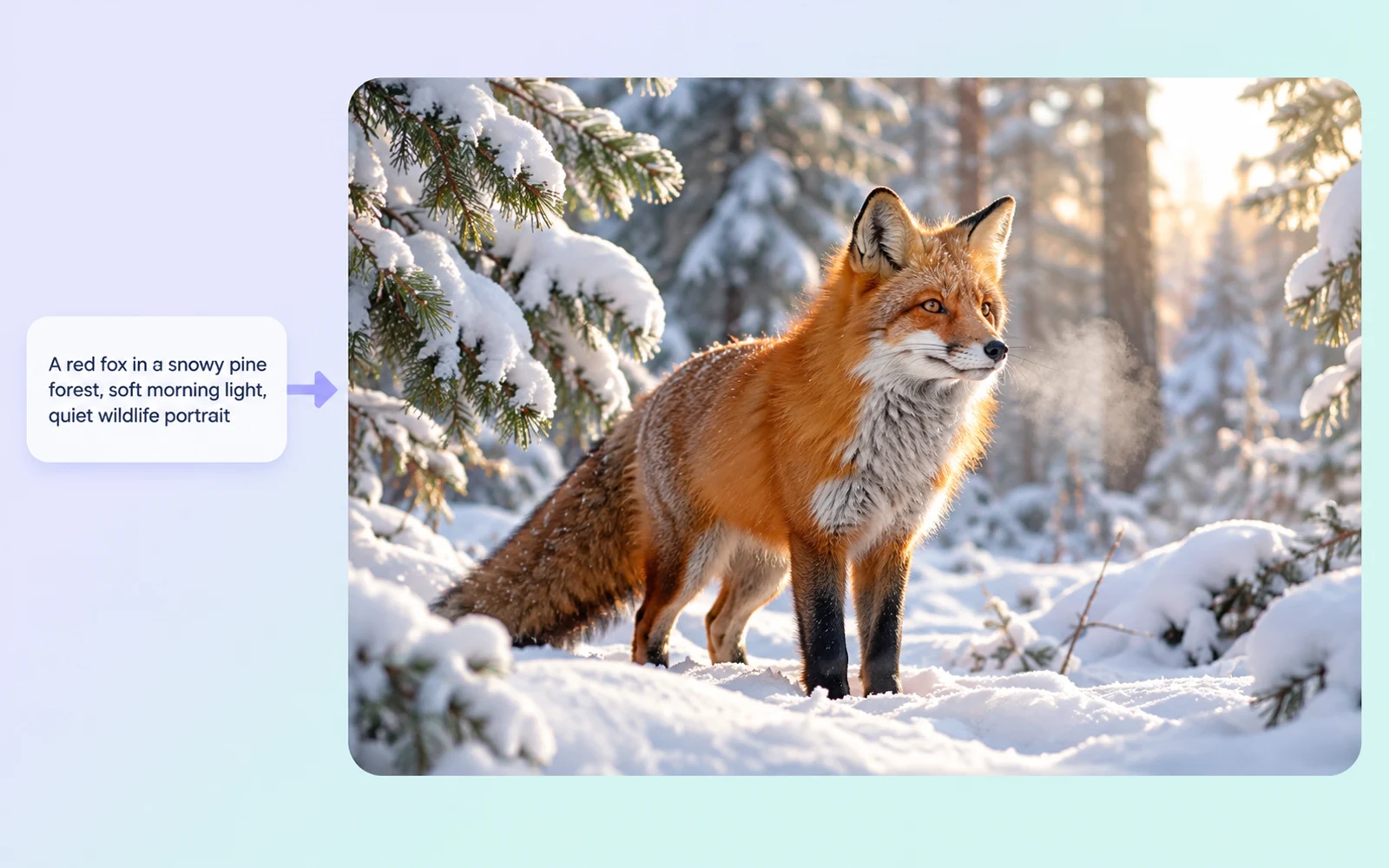
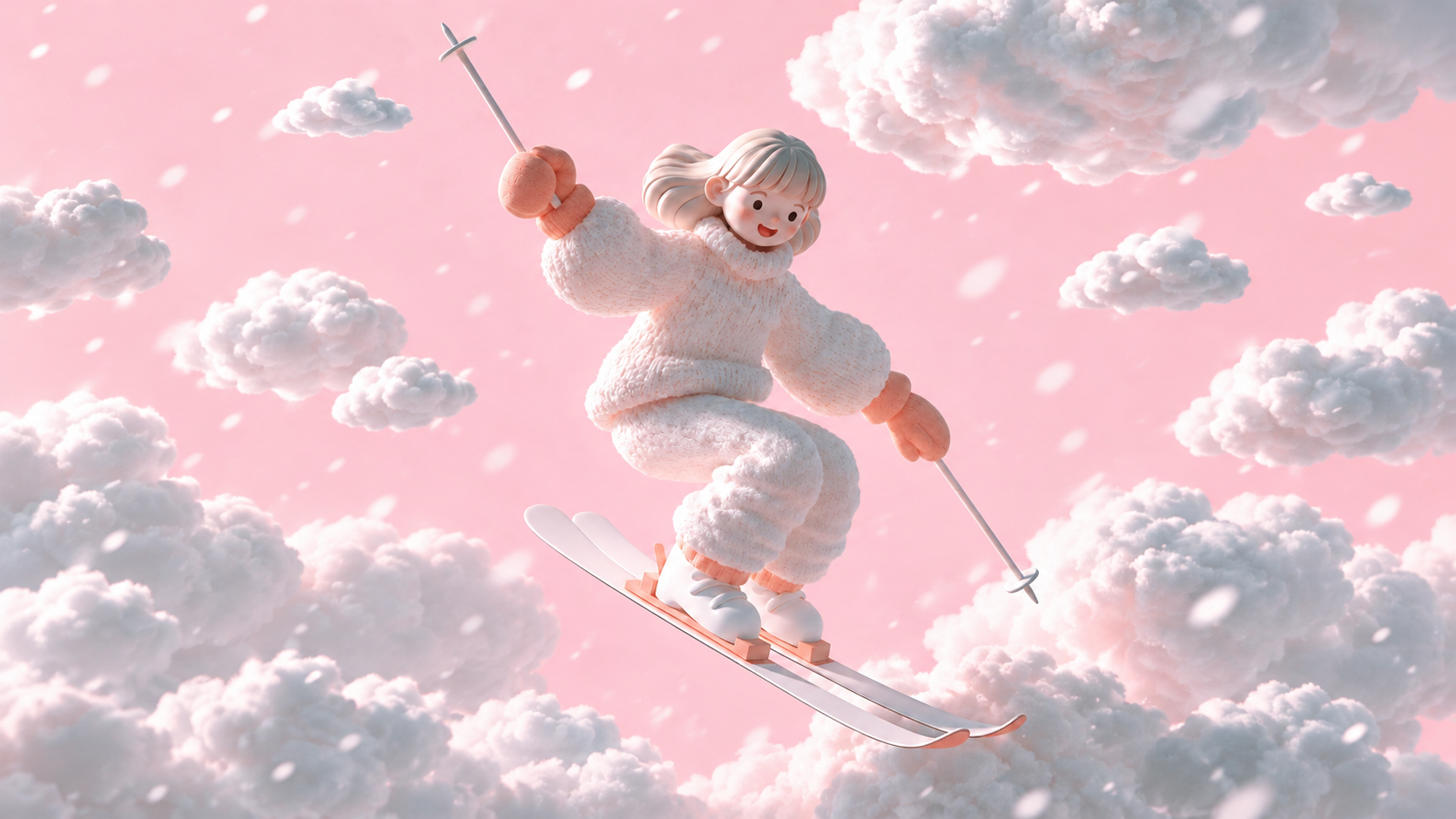
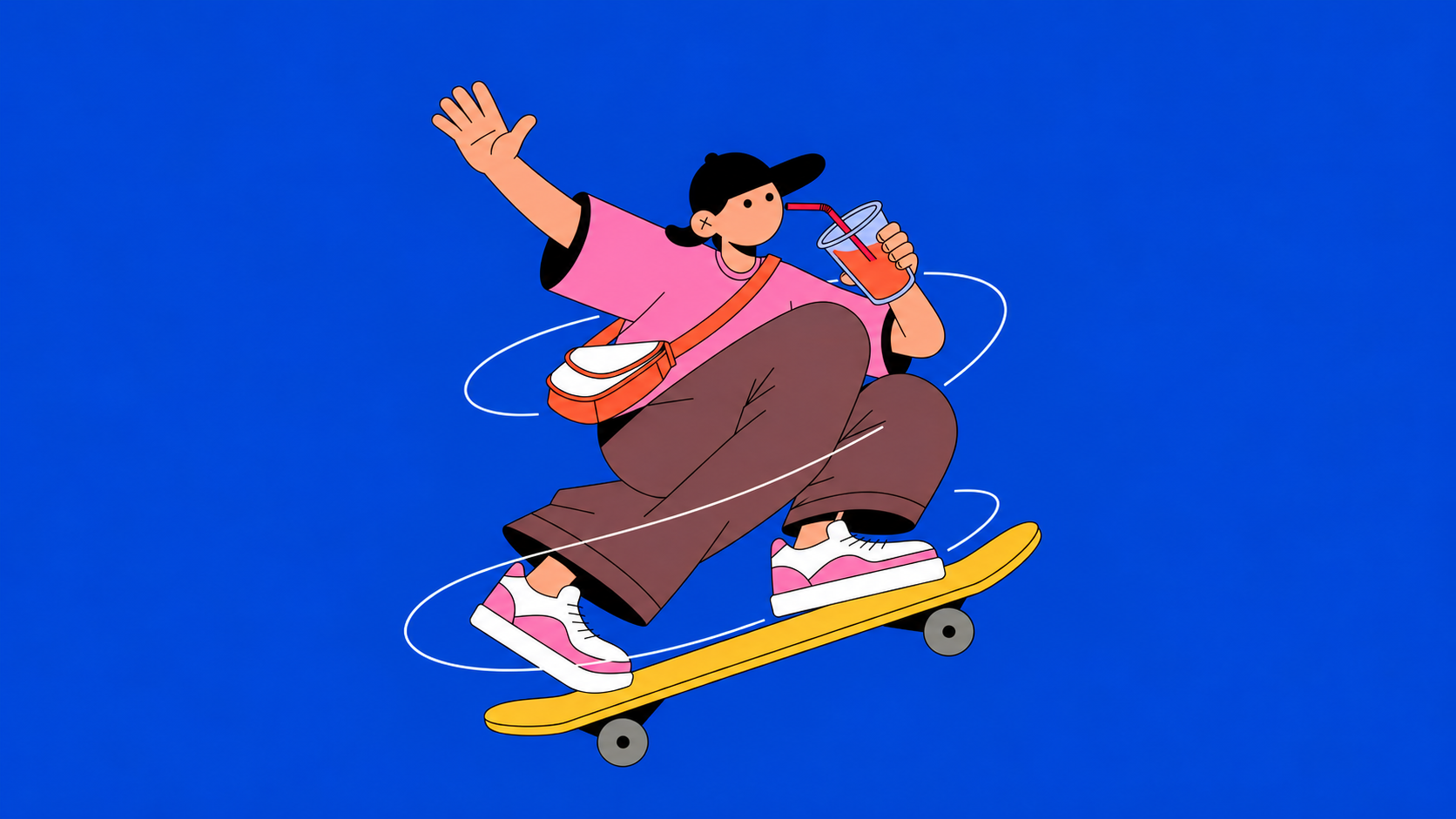
Describe the subject, arrangement, lighting, and mood to generate an image. Use a focused brief to explore a character, product concept, or setting, then decide which direction deserves another round of development.
Generate images from a brief, make local changes through conversation, and choose a supported format for your next visual idea.
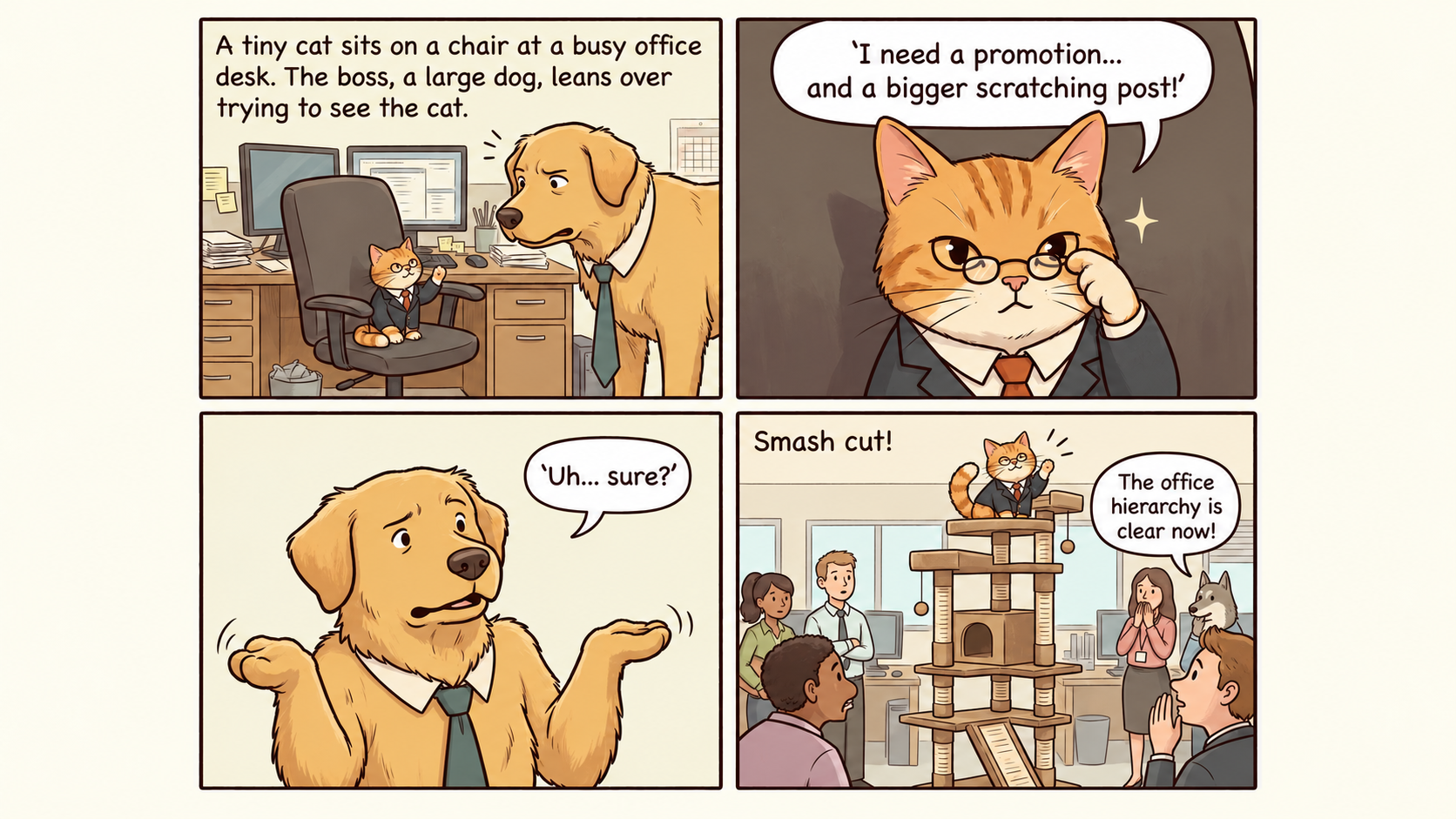
Describe the subject, arrangement, lighting, and mood to generate an image. Use a focused brief to explore a character, product concept, or setting, then decide which direction deserves another round of development.
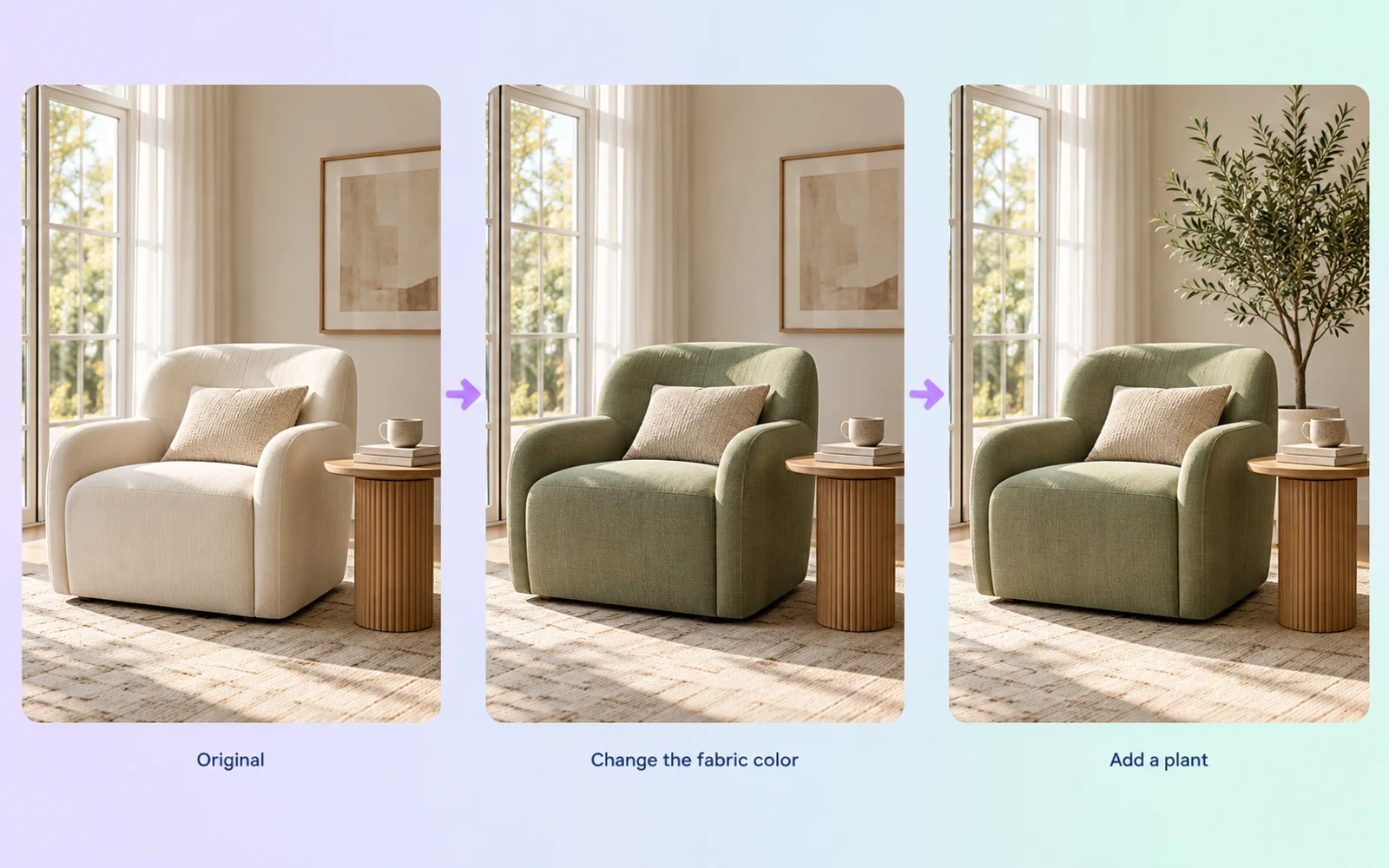
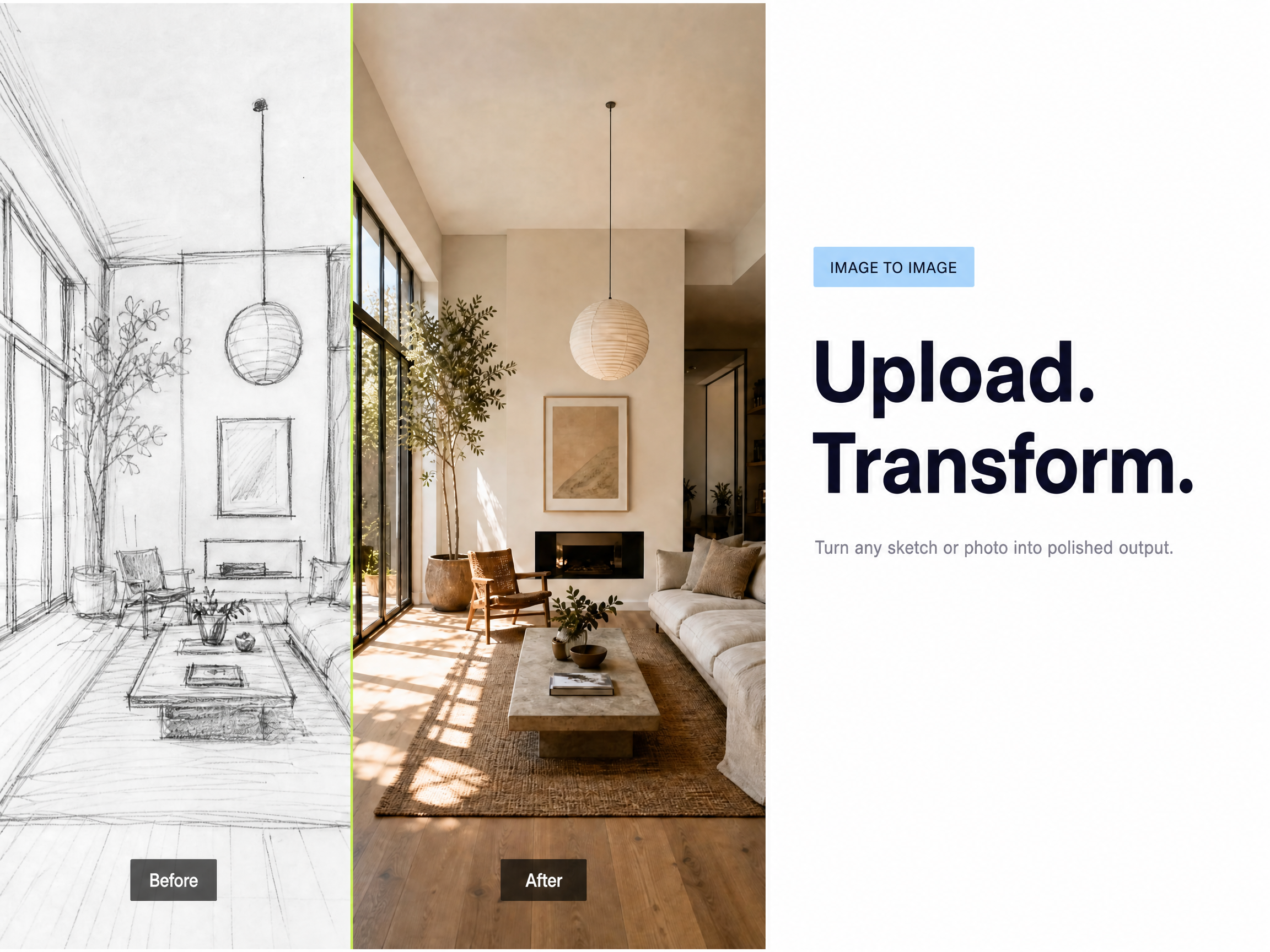
Continue with local editing instructions, such as changing a color or revising a background. State what should change and which details matter to the design. Compare each revision with the earlier image before making the next adjustment.
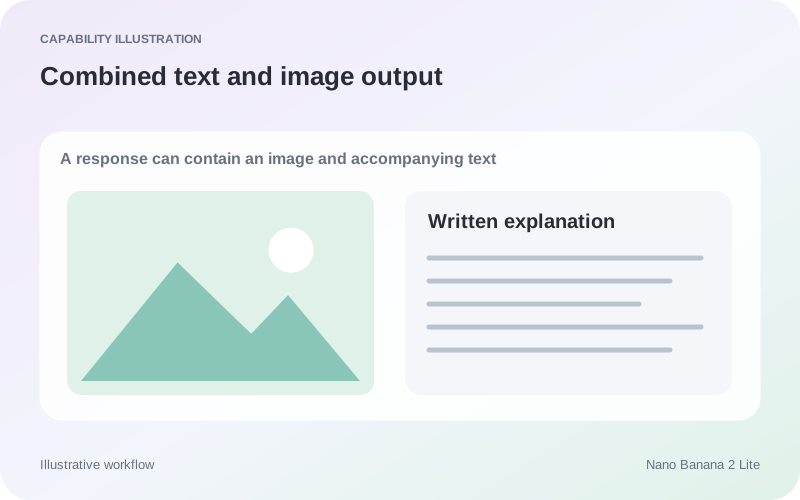
The model supports responses containing both text and images. This can help when an illustration needs a written explanation or when you want accompanying notes for a visual idea. Confirm how your chosen interface displays mixed output.
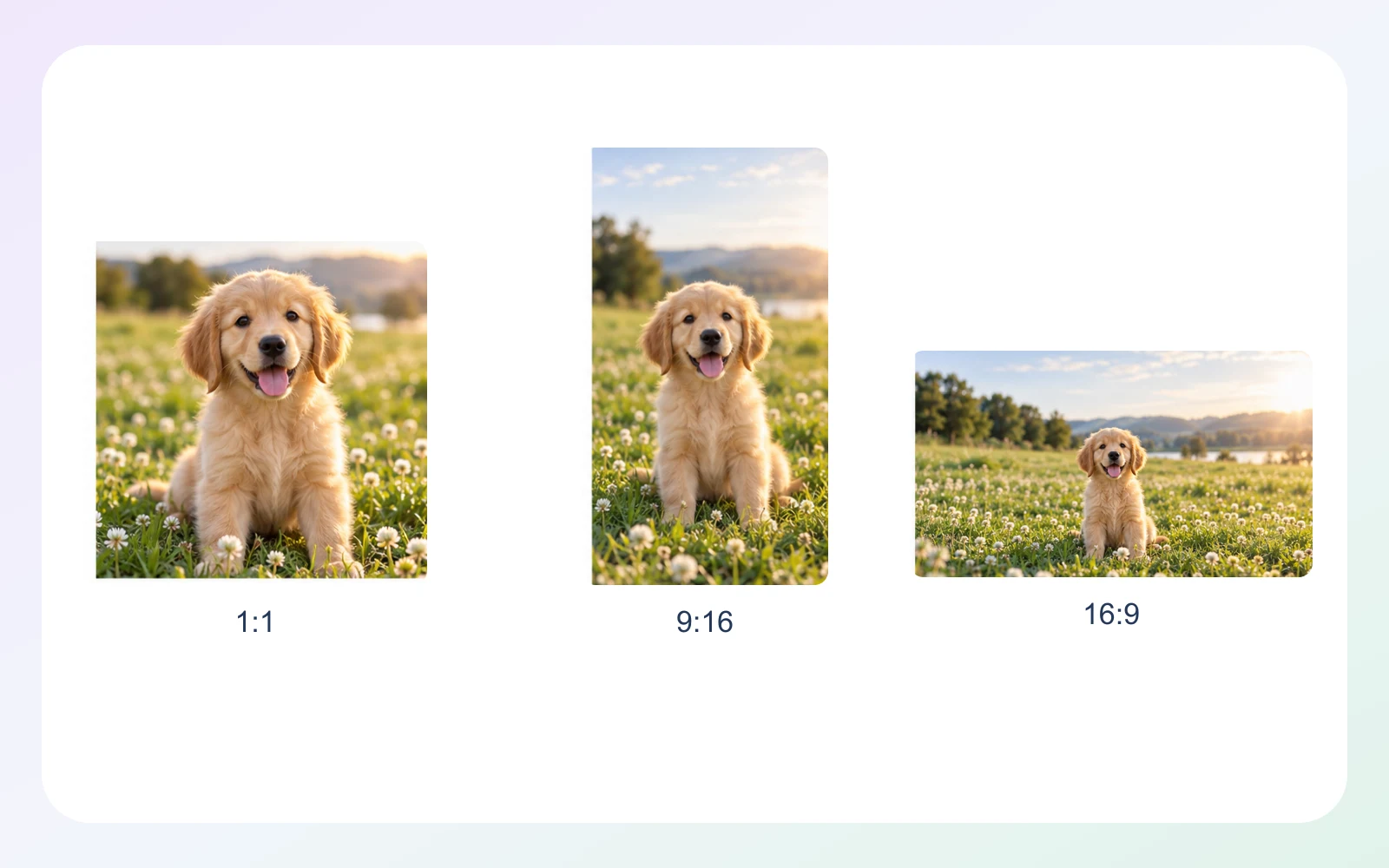
Gemini API output is 1K; square images are 1024×1024 pixels, with no 2K or 4K. Ratios include 1:1, 3:2, 2:3, 3:4, 4:3, 4:5, 5:4, 9:16, 16:9, and 21:9. Choose an aspect ratio that fits where the image will appear.

| Dimension | Nano Banana 2 Lite | Nano Banana 2.1 | Seedream 5.0 Pro |
|---|---|---|---|
| Starting inputs | Text and image | Text and multiple reference images | Text; up to 10 reference images, including sketches |
| Core direction | Image generation and multi-turn editing | Reference-guided images and conversational editing | Image generation, layout, and local editing |
| Output type | Text and images | Text and images | Images |
| Aspect ratio options | Includes 1:1, 9:16, 16:9, and 21:9 | Includes 1:4, 4:1, 1:8, and 8:1 panoramic formats | Ark custom sizes: width-to-height ratio from 1:16 to 16:1 |
| Output resolution | Gemini API: 1K; 2K and 4K not supported | Gemini API: 1K, 2K, 4K | Ark: 1K, 1.5K, 2K; default 2K |
| Suggested uses | 1K image concepts and conversational revisions | Reference-led concepts, text layouts, and image revisions | Layouts, localized visuals, and targeted image revisions |
Specifications checked October 19, 2026. Sizes and controls refer to the named provider and task. Sources: Google Nano Banana 2 Lite model card · Google Nano Banana 2.1 model card · Seedream 5.0 Pro model guide · Ark image generation API
Use concise descriptions to explore subjects, settings and composition before choosing a direction. This suits proposal discussions and content drafts, followed by revisions to the selected idea.
Break feedback into focused steps, such as changing the background before adjusting subject placement. This suits work that needs gradual alignment; retain versions to compare the effect of each revision.
Develop explanatory text and imagery together as a draft for discussion. This suits tutorial concepts, illustrated stories and social content planning; review both the text and images before publication.
Explore image workflows for early concepts, focused revisions, and illustrated content drafts.
Nano Banana 2 Lite is Google's image generation and editing model identified as gemini-3.1-flash-lite-image. It supports text-to-image generation, multi-turn local editing, mixed text and image responses, and supported aspect ratios. Check the exact identifier when selecting a service or comparing versions.
Search grounding is not supported for this model. Provide the information needed for the visual task and verify factual statements separately. A written explanation accompanying an image should not be treated as evidence that the model retrieved current information from the web.
Use a local edit when the main composition already works and the remaining decision concerns a detail such as color or background treatment. A different location, story, or camera viewpoint may justify a new composition brief instead of extending the same revision chain.
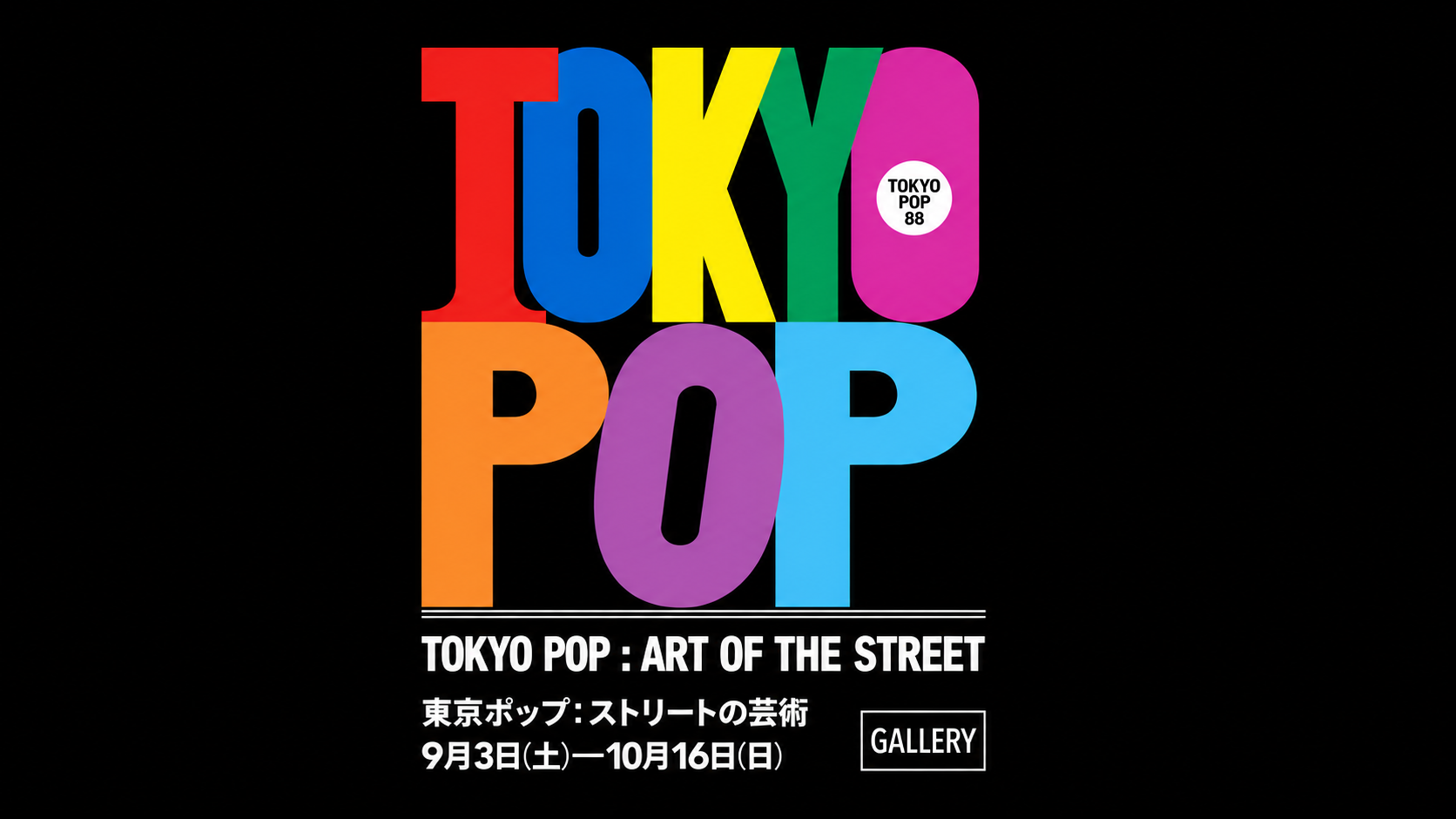
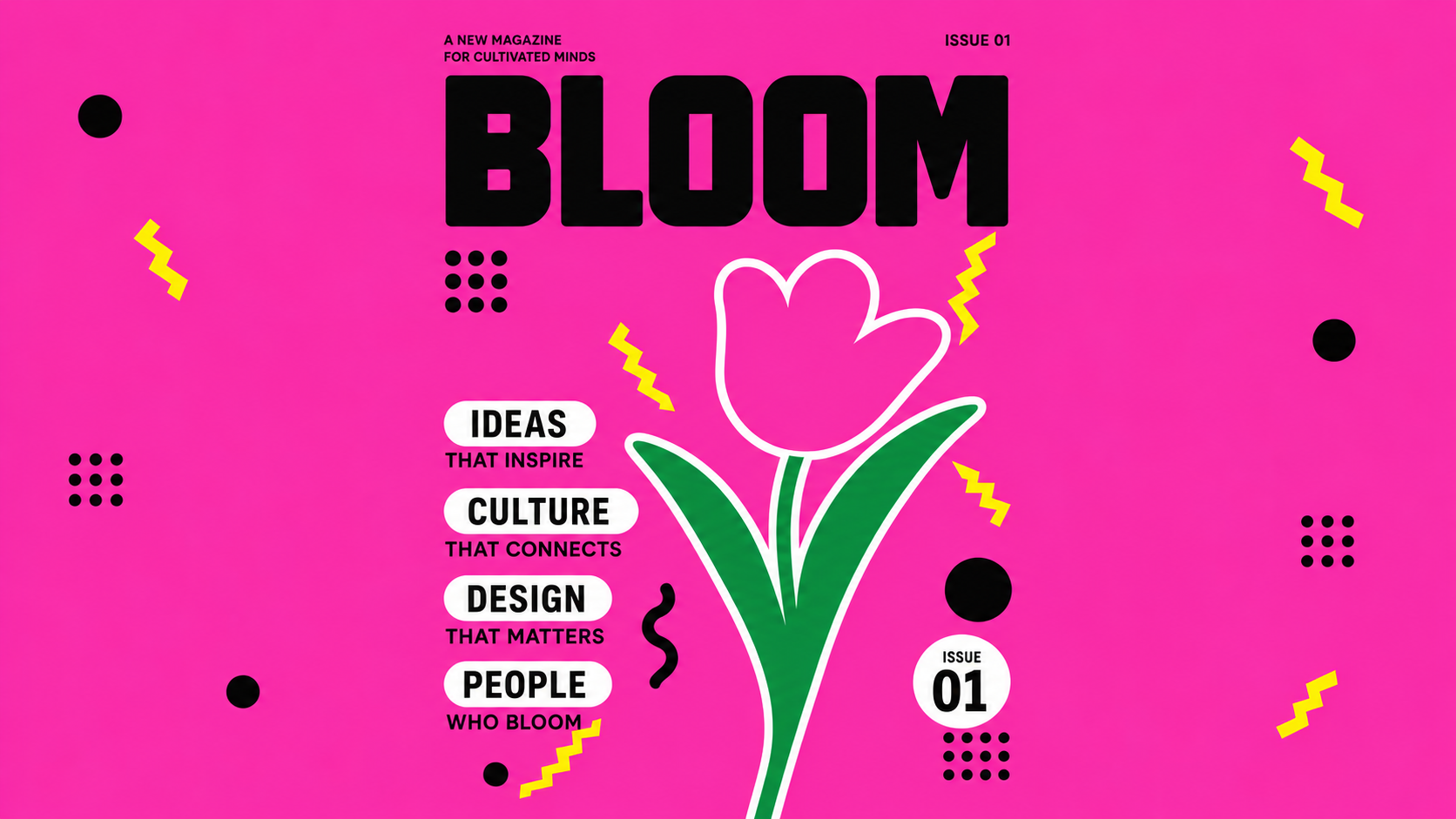
Mixed output means a response can contain written text alongside an image. Text rendered inside the artwork is a separate visual requirement. State which wording belongs in the image and which belongs in the accompanying explanation, then review both outputs for accuracy.
Google's Gemini API offers the 1K size setting for Nano Banana 2 Lite, with square output at 1024 by 1024 pixels. The model does not support 2K or 4K settings. Aspect ratio is a separate choice, including square, portrait, wide, and 21:9 options.