Pexo
Seedream 5.0 Pro

Seedream 5.0 Pro
Design the whole image

Create layouts, refine selected regions, and combine visual elements with an image model built for design tasks and detailed editing.

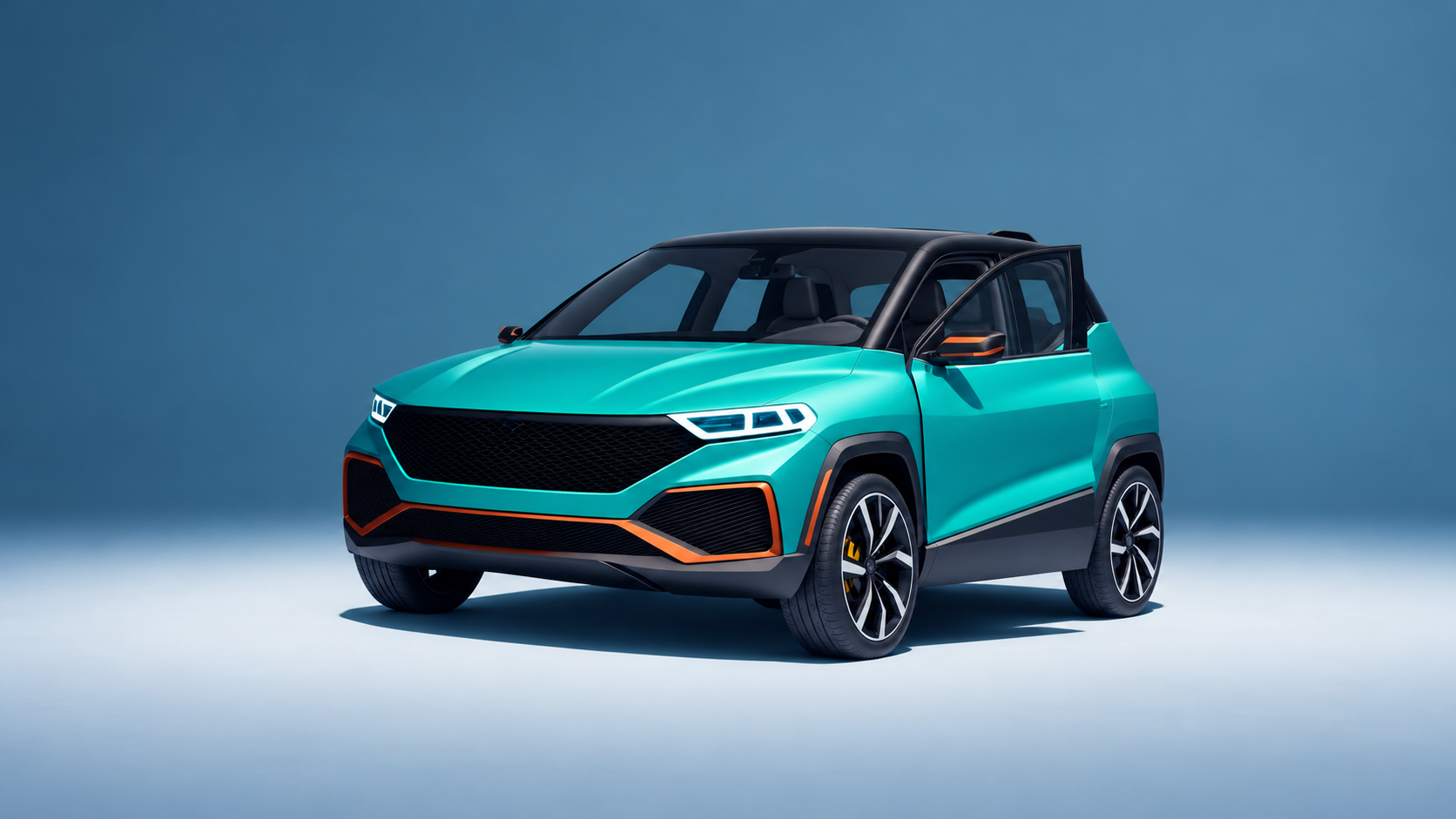
Teal SUV in a studio

Core capabilities

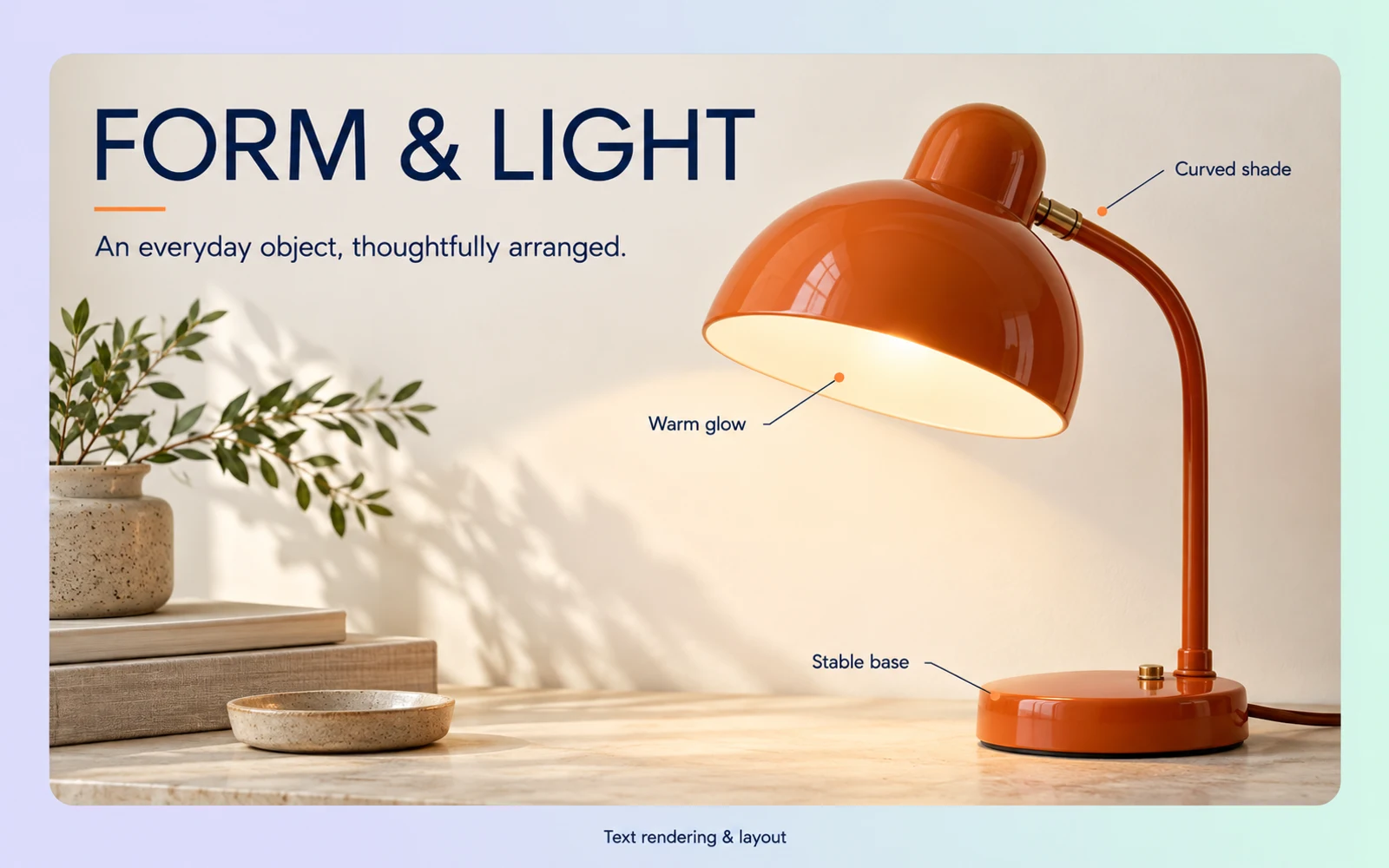
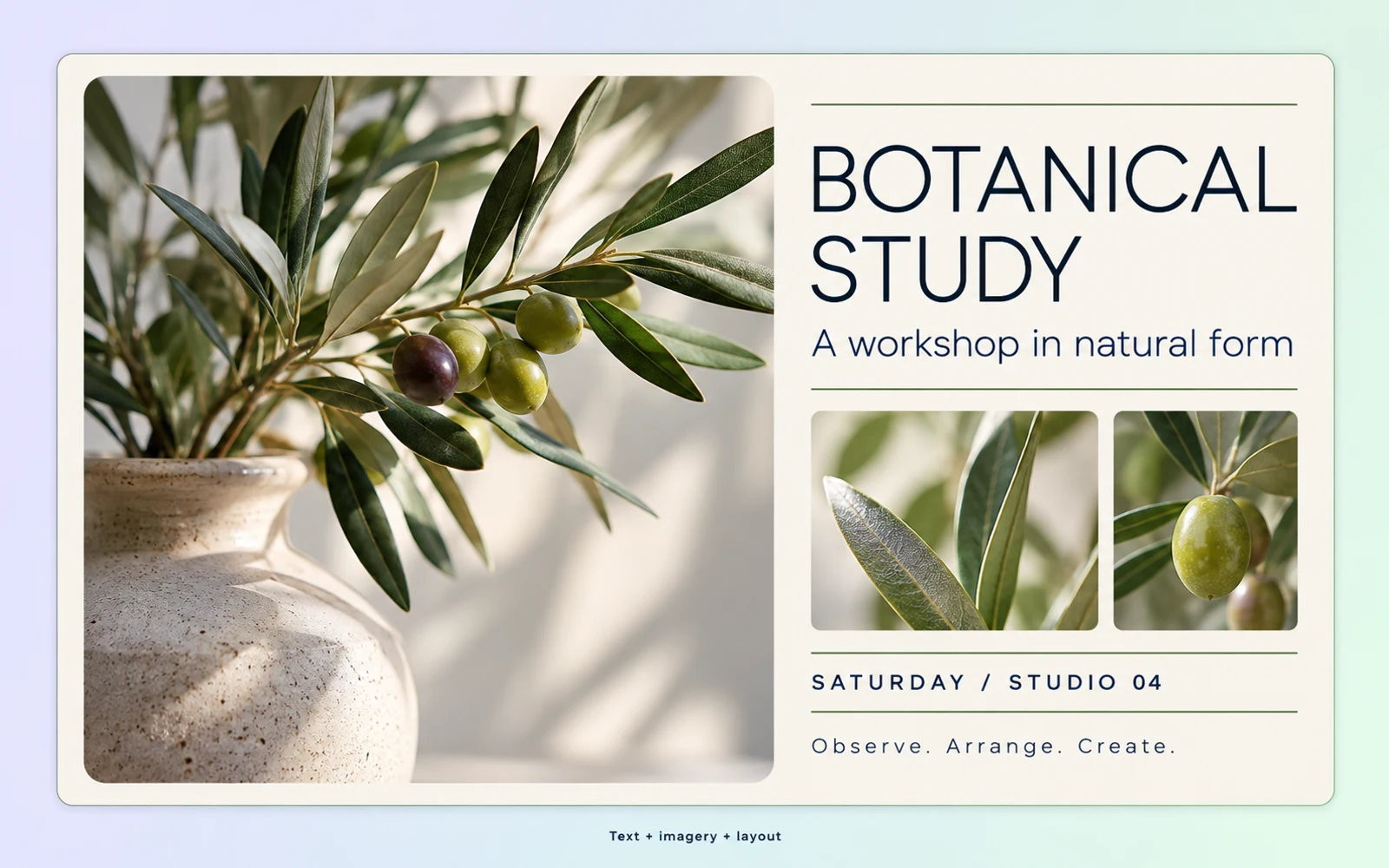
Capability illustration: Text and layout composition

Text and layout composition

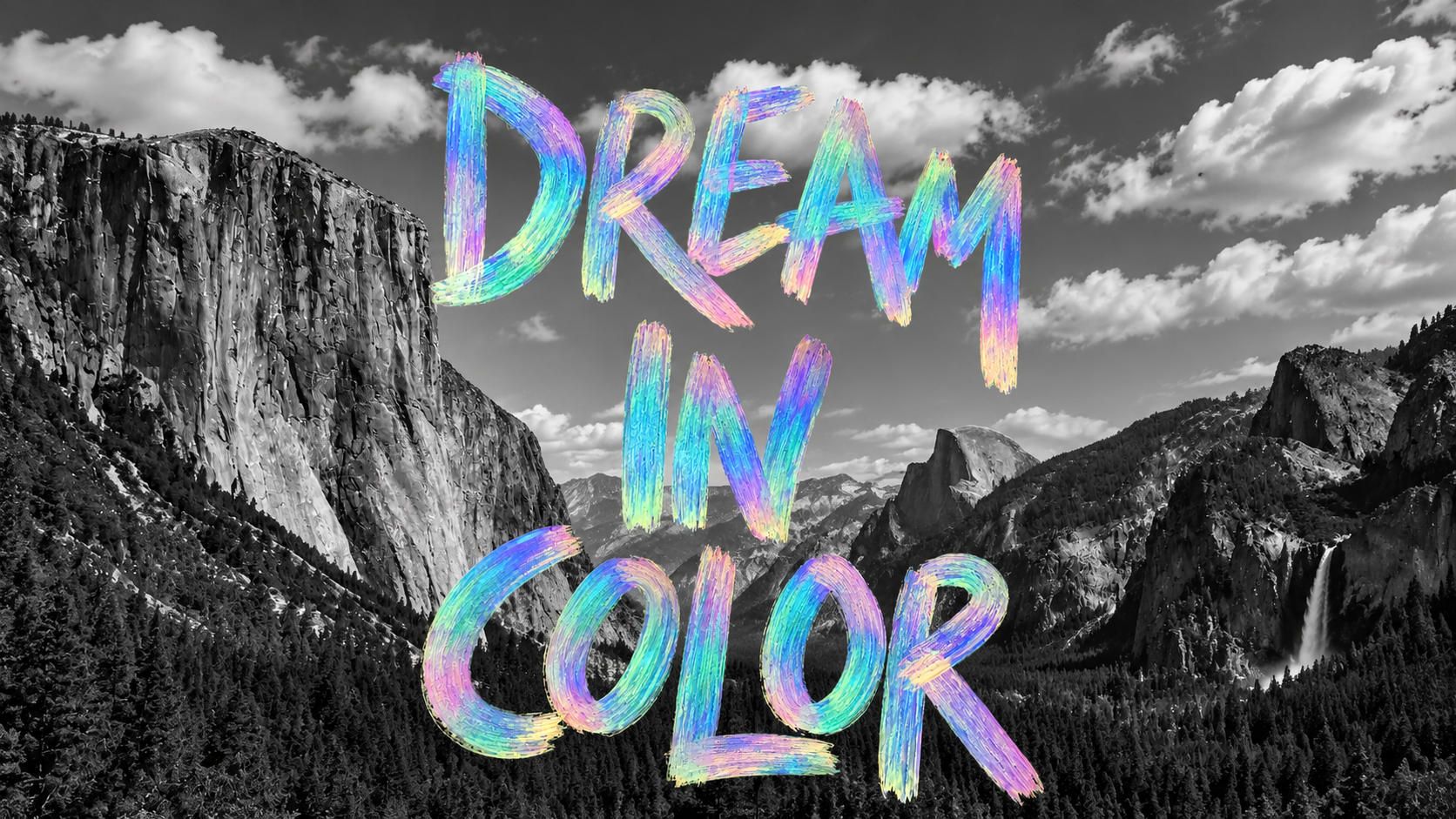
Generate information graphics and design layouts that bring headings, imagery, and supporting details into one composition. Specify the reading order and essential content when preparing a poster, educational graphic, or product overview.
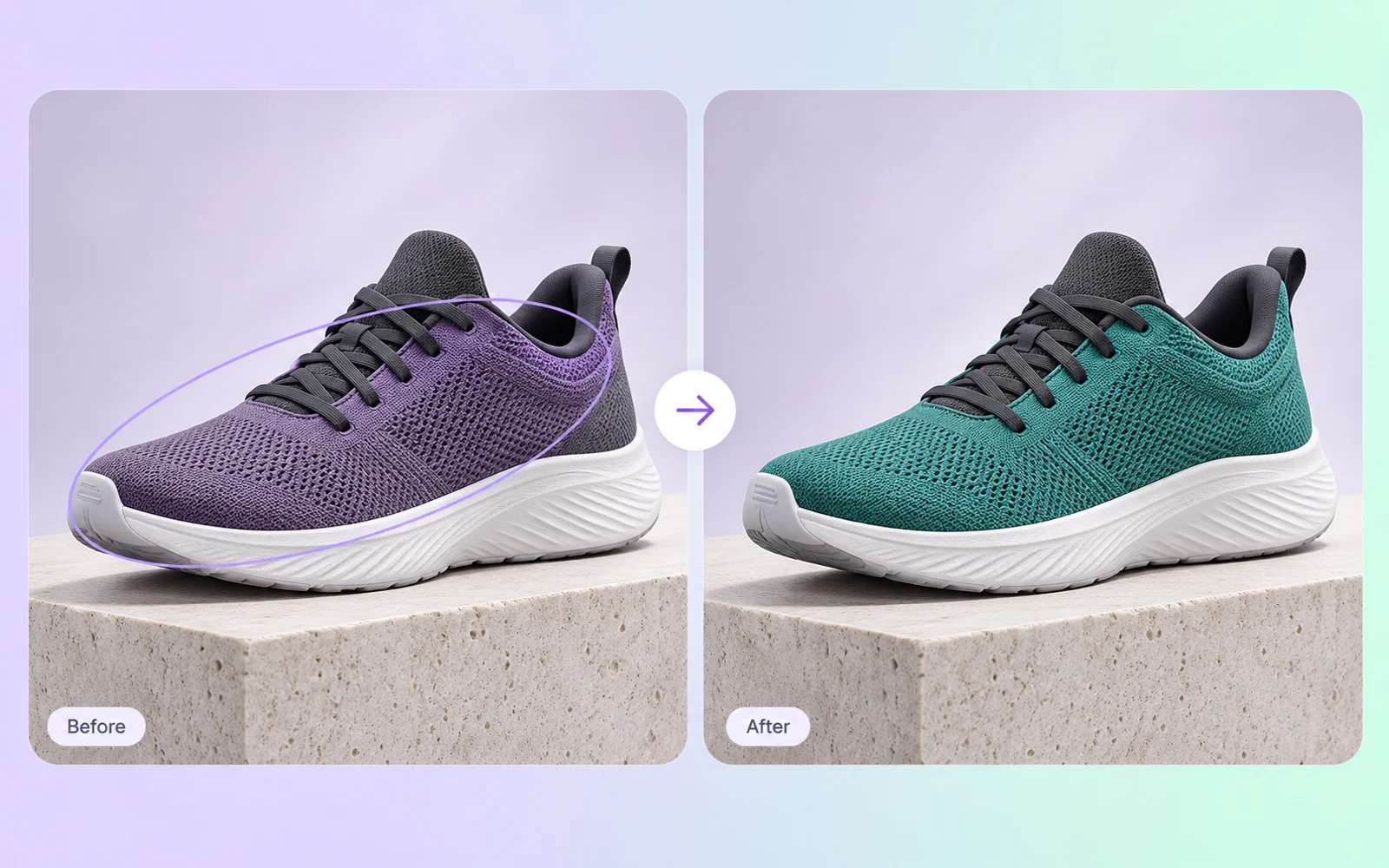
Capability illustration: Local image editing

Local image editing

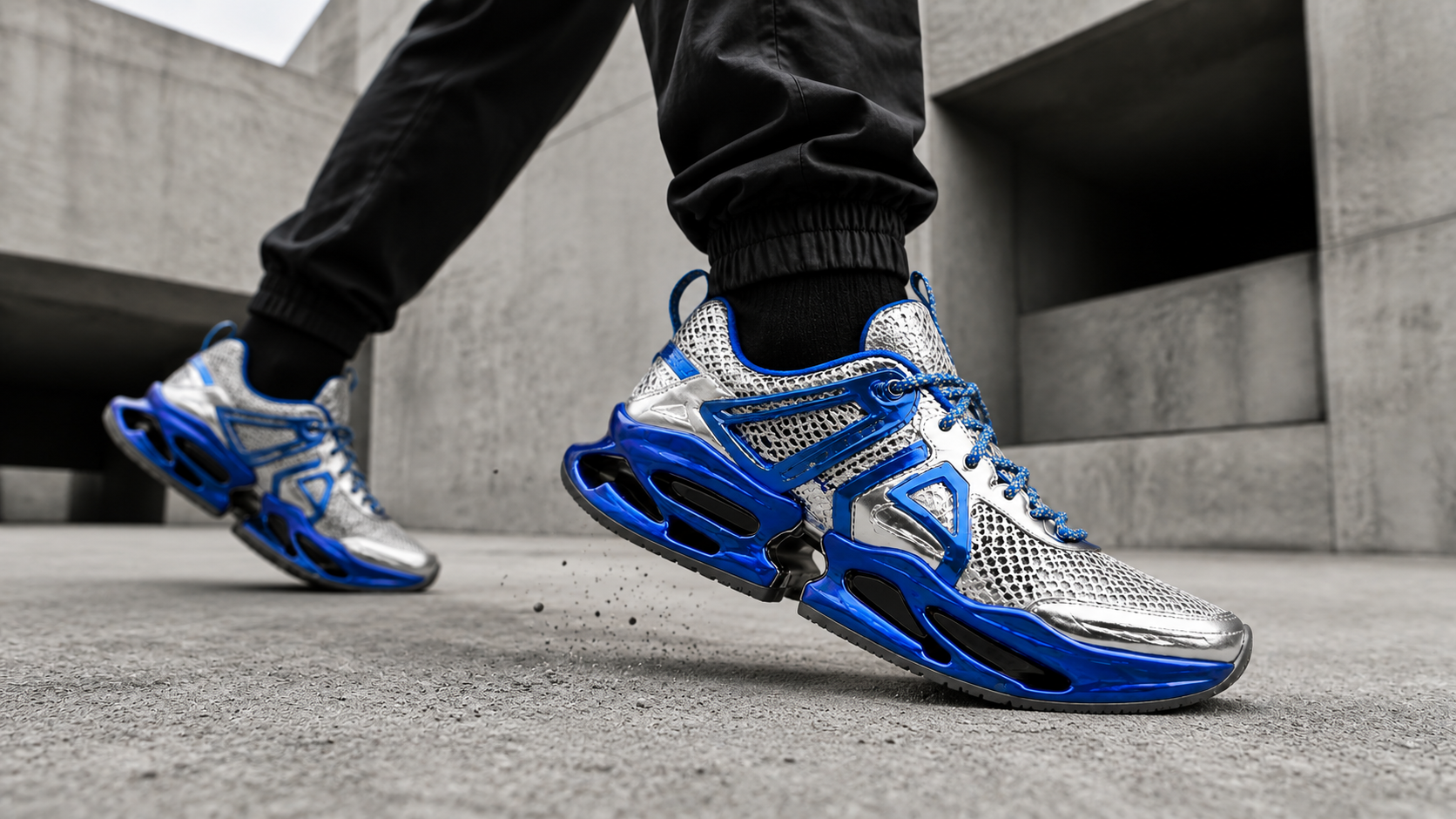
Supply the original image and identify the edit with a circled region, a box, an arrow, or coordinates. Describe the requested change, such as the color or material of a shoe’s upper. Review the result around the selected area and adjacent details.

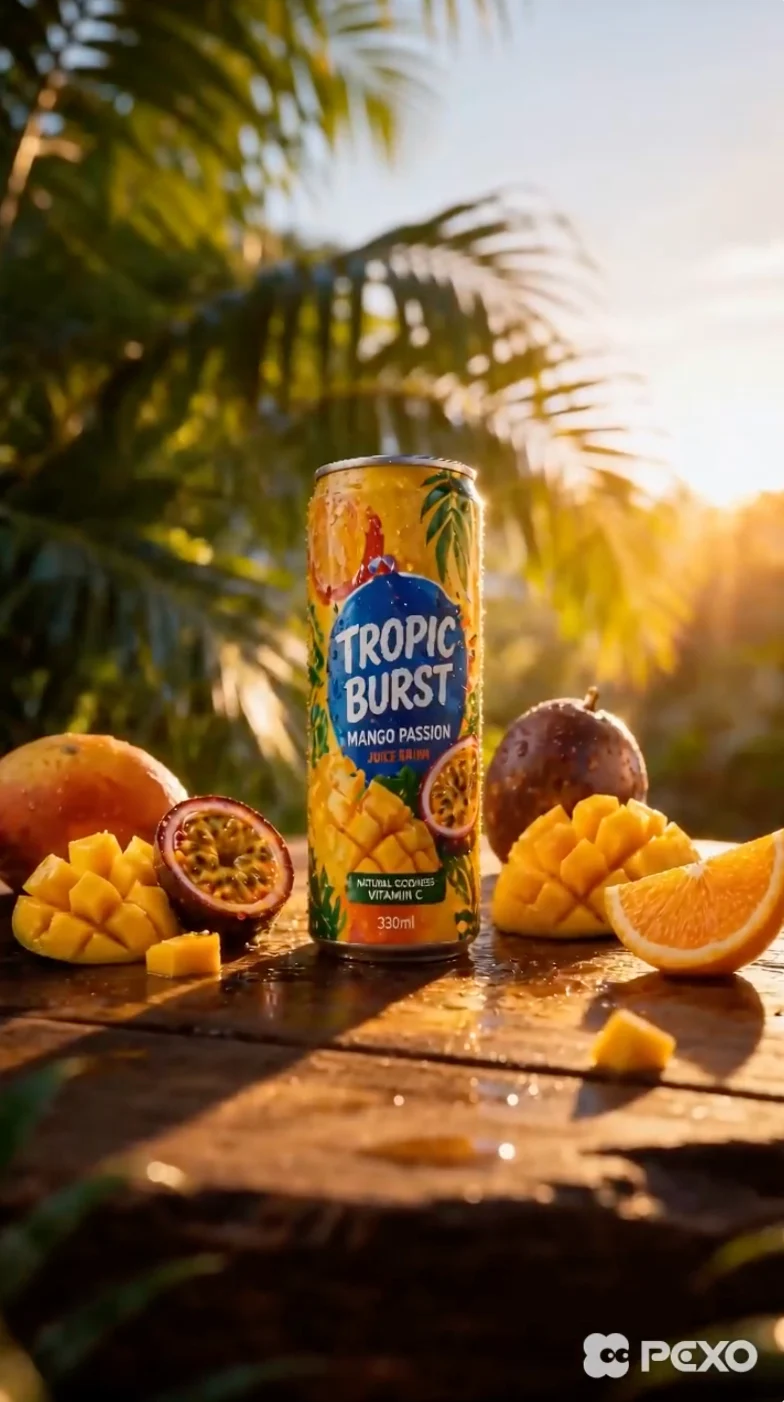
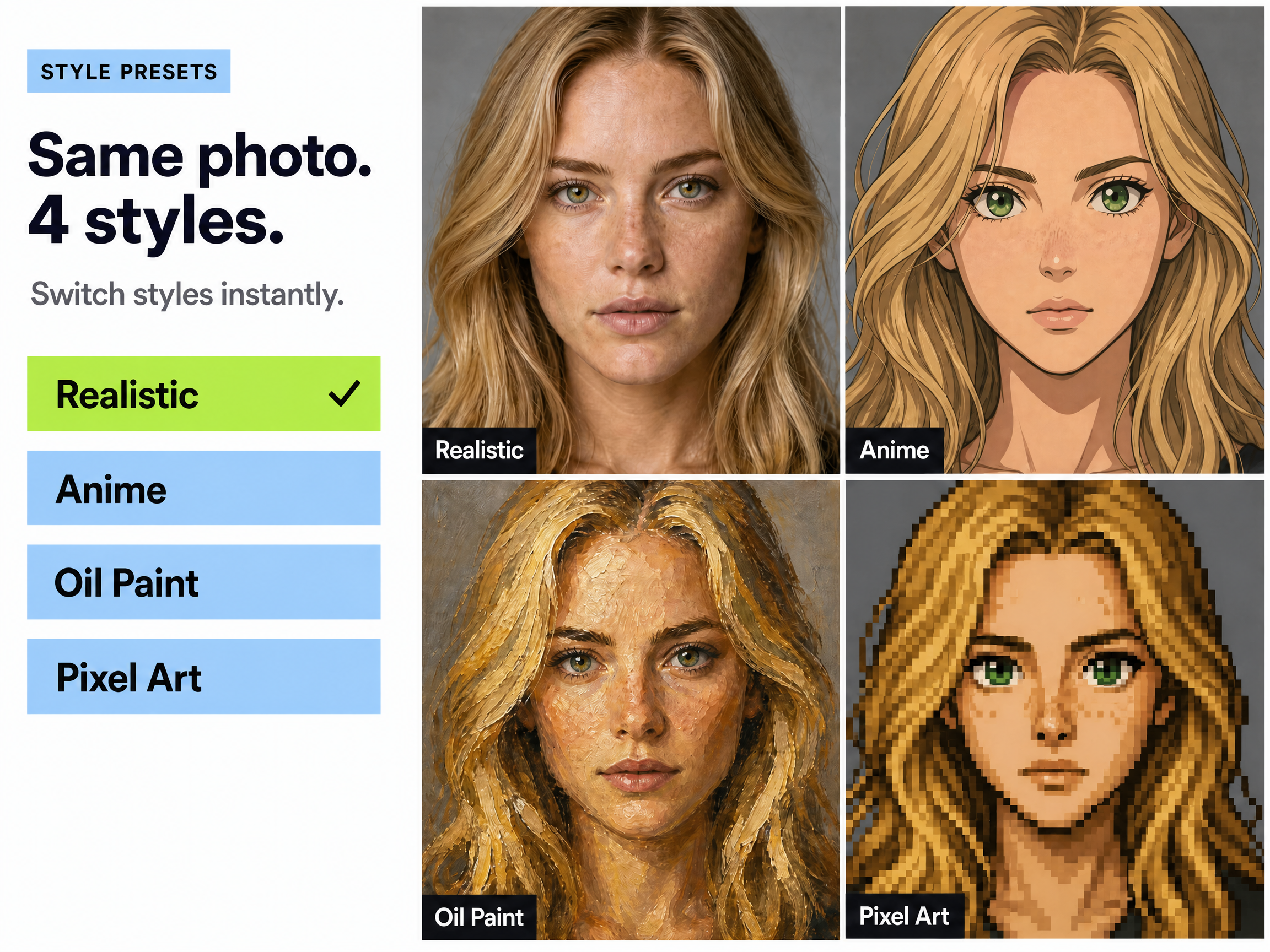
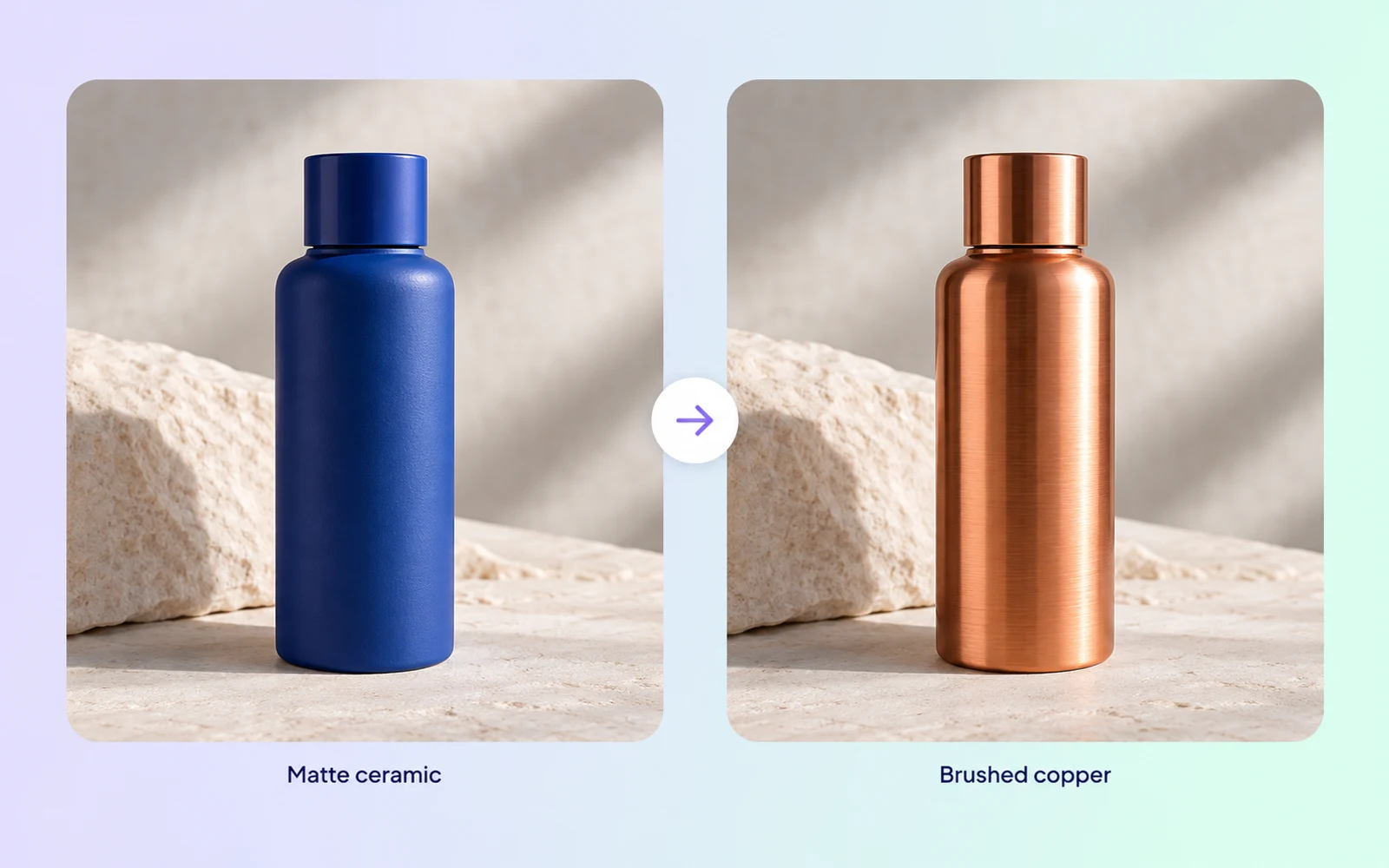
Capability illustration: Color and material editing

Color and material editing

Change an object’s color or material to develop a new visual direction. Supply a color value or a visual reference when needed, then inspect how the revised surface interacts with the scene’s lighting and surrounding elements.

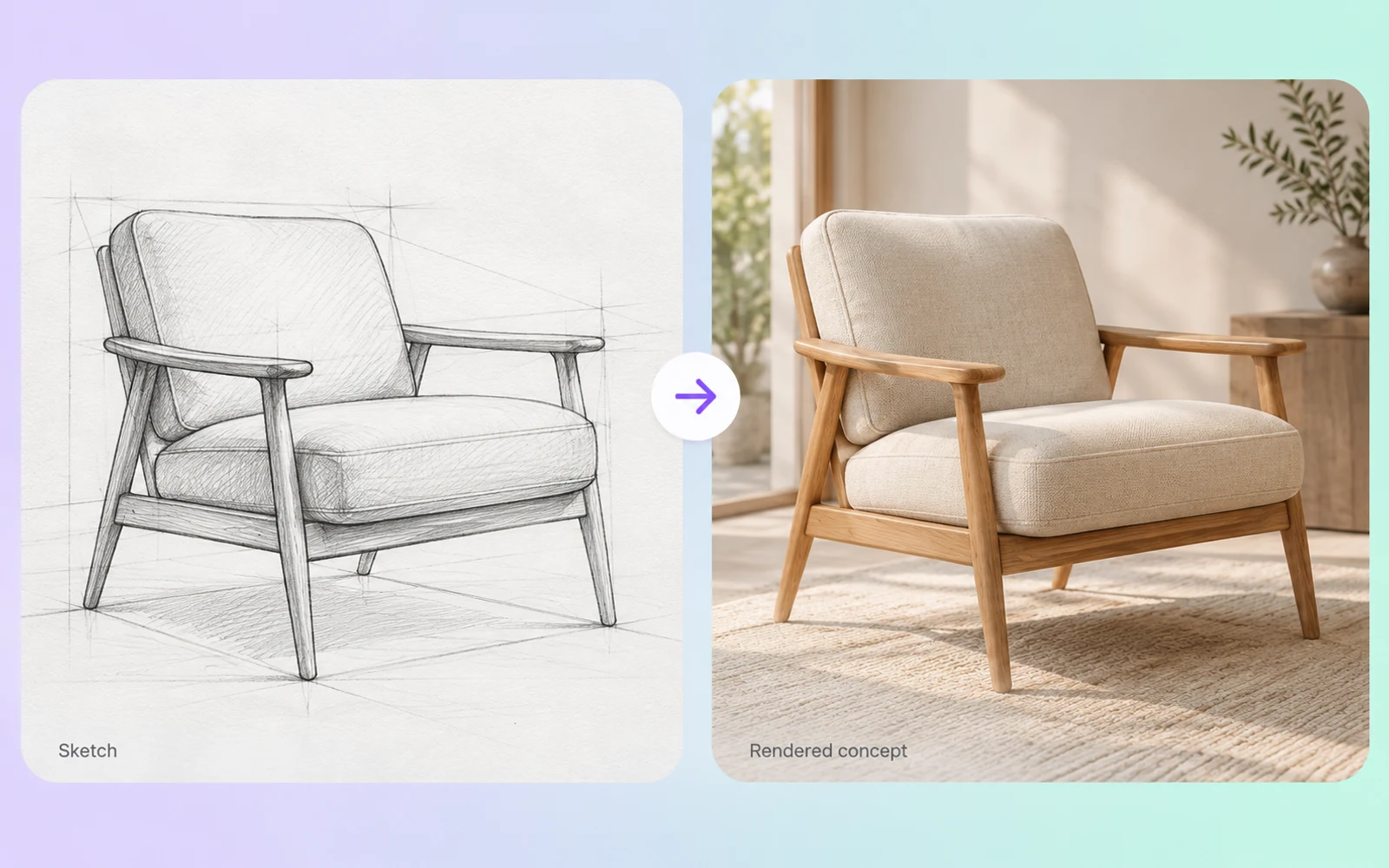
Capability illustration: Sketch-guided generation

Sketch-guided generation

Use a sketch to communicate arrangement before rendering a more detailed image. Rough lines and color blocks can indicate where elements belong, giving a poster, product concept, or scene a visual starting structure.

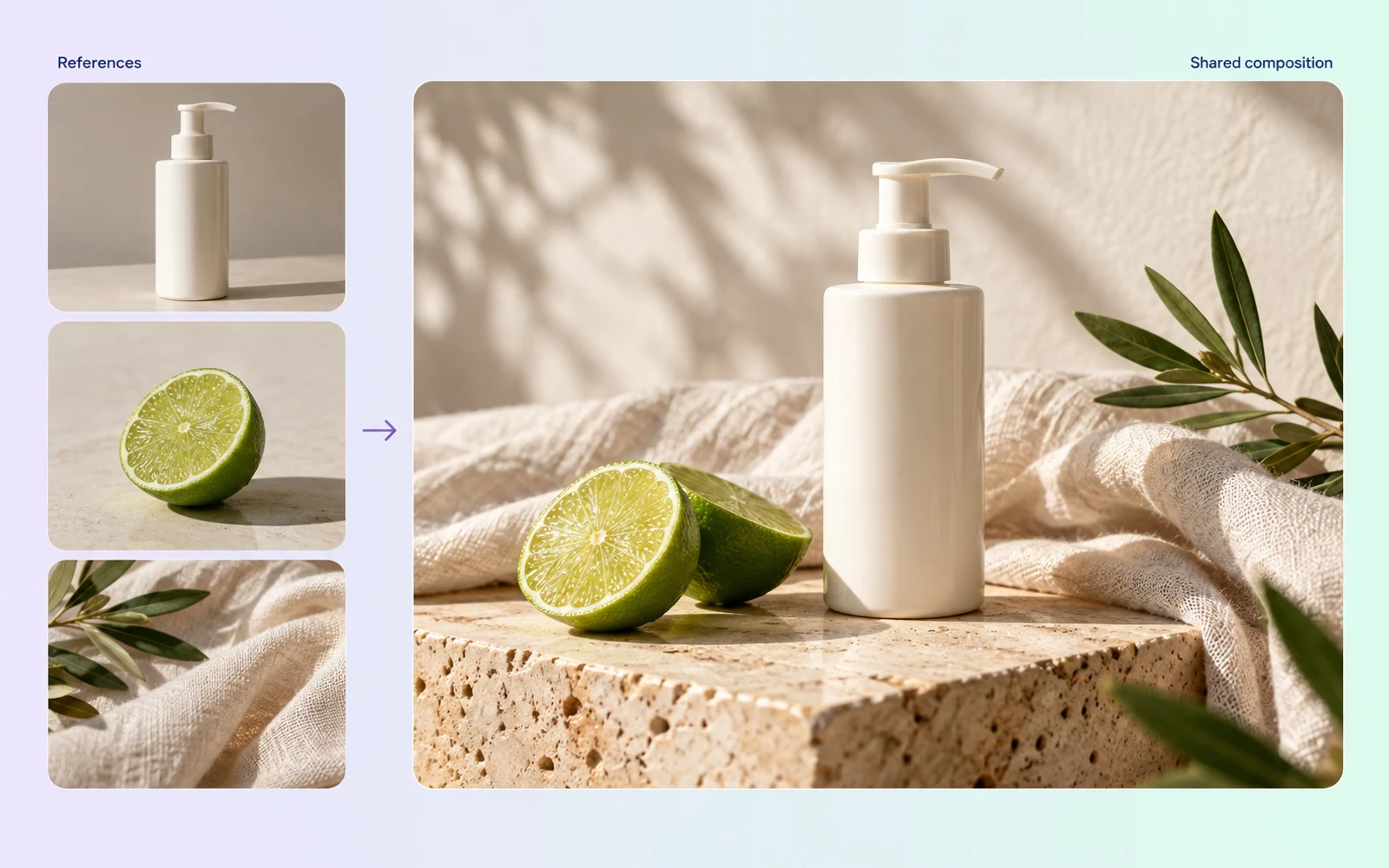
Capability illustration: Multi-image composition

Multi-image composition

Combine multiple image references with instructions about their roles and placement. This supports visual collage and concept development, such as arranging supplied objects within a shared scene. Review the resulting scale, edges, and lighting together.

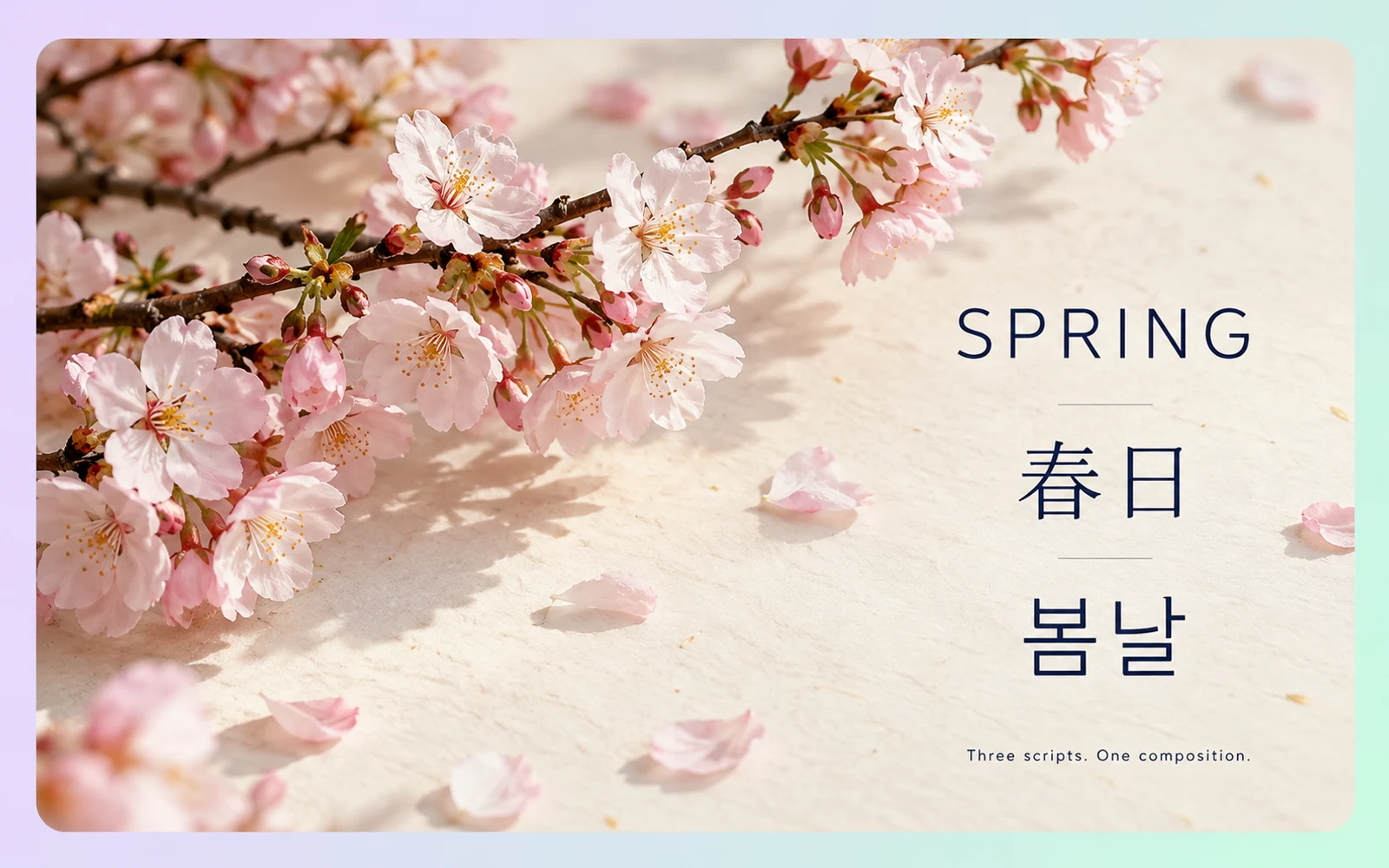
Capability illustration: Multilingual text rendering

Multilingual text rendering

Generate visual designs with multilingual text, including languages with different writing directions and character forms. Provide the intended wording and layout requirements. Proofread every line and check reading order before preparing the design for publication.

Image showcase

Model comparison

DimensionSeedream 5.0 ProNano Banana 2.1Nano Banana 2 Lite
Starting inputsText; up to 10 reference images, including sketchesText and multiple reference imagesText and image
Core directionImage generation, layout, and local editingReference-guided images and conversational editingImage generation and multi-turn editing
Output typeImagesText and imagesText and images
Aspect ratio optionsArk custom sizes: width-to-height ratio from 1:16 to 16:1Includes 1:4, 4:1, 1:8, and 8:1 panoramic formatsIncludes 1:1, 9:16, 16:9, and 21:9
Output resolutionArk: 1K, 1.5K, 2K; default 2KGemini API: 1K, 2K, 4KGemini API: 1K; 2K and 4K not supported
Suggested usesLayouts, localized visuals, and targeted image revisionsReference-led concepts, text layouts, and image revisions1K image concepts and conversational revisions

Specifications checked October 19, 2026. Sizes and controls refer to the named provider and task. Sources: Seedream 5.0 Pro model guide · Ark image generation API · Google Nano Banana 2.1 model card · Google Nano Banana 2 Lite model card

Use-case scenarios

Posters and campaign visuals

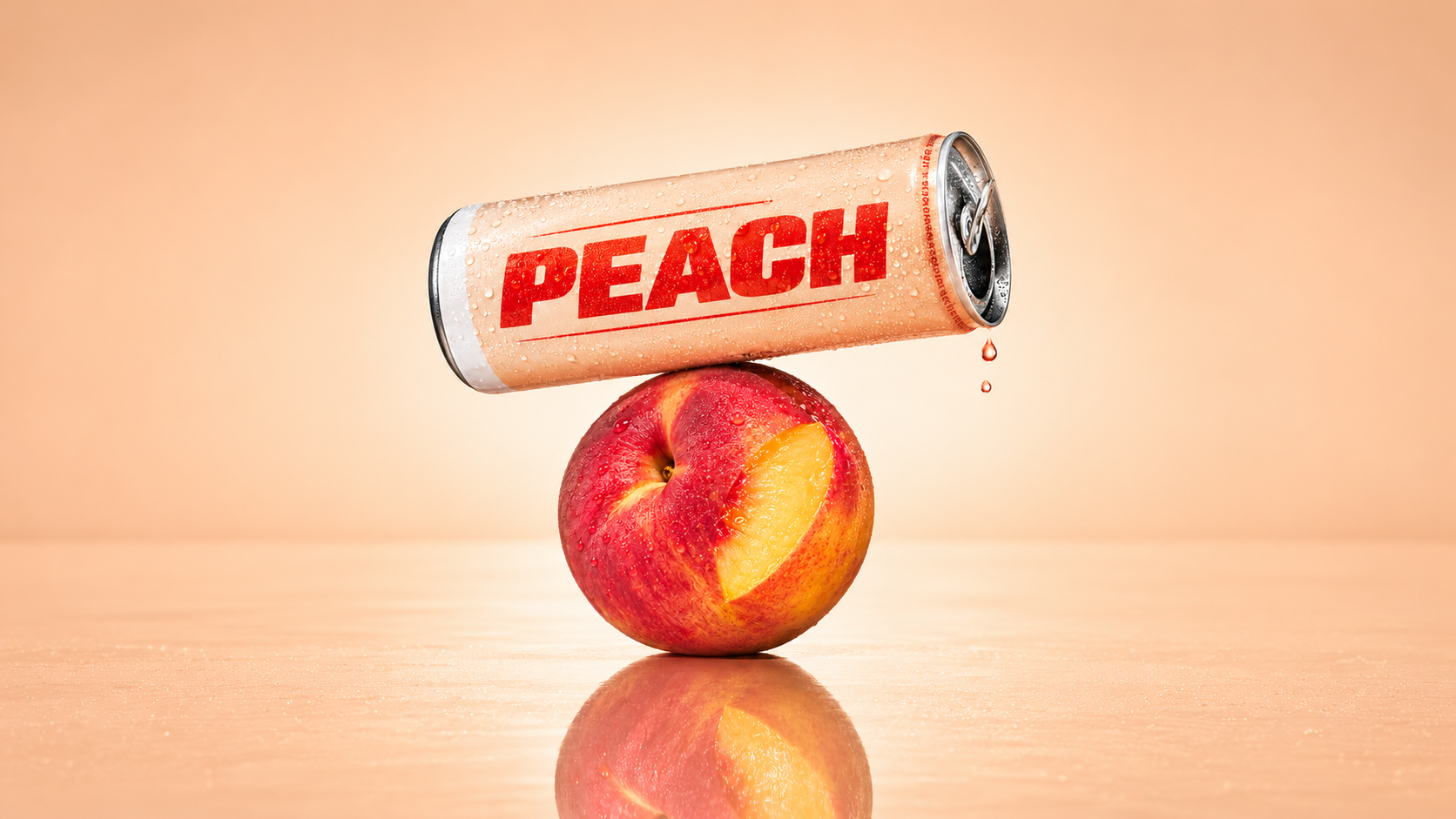
Plan the headline, subject and negative space as one composition. This suits campaign posters that combine imagery and text; check spelling and visual hierarchy before delivery.

Product color and material studies

Explore local color or material changes around an existing product image. This is useful for packaging and merchandise concepts; check that important structure and areas outside the requested edit remain suitable.

Concepts from sketches and references

Use a sketch to establish composition and multiple images to suggest subjects, settings or style. This helps turn scattered ideas into a visual proposal; specify the role of each reference.

Use cases

Explore image workflows for campaign layouts, product variations, and reference-led concepts.

Frequently Asked Questions About Seedream 5.0 Pro

What is Seedream 5.0 Pro?

Seedream 5.0 Pro is ByteDance’s image creation model for generation and design editing. Its documented capabilities include information layouts, region guided changes, material and color replacement, sketch rendering, multi image composition, and multilingual text. These features address different parts of a visual design brief.

Which sizes and reference inputs does Seedream 5.0 Pro support?

The Ark API offers 1K, 1.5K and 2K generation, with 2K as the default, plus custom pixel dimensions. Custom width-to-height ratios range from 1:16 to 16:1 within the pixel-count limits. Image generation accepts up to 10 reference images.

Does region editing preserve every surrounding pixel?

Region guidance helps identify where a change should happen, but it is not a guarantee that every surrounding pixel will remain identical. Review the selected area and its neighbors after editing, especially when object structure, small text, edges, or lighting relationships need to stay consistent.

Can Seedream 5.0 Pro create multilingual designs?

Yes. Multilingual text generation is a documented capability. Supply the intended wording and explain the layout requirements, including reading direction when relevant. Proofread the result in the target language and check whether the localized text fits the intended hierarchy without crowding other elements.

How can Pexo help develop the wider creative idea?

Pexo supports a conversational approach to creative work, including image generation and video ideas. Discuss the message, audience, and visual direction in plain language.

Describe your idea and start your next creation.

Start creating

Other models