Pexo
Wan 3.0 Prime

Wan 3.0 Prime
Connect the references behind your story

Plan connected scenes with multi-shot generation, native audio, visual references, and frame guidance for your next video brief.

Core capabilities

Capability illustration: Multi-shot storytelling

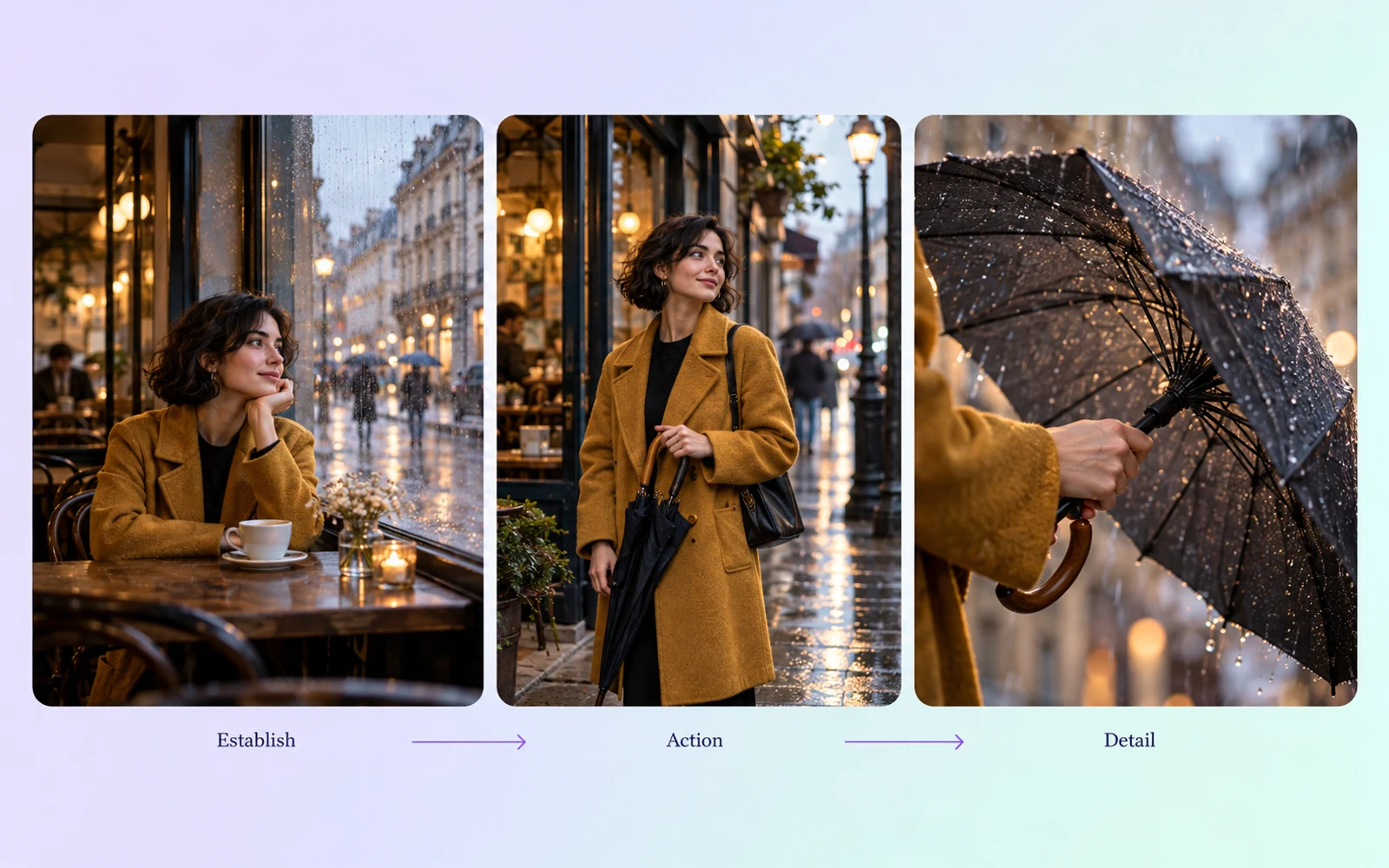
Multi-shot storytelling

Plan a video with multiple shots and a clear sequence of events. Describe what each shot contributes, from establishing a setting to showing a reaction, so the requested structure serves the story rather than collecting unrelated scenes.
Capability illustration: Native audio generation

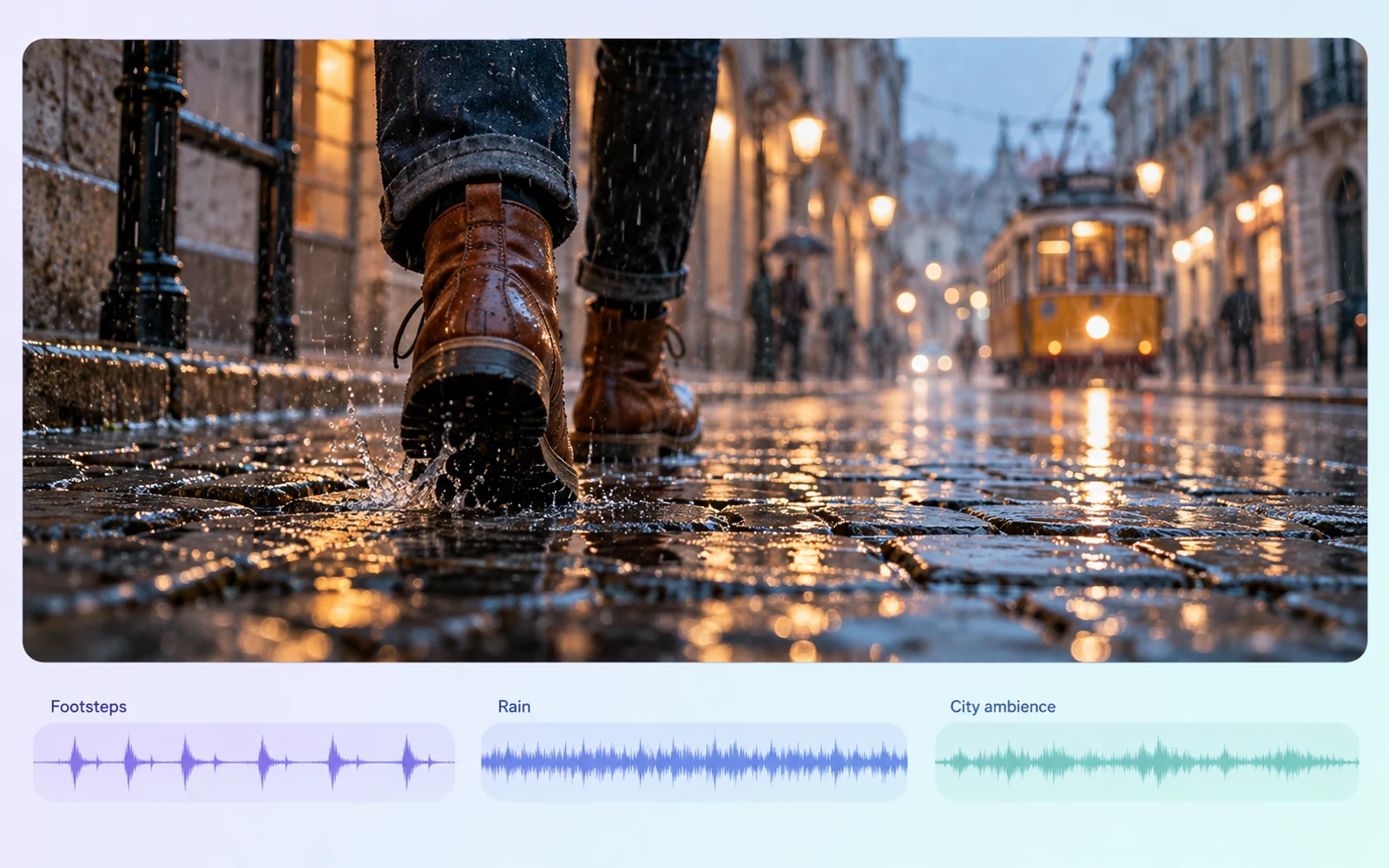
Native audio generation

Include dialogue, music, and sound effects in the generation brief. Native audio gives sound a part in the scene’s development. Review the full output for wording, timing, and how the soundtrack fits the visual sequence.

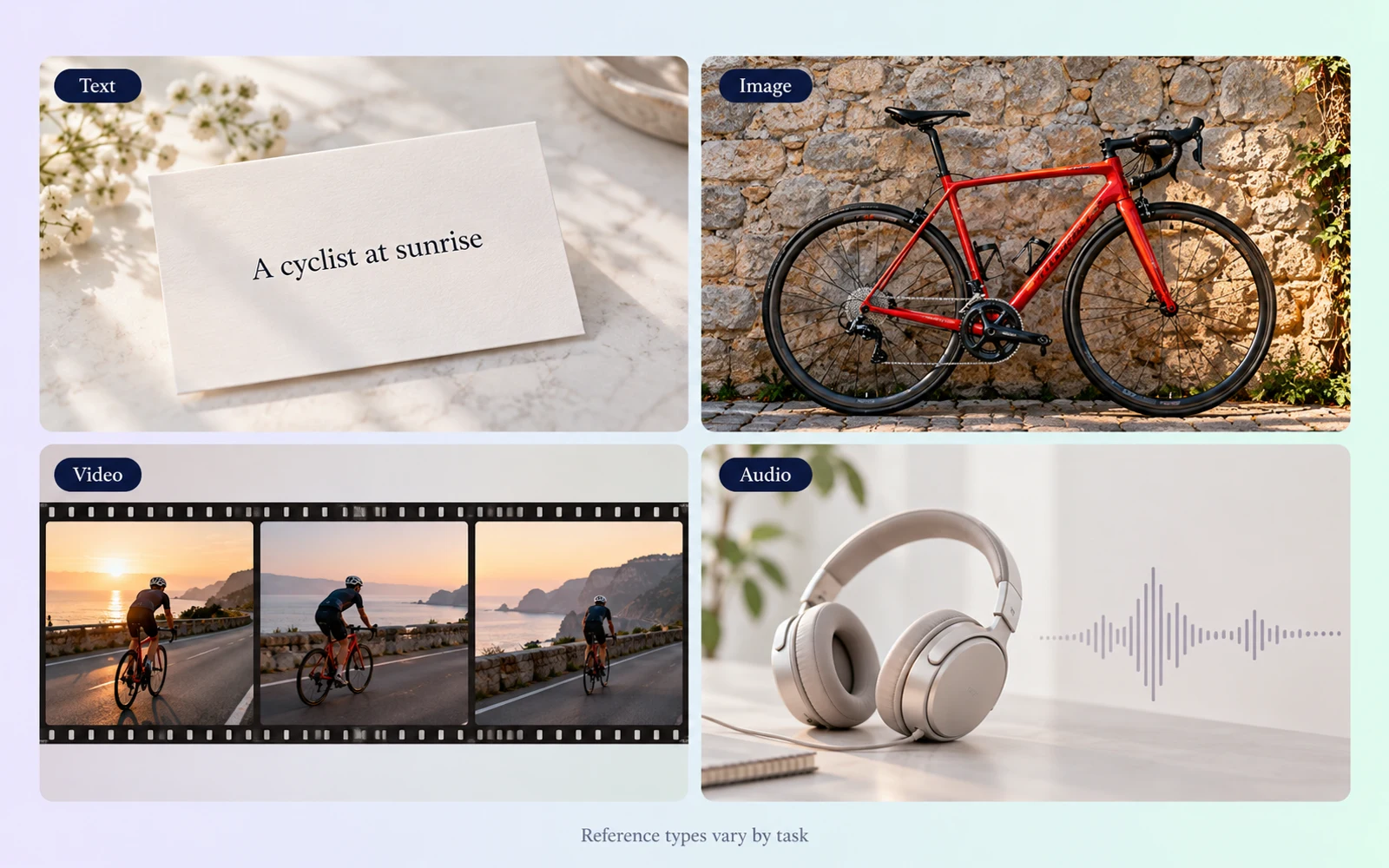
Capability illustration: Multimodal reference guidance

Multimodal reference guidance

In reference mode, combine images, video and audio to guide a scene. Model Studio accepts up to 10 reference images, 5 video clips and 5 audio clips. First/last-frame inputs belong to a separate mode and cannot be mixed with reference inputs.

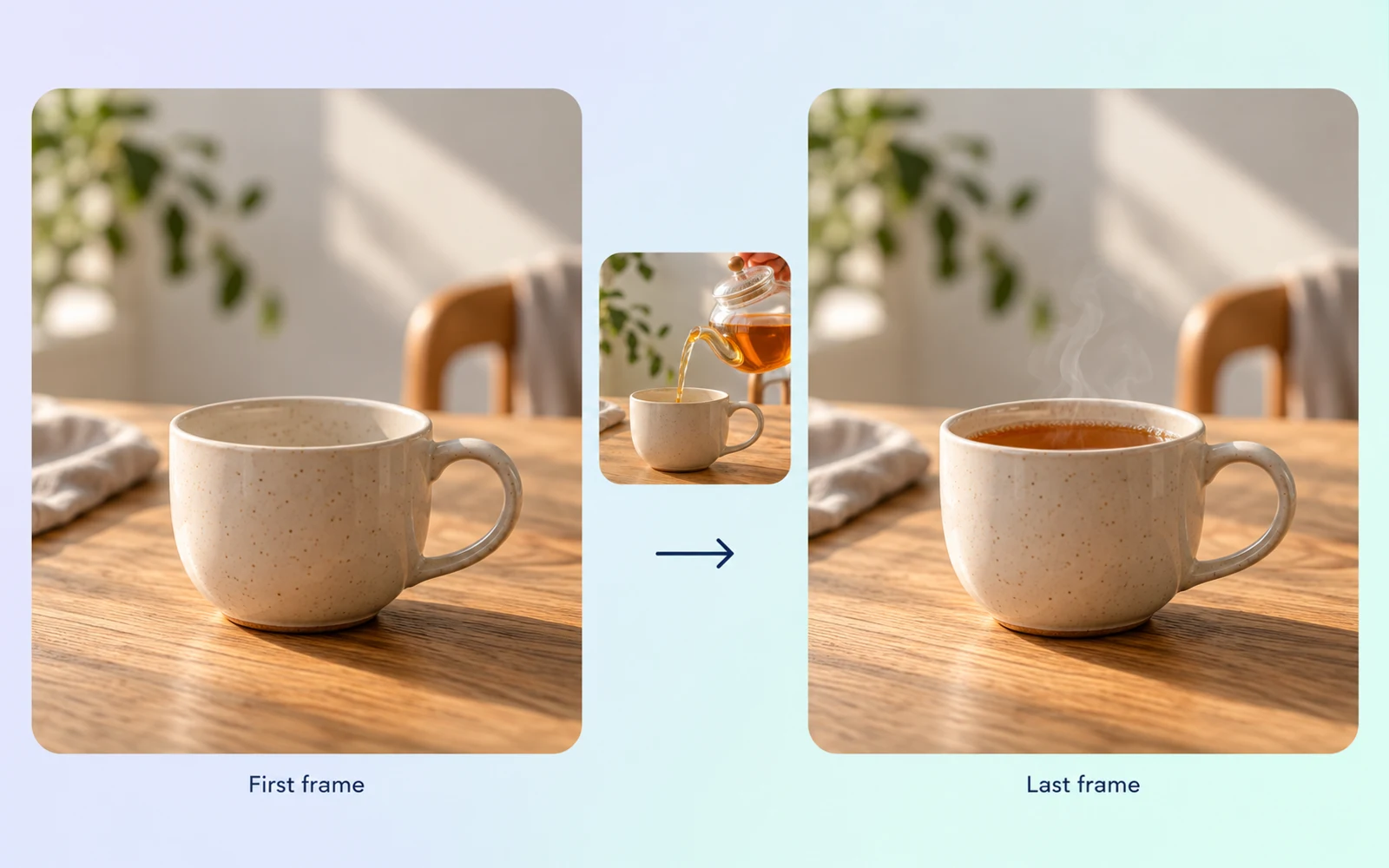
Capability illustration: Keyframe guidance

Keyframe guidance

Guide a generation with a first frame, or define both first and last frames when the task supports it. Pair the visual anchors with a description of the action between them so the transition has a clear creative direction.

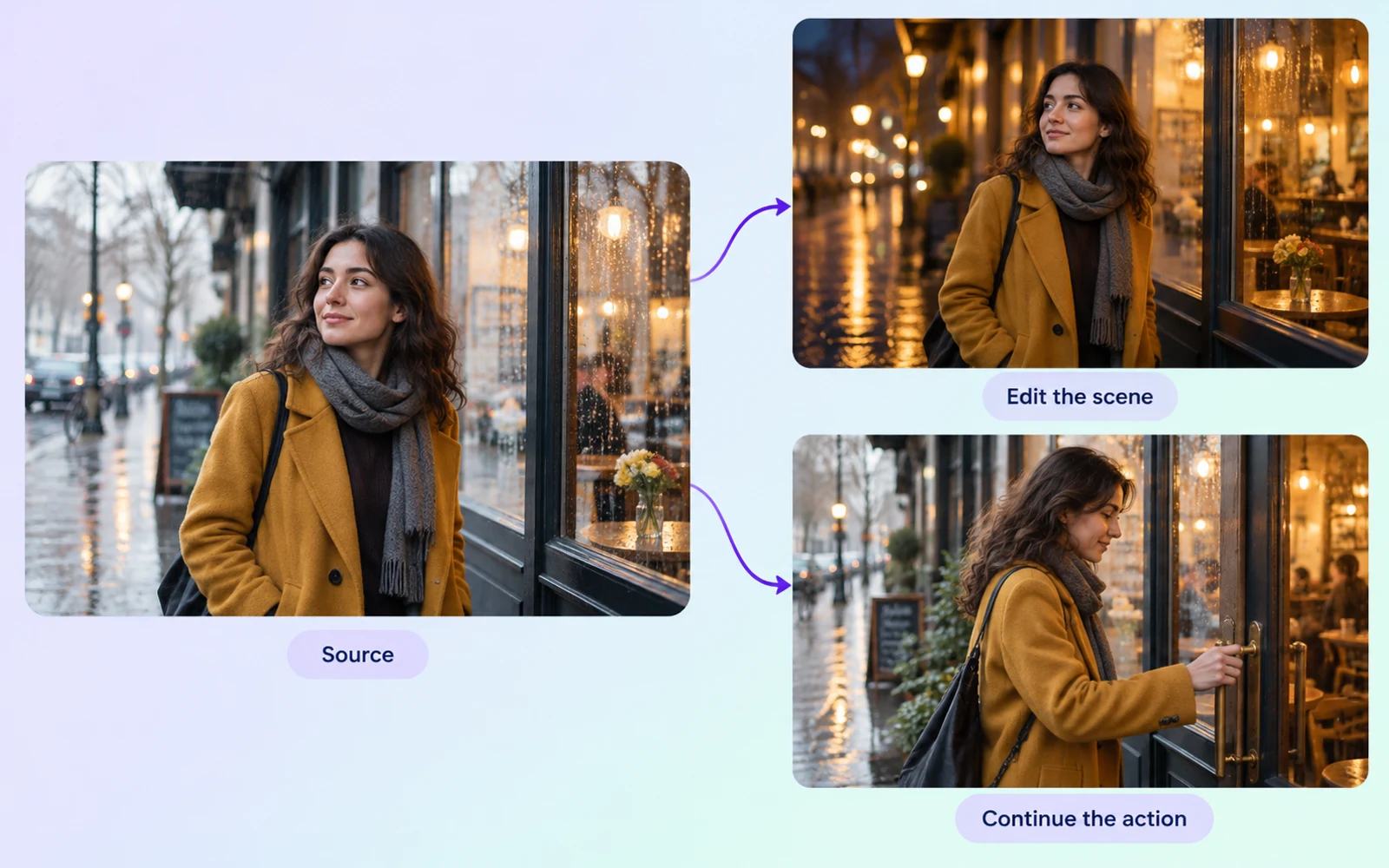
Capability illustration: Video editing and extension

Video editing and extension

Provide a reference video and describe an edit or a continuation. Model Studio supports editing as well as forward, backward and bidirectional extension. Video references share a 15-second total input limit; requests containing video also have a combined input/output duration limit.

Image showcase

Model comparison

DimensionWan 3.0 PrimeVeo 3.1HappyHorse 1.1
Input formatsText, image, video, audio; task-specific combinationsText and image; visual referencesText, image, multi-image reference modes
Core directionMulti-shot video with multimodal referencesVideo generation with audio and visual guidanceSeparate text, image, and reference-to-video modes
Audio capabilitiesNative dialogue, music, and effectsNative audio generationAudio-supported T2V, I2V and R2V
Video duration limitsModel Studio: 2–30s; video inputs have a combined duration limitGemini API: 4, 6, or 8s initially; references and 1080p/4K require 8sModel Studio: 3–15 seconds in T2V, I2V and R2V
Output resolutionModel Studio: 480P, 720P, 1080PGemini API: 720p; 1080p/4K at 8s; extension at 720pModel Studio: 480P, 720P, 1080P in all three modes
Suggested usesMulti-shot stories and reference-led scene developmentScenes planned around sound, visual references, and continuationCharacter interactions planned from text, images, or references

Specifications checked October 19, 2026. Sizes and controls refer to the named provider and task. Sources: Wan Prime model guide · Wan 3.0 generation API · Wan 3.0 generation guide · Google Veo 3.1 API guide · Model Studio video model specifications · HappyHorse first-frame API · HappyHorse reference-image API

Use-case scenarios

Multi-shot story concepts

Break a story into an opening, development and conclusion, then define the subject and action in each shot. This suits short stories told across several shots, with close attention to continuity between them.

Audiovisual concepts guided by references

Organize reference material and explain how each item should guide the subject, setting or creative direction. Add the intended sound cues to develop an established visual idea into an audiovisual scene.

Editing and continuation around keyframes

Use keyframes to establish the intended visual states, then plan an edit or extension. This suits transitions and follow-on actions built around existing material; review joins, subjects and motion for continuity.

Use cases

Explore video workflows for connected stories, reference-led scenes, and visual transitions.

Frequently Asked Questions About Wan 3.0 Prime

Can I submit a portrait, motion clip, and audio together?

Yes, in reference mode. Wan Prime accepts combined reference_image, reference_video and reference_audio inputs. First/last-frame mode is separate: its frame inputs cannot be mixed with these reference types.

Which duration and resolution settings does Prime support?

Model Studio lists 480P, 720P and 1080P, with 2–30-second output and a smart-duration option. When a request includes video, the combined input and output duration must fit the 30-second limit.

What source video can Prime edit or extend?

Supply reference_video input with editing or continuation instructions. Up to 5 video references are accepted, totaling no more than 15 seconds, with each file at most 100 MB. Forward, backward and bidirectional extension are documented.

Is Prime’s speed advantage measured in this guide?

No measured speed comparison is included. Alibaba Cloud Model Studio positions Prime as an accelerated Wan 3.0 variant. Use that as provider positioning, then evaluate the exact task, settings, and review workload before basing a production deadline on expected turnaround.

Can I rely on exact dialogue without checking it?

Native dialogue support does not guarantee the wording of every output. Listen to important lines and verify who speaks them, especially when a phrase carries the scene’s message. Check that each spoken line and visible action communicate the same intended event.

Describe your idea and start your next creation.

Start creating

Other models