ChatGPT
 Perplexity
 Claude
 Gemini
 Grok
Grok


Blog Article · 12 min read · Posted by the Pexo Team · June 5, 2026
Making a usable image in 2026 no longer means opening Photoshop or briefing a designer. You type a sentence, and a few seconds later you have a product shot, a thumbnail, a poster, or a concept render — at a resolution you can actually ship. The catch is that "online AI image generator" now covers everything from Discord-only art engines to one-click marketing tools, and they are not interchangeable. The model that nails photorealistic skin will butcher readable text; the one with the best free tier caps you at 512×512 with a watermark.
We compared the field in June 2026 and ranked the 10 best AI image generators online on the things that decide real work: image quality, generation speed, free-tier limits, maximum resolution, commercial-use safety, and price. Everything is scored on the same axes so you can compare it in one table instead of opening ten tabs. Here's the shortlist, then the full breakdown with specs and honest limitations for each.
What Is an Online AI Image Generator?
An online AI image generator is a browser-based tool that turns a text description (a "prompt") — and increasingly a reference image — into a brand-new image, with no local software, GPU, or design skill required. Under the hood it runs a diffusion or transformer image model (Stable Diffusion, FLUX, GPT Image, or Google's Imagen) on the provider's servers, so all you need is a browser and an internet connection.
Three things separate a good one from a toy:
- Prompt adherence — does the output actually match what you asked for, including object counts, layout, and any text?
- Resolution and detail — can it output a sharp 1024×1024 (or 2K+) image you can use at full size, not a soft, watermarked thumbnail?
- Commercial safety — are you cleared to use the result in ads and products, and is the training data licensed?
The right tool depends on the job: marketers want speed, brand consistency, and commercial clearance; artists want control and style range; developers want an API. The list below is ranked so the most broadly useful, lowest-friction options come first.
The 10 Best AI Image Generators Online in 2026: At-a-Glance
| # | Tool | Best for | Image engine | Free tier | Starting price (2026) | Max resolution |
|---|---|---|---|---|---|---|
| 1 | Midjourney v7 | Highest artistic quality | Midjourney v7 | No | ~$10/mo | 2048×2048 (upscaled) |
| 2 | Pexo | Describe-it-in-words, no prompt engineering | Multi-model (GPT Image 2, Nano Banana, + more) | Free to start (credits) | Credit-based | Model-dependent |
| 3 | GPT Image / DALL·E 3 | Conversational editing + text | GPT Image (OpenAI) | Limited (via ChatGPT) | ~$20/mo (ChatGPT Plus) | 1024×1792 |
| 4 | Adobe Firefly | Commercial-safe, brand work | Firefly Image 4 | Yes (monthly credits) | ~$10/mo | 2048×2048 |
| 5 | Google Imagen / "Nano Banana" | Photoreal + photo edits | Imagen 4 / Nano Banana | Yes (in Gemini) | ~$20/mo (Google AI) | 1536×1536 |
| 6 | FLUX (Black Forest Labs) | Realism + prompt adherence | FLUX1.1 Pro | Via playground/partners | Usage-based API | 2048×2048 |
| 7 | Ideogram 3.0 | Text inside images, logos | Ideogram 3.0 | Yes (daily credits) | ~$8/mo | 1280×1280 |
| 8 | Leonardo AI | Game art, assets, control | Phoenix / SDXL | Yes (daily tokens) | ~$12/mo | 1536×1536 |
| 9 | Stable Diffusion (SDXL/3.5) | Open-source, full control | SD 3.5 / SDXL | Yes (Clipdrop/DreamStudio) | Usage-based | 1024×1024+ |
| 10 | Canva Magic Media | Non-designers, templates | Multiple + Firefly | Yes (limited) | ~$15/mo (Pro) | 1024×1024 |
Prices and limits are public figures as of early 2026 and change often — confirm on each tool's site before you buy.
Our Evaluation Criteria: How We Ranked These Tools
We didn't rank these on vibes. Every tool is judged on the six axes that actually decide which image generator you should open:
- Image quality — sharpness, realism, and style range on the images people actually ship (product shots, portraits, posters, scenes).
- Prompt adherence — how closely the output matches the request, including object counts, layout, and any text.
- Speed — how fast you get from idea to a usable image.
- Free tier — what you can do without paying, and whether outputs are watermarked.
- Max resolution & commercial safety — whether the result is large enough to ship and cleared for commercial use.
- Price — the paid starting point, weighed on value rather than headline cost.
The ranking reflects how broadly useful each tool is across those axes — not a single benchmark. Your best pick still depends on your specific job, which is why every entry below calls out exactly who it's for and where it falls short.
The 10 Best AI Image Generators, Reviewed
1. Midjourney v7 — The Artistic Quality Benchmark
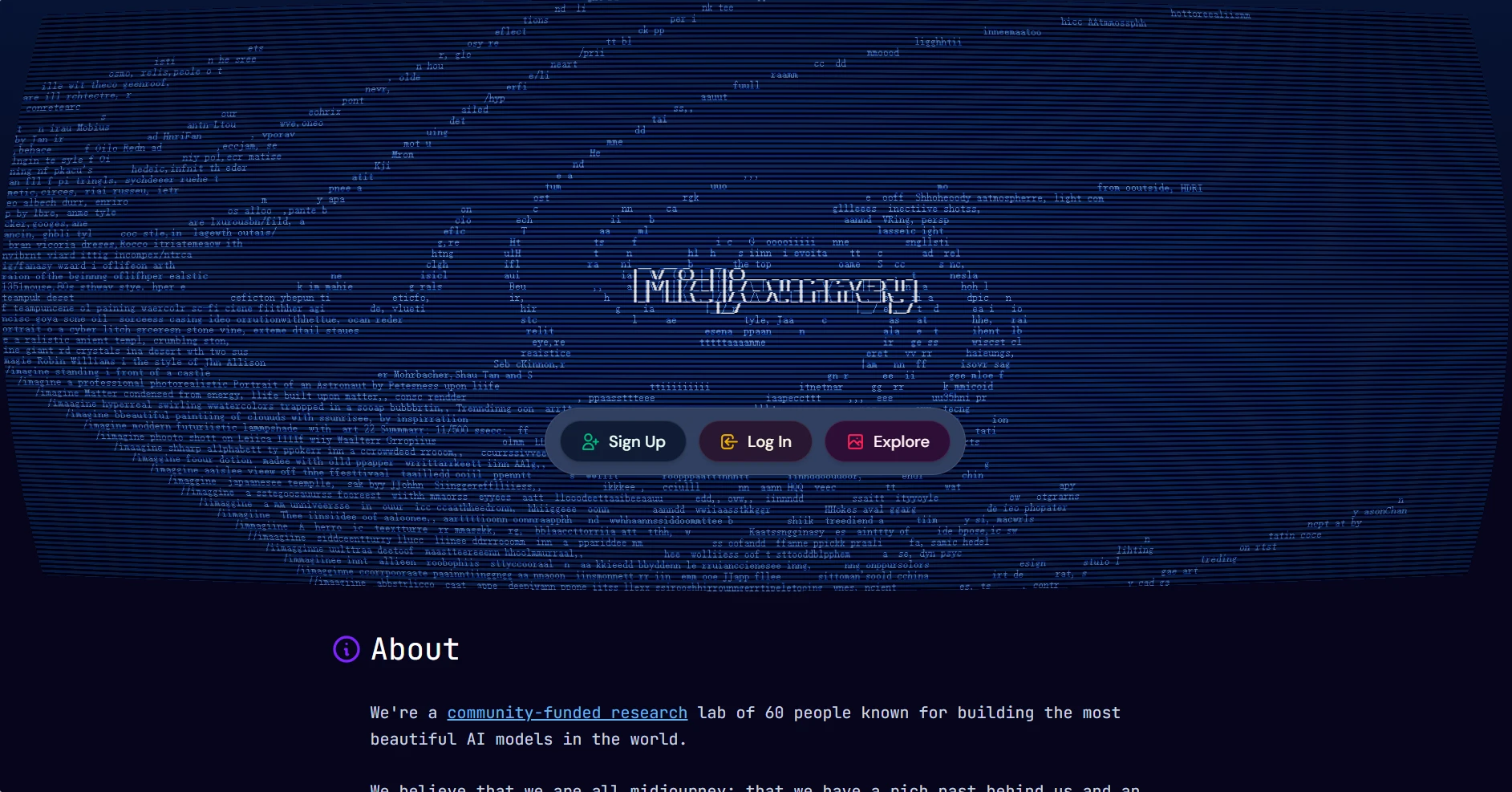
Midjourney is still the name people mean when they say "AI art," and for portraits, concept art, and stylized scenes it produces some of the most striking results of any tool available. Version 7, the 2026 release, sharpened photorealism, lighting, and prompt coherence, and the standalone web app finally made it usable without living in Discord. Outputs land around 1024×1024 natively and upscale cleanly to roughly 2048×2048.
Best for: Concept art, editorial, moodboards, and brand visuals where look-and-feel beats literal accuracy.
Specs: v7 model, web + Discord, style references (--sref), consistent-character tools, and a fast ~30–60 second turnaround per 4-image grid.
Pricing: No real free tier; the Basic plan starts around $10/month for roughly 200 images, with Standard at ~$30/month for unlimited relaxed generations.
Where it falls short: Prompt adherence on specific layouts and text inside images is still its weak spot, there's no free tier to test before paying, and the Discord heritage makes the first-run experience less obvious than a plain web tool. (midjourney.com)
2. Pexo — The Fastest Path When You Don't Want to Learn Prompting
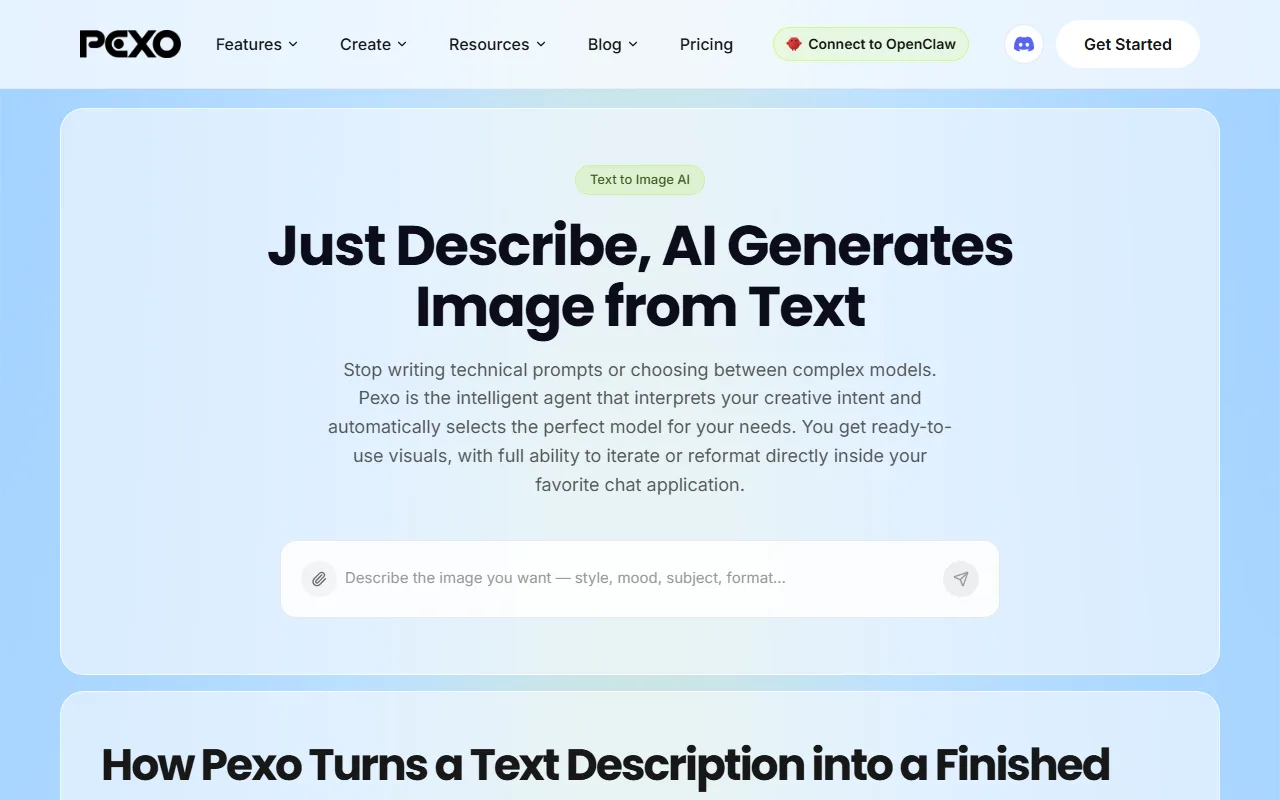
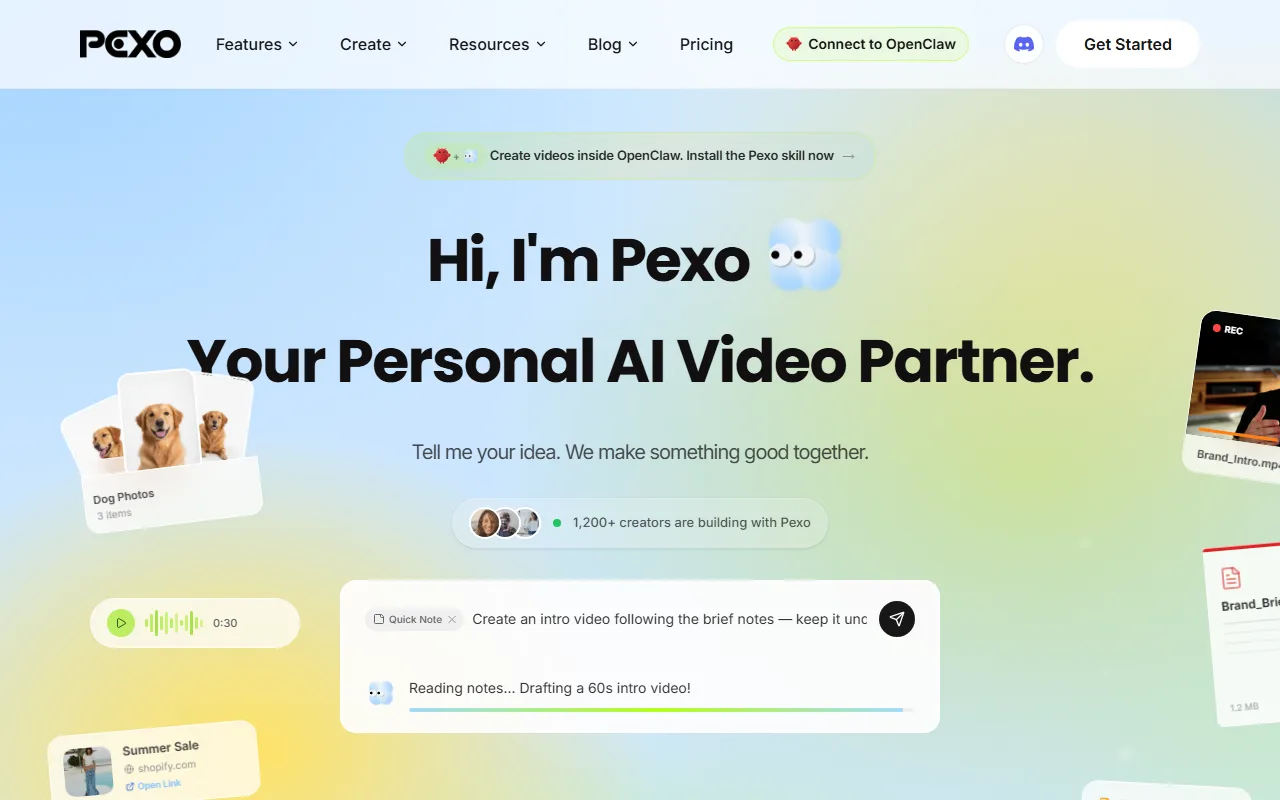
Every other tool on this list hands you an empty prompt box and expects you to know the magic words. Pexo is the opposite: it's an AI creative partner you talk to. You describe the image the way you'd describe it to a colleague — "a clean studio shot of my serum bottle on a marble counter, soft morning light" — and Pexo generates it, then lets you refine it in plain language ("warmer background, move the bottle left, make it square for Instagram"). No prompt engineering, no seed numbers, no negative-prompt syntax. It's the fastest route from a rough idea to an on-brand image, because you never stop to debug a prompt.
Best for: Marketers, founders, and creators who want a usable, on-brand still fast and don't want to babysit prompt syntax or compare five model outputs. Specs: Text-to-image and image-to-image editing from a single conversation. No prompts. Just talk — Pexo reads intent from plain language. No choosing models — it works with leading image models including GPT Image 2 and Nano Banana, and picks the right one for your request, so output style and max resolution scale with the model chosen for the job. Output sizes cover the common social and ad ratios (vertical, square, wide). Pricing: Credit-based, free to start. You generate at /features/text-to-image or inside the image-generation workflow; credit pricing scales with the model and size you route to. Where it falls short: Pexo is a partner, not a pixel-level art tool. If you want frame-perfect manual control over a seed, a sampler, and every node — the way a Stable Diffusion power user does — a dedicated model playground gives you more knobs. Pexo deliberately hides that complexity, which is exactly why most people are faster in it. (pexo.ai)
3. GPT Image / DALL·E 3 — Conversational and Great at Text
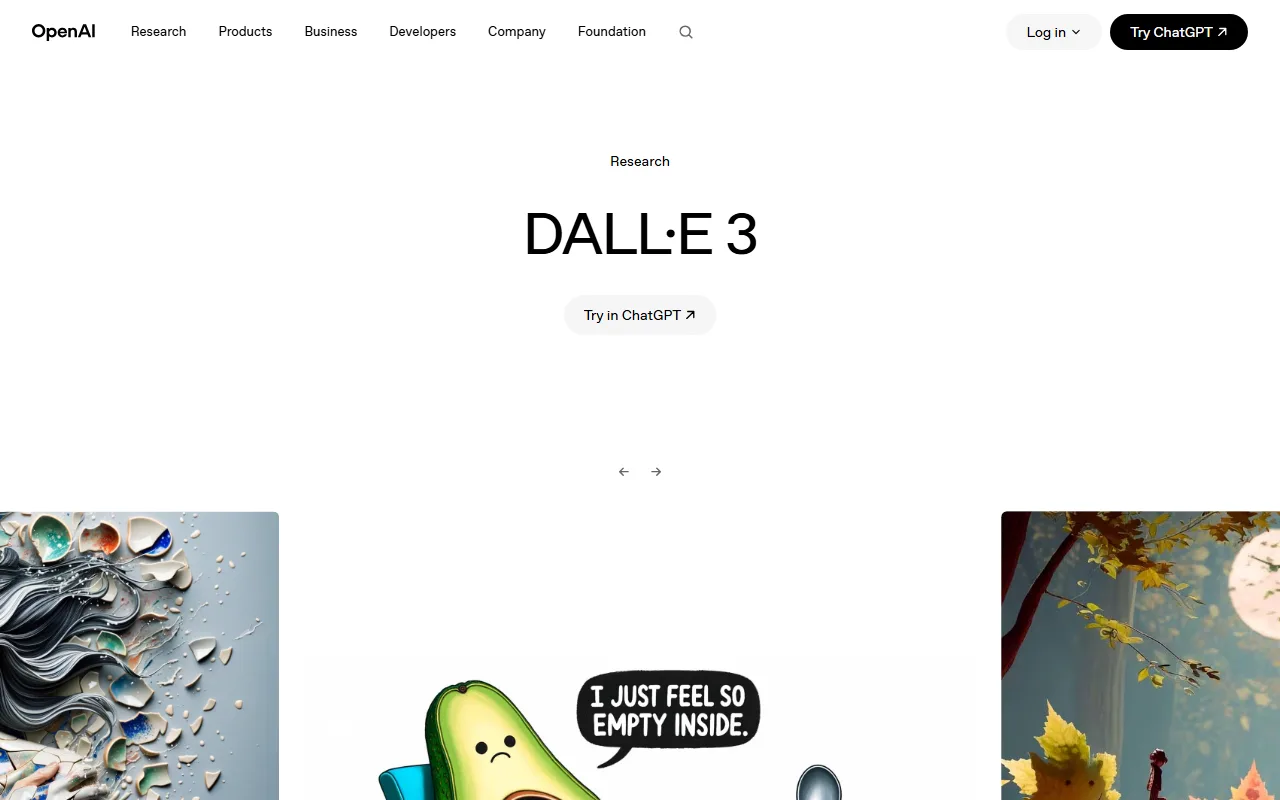
OpenAI's image model — the GPT Image generation behind DALL·E 3 inside ChatGPT — is the most natural for people who already think in chat. You describe an image, then say "make it night, add a coffee cup," and it edits conversationally. It's one of the few general-purpose models that reliably renders legible headlines without garbled letters.
Best for: Quick marketing visuals, social posts, and mockups for anyone already living in ChatGPT. Specs: Up to 1024×1792, in-chat iterative editing, and strong instruction-following on object counts and composition. Pricing: Limited free access through ChatGPT's free tier; full quality and volume effectively need ChatGPT Plus (~$20/month). Where it falls short: Heavy content filtering blocks a lot of commercial and stylistic requests, fine-art quality trails Midjourney, and there's no batch/grid workflow for generating variations at once. (openai.com)
4. Adobe Firefly — The Commercially Safe Choice
Firefly's pitch is trust: it's trained on Adobe Stock and licensed content, so outputs are cleared for commercial use — the single biggest reason brand and agency teams pick it. Firefly Image 4 (2026) closed much of the quality gap, and it's built directly into Photoshop and Express.
Best for: Brand teams, agencies, and regulated industries that need guaranteed commercial clearance. Specs: Up to 2048×2048, Generative Fill / Expand, structure and style reference, and native Creative Cloud integration. Pricing: Free tier with monthly generative credits; paid plans from around $10/month, often bundled with Creative Cloud. Where it falls short: Photorealism still trails FLUX and Midjourney on some scenes, generative credits deplete fast on heavy use, and the most creative or edgy styles get filtered out by Adobe's safety rules. (adobe.com/firefly)
5. Google Imagen / "Nano Banana" — Photoreal Edits in Gemini
Google's Imagen 4 and its conversational editing model nicknamed Nano Banana are now the strongest part of the Gemini app. Nano Banana stands out for changing an existing photo — swapping objects, changing the scene, relighting — while keeping the subject's face and proportions consistent.
Best for: Realistic photo edits, scene changes, and Google Workspace users who want generation where they already work. Specs: Up to ~1536×1536, multi-turn conversational editing, and strong character/subject consistency across edits. Pricing: Free tier inside the Gemini app; higher limits and faster models via Google AI (~$20/month). Where it falls short: Tight safety filters reject many prompts, availability and rate limits vary by region, and it's tuned more for realism than for stylized or illustrative art. (gemini.google.com)
6. FLUX (Black Forest Labs) — Realism and Prompt Adherence
FLUX1.1 Pro is the 2026 favorite of people who care about getting exactly what they asked for. It leads many independent blind comparisons on prompt adherence and hand/anatomy realism, and it's available through API providers and playgrounds rather than one consumer app.
Best for: Developers and power users who want top-tier realism and accuracy via API or a hosted playground. Specs: FLUX1.1 Pro, up to 2048×2048, excellent compositional accuracy and notably few anatomy artifacts. Pricing: Usage-based through API partners (priced per image); no flat consumer subscription. Where it falls short: There's no polished first-party consumer UI, so you reach it through third-party hosts, and it ships with far less template/marketing tooling than Firefly or Canva. (blackforestlabs.ai)
7. Ideogram 3.0 — Best for Text Inside Images
If your image needs words in it — a logo, a poster, a quote graphic — Ideogram is the specialist. Version 3.0 renders typography more reliably than any general model, and its "Magic Prompt" helper expands a short idea into a fuller prompt for people who don't want to write one.
Best for: Logos, posters, typographic graphics, and social quote cards where text has to be perfect. Specs: Up to 1280×1280, best-in-class text rendering, style presets, and a built-in prompt expander. Pricing: Free daily credits; paid plans from around $8/month for more generations and private mode. Where it falls short: General photorealism is good but not class-leading, resolution caps lower than Firefly or FLUX, and complex multi-subject scenes can still wobble. (ideogram.ai)
8. Leonardo AI — Built for Game Art and Assets
Leonardo wraps fine-tuned models — its Phoenix model plus SDXL variants — in a creator-friendly UI with serious control: trained styles, image guidance, and a canvas editor. It's a favorite of game studios and asset creators who need a consistent style across hundreds of images.
Best for: Game assets, character design, and teams building a repeatable, consistent style library. Specs: Up to ~1536×1536, ControlNet-style image guidance, custom model training, and an in-app canvas editor. Pricing: Free daily tokens; paid plans from around $12/month for more tokens and faster generation. Where it falls short: The control-heavy interface has a real learning curve, the free token budget runs out quickly on high-res jobs, and casual users will find it overkill for one-off images. (leonardo.ai)
9. Stable Diffusion (SDXL / 3.5) — Open-Source and Fully Controllable
Stable Diffusion 3.5 and SDXL are the open-source backbone of the whole space. Online you can run them through Clipdrop or DreamStudio without a GPU, while power users self-host for unlimited generations, custom LoRAs, and zero content filter.
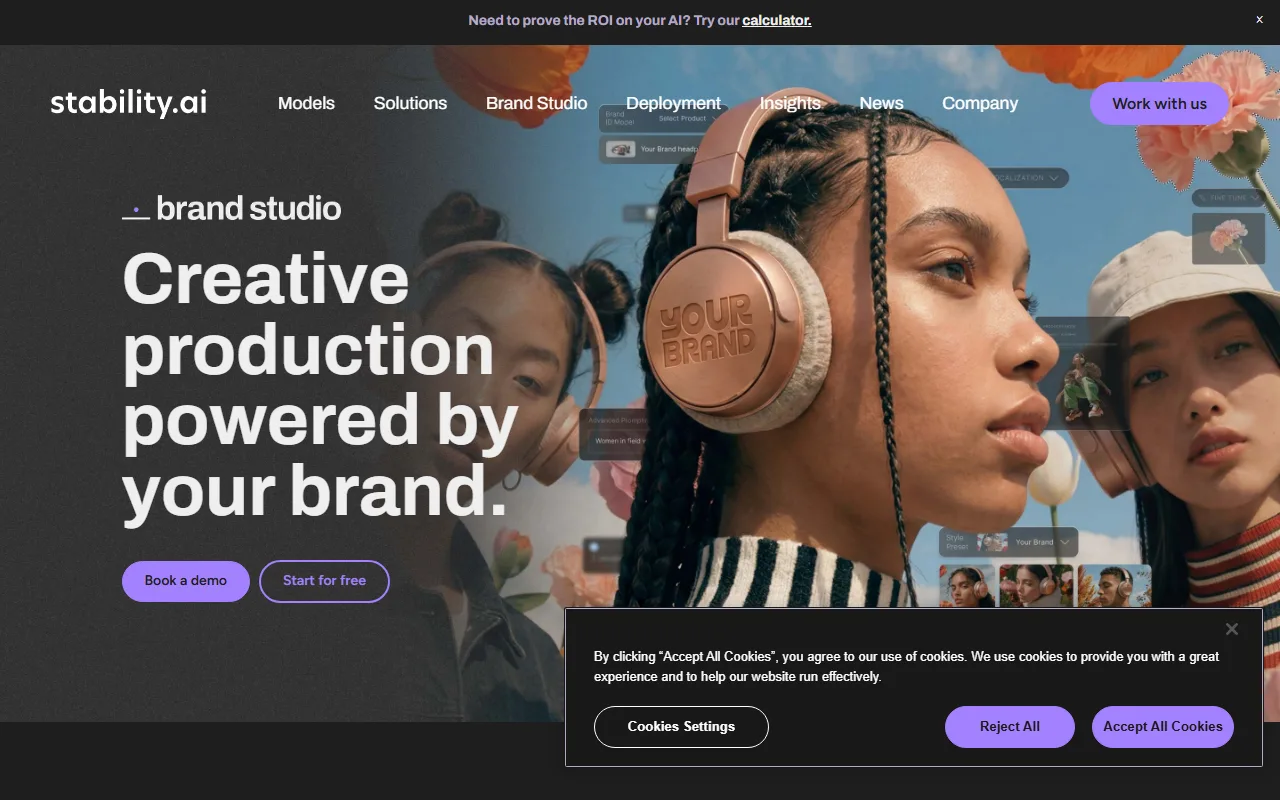
Best for: Tinkerers, developers, and anyone who wants full control, custom models, or local generation. Specs: SD 3.5 / SDXL, 1024×1024+ online and higher when self-hosted, plus a vast ecosystem of community fine-tunes and ControlNets. Pricing: Usage-based credits online (Clipdrop / DreamStudio); free if you self-host on your own hardware. Where it falls short: Base-model quality trails FLUX and Midjourney without careful prompting and add-ons, and the best results require technical setup most marketers won't do. (stability.ai)
10. Canva Magic Media — Easiest for Non-Designers
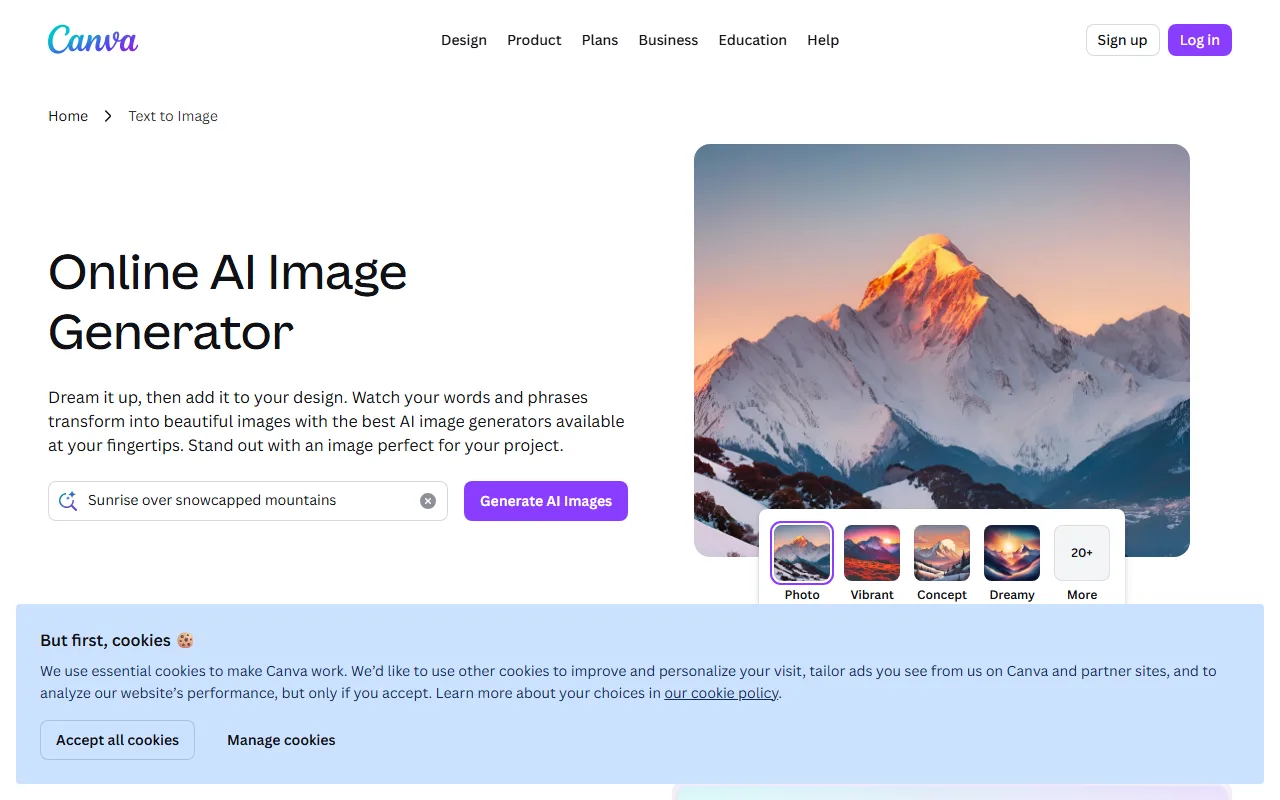
Canva's Magic Media bundles image generation (its own models plus Firefly) inside the design tool millions already use. You generate an image and drop it straight into a template, social post, or deck — no export-import dance, no second app.
Best for: Non-designers, social teams, and anyone who wants a generated image landed straight into a layout. Specs: Up to 1024×1024, integrated with Canva's templates, brand kit, and one-click resizing. Pricing: A handful of free generations; full access with Canva Pro (~$15/month), which also unlocks the wider design suite. Where it falls short: Raw image quality and resolution trail the specialist models, and the generation count is capped even on Pro, so it's a convenience layer more than a power tool. (canva.com)
Skip the Prompt Engineering: Generate Images by Just Describing Them
Look back at the list and you'll notice the common tax: almost every great model still expects you to write a good prompt, pick the right tool for the job, and stitch the result into whatever you're actually making. That's three skills before you get one image.
This is the friction Pexo removes. Instead of a prompt box and a model picker, you get one conversation:
- No prompts. Just talk. Describe the image in your own words — messy, half-formed, or specific. Pexo reads intent, not syntax, so there's no "magic words" to learn.
- No choosing models. Just the best one, every time. Pexo works with leading image models — GPT Image 2, Nano Banana, and more — and routes your request to the one that fits the style and format, so you don't have to A/B test five tools to find out which renders your scene best.
- Refine by saying it. "Warmer light, move the logo up, make it square for Instagram." The change happens in the same chat — no layers, no re-prompting from scratch.
For a marketer making a product ad, that means going from a photo and a sentence to a finished, on-brand still — and, if you need it, straight into a short video — without leaving the conversation. Try it at /features/text-to-image.
The trade-off is honest: if your goal is to hand-tune a seed and sampler for a one-of-a-kind art piece, a model playground gives you more dials. For everyone whose real goal is "I need a good image, now," talking is faster than prompting.
How to Choose the Right AI Image Generator
Match the tool to the job, not to the hype:
- You want the best artistic look → Midjourney v7.
- You want speed and zero learning curve → Pexo. Describe it, get it, refine it in words.
- You need readable text in the image → Ideogram 3.0.
- You need guaranteed commercial-use safety → Adobe Firefly.
- You want maximum prompt accuracy / realism → FLUX1.1 Pro.
- You're editing real photos → Google Nano Banana.
- You want full open-source control → Stable Diffusion 3.5.
- You're a non-designer working in templates → Canva Magic Media.
Two rules of thumb. First, always test the free tier before paying — model preference is personal, and the "best" model on a benchmark may not be the best for your style. Second, check commercial rights if the image ships in an ad or product; only some tools (Firefly especially) guarantee clearance.
Conclusion
The "best" AI image generator online in 2026 is the one that fits your job: Midjourney for art, Firefly for commercial safety, Ideogram for text, FLUX for accuracy, Stable Diffusion for control. But if your real goal is simply a good image, fast, without learning prompt syntax or juggling five tools, the fastest path is to stop prompting and start describing.
That's the whole idea behind Pexo: no prompts, no model picker, no exporting — just say what you want to see, shape what comes back, and ship it. Start creating and generate your first image in a sentence.