

 ChatGPT
 Perplexity
 Claude
 Gemini
 Grok
Grok



Most marketing teams do not have a video problem. They have a forty-videos-a-month problem. You need a steady stream of product ads, social clips, and explainers, but every option seems to want a film crew, a timeline full of tracks, or a blank prompt box you do not know how to fill. Pexo takes a different path. It is an AI video partner you talk to, so you describe the marketing video you want, or hand it a product page, and it builds the finished clip for you. This guide is written by the Pexo team, and we kept the comparison fair, including the cases where another tool fits your campaign better.
The reason video keeps eating the marketing budget is simple. According to Wyzowl's State of Video Marketing, the large majority of businesses now use video as a core marketing tool, and most say it directly helps them win customers. The catch is volume. One polished video is easy. Forty on-brand variations a month is the real job, and that is where the right AI tool earns its place.
 Pexo turns a product page or a plain description into a finished marketing video, no prompt syntax or editing required.
What to Look for in an AI Video Generator for Marketing
Marketing video has demands a generic tool will not meet, so it pays to know what actually matters before you pick. A stunning clip that is off-brand, in the wrong aspect ratio, or a day late helps no campaign.
Here is what we weighed, roughly in order of importance for a working marketing team:
- On-brand, on-message output. The tool has to hold your brand look and say the right thing, not just produce pretty footage. Control over script, text, and style beats raw visual flash.
- Speed and volume. Marketing is a volume game. A tool that needs an hour of fiddling per video cannot feed a content calendar or a fresh batch of ad variations.
- What you can start from. Text, a product photo, a product URL, or a script each open a different workflow. Starting from a live product page is a real shortcut for ads.
- The formats you actually ship. Ads, Reels, and YouTube need different aspect ratios and lengths. The tool should cover vertical, square, and wide without manual reformatting.
- Captions, voiceover, and music. Social video is watched on mute first, so auto-captions, a voiceover option, and a soundtrack are baseline, not extras.
One note on method, because it matters for trust. We ran a real product-ad brief through Pexo hands-on, and you will see that result below. For the other five tools, we assessed their current products, sample output, and published plans rather than running the same brief through each, so read those entries as an informed field guide and not a six-way bake-off. Where a tool is built for a narrower job, we say so instead of forcing it up the ranking.
The Best AI Video Generators for Marketing at a Glance
Before the full write-ups, here is the quick comparison. Pricing reflects each tool's published plans as of June 2026 and can change, so confirm on the official site before you buy.
| Tool | Best for | Starts from | Free plan | Paid from |
|---|---|---|---|---|
| Pexo | Generating marketing videos by describing them | Text, image, URL, audio | Yes, free to start | $30/mo (Pro) |
| InVideo AI | Script-to-social marketing videos | Text prompt | Yes, 10 AI min/week (watermark) | $25/mo (Plus) |
| Synthesia | Presenter and explainer videos with avatars | Script, text | Yes, 10 min/mo (watermark) | $29/mo (Starter) |
| Creatify | UGC-style performance ads at scale | Product URL, text | Yes, 10 credits/mo (watermark) | $39/mo (Pro) |
| Runway | Cinematic brand and hero shots | Text, image | Yes, 125 one-time credits | $15/mo (Standard) |
| Canva | Template-driven videos for in-house teams | Templates, text | Yes, permanent free tier | $15/mo (Pro) |
The 6 Best AI Video Generators for Marketing
1. Pexo: The Best Fit for Generating Marketing Videos From an Idea
Pexo is an AI video partner built around one idea: describe what you want and get a finished video back, without learning a tool. For marketing that is a strong match, because the bottleneck is rarely the render. It is the constant work of scripting, voicing, and assembling on-brand clips across formats. You tell Pexo the ad or social video you have in mind, or hand it a product page, and it writes the script, adds a voiceover, and builds the finished video in one conversation. No prompt syntax to learn.
Its edge for marketers is the conversational workflow plus two things that fit campaigns directly. First, you can turn your product page into a video ad by pasting a URL, which is a real shortcut when you are producing ads from an existing catalog. Second, Pexo routes across leading video models, including Seedance, Kling, and more, and picks the right one for the shot, so you are not stuck guessing settings. It also accepts a product photo or a script as a starting point, and it generates stills if you need a thumbnail.
To see how that works in practice, we gave Pexo a one-line brief for a 20-second wireless-earbuds ad and let it run. About fifteen minutes later it returned the finished 16:9 clip below, with a "SOUND. REDEFINED." hook, a voiceover, a soundtrack, and a "Shop Now" end card, all assembled without us touching an editor. One honest caveat from that test: the earbuds on screen are an AI-generated stand-in, not a real product, so for an actual campaign you would start Pexo from your own product photo or page URL to keep the hardware accurate. That is the trade-off of generating from a text brief, and it is exactly why the photo and URL inputs matter for real marketing.
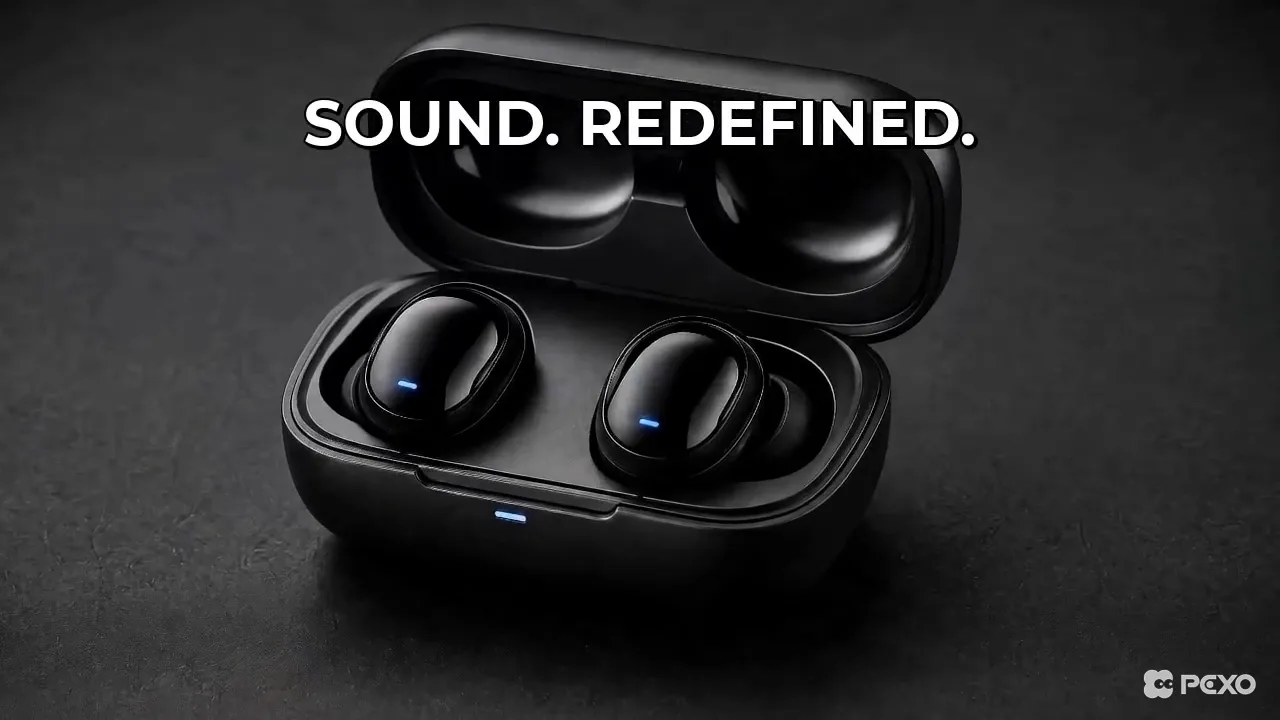 A frame from the product ad Pexo produced from a short brief, voiceover, text, and music included.
Best for: Marketers, founders, and small teams producing product ads and social clips at a steady cadence without a crew or an editor.
Where it is not the pick: If your campaign hinges on a consistent on-camera spokesperson reading scripts, a dedicated avatar platform like Synthesia gives you tighter control over that specific format.
Pricing: Free to start with credits, then paid plans from $30 per month (Pro), which Pexo lists as roughly two to five minutes of finished video per month, scaling to Elite at $60 (about five to eleven minutes) and Max at $100 (about nine to twenty minutes). A high-volume marketing team should price against the higher tiers. Pexo is not the cheapest option here, but what you are buying is the fastest path from a brief to a finished, on-brand video.
Pros: Conversational, no editing skills needed, product URL and photo inputs, multi-model output, captions and voiceover handled. Cons: Credit-based usage scales with volume, and it generates rather than managing a library of reusable brand templates.
2. InVideo AI: Script-to-Social-Video on Autopilot
InVideo AI is built around the text-to-video workflow, which suits social marketing well. You type what the video should cover, and it generates a full draft with stock footage, an AI voiceover, captions, and music already in place. For a content team running a busy social calendar on a written angle rather than original footage, it is a fast way to get from a topic to a posted clip, and you refine the result with written feedback applied across the whole video.
The trade-off is the templated look. Because InVideo leans on a shared stock library, clips can resemble other AI channels using the same assets, so a sharp script and brand overlays matter. InVideo reports more than 25 million users, and the workflow's main draw is how quickly it gets a marketer from a topic to a finished video.
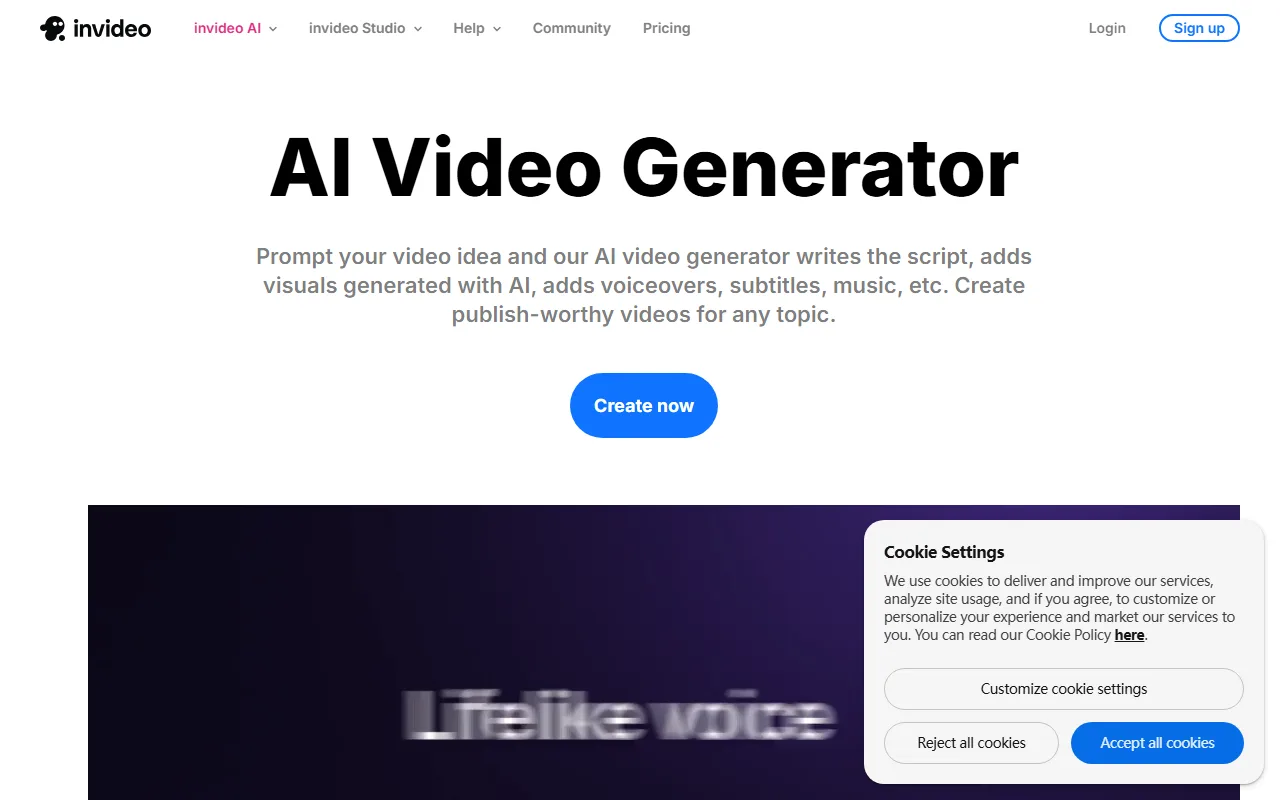 InVideo AI builds a full draft with voiceover, captions, and music from a written brief.
Best for: Social and content marketers producing narration-led videos from scripts at volume.
Pricing: A free plan gives 10 AI generation minutes per week with a watermark and 720p output. The Plus plan removes the watermark at $25 per month, or about $20 billed annually. See InVideo.
Pros: Very fast topic-to-video, includes voiceover, captions, and music. Cons: Stock-heavy look, weekly minute caps on lower tiers.
3. Synthesia: Presenter Videos Without a Camera
Synthesia owns a specific marketing job: spokesperson and explainer videos built around realistic AI avatars. You type a script, pick an avatar, and it produces a clean presenter-style video in dozens of languages, with no studio, actor, or camera. For product explainers, onboarding, training, and localized marketing where a consistent on-screen presenter carries the message, it is the most polished option in this list.
The limitation is scope. Synthesia is excellent at the talking-avatar format and not built for dynamic product ads or cinematic brand films, so it solves one slice of marketing video very well rather than the whole spread. Synthesia reports that it is used by over 60,000 companies, and it holds one of the highest ratings in the category on G2.
 Synthesia produces presenter-style videos with realistic AI avatars in dozens of languages.
Best for: Teams making explainer, training, and localized presenter videos at scale.
Pricing: A free plan offers 10 minutes per month with a watermark. The Starter plan is $29 per month, or about $18 billed annually, removing the watermark and unlocking more avatars. See Synthesia.
Pros: Lifelike avatars, strong multilingual support, very on-brand for corporate use. Cons: Narrow to the presenter format, monthly minute caps.
4. Creatify: UGC-Style Ads Built for Performance Marketing
Creatify is purpose-built for one of the highest-value marketing jobs: UGC-style video ads for paid social. You give it a product URL or a description, and it generates ad creatives with realistic AI spokespeople in the native, handheld UGC style that performs on Meta and TikTok. The standout is batch variation. You can spin up many ad versions quickly to test hooks and angles, which is exactly how performance marketers actually work.
The catch is focus and cost structure. Creatify is sharp at short performance ads and not a general-purpose marketing video tool, and its credit model means heavy testing consumes credits fast, since a single ad can cost several credits. It is a newer, ad-focused platform, and it integrates directly with the major ad channels rather than serving as an all-round studio.
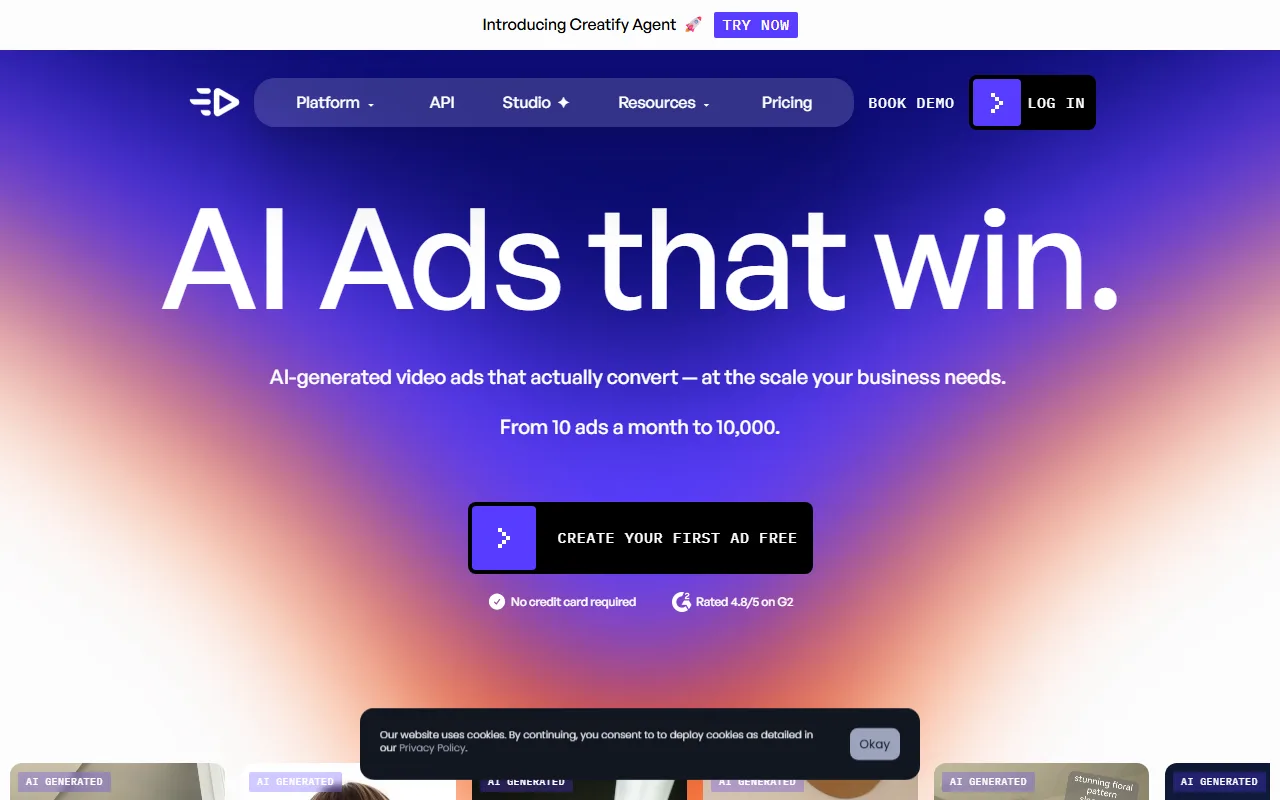 Creatify generates UGC-style ad creatives from a product URL, built for Meta and TikTok.
Best for: Performance and growth marketers running UGC-style ad tests on Meta and TikTok.
Pricing: A free plan includes 10 credits per month with a watermark. Paid plans start around $39 per month for 100 credits, scaling by ad volume. See Creatify.
Pros: Native UGC-style ads, fast batch variations, ad-platform fit. Cons: Narrow to short ads, credits deplete quickly with heavy testing.
5. Runway: Cinematic Quality for Brand Films and Hero Shots
Runway is the pick when a campaign needs footage that looks genuinely cinematic rather than templated. Its Gen-4 models generate high-quality video from a text prompt or a starting image, with strong control over motion and style. For a brand film, a hero shot in a launch campaign, or a striking visual that has to stop the scroll, the output quality sits near the top of the field, and it supports the aspect ratios marketing needs.
The trade-off is that Runway is a creative studio, not a one-click marketing tool. You work shot by shot and assemble the pieces yourself, which means a learning curve and more time per video. The free tier's 125 one-time credits stretch to only about 25 seconds of Gen-4 video, so real campaign use moves you to a paid plan quickly.
 Runway focuses on high quality generated shots with fine control over motion and style.
Best for: Brand and creative teams chasing high visual quality on hero content.
Pricing: A free plan includes 125 one-time credits. The Standard plan is $15 per month, or $12 billed annually, with refreshing credits and watermark removal. See Runway.
Pros: Top-tier generated visuals, fine creative control. Cons: Steep learning curve, slow per video, credits burn fast.
6. Canva: Template-Driven Marketing Videos for In-House Teams
Canva folds video into the design platform most marketing teams already use, which is its real advantage. If your team lives in Canva for social graphics and decks, making a marketing video there keeps everything in one familiar place, on one brand kit. You start from a template or a text prompt, adjust with a drag-and-drop editor, and export to the format you need, drawing on a huge template library to keep a consistent look.
The limitation is that Canva is a design tool first and a video generator second. Its AI generation is lighter than a dedicated model like Runway, so it shines on template-based, text-and-graphic marketing videos more than on fully generated footage. With a reported user base above 240 million monthly active users, it is the most familiar option here for most teams.
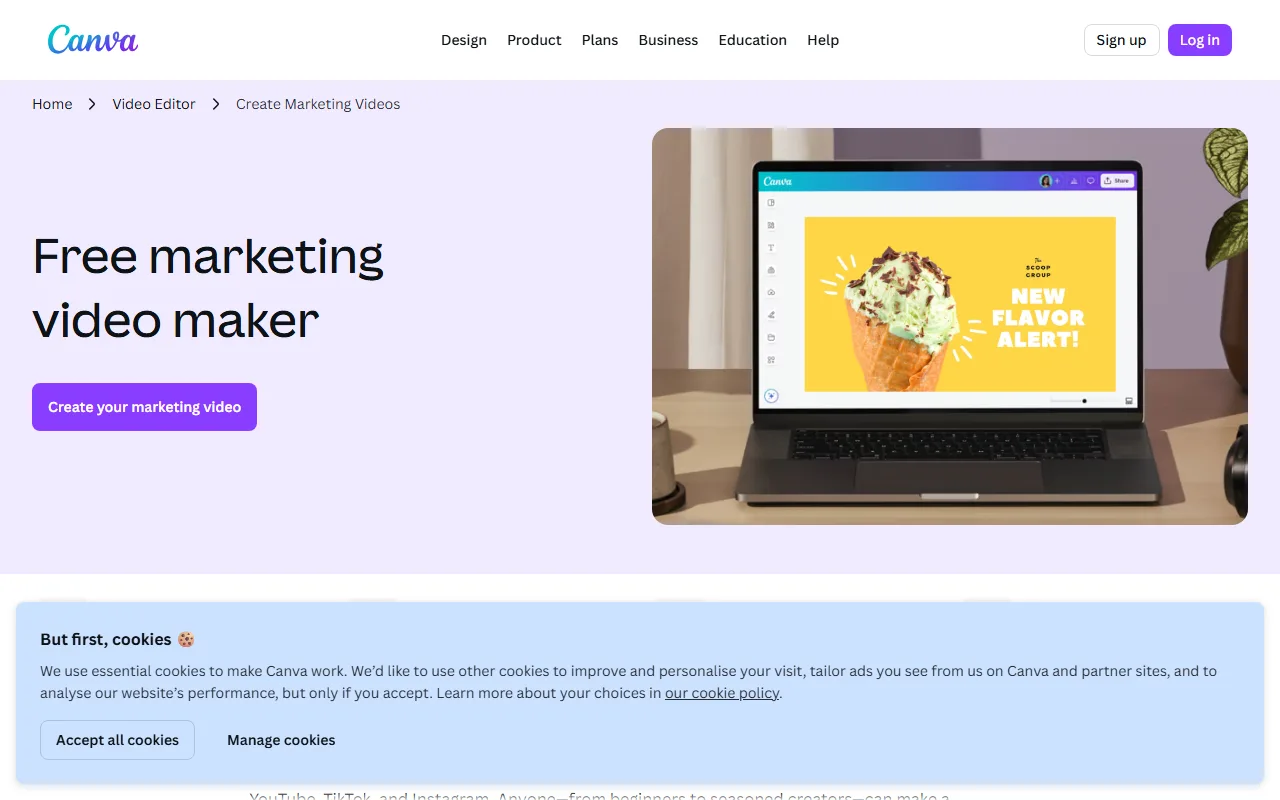 Canva builds template-driven marketing videos inside the design tool teams already use.
Best for: In-house and small-business teams who already use Canva and want on-brand videos without a new tool.
Pricing: A permanent free plan covers a lot, including templates and brand basics. Canva Pro is $15 per month, or $120 billed annually, unlocking the full library and brand kit. See Canva.
Pros: Familiar interface, huge template library, strong brand-kit controls. Cons: Lighter generative power, more manual design work.
How to Choose the Right One for Your Marketing
The fastest way to narrow this list is to name the marketing video you actually ship most often.
If you mostly need product ads and social clips generated from an idea, a product page, or a photo, you want a generator built for that. Pexo is the strongest fit when you want to skip the busywork and just describe the video, because it scripts, voices, and assembles in one conversation and can start from a product URL. Reach for Creatify instead when the job is specifically UGC-style paid-social ads you plan to batch-test, and for Runway when a brand film needs cinematic polish you will assemble by hand.
If your marketing leans on a consistent on-camera presenter, explainers, or localized training, Synthesia is the clear answer. If your team already designs in Canva and wants template-driven videos on one brand kit, stay there. Many teams run two of these, a generator like Pexo for original ads and a presenter tool like Synthesia for explainers, and that is a perfectly sensible split.
How to Make a Marketing Video With Pexo in One Conversation
Making a marketing video with Pexo looks less like operating software and more like briefing a teammate. Here is the shape of it.
Start by describing the video, in plain language. Something like "a 20-second product ad for my wireless earbuds, upbeat, with captions" is enough. If you are making an ad from an existing product, paste the product page URL or drop in a product photo, and Pexo works from that. You do not write a prompt in any technical sense. You just say what you want.
From there Pexo writes the script, picks the right model for the shot, adds a voiceover and captions, and shows you a preview before the full render. If something is off-brand, you say what to change instead of opening an editor. When it looks right, you export the video in the format you need and ship it to your channel. When you are ready to try it, make your first marketing video with Pexo and see how far one brief gets you.
The Bottom Line
There is no single best AI video generator for marketing, because marketing video is not one job. For generating product ads and social clips from an idea or a product page with the least friction, Pexo is our top pick, since it turns a brief into a finished, on-brand video without prompts or editing. Creatify wins UGC-style paid ads, Synthesia wins presenter and explainer videos, Runway wins cinematic brand films, InVideo wins fast script-to-social, and Canva wins for teams already living in its design kit. Match the tool to the video you ship most, and your content calendar stops being a bottleneck.






