ChatGPT
 Perplexity
 Claude
 Gemini
 Grok
Grok



The phrase "AI video generator website" now covers wildly different products. Some are frontier models that render photoreal clips from a sentence. Others are avatar platforms that turn a script into a talking presenter. Our top pick, Pexo, sits in its own lane: it is an AI video partner that takes your idea and hands back a finished video through one conversation, and it selects from leading models based on what you describe so you never have to choose.
That difference matters, because "best" depends entirely on what you are making. Below we rank the 7 best AI video generator websites in 2026, explain what each is genuinely best at, and show who should use which. Full disclosure: Pexo publishes this blog and is our top pick, so we have ranked it against the same criteria as every other tool and flagged exactly where rivals beat it. We reviewed each site first-hand in June 2026 (the screenshots are ours) and weighed output quality, workflow, supported inputs, and price, drawing on each model's current release and published comparisons rather than a single head-to-head render.
 Pexo positions itself as an AI video partner that takes an idea to a finished video in one conversation. Captured June 2026.
How We Compared the Top AI Video Generator Websites
We did not score these tools on raw model quality alone, because the best website for a TikTok ad is rarely the best one for a training course.
For each tool we looked at five things: the quality and length of the finished video, the workflow (how much prompt-wrangling or editing it takes to get there), the inputs it accepts (text, image, URL, audio, or a script), who it genuinely fits, and pricing. We also noted the underlying model or approach, since that drives both quality and cost. The table below is the quick version, and the full breakdown follows.
| Rank | Tool | Best For | Inputs | Free Tier | Paid From |
|---|---|---|---|---|---|
| 1 | Pexo | Idea to finished video (AI video partner) | Text, image, URL, audio | Sign-up required | $30/mo |
| 2 | Google Veo 3 | Raw cinematic quality + native audio | Text, image | ~100 credits/mo | In Google AI plans |
| 3 | Runway | Creative control for filmmakers | Text, image, video | Limited trial | $15/mo |
| 4 | Kling AI | Realistic human motion at low cost | Text, image | Daily free credits | ~$10/mo |
| 5 | Pika | Stylized, fun social clips | Text, image | Limited free | ~$10/mo |
| 6 | HeyGen | AI avatars and multilingual video | Script, audio | Limited free | $24/mo |
| 7 | Synthesia | Training and explainer videos | Script | Free demo | $18/mo |
The 7 Best AI Video Generator Websites
Here is the full ranking, with what each tool does best and where it falls short.
1. Pexo: Best AI Video Partner (Idea to Finished Video)
Most sites on this list hand you a model and a prompt box. Pexo takes a different approach: instead of prompt engineering, you describe the video you want in plain language, and it returns a complete result with transitions, pacing, and a soundtrack rather than a single raw clip. We list it as an AI video agent rather than a generator because the interaction is conversational. You refine by describing changes instead of operating a timeline, which is a genuinely different workflow from the other six tools here.
Its real differentiator is model routing. Pexo works with several leading models, including Seedance, Sora, Kling, and more, and selects one based on the scene you describe, so you are not left researching which model is best this week. In practice you pick a vibe, not a model. It is also unusually flexible on inputs: you can start from a line of text, a product photo, a product URL, or audio, which makes Pexo's text-to-video workflow a fit for product ads, social content, and explainers alike.
It fits marketers, founders, and creators who want a finished, ready-to-post video without learning a timeline or prompt syntax. The honest limitation: if you want to hand-tune a single frontier model frame by frame, a specialist tool like Runway gives you more granular manual control. And if the lowest price is your deciding factor, Pexo is not it: for the occasional short clip, a pay-per-use tool like Kling or Pika costs less. Pexo optimizes for getting to a good finished video fast, not for pixel-level VFX direction or the cheapest possible render.
On pricing, Pexo is credit-based and self-serve, with paid plans starting at $30 per month (Pro) and Elite and Max tiers for heavier use. The credits cover the full workflow, including audio and captions, and paid output has no watermark. It is not the cheapest option here, and it does not try to be: the value is in skipping the prompt-and-edit grind, not the sticker price.
Pros: Conversational workflow with no prompt engineering, multi-model routing, flexible inputs (text, image, URL, audio), delivers a finished video not a raw clip.
Cons: Not built for frame-by-frame manual control of a single model, credit-based so heavy use needs a higher plan, requires an account.
2. Google Veo 3: Best Raw Cinematic Quality
When the conversation turns to pure output quality, Google Veo 3 (and the 3.1 update) is the model most professionals name first. It produces cinematic, detailed clips, and its headline trick is native audio: it generates synchronized dialogue, ambient sound, and music alongside the video in a single pass, which almost no rival does. That means a clip you can drop straight into a timeline without sourcing music or sound effects separately.
Veo's differentiator is that audio-visual realism. According to multiple 2026 roundups, including Zapier's AI video generator guide, Veo sits at the top for prompt-to-video fidelity, and its roughly 100 free credits per month is the most generous free tier among premium-quality models. It fits filmmakers, ad creatives, and product teams whose first priority is a shot that looks and sounds real, for example a moody product teaser or a short cinematic establishing scene. The catch is access and workflow: Veo lives inside Google's ecosystem (Gemini and the Flow tool), those credits burn quickly at this quality, and there is little of the project tooling you get from a dedicated editor. After the free credits, it is bundled into Google's paid AI plans rather than sold as a standalone video subscription.
Pros: Top-tier realism, native synchronized audio, generous free credits, strong prompt adherence.
Cons: Access gated through Google's plans, credits deplete fast, minimal workflow or editing tools.
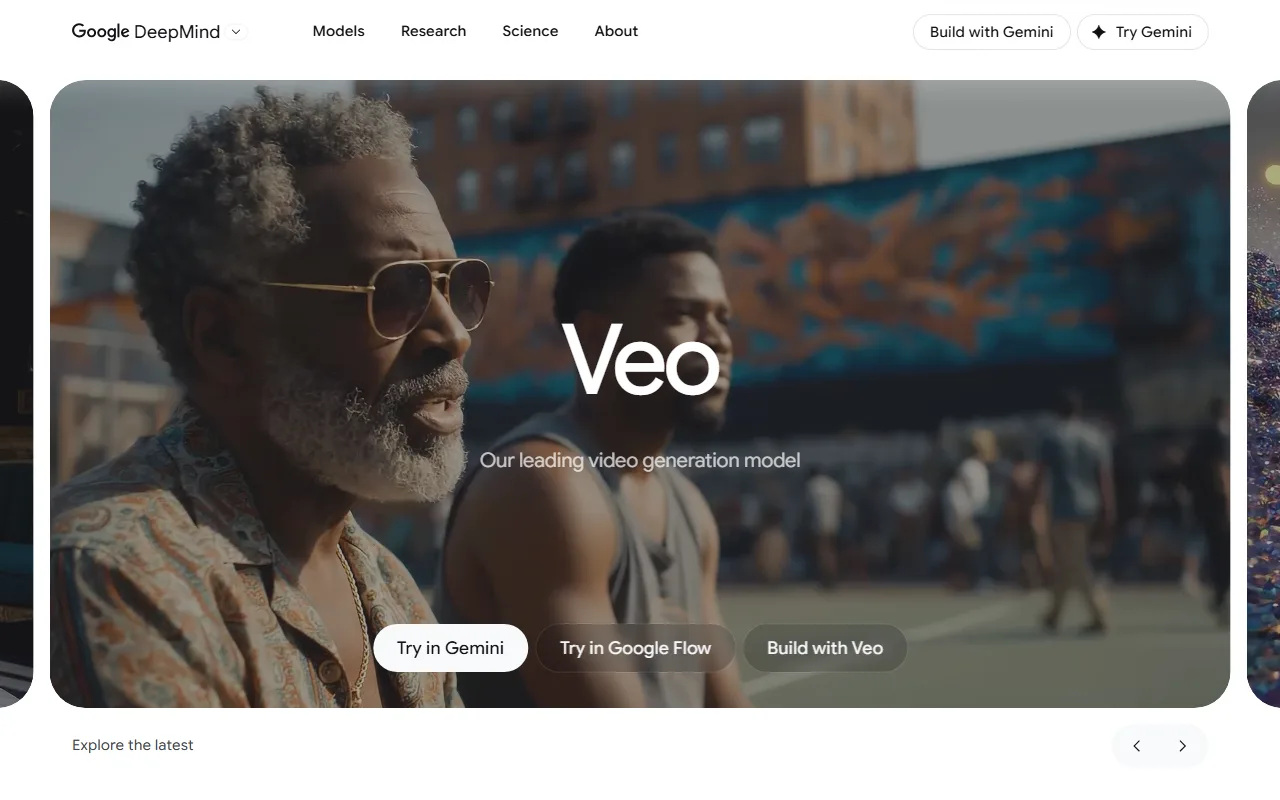 Google Veo's landing page, positioned as a leading video generation model. Captured June 2026.
3. Runway: Best Creative Control
Runway has been a powerhouse in AI video since before the current wave, and its Gen-4.5 model is a favorite among filmmakers and VFX artists who want to steer every shot. Where Pexo abstracts the controls away, Runway exposes them: motion brushes to direct movement, camera-path controls, and frame-level direction that let you compose a shot deliberately rather than rolling the dice on a prompt.
Where Runway pulls ahead is depth of control. If you think like a director and want to dictate camera motion and timing, Runway gives you the knobs, and it also accepts video input so you can restyle existing footage. It fits professional editors, agencies, and serious hobbyists building stylized or cinematic sequences, like a music-video segment or a branded title sequence. The trade-off is a steeper learning curve and a credit system that depletes fast with experimentation, so casual users can feel rushed. Pricing is transparent: the Standard plan is $15 per month with 625 credits, the Pro plan is $35 per month with 2,250 credits, and there is a limited free trial to start. Commercial-use rights are included on Standard and above as of 2026.
Pros: Granular creative control, strong toolset for filmmakers, accepts video input for restyling.
Cons: Steeper learning curve, credits deplete with iteration, can get expensive at scale.
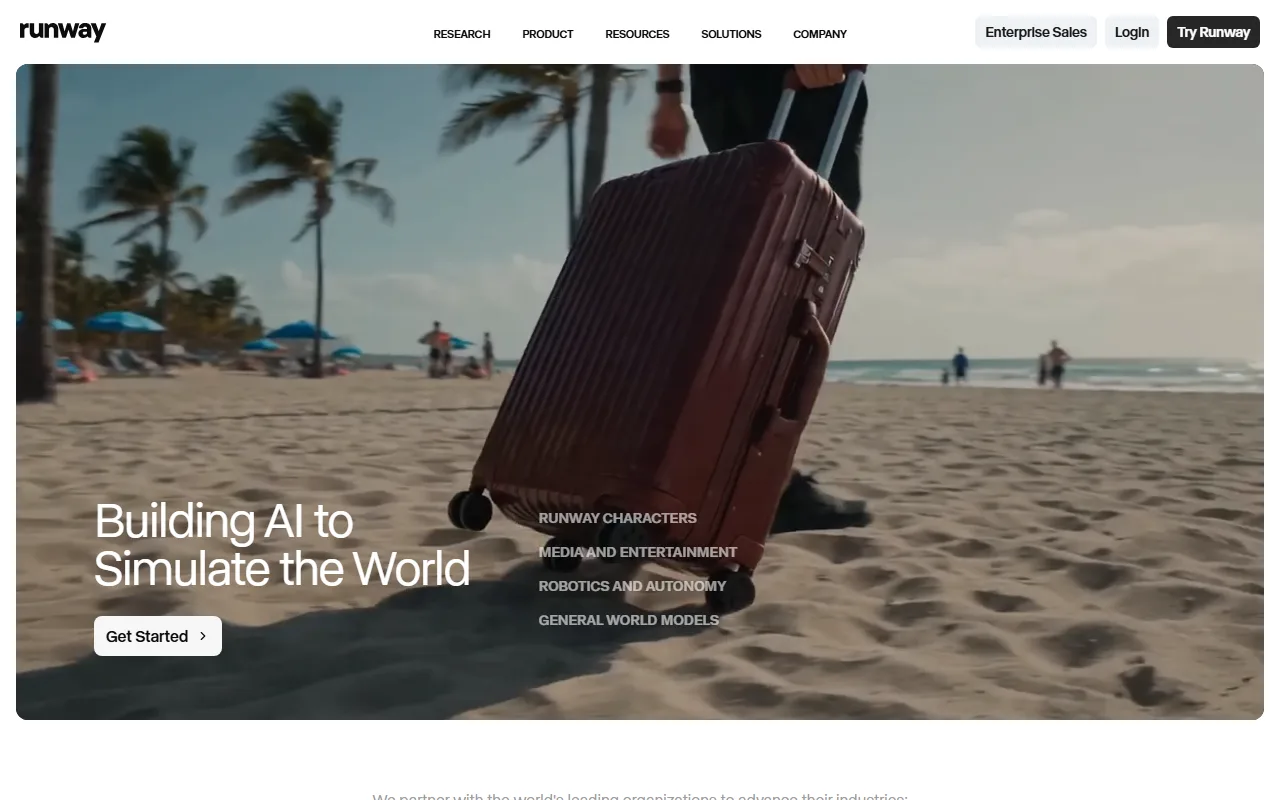 Runway's homepage, aimed at filmmakers and VFX creators. Captured June 2026.
4. Kling AI: Best Realistic Motion at Low Cost
Kling AI made its name on photorealistic human characters and natural movement, and the 3.0 release pushed its visual fidelity into the same conversation as the frontier models. The surprise is the price: it delivers comparable results at a fraction of the cost, which is why it shows up on nearly every value-focused 2026 ranking.
Kling's edge is raw value. At around $0.07 per second of generated video, Kling is one of the lowest-cost frontier-class options, materially cheaper than Runway on a per-output basis according to 2026 pricing comparisons. It fits creators who need realistic human motion for social or ad content without a frontier-model budget, for instance a fashion reel or a dialogue-free product spot with a real-looking presenter. The downsides are queue waits on the free tier, the occasional motion artifact on complex scenes, and an interface that can feel less polished for Western users. The Standard plan starts at about $10 per month with 660 credits, and daily free credits let you test it first. Kling is also one of the models Pexo can route to, so you can get this look without managing a second account.
Pros: Excellent realistic human motion, very competitive pricing, daily free credits.
Cons: Queue waits on free tier, occasional artifacts, less polished UI.
 Kling AI's 3.0 series landing page. Captured June 2026.
5. Pika: Best for Stylized Social Clips
Pika trades realism for fun, and owns that lane. The 2.5 release leans into stylized effects and quick, shareable clips rather than chasing photoreal cinema, and its signature "Pikaffects" let you trigger fun transformations (melt it, inflate it, explode it) that perform well on social feeds.
Its differentiator is creative, stylized output with very low friction: you describe a vibe, pick an effect, and get an eye-catching clip in minutes. It fits social creators, meme-makers, and brands chasing a scroll-stopping moment rather than a polished film, like a quirky product reveal or a reaction clip for TikTok. The limitation is the flip side of that strength: clips are short, the look is more stylized than realistic, and you get less granular control than a tool like Runway. Entry-level paid plans start around $10 per month, with a limited free tier to experiment, which is enough to learn whether Pika's aesthetic fits your channel before paying.
Pros: Fun stylized effects, fast and approachable, affordable entry plan.
Cons: Shorter clips, more stylized than photoreal, limited fine control.
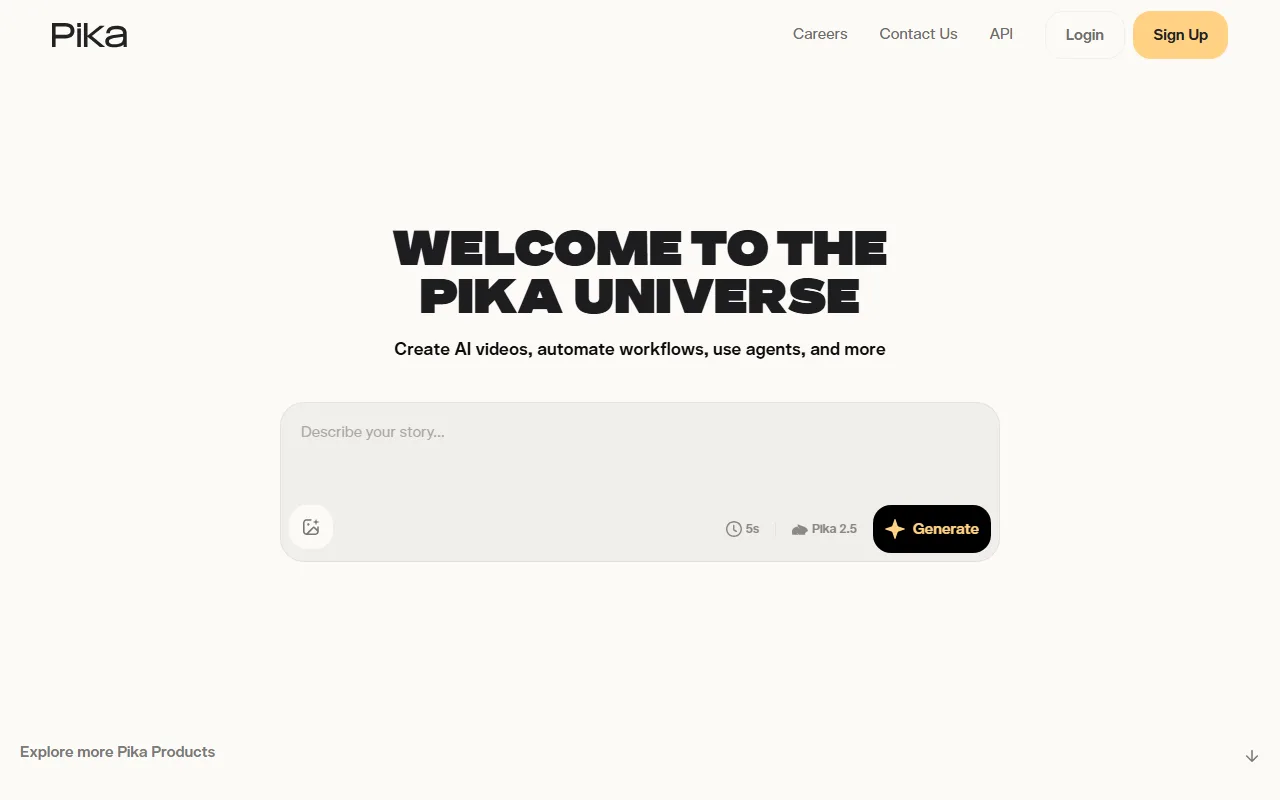 Pika's generation interface, built for stylized social clips. Captured June 2026.
6. HeyGen: Best for AI Avatars and Multilingual Video
HeyGen solves a different problem: it turns a script into a polished video of a realistic AI presenter. If you need a spokesperson on camera without filming one, this is the category leader, and its standout feature is language. HeyGen translates a video into 175+ languages with matched lip sync, plus a Video Agent that automates production, so one recording can become a global campaign.
Its differentiator is avatar-driven, multilingual video at scale. It fits marketing teams, course creators, and global businesses that need a talking presenter in many languages, for example a product walkthrough localized for a dozen markets or a sales explainer with your own custom avatar. The limitation is scope: HeyGen creates presenter videos, not generative cinematic scenes, so it cannot produce a model-walking-down-a-runway shot the way Veo or Kling can, and avatar realism still dips on very close inspection. Pricing starts at $24 per month, with a limited free tier (watermarked on the lowest plan) and commercial-use rights on paid plans. For talking-head content specifically, few tools match its polish and language coverage.
Pros: Realistic AI avatars, 175+ language translation with lip sync, strong for scale.
Cons: Avatar and presenter focus only, not generative scene video, realism limits on close-ups.
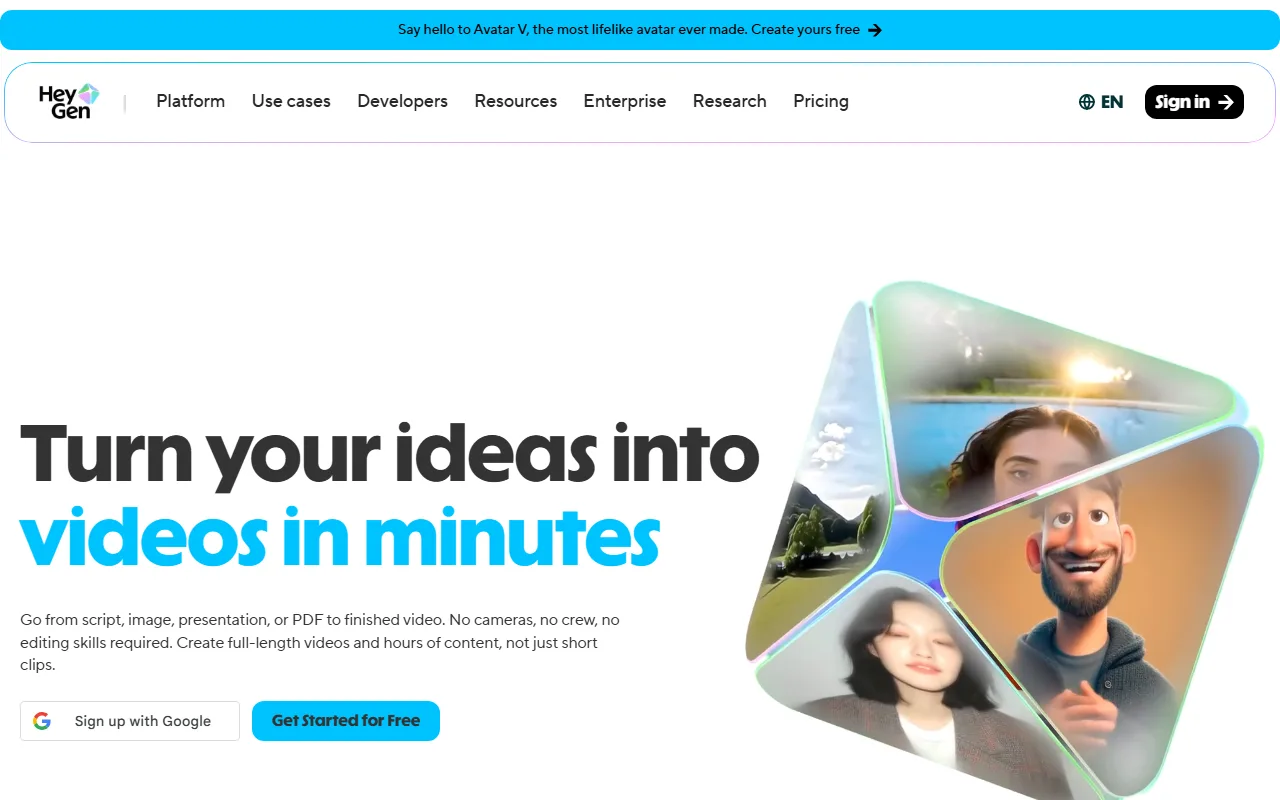 HeyGen's landing page, built around AI avatars and multilingual video. Captured June 2026.
7. Synthesia: Best for Training and Explainer Videos
Synthesia is the enterprise standard for talking-head content. It is built to turn a script into a clean, on-brand explainer or training video with a professional AI avatar, and large companies use it to produce internal content at volume rather than booking a studio every time.
Synthesia's edge is its library and reliability for corporate use: 140+ avatars, 120+ languages, and templates tuned for learning and development, onboarding, and product training. It fits training teams, HR, and SaaS companies that need consistent explainer videos, like a compliance module or a feature-update walkthrough, not creative experiments. The limitation is that it is presenter-style only, so the output can feel template-driven and is not meant for cinematic or generative scenes. The Starter plan is $18 per month, with a free demo to try it first, and commercial use is included on paid plans. If your goal is a reliable, repeatable talking-head video that stays on brand, Synthesia is hard to beat.
Pros: Reliable for corporate training, large avatar and language library, on-brand templates.
Cons: Presenter-style only, can feel template-driven, not for cinematic content.
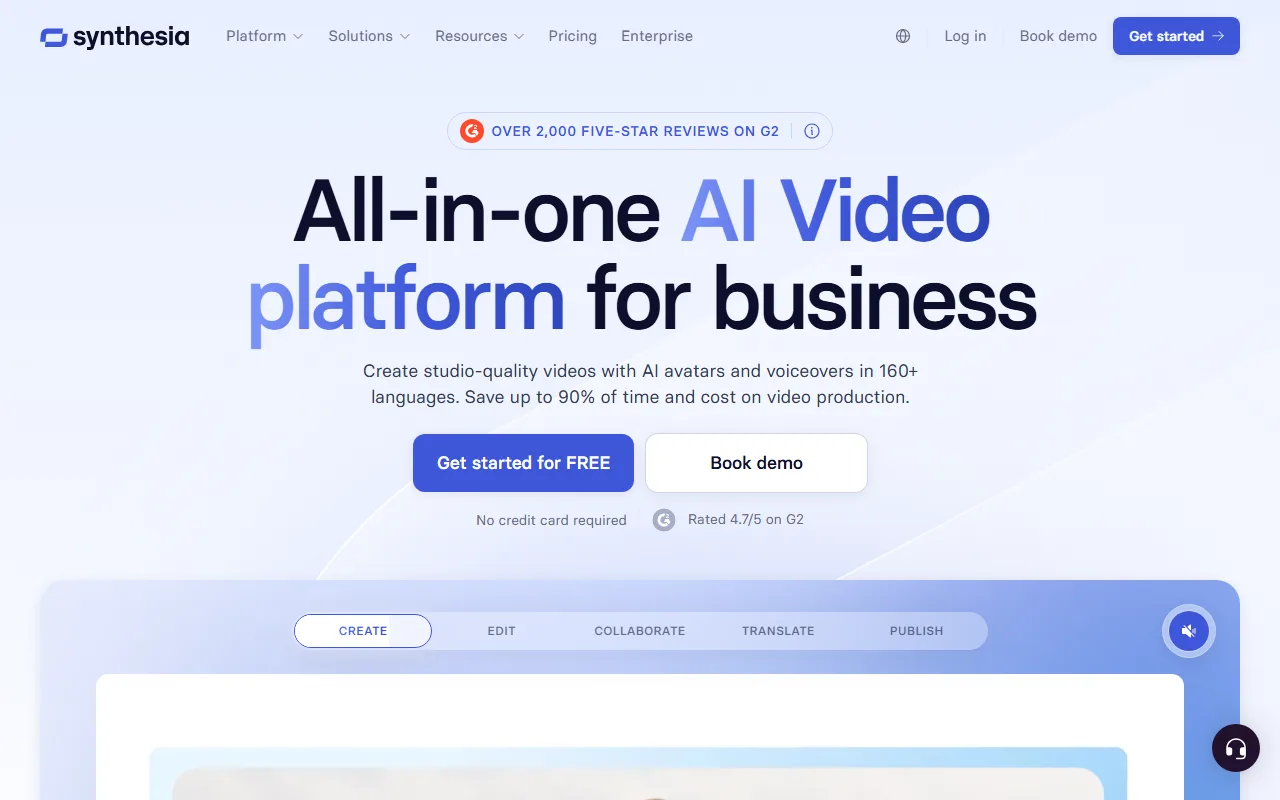 Synthesia's landing page, focused on business training video. Captured June 2026.
How to Choose the Right AI Video Generator Website
The right site depends less on which model is "best" this month and more on the job in front of you.
If you want to go from an idea to a finished, ready-to-post video without learning a tool, start with Pexo, since it handles model choice and the full workflow for you. If your single priority is raw cinematic quality and you live in Google's ecosystem, Veo 3 is the quality leader. For frame-level creative control, Runway is the filmmaker's pick, while Kling gives you realistic motion on a tight budget and Pika wins for fast, stylized social clips. If your video is really a presenter reading a script, the avatar platforms are the right call: HeyGen for multilingual reach, and Synthesia for corporate training.
One more rule of thumb. Generative tools (Pexo, Veo, Runway, Kling, Pika) create scenes and motion from your idea, while avatar tools (HeyGen, Synthesia) put a script in a presenter's mouth. Decide which of those two jobs you actually have before you compare anything else, because it narrows the field immediately.
Watch the pricing model too, not just the headline number. Pexo, Veo, and Runway run on monthly credits, Kling can be billed close to per-second, and HeyGen and Synthesia charge per seat. That means the "cheapest" tool flips depending on volume: a pay-per-second model is cheapest for one short clip, while a monthly-credit plan wins once you are making videos every week.
Conclusion
There is no single "best" AI video generator website, only the best one for your use case. The frontier models like Veo and Kling win on raw output, Runway and Pika own creative and stylized control, and HeyGen and Synthesia lead for avatar and training video. For the most common job, turning an idea into a finished, post-ready video without the prompt-and-edit grind, Pexo is our top pick because it does the model-choosing and the full production for you. The best next step is to try two or three with the same brief and see which fits how you actually work. You can start creating with Pexo in a single conversation and judge the finished result for yourself.