ChatGPT
 Perplexity
 Claude
 Gemini
 Grok
Grok



Most "cheapest AI video generator" lists rank by the monthly fee and stop there. That is the wrong number. What actually decides cost is how many credits your money buys, how many free credits you get to start, and whether those credits hand you a finished video or just a raw clip you still have to fix. Our value pick, Pexo, sits in that last bucket: it is an AI video partner whose credits cover the whole finished video, audio and captions included.
So this guide ranks 7 budget tools on how cheaply you can actually get a usable result, using each tool's free credits and published credit pricing as the evidence, not the headline monthly fee alone. Full disclosure: Pexo publishes this blog, and we put genuinely cheaper tools above it, because the goal is the cheapest path to a finished video, not a plug for the host. If the lowest possible monthly fee is your only goal, the picks at the top of this list beat Pexo outright, and we say so.
 Pexo is the value pick here: its credits cover a complete finished video, not just a raw clip. Captured June 2026.
How We Ranked the Cheapest AI Video Generators
We compared these tools on what your money and your free allowance actually buy. Most of them meter usage in credits, so we show money to credits where we can, and we flag the few (like Pika) that price per generation instead.
One caveat we keep front of mind: a credit is not the same thing across tools. A Pexo credit finishes a whole video, while most tools' credits buy a raw clip you still have to edit. So we rank on the cheapest path to a usable result for a given job, not on raw credits per dollar. By that raw measure Pexo would actually look the most generous on this list, which is exactly why raw credits per dollar is a misleading way to rank cheap tools.
For each tool we looked at four things: how many free credits you get (daily or on signup), how many credits a paid dollar buys, what those credits actually produce (a raw clip, or a finished video with sound), and the output quality. We deliberately do not translate credits into a fixed "number of videos," because credit cost per clip changes with length, resolution, and model, so any single video count would be misleading. The table below shows the money-to-credits picture, and the full breakdown follows.
| Rank | Tool | Free credits | Money → credits (paid) | Best for |
|---|---|---|---|---|
| 1 | Kling AI | ~66 / day | ~$10/mo → 660 | Cheap realistic motion |
| 2 | Pika | On signup | From ~$8/mo (per generation) | Stylized social clips |
| 3 | Pexo | Trial on signup | $30 → 4,800 (also $60 → 10,000) | A post-ready video, no second editing tool |
| 4 | Google Veo | 50 / day | $7.99 → 200, $19.99 → 1,000 | Cheap frontier quality |
| 5 | PixVerse | 90 + 60 / day | From ~$12.99/mo | Most free credits per day |
| 6 | Hailuo | Daily allowance | From ~$9.99/mo | Cheap cinematic realism |
| 7 | Runway | 125 one-time | $12 → 625, $35 → 2,250 | Cheap pro control |
The 7 Best Cheap AI Video Generators
Here is the full ranking, with what each tool's credits get you and where it falls short.
1. Kling AI: Best Cheap Overall
Kling AI is the value leader on a budget. It made its name on photorealistic human motion, and the 3.0 release put its quality near the frontier models while keeping the price low, which is why it tops nearly every budget ranking in 2026.
On credits, Kling is hard to beat. The free tier renews about 66 credits every day, so you can keep generating daily without paying, and the cheapest paid plan runs around $10 a month for roughly 660 credits, among the lowest credit prices of any quality-tier tool as of mid-2026. It fits creators who want realistic motion for social or ad content on a tight budget, like a fashion reel or a product clip with a real-looking presenter. The catches: free generations sit in a queue and can be slow, complex scenes occasionally show artifacts, and the interface feels less polished for Western users. Kling is also one of the models Pexo can route to, if you would rather not manage a second account.
Pros: Generous daily free credits, realistic motion, very low cost per credit.
Cons: Free-tier queue waits, occasional artifacts, less polished UI.
 Kling AI's 3.0 landing page. Captured June 2026.
2. Pika: Cheapest for Social Clips
Pika trades realism for fun, and that makes it one of the cheapest ways to get a scroll-stopping clip. The 2.5 release leans into stylized effects, and its signature "Pikaffects" let you trigger transformations (melt it, inflate it, explode it) that do well on social feeds.
On credits, Pika gives free credits on signup and starts paid plans around $8 a month, and it meters by generation rather than a flat monthly credit pool, so we rank it on that low per-generation cost rather than a monthly credit count it does not publish. Heavy short-clip use stays cheap. That makes it genuinely cheap for high-volume, short, stylized output. It fits social creators and meme-makers who want an eye-catching clip in minutes, not a polished film. The limitation is the flip side: clips are short, the look is more stylized than realistic, and you get less control than a tool like Runway. If your channel runs on fast, playful clips, the low per-generation cost adds up in your favor.
Pros: Cheap per generation, fun stylized effects, free credits to start.
Cons: Short clips, stylized over realistic, limited fine control.
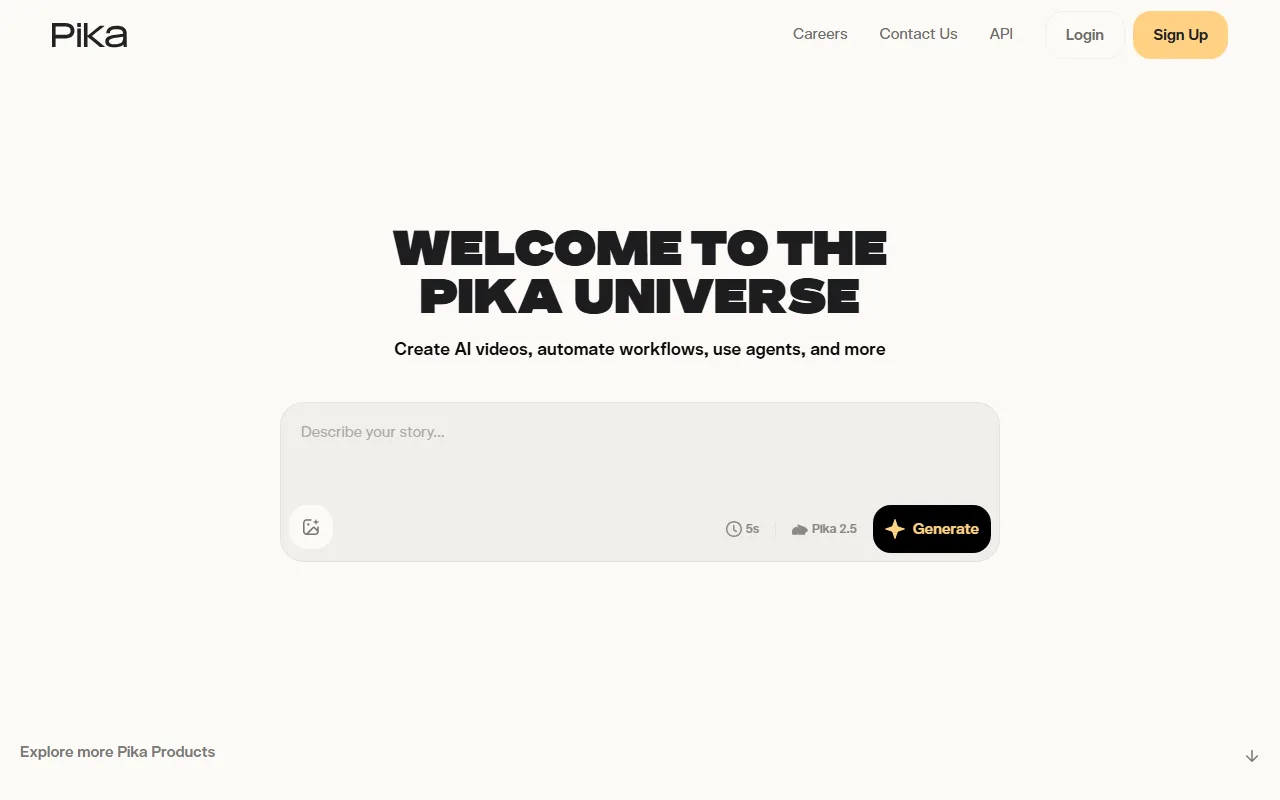 Pika's generation interface. Captured June 2026.
3. Pexo: Credits That Finish the Whole Video
Pexo has the highest monthly price on this list, and by raw credits per dollar it actually looks the most generous: a $30 plan is 4,800 credits. We still rank it below the cheaper tools, because raw credits are not comparable. A Pexo credit finishes a whole video, while a cheaper tool's credit buys a raw clip that you still have to caption, score, and stitch. Pexo covers the complete video (visuals, audio, and captions) from that one credit pool, so you download something post-ready instead of a raw clip you still have to caption and score. It works as an AI video agent: you describe the video, and it hands back the finished result. What it wins on is cost to finish, not lowest entry price.
On credits, Pexo is self-serve: $30 a month buys 4,800 credits, $60 buys 10,000, and $100 buys 18,000, and those credits cover the whole workflow including audio and captions, with no watermark. The same credits also generate images through Pexo's text-to-video workflow and image generation, so one balance serves both. Its real budget advantage is that you stop wasting credits guessing: Pexo works with several leading models, including Seedance, Sora, Kling, and more, and selects one based on the scene you describe, so you are not burning credits re-rolling on the wrong model. It fits marketers and founders who want a finished, post-ready video without paying separately to edit it. The honest limit: if the lowest monthly fee is all that matters, Pexo is not it, and a pay-per-clip tool like Kling or Pika costs less for the occasional short video.
Pros: Credits cover a complete finished video plus images, no separate editing spend, no wasted credits picking a model.
Cons: Highest monthly sticker price here, credit-based so heavy use needs a higher tier, requires an account.
4. Google Veo: Cheap Frontier Quality
Google Veo 3 is the surprise budget entry: it offers frontier-grade quality at a genuinely low entry price. Its headline trick is native audio, generating synchronized dialogue, sound, and music alongside the video in one pass.
On credits, Veo is cheaper to start than its reputation suggests. You get about 50 free credits a day, and Google AI Plus at $7.99 a month adds 200 credits, while Google AI Pro at $19.99 a month gives 1,000 credits and removes the watermark. It fits creators who want the best-looking output for the least money and already live in Google's tools. The catch is access and workflow: Veo runs inside Google's ecosystem (Gemini and the Flow tool), credits burn fast at this quality, and there is little project tooling beyond generation.
Pros: Frontier quality, native audio, low $7.99 entry, daily free credits.
Cons: Locked to Google's ecosystem, credits deplete fast, minimal editing tools.
 Google Veo's landing page. Captured June 2026.
5. PixVerse: Most Free Credits Per Day
PixVerse wins the free-tier volume race. If your plan is to never pay, it hands you the most credits to work with each day, which makes it the natural starting point for a tight budget.
On credits, PixVerse gives 90 credits on signup plus about 60 renewing credits every day, and paid plans start near $12.99 a month with a fixed monthly credit pool that resets each cycle. It fits creators who want to experiment heavily for free before committing, and it is fast. The limitation is that free output is capped on resolution and may carry a watermark, and the daily reset means you cannot bank a big batch in one sitting. For pure free-tier mileage, though, it is the most generous here.
Pros: Largest daily free credit allowance, fast generation, cheap paid entry.
Cons: Free output capped and watermarked, daily reset limits big batches.
 PixVerse's generator. Captured June 2026.
6. Hailuo: Cheap Cinematic Realism
Hailuo, from MiniMax, is the budget pick when motion realism matters most. It is known for the most convincing motion physics in the affordable group, so cheap does not mean stiff or floaty here.
On credits, Hailuo offers a daily free allowance and paid plans from about $9.99 a month, with 1080p clips costing roughly 80 credits each and a faster, cheaper draft mode at around 25 credits for testing prompts before a full render. That draft-then-render split is a smart way to avoid wasting credits. It fits creators who want cinematic, physically believable motion on a budget, such as a dramatic product shot or a short narrative scene. The limitation is that free clips are short and capped at 720p, so the best output needs a paid plan.
Pros: Best-in-class motion realism for the price, cheap entry, draft mode saves credits.
Cons: Short watermarked free clips, 1080p needs credits, fewer workflow extras.
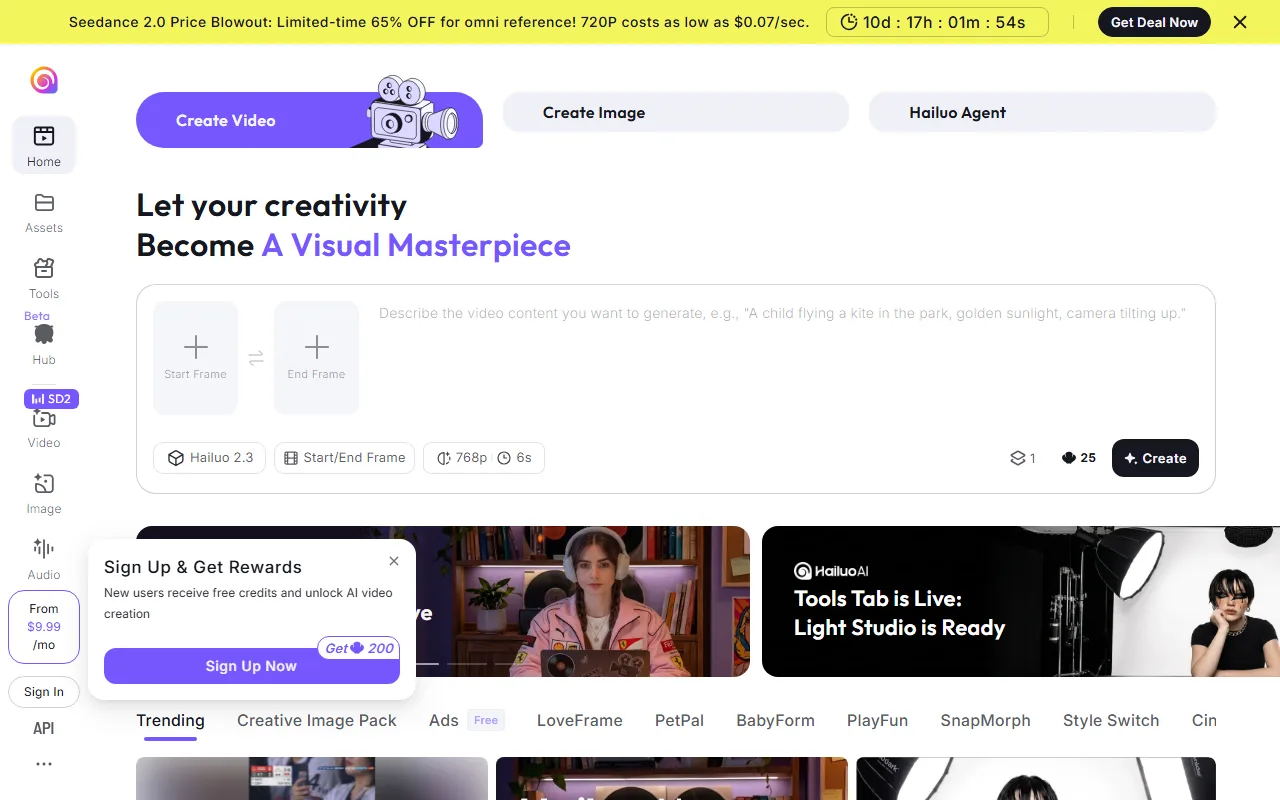 Hailuo (MiniMax) landing page. Captured June 2026.
7. Runway: Cheapest Path to Pro Control
Runway is the budget door into professional-grade control. Its Gen-4.5 model is a favorite among editors who want to direct a shot rather than gamble on a prompt, with motion brushes and camera-path controls most cheap tools do not offer.
On credits, Runway gives 125 one-time free credits to try it, then the Standard plan at $12 a month (annual) provides 625 credits and the Pro plan at $35 a month provides 2,250, per its published pricing. It fits creators who have outgrown one-click tools and want frame-level control without a studio budget, and it accepts video input for restyling. The trade-off is a steeper learning curve and credits that deplete quickly when you experiment, so it rewards people who know roughly what shot they want before they spend.
Pros: Pro-level control on a budget, accepts video input, transparent credit pricing.
Cons: Steeper learning curve, credits deplete with experimentation, control is overkill for simple clips.
 Runway's homepage. Captured June 2026.
How to Pick a Cheap AI Video Generator Without Wasting Money
The cheapest tool on paper is rarely the cheapest in practice, so match the credits to how you actually work.
The key question is what a credit finishes. A $5 plan looks cheap until you spend 20 credits re-rolling a clip, then pay again for captions, music, and editing somewhere else. If you make a high volume of short, simple clips, the lowest cost-per-credit wins, so Kling, Pika, or Hailuo are the value plays. If you want the best-looking output for the least money, Veo's $7.99 entry is the bargain. If you want to never pay, PixVerse hands out the most free credits per day. And if you would rather one credit pool cover the entire finished video without a second editing tool, that is where Pexo earns its higher price.
One trap to watch on every free tier: daily caps, watermarks, and resolution limits. A "free" tool that watermarks your output or caps it at 720p is only free for drafts, so check what the free credits actually produce before you build a workflow around them.
Conclusion
Cheap should mean cheap to actually finish a video, not just the lowest line on a pricing page. For the lowest cost per credit, Kling and Pika lead, Veo is the bargain for frontier quality, and PixVerse gives the most free credits per day. Pexo is the value pick when you want one credit pool to cover the whole finished video, audio and captions included, rather than paying again to edit. Pick by how you work and how much you make, then try the top one or two with the same idea. You can start creating with Pexo in a single conversation and see what a finished result costs you in credits.