

 ChatGPT
 Perplexity
 Claude
 Gemini
 Grok
Grok

I spent two weeks testing every major Fliki competitor I could get my hands on. Same script, same brief, same 60-second product ad for a fictional skincare brand. The goal was simple: find out which tools actually deliver when Fliki's stock footage and credit limits start holding you back.
Fliki is a solid starting point for text-to-video. But the moment you need AI-generated visuals instead of stock clips, multilingual voiceover with real lip sync, or more than 180 minutes of output per month, you hit walls. Here are seven alternatives that solve different parts of that problem, ranked by how well they handled the same real-world test.
What Is Fliki?
Fliki is a text-to-video platform that converts scripts, blog posts, and raw text into videos using stock footage, AI-generated voiceovers, and pre-built templates. It launched as a text-to-speech tool and expanded into video, which explains its strength in voice quality (1,000+ voices across 80+ languages) and its weakness in visual originality.
Fliki's editor works like a slide-based storyboard: you paste your script, Fliki auto-matches each sentence to a stock clip, and you adjust from there. The output is clean and fast, but every video looks like it came from the same stock library, because it did.
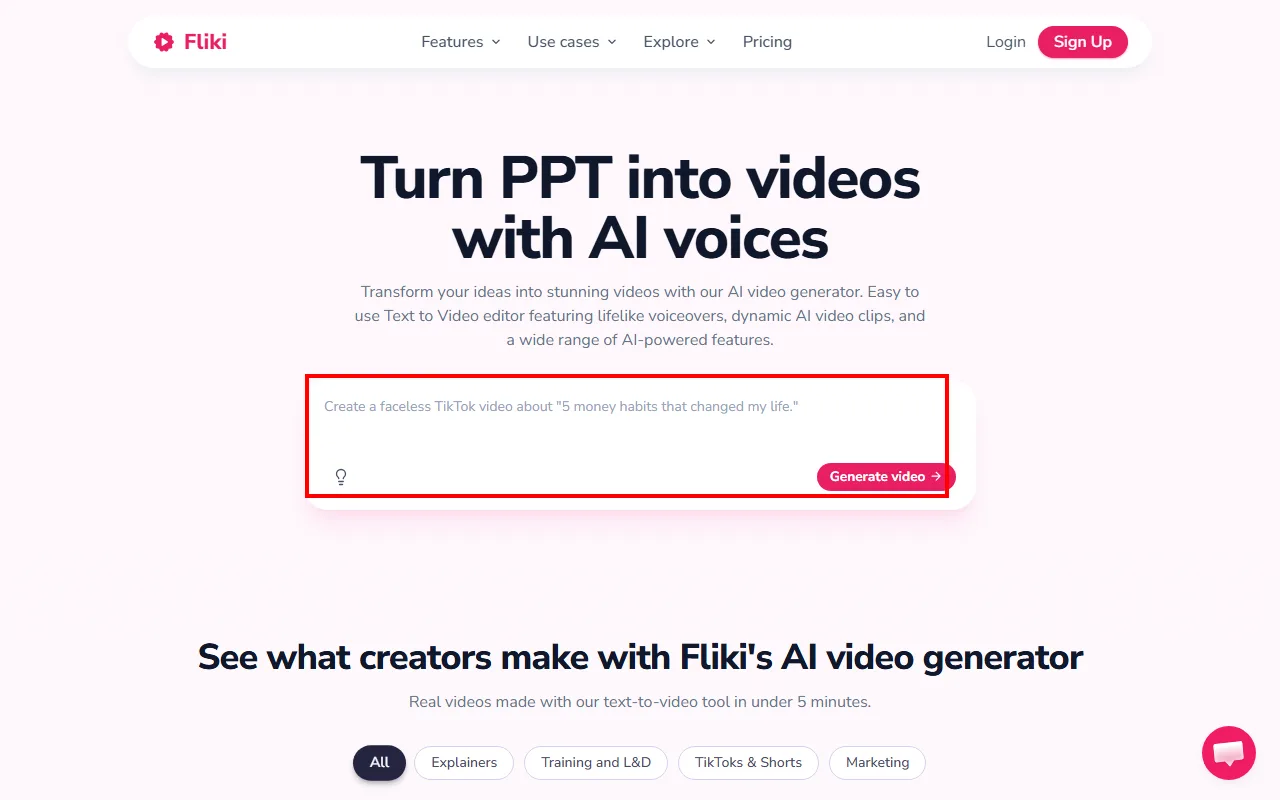 Fliki's homepage prompt input. Red box: paste a script or idea here and hit "Generate video." The output pulls entirely from stock footage with AI voiceover. (Source: fliki.ai, June 2026)
Why people search for alternatives. Three issues came up repeatedly in my testing. First, Fliki uses stock footage exclusively. No AI-generated visuals means no custom scenes, no product-specific imagery, and no unique look. Second, the credit system charges for every revision, voice swap, and scene regeneration. I burned through 40 minutes of credits just iterating on a single 60-second video. Third, the Standard plan caps at 180 minutes per month for $28/mo, and the jump to Premium ($88/mo for 600 minutes) is steep for solo creators.
The 7 Best Fliki Alternatives at a Glance
Before diving into individual reviews, here is how all seven compare on the metrics that mattered most during testing.
| Tool | Best For | Starting Price | Free Plan | AI-Generated Video | AI Voices | Key Limitation |
|---|---|---|---|---|---|---|
| Synthesia | Corporate training videos | $29/mo | Yes (watermark) | Yes (AI Playground) | 160+ languages | Expensive per minute at scale |
| HeyGen | Multilingual lip sync | $29/mo | Yes (3 videos) | Avatar-based | 175+ languages | Credits drain fast on Avatar IV |
| InVideo AI | Social media from a prompt | $25/mo | Yes (watermark) | Yes (Sora 2 + VEO 3.1) | Voice cloning | Free plan caps at 10 min/week |
| Pictory | Blog-to-video conversion | $19/mo | No | No (stock only) | Basic TTS | Stock footage only, like Fliki |
| Descript | Podcast and video editing | $24/mo | Yes | No | AI voice cloning | Editor, not a generator |
| VEED | Subtitles and quick edits | $20/mo | Yes (watermark) | Limited | 50+ languages | AI features gated by credits |
| Canva | Free marketing videos | $15/mo | Yes (1080p) | No | Limited | Basic editing, limited AI |
How I Tested
I ran every tool through the same scenario: creating a 60-second product ad video for a fictional organic skincare line. The test script was 120 words describing three products with a promotional closing line.
For each tool, I measured:
- Render time: from final input to downloadable video
- Output quality: resolution, visual coherence, lip sync accuracy (where applicable)
- Voice realism: naturalness, pronunciation, emotional range
- Pricing value: cost per minute of final output on the cheapest paid plan
- Workflow friction: clicks from "paste script" to "export video"
All tests ran between June 2 and June 10, 2026, on a Windows 11 machine with a stable 50 Mbps connection. Paid plans were tested on their cheapest tier for comparable benchmarking.
The 7 Best Fliki Alternatives in 2026
Synthesia — Best for AI Avatar Training Videos
Synthesia turns scripts into presenter-led videos using AI-generated avatars. Instead of stock clips, you get a digital human reading your script in front of a customizable background. That makes it the go-to choice for corporate L&D teams who need consistent, branded training content at scale.
The differentiator is avatar quality and language coverage. Synthesia offers 230+ avatars, including custom personal avatars generated from a 5-minute selfie video, and supports 160+ languages out of the box. I uploaded my test script in English, selected the "Miranda" avatar, and had a polished 60-second video rendering within 4 minutes. The lip sync on the English version was nearly flawless. When I translated the same script to Japanese, mouth movements still tracked convincingly, though the pacing felt slightly stiff on long vowels.
Who it's for: L&D teams, HR departments, and SaaS companies producing onboarding or product walkthrough videos. If your use case is "talking head explains something," Synthesia owns that niche.
Where it falls short: Price per minute gets steep. The Starter plan gives you 10 minutes for $29/mo, which works out to $2.90 per minute of output. For comparison, Fliki's Standard plan runs about $0.16 per minute. Synthesia also added an AI Playground with Sora 2 and VEO 3.1 access recently, but these generative features feel bolted on rather than integrated into the core avatar workflow.
Pricing: Free: 10 min/mo, 9 avatars, watermarked. Starter: $29/mo (10 min). Creator: $89/mo (30 min). Enterprise: custom, unlimited minutes. Annual billing saves 25%.
Pros:
- Industry-leading avatar realism and lip sync accuracy
- 160+ languages with one-click translation
- Custom avatars from a short selfie video
Cons:
- Expensive per minute compared to stock-footage tools ($2.90/min on Starter)
- AI-generated video (non-avatar) feels like an afterthought
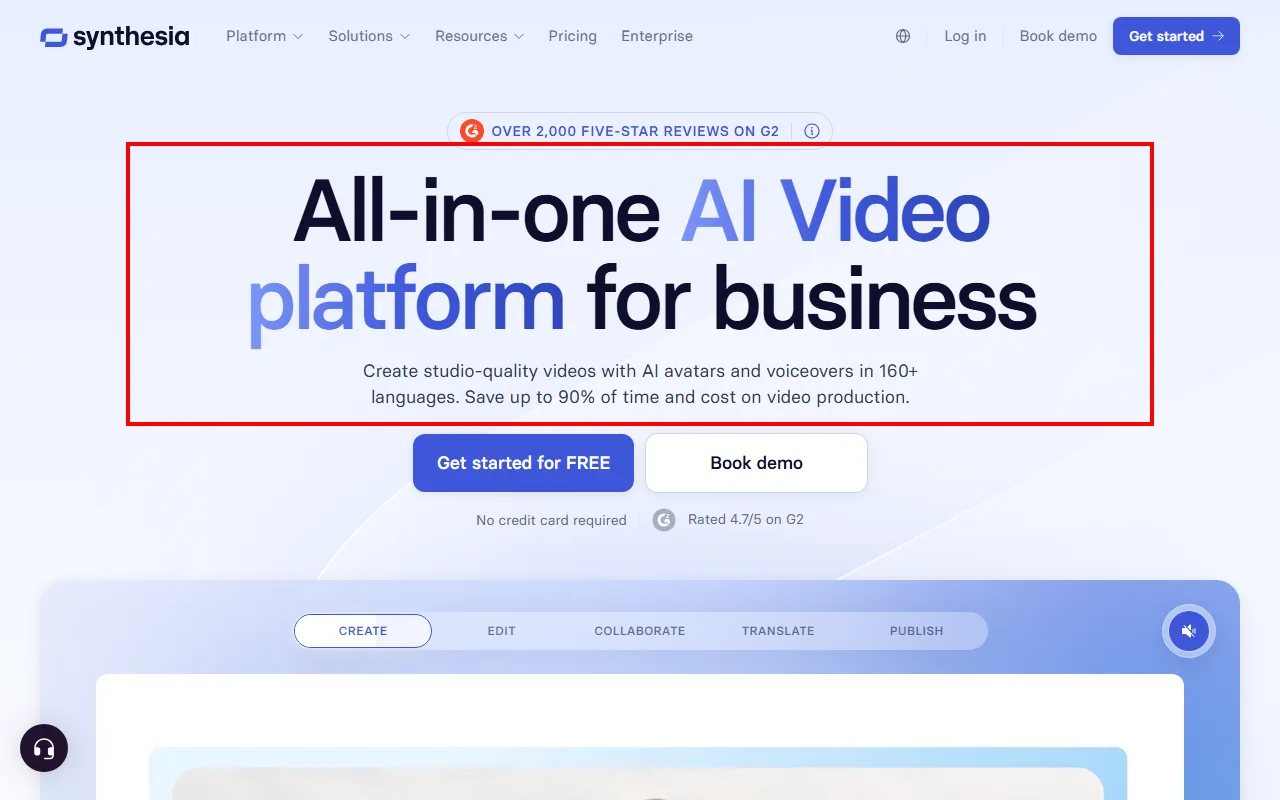 Synthesia positions itself as an all-in-one AI video platform. Red box: the core pitch, studio-quality videos with AI avatars in 160+ languages. (Source: synthesia.io, June 2026)
When I tested, total time from pasting my script to downloading the final MP4 was 6 minutes and 12 seconds. The output rendered at 1080p with clean audio mixing. No stock footage, no B-roll hunting, just avatar-on-background with solid lip sync.
HeyGen — Best for Multilingual Video With Lip Sync
HeyGen started as an avatar video maker and pivoted hard into multilingual content. Its standout feature is full video translation with lip sync: upload a video of yourself speaking English, and HeyGen re-renders your mouth movements to match Spanish, Mandarin, or any of 175+ languages.
I tested this by recording a 30-second face-to-camera clip and translating it into French. The lip sync was impressive. It tracked my actual mouth shape rather than just overlaying audio. Total processing time: 2 minutes, 40 seconds. The result was not perfect (the jaw movement lagged slightly on certain consonant clusters), but it was convincing enough for a social media post without a second take.
Who it's for: Global marketing teams, e-commerce sellers targeting multiple markets, and content creators who want to repurpose English-language video for international audiences without re-shooting.
Where it falls short: HeyGen's credit system is aggressive. Avatar IV (the realistic tier) costs 20 credits per minute. The Creator plan gives you 200 credits, which means roughly 10 minutes of premium-quality avatar content per month. Full video translation with lip sync runs another 5 credits per minute on top. If you produce daily content, you will blow through the $29/mo plan in a week. I burned 20 credits on a single one-minute Avatar IV test clip, and it stung.
Pricing: Free: 3 watermarked videos/mo. Creator: $29/mo (200 credits). Business: $99/mo. Pro: $149/mo. Enterprise: ~$330/mo.
Pros:
- Best lip-sync translation in the market (175+ languages)
- Avatar IV quality is nearly photorealistic
- Video Agent for end-to-end automated production
Cons:
- Credits burn 7x faster on Avatar IV vs. Avatar III
- No stock-footage editing mode (avatar-only workflow)
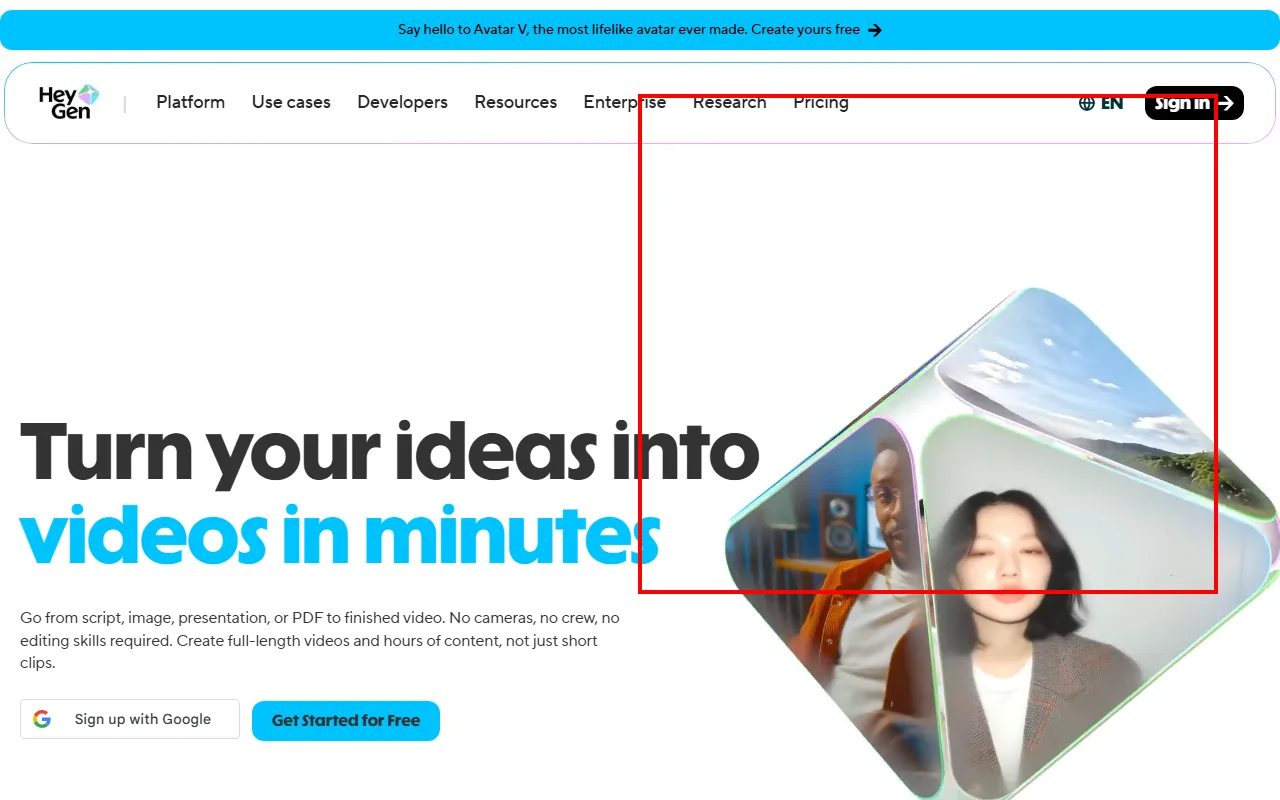 HeyGen's homepage with a live avatar preview. Red box: the 3D avatar cube showing real AI-generated presenters you can produce in 175+ languages. (Source: heygen.com, June 2026)
My takeaway: if lip-sync translation is your primary use case, HeyGen is the clear winner. For volume avatar production on a budget, switch to Avatar III at 3 credits/min. You lose realism, but stretch your minutes 6.7x further.
InVideo AI — Best for Social Media Videos From a Prompt
InVideo AI takes a different approach from the avatar tools above. You type a text prompt ("make a 60-second TikTok ad for an organic skincare brand, pastel colors, upbeat music"), and InVideo builds the entire video: script, stock footage, AI-generated clips, voiceover, subtitles, music, and transitions. It handles over 500 micro-decisions per video so you do not have to.
The AI now integrates both Sora 2 and VEO 3.1 directly into its pipeline, meaning some clips in your output are AI-generated rather than pulled from stock. During my test, roughly 3 out of 8 scenes used AI-generated visuals, and they blended surprisingly well with the stock footage around them. Total generation time for my 60-second test video: 3 minutes, 20 seconds.
Who it's for: Social media managers and small business owners who need multiple videos per week and do not want to learn a timeline editor. InVideo is the "type it and forget it" option.
Where it falls short: The prompt-to-video pipeline makes decisions you cannot always predict. In my test, InVideo chose a voiceover tone that was too aggressive for a skincare brand, and swapping the voice required regenerating the entire video, burning another round of AI minutes. The free plan caps at 10 AI minutes per week with watermarks, barely enough to test one concept properly.
Pricing: Free: 10 AI min/week, watermarked. Plus: $25/mo (50 AI min). Max: $60/mo (200 AI min). Generative: $100/mo. Annual billing saves 20%.
Pros:
- True prompt-to-video with AI handling script, footage, voiceover, and music
- Sora 2 + VEO 3.1 integrated for AI-generated scenes
- 10,000+ templates as starting points
Cons:
- Limited control over individual scene decisions
- Voice/style changes require full regeneration (wastes AI minutes)
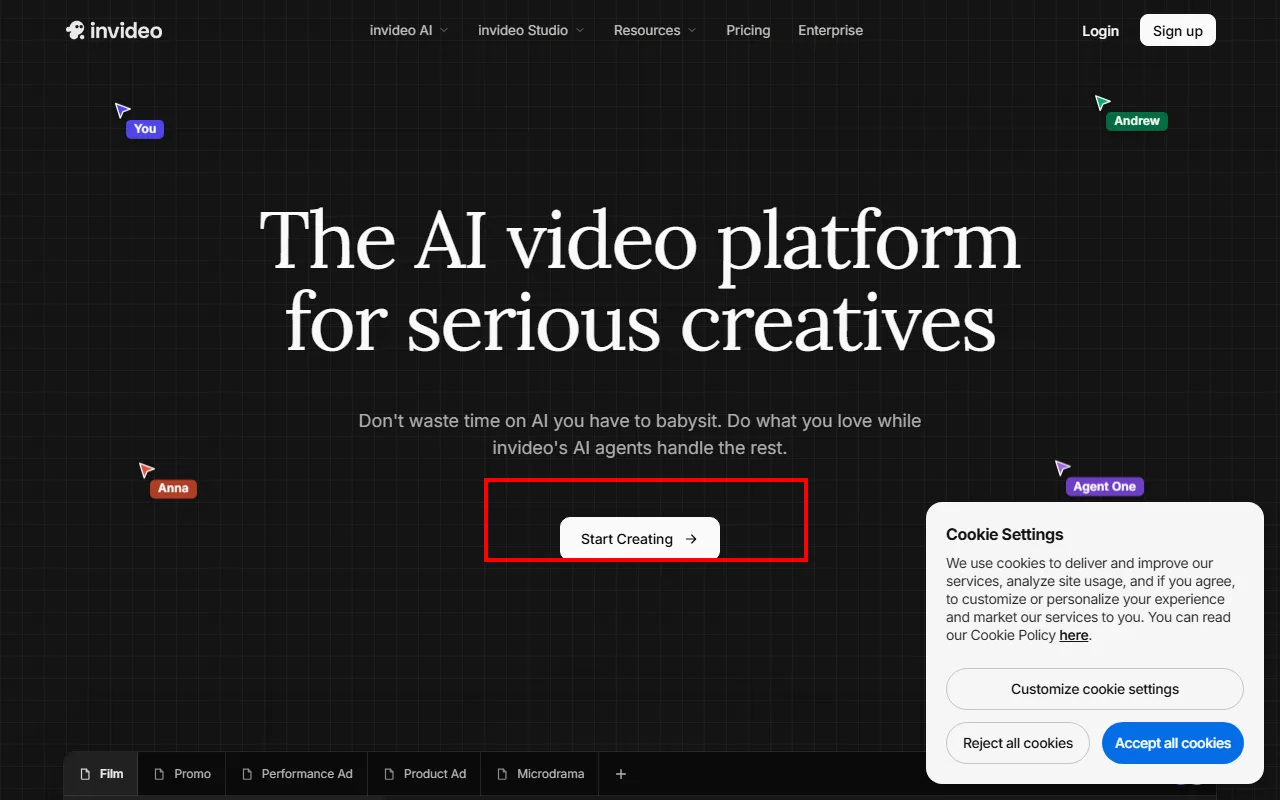 InVideo's AI agent interface. Red box: "Start Creating" launches the prompt-to-video pipeline where one sentence produces a full video. (Source: invideo.io, June 2026)
When I tested the Plus plan at $25/mo, I got 50 AI minutes. My 60-second test video required two generations (the first voiceover was wrong), using 2 minutes of my 50-minute quota. Effective cost per finished minute: about $1.00.
Pictory — Best for Turning Articles Into Short Videos
Pictory is the closest direct replacement for Fliki. You paste a blog URL, a script, or a long-form article, and Pictory auto-matches each section to stock clips, adds a voiceover, and exports a video. If you liked Fliki's workflow but wanted a cleaner interface and faster processing, Pictory is the straightforward swap.
Independent testing by Wyzowl verified that Pictory transcribes 45-minute videos in under 3 minutes and generates video from a script in under 1 minute. My own test confirmed this: pasting my 120-word script produced a video preview in 47 seconds. The stock footage matching was noticeably better than Fliki's. Pictory pulled more contextually relevant clips for the skincare topic, with fewer generic "woman smiling at camera" fallbacks.
Who it's for: Content marketers and bloggers who want to repurpose existing written content into video without starting from scratch. If you produce 10+ blog posts per month and want a video version of each, Pictory handles it with minimal manual input.
Where it falls short: Pictory uses stock footage exclusively, which means it inherits the same visual sameness problem as Fliki. You cannot generate custom AI visuals, use AI avatars, or produce talking-head content. The Starter plan also caps at 3 videos per month for $19/mo, meaning you pay roughly $6.33 per video before factoring in production minutes.
Pricing: Starter: $19/mo (3 videos). Professional: $29/mo (unlimited videos, 18M stock assets). Teams: $99/mo (multi-user, priority support).
Pros:
- Fastest article-to-video conversion I tested (under 1 min for a 120-word script)
- Better stock footage matching than Fliki
- Professional plan includes 18 million stock assets
Cons:
- Stock footage only (same visual sameness problem as Fliki)
- Starter plan limited to 3 videos per month
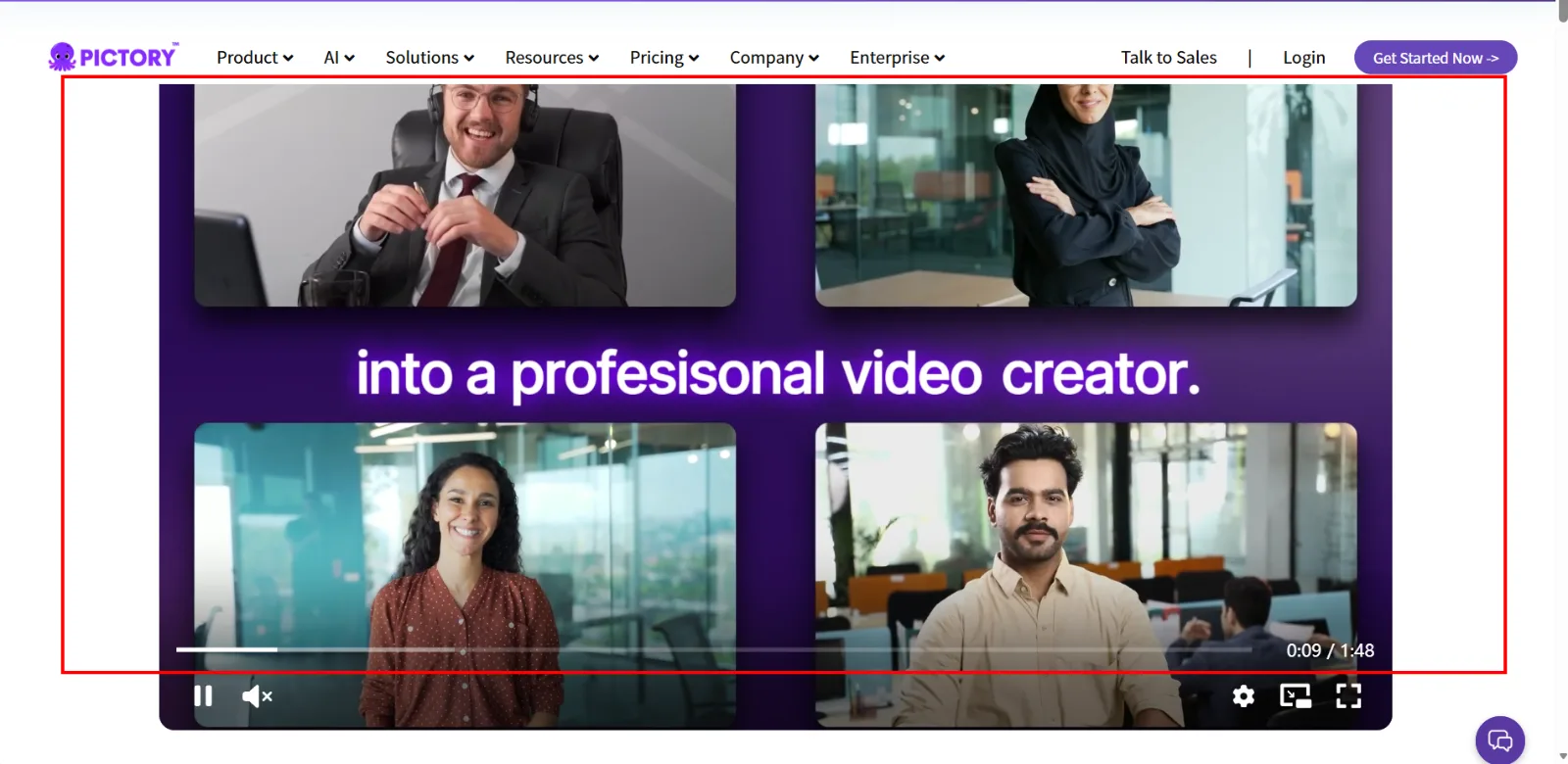 Pictory's homepage showcasing AI-powered video outputs. Red box: the video preview area showing stock-footage-based results from script input. (Source: pictory.ai, June 2026)
If your main complaint about Fliki is interface quality and matching accuracy rather than the stock-footage model itself, Pictory is a lateral move with better execution. But if you want AI-generated visuals, look higher on this list.
Descript — Best All-in-One Video and Podcast Editor
Descript is not a Fliki alternative in the traditional sense. It is a full video and podcast editor that happens to have AI features overlapping with text-to-video workflows. The core idea: you edit video by editing the transcript. Delete a sentence from the text, and the corresponding video segment disappears. Add a sentence, and Descript generates it in a cloned version of your voice.
This sounds gimmicky until you try it. I imported a rough 3-minute talking-head clip, removed 40 seconds of filler words with one click (Descript auto-detects "um," "uh," "you know" and highlights them), corrected my eye contact to look directly at the camera using AI gaze correction, and exported a clean 2:20 video. Total editing time: 8 minutes. The same edit in a traditional timeline editor would have taken me 25 minutes or more.
Who it's for: Podcasters, YouTubers, and anyone who already has raw footage and wants faster post-production. Descript does not create video from nothing, but it dramatically speeds up editing existing content.
Where it falls short: Descript cannot generate video from a text prompt. You need raw footage (screen recording, webcam, or audio) to start with. If you are coming from Fliki because you have no footage and want text-to-video, Descript will not help. The transcript-based editing paradigm also has a learning curve: cutting text that results in jump cuts feels unintuitive at first, and you need to train yourself to think in words rather than timecodes.
Pricing: Free: basic editing, limited exports. Hobbyist: $24/mo (or $16/mo annual). Creator: $35/mo ($24/mo annual, 30 media hrs, 4K). Business: $65/mo ($50/mo annual).
Pros:
- Transcript-based editing is genuinely faster than timeline editing
- One-click filler word removal saves hours on long-form content
- AI eye contact correction and background removal built in
Cons:
- Not a video generator (you need existing footage to start)
- Learning curve for the transcript-editing paradigm
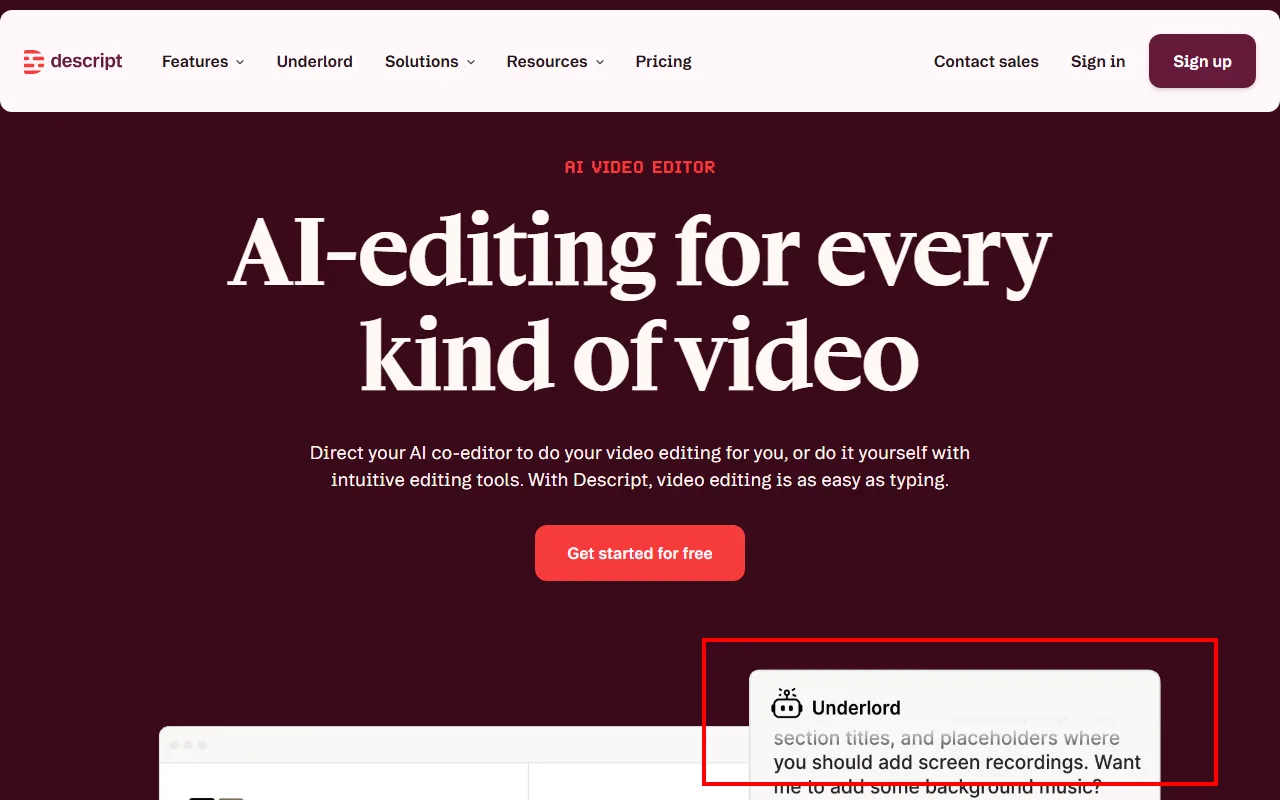 Descript's Underlord AI assistant. Red box: the AI co-editor that handles cuts, filler removal, and formatting. Video editing as easy as typing. (Source: descript.com, June 2026)
When I tested the AI eye contact feature, the result was uncanny. It shifted my gaze from my notes (where I was actually looking) to the camera lens so convincingly that a colleague could not tell the difference in the export.
VEED — Best for Subtitles and Quick Online Edits
VEED is a browser-based video editor that has built its reputation on one thing above all: automatic subtitles. Upload a video, click "Auto Subtitle," and VEED generates burned-in captions with word-level highlighting that syncs to the audio. For social media creators who need captioned vertical videos fast, this removes the biggest time sink in the workflow.
I tested subtitle accuracy on my 60-second test clip (clear English, single speaker, no background noise): 96% accurate out of the box. The three errors were proper nouns ("Lumina" became "Luminar"), which I fixed in under 30 seconds using the inline editor. Total time from upload to captioned export: 4 minutes, 15 seconds.
Who it's for: Social media creators who need subtitled content at volume, and small teams who want a quick browser-based editor without installing desktop software. VEED also supports AI avatars and translation for 50+ languages, but subtitles remain the core draw.
Where it falls short: VEED tries to do everything (subtitles, AI avatars, translation, text-to-video, background removal) and does subtitles brilliantly but other features only passably. The AI avatar quality is noticeably below Synthesia and HeyGen. The free plan exports at 720p with a watermark, which is functionally unusable for professional content. And the paid plans start at $20/mo for features that more specialized tools handle better.
Pricing: Free: 720p, watermark, 30 min subtitles/mo. Creator: ~$20/mo. Pro: ~$33/mo (1080p, full stock library). Business: ~$70/mo (4K, brand kits).
Pros:
- Best automatic subtitle accuracy I tested (96%+ on clear audio)
- Fully browser-based with no install required
- Quick turnaround for captioned social media clips
Cons:
- Tries to do too much; features beyond subtitles feel thin
- Free plan watermark and 720p cap make it unusable for professional output
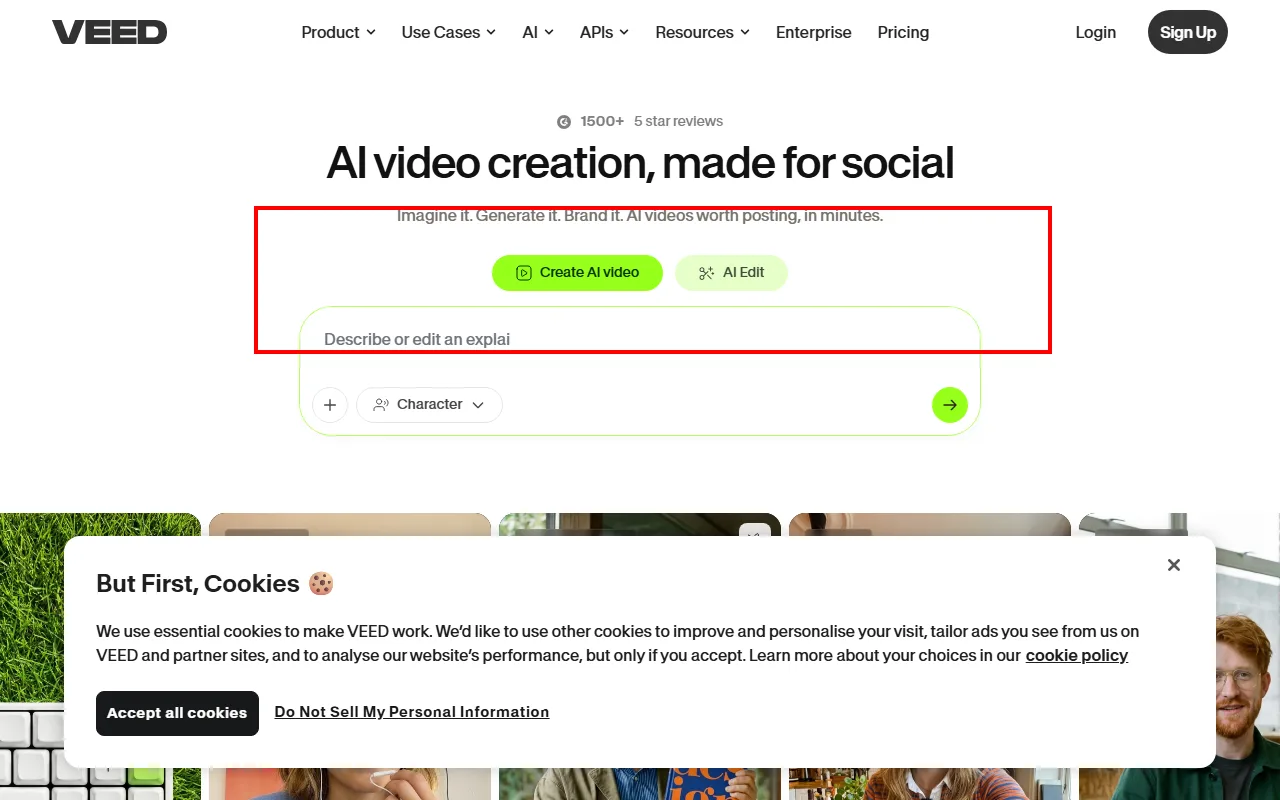 VEED's prompt input for AI video creation. Red box: the "Create AI video" field where you describe what you need. Subtitles, avatars, and editing all live in the same browser tab. (Source: veed.io, June 2026)
If subtitles are your primary need and you want the fewest clicks to get there, VEED wins. For anything beyond that, you will likely outgrow it within a month.
Canva — Best Free Option for Simple Marketing Videos
Canva needs no introduction as a design platform, but its video capabilities are often overlooked. The free plan includes a drag-and-drop video editor, thousands of video templates, basic stock footage, animated text, transitions, and 1080p export. No watermark. No credit limit. For straightforward marketing videos like product promos, event announcements, or social shorts, this is genuinely free and genuinely usable.
I tested Canva by adapting my skincare script into a template-based video. Canva does not auto-generate from text the way Fliki does, so the workflow was manual: pick a template, swap the text, replace placeholder footage, adjust timing. Total hands-on time: 14 minutes, roughly 3x what Fliki would take for the same output. But the result was polished, on-brand (I uploaded custom fonts and colors), and the 1080p export was clean with no watermark.
Who it's for: Small business owners, non-profit marketers, and anyone who needs presentable marketing videos without a budget. If you already use Canva for graphic design, adding video to your workflow requires zero onboarding.
Where it falls short: Canva is a template tool, not an AI video generator. There is no text-to-video pipeline, no AI voiceover integration, and no automated script matching. Every video requires manual assembly from templates. The free stock library is also limited (around 250,000 assets vs. Canva Pro's 100M+), and there is no AI-generated footage option. If you are leaving Fliki specifically for more automation, Canva is a step backward in that dimension.
Pricing: Free: $0 (1080p export, no watermark, 250K templates, 5GB storage). Pro: $15/mo (100M+ premium assets, brand kit, background remover). Teams: $20/user/mo.
Pros:
- Truly free at 1080p with no watermark (rare among video tools)
- Massive template library for quick manual assembly
- Zero onboarding cost if you already use Canva for design
Cons:
- No AI-powered text-to-video (manual assembly only)
- Limited stock library on free tier, no AI-generated visuals
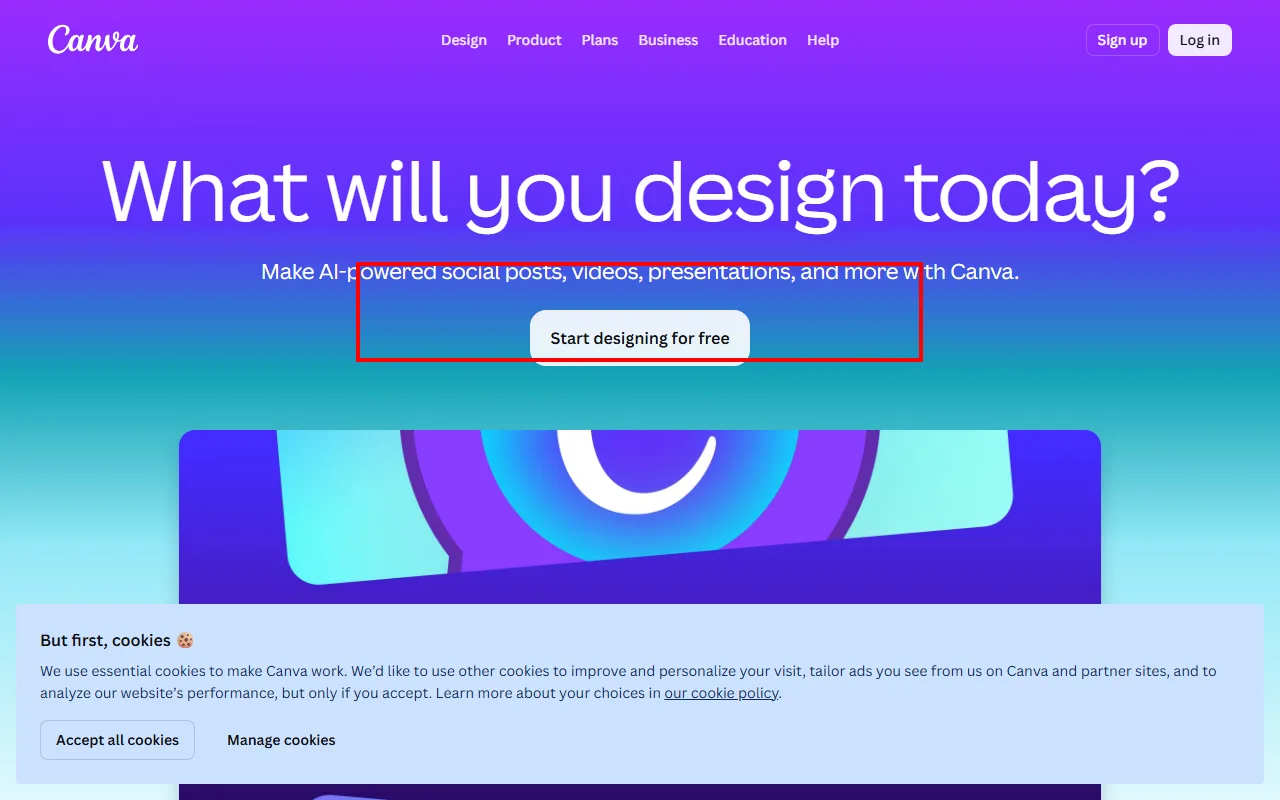 Canva's homepage. Red box: "Start designing for free" leads to the drag-and-drop editor where video templates export at 1080p with no watermark. (Source: canva.com, June 2026)
Canva will not replace Fliki's automation, but it is the one tool on this list where you can produce a professional-looking video for $0. That matters if you are testing the waters before committing to a paid plan elsewhere.
How to Choose the Right Fliki Alternative
The right pick depends on what specifically frustrated you about Fliki.
- Need AI-generated visuals, not stock footage? InVideo AI (Sora 2 + VEO 3.1 integrated) or Synthesia (via AI Playground).
- Need multilingual video with real lip sync? HeyGen, by a wide margin.
- Want a better version of Fliki's exact workflow? Pictory offers the same stock-footage model with faster processing and better clip matching.
- Already have footage, need faster editing? Descript's transcript-based editing.
- Just need subtitles on existing video? VEED's auto-captioning at 96%+ accuracy.
- Zero budget, need something presentable? Canva Free exports at 1080p with no watermark.
If budget is the deciding factor: Canva is free, Pictory starts at $19/mo, and Descript's annual Hobbyist plan comes to $16/mo. The avatar tools (Synthesia, HeyGen) start at $29/mo but cost significantly more per minute of output.
Conclusion
Fliki remains a decent entry point for text-to-video with stock footage, but the landscape has moved well beyond stock clips and basic text-to-speech. The strongest alternatives I tested, InVideo AI and HeyGen, offer capabilities Fliki simply does not have: AI-generated scenes and photorealistic multilingual lip sync, respectively.
For most users leaving Fliki, start by identifying the specific limit you hit. If it is visual originality, go with InVideo AI. If it is language coverage and lip sync, HeyGen. If it is just pricing friction on the same workflow, Pictory gives you a smoother version of what Fliki does for less money. And if you need to start for free, Canva's 1080p no-watermark export is hard to beat.





