ChatGPT
 Perplexity
 Claude
 Gemini
 Grok
Grok



Blog Article · 12 min read · Posted by the Pexo Team · June 5, 2026
You have the picture — a product shot, a character render, an old photo — and you want it to move. In 2026 that no longer means After Effects or a motion designer. An image to video app takes a single still and animates it: a slow camera push, a character that turns and speaks, a product that rotates on a clean loop. The catch is that "image to video" now covers everything from one-tap toy apps to film-grade engines, and they are nowhere near interchangeable. The model with the most cinematic motion gives you five seconds and a queue; the one with the best free tier slaps a watermark on a 480p clip.
We compared the field in June 2026 and ranked the 10 best image to video apps on what actually matters: motion quality and realism, how well the output sticks to your image, clip length, resolution, free-tier limits, and price. Everything is scored on the same axes so you can compare it in one table instead of opening ten tabs. Here's the shortlist, then the full breakdown with specs and honest limitations for each.

What Is an Image to Video App?
An image to video app turns a still image into a short video clip using an AI motion model. You upload a photo (or generate one), describe the motion you want — "slow zoom in, hair moving in the wind" — and the model synthesizes new frames so the picture comes alive, usually as a 5–10 second clip you can download or extend.
Three things separate a good one from a gimmick:
- Motion quality — is the movement smooth and physically believable, or warped and melty? Hands, faces, and fast motion are where weak models fall apart.
- Image adherence — does the video keep your original subject, style, and composition, or does it drift into something else by second three?
- Control and length — can you direct the camera and the action, and get a clip long enough to actually use, at a resolution you can post?
The right app depends on the job: marketers want a fast, on-brand product clip; filmmakers want camera control and realism; social creators want fun effects and a generous free tier. The list below is ranked so the most broadly useful, lowest-friction options come first.
The 10 Best Image to Video Apps in 2026: At-a-Glance
| # | App | Best for | Video model | Free tier | Starting price (2026) | Max clip / res |
|---|---|---|---|---|---|---|
| 1 | Kling AI | Cinematic motion realism | Kling 2.6 / 3.0 | Yes (daily credits) | ~$10/mo | ~10s (extend), 1080p |
| 2 | Pexo | Describe-it-in-words, no settings | Multi-model (Seedance, Kling, + more) | Free to start (credits) | Credit-based | Model-dependent |
| 3 | Runway | Pro creative control | Gen-4 | Limited (one-time credits) | ~$15/mo | ~10s, up to 4K upscale |
| 4 | Hailuo (MiniMax) | Physics & fluid motion | Hailuo 02 | Yes (daily credits) | ~$10/mo | ~6–10s, 1080p |
| 5 | Google Veo 3 | Realism with native audio | Veo 3 | Limited (in Gemini) | ~$20/mo (Google AI) | ~8s, 1080p+ |
| 6 | Luma Dream Machine | Fast, fluid action | Ray2 | Yes (monthly credits) | ~$10/mo | ~5–10s, 1080p |
| 7 | Pika | Fun effects & social | Pika 2.5 | Yes (monthly credits) | ~$10/mo | ~5–10s, 1080p |
| 8 | Vidu | Reference & multi-shot | Vidu Q1 | Yes (daily credits) | ~$8/mo | ~8s, 1080p |
| 9 | Higgsfield | Camera moves & VFX ads | Higgsfield DoP | Yes (limited) | ~$9/mo | ~5s, 1080p |
| 10 | Pixverse | Mobile, anime & effects | PixVerse V5 | Yes (daily credits) | ~$10/mo | ~5–8s, 1080p |
Prices, models, and limits are public figures as of mid-2026 and change often — confirm on each app's site before you buy.
Our Evaluation Criteria: How We Ranked These Tools
We didn't rank these on vibes. Every app is judged on the six axes that actually decide which image to video tool you should open:
- Motion quality — smoothness, physics, and how well it handles hard cases (faces, hands, fast action).
- Image adherence — how faithfully the clip keeps your original subject, style, and composition.
- Control — camera direction, motion brushes, start/end frames, and how much you can steer.
- Clip length & resolution — whether you get a usable duration and a postable resolution.
- Free tier — what you can actually make for free, and whether outputs are watermarked.
- Price — the paid starting point, weighed on value rather than headline cost.
The ranking reflects how broadly useful each app is across those axes — not a single benchmark. Your best pick still depends on your specific job, which is why every entry below calls out exactly who it's for and where it falls short.
The 10 Best Image to Video Apps, Reviewed
1. Kling AI — The Cinematic Motion Benchmark
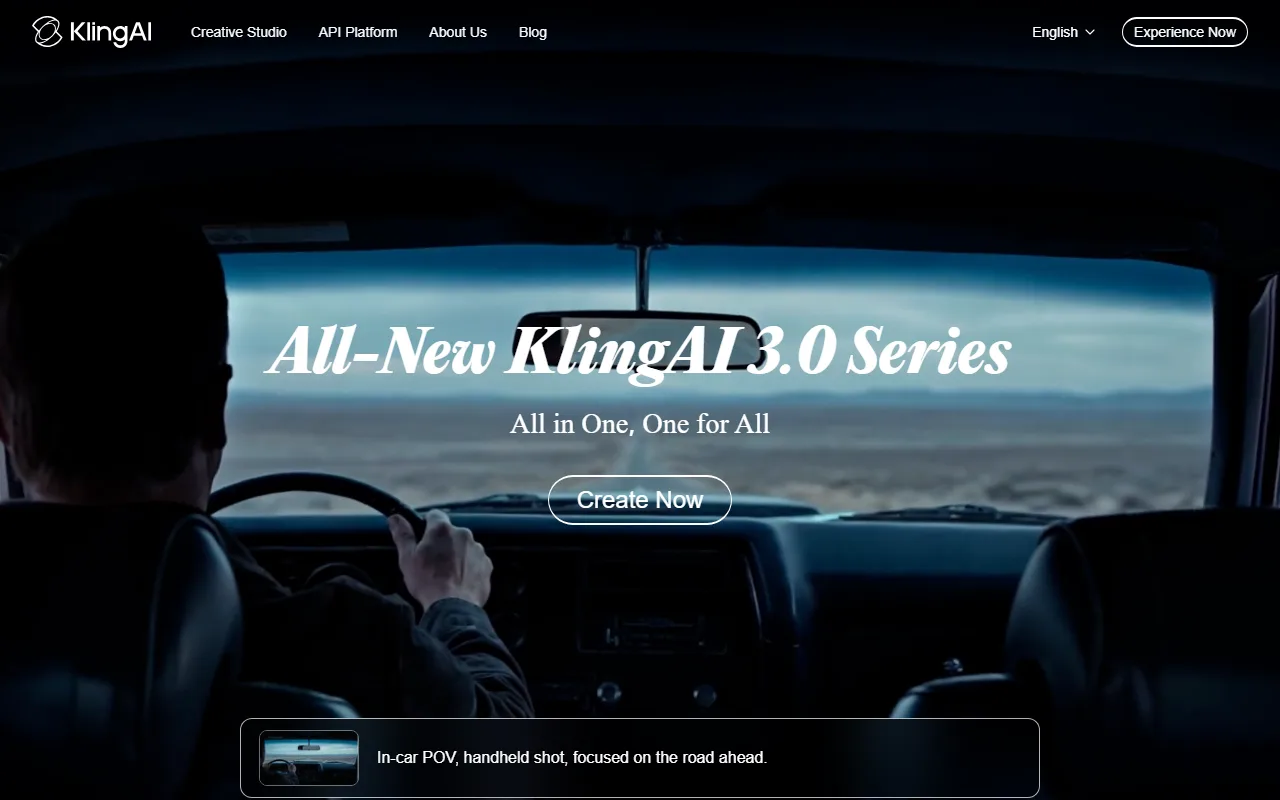
Kling is the app most pros reach for when an image-to-video clip has to look like a real shot. The Kling 2.6 / 3.0 models lead on physical realism — cloth, hair, water, and crowd motion hold together where weaker models melt — and the start-and-end-frame feature lets you define exactly where a shot begins and ends. Clips run ~5–10 seconds with an extend option, at up to 1080p.
Best for: Cinematic product shots, character motion, and anyone who prioritizes realism over speed. Specs: Kling 2.6/3.0, image-to-video + start/end frames, motion brush, lip-sync, ~10s extendable, 1080p. Pricing: Free daily credits to test; paid from around $10/month for faster, watermark-free, higher-res generations. Where it falls short: The best model is credit-hungry and slow in the free tier (long queues), and prompt control is less granular than Runway's. (klingai.com)
2. Pexo — The Fastest Path When You Don't Want to Touch Settings
Every other app on this list hands you an upload box, a model picker, motion sliders, and a prompt to engineer. Pexo is the opposite: it's an AI video partner you talk to. You drop in a photo and describe what should happen — "make my product rotate slowly on a marble counter, soft morning light, 9:16 for TikTok" — and Pexo turns the still into a finished, ready-to-post video. No timeline, no settings panel, no prompt syntax. If you want a change, you say it: "warmer light, hold the last frame longer."
Best for: Marketers, founders, and creators who want a finished, on-brand clip from a photo fast — especially product ads — without learning a video tool. Specs: Image-to-video (and text / URL / audio) from a single conversation. No prompts. Just talk — Pexo reads your intent from plain language. No operating. Just directing — it works with the world's leading video models (Seedance, Kling, and more) and picks the right one for your shot, so motion style and length scale with the model it routes to. Output covers the common social ratios (vertical, square, wide). Pricing: Credit-based, free to start. You can start from a photo at pexo.ai/create. Where it falls short: Pexo is a partner, not a frame-level VFX suite. If you want hand-keyed camera paths and per-frame motion-brush control the way a Runway power user does, a dedicated pro tool gives you more manual knobs — Pexo deliberately hides that complexity, which is exactly why most people ship faster in it. (pexo.ai)

3. Runway — Pro Creative Control
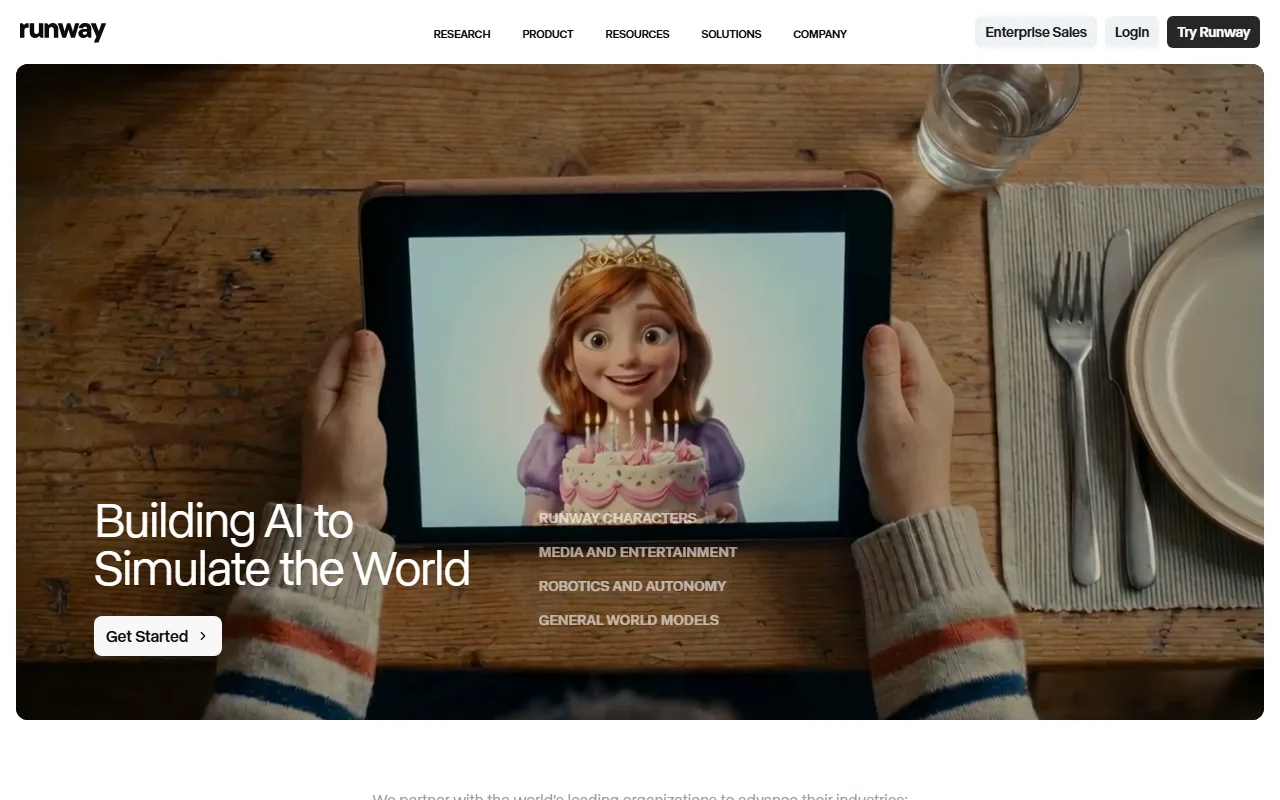
Runway is the creative pro's image-to-video studio. Gen-4 sharpened motion consistency and character coherence, and the toolset around it — Motion Brush (paint exactly what moves), camera controls, and Act-One for performance — gives you more deliberate control than any consumer app. Clips run ~10 seconds and upscale toward 4K.
Best for: Filmmakers, editors, and agencies that want frame-level control and a full creative suite. Specs: Gen-4, image-to-video, Motion Brush, camera & director controls, ~10s, up to 4K upscale. Pricing: A small one-time free credit grant; paid from around $15/month, scaling up for pro seats. Where it falls short: Credits burn fast at high quality, the learning curve is real, and raw motion realism on hard physics still trails Kling for some scenes. (runwayml.com)
4. Hailuo (MiniMax) — Physics and Fluid Motion
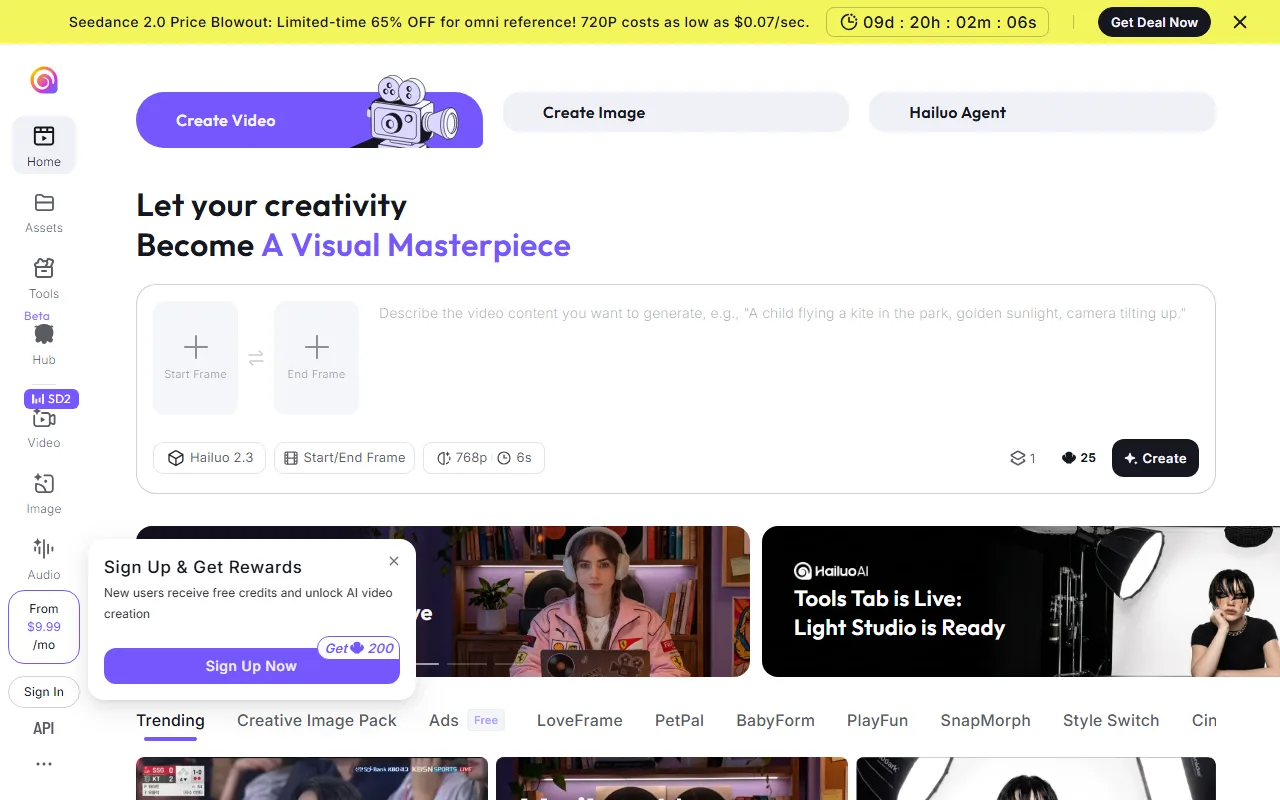
MiniMax's Hailuo is the favorite for natural, fluid movement — its Hailuo 02 model handles body motion, gravity, and momentum convincingly, which makes it strong for dynamic action and people. It's fast, and the free tier is generous enough to actually test.
Best for: Action shots, human motion, and creators who want lifelike movement quickly. Specs: Hailuo 02, image-to-video, strong physics, ~6–10s, 1080p. Pricing: Free daily credits; paid from around $10/month for more generations and no watermark. Where it falls short: Less camera/director control than Runway, shorter native clips, and prompt adherence on complex multi-subject scenes can wobble. (hailuoai.video)
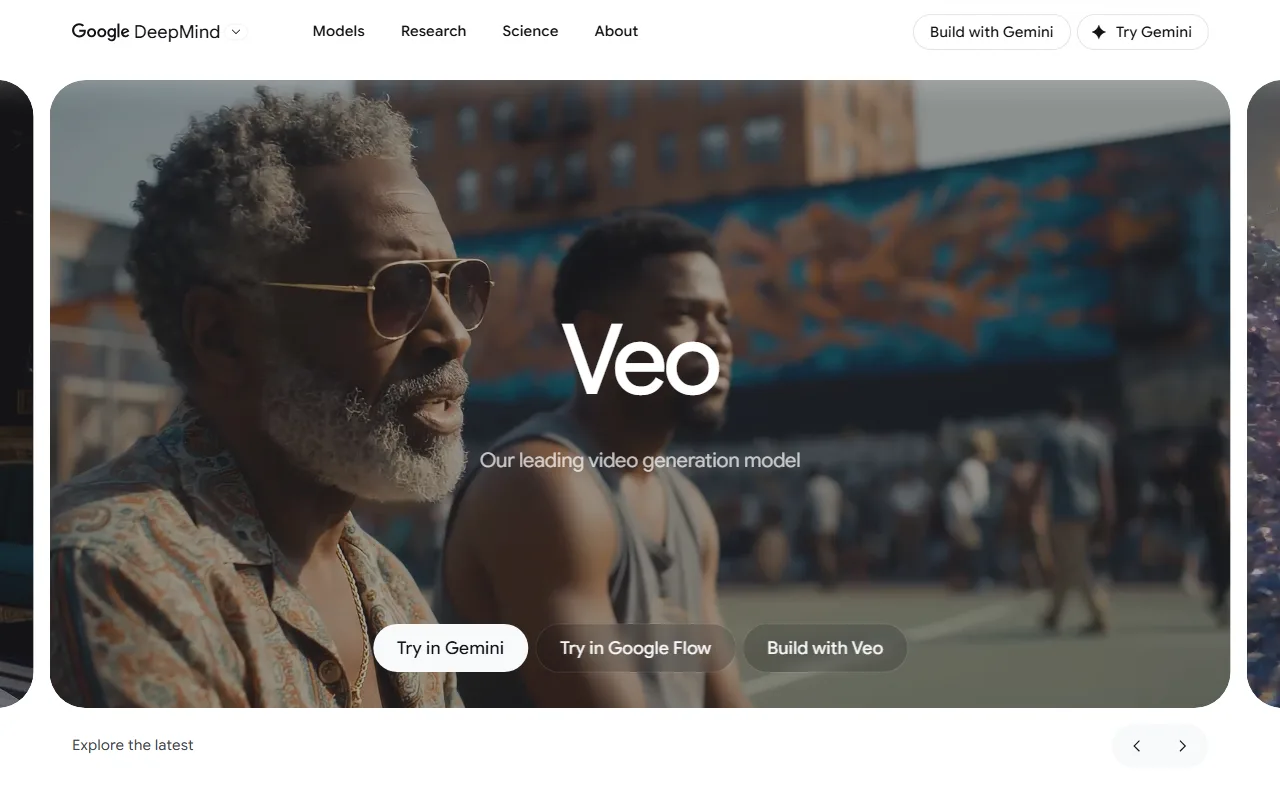
5. Google Veo 3 — Realism With Native Audio
Google DeepMind's Veo 3 is the standout for photorealism that comes with sound — it's one of the only models that generates native audio (ambient noise, effects, even dialogue) along with the video, animates from an image or text, and renders physics and lighting convincingly. It lives inside the Gemini app and Google Flow.
Best for: Realistic clips that need synced audio, and Google/Gemini users. Specs: Veo 3, image + text to video, native audio generation, strong physics, ~8s, 1080p+. Pricing: Limited access inside Gemini; full quality via Google AI Pro/Ultra (~$20/month and up). Where it falls short: Native clips are short (~8s), it's credit-hungry and pricey at the top tier, and tight content filters reject many prompts. (deepmind.google)
6. Luma Dream Machine — Fast and Fluid
Luma's Dream Machine (running its Ray2 model) is built for speed and smooth, natural motion. It's one of the fastest ways to get a fluid image-to-video clip, with good camera-motion presets and a clean web app that's easy for first-timers.
Best for: Quick social clips, fluid motion, and creators who value speed and ease. Specs: Ray2, image-to-video, camera motion presets, ~5–10s, 1080p. Pricing: Free monthly credits; paid from around $10/month for more renders and no watermark. Where it falls short: Less fine control than Runway, occasional consistency drift on longer extends, and free-tier generations are watermarked. (lumalabs.ai)

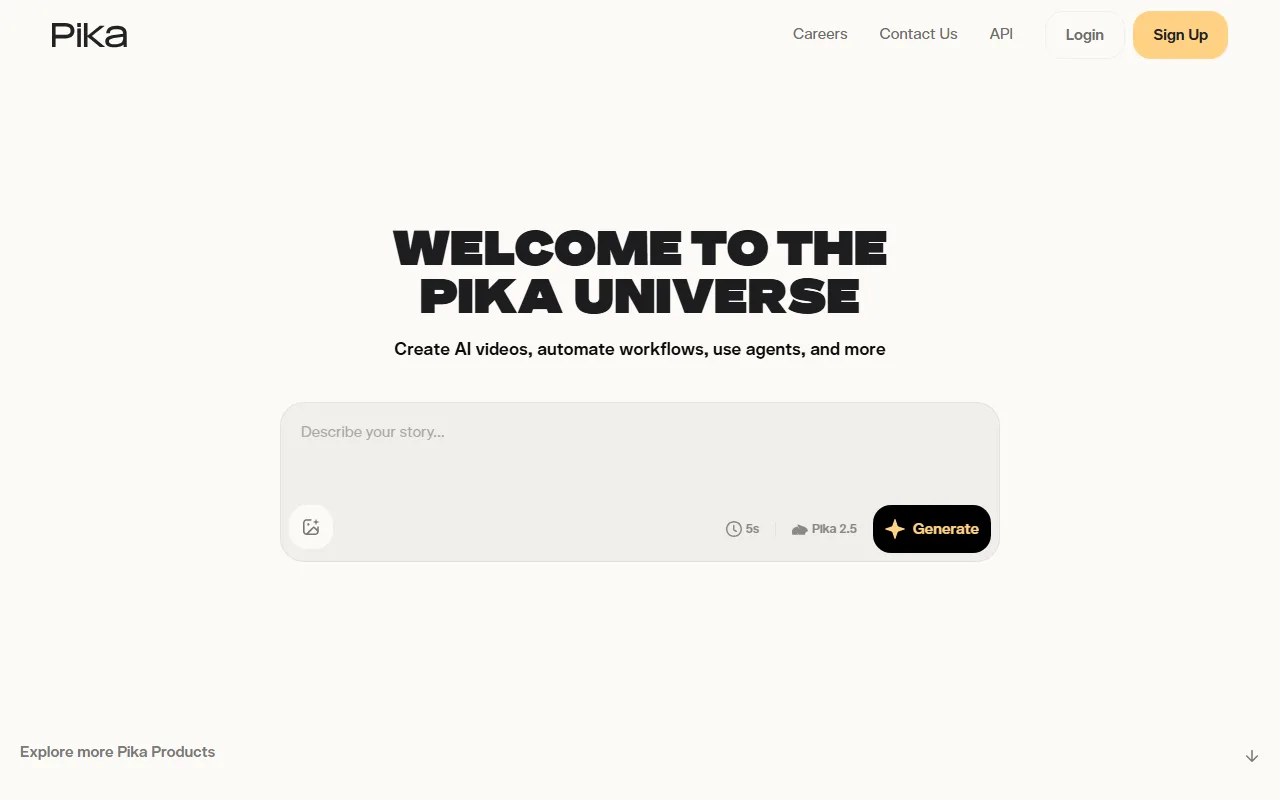
7. Pika — Fun Effects and Social
Pika is the playful one. Beyond solid image-to-video, its Pikaffects (squish, melt, inflate, explode) and quick social-ready outputs make it a favorite for creators chasing fun, shareable clips rather than photoreal cinema.
Best for: Social creators, meme and effect-driven clips, and fast experimentation. Specs: Pika 2.5, image-to-video, Pikaffects, scene ingredients, ~5–10s, 1080p. Pricing: Free monthly credits; paid from around $10/month for more credits and no watermark. Where it falls short: Photorealism and motion physics trail Kling and Hailuo, and the effects-first focus means less serious camera control. (pika.art)
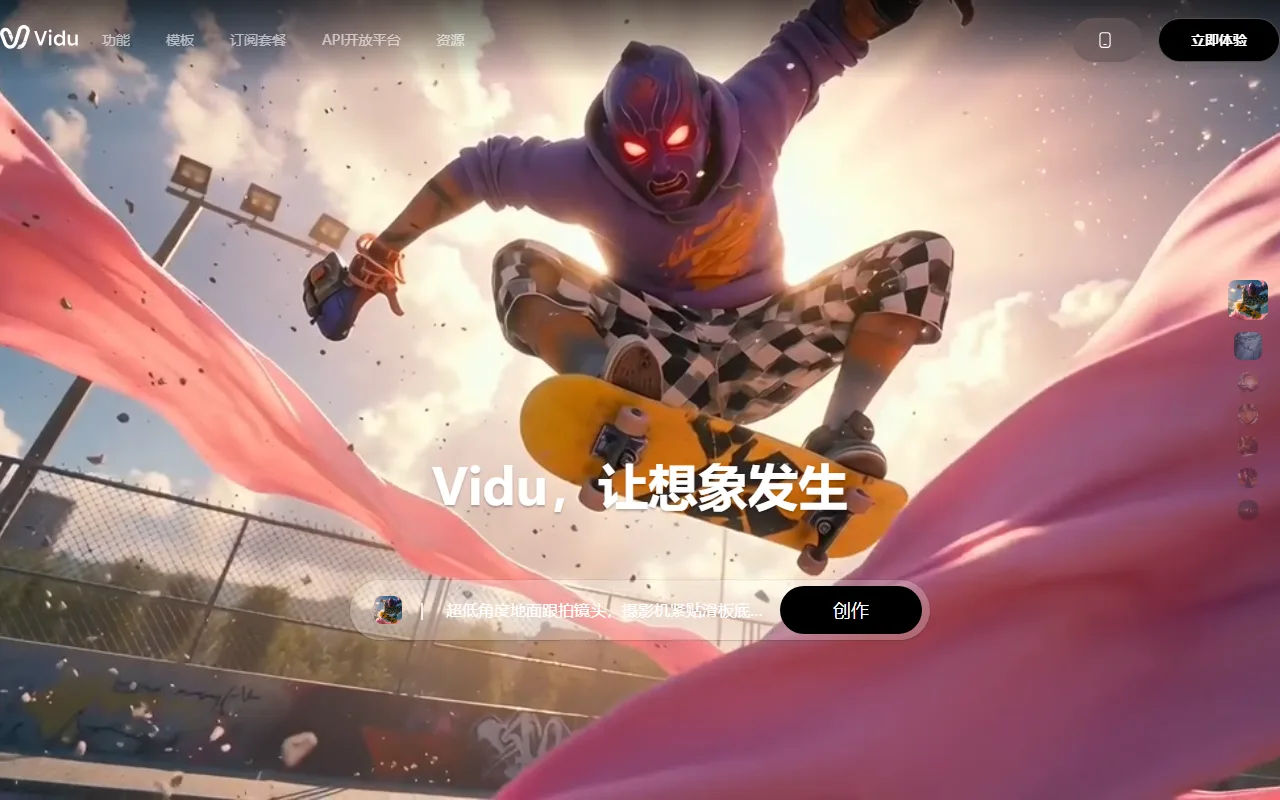
8. Vidu — Reference and Multi-Shot
Vidu's edge is reference-to-video and consistency: feed it reference images of a character or object and it keeps them consistent across shots, which makes it strong for short narrative sequences and anime-style work. Vidu Q1 improved motion and detail.
Best for: Character-consistent sequences, anime/stylized work, and multi-shot mini-stories. Specs: Vidu Q1, image- and reference-to-video, multi-subject consistency, ~8s, 1080p. Pricing: Free daily credits; paid from around $8/month. Where it falls short: Photoreal realism trails the top engines, clips are short, and complex real-world physics is not its strength. (vidu.com)
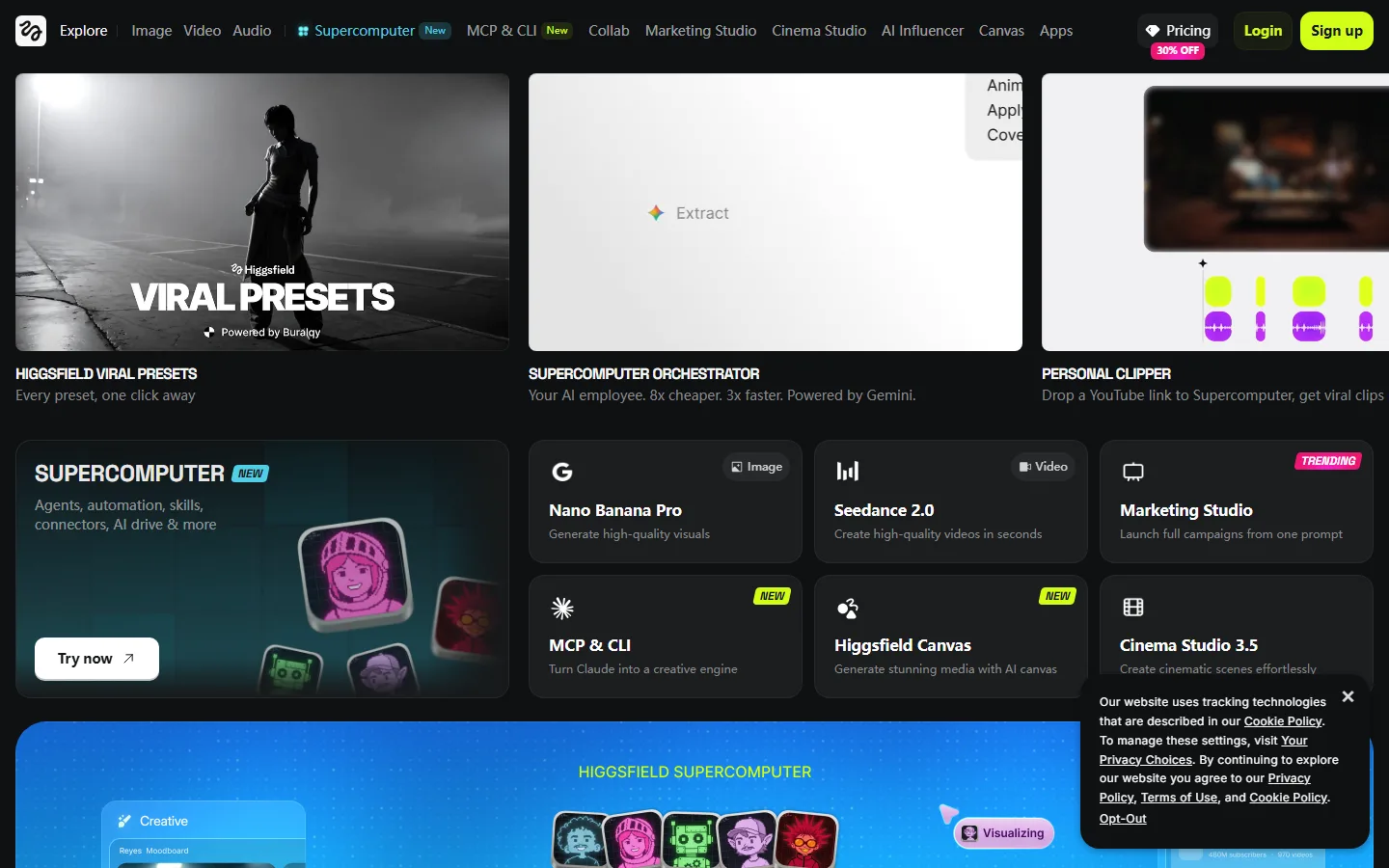
9. Higgsfield — Camera Moves and VFX Ads
Higgsfield specializes in cinematic camera motion and VFX-style effects — crash zooms, bullet-time, dramatic dolly moves — preset and easy to apply. It's tuned for scroll-stopping social ads and music-video looks rather than neutral realism.
Best for: Social ads, music-video aesthetics, and creators who want bold camera moves out of the box. Specs: Higgsfield DoP camera presets, image-to-video, VFX effects, ~5s, 1080p. Pricing: Limited free tier; paid from around $9/month. Where it falls short: Short clips, an effects-first style that isn't ideal for clean/neutral product shots, and less fine prompt control. (higgsfield.ai)
10. Pixverse — Mobile, Anime, and Effects
Pixverse is the most mobile-first option, with a strong app, anime and stylized presets, and viral effect templates. PixVerse V5 improved motion and made it a go-to for creators making stylized clips on their phone.
Best for: On-the-go creators, anime/stylized clips, and template-driven social effects. Specs: PixVerse V5, image-to-video, effect templates, lip-sync, ~5–8s, 1080p. Pricing: Free daily credits; paid from around $10/month for more credits and no watermark. Where it falls short: Photoreal realism and clip length trail the top engines, and the template-first approach offers less granular control. (pixverse.ai)
Skip the Settings: Turn a Photo Into a Finished Video Just by Describing It
Look back at the list and you'll notice the common tax: almost every great app still makes you upload, pick a model, set motion sliders, dial in a prompt, then export and re-import wherever you're actually building. That's four or five steps before you get one clip.
This is the friction Pexo removes. Instead of a settings panel and a model picker, you get one conversation:
- No prompts. Just talk. Drop the photo in and describe what should happen in your own words — messy or specific. Pexo reads intent, not syntax, so there's no "right" prompt to engineer.
- No operating. Just directing. Pexo works with the world's leading video models — Seedance, Kling, and more — and routes your shot to the one that fits, so you don't A/B test five apps to find which animates your image best.
- It finishes the job. Not a raw five-second test clip — Pexo delivers a complete, ready-to-post video with pacing and sound, and you refine it by saying so ("hold the last frame, make it 9:16").
For a marketer turning a product photo into a TikTok ad, that means going from one still and a sentence to a finished, on-brand clip without ever opening a video editor. You can start from a photo at pexo.ai/create.
The trade-off is honest: if your goal is to hand-key a camera path and paint per-frame motion for a VFX shot, a pro tool gives you more manual control. For everyone whose real goal is "I have a picture, I need a good video, now," talking is faster than operating.

How to Choose the Right Image to Video App
Match the app to the job, not to the hype:
- You want the most cinematic, realistic motion → Kling AI.
- You want a finished clip from a photo with zero settings → Pexo. Describe it, get it, refine it in words.
- You want frame-level creative control → Runway.
- You want lifelike physics and action → Hailuo.
- You want realism with native audio → Google Veo 3.
- You want speed and fluid motion → Luma Dream Machine.
- You want fun effects for social → Pika or Pixverse.
- You want bold camera moves for ads → Higgsfield.
- You want character consistency across shots → Vidu.
Two rules of thumb. First, test the free tier before paying — motion quality is subjective and model preference is personal, so try your actual image on two or three before committing. Second, check the watermark and clip length on the free plan; the "free" app that caps you at a watermarked 3-second 480p clip isn't free for real work.
Conclusion
The "best" image to video app in 2026 is the one that fits your job: Kling for cinematic realism, Runway for creative control, Hailuo for physics, Veo for realism with sound, Pika and Pixverse for fun. But if your real goal is simply a finished video from a photo, fast, without learning a single setting, the fastest path is to stop operating and start describing.
That's the whole idea behind Pexo: no prompts, no model picker, no timeline — just drop in your image, say what you want to see, shape what comes back, and ship it. Start creating and turn your first photo into a video in a sentence.