

 ChatGPT
 Perplexity
 Claude
 Gemini
 Grok
Grok


Search "best online AI image generator" and you get a wall of near-identical lists. Here is what most of them gloss over: these tools are not chasing the same job. Some are built for fine-art rendering, some for accurate text inside the image, some for commercially safe brand assets, and some for getting a usable picture fast with zero fuss. One disclosure before the rankings: this guide comes from the team behind Pexo, one of the five tools here, so we kept the scoring honest, judged every tool on the same axes, and say plainly where Pexo is not the right pick. We compared five popular options on image quality, in-image text, speed, ease, and price so you can match a tool to the job you actually have.
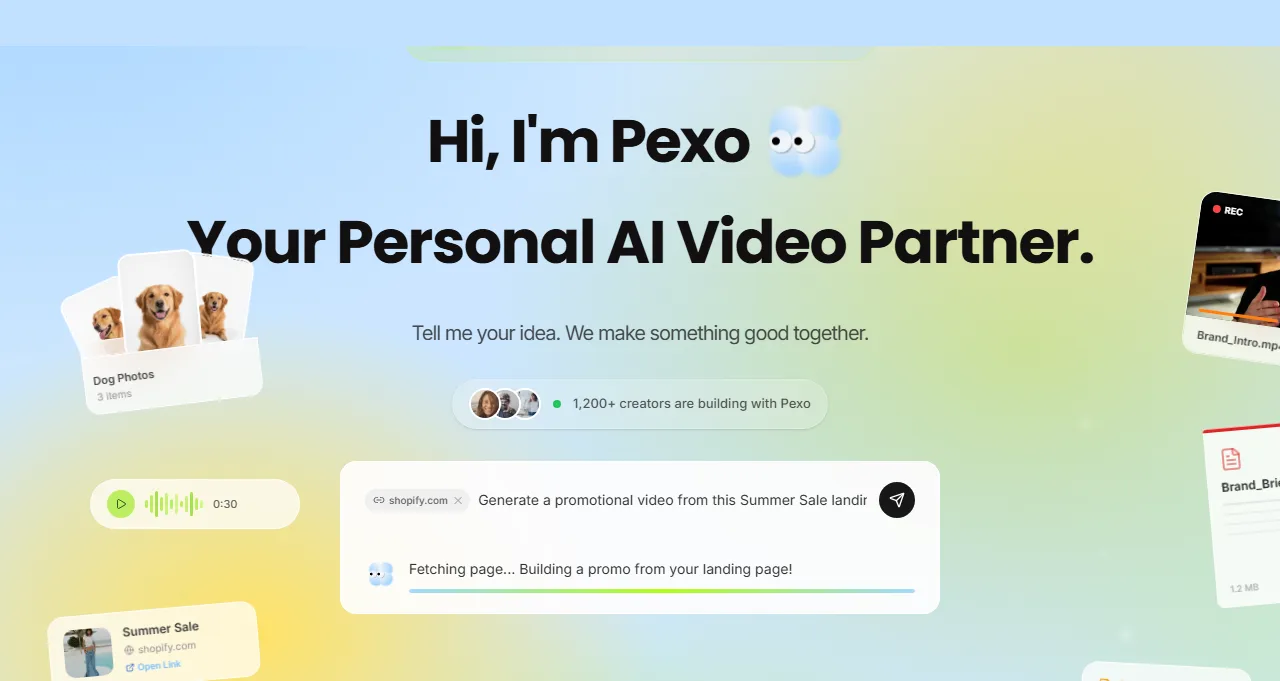 Pexo positions itself as your personal AI video partner: describe what you want and it creates with you.
What Is an Online AI Image Generator (and What to Look For)
An online AI image generator turns a text description (and sometimes a reference image) into a finished picture, in the browser, with nothing to install. You type or speak what you want, the model renders it, and you refine until it lands. The category has matured fast, so the question is no longer "can it make an image" but "which one fits my work."
Five things separate a great pick from a frustrating one:
- Image quality and style range: can it do both photoreal and stylized art, and does it stay coherent on hands, faces, and lighting?
- Text inside the image: most models still mangle words on a poster or label. A few are now reliable.
- Speed and iteration: how fast you go from idea to a usable result, and how painless it is to nudge that result.
- Licensing and commercial safety: can you actually use the output in an ad without a rights headache?
- Price and free access: is there a real free tier, and what does the paid plan unlock?
Keep your own job in mind as you read. A solo creator chasing a striking visual weighs quality first; a marketer shipping daily weighs speed, text accuracy, and licensing more.
How We Compared
Rather than crown one winner, we ranked these tools on the dimensions that actually separate them: output quality and coherence, how closely a tool follows a plain description, accuracy of text inside the image, the effort it takes to reach a usable result, and practical friction like login walls and watermark rules on free tiers. The judgments draw on hands-on use of these tools plus public evidence. Pricing is current as of June 2026 and pulled from each vendor's own plans page, and ratings are from G2 where cited. Where a strength is subjective, like artistic feel, we say so instead of dressing it up as a benchmark.
The Best Online AI Image Generators at a Glance
Here is the quick view before the detailed write-ups. Prices are the entry paid tier as of June 2026.
| Tool | Best for | Free tier | Paid from | What makes it stand out |
|---|---|---|---|---|
| Midjourney | Artistic, aesthetic image quality | None | $10/mo | Best-in-class look and lighting |
| Pexo | Conversational generation, then image to video | Free to start | Credit-based | Talk instead of prompt, multi-model routing, carries the still into video |
| ChatGPT (GPT Image) | Conversational edits and text in images | Yes | $20/mo (Plus) | Iterate by chatting, strong in-image text |
| Adobe Firefly | Commercial-safe brand assets | 25 credits/mo | $9.99/mo | Trained for commercial use, deep Creative Cloud ties |
| Ideogram | Accurate typography inside images | 10 credits/week | $7/mo | Most reliable text rendering |
The 5 Best Online AI Image Generators
1. Midjourney, Best for Artistic Image Quality
Midjourney is the tool most people picture when they think "AI art." Its real edge is taste: out of the box, its lighting, composition, and color sense look more like a deliberate art direction than a render, which is why illustrators and concept artists keep it in rotation. Where a generic model gives you a serviceable image, Midjourney tends to give you one with a point of view.
It is best for creators who want a striking, stylized visual and are willing to learn its parameter syntax to steer it. It is genuinely strong at painterly and cinematic looks. The limitation is workflow: it still leans on a parameter-heavy prompting style, in-image text is weaker than Ideogram or ChatGPT, and there is no free tier anymore, so you are paying from the first image. On data, Midjourney holds a 4.6 out of 5 average across more than 100 reviews on G2, reflecting how loyal its art-focused base is.
Pricing as of June 2026 runs Basic at $10/month, Standard at $30/month, and Pro at $60/month, per the official plans page. The Standard tier and up add unlimited "relax mode" generations.
Pros: unmatched artistic quality, deep stylistic control, large active community. Cons: no free tier, parameter learning curve, weaker at legible text.
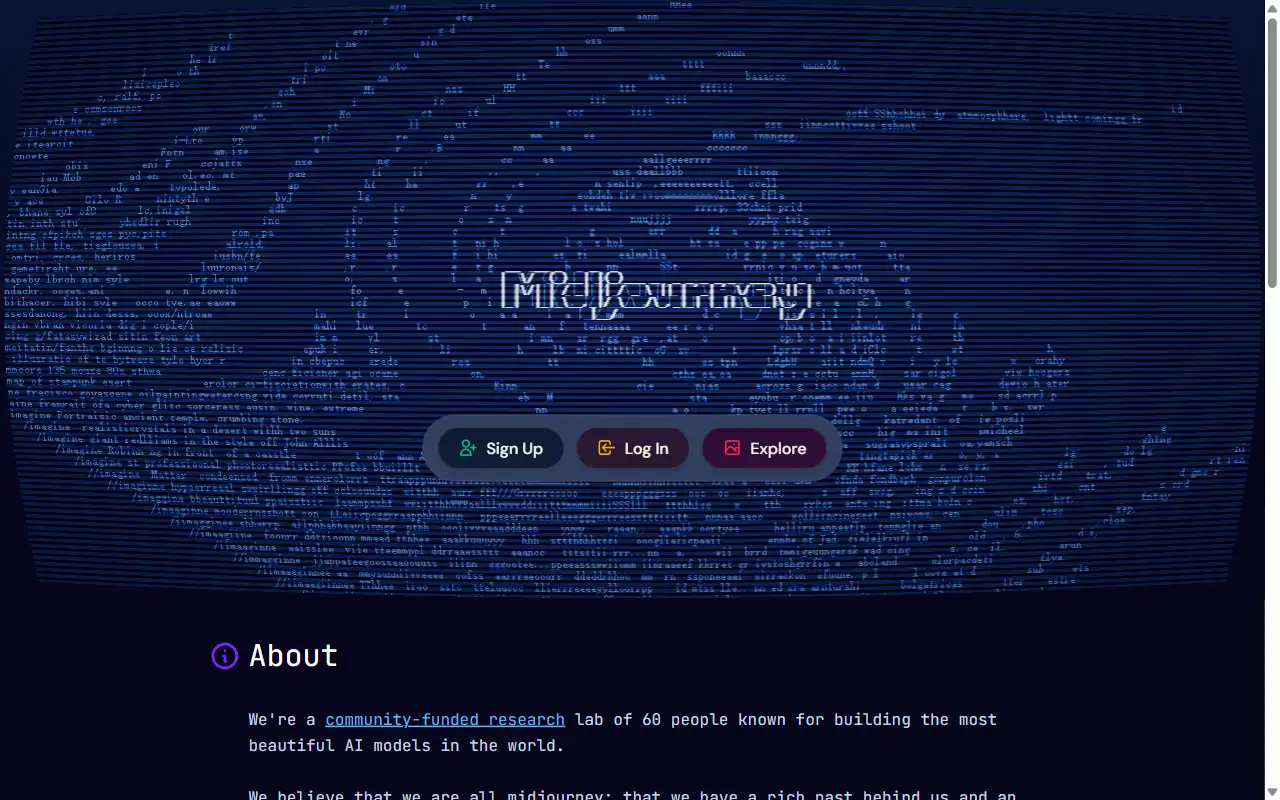 Midjourney's homepage, where you sign up or browse the community gallery of generations.
2. Pexo, Best for Conversational Generation and Image to Video
Pexo is the AI video partner that also generates still images, and that dual nature is exactly why it earns the #2 spot here. There is no prompt box to wrestle with. You describe what you want in plain language, the way you would text a friend, and Pexo's image generation turns it into a picture, with no syntax to memorize.
Two things make it different from a pure image model. First, it routes across multiple leading models behind one conversation, so you are not locked into a single engine; Pexo works with models like GPT Image 2, Nano Banana, and more, and picks a fit for the request instead of making you choose. Second, because Pexo is built for video, the still does not dead-end. You can generate the image and then keep the same conversation going to turn it into a short video, which is a real gap in every other tool on this list.
Pexo is best for marketers, founders, and creators who want a usable visual fast without prompt-craft, and especially anyone who will eventually need that image to move. We will be honest about the limitation: if your single goal is a museum-grade fine-art render, a dedicated art model like Midjourney still edges it on pure aesthetic polish. Pexo's win is the flow and the image-to-video continuity, not topping a raw-quality leaderboard. On pricing, Pexo is free to start and credit-based, with paid plans adding more credits; its pricing page lists the live numbers.
Pros: no prompt syntax, multi-model routing, carries the image straight into video, generous free start. Cons: not aimed at fine-art purists, credit-based usage to track.
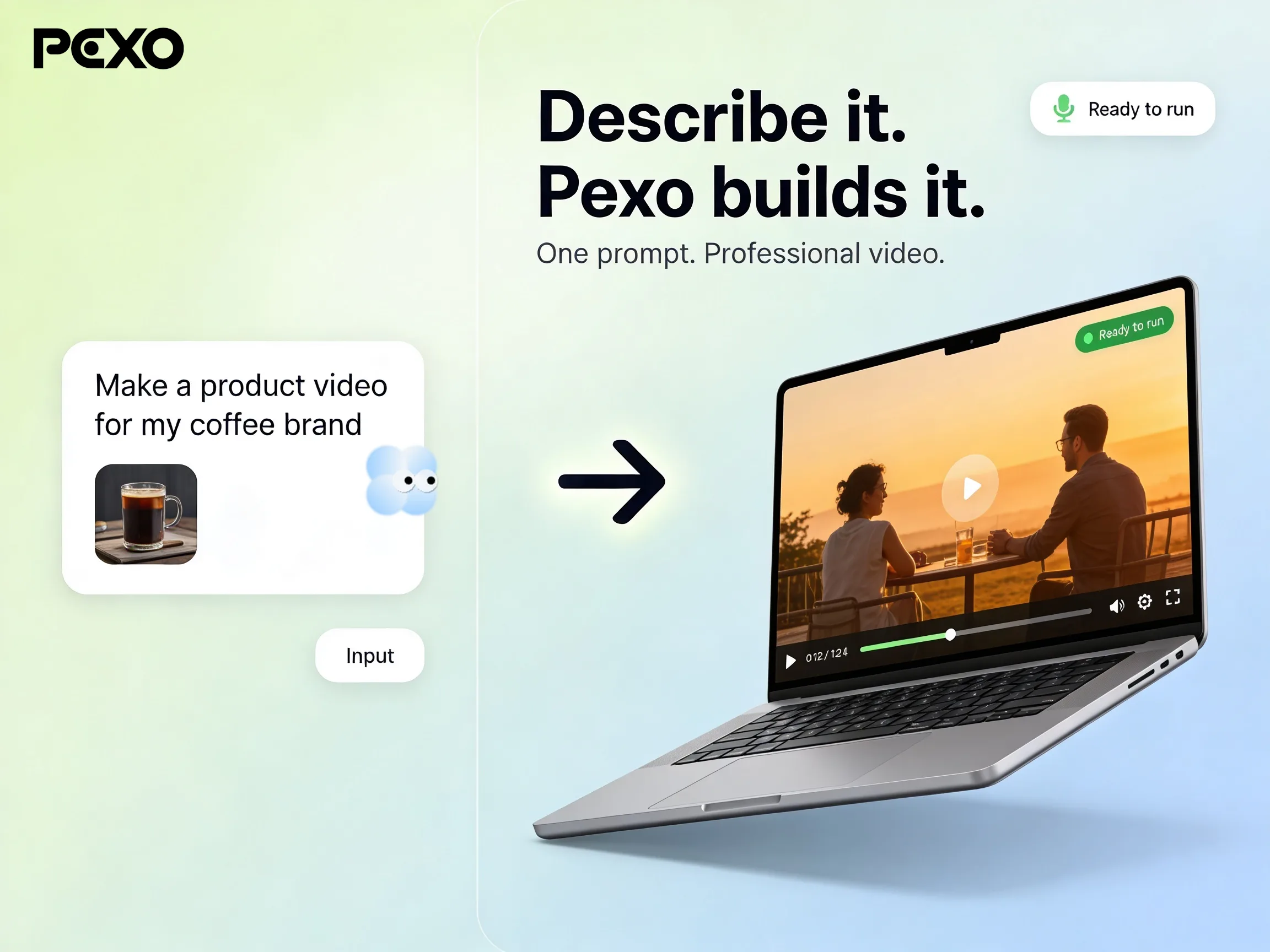 In Pexo, the same conversation that makes the image can continue it into a short video.
3. ChatGPT (GPT Image), Best for Conversational Edits and Text in Images
If you already live in ChatGPT, its built-in image generation is the path of least resistance. Note the timeline: DALL-E 3 was retired on May 12, 2026, and image generation now runs on GPT Image (the ChatGPT Images 2.0 system), so older "DALL-E" guides are out of date. The standout is conversational iteration. You generate, then say "make the jacket red and add evening light," and it edits in place without restarting. It is also one of the stronger options for getting readable text into an image.
It is best for people who want quick, good-enough visuals inside a tool they already use, and who value being able to refine by chatting. The limitation is ceiling: for high-end artistic direction it trails Midjourney, and free-tier image generation is rate-limited during busy windows. Adoption is not in question: ChatGPT reaches hundreds of millions of weekly users, which makes its built-in image generation one of the most accessible options on this list by sheer reach.
The free tier includes image generation in Instant Mode with usage limits. ChatGPT Plus is $20/month and lifts those limits substantially, per the ChatGPT plans page.
Pros: edit by chatting, strong in-image text, free tier available. Cons: trails the art specialists on top-end quality, free-tier rate limits.
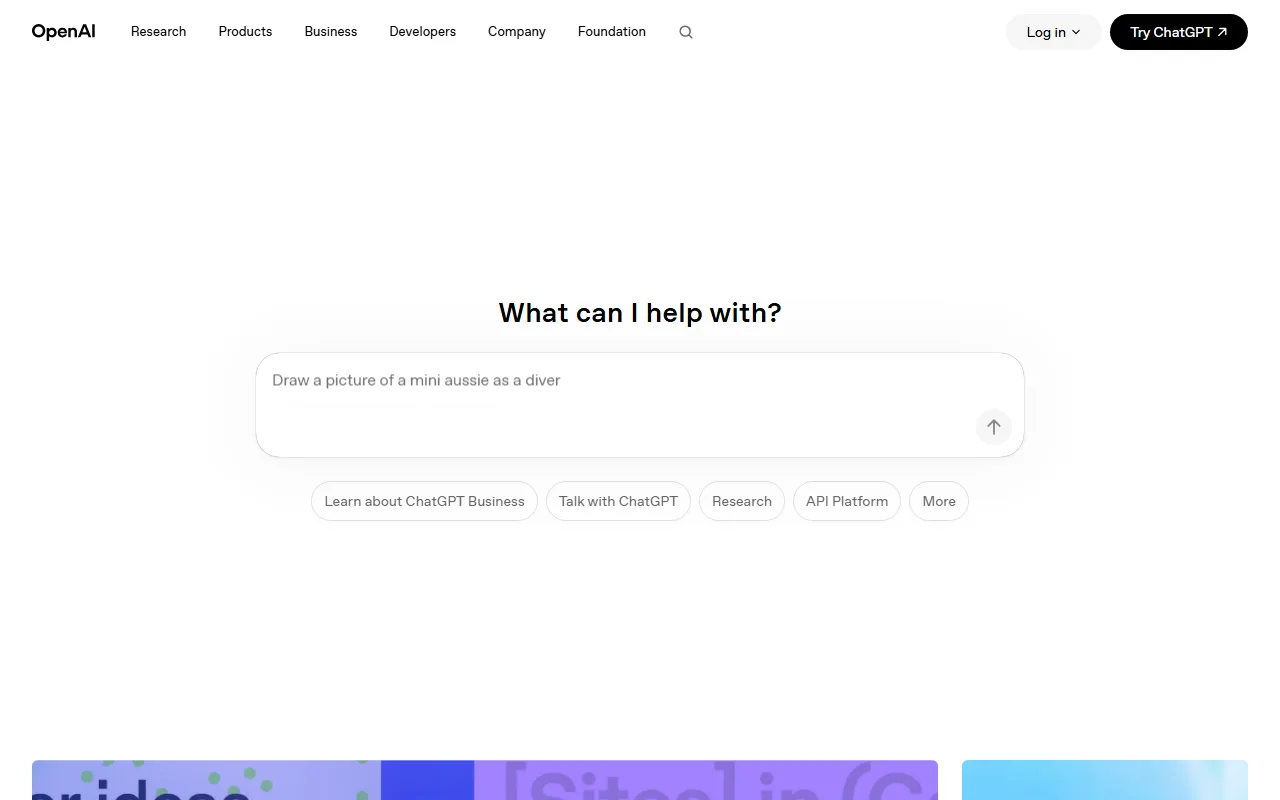 ChatGPT's entry point: type a request like "draw a picture of..." and it generates the image in the chat.
4. Adobe Firefly, Best for Commercial-Safe Brand Assets
Firefly is Adobe's answer for teams that cannot afford a licensing question mark. Its models are trained on Adobe Stock and licensed content, so the output is positioned as commercially safe, which matters a lot for brand and agency work. It also plugs directly into Photoshop and the rest of Creative Cloud, so generation sits next to the editing you were already doing.
It is best for designers, marketers, and enterprises that need usable-in-an-ad assets and live inside Adobe tools. The differentiator is that commercial-safety plus the Generative Fill workflow in Photoshop. The limitation is creative range: Firefly is reliable and clean but tends to look more conservative than Midjourney, and the credit system on premium features can get confusing. It carries a 4.5 out of 5 across more than 100 reviews on G2, strong for a relative newcomer.
Pricing as of June 2026 starts with a free plan of 25 generative credits per month, then Firefly Standard at $9.99/month and Pro at $19.99/month, per Adobe's plans page. It is also bundled into most Creative Cloud subscriptions.
Pros: commercially safe output, Creative Cloud integration, real free tier. Cons: more conservative aesthetics, premium credit rules can confuse.
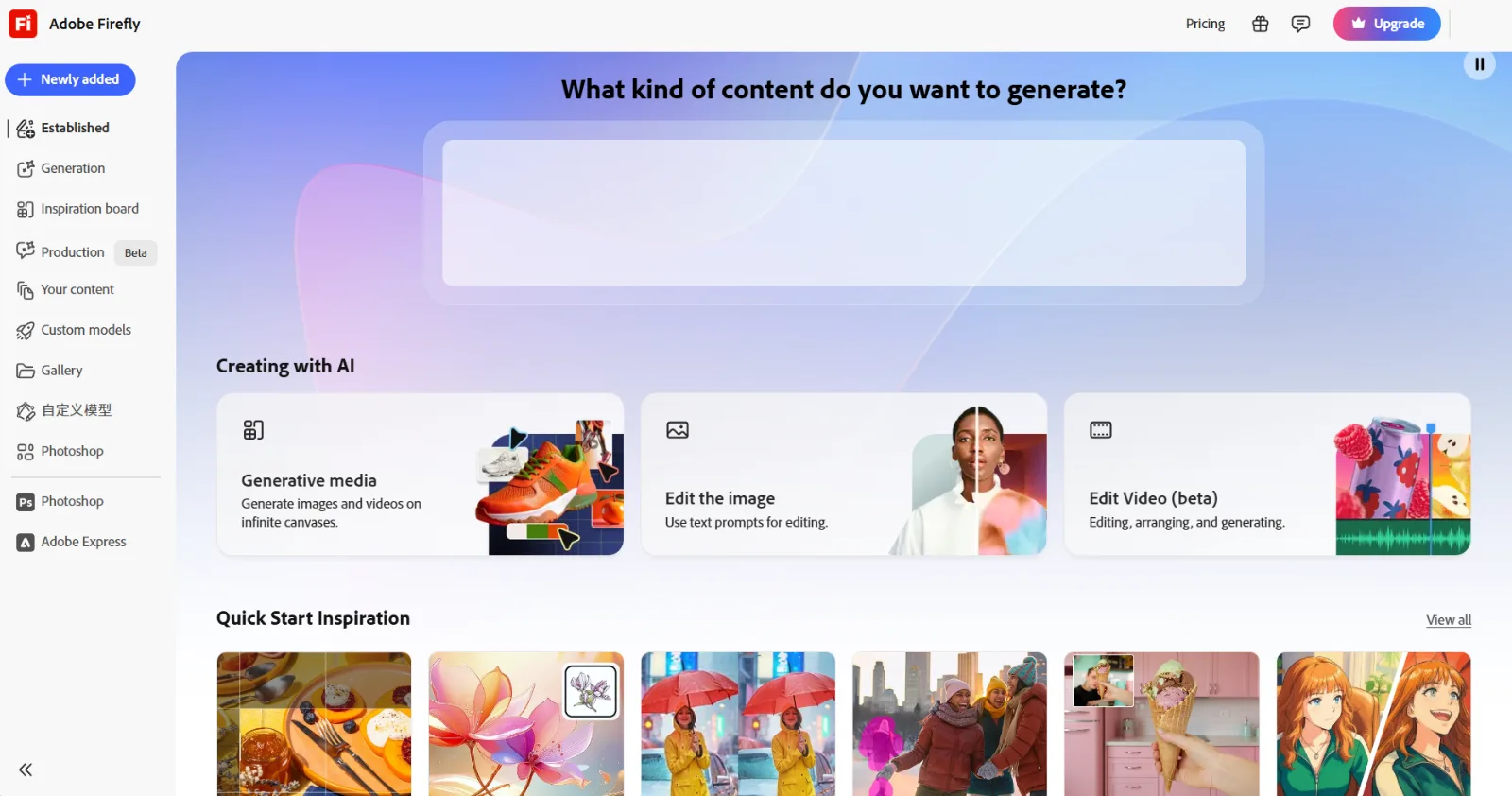 Adobe Firefly's workspace, where you pick generative media, image editing, or video.
5. Ideogram, Best for Accurate In-Image Text
Ideogram solves the one thing most generators still fumble: words inside the picture. If you need a poster, a logo concept, a quote graphic, or a product label where the text must be spelled right and laid out cleanly, Ideogram is the most reliable pick on this list. That focus is its whole reason for being.
It is best for social and marketing creators who make text-forward graphics. The standout is typography accuracy, plain and simple. The limitation is that its general artistic quality, while good, does not reach Midjourney's ceiling, and its credit math is fiddly, since different models and quality settings consume credits at different rates. The free plan gives 10 slow credits per week, which is enough to evaluate it but not to work at volume.
Pricing as of June 2026 starts at $7/month for Basic, with Plus at $15/month and Pro at $42/month, per the Ideogram pricing page. Annual billing trims the cost further.
Pros: best-in-class text rendering, usable free tier, fast. Cons: general art quality trails the leaders, confusing per-model credit costs.
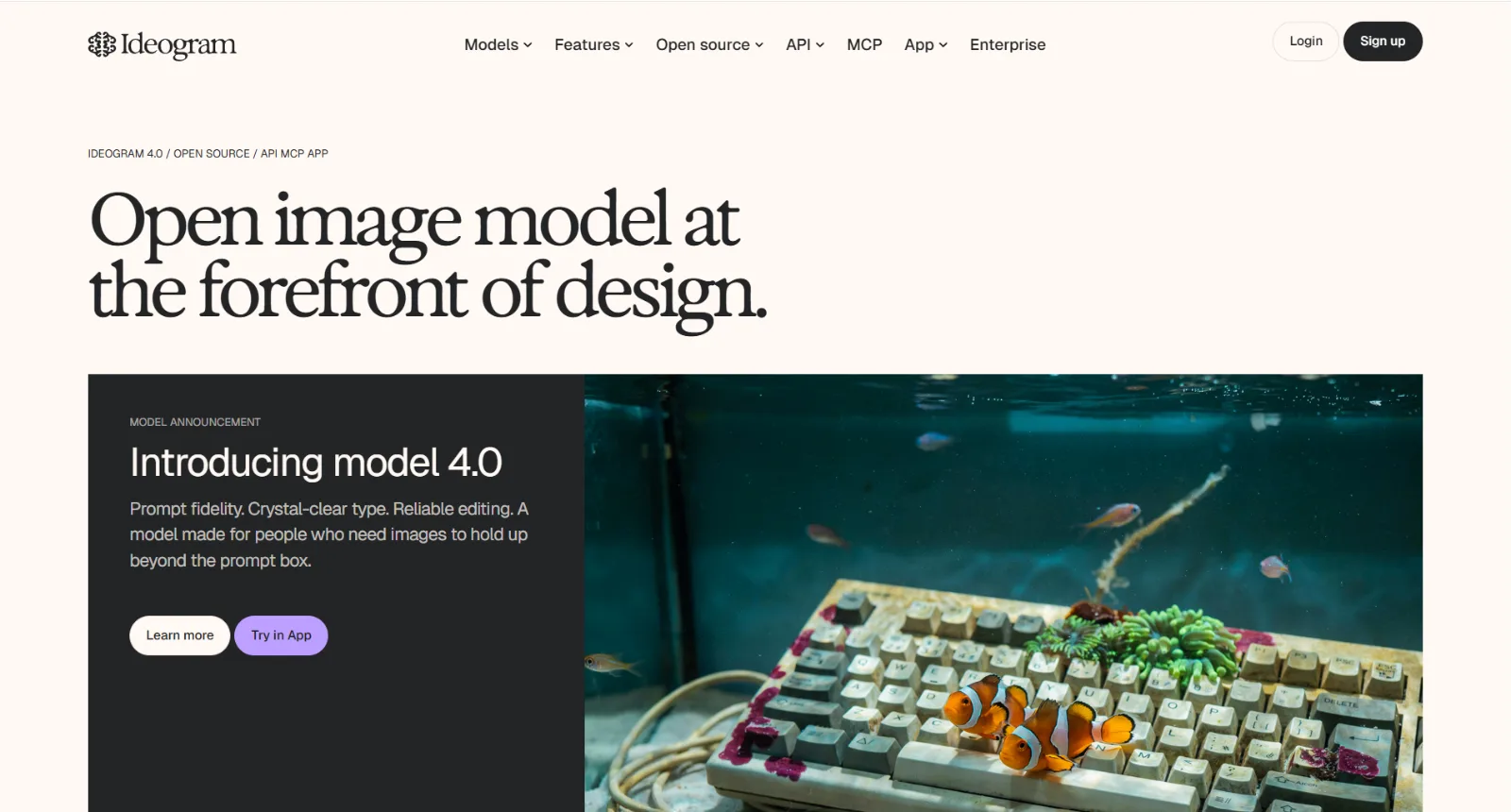 Ideogram leads with model 4.0 and sample images that show off its text rendering.
How to Choose the Right AI Image Generator
Match the tool to the job rather than chasing one "best" answer.
- Chasing the most striking art? Start with Midjourney, and accept the prompt learning curve as the price of that look.
- Want a usable image fast with no prompt-craft, and you will likely turn it into a video? Pexo fits, because you just describe it and the same conversation can continue the still into a short video.
- Already work in ChatGPT and want to refine by chatting? GPT Image inside ChatGPT is the lowest-friction choice.
- Shipping brand assets that must be commercially safe? Firefly, especially if your team is already in Creative Cloud.
- Making graphics where text must be spelled right? Ideogram, every time.
If you are still unsure, the cheapest way to decide is to run your real next project through the free tiers of two or three of these and compare what comes back.
Conclusion
There is no single best online AI image generator, only the best one for your job. Midjourney owns artistic quality, Ideogram owns in-image text, and Firefly owns commercial-safe brand work. If you want to skip prompt-craft entirely, get a solid image from a conversation, and then carry that image into a short video without switching apps, start creating with Pexo; its no-prompt, multi-model approach is built for exactly that flow, and if you only ever need a fine-art still, pair it with a specialist like Midjourney.





