

 ChatGPT
 Perplexity
 Claude
 Gemini
 Grok
Grok



You open a browser tab, type "best online AI video generator," and get fifteen lists that all rank the same fifteen tools. None of them tells you the one thing you actually want to know: which of these will turn your idea into a finished video without a week of trial and error? This guide, written by the Pexo team, is our attempt to answer that honestly. We put seven of the most popular online AI video generators through the same brief, kept real screenshots, wrote down where each one falls short, and listed current pricing so you can compare like for like.
A quick note on bias up front: Pexo is our product, and you will see it ranked first. We have tried to earn that placement by being specific about what Pexo does well and equally specific about where it does not fit. Every other tool here is a genuinely strong pick for the right job, and we link to each one so you can try them yourself.
 The Pexo workspace: you describe the video you want in plain language and Pexo plans, generates, and assembles the finished clip. Captured June 2026.
What Is an Online AI Video Generator?
An online AI video generator is a browser-based service that turns a non-video input, such as a line of text, a still image, a product URL, or an audio clip, into a finished or near-finished video using generative AI models. You are not filming anything and you are not editing footage on a timeline. You describe or upload what you have, and the system generates moving frames, and usually audio, to match.
Two things changed in 2026 that make this a real category rather than a novelty. First, the underlying models, such as Google Veo 3, Kling, Runway Gen-4, and Seedance, crossed the line into output that holds up at 1080p for short clips of roughly 5 to 16 seconds. Second, the market grew fast: independent analysts at Grand View Research track the broader AI video generator space as one of the quickest-growing software niches, with most credible estimates putting annual growth above 18 to 20 percent. The practical takeaway for you is that there is no longer a single "best" model. Each tool below locks you to one model family or one workflow, which is exactly why picking the right fit matters, and why a multi-model approach has become its own selling point. If you want to skip straight to making something, you can start with Pexo's text to video workflow and come back to the comparison.
The 7 Best Online AI Video Generators at a Glance
Here is the quick comparison. Prices and limits are current as of June 2026 and pulled from each tool's own pricing page; always re-check before you buy, because this category changes monthly.
| # | Tool | Best for | Free tier | Paid from | Core model / engine | Max clip (approx.) |
|---|---|---|---|---|---|---|
| 1 | Pexo | No-prompt conversational workflow | Free credits to start | $30/mo (Pro) | Multi-model (Seedance, Kling, and more) | Full multi-clip videos, ~2–5 min on Pro |
| 2 | Google Veo 3 | Photorealism + native audio | ~50 credits/day (AI Studio) | $19.99/mo (Google AI Pro) | Veo 3.1 | ~8 sec / clip |
| 3 | Runway | Cinematic camera control | 125 one-time credits | $12/mo (Standard) | Gen-4 | ~10 sec / clip |
| 4 | Kling AI | Realistic human motion | Daily free credits | ~$9.79 (100 units) | Kling 3.0 | Up to 2 min |
| 5 | HeyGen | AI avatars / talking head | 3 videos/mo, watermark | ~$29/mo (Creator) | Avatar + voice engine | ~3–5 min |
| 6 | Synthesia | Corporate training & explainers | 36 min/year | ~$18/mo (Starter) | Avatar engine | ~3 min / scene |
| 7 | InVideo AI | Text and URL to video at scale | 10 min/week, watermark | ~$20/mo (Plus) | Prompt-to-timeline engine | Long-form, multi-scene |
How We Compared
We ran the same realistic brief through every tool: a 20-second vertical product ad for a fictional skincare bottle, starting from one product photo and one sentence of direction. We graded each tool on five things that actually decide whether you finish a video or abandon it halfway: how little setup it takes to get a usable first result, output quality at 1080p, how complete the result is (does it include audio, captions, and pacing, or just silent frames), input flexibility (text, image, URL, audio), and price for real monthly use. Where a tool offered a free tier, we tested on free first, then on the lowest paid plan. Screenshots throughout are from our own June 2026 sessions, except where a tool's site blocked automated capture, in which case we note it. Ratings we cite, such as G2 scores, are approximate and current as of June 2026.
The 7 Best Online AI Video Generators
1. Pexo: Best Overall for a No-Prompt Conversational Workflow
What it is: Pexo is an AI video partner you talk to instead of operate. Rather than handing you a prompt box and a timeline, it takes a plain-language description, a photo, a URL, or an audio clip, plans the video with you, and hands back a finished clip with visuals, audio, captions, and pacing already assembled.
What makes it different: the no-prompt, single-conversation workflow. In our skincare-ad test, the entire job was one message ("Make a 20-second vertical ad from this bottle photo, clean and aesthetic, soft music") plus two follow-up tweaks in chat. There was no prompt syntax to learn and no editor to assemble. The second differentiator is multi-model routing: instead of locking you to one engine, Pexo works with leading models like Seedance 2.0, Kling, and more, and picks the one suited to your scene. That matters because, as the rest of this list shows, every other tool bets on a single model. Pexo lets you skip that bet. You direct; Pexo produces.
Who it's for: if you are an e-commerce seller, a social creator, or a founder who wants a finished, post-ready video from an idea and does not want to become a power user of any one tool, this is the fastest path from "I have an idea" to "I can post this." It is built around the exact jobs most people search for: product ad videos, social shorts, and explainers.
Where it falls short: Pexo is not the tool to reach for if your goal is to chase a single benchmark-winning frame. If you specifically need the most photorealistic eight-second hero shot money can buy, a dedicated model like Veo 3 will out-render it on raw fidelity. Pexo optimizes for a finished video through conversation, not for squeezing maximum quality out of one isolated clip, and because it generates from your inputs rather than editing existing footage, it is not a fit if you already have raw video you just want to trim or caption. It is also credit-based, so heavy daily output will mean watching your credit balance.
Pricing: Pexo is free to start with bonus trial credits, then paid plans run Pro at $30/month (4,800 credits, roughly 2 to 5 minutes of finished video), Elite at $60/month (10,000 credits), and Max from $100/month (18,000 credits) for teams and heavy users. All paid plans remove watermarks and unlock premium models. Credits cover the full workflow, including visuals, audio, captions, and editing, not just raw generation.
Pros: no prompt engineering or editing skills needed; one conversation produces a complete video with audio and captions; multi-model routing instead of a single-model bet; accepts text, image, URL, and audio; lives inside the tools you already use, including Slack and Claude, so you can ask for a video without opening a new app.
Cons: credit-based usage takes planning for high volume; not aimed at single-frame benchmark fidelity; does not edit or repurpose video you already have.
Try it at pexo.ai.
2. Google Veo 3: Best for Photorealism and Native Audio
What it is: Veo 3 (Veo 3.1 as of mid-2026) is Google's flagship text-to-video and image-to-video model, available through the Gemini app and Google AI Studio. It is widely regarded as the realism leader for short generative clips.
What makes it different: raw output quality and native audio. Veo generates synchronized sound, including ambient noise and simple speech, in the same pass as the video, which most competitors cannot do. In side-by-side prompt tests across the industry, Veo consistently produces the most physically believable motion and lighting at 1080p.
Who it's for: if you are a filmmaker, a serious creator, or a marketer who needs one or two hero shots at the highest possible fidelity and you are comfortable working clip by clip, Veo is the quality bar to beat.
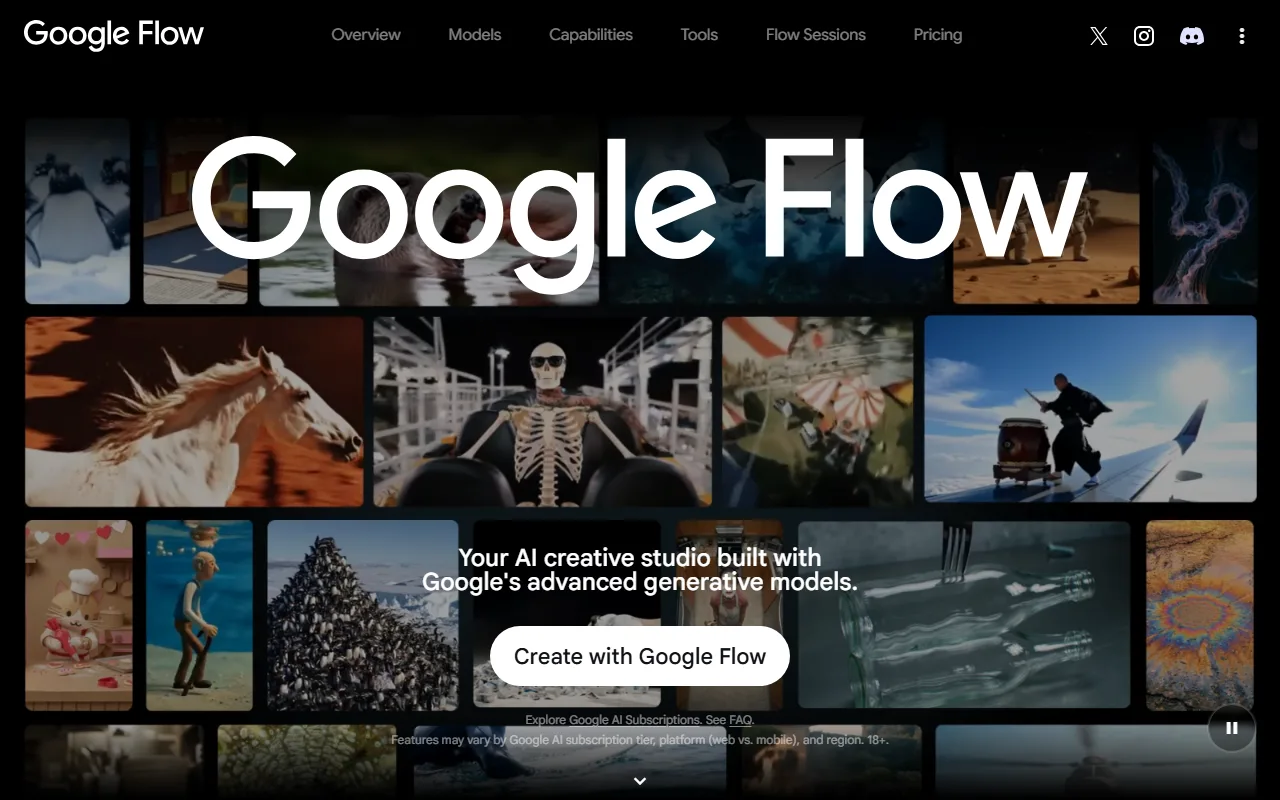 Google Flow is the creative studio built on the Veo model, shown here with a gallery of generated clips. Captured June 2026.
Where it falls short: clips are short, capped at roughly 8 seconds per generation, so assembling a 30-second ad means stitching multiple generations elsewhere. There is no real timeline editor, and credits disappear quickly: the daily free allotment through AI Studio (around 50 credits) covers only a handful of generations.
Pricing: Google AI Studio offers roughly 50 free credits per day. Paid access comes through Google AI Pro at $19.99/month (about 1,000 credits, no watermark), with a higher Ultra tier for heavy users. Veo scores around 4.5 out of 5 in early-2026 user reviews.
Pros: best-in-class realism; native synchronized audio; strong prompt adherence; backed by Google infrastructure.
Cons: very short clips; credit-hungry; no built-in editor or full-video assembly; speech quality still inconsistent.
Learn more at Google DeepMind's Veo page.
3. Runway: Best for Cinematic Camera Control
What it is: Runway is a creative suite built around its Gen-4 video model, aimed at directors and motion designers who want frame-level control over the shot.
What makes it different: camera and motion control. Runway's motion brush, camera-path tools, and director-mode controls let you specify how the camera moves and which part of the frame animates, which is closer to directing than prompting. Gen-4 also improved character and object consistency across shots, a longstanding weak point for AI video.
Who it's for: if you are a video professional, a music-video maker, or an art director who wants cinematic, stylized output and is willing to learn a real interface to get it, Runway rewards the effort.
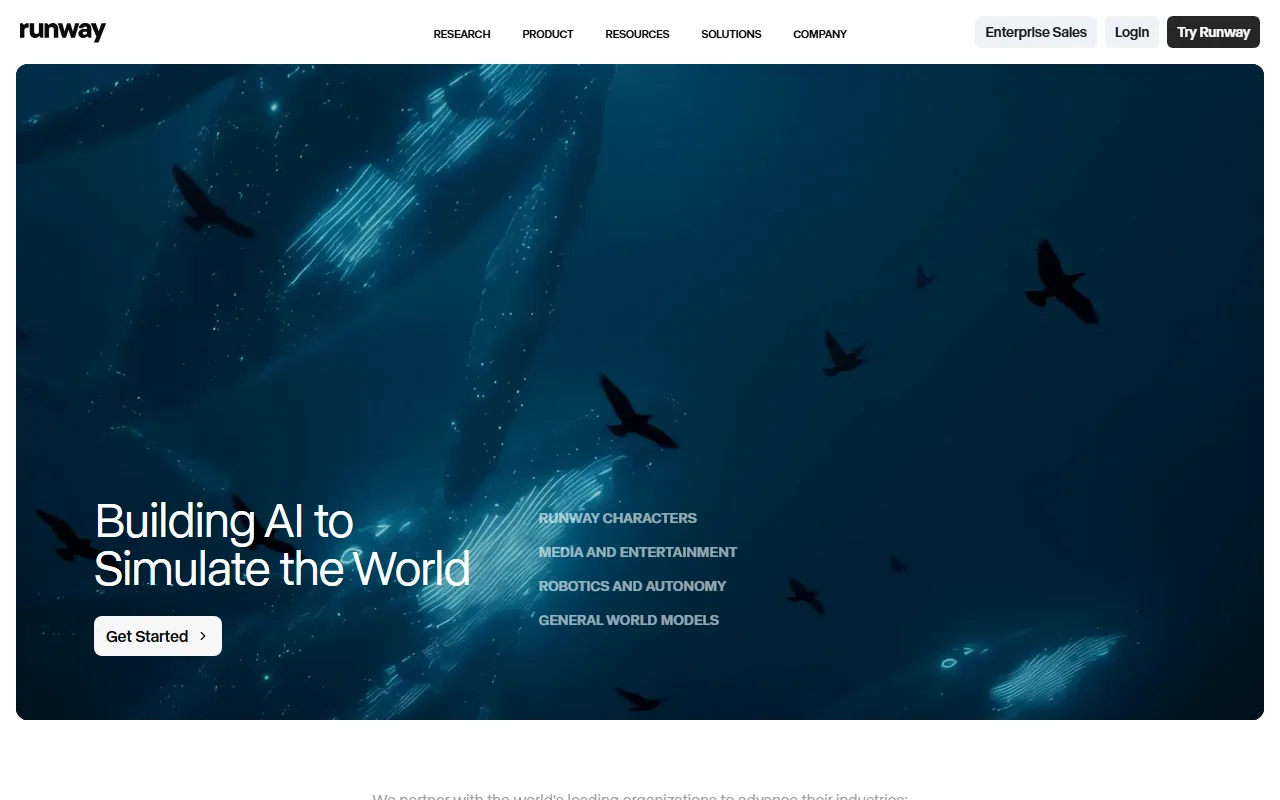 Runway positions itself as a research-driven creative suite for cinematic, director-level video. Captured June 2026.
Where it falls short: the learning curve is real, and credits burn fast on the lower tiers. Clips top out around 10 seconds, and getting a specific result often takes several paid regenerations. It is the least beginner-friendly tool on this list.
Pricing: a free plan gives 125 one-time credits with limited features. The Standard plan is $12/month (625 monthly credits, watermark removed), and Runway Unlimited is $76/month for heavy generation. Runway holds roughly 4.5 out of 5 on G2 as of June 2026.
Pros: unmatched camera and motion control; cinematic output; improving character consistency; strong creative toolset.
Cons: steep learning curve; credits deplete quickly; short clips; can take many regenerations to nail a shot.
Learn more at runwayml.com.
4. Kling AI: Best for Realistic Human Motion
What it is: Kling AI is a video generation studio that built its reputation on photorealistic human characters and natural body movement, an area where many models still produce uncanny results.
What makes it different: human motion fidelity and clip length. Kling handles complex movement, such as dancing, walking, and gestures, with fewer of the warping artifacts competitors show, and it supports videos up to roughly 2 minutes, far longer than Veo or Runway per generation. If your scene centers on a believable person in motion, Kling is often the strongest single model. It is also one of the engines Pexo can route to; you can read more on the Kling AI model page.
Who it's for: if you are a creator making character-driven shorts, dance clips, or lifestyle content where human movement has to look right, Kling is purpose-built for you.
 Kling AI leads with character and motion realism, shown here in its 3.0 Series launch art. Captured June 2026.
Where it falls short: free-tier generations sit in a queue and can take a while during peak hours, occasional morphing still appears in fast motion, and some teams have data-residency questions because of where the service is operated. The English interface also lags the native one in polish.
Pricing: Kling offers daily free credits, with trial paid packs starting around $9.79 for 100 units and $97.99 for 1,000 units. Output reaches 1080p. User ratings hover around 4.4 out of 5 in 2026 roundups.
Pros: best-in-class human motion; up to 2-minute clips; strong 1080p output; generous-ish daily free credits.
Cons: queue waits on free tier; occasional motion artifacts; data-residency considerations; interface rough spots in English.
Learn more at klingai.com.
5. HeyGen: Best for AI Avatars and Talking-Head Videos
What it is: HeyGen specializes in AI avatars and talking-head videos. You type a script, pick or clone an avatar, and it produces a presenter-style video with lip-synced speech.
What makes it different: avatar realism and language reach. HeyGen offers a large library of stock avatars plus custom avatar and voice cloning, and it supports speech in well over 100 languages, which makes it the go-to for localized marketing and training clips. Its lip-sync is among the most natural available.
Who it's for: if you are a marketer, an L&D team, or a creator who needs a person on camera explaining something, in many languages, without filming, HeyGen is built for exactly that.
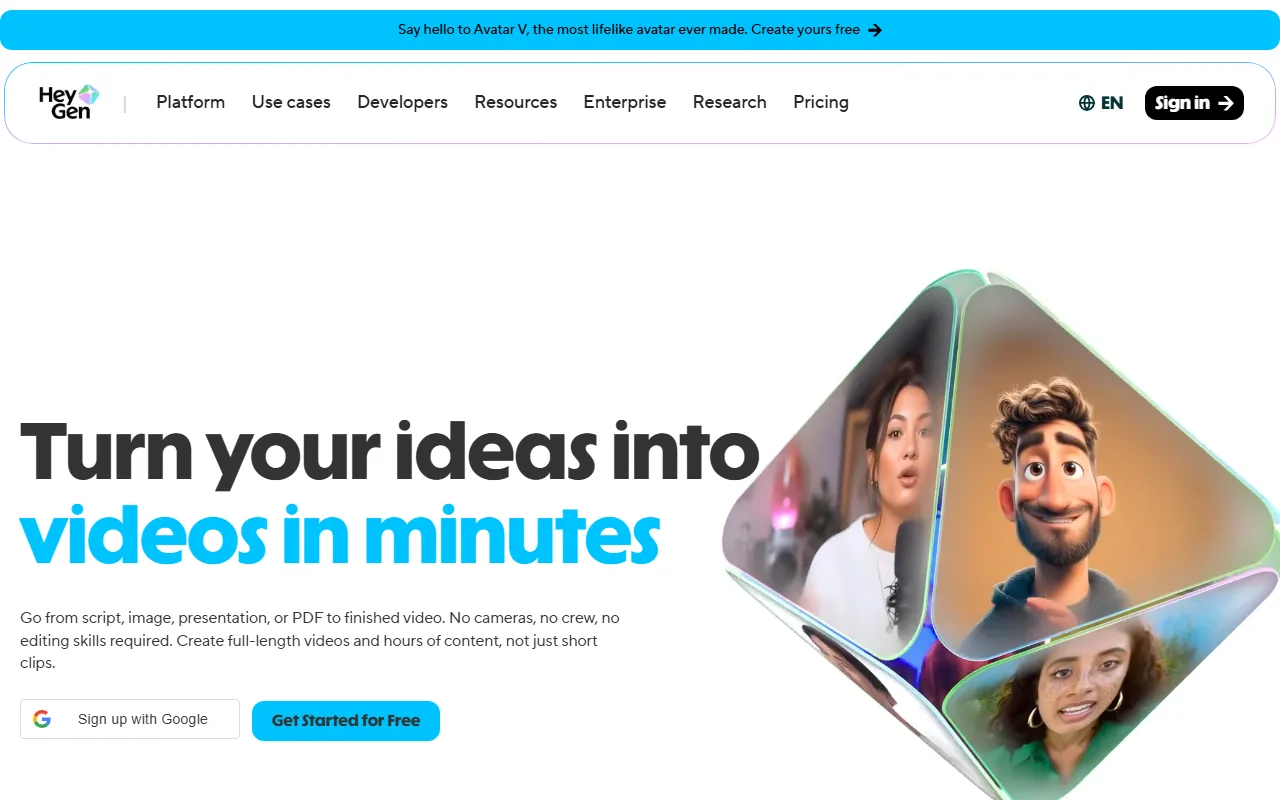 HeyGen leads with avatar and talking-head generation rather than open-ended scene generation. Captured June 2026.
Where it falls short: it is avatar-first, not a general scene generator, so it will not create a cinematic product shot or an abstract animation. The free plan watermarks output and caps you at around three videos a month, and avatars can still hit an uncanny edge on big emotional delivery.
Pricing: the free plan covers roughly 3 videos per month (up to a few minutes each, watermarked). The Creator plan is about $29/month (or less billed annually). HeyGen scores around 4.7 out of 5 on G2 as of June 2026.
Pros: excellent avatars and lip-sync; 100-plus languages; voice cloning; fast for script-to-presenter video.
Cons: avatar-only, not for cinematic scenes; watermark on free; monthly video cap on free; occasional uncanny delivery.
Learn more at heygen.com.
6. Synthesia: Best for Corporate Training and Explainers
What it is: Synthesia is the enterprise-focused AI avatar platform, built for training videos, internal comms, and corporate explainers at scale.
What makes it different: polish and governance for business use. Synthesia offers 230-plus professional avatars and 140-plus languages, plus templates, brand kits, and team controls that matter to large organizations. It is the most "safe for the marketing department" option, with the compliance and consistency a brand team expects.
Who it's for: if you are a corporate L&D lead, an HR team, or a SaaS company turning documentation into training clips, Synthesia is designed around your workflow.
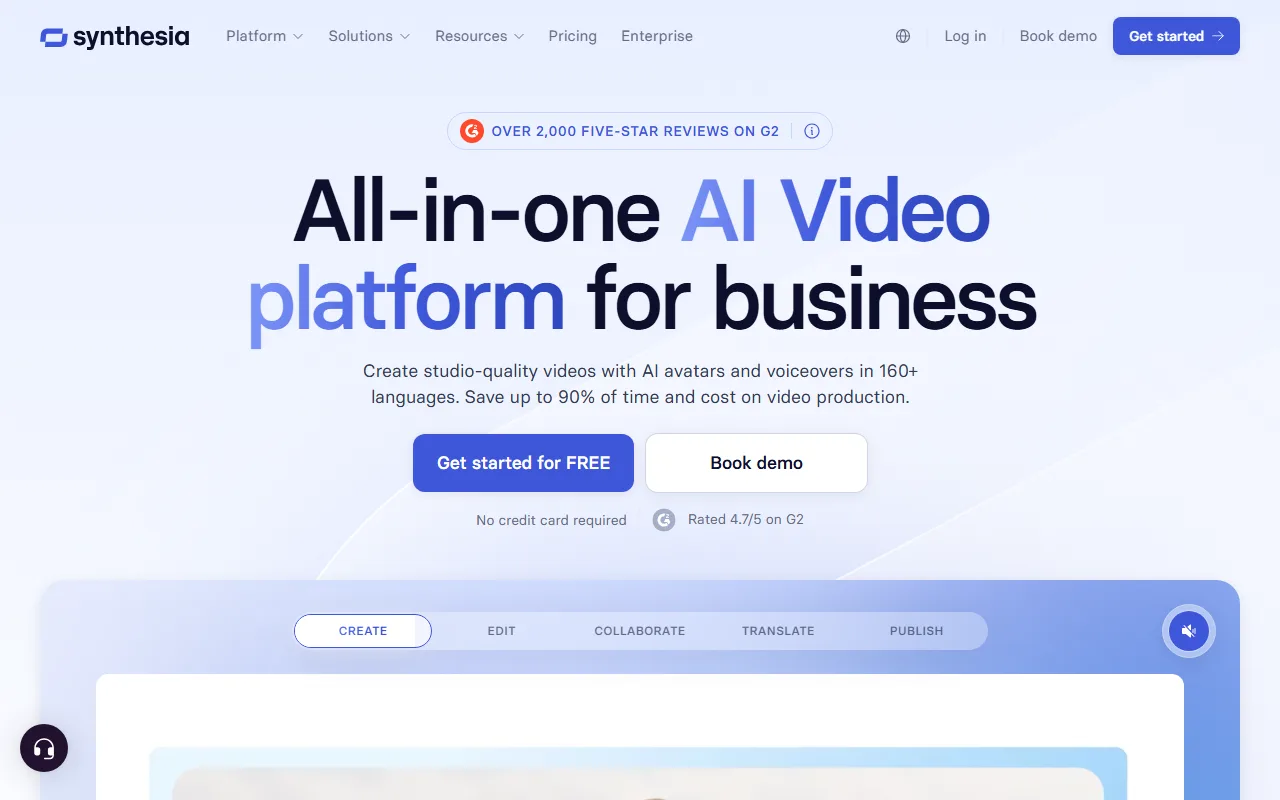 Synthesia positions itself squarely at business and training use cases rather than creative or social video. Captured June 2026.
Where it falls short: the output has a recognizable corporate-avatar look that is wrong for social or creative content, the free plan is limited and not for commercial use, and it is not built for cinematic or generative scenes at all. It is the narrowest tool here by design.
Pricing: a free plan offers around 36 minutes of video per year. Paid plans start near $18/month (Starter), with Creator and enterprise tiers above. Synthesia holds about 4.7 out of 5 on G2 as of June 2026.
Pros: large professional avatar and language library; strong templates and brand controls; reliable for training at scale; enterprise security.
Cons: corporate look unsuited to social or creative video; limited free plan; no generative scenes; pricier at scale.
Learn more at synthesia.io.
7. InVideo AI: Best for Text and URL to Video at Scale
What it is: InVideo AI turns a text prompt, a script, or even a URL into a complete, multi-scene video by assembling stock footage, AI voiceover, captions, and music from a single instruction.
What makes it different: end-to-end long-form assembly. Where most tools generate a single clip, InVideo builds a full video with scenes, transitions, and a voiceover from one prompt, and it can pull from a stock library of over 16 million clips. You can also edit by typing instructions ("make the intro shorter, change the voice"), which is handy for fast iteration. Its URL-to-video angle overlaps with Pexo's url to video feature if content repurposing is your goal.
Who it's for: if you are a social media manager or a content marketer who needs to turn blog posts and scripts into watchable videos quickly and in volume, InVideo is tuned for throughput.
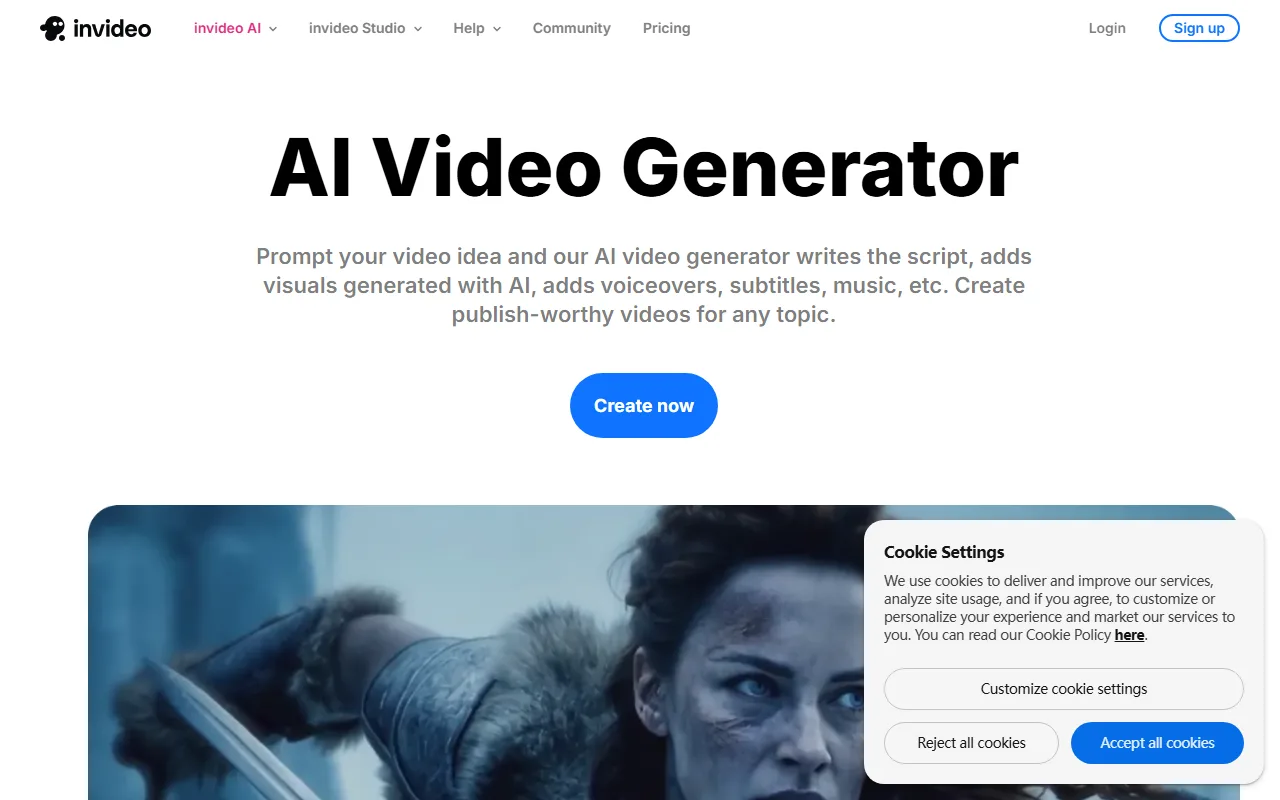 InVideo AI turns one text prompt into a complete multi-scene video with stock footage and voiceover. Captured June 2026.
Where it falls short: because it leans on stock footage rather than fully generative scenes, output can feel templated and generic, the AI voiceover is decent but not best-in-class, and prompt-based edits can be clunky when you want a precise change. It is breadth over bespoke quality.
Pricing: the free plan allows roughly 10 minutes of generated video per week with a watermark. The Plus plan is about $20/month and Max about $48/month, scaling generation minutes and stock access. InVideo rates around 4.5 out of 5 on G2 as of June 2026.
Pros: full multi-scene videos from one prompt; text and URL to video; huge stock library; edit-by-text iteration.
Cons: stock-driven output can feel generic; AI voice is average; prompt edits imprecise; weekly caps on free.
Learn more at invideo.io.
How to Choose the Right AI Video Generator
The "best" tool depends entirely on the job in front of you, so match the tool to the task instead of chasing a single ranking.
- You want a finished video from an idea, fast, without learning a tool. Start with Pexo. The conversational, multi-model workflow gets you a complete clip, with audio and captions, from one description, and you are not betting on a single model.
- You need the single most photorealistic short shot. Use Veo 3, and accept the 8-second clip limit and clip-by-clip assembly.
- You are a video pro who wants cinematic camera control. Runway's Gen-4 and its motion tools are worth the learning curve.
- Your scene is a real person in motion. Kling handles human movement and longer clips best.
- You need a presenter on camera in many languages. HeyGen for creators and marketing, Synthesia for corporate training.
- You are repurposing blogs and scripts into volume social video. InVideo's prompt-to-timeline assembly is built for throughput.
A useful shortcut: if you find yourself fighting a prompt box or stitching clips together by hand, that is a sign the tool is making you do its job. The whole point of a 2026 AI video generator is that you describe what you want and it handles the production. That is the bar Pexo was built to clear.
Conclusion
There is no universal winner, but there is a clear answer for most people. If you want the shortest path from an idea to a post-ready video, with no prompt engineering and no editing, Pexo is where we would start, and it is free to try. If your priority is a single benchmark-perfect shot, pair it with Veo 3; if you need a multilingual presenter, reach for HeyGen. Pick the tool that removes the part of the job you least want to do, then make something. You can start your first video in Pexo in a single conversation, and route to the right model, including Seedance 2.0, without choosing one yourself.





