ChatGPT
 Perplexity
 Claude
 Gemini
 Grok
Grok


Typing a few sentences and getting back a finished video sounds simple, but the apps that promise it work in very different ways, and most leave you with more editing than you expected. Full disclosure: we build Pexo, one of the apps on this list, so read this as an informed insider's guide, not a neutral outsider's. We ranked all seven on the factors that decide a purchase: output quality, how far each takes you from a script to a finished video, input flexibility, and price. The job we kept in mind throughout is the common one: turning a written idea into a short, ready-to-post video.
A quick note before the list. "Text to video AI app" now covers two very different jobs. Some apps are raw prompt-to-clip models that render a short cinematic shot from a description. Others turn a whole script into an edited video with footage, voiceover, and captions. The best pick depends on which job you are doing, so we labeled each app with the job it wins. Here is how the seven stack up.
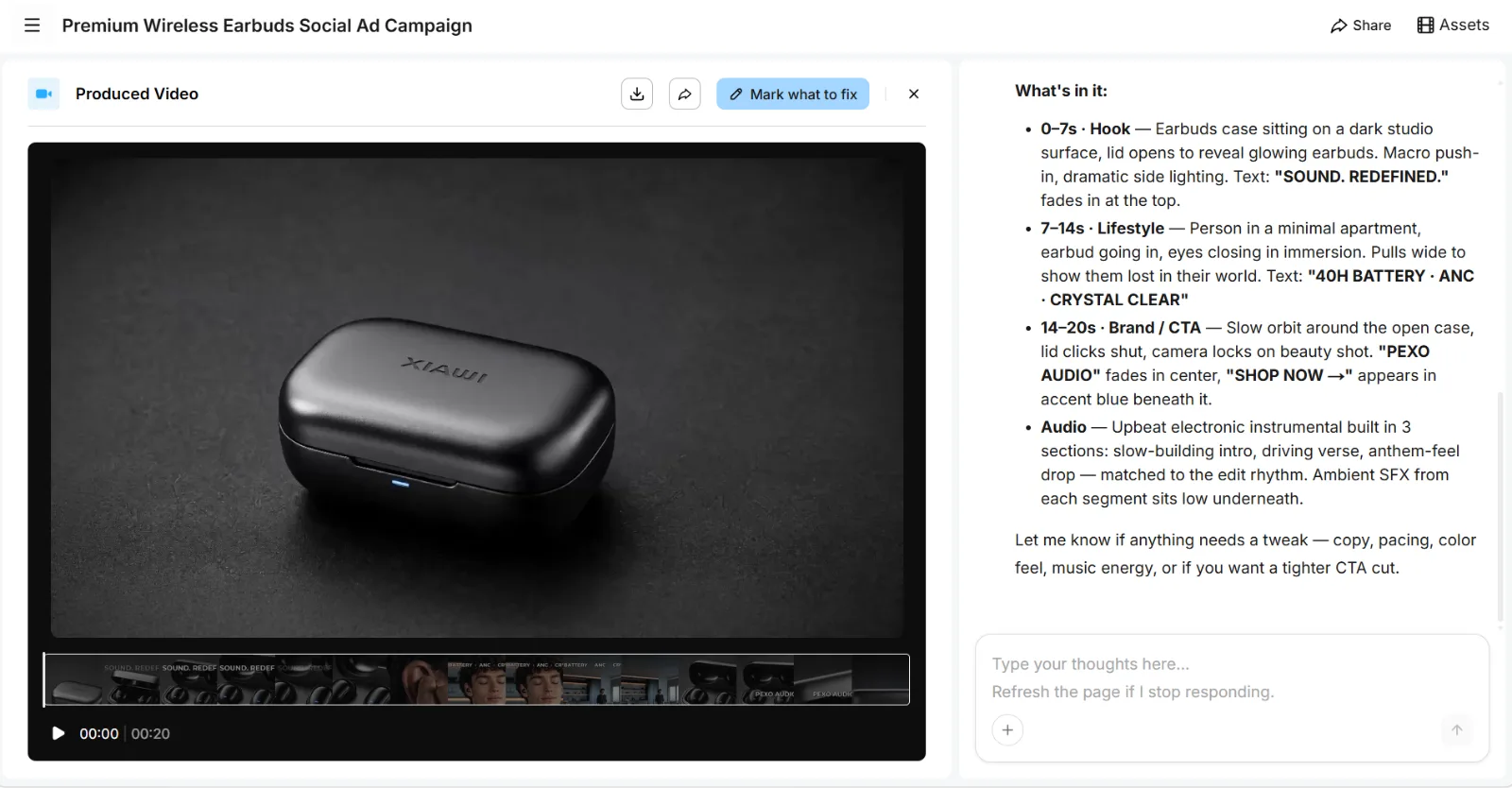 Inside the Pexo workspace: a finished 20-second wireless-earbuds ad it produced from a single brief, with the shot-by-shot breakdown Pexo wrote alongside it. No editing pass.
What Is a Text to Video AI App?
A text to video AI app is any tool that turns written input, a prompt, a script, or a URL, into a video using generative AI, with no camera, footage, or manual timeline editing required. You type what you want, the app produces it, and you get a video back. That is the shared promise across all seven apps in this guide.
In practice the category splits three ways. Prompt-to-video models (Runway, Veo 3.1, Pika) turn a written prompt into a short cinematic shot, typically 5 to 10 seconds per generation, with quality rising fast in 2026. Script-to-video apps (Synthesia, HeyGen, InVideo AI) take a full script and assemble a complete video, either with an AI presenter or with stock footage, AI voiceover, and captions. Conversational AI video partners (Pexo) sit on top of multiple models and build a finished, edited video from a single conversation.
The limitation that sends people app-shopping is almost always the same: a raw model gives you a 5 to 10 second clip you still have to script, stitch, score, and pace, while many script-to-video apps lock you into one format (a talking-head presenter, or a stock-footage slideshow). The gap between "a clip" and "a finished video I can actually post" is exactly where these apps differ most.
The Best Text to Video Apps at a Glance
Here is the quick comparison. Pricing is verified as of June 2026; free tiers and entry plans change often, so check each official page before you buy.
| App | Best for | Standout strength | Free tier | Paid from |
|---|---|---|---|---|
| Pexo | Idea to finished video by conversation | Conversational workflow across many models | Free to start | $30/mo |
| Synthesia | Script to presenter video | 230+ avatars, 140+ languages | Free demo only | ~$18/mo |
| InVideo AI | Text to edited marketing video | Prompt to full edit with stock and voiceover | 10 videos/mo (watermark) | $20/mo |
| Runway | Creative control | Fine-grained camera and motion tools | Free trial credits | $12/mo |
| Google Veo 3.1 | Cinematic prompt to video | Native audio plus tight prompt following | Limited via Gemini | ~$20/mo (Google AI Pro) |
| Pika | Quick social clips | Fast generations and fun effects | 80 credits/mo (480p) | $8/mo |
| HeyGen | Multilingual avatar video | Avatars speaking 40+ languages | 3 videos/mo (watermark) | $29/mo |
The table is the fast answer. The sections below explain why each landed where it did, with a screenshot of each product, honest limitations, and the job each app is genuinely best at.
How We Evaluated These Apps
We judged every app on four decision factors, weighted for the question most people actually have: can this turn my words into a video I can post?
- Output quality: sharpness, motion stability, and how natural the result looks.
- Script-to-finished-video distance: how much work sits between your text and something postable, not just how fast a single clip renders.
- Input flexibility: whether it takes a short prompt, a full script, a URL, or all three.
- Price transparency: free tier limits and honest paid entry cost.
To keep the comparison concrete, we framed every app against one common job: turning a written brief into a short, ready-to-post vertical video. Because we build Pexo, we actually ran that brief through it and show the result at the top of this guide. For the competitors, which sit behind their own accounts and credit systems, we assessed how close each app's documented workflow gets you to a finished video and what its published capabilities and pricing deliver. Those judgments are grounded in public data points such as G2 ratings, language counts, and credit limits, cross-referenced against third-party review sites like G2 and current as of June 2026.
The 7 Best Text to Video AI Apps
1. Pexo, Best for Idea to Video by Conversation
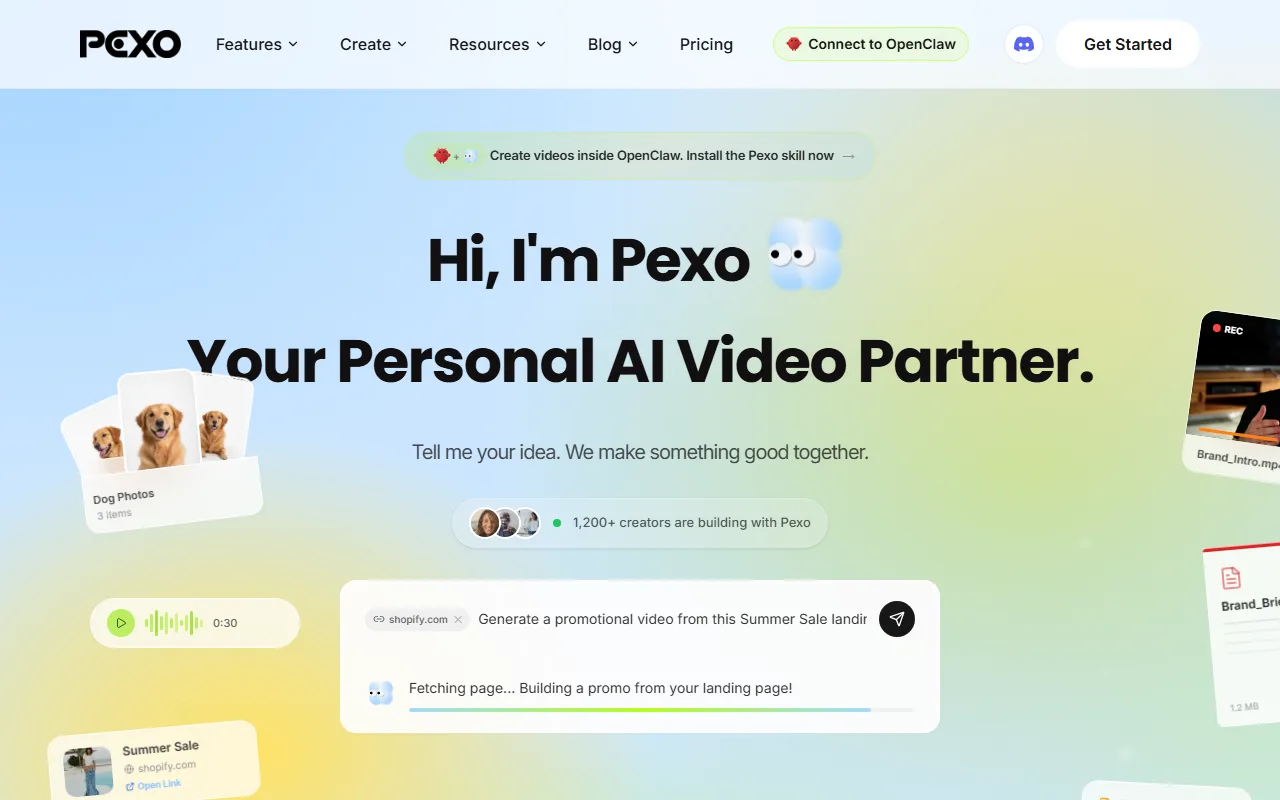 Pexo's conversation interface, where you describe the video in plain language instead of writing prompts.
Pexo takes a different shape from everything else on this list. Instead of a prompt box or a template library, it gives you a conversation: you describe the video the way you would text a friend, and Pexo works through the idea with you, picks the right model behind the scenes, and returns a finished video with transitions, pacing, and sound already done. The video at the top of this guide is a real Pexo output, generated from a short written brief with no editing pass.
Its real differentiator is what it removes: there is no prompt to engineer and no model to choose. Most apps on this list are a single model behind a prompt box, or a fixed template; Pexo works with Seedance, Kling, and more and routes each job to the model that fits, so you never write prompt syntax or weigh one model against another yourself. It accepts a typed idea, a script, an image, a URL, or audio as the starting point, so you can run a full text-to-video brief or turn a script into a video in the same chat.
Who it is for: marketers, e-commerce sellers, and founders who want a finished ad or social clip from a written idea, without learning an app. Where it falls short: if you want frame-level manual control over a single shot, a raw model like Runway gives you more low-level levers than a conversational partner does. Pexo is designed to finish the video, not to be a manual timeline editor. Pricing: free to start, with paid plans from $30/month (Pro), $60/month (Elite), and $100/month (Max), all credit-based with no watermarks on paid tiers. It is not the cheapest option here; the value is in skipping the prompt-and-edit work entirely.
2. Synthesia, Best for Script to Presenter Video
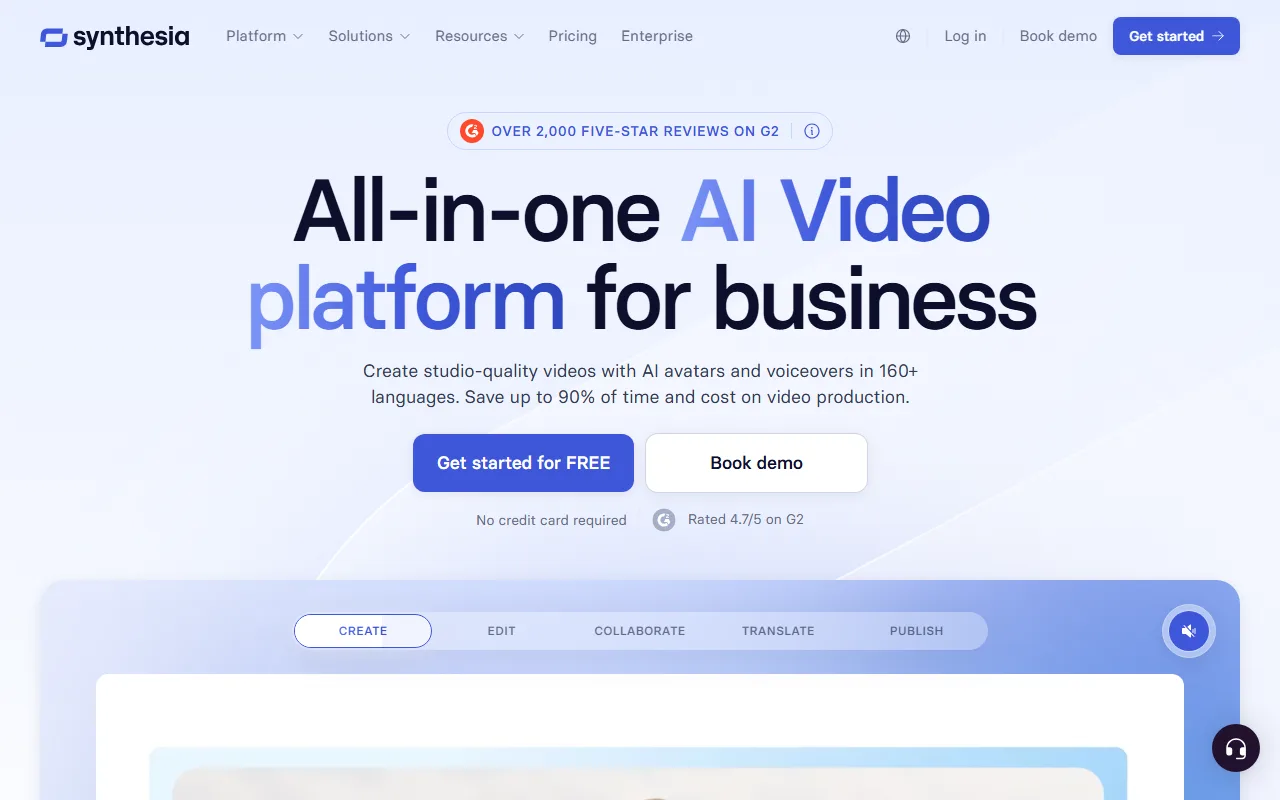 Synthesia's homepage, the all-in-one avatar video platform for business.
Synthesia is the script-to-video standard for business content. You paste a script, pick from 230+ AI avatars, and get a presenter-led video in 140+ languages, with no camera, studio, or actor. For training modules, internal comms, and how-to content at scale, it is the category leader, and Synthesia says it is used by a large share of the Fortune 100. It also holds a strong reputation across thousands of G2 reviews.
Its differentiator is the breadth of avatars and languages plus a workflow built for repeatable, on-brand business video, including custom avatars of a real person. It also carries enterprise-grade security (SOC 2 and GDPR compliance), which matters for regulated teams. Who it is for: L&D teams, HR, and SaaS companies producing localized training and explainer content at volume. Where it falls short: it is a talking-head app, so it will not produce a cinematic product ad, dynamic B-roll, or anything outside the presenter format. The lower tiers also cap you tightly on minutes, and there is no true free plan, only a demo. Pricing: free demo to preview; paid plans from roughly $18/month (Starter, billed annually) with about a 10-minute monthly video cap, scaling to Creator and Enterprise. Current plans are on Synthesia's pricing page.
3. InVideo AI, Best for Text to Edited Marketing Video
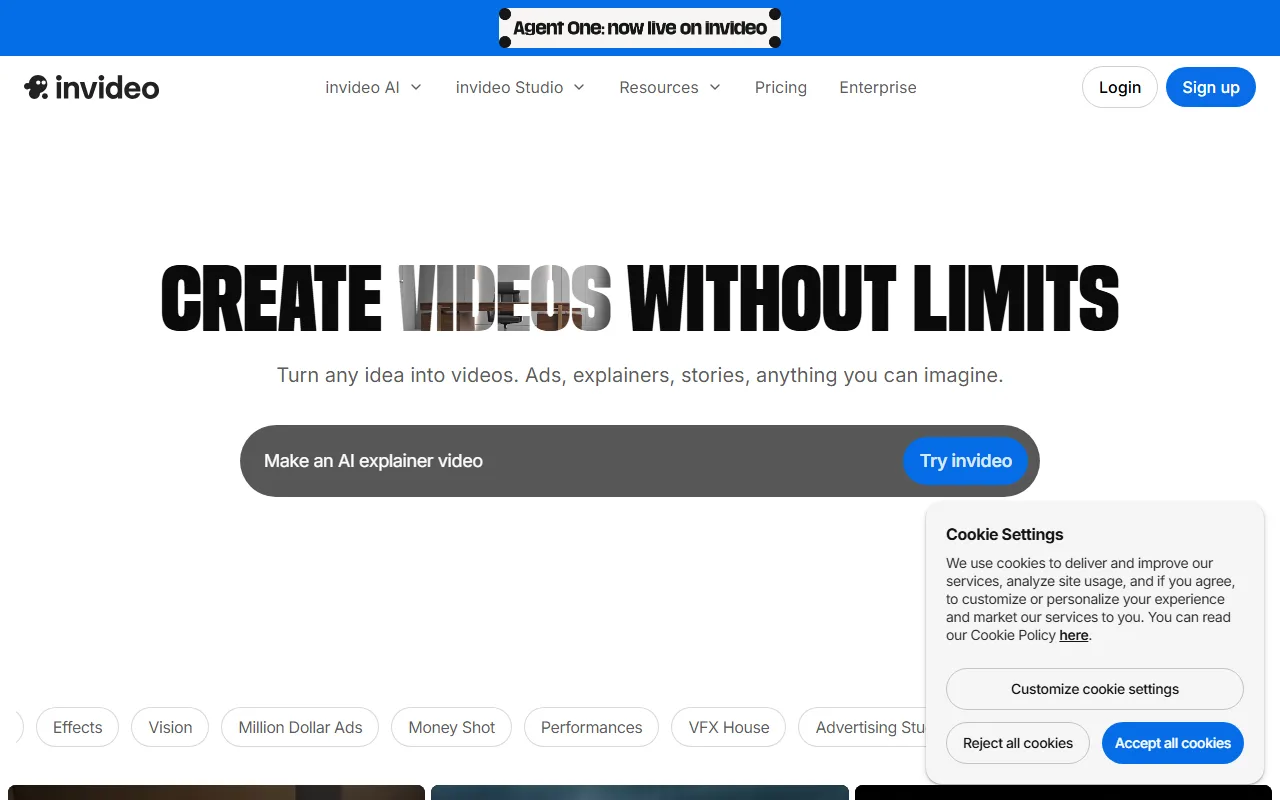 InVideo AI's site, where you start a prompt-to-video project from a brief, script, or URL.
InVideo AI is the closest thing on this list to "type a prompt, get a finished marketing video." You give it a prompt, a full script, or even a URL, and it assembles a complete edit: stock footage, AI voiceover, background music, and auto-captions, then lets you revise it by typing instructions in plain language. It is the go-to for faceless channels and social content where you want a finished long-or-short video fast.
Its differentiator is the end-to-end assembly: most apps hand you raw clips, InVideo hands you an edited video with a voice track and captions already in place, and it carries a solid reputation across G2 reviews as of June 2026. Who it is for: faceless YouTube and social creators, marketers, and small teams turning scripts into edited videos at volume. Where it falls short: the AI voiceover and stock-footage look can feel templated and generic. The free plan also caps you at 10 videos per month, exports at 720p, and stamps a watermark, so anything client-facing needs a paid plan. Pricing: free (10 AI videos/month, 720p, watermarked); Plus at $20/month billed annually ($25 monthly) removes the watermark with 50 videos/month and 1080p; Max at roughly $48/month adds unlimited generation and 4K. Details are on InVideo's pricing page.
4. Runway, Best for Creative Control
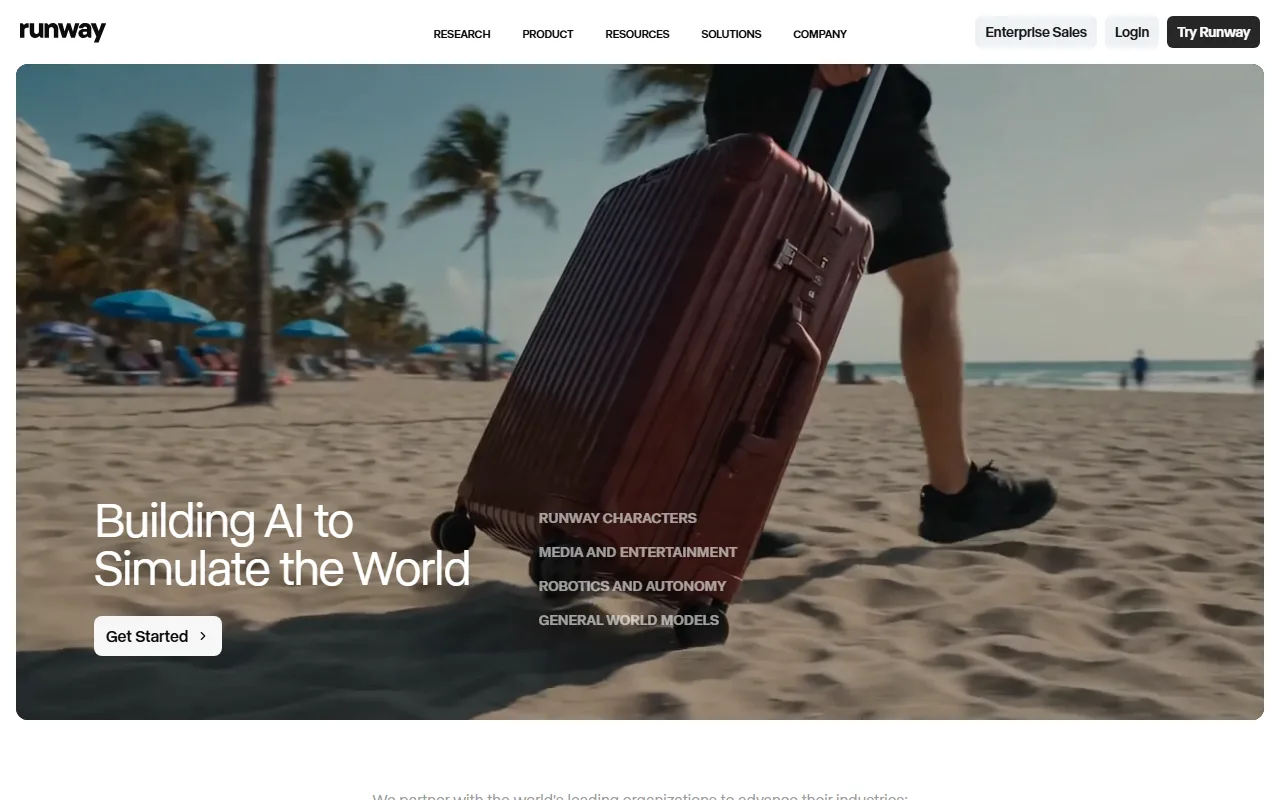 Runway's homepage, gateway to its motion and camera control suite.
Runway is the app for people who want to direct the shot themselves. Its Gen-4 model plus a deep kit of motion brushes, camera controls, and director-style tools give you more low-level control than any other option here, and it holds roughly 4.5 out of 5 across hundreds of G2 reviews as of June 2026. If you treat text to video as a craft and want to shape every move, Runway rewards that.
Its standout strength is granular creative control: tools like motion brush (paint where movement happens), camera controls, and Act-One (drive a character's performance from a video of your own face) give you director-level levers no other app here matches. Runway has reportedly been used on professional film and TV VFX work, which signals how high its ceiling goes. Who it is for: video editors, motion designers, and VFX-minded creators who want to fine-tune output rather than accept a one-shot result. Where it falls short: that control is also the learning curve. Beginners regularly find the interface and credit system overwhelming. The per-second credit burn adds up, and you are still assembling a finished video from generated pieces. Pricing: a free trial with limited one-time credits; paid plans from $12/month per user (annual) or $15/month (monthly) for Standard, scaling to Pro, Unlimited, and Enterprise. See Runway's official site for current limits.
5. Google Veo 3.1, Best for Cinematic Prompt to Video
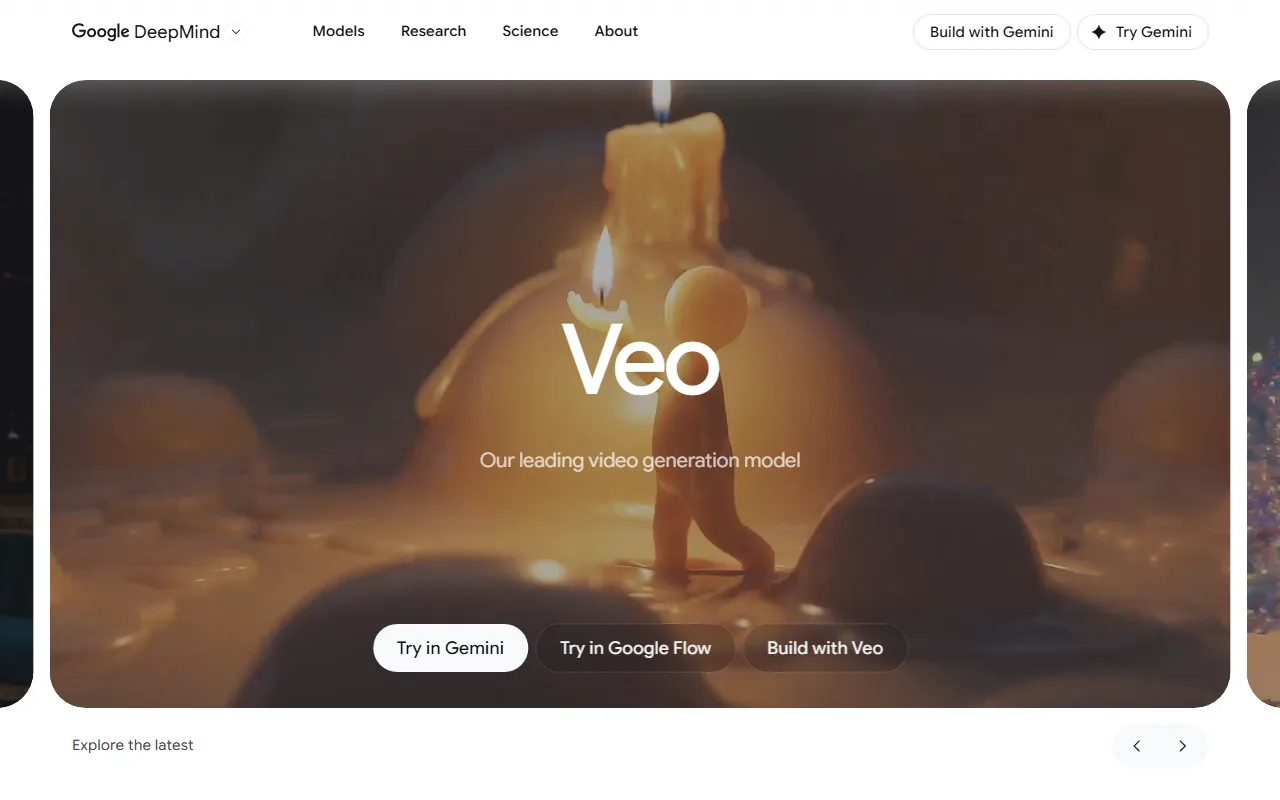 Google DeepMind's Veo model page, the entry point for its prompt-to-video generation.
Google DeepMind's Veo, on its 3.1 generation as of June 2026, is the prompt-follower of the group. It tends to render exactly what you describe, with fewer hallucinations than most rivals, and it generates native audio (dialogue, ambient sound, effects) alongside the visuals, which most prompt-to-video models still cannot do. For narrative shots where the prompt is detailed and accuracy matters, it is excellent.
Its differentiator is the combination of tight prompt adherence and built-in sound, generating clips up to around 8 seconds at 1080p, with higher resolution on the top tier. It is widely regarded as a leader for prompt accuracy and audio realism among 2026 text-to-video models. You reach it inside the Gemini app for quick clips or in Google Flow, Google's dedicated AI filmmaking workspace, for stitching scenes into a longer piece. Who it is for: filmmakers, storytellers, and brand teams producing polished narrative or premium visuals. Where it falls short: access is gated through Gemini and Flow rather than a standalone app, generation quotas on lower tiers are tight, and like the other raw models it produces shots, not an edited final video. Pricing: limited access through the Gemini free tier; fuller access via Google AI Pro at roughly $20/month, with higher Ultra tiers (around $250/month) for heavy or higher-resolution use. Details are on Google's Veo page.
6. Pika, Best for Quick Social Clips
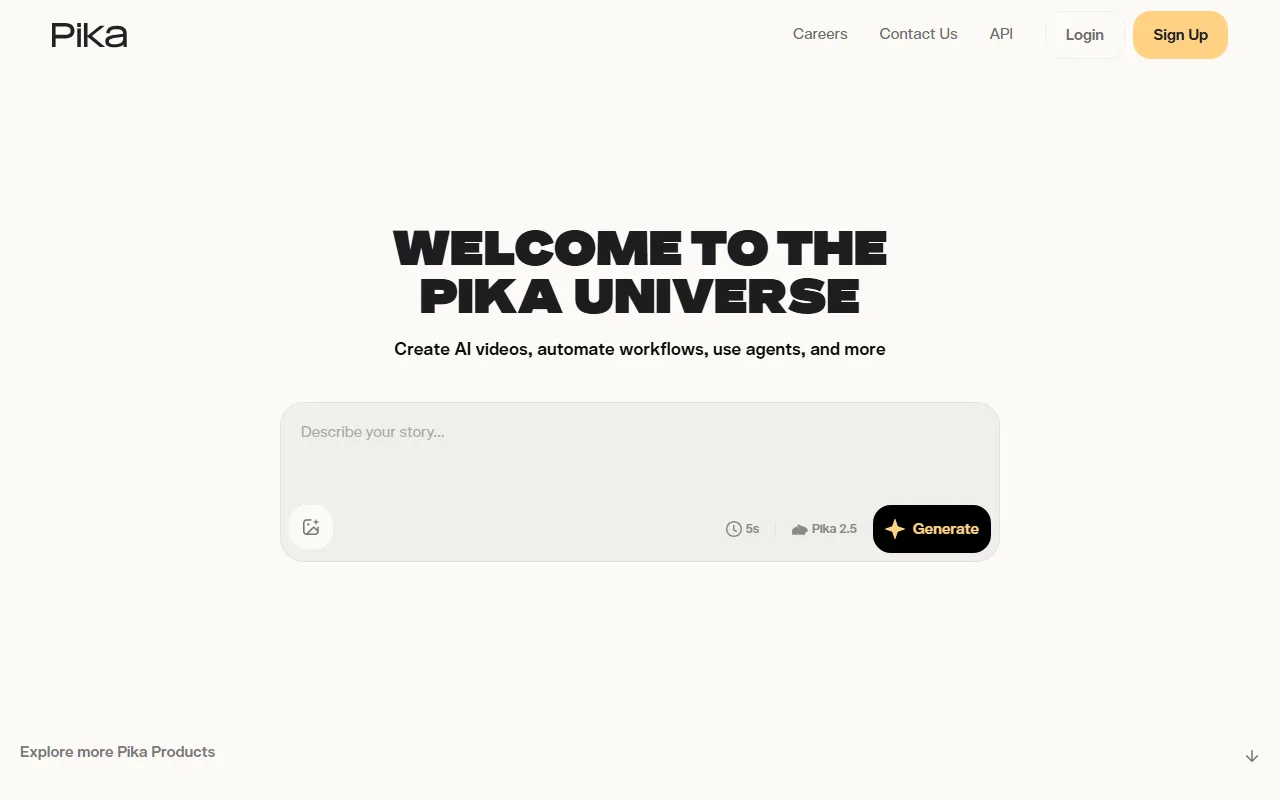 Pika's app, built for fast text-to-video clips and playful effects.
Pika trades cinematic polish for speed. Its Pika 2.5 model generates short clips in seconds, and its signature Pikaffects (transformations like inflate, melt, or explode) add eye-catching motion that would take real VFX work to produce elsewhere. When you want to test a visual idea without much setup, Pika gets you there fastest.
Its differentiator is speed plus a library of effects aimed squarely at social content, not corporate polish. Pika also accepts an image as a starting frame for image-to-video, generates clips of roughly 5 to 10 seconds, and has built a large, fast-growing creator community around its viral effects. Who it is for: social creators and hobbyists who want fast, eye-catching clips rather than a finished long-form edit. Where it falls short: clips are short, the free tier renders at just 480p with 80 monthly credits and no commercial rights, output quality and prompt accuracy trail Veo and Runway on demanding shots, and you still assemble anything longer than a single clip yourself in a separate editor. Pricing: free (80 credits/month, 480p, no commercial use); Standard at $8/month billed annually ($10 monthly) unlocks all resolutions, watermark-free downloads, and commercial use with 700 credits; Pro at roughly $28/month adds 2,300 credits and faster generation. See Pika's pricing for current plans.
7. HeyGen, Best for Multilingual Avatar Video
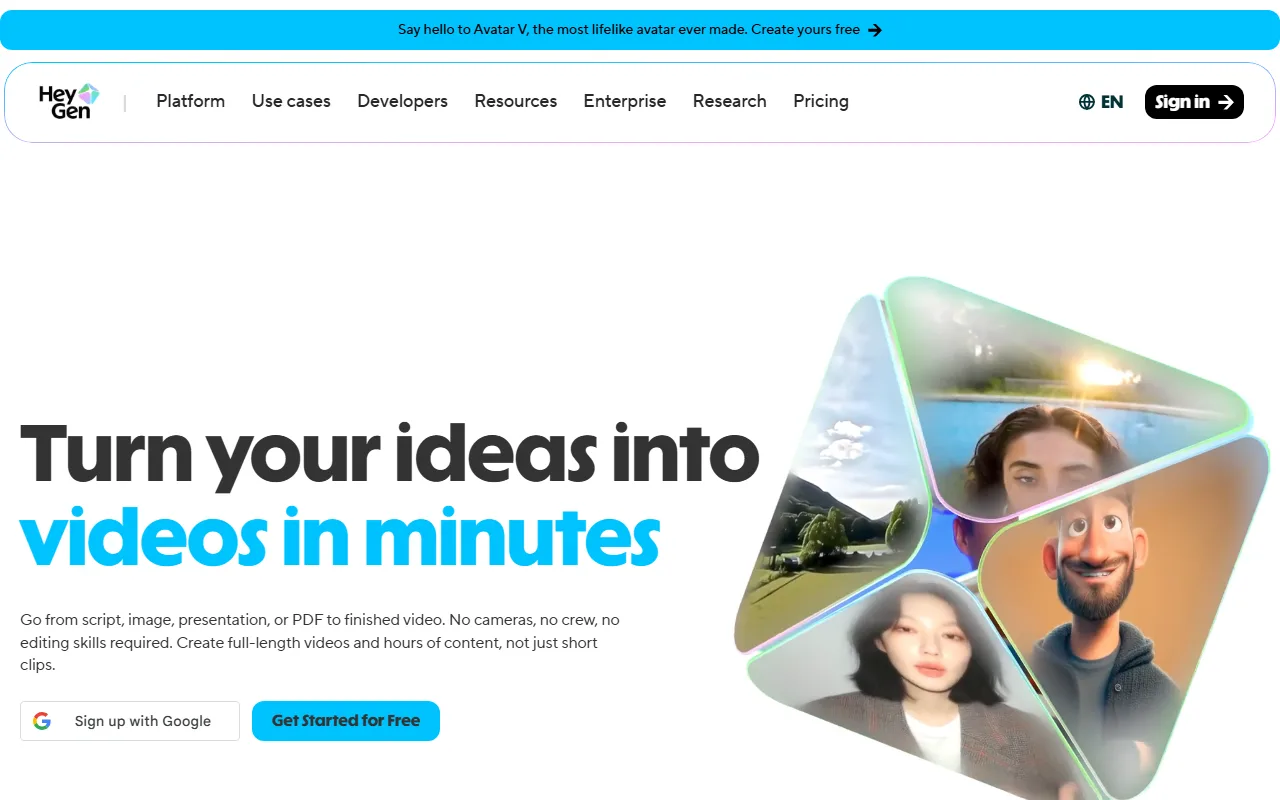 HeyGen's homepage, built around avatars and realistic voice translation.
HeyGen is Synthesia's closest rival and the better pick if multilingual reach and a usable free tier matter. You type a script, pick an avatar, and get a presenter video, and its avatars speak 40+ languages with strong lip-sync. Its video-translation feature, which preserves the speaker's voice across languages, is among the best for turning one recording into many localized versions.
Its standout strength is multilingual avatar quality and translation, and you can spin up an instant avatar from a short webcam recording. Beyond preset avatars it offers an API and interactive avatars for personalized video at scale, and it holds a strong reputation for output reliability, sitting around 4.8 out of 5 across thousands of G2 reviews as of June 2026. Who it is for: marketers and creators localizing spokesperson videos, plus anyone who wants to try avatar video without a paywall. Where it falls short: like Synthesia, it is avatar-first, so it is not the app for generative ads or cinematic scenes, the free plan watermarks output and caps you at 3 videos per month, and heavy users can hit credit limits on the lower paid tiers. Pricing: free plan with 3 videos/month (watermarked); Creator plan at $29/month with unlimited videos plus 200 monthly credits, scaling to Team and Enterprise. See HeyGen's pricing for details.
How to Choose the Right Text to Video App
Match the app to the job, not the hype. Here is the short decision guide based on what you are actually making.
- You want a finished video from a written idea, fast: start with Pexo. The conversational workflow means no prompt syntax and no manual editing, and you can make an explainer video or a social clip from a sentence in one chat.
- You need a presenter explaining something, in many languages: Synthesia for avatar breadth and enterprise polish, HeyGen if you want a free tier and the best translation.
- You want a fully edited marketing video from a script or URL: InVideo AI assembles footage, voiceover, and captions for you.
- You need one cinematic hero shot and you can write prompts: Veo 3.1 for prompt accuracy and native audio, or Runway if you want deep manual control.
- You just want a fast, fun social clip: Pika for speed and effects.
The honest summary: the raw models win on a single shot, the avatar and assembly apps win on presenters and stock-footage edits, and a conversational partner wins when you want the whole video done from a written idea without becoming a prompt engineer or an editor.
Conclusion
There is no single "best text to video AI app," only the best one for the job in front of you. If you need a multilingual presenter, Synthesia and HeyGen are the safe picks. If you want a fully edited marketing video from a script, InVideo AI does the assembly. If you want cinematic control, Veo 3.1 and Runway lead. But if you want to go from a written idea to a finished, ready-to-post video without learning prompt syntax or stitching clips together, Pexo is the one built for that exact gap. You describe what you want, it picks the right model and finishes the cut, and you stay in the conversation the whole way.
Ready to skip the prompts? Start creating with Pexo and turn your next idea into a finished video in one conversation.