

 ChatGPT
 Perplexity
 Claude
 Gemini
 Grok
Grok


You have product photos, a demo clip, and a launch brief. Yet the first draft lists every selling point because everyone wants screen time. Choose the one point this viewer needs to remember, then find the shot that proves it. That is how to write a product launch video script your team can review line by line.
What must the script establish before the launch?
It must establish its audience, what is new, what the viewer can see, and where they should go next. A product launch video cannot rescue an unresolved claim with editing. For US advertising, objective claims need a reasonable basis before an ad runs; other markets and claims may need different review.
Work from the final product version and available assets. Flag pending names, features, availability, prices, quotes, and dates. A polished line is unusable if its only footage shows a prototype.
Choose one audience and one defensible claim
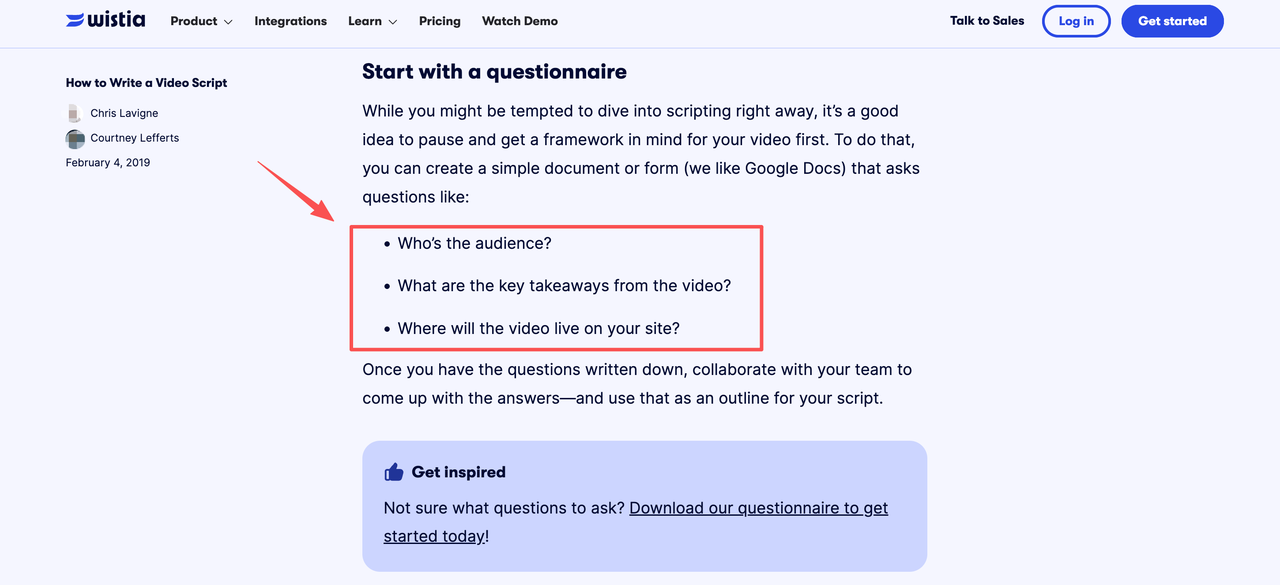
Choose a specific viewer and a claim the launch materials can demonstrate. The fictional example below addresses someone who uses a small desk for work and other activities. Its central product claim is that a fictional laptop stand folds flat. Final-unit footage and an approved specification would need to support it before release.
That audience is a choice for this fictional ad. Audience, key takeaway, and placement are worth settling before drafting. Otherwise, the script tries to serve a homepage visitor, reseller, and paid-ad viewer at once.
Write the hook, reveal, proof, and next step
Draft in the order a stranger needs information: a recognizable moment, the product's entrance, visible proof, then a live destination. Do not turn the four beats into four slogans.
Opening hook
Open on a situation your footage can depict. "The last meeting ends. The desk is still full" is a staged moment. "The stand everyone has been waiting for" implies demand you have not established. Give viewers a reason to watch without borrowing authority from an unverified statistic.
Product reveal
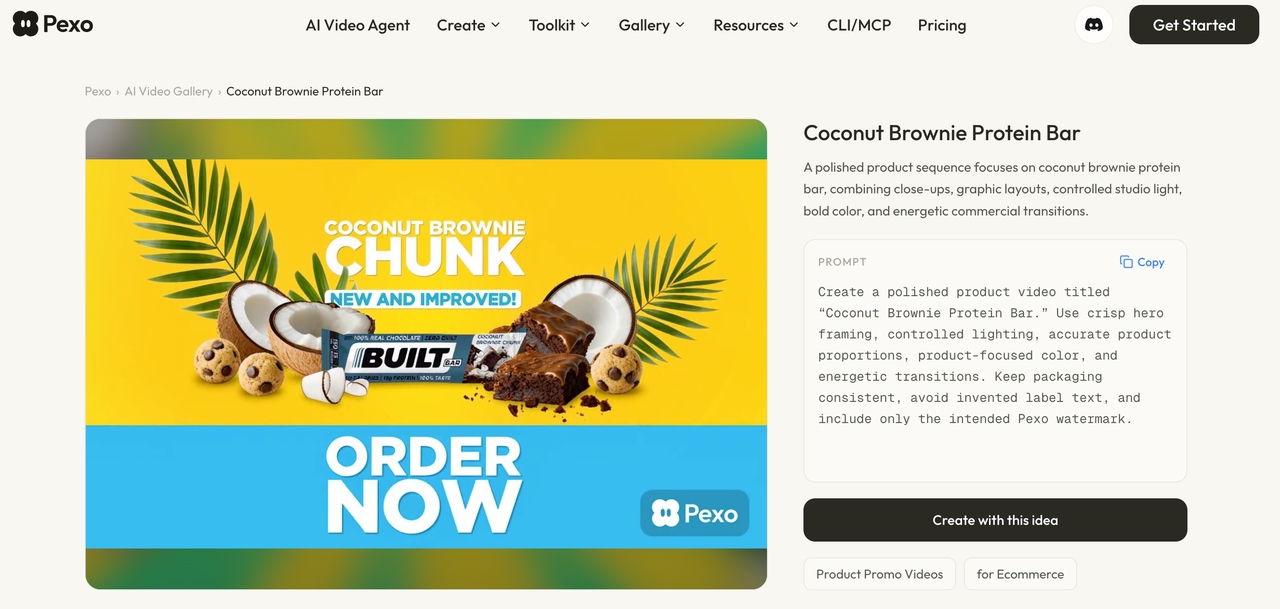
Name the product when it becomes visible. An approved, accurate render can establish its appearance, but an opening or folding claim needs final-unit footage. A new product launch video should not show an earlier prototype as what will ship.
Proof and call to action
Let the viewer judge the claim. A continuous shot of the stand opening and folding shows that motion more clearly than a montage. Close with "See the product details" and an approved destination. Do not add a date, discount, or compatibility promise to make the ending feel bigger.
Annotate each line with footage or product evidence
A usable script maps words to shots and proof. Separate voiceover, on-screen text, and visual action so reviewers know where each promise appears. Alder Fold below is entirely fictional: there is no released product, completed test, or real approval behind it. Each row is one complete spoken line and the checks it would require.
| Time | Exact spoken line | Picture or asset | Evidence needed before release | Reviewer |
|---|---|---|---|---|
| 0-4s | "The last meeting ends. The desk is still full." | Staged desk; no product visible. | Cleared scene and asset rights; no implied customer footage. | Brand lead; rights owner. |
| 4-7s | "Meet Alder Fold." | Final-unit hero shot; name on screen. | Approved public name and final-unit image. | Product marketing; product lead. |
| 7-11s | "Lift it open." | Uninterrupted close-up of the stand opening. | Final-unit footage showing the shipped action. | Product lead. |
| 11-15s | "Set your laptop in place." | Laptop placed on the same stand. | Approved compatibility for the depicted laptop; final-unit demo. | Product lead; claims reviewer. |
| 15-20s | "When the day changes, fold it flat." | Same unit folded in a continuous shot. | Approved folded-state specification matched to footage. | Product lead; claims reviewer. |
| 20-24s | "Make room for what comes next." | Stand moved aside; desk becomes a sketching space. | Cleared set and footage; no numeric space claim in captions. | Brand lead; rights owner. |
| 24-28s | "Alder Fold. See the product details." | End card with name, CTA, and destination. | Live, approved product page and verified link. | Product marketing; web owner. |
The table is a script, not a proof file. If the final-unit clip hides the folded profile, remove or rewrite line five. If compatibility lacks approval, a quicker cut will not fix line four. Product launch video examples earn their keep when they expose these decisions alongside the finished voiceover.
Read the script aloud and cut unsupported details
Read against a rough sequence; leave room for the open-and-fold action. Mark where voiceover outruns footage. Cut filler before speeding up delivery. Here, "fold it flat" deserves screen time; the name need not recur.
Check audio, captions, thumbnail, description, and end card for unsupported claims. Do not present a staged scene as a customer result. Clear any real customer quote with the customer and claims reviewers.
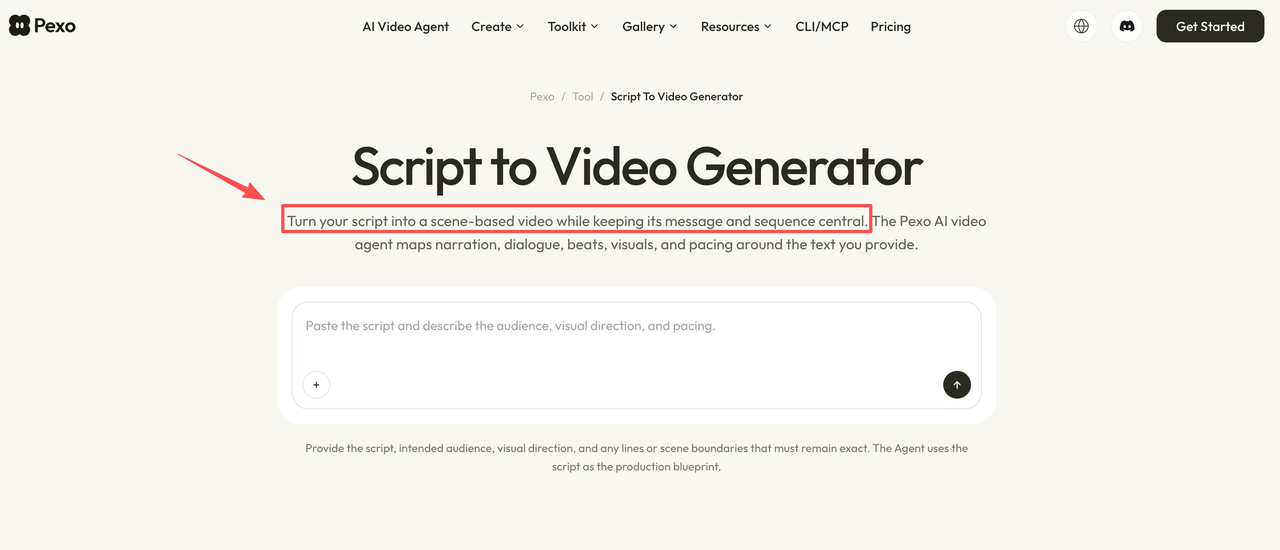
Pexo's conversational AI video agent supports a script-to-video workflow that maps a draft into scenes for narration and pacing review, then lets reviewers request focused revisions. Use its preview to test the story. The released cut still needs approved final-unit footage for the fold and laptop shots. If a generated scene invents either action, replace it with verified footage or rewrite the line; the preview cannot substantiate a product claim.
Review the final draft before release
Give each owner the matching cut and script version. Product verifies shipped behavior; marketing checks positioning and destination; claims or legal reviewers assess wording; asset owners confirm footage and permissions. For US visual assets, photograph ownership and licensing warrant checking the actual grant, even when the file is in a shared folder.
Record approval beside the cut and landing page. Recheck affected lines if either changes. Product launch promo videos often pass through several reviews; a new shot can undermine an approved sentence. These are editorial checks, not legal advice. Rights holders and legal reviewers must verify actual agreements, permissions, and current platform policies.





