 ChatGPT
 Perplexity
 Claude
 Gemini
 Grok
Grok


InVideo and Pictory both turn text into video, but they are built for two different jobs. The short answer: InVideo is the better pick for creators who want creative control and a huge template library, while Pictory is the better pick for anyone who mainly repurposes blog posts and scripts into clean videos fast. Neither one wins every category. This guide compares both across seven decision dimensions, with a side-by-side table up top, honest pros and cons, and a "choose this if" split at the end. All pricing and specs are current as of June 2026.
Table of Contents
- The Quick Verdict
- What Each Tool Is Built For
- Head-to-Head: 7 Dimensions That Decide It
- Pros and Cons at a Glance
- A Third Option: When Neither Fits
- Choose InVideo If / Choose Pictory If
- Conclusion
- FAQ
The Quick Verdict
Here is the at-a-glance comparison before the detail. Use it to scan, then read the dimension you care about most.
| Dimension | InVideo | Pictory | Winner |
|---|---|---|---|
| Best for | Prompt-to-video, creative control | Blog and script repurposing | Tie (depends on job) |
| Starting price | Free / Plus $25/mo / Max $60/mo | Starter $25/mo / Pro $35/mo / Teams $119/mo | Tie |
| Templates | 10,000+ | ~100 | InVideo |
| Stock library | 16M+ clips | 18M+ clips (Pro) | Pictory |
| AI models | Sora 2 + Google VEO 3.1 built in | In-house Gen AI visuals | InVideo |
| Voiceover | Voice cloning (up to 5 on Max) | More natural voices, wider accents | Pictory |
| Languages | English-led | 29 languages (Pro/Teams) | Pictory |
| Speed to first video | Slower, more manual editing | Faster, automated | Pictory |
| Output polish | More polished, dynamic transitions | Functional but visually basic | InVideo |
One-line verdict: Pick InVideo for polished, template-driven creative work, and Pictory for fast, hands-off blog-to-video at scale. Independent user ratings on G2 line up with this split, scoring InVideo higher for editing flexibility and Pictory for ease of use.
What Each Tool Is Built For
The two tools share the "text in, video out" promise but optimize for opposite users.
- InVideo is a prompt-to-video creator. You type an idea or a script, and it assembles a video you can then customize in detail. It leans toward marketers and creators who want polished branding, platform-specific templates, and manual control over the result.
- Pictory is a repurposing engine. It is built to turn existing written content (blog posts, articles, scripts) into short videos with matched visuals, captions, and voiceover. It leans toward content teams, bloggers, and course creators who want speed and automation over fine control.
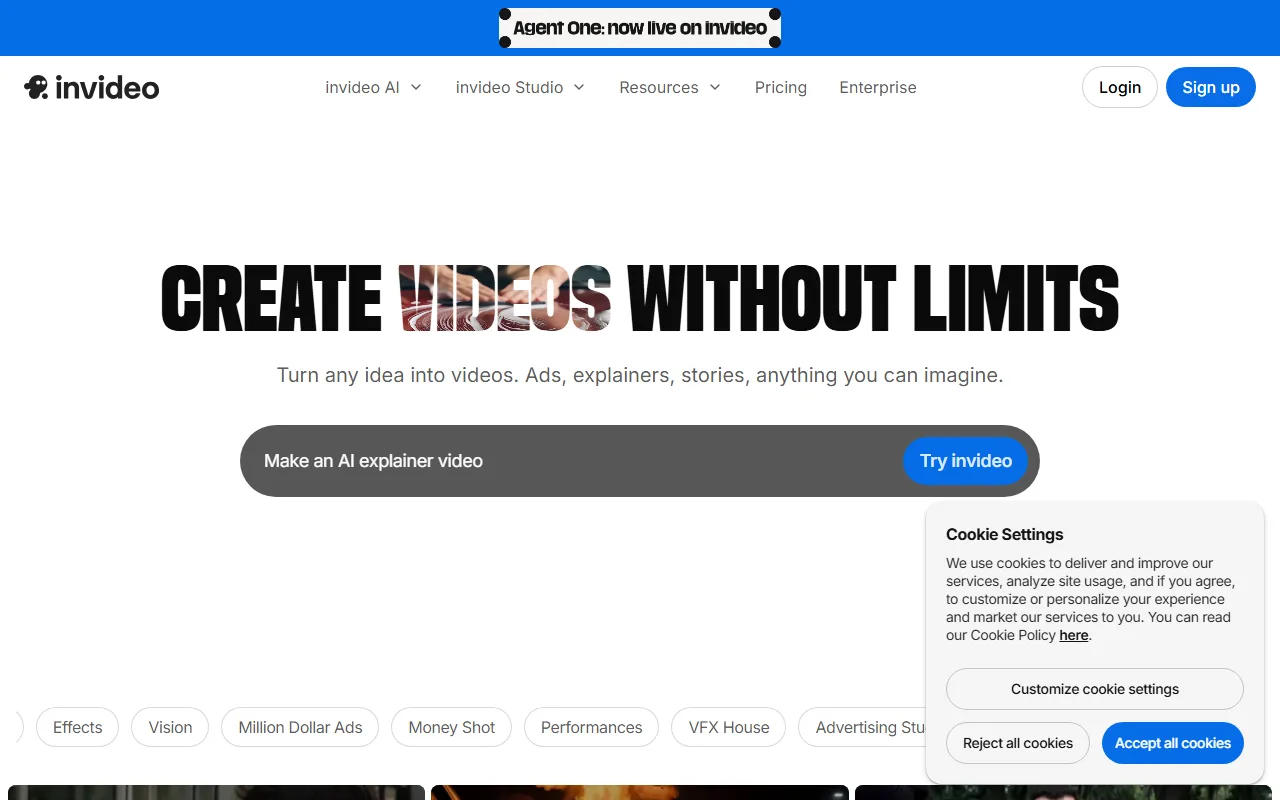 InVideo opens on a prompt box: type an idea and it builds a video you then refine.
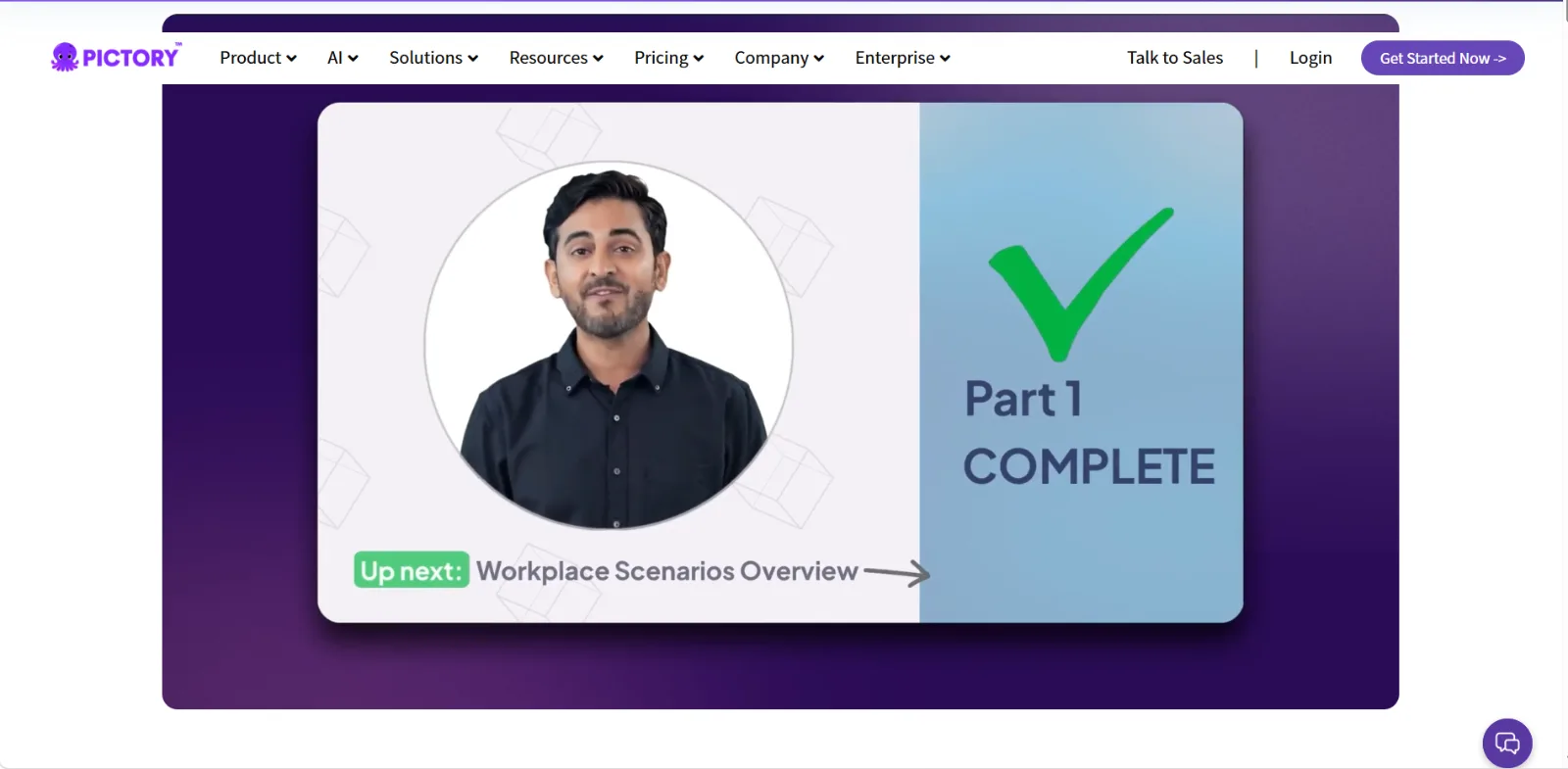 Pictory turns a script or article into a captioned talking head style video with little manual setup.
If your starting point is a finished article you want on YouTube, Pictory's workflow is shorter. If your starting point is a marketing idea you want to shape, InVideo gives you more room. That split between repurposing and creating is the most useful starting point for the choice, and it decides most of the dimensions below.
Head-to-Head: 7 Dimensions That Decide It
Each dimension below covers both tools and names a winner or an honest tie.
1. Ease of Use and Speed
- Pictory automates the heavy lifting: paste a script or URL, and it picks scenes, visuals, and captions for you. First clean draft lands in minutes with minimal editing.
- InVideo gives more control, which costs time. Expect to spend longer in the editor on intros, thumbnails, and platform-specific tweaks.
- Winner: Pictory for speed and a shorter learning curve.
2. Output Quality and Polish
- InVideo produces more polished output: better stock footage selection, more dynamic transitions, and stronger text-overlay animations.
- Pictory output is functional and clean but visually more basic, geared to talking-head summaries and blog recaps rather than high-production promos.
- Winner: InVideo for visual polish.
3. Templates and Stock Library
- InVideo ships 10,000+ templates spanning social ads, YouTube intros, product demos, and Reels, plus 16M+ stock clips.
- Pictory offers around 100 templates, far fewer, though its Professional tier unlocks an 18M+ stock library (slightly larger than InVideo's).
- Winner: InVideo on templates; Pictory edges ahead on raw stock count.
4. Voiceover and AI Avatars
- Pictory currently has more natural-sounding AI voices with a wider range of accents, plus AI avatars and auto-captions.
- InVideo voiceover works well, though reviewers note it sounds slightly more robotic than Pictory's by default; its standout is voice cloning from a 30-second sample (up to 5 clones on the Max plan).
- Winner: Pictory for default voice quality; InVideo wins if you specifically need voice cloning.
5. AI Models and Generation
- InVideo has OpenAI's Sora 2 and Google's VEO 3.1 built directly into its pipeline, generating cinematic, physics-aware clips from a prompt.
- Pictory relies on its own Gen AI visuals, strong for matching stock to a script but not built for cinematic text-to-video generation.
- Winner: InVideo for generative range.
6. Pricing and Value
- InVideo: Free plan (watermark, 10 exports per week), Plus at $25/mo ($20 annual, watermark removed, 1080p), Max at $60/mo ($48 annual, 4K Shorts and Reels, voice cloning).
- Pictory: Starter at $25/mo (200 video minutes), Professional at $35/mo (600 minutes, 18M stock, 29 languages), Teams at $119/mo (1,800 minutes, multi-user). Monthly billing runs 40 to 70 percent above annual.
- Winner: Tie. Both start near $25. InVideo's Max is the value pick for 4K creative work; Pictory's Professional is the value pick for high-volume repurposing.
7. Languages and Repurposing
- Pictory supports 29 languages on Professional and Teams, and its whole design centers on turning articles, blogs, and scripts into video, which makes it the stronger pick for turning existing posts into YouTube videos at volume.
- InVideo is more English-led and built around original creation rather than bulk repurposing of existing text.
- Winner: Pictory for multilingual and repurposing workflows.
Pros and Cons at a Glance
A quick scannable summary of where each tool stands.
InVideo
- ✅ 10,000+ templates and polished, branded output
- ✅ Sora 2 and VEO 3.1 generation built in
- ✅ Voice cloning on the Max plan
- ❌ Slower, more manual editing to get a finished result
- ❌ Default voiceover sounds less natural than Pictory's
Pictory
- ✅ Fastest path from blog or script to finished video
- ✅ More natural voices, 29 languages, auto-captions
- ✅ Strong value for high-volume repurposing
- ❌ Only ~100 templates and more basic visual polish
- ❌ Not built for cinematic, generative text-to-video
A Third Option: When Neither Fits
InVideo and Pictory both ask you to learn a workspace: timelines, template menus, scene editors, export settings. If what you actually want is to skip the operating altogether, there is a third option worth a look.
Pexo is an AI video partner you talk to. Instead of choosing a template and arranging scenes, you describe the video you want in plain language, and Pexo plans it, picks the right approach, and hands back a finished clip you can refine by simply saying what to change. Two things set it apart from the tools above:
- No choosing models. Pexo works with Seedance, Sora, Kling, and more, and routes each job to the model that fits, so you never have to decide which engine to use.
- No switching apps. Pexo lives inside the tools you already work in, like Slack and others, so you can ask for a video without opening a new tab or learning a new UI.
It also turns a link into video through its url-to-video workflow, which overlaps with Pictory's repurposing use case but without the manual cleanup. If the InVideo-vs-Pictory choice feels like picking the lesser editing chore, describe your idea to Pexo and let it pick the model instead.
Choose InVideo If / Choose Pictory If
Different readers should make different calls. Here is the split.
Choose InVideo if:
- You want creative control, polished branding, and platform-specific templates.
- You make original promos, ads, or YouTube intros rather than recaps of existing text.
- You want Sora 2 or VEO 3.1 generation and occasional voice cloning.
Choose Pictory if:
- Your main job is turning blog posts, articles, or scripts into video fast.
- You publish in multiple languages or at high volume.
- You value natural voiceover and automation over fine-grained editing.
Conclusion
InVideo and Pictory are not really competing for the same user. InVideo is the stronger creative studio, with more templates, more polish, and built-in Sora 2 and VEO 3.1 generation. Pictory is the stronger repurposing engine, faster, more multilingual, and better at turning text you already have into clean video. Match the tool to your starting material: an idea to shape points to InVideo, an article to republish points to Pictory. And if the real goal is to skip the editing workspace entirely, a conversational partner like Pexo is worth trying alongside either one.