

 ChatGPT
 Perplexity
 Claude
 Gemini
 Grok
Grok


If you have narrowed your search to InVideo and Synthesia, you have actually picked two platforms that solve opposite problems. They both promise "type some words, get a video," so they look like rivals. They are not. InVideo is a template and script to video editor built for high volume social and marketing clips. Synthesia is an AI avatar platform built for training, onboarding, and corporate communication. Pick the wrong one and you will pay for a subscription that fights your workflow every week.
This guide compares them the way a decision actually gets made: a one line verdict, an at a glance table, six head to head dimensions with a clear winner each, honest pros and cons, and a "choose this if" routing section. It draws on both platforms' live interfaces and their published plans as of June 2026, so check the pricing pages before you buy in case the numbers have moved.
The Verdict in One Line
Choose InVideo if you need to pump out social and marketing videos fast from scripts, stock footage, and templates. Choose Synthesia if you need a polished on screen presenter reading a script for training or internal comms. InVideo is a content factory. Synthesia is a spokesperson studio. If you want neither lane, there is a third path worth knowing about, covered at the end.
Here is the quick comparison before the details.
| Dimension | InVideo | Synthesia |
|---|---|---|
| Core output | Template + script to video, stock + voiceover | AI avatar presenter reading your script |
| Best for | Social, ads, faceless content, marketing | Training, L&D, onboarding, corporate comms |
| AI avatars | Limited, not the focus | 125+ (Starter) scaling past 230 |
| Languages | 50+ voiceover languages | 160+ languages |
| Entry paid plan | Plus, about $25/mo ($20 annual) | Starter, about $29/mo ($18 annual) |
| Generation allowance | ~50 min/week on Plus (~200 min/mo) | 10 min/month on Starter |
| Free plan | 10 min/week, watermark, 10 exports/week | 10 min/month, 9 avatars, no card |
| Underlying models | Integrates OpenAI Sora 2 + Google Veo 3.1 | Proprietary avatar engine |
| Rating (Software Advice, mid 2026) | ~4.6 (400+ reviews) | ~4.6 (300+ reviews) |
Pricing and limits as of June 2026. Both vendors change plans often, so confirm on their pricing pages.
What Is InVideo?
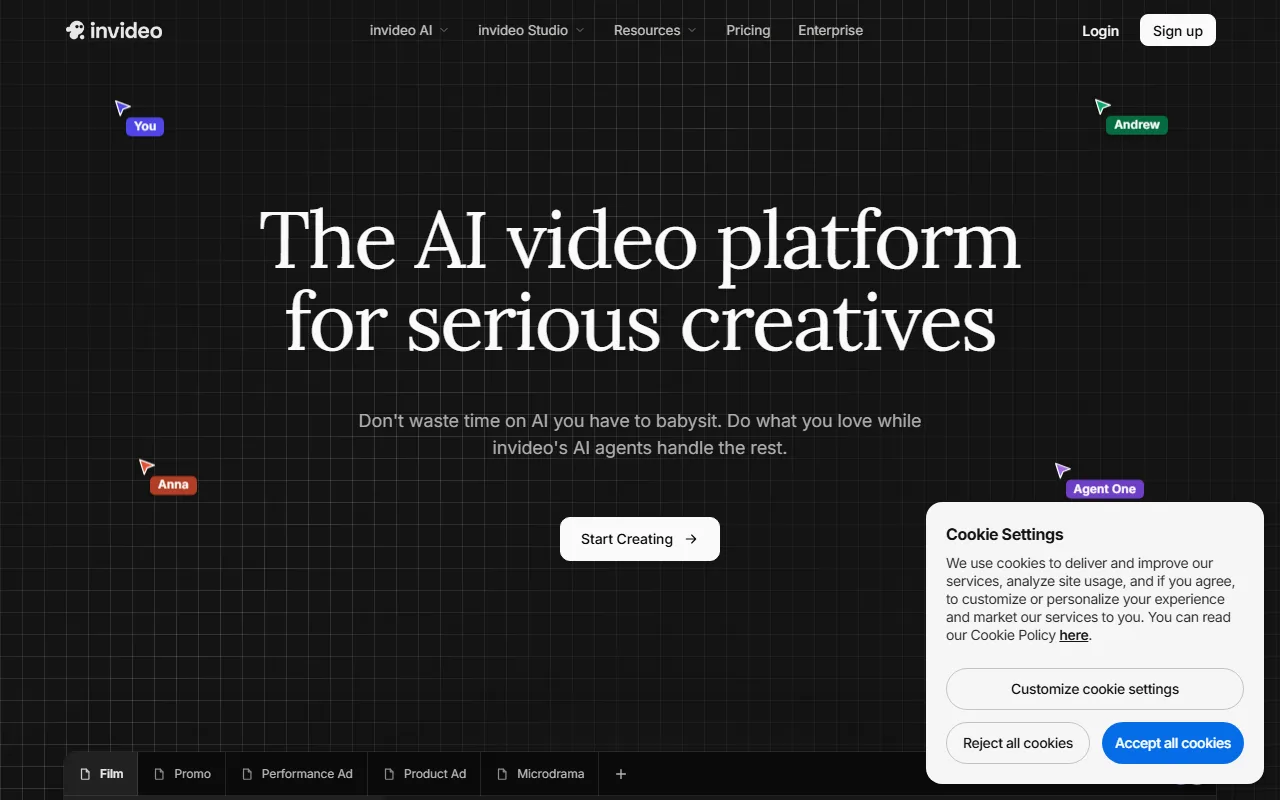 InVideo's live interface, captured June 2026, positioned as an AI video platform for creators.
InVideo is an AI video platform that turns a text prompt or a script into a finished video using templates, stock footage, and AI voiceover. You describe the video you want, and it generates a script, picks visuals, and assembles a draft you can edit. It leans hard into volume: a large template library, millions of iStock assets, and one click publishing to social platforms. As of mid 2026 it integrates both OpenAI's Sora 2 and Google's Veo 3.1 for generative shots. It is the practical choice for creators and small marketing teams who need many videos a week and do not need a person on screen.
What Is Synthesia?
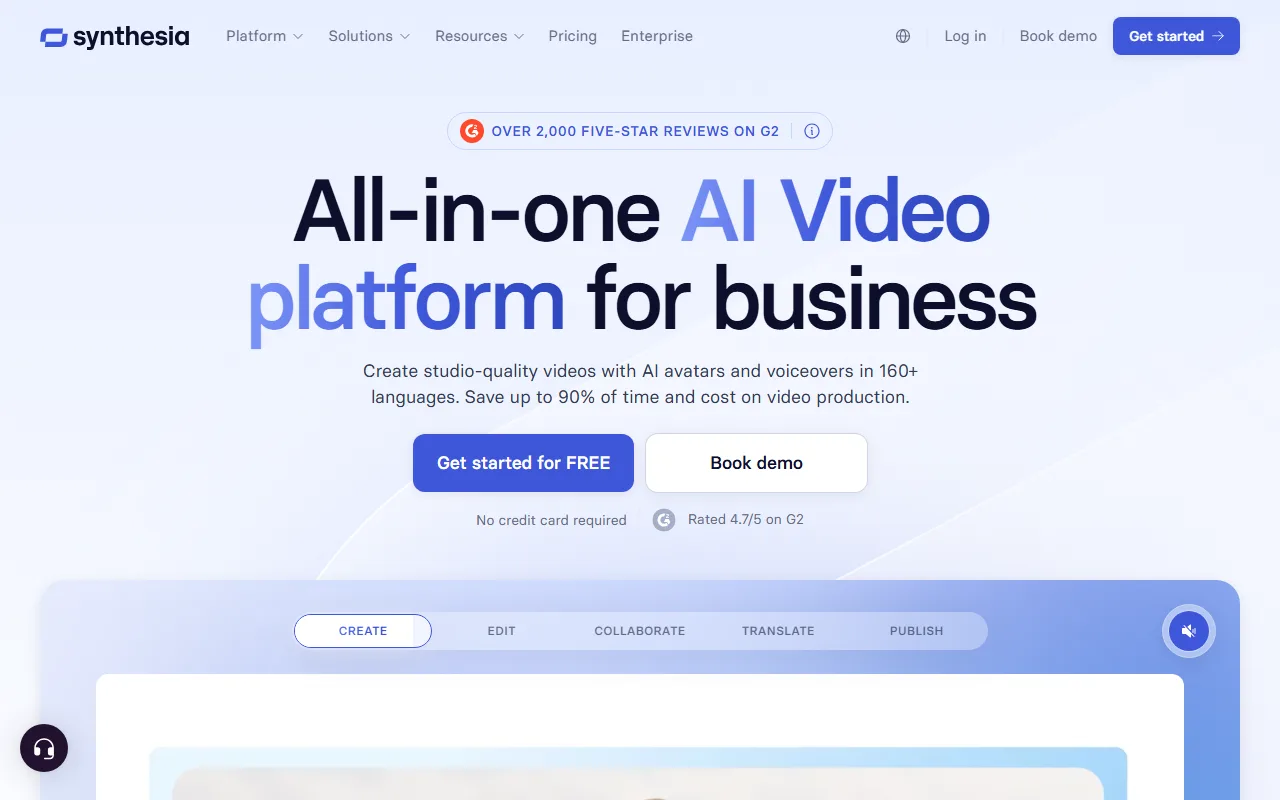 Synthesia's live interface, captured June 2026, positioned as an AI video platform for business.
Synthesia is an AI avatar platform. You pick a realistic digital presenter, paste a script, and it produces a talking head video of that avatar speaking your words, with accurate lip sync and a clean studio look. It carries 125+ avatars on entry plans scaling past 230, supports 160+ languages, and converts slides or documents into narrated video. It is built for business: training modules, product walkthroughs, onboarding, and internal updates where a consistent on screen voice matters more than fast turnaround or trendy social formats.
InVideo vs Synthesia, Head to Head
These are the two platforms' live interfaces side by side. Below, six dimensions decide the match.
Core Capability and Output Type
InVideo produces edited videos: stock and generated footage, b roll, music, captions, and voiceover stitched into a social ready clip. Synthesia produces presenter videos: one or more avatars delivering a script to camera. They barely overlap. If your output is a 30 second TikTok ad or a faceless explainer, InVideo is the right shape. If your output is a 3 minute compliance lesson where an instructor talks you through steps, Synthesia is. Winner: tie, because they win different jobs. The honest read is that "AI video" hides two opposite outputs, and your use case picks the tool, not the marketing.
Output Quality and Realism
Synthesia's avatars are its crown jewel. Lip sync, facial movement, and voice are consistent enough that a viewer rarely flinches, which is why enterprises trust it for customer facing training. InVideo's quality depends on the assets: stock footage looks professional, while its generative shots ride on Sora 2 and Veo 3.1, so quality tracks those models. Where InVideo can look templated across many videos, Synthesia looks uniform by design. Winner: Synthesia for presenter realism. If you need a believable human face delivering words, nothing in InVideo matches a Synthesia avatar.
Ease of Use and Time to First Video
Both get you to a first draft fast, but the paths differ. In InVideo you type one prompt and it returns a full draft video in a few minutes, then you trim. In Synthesia you pick an avatar, paste a script, choose a background, and render scene by scene, which is closer to building slides. For a single social clip, InVideo is fewer decisions. For a structured five scene training video, Synthesia's scene model is cleaner. Winner: InVideo for raw speed to a finished social video, with the caveat that Synthesia's structure pays off on longer scripted pieces.
Templates, Avatars, and Asset Library
This is the clearest split. InVideo offers thousands of templates plus a stock library in the millions, so you rarely start from a blank canvas for a marketing format. Synthesia offers a smaller set of business templates but a deep roster of avatars (125+ to 230+ across plans) and custom avatar creation. Winner: depends on what you stock. For format variety and b roll, InVideo wins on sheer volume. For presenters and brand consistent spokespeople, Synthesia wins. Neither library substitutes for the other.
Languages, Integrations, and Export
Synthesia supports 160+ languages for its avatars, a major reason global teams use it to localize training without re shooting. InVideo covers 50+ voiceover languages and focuses its integrations on social publishing and stock providers like iStock. Both export standard video you can download. Winner: Synthesia on language breadth, InVideo on social distribution. If you localize one script into a dozen languages, Synthesia is built for it. If you push finished clips straight to TikTok and YouTube, InVideo's pipeline is smoother.
Pricing and Value
The plans price two different jobs, so compare carefully. InVideo's Plus runs about $25 per month (around $20 annual) for roughly 50 minutes of AI generation a week, near 200 minutes a month. Synthesia's Starter runs about $29 per month (around $18 annual) for 10 minutes of video a month, with Creator at about $89 for 30 minutes. Per raw minute, InVideo is far cheaper, but a Synthesia minute is a finished avatar performance, not a stock assembly. Winner: InVideo on cost per minute for volume; Synthesia on value when an avatar is the deliverable you actually need.
Pros and Cons at a Glance
InVideo
- Pros: very fast to a finished social clip; huge template and stock library; integrates Sora 2 and Veo 3.1; generous generation minutes for the price.
- Cons: no strong presenter avatars; output can feel templated at scale; weekly minute caps rather than a flexible pool.
Synthesia
- Pros: best in class avatar realism; 160+ languages; clean scene structure for training; trusted for enterprise and compliance use.
- Cons: low monthly minute allowances; pricier per minute; not built for fast social or ad style content.
Choose InVideo If / Choose Synthesia If
Choose InVideo if you publish many social or ad videos a week, you want templates and stock rather than a blank canvas, you create faceless content, or you care most about cost per minute for high volume output.
Choose Synthesia if you produce training, onboarding, or internal videos, you need a consistent on screen presenter, you localize content into many languages, or you are an enterprise that needs avatar realism and governance more than speed.
The one line takeaway: high volume social and marketing teams lean InVideo; learning, enablement, and corporate comms teams lean Synthesia.
A Third Option: When You Want Neither
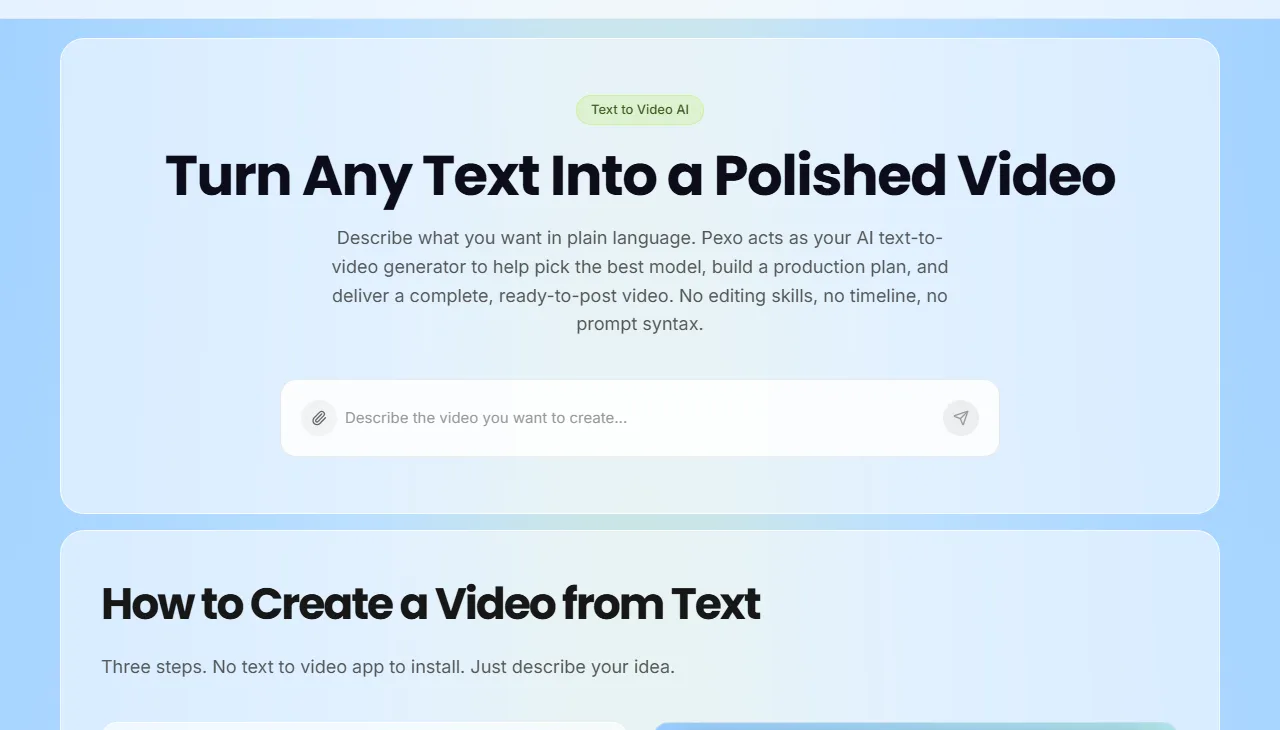 Pexo's approach: describe the video you want in plain language, no menus to operate.
Sometimes neither lane fits. You do not want to learn a timeline and template editor, and you do not want every video to be a talking avatar. You just want to describe an idea and get a finished, varied video back. That is where an AI video partner like Pexo is worth a look. Instead of giving you a menu to operate, you describe the video you want in plain language and it plans, builds, and delivers a complete clip.
Two differences stand out next to the platforms above. First, no choosing models: where InVideo locks you to its own pipeline and Synthesia to its avatar engine, Pexo works with leading models like Seedance, Kling, and more and picks the right one per shot, so you are not betting your output on a single engine. Second, no switching apps: Pexo can work inside the tools you already use, like Slack and Lark, so a video request does not mean opening a new tab and learning another interface. It runs on credit based pricing and is free to start, so you can try the conversational approach before committing. It is not for everyone: it will not replace Synthesia for a large enterprise avatar library, and it carries fewer ready made templates than InVideo. It simply fits a different need, getting a finished video by describing it rather than operating either kind of editor. If that sounds closer to how you want to work, you can make your first video with Pexo for free.





