ChatGPT
 Perplexity
 Claude
 Gemini
 Grok
Grok



Luma AI's Dream Machine made cinematic text-to-video mainstream, but plenty of creators end up shopping for something else. The usual reasons: short clip caps, no native audio, and a usable plan that starts at $29.99/month. This guide ranks the six strongest Luma AI alternatives in 2026 and compares them on price, video quality, clip length, audio, and workflow. It was written by the Pexo team, and Pexo is one of the six, ranked and judged on the same checklist as every other tool. All pricing and specs are current as of June 2026.
 Pexo takes a plain description and routes it to the right model, returning a finished clip.
Table of Contents
- What Is Luma AI (Dream Machine)?
- The Best Luma AI Alternatives at a Glance
- How We Compared
- The 6 Best Luma AI Alternatives
- How to Choose the Right Luma Alternative
- Conclusion
- FAQ
What Is Luma AI (Dream Machine)?
Luma AI is the company behind Dream Machine, a text-to-video and image-to-video generator. Its latest Ray3 generation (refreshed in early 2026) outputs native 1080p, runs noticeably faster than the prior version, and adds HDR plus start-and-end keyframes for controlled interpolation.
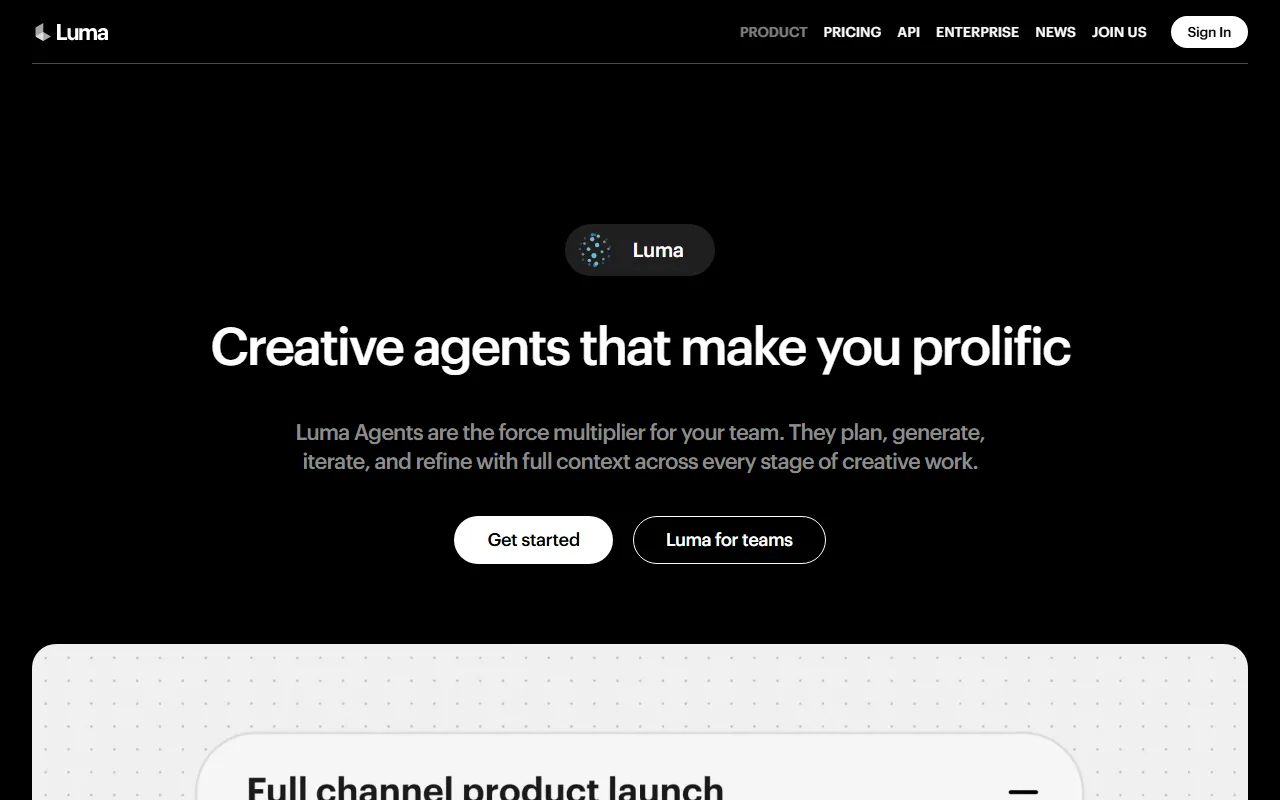 Luma positions Dream Machine around fast, cinematic generation, but the output is silent and clips are short.
- What it does well: cinematic color grading, image-to-video from a single still, and fast 1080p generation.
- Who it is for: creators who want film-look clips and are comfortable assembling audio elsewhere.
- Why people look for alternatives (the real reasons):
- No native audio. Dream Machine generates silent video; you add music, voiceover, and sound effects in a separate tool.
- Short clips. Text-to-video runs 5s or 10s per generation (5s on Free), extendable to about 30s. Several rivals go far longer.
- Price. The watermark-free, commercial-rights plan (Plus/Standard) is $29.99/month. Lite is $9.99/month but capped at roughly 3,200 credits, around 20 short 720p clips.
- Missing pro features. Ray3.14 currently lacks character consistency and the reference feature.
That gap between "great visuals" and "silent, short, and pricey" is exactly what the alternatives below close.
The Best Luma AI Alternatives at a Glance
Here is the quick comparison before the detail. Scan it, then jump to the tool that fits.
| Tool | Best for | Max clip length | Native audio | Resolution | Starting price |
|---|---|---|---|---|---|
| Pexo | Most people who want a finished video | Up to ~5 min+ (plan-based) | Yes (soundtrack included) | 1080p (via routed models) | Free to start; from $30/mo |
| Runway Gen-4.5 | Pro control and physics | ~10s (extendable) | Limited | Up to 4K (upscale) | $15/mo |
| Kling AI | Value, audio, and long clips | Up to 2 min | Yes | 1080p | $6.99/mo |
| Pika 2.5 | Effects and frame control | ~10s | Limited | 1080p | Free / paid |
| Hailuo (MiniMax) | Free-first realism | ~6–10s | Limited | 1080p | Free / paid |
| Google Veo 3.1 | Realistic marketing video with sound | ~8s | Yes | Up to 4K | Paid (via Gemini / Flow) |
| Luma Dream Machine (baseline) | Cinematic film-look clips | 5–10s (extend ~30s) | No | 1080p | $9.99–$29.99/mo |
How We Compared
Every tool below is judged on the same six factors, so the ranking is consistent rather than vibes-based:
- Workflow: how much operating, prompting, and editing it takes to get a finished clip.
- Video quality: realism, motion, and consistency at 1080p.
- Clip length: maximum duration per generation.
- Audio: native sound generation versus silent output.
- Price: free tier scope and paid starting price.
- Input flexibility: text, image, or other starting points.
Pexo ranks first because it covers the widest slice of "I just want the finished video" intent. Where another tool wins a specific niche (Runway on pro control, Kling on price and length), that is called out plainly.
The 6 Best Luma AI Alternatives
1. Pexo: Best for Most People Who Just Want the Video
Pexo is an AI video partner that turns a plain-language description into a finished clip by routing your idea to the right model behind the scenes. Instead of operating a single model with a prompt box and a timeline, you say what you want and Pexo plans it, picks the model, and returns a video with transitions, soundtrack, and pacing already handled.
 Pexo's text-to-video page: describe the video in one box and it handles model choice, plan, and final edit.
- Why it stands out: Pexo works with Seedance, Sora, Kling, and more, and routes each job to the model that fits, so you never pick an engine yourself. That solves the exact problem a "Luma alternative" search implies, which is "I do not want to keep choosing and operating models."
- Best for: marketers, founders, and creators who want a ready-to-post video from a description, a product photo, or a URL, without prompt engineering or editing.
- Watch out for: Pexo generates video from a description, an image, a URL, or audio. It does not cut or edit footage you already have, so if your job is trimming existing clips on a timeline, a manual editor fits better.
- Input flexibility: text, image, URL, and audio (not existing video), the widest input set on this list.
- Pricing: free to start (Get Started Free), then credit-based paid plans from $30/month (Pro, about 4,800 credits, roughly 2 to 5 minutes of finished video covering visuals, audio, captions, and editing). See the live Pexo pricing page for current tiers.
Pros: no prompts, no model-picking, finished video with sound; describe-and-refine workflow; broad input types. Cons: generates rather than edits existing footage; credit-based usage that can run out on heavy days.
Try it from the text-to-video workflow, or turn a still image into a clip.
2. Runway Gen-4.5: Best for Pro Control and Physics
Runway is the closest thing to a professional studio in a browser, and its Gen-4 family consistently ranks among the top models on independent quality leaderboards for physics fidelity and motion realism, with Gen-4.5 as the current release.
 Runway leans on physics realism and a full editing toolkit, aimed at pros rather than casual creators.
- Why it stands out: production features Luma lacks, including Motion Brush, a real timeline, and inpainting, plus strong prompt adherence.
- Best for: editors and studios who want frame-level control and are willing to spend time in the tool.
- Watch out for: it costs more than most rivals here, and the learning curve is real. Casual creators often over-pay for features they never touch.
- Data point: on independent video-model leaderboards such as the Artificial Analysis Video Arena, Runway's Gen-4 family consistently ranks among the top models for motion and physics.
- Pricing: paid plans start around $15/month.
Pros: best-in-class control; leaderboard-grade quality; mature editing toolkit. Cons: pricier entry; steeper learning curve than Luma.
Learn more at Runway.
3. Kling AI: Best Value, with Audio and Long Clips
Kling is the most direct quality competitor to Dream Machine, and it wins the two places Luma hurts most: length and sound.
 Kling AI's 3.0 series pairs long clips and native audio with the lowest paid entry price on this list.
- Why it stands out: Kling generates clips up to 2 minutes at 1080p, where Luma caps short, and it produces synchronized audio in a single pass instead of silent video.
- Best for: budget-conscious creators who want long, sound-on clips without stitching.
- Watch out for: at peak times generation can queue, and the interface is less polished than Runway's.
- Data point: at $6.99/month, Kling delivers more output per dollar than any other tool on this list.
- Pricing: paid plans start at $6.99/month.
Pros: native audio; up to 2-minute clips; lowest paid entry price. Cons: occasional queue times; UI rougher than Runway.
Learn more at Kling AI.
4. Pika 2.5: Best for Effects and Frame Control
Pika trades a little raw realism for speed, playful effects, and precise control over where a clip starts and ends.
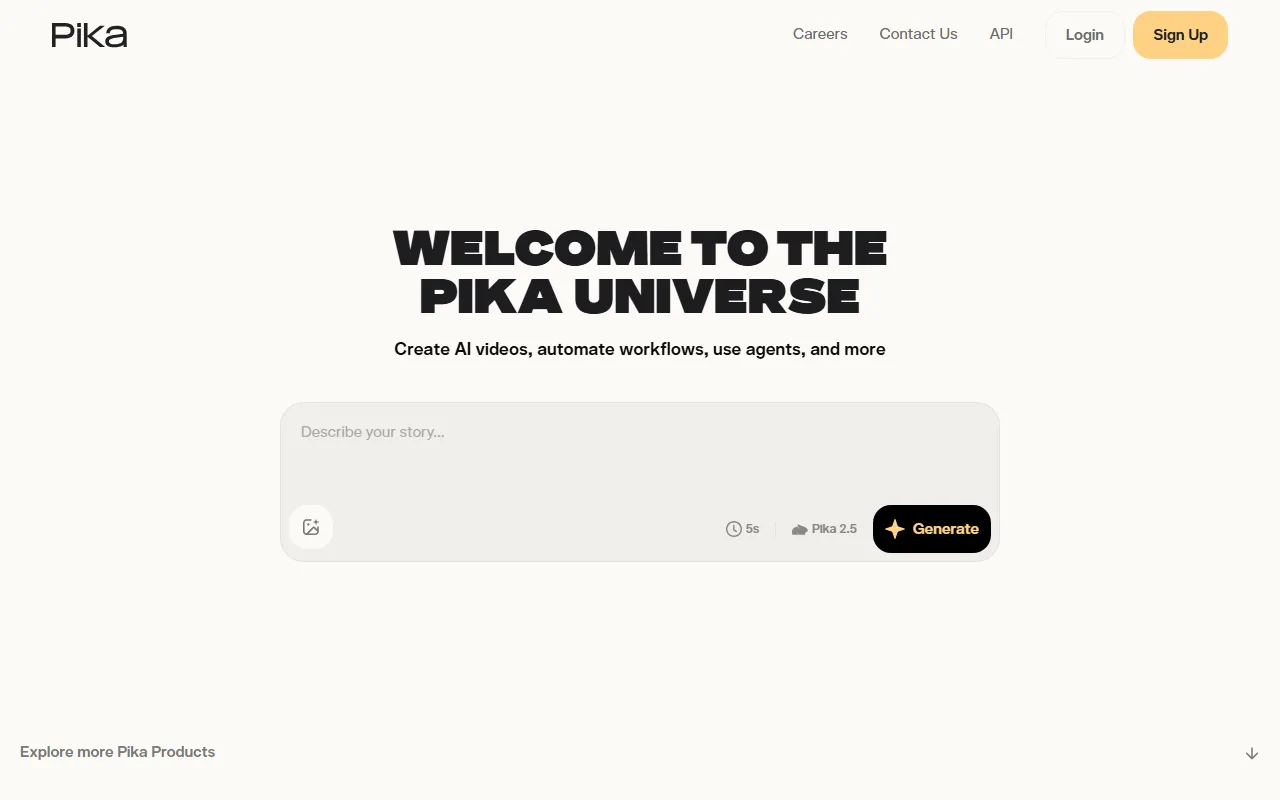 Pika's generate box shows the Pika 2.5 model and a quick five second default, geared to fast social clips.
- Why it stands out: Pikaframes lets you upload a start image and an end image and generates the transition between them (1–10 seconds), giving exact control over the opening and closing frames.
- Best for: social creators who want quick, effect-driven clips and a generous free tier.
- Watch out for: on photoreal human motion it trails Runway, Kling, and Veo.
- Standout feature: Pikaframes accepts a start image and an end image and generates the 1 to 10 second transition between them, a level of opening-and-closing frame control most rivals do not offer.
- Pricing: free tier available; paid plans add length, resolution, and watermark removal.
Pros: strong free tier; fun effects; start-and-end frame control. Cons: weaker photorealism; shorter clips than Kling.
Learn more at Pika.
5. Hailuo (MiniMax): Best Free-First Realism
Hailuo, from MiniMax, punches above its weight on realism for a tool with a genuinely usable free tier.
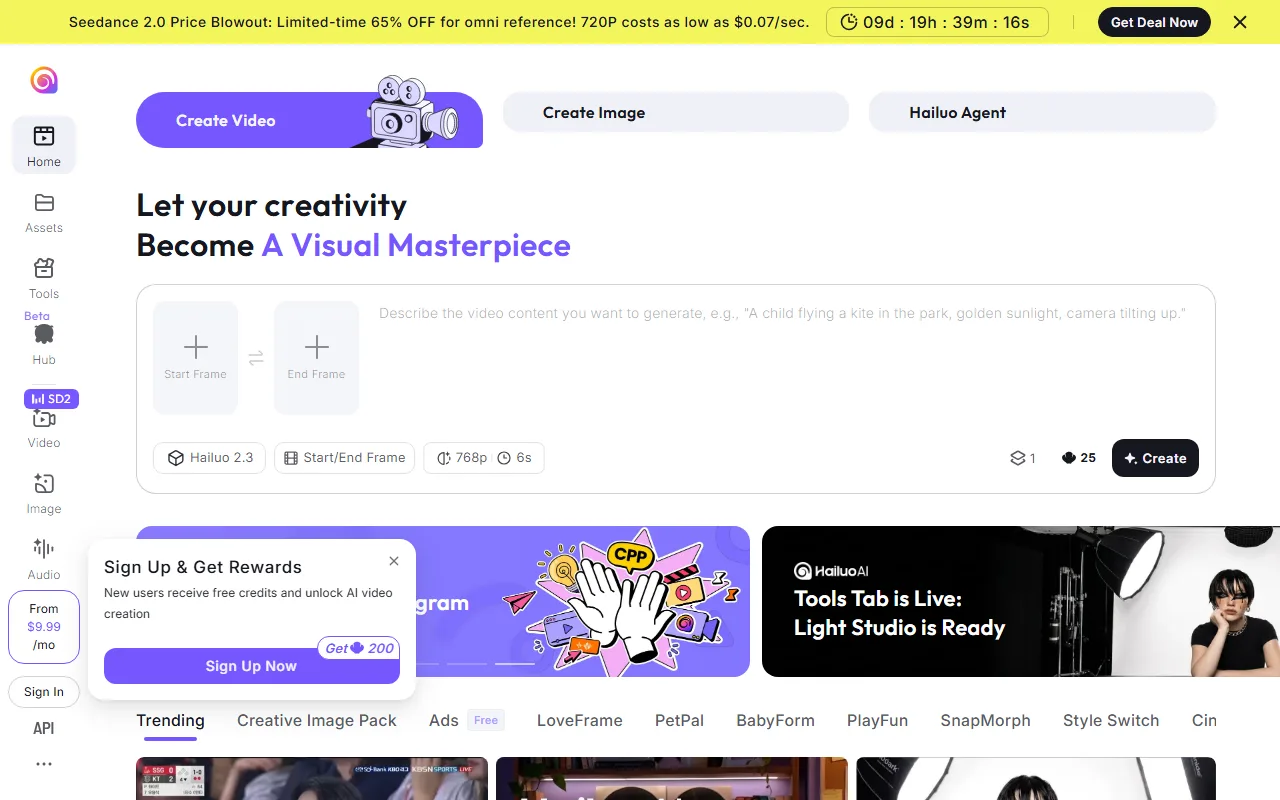 Hailuo, by MiniMax, offers realistic motion from a clean interface with a usable free tier for testing.
- Why it stands out: clean, realistic motion at 1080p without an immediate paywall, which makes it a popular first stop for testing.
- Best for: creators who want to test realistic output before paying anything.
- Watch out for: clips are short (around 6–10 seconds) and free generations can be rate-limited at busy times.
- Standout feature: Hailuo's free tier outputs 1080p clips with no upfront paywall, which is why it is a common first stop for testing realistic motion before paying.
- Pricing: free tier available; paid plans raise limits and resolution.
Pros: realistic output; usable free tier; simple interface. Cons: short clips; free-tier rate limits.
Learn more at Hailuo AI.
6. Google Veo 3.1: Best for Realistic Marketing Video with Sound
Veo 3.1 is Google's flagship video model, and it is strongest where brand and marketing teams care most: photoreal output with native, synchronized audio.
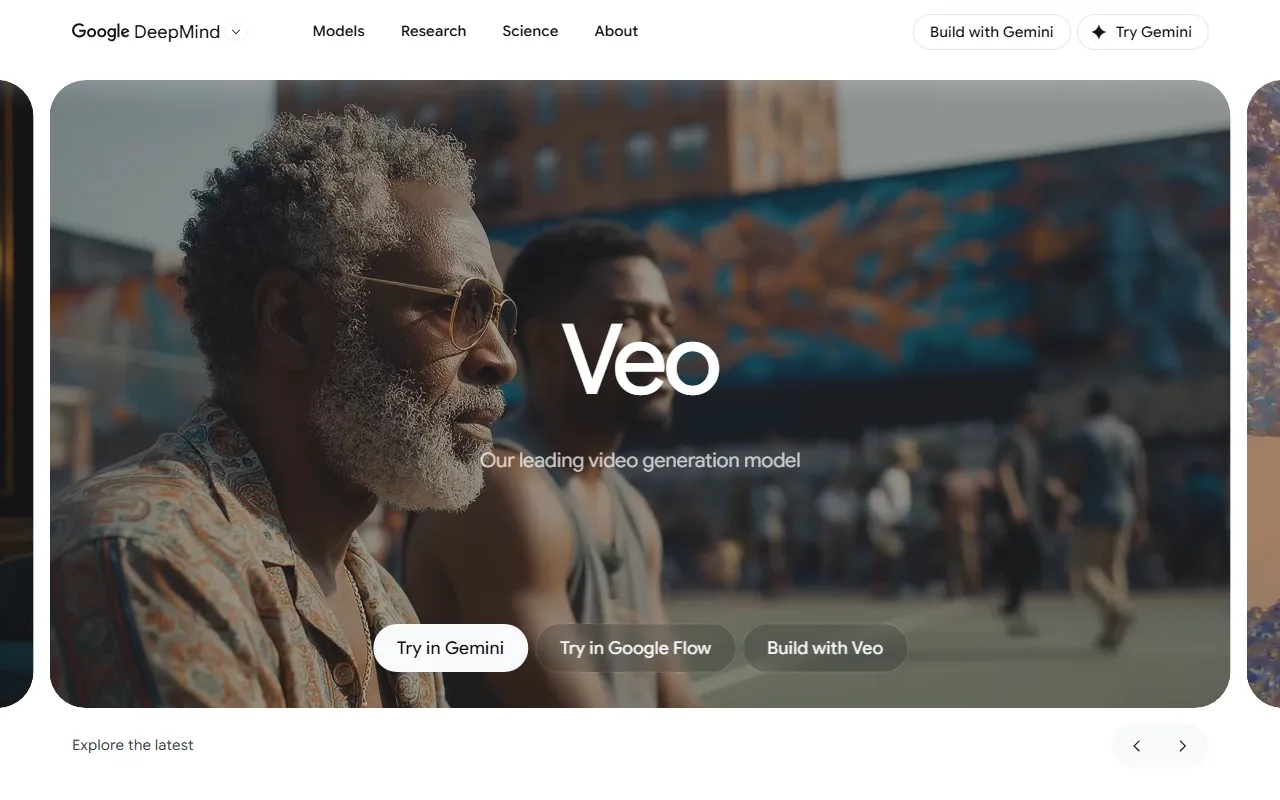 Google's Veo 3.1, accessed through Gemini and Flow, pairs photoreal video with native audio in one pass.
- Why it stands out: built-in audio (dialogue, ambience, effects) plus high physical realism, accessed through Gemini and the Flow tool.
- Best for: marketers and agencies producing realistic, sound-on ad clips.
- Watch out for: access is tied to paid Google plans, and clip length is short compared with Kling.
- Standout feature: Veo 3.1 generates native audio (dialogue, ambience, and effects) together with high-realism video in a single pass, which most rivals on this list cannot do.
- Pricing: available through paid Google AI plans (Gemini / Flow).
Pros: native audio; high realism; strong prompt understanding. Cons: short clips; gated behind paid Google plans.
Learn more at Google Veo.
How to Choose the Right Luma Alternative
Match the tool to the job rather than chasing a single "best":
- You just want a finished video without operating a model: Pexo.
- You need frame-level control and top physics: Runway Gen-4.5.
- You want long clips and built-in audio on a budget: Kling AI.
- You want effects and precise start-and-end frames: Pika 2.5.
- You want to test realistic output for free first: Hailuo or Pika.
- You make realistic, sound-on marketing clips: Google Veo 3.1.
The two things Luma users miss most, audio and length, are covered best by Kling and Veo. The thing Luma users complain about most, the operating overhead, is what Pexo removes entirely.
Conclusion
Luma AI Dream Machine still makes beautiful clips, but silent output, short caps, and a $29.99 usable plan send a lot of creators looking. If you want raw pro control, Runway is the upgrade; if you want long, sound-on clips cheaply, Kling is the value pick; if you want realistic marketing video, Veo leads. For most people who simply want a finished video from a description without choosing or operating a model, Pexo is the easiest switch: describe your idea and let Pexo build it, and it routes across the same leading models in the background. The best move is to try two on the same idea and keep the one that fits your workflow.