
 ChatGPT
 Perplexity
 Claude
 Gemini
 Grok
Grok


If you have landed here, you are probably one signup away from paying for Pika or Runway and want to know which one is worth it. Here is the short answer before anything else. Pick Pika if you want fast, affordable, stylized clips for social media. Pick Runway if you want cinematic, controllable, professional footage and you are willing to pay and wait a little more for it.
Both tools turn text and images into short AI video, and both are genuinely good. The difference is what they are tuned for. We put them head to head on the six things that actually decide the purchase: video quality, speed, pricing, ease of use, creative control, and export. Below you will find a quick comparison table, then each round in detail, honest pros and cons, and a clear verdict for different kinds of creators.
Pika vs Runway at a Glance
Here is how the two stack up on the decisions that matter most, based on hands on testing in 2026. Figures change often, so treat the prices as a starting point and confirm on each official site.
| What matters | Pika | Runway |
|---|---|---|
| Best for | Fast, stylized social clips | Cinematic, professional footage |
| Video quality | Strong on stylized and animation | Leads on photorealism and motion |
| Speed | Very fast (3s clip in about 20 to 40s) | Slower (5s Gen-3 clip in about 45 to 90s) |
| Starting price | From about $8 per month | From about $12 per month |
| Creative control | Simple motion controls | Motion Brush plus camera controls |
| Ease of use | Beginner friendly | Steeper, more powerful |
| Free tier | Yes, limited credits | Yes, limited credits |
The table tells most of the story. Pika wins on speed, price, and approachability. Runway wins on fidelity and fine control. Now the detail.
Video Quality: Runway Leads on Realism
For realistic, film style footage, Runway is the stronger tool. Its Gen-3 model handles photorealistic scenes, natural lighting, and complex camera movement with fewer of the warping artifacts that show up when AI video gets ambitious. For a moody product shot or a cinematic establishing scene, Runway's output needs less cleanup. Running the same prompt through both, a slow push in on a coffee cup by a rain streaked window, Runway held the reflections and depth of field together while Pika's version drifted slightly in the background detail.
Pika is no slouch, but it shines on a different lane. It is excellent at stylized animation, playful effects, and punchy short clips where character and energy matter more than strict realism. If your brief is a quirky 4 second Reel, Pika often looks better and more fun than a literal Runway render. For pure realism, though, this round goes to Runway. The fidelity gap is backed by serious investment: Runway raised $315 million at a $5.3 billion valuation in early 2026, according to TechCrunch, and that funding shows in its steady model releases beyond Gen-3.
Speed: Pika Is 2 to 3 Times Faster
Speed is where Pika pulls clearly ahead. In testing, Pika returned a standard 3 second clip in roughly 20 to 40 seconds, while a comparable 5 second clip from Runway's Gen-3 model took around 45 to 90 seconds. Over a day of iterating, that gap compounds into a very different workflow.
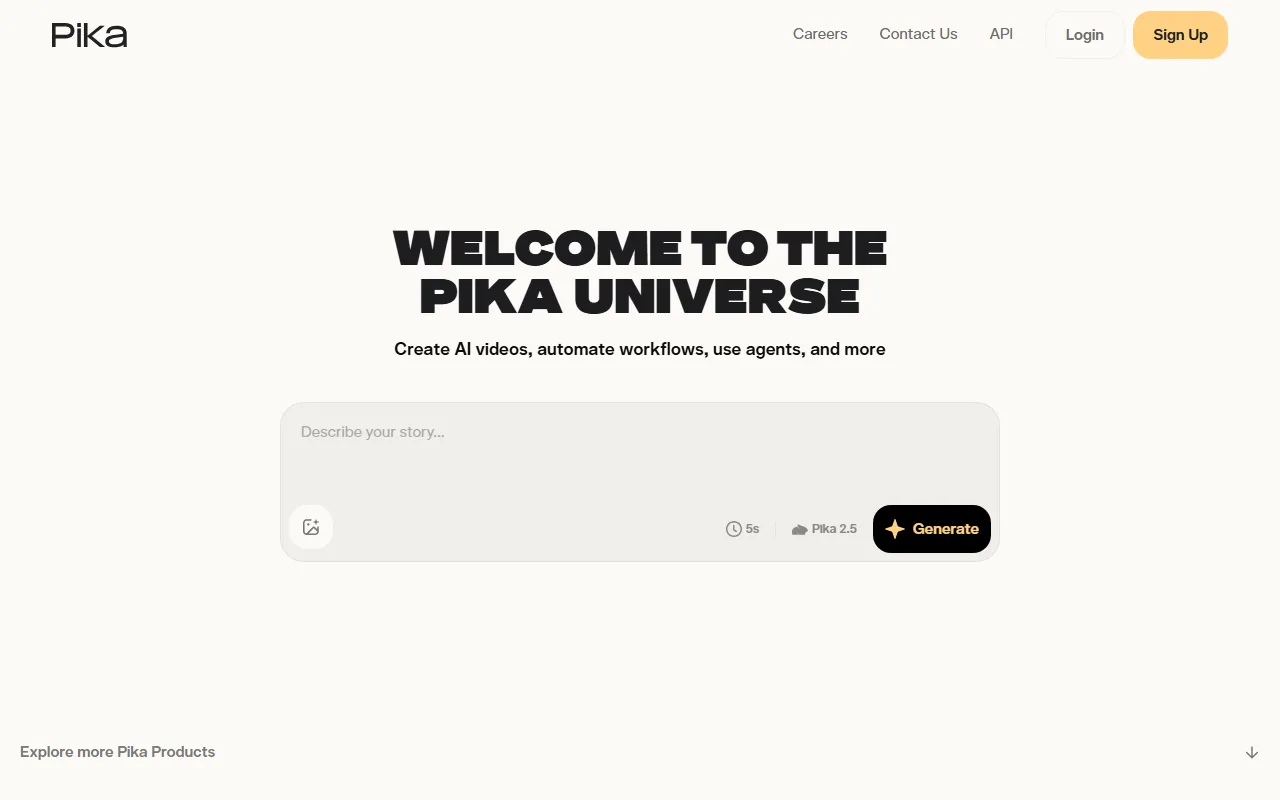 Pika's home screen keeps generation to a single prompt box, with clip length and model picked inline.
That speed is exactly why high volume creators gravitate to Pika. When you are generating dozens of variations for TikTok or Reels, waiting half as long means twice the ideas tested. Runway's slower renders are the cost of its higher fidelity, and for a single hero shot that tradeoff is fine. For rapid, high volume output, Pika wins this round. Pika has leaned hard into this speed and accessibility niche, raising an $80 million round at a reported $470 million valuation in 2024 to build it out.
Pricing and Value: Pika Costs Less to Start
On price, Pika is the more accessible entry. Its paid plans start at around $8 to $10 per month, while Runway's paid tiers begin closer to $12 to $15 per month, with both climbing toward $95 per month at the top end. Both offer a limited free tier so you can test before paying.
Value depends on what you make. Pika's lower cost and faster renders give you more clips per dollar, which suits creators shipping content daily. Runway costs more, but for commercial work where one polished shot earns its keep, the price is easy to justify. If budget and volume are your priority, Pika wins. If output quality drives revenue, Runway's price is fair.
Ease of Use: Pika for Beginners, Runway for Control
Pika is built to feel friendly. You describe a clip, hit generate, and tweak with a few simple sliders. A first time user can get a shareable result within minutes, with very little to learn. That low barrier is a real advantage for casual creators and social teams.
Runway asks more of you and gives more back. Its interface exposes far more controls, so the learning curve is steeper and the first session takes longer. The payoff is precision: once you know the tools, you can direct a shot rather than just request one. This round is close to a tie, split by who you are. Beginners lean Pika, power users lean Runway.
Creative Controls: Runway's Motion Brush vs Pika's Simplicity
Runway wins on fine control. Its Motion Brush lets you paint exactly which part of a frame should move, and its camera controls (pan, tilt, zoom) work like instructions to a virtual cinematographer. For deliberate, art directed motion, nothing in Pika matches that level of command.
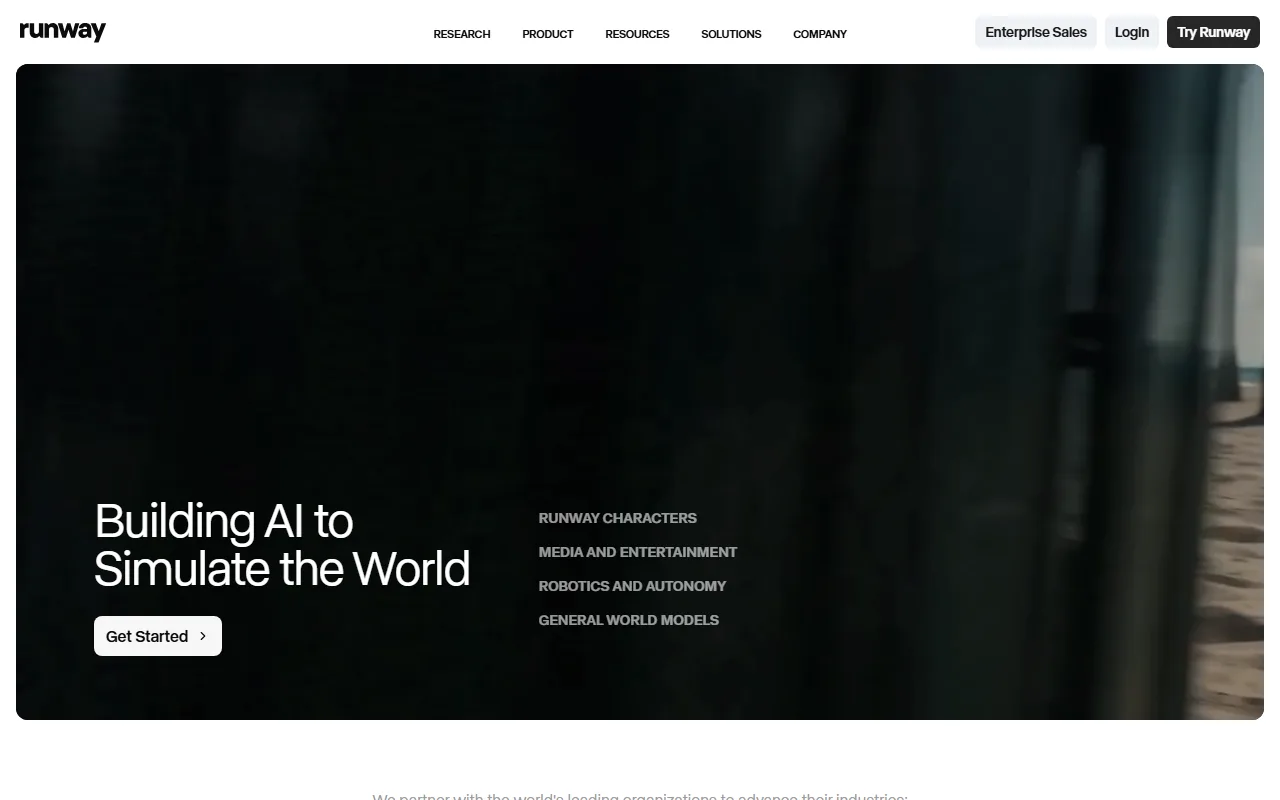 Runway positions itself around cinematic, high fidelity output and deeper creative control.
Pika trades that depth for simplicity. Its motion controls guide general direction and intensity rather than per region detail, which is faster to use but less precise. For most social clips that is plenty, and the simplicity keeps you moving. But when a shot needs specific, controlled movement, Runway is the clear winner here.
Integrations and Export
Both tools export standard MP4 video that drops cleanly into any editor or social platform, so for basic delivery they are even. Runway pulls ahead for professional pipelines: it offers a broader set of editing and post tools around generation, which matters when video is one stage in a larger production.
Pika keeps export simple and social first, which fits its audience of fast moving creators who publish straight to TikTok, Reels, and Shorts. Neither tool will bottleneck a typical workflow. Runway is the better fit for studios that need their AI video to slot into a bigger toolchain, while Pika is friction free for solo creators. A slight edge to Runway on flexibility.
Pros and Cons
A quick scan of where each tool stands.
Pika
- Pros: Very fast renders, lower starting price, beginner friendly, great at stylized and animated clips.
- Cons: Less photorealistic than Runway, simpler motion control, lighter professional toolset.
Runway
- Pros: Best in class realism and cinematic quality, Motion Brush and camera controls, deeper pro features.
- Cons: Slower renders, higher price, steeper learning curve for newcomers.
Choose Pika If, Choose Runway If
The one line verdict: pick Pika for fast, affordable, high volume social video, and pick Runway for cinematic, precisely controlled, professional work.
Choose Pika if you publish short form content daily and value speed, you are on a tight budget, you are new to AI video and want quick wins, or your style leans stylized and animated rather than photoreal.
Choose Runway if you need photorealistic or cinematic footage, you want frame level control over motion and camera, you are producing commercial work where quality drives the result, or AI video is one step in a larger production pipeline.
If neither feels right because you do not want to learn a new tool or get locked to one model, a third option is an AI video agent like Pexo, which works with leading models such as Seedance, Sora, Kling, and more and picks the right one for the job, so you describe what you want instead of choosing a model or switching apps. It is a different approach to the same goal of getting from idea to finished clip.
Conclusion
Pika and Runway are both excellent, and the right pick comes down to your priorities rather than a single winner. Pika is the faster, cheaper, friendlier choice for social creators who ship a lot. Runway is the higher fidelity, more controllable choice for cinematic and commercial work. Try both free tiers with the same prompt, see which output fits your style, and let your own footage make the call.