Pexo
Recraft V4.1 Flash

Recraft V4.1 Flash
Give a visual idea a distinct direction

Explore text-to-image generation for portraits, atmospheric scenes, and visual concepts, with a brief that gives the composition a clear purpose.

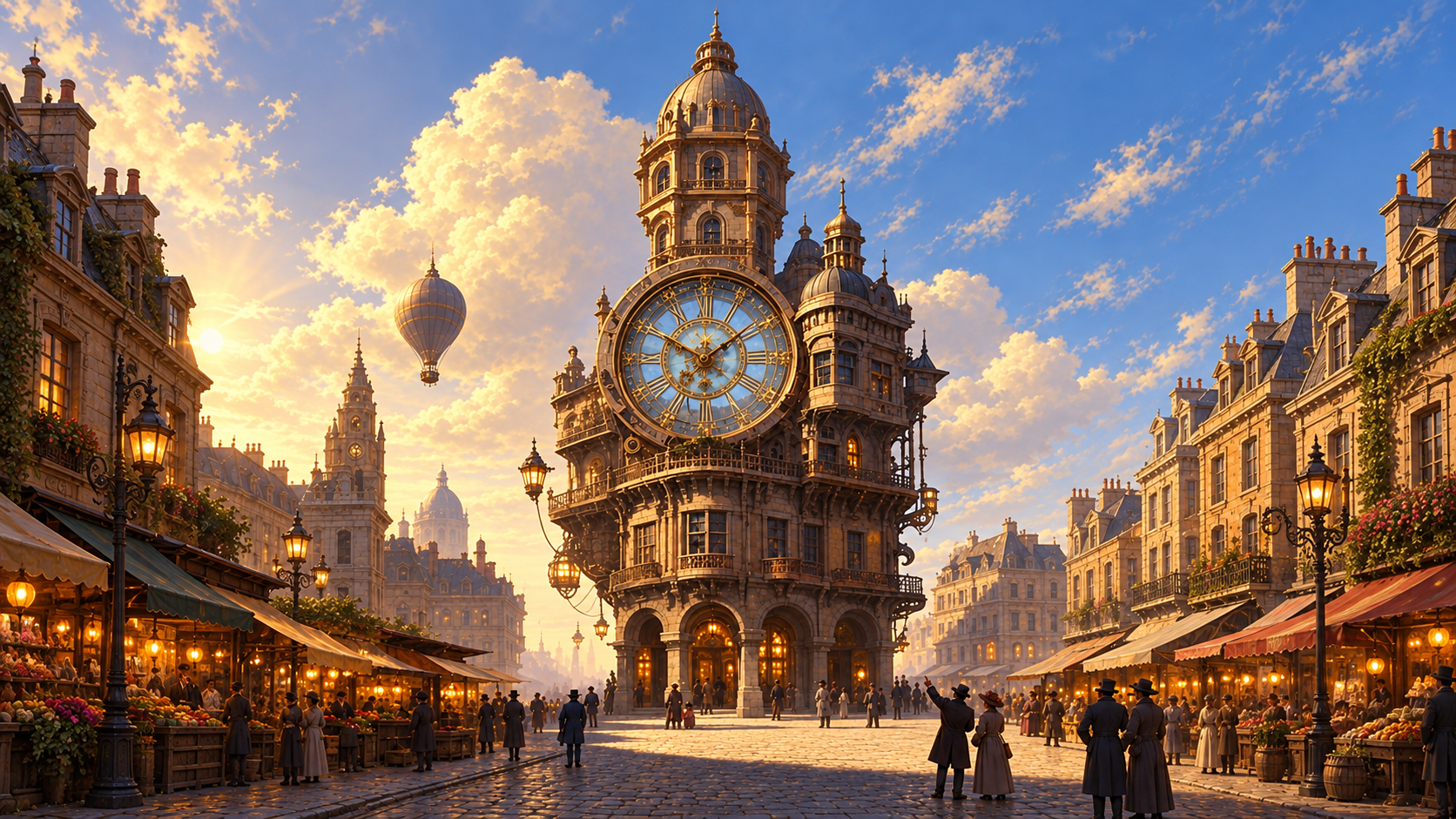
Sunlit ornate city architecture

Core capabilities

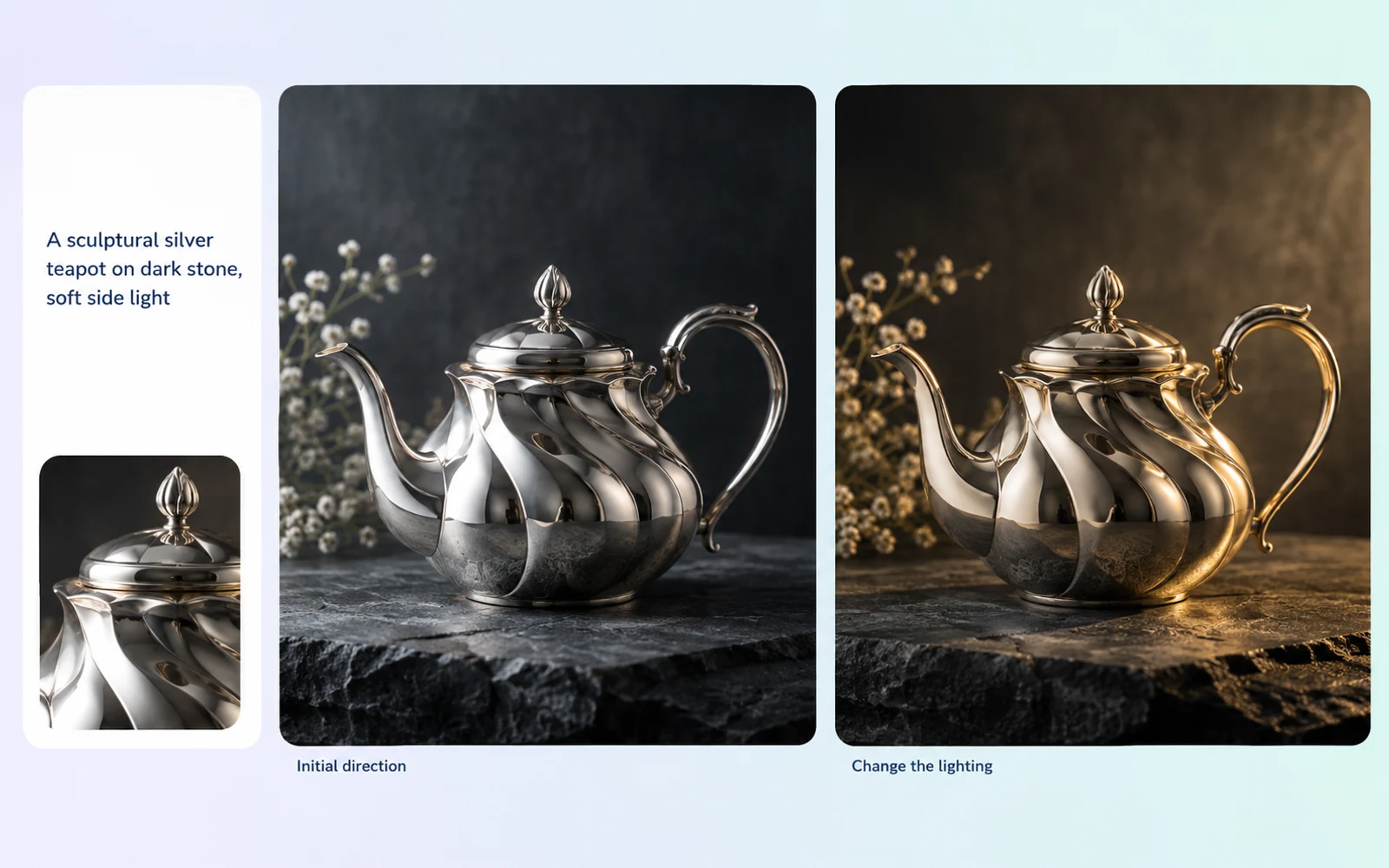
Conceptual illustration of a teapot explored with different lighting
Concept illustration: exploring a lighting direction.

Fast, low-cost visual exploration

Recraft reports a median generation time of about 1.3 seconds and lists its native API at $0.007 per image. This makes Flash a practical option for trying visual directions before choosing one to develop. Actual latency varies by request and provider.
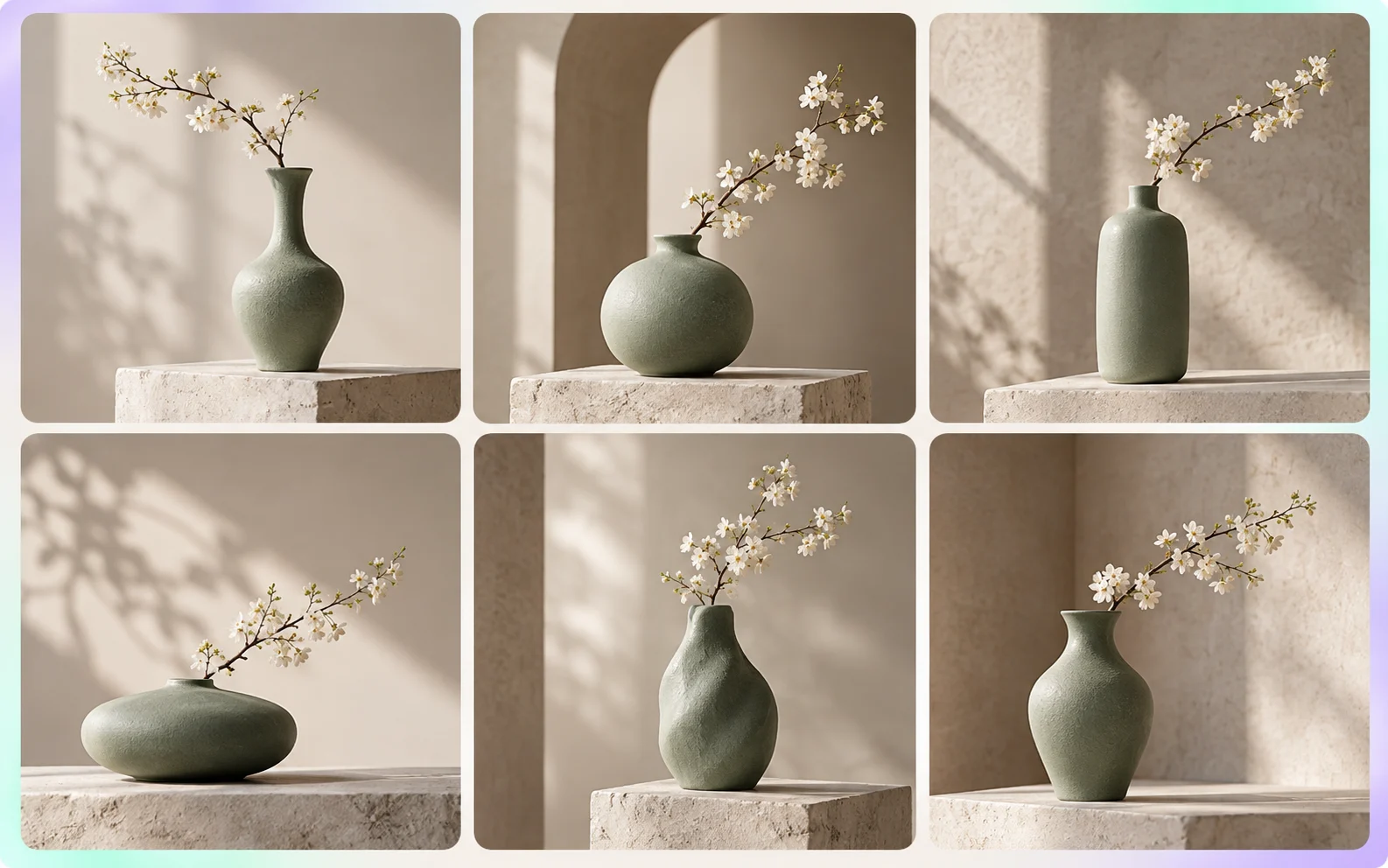
Conceptual contact sheet of six ceramic vase alternatives from one creative brief
Concept illustration of six alternatives, not a Recraft batch result.

Multiple variations in one request

The native Recraft API can return one to six images in a single request. Compare alternatives from the same brief, then refine the direction you prefer. This is an API batch setting; it does not guarantee identical characters or products across the results.

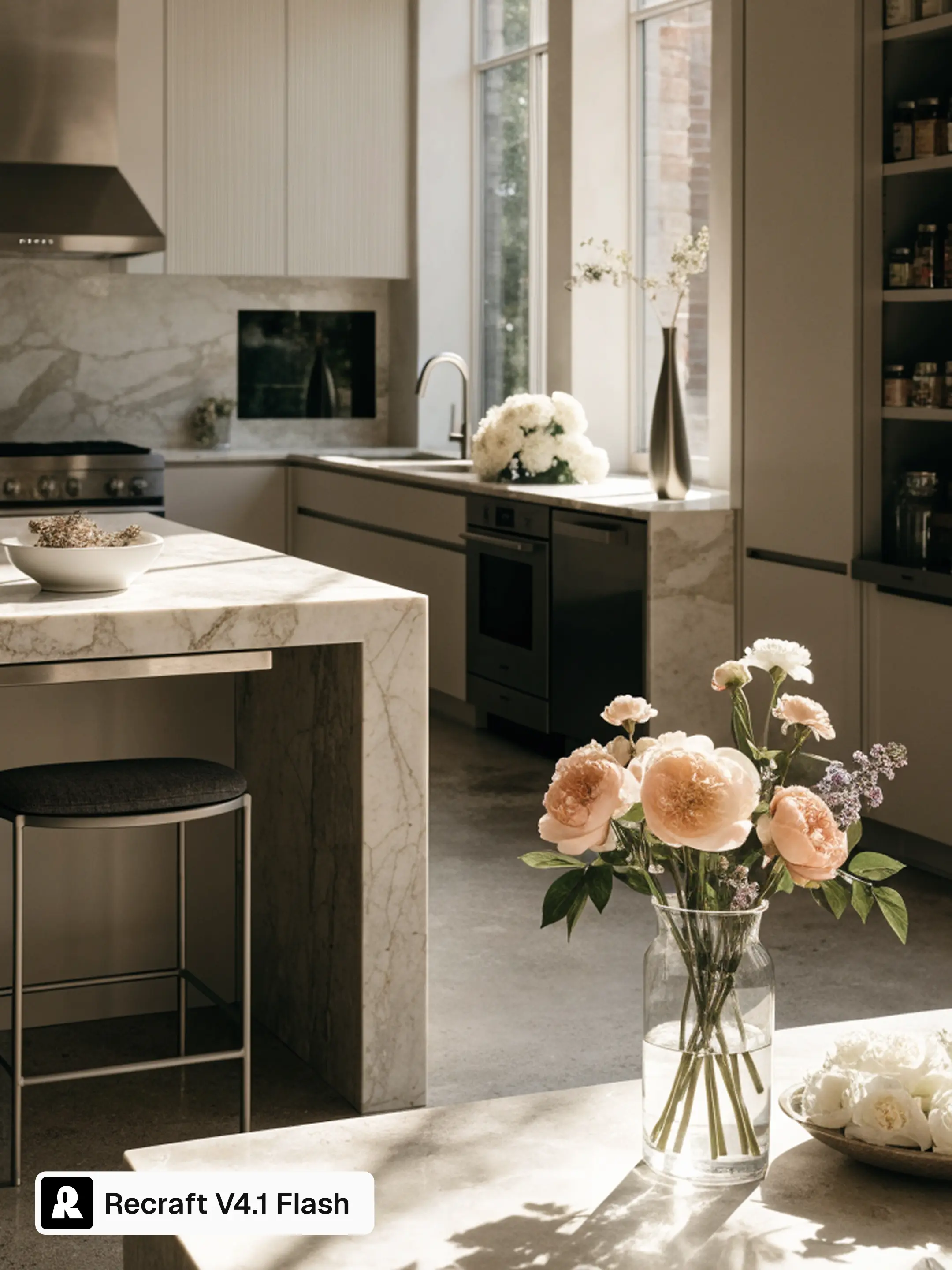
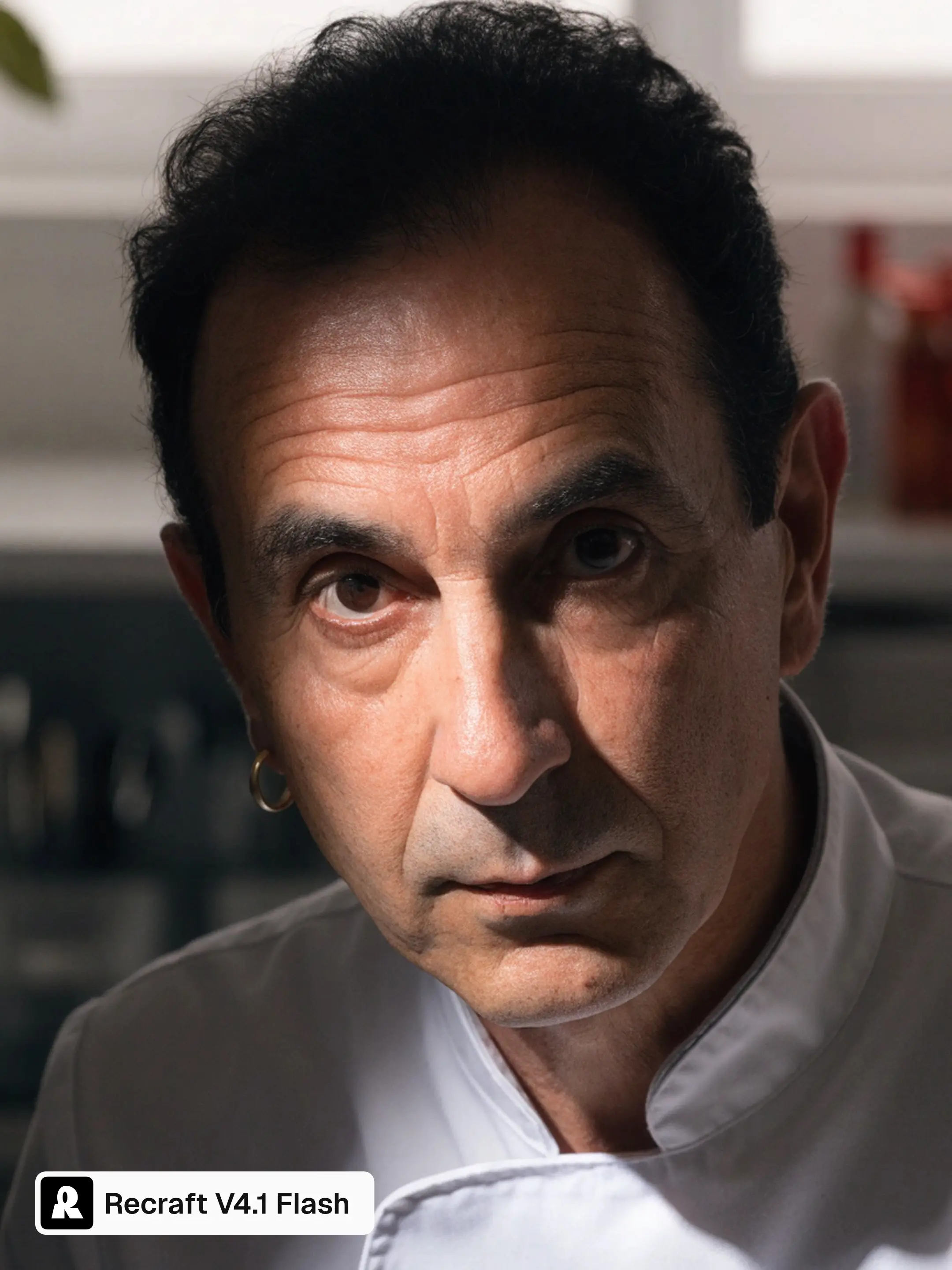
Recraft-published V4.1 Flash chef portrait with directional lightRecraft-published V4.1 Flash marble kitchen with daylight and material texture
Recraft V4.1 Flash official examples: chef portrait and kitchen. Source: Recraft

Photographic detail and atmosphere

Official Flash examples show portraits and interiors with directional light, surface texture, and a strong sense of place. These are useful directions for editorial and photographic concepts. The images shown here are selected examples published by Recraft, rather than an independent quality benchmark.

Official Recraft V4.1 Flash burger advertisement from the short prompt burger advertisement
Official Flash example. Prompt: “burger advertisement”. Source: Recraft

Composition from a short prompt

A concise brief can be a starting point for a composed image. Recraft’s published example uses the prompt “burger advertisement” to produce a product-led layout with space for a headline. It illustrates one result, not a guarantee of precise text or layout in every generation.

Sources checked October 20, 2026: Recraft API documentation · Official Flash introduction and examples. API specifications and publisher-selected examples describe different kinds of evidence.

Image showcase

Model comparison

DimensionRecraft V4.1 FlashNano Banana 2 LiteSeedream 5.0 Pro
Starting inputsTextText and imageText; up to 10 reference images, including sketches
Core directionText-to-image generationImage generation and multi-turn editingImage generation, layout, and local editing
Output typeRaster imagesText and imagesImages
Aspect ratio optionsAPI: square, portrait and landscape presets; custom dimensionsIncludes 1:1, 9:16, 16:9, and 21:9Ark custom sizes: width-to-height ratio from 1:16 to 16:1
Output size controlsAPI: size presets or custom width × height; default square_hdGemini API: 1K; 2K and 4K not supportedArk: 1K, 1.5K, 2K; default 2K
Suggested usesPortrait, setting, and atmosphere concepts from text1K image concepts and conversational revisionsLayouts, localized visuals, and targeted image revisions

Specifications checked October 19, 2026. Sizes and controls refer to the named provider and task. Sources: Recraft V4.1 Flash API · Recraft V4.1 Flash introduction · Google Nano Banana 2 Lite model card · Seedream 5.0 Pro model guide · Ark image generation API

Recraft API specifications

These controls refer to Recraft’s native Flash API. Hosted services may expose different settings.

Preferred paletteRGB color preferences via controls.colors; exact color matching is not guaranteed.
Background colorA desired RGB background color via controls.background_color.
Image sizeAspect ratio or exact pixel dimensions via size; selected from the prompt when omitted.
Batch size1–6 images per request via n; default 1.
Output1K raster images; WebP or PNG.

Source: Recraft V4.1 Flash API · Checked October 20, 2026.

Use-case scenarios

Photographic visual exploration

Describe the subject, lighting, photographic feel and composition to explore a visual direction. This suits early portrait or product concepts, with variations in subject, lighting and composition to compare.

Atmospheric scenes and world concepts

Describe the setting, weather and lighting to explore an environment. This suits fantasy scenes, architectural ideas and story backgrounds; compare mood and composition without treating the result as a precise design drawing.

Alternative visual directions for one idea

Vary composition, color and style descriptions around a single theme to compare concepts. This suits selecting a direction before production and helps a team agree on the visual tone for production.

Use cases

Explore image workflows for photographic concepts, atmospheric scenes, and alternative visual directions.

Frequently Asked Questions About Recraft V4.1 Flash

What is Recraft V4.1 Flash?

Recraft V4.1 Flash is a text-to-image generation model from Recraft. Photography, portraits, atmospheric scenes, and early concepts are creative directions for its use. These describe tasks within image generation rather than separate editing controls or guarantees about a particular result.

Does Flash output editable vector artwork?

The V4.1 Flash endpoint generates raster images; its documented output is WebP. A graphic or illustrated appearance does not make the result an editable vector file. Use a separately documented vector workflow when editable paths are required.

Will new generations preserve the same character or product?

Exact identity preservation should not be assumed across separate generations. Compare distinctive features, proportions, markings, and composition before treating results as a consistent set. A repeated text description can express the same intention while still producing differences that matter to the project.

How can I choose the output shape and dimensions?

The Flash API provides square, portrait and landscape presets. It also accepts custom width and height through image_size, with square_hd as the default preset. The API example uses 1280 by 720 pixels; Pro enhancement is a separate operation.

What should a useful visual brief include?

Include the subject, purpose, setting, viewpoint, lighting, and focal relationship. Distinguish essential details from optional atmosphere. When exploring another direction, state the creative question that the new brief should answer so you can judge the result against a clear decision rather than general visual appeal.

Describe your idea and start your next creation.

Start creating