

 ChatGPT
 Perplexity
 Claude
 Gemini
 Grok
Grok


"Which AI image generator is best?" is the wrong question. We learned that the hard way running the same jobs through every major tool this year: the model that nails a photoreal product shot will mangle the text on a poster, and the one that wins on art will lock you out behind a paid-only wall. There is no single winner in 2026 — there's a best tool for your job, and the only way to find it is to compare them on the work you actually do.
So that's what this comparison does. We're the team behind Pexo, and yes, Pexo is one of the seven tools below — but this isn't a sales page. We ran each generator through the same kinds of real tasks (a product image, a text-heavy social card, an illustrative scene), judged them on the five things that decide the pick, and named where each one falls short, including where Pexo isn't the right call. Here's the short version, then the detail.
What an AI Image Generator Comparison Should Actually Measure
Before the table, it's worth being clear about what we're comparing on. An AI image generator turns a text (or image) prompt into a picture — but "best image quality" is a meaningless score in the abstract. Photorealism, illustration, and graphic design are three different problems, and the leaderboard reshuffles depending on which one you're solving. A fair comparison comes down to five questions:
- Image quality for your specific job. Photoreal product shots, stylized illustration, and clean graphic design are separate skills. A model can top one and trail badly on another.
- Text rendering. Most models still turn words inside an image into gibberish. If you make posters, thumbnails, ads, or anything with a headline, this is the single biggest dividing line between tools.
- Control and editing. Can you fix one corner without re-rolling the whole image? Inpainting, reference images, and an editable canvas matter more than first-shot quality once you're working for real.
- Commercial rights. If the image ships on a product, an ad, or a client deliverable, you need to know what the model was trained on and what you're licensed to do with the output.
- What happens after the image. A still is rarely the finish line in 2026. The question is increasingly whether you can take that image into a social post or a short video without exporting and starting over somewhere else.
Keep those five in mind. The "best" tool is just the one that wins the questions that matter most to your work.
The 7 AI Image Generators at a Glance
Here's how the seven compare before we get into each one. Pricing and free tiers are as of June 2026 and change constantly, so treat each tool's official page (linked in its section) as the source of truth.
| Tool | Best for | Free option | Paid from | Standout strength | Biggest limitation |
|---|---|---|---|---|---|
| Google Nano Banana 2 | Free, fast all-round generation | Yes, in the Gemini app | ~$20/mo (Google AI Pro) | Speed + editing + free access | Daily free caps; not the art ceiling |
| OpenAI GPT Image 2 | Prompt accuracy & in-image text | Yes, Instant mode in ChatGPT | ~$20/mo (ChatGPT Plus) | Follows complex prompts; strong text | Free caps throttle to a lighter model |
| Flux 2 (Pro) | Photorealism & reference consistency | No | Pay-as-you-go (~$0.03/MP) | 4MP detail; up to 10 reference images | No free tier; API/playground, not consumer UI |
| Midjourney V7 | Artistic & stylized quality | No | ~$10/mo | Aesthetic ceiling for illustration | No free tier; learning curve; weak text |
| Ideogram 3.0 | Legible text & typography | Yes, ~10/day | ~$8/mo | Spells words correctly in images | Not an all-rounder; smaller ecosystem |
| Adobe Firefly | Commercial / copyright-safe work | Yes, limited | ~$10/mo or Creative Cloud | Licensed training; Photoshop integration | Best value only inside Adobe's tools |
| Pexo | Images that become video | Yes, trial credits | $30/mo | Conversational, multi-model, image→video | Not built for fine-art single-image control |
A reader who just wants the headline can stop here. If you want to know why each tool sits where it does, keep going.
How We Compared These Tools
We approached this the way a working marketer or creator would, not as a lab benchmark. For each tool we ran the same three kinds of real jobs — a product image, a text-heavy social card, and an illustrative scene — and scored it against the five criteria above rather than a single hero render. We also weighed each platform's documented capabilities (model versions, editing features, licensing terms) and its standing in the wider market as of mid-2026, noting a concrete adoption figure where one is published so the read isn't just our opinion.
We deliberately weighted two criteria the older roundups skip. The first is text rendering, because so much real-world image work — ads, thumbnails, social cards — lives or dies on whether the words come out right. The second is what happens after the image: in 2026 a still is increasingly the raw material for a post or a video, not the finished product, so a tool that strands you at a single PNG is solving only half the job.
One honest caveat: image generators are moving targets. Models ship new versions monthly — OpenAI alone retired DALL·E 3 entirely in May 2026 — and a tool that lost on text in the spring may win by the fall. We've dated the claims that matter and linked every tool's official site so you can verify the current state before you commit.
The Comparison, Tool by Tool
We've ordered these by how broad their appeal is, not by a strict 1-to-7 ranking — because the right pick genuinely depends on your job.
Google Nano Banana 2 — The Free All-Rounder
Google's image model — nicknamed "Nano Banana" by the community and built into the Gemini app — is the closest thing to a default pick in 2026. It produces clean, realistic images quickly, handles image-to-image editing with inpainting, and is genuinely free inside Gemini, which removes the biggest barrier for casual users.
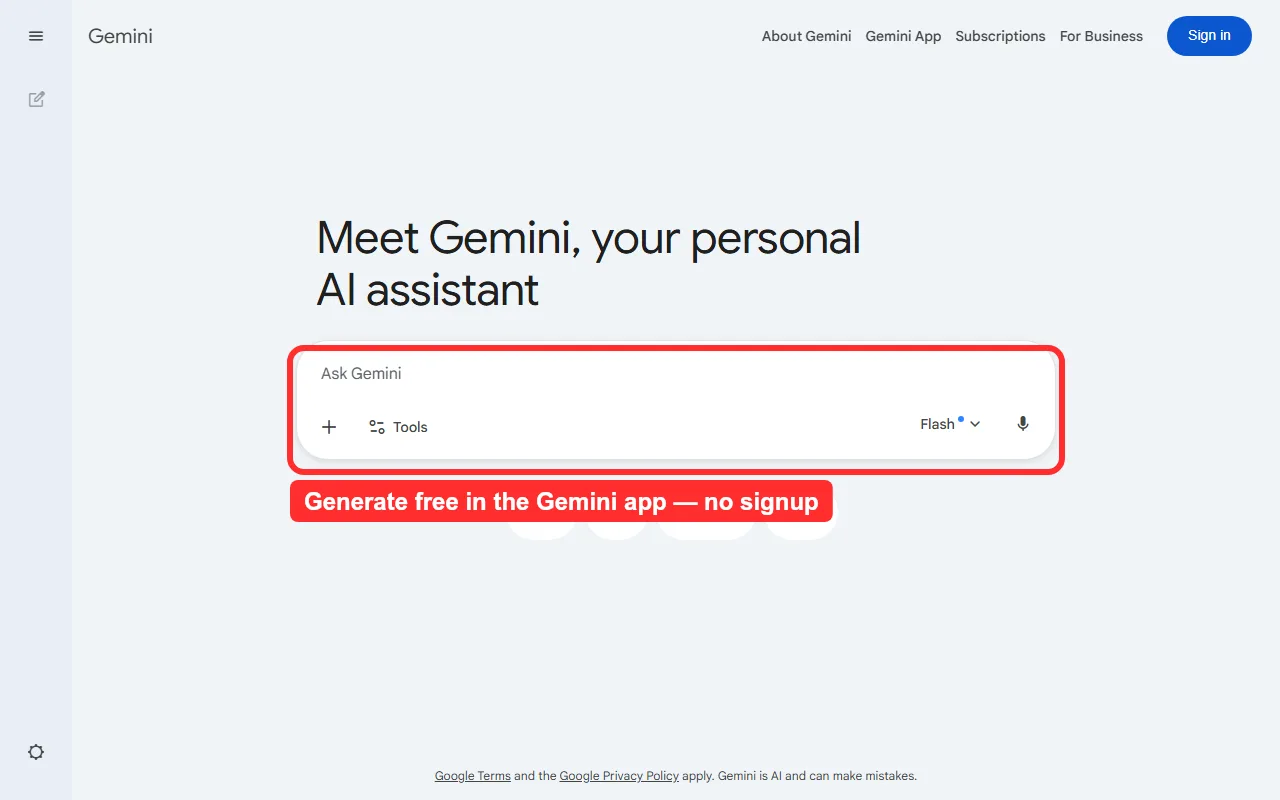 Image generation lives right in the Gemini prompt box — free, with no separate signup. (Captured June 2026.)
Its edge is reach plus speed. Gemini reached an estimated 650–750 million monthly active users by late 2025 (per industry data compiled by Business of Apps), so most people already have an account and can generate without signing up for anything new, and the latest model is noticeably faster than older diffusion engines.
Where it falls short: creative ceiling and control. For pure artistic or stylized work it still trails Midjourney, and the free tier caps daily generations before nudging you toward a paid Google AI plan. It's a generalist that's very good at most things rather than the best at any one.
- Pricing: Free in the Gemini app; higher limits via Google AI Pro at roughly $20/month.
OpenAI GPT Image 2 — Best for Prompt Accuracy and Text
For most people the easiest on-ramp is the tool they already have open. OpenAI replaced DALL·E 3 with GPT Image 2 in April 2026 (DALL·E 2 and 3 were fully retired on May 12, 2026), and it lives right inside ChatGPT — you describe what you want in plain language and refine by asking.
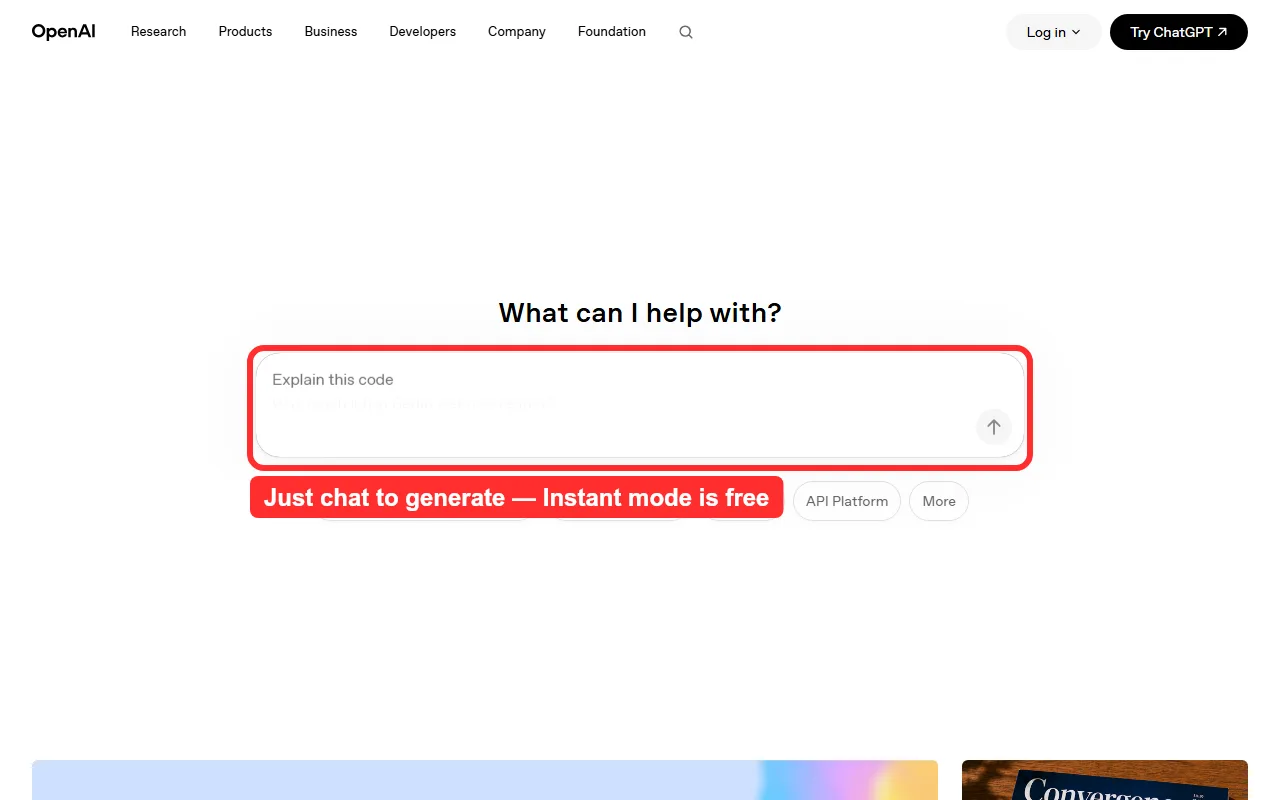 GPT Image 2 runs inside ChatGPT — describe an image in plain language and refine it by chatting. Instant mode is free to all users. (Captured June 2026.)
Its strength is prompt fidelity and in-image text. The model adds a reasoning step before it renders, which helps it follow multi-part instructions and lay out readable words better than most rivals — a real gap-closer against Ideogram. Reach is unmatched too: ChatGPT crossed 900 million weekly active users in early 2026, per usage data compiled by Business of Apps. Instant mode is free to every ChatGPT user since April 2026.
Where it falls short: the free tier hits a message cap every few hours and then quietly drops you to a lighter model, and the best quality (Thinking mode, 4K) is gated to ChatGPT Plus. Compositional control is also shallower than a dedicated canvas tool.
- Pricing: Free Instant mode in ChatGPT; ChatGPT Plus from about $20/month for Thinking mode and higher limits.
Flux 2 — Best for Photorealism and Reference Consistency
Flux 2 from Black Forest Labs is the model serious production teams reach for when photorealism and consistency matter. It launched in late 2025 to challenge Nano Banana and Midjourney head-on, and delivers 4-megapixel output with strong prompt adherence and consistent character, layout, and style across up to 10 reference images — genuinely useful for brand assets that have to match shot to shot.
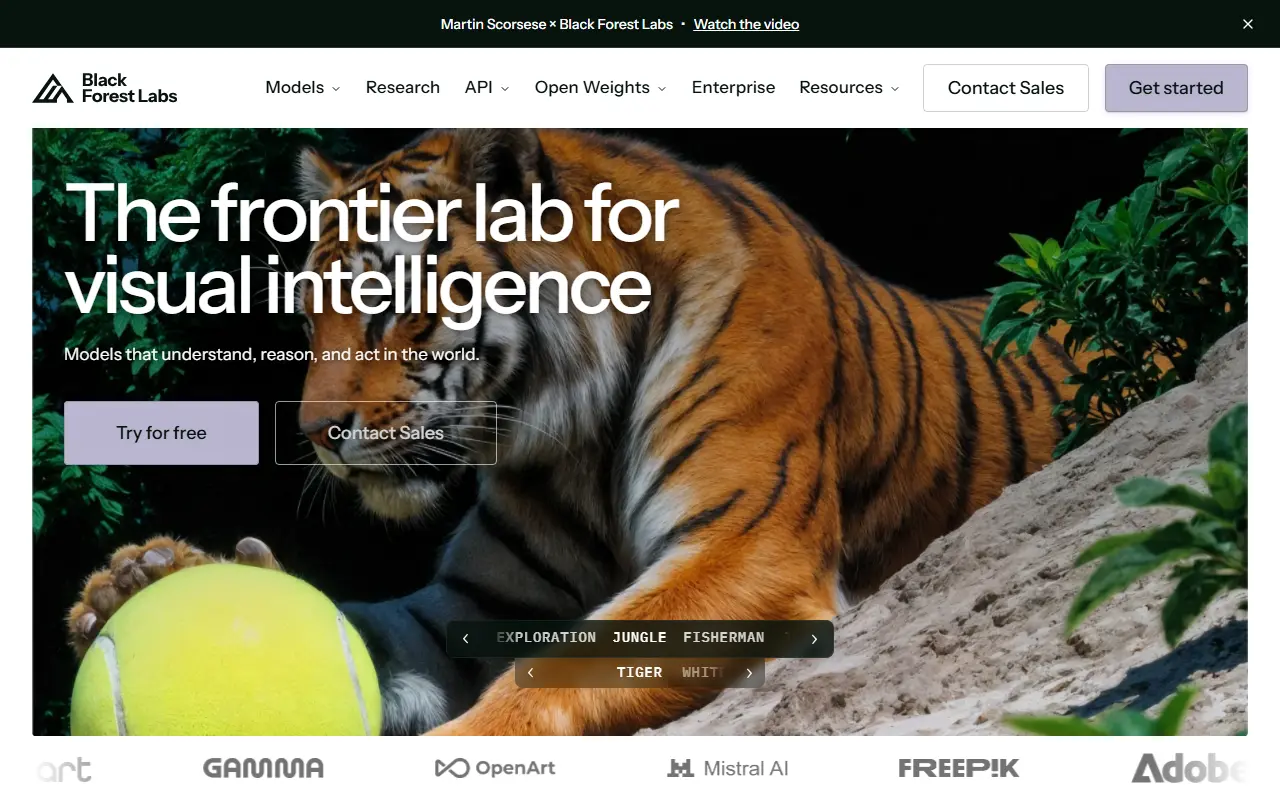 Flux 2 is reached through Black Forest Labs' Playground or API rather than a consumer app — built for production, not first-timers. (Captured June 2026.)
Where it falls short: access and friction. There is no free tier — Flux 2 Pro is pay-as-you-go, roughly $0.03 per megapixel (about $0.015 per image through providers like fal.ai, per Black Forest Labs' pricing) — and you reach it through the official Playground or an API rather than a polished consumer app. It rewards people comfortable with credits and parameters, not first-timers.
- Pricing: No free tier; pay-as-you-go from roughly $0.015–$0.03 per image via the Playground or API.
Midjourney V7 — Best for Artistic Quality
If the image is the deliverable and aesthetics are everything — editorial illustration, concept art, mood boards — Midjourney is still the one to beat. Its V7 models produce the most consistently striking, "designed-looking" images of anything here, which is why creators still treat it as the benchmark everyone else is measured against.
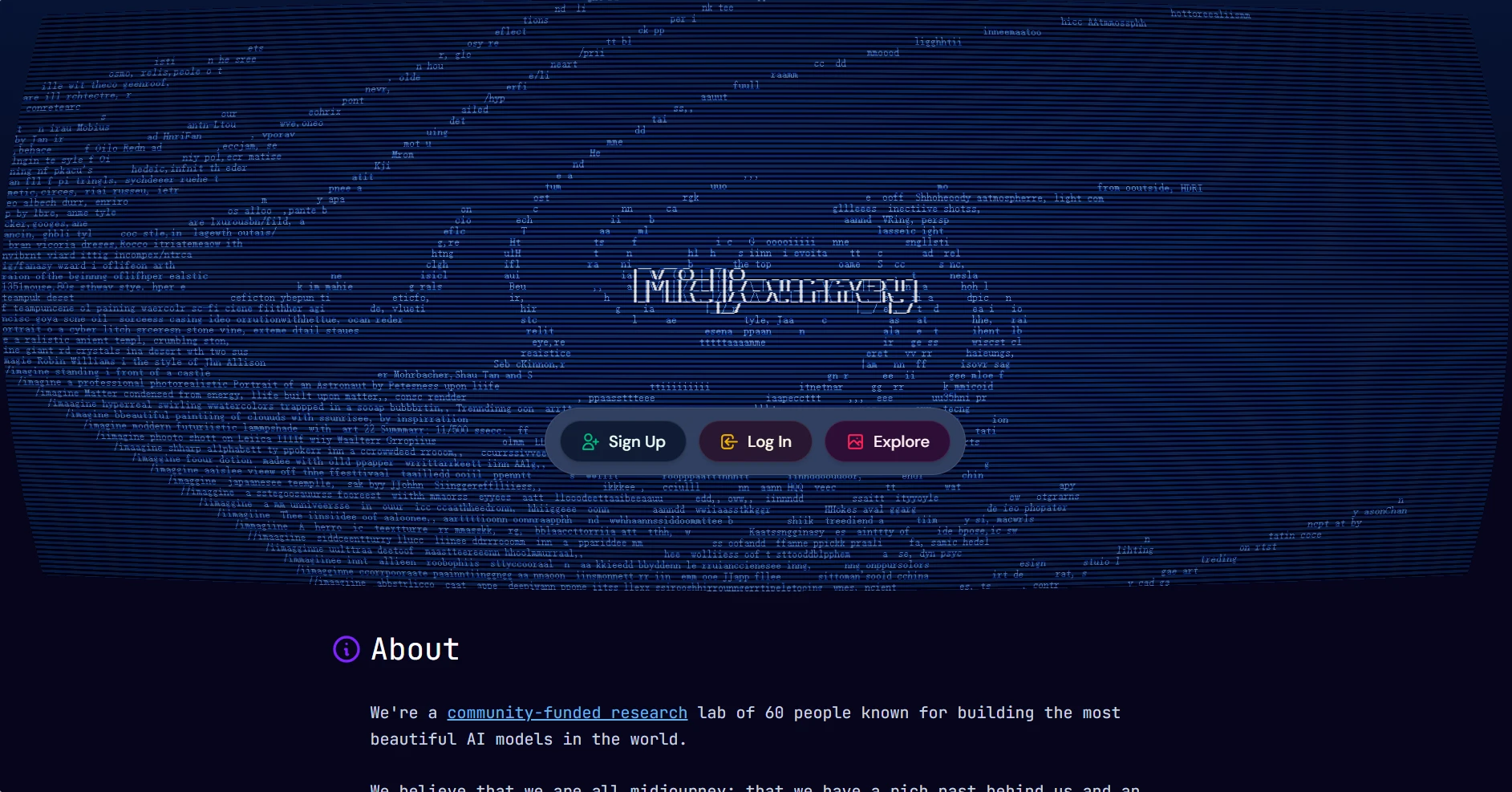 Midjourney's website — the explore-and-create hub for its V7 image models.
The scale backs the reputation: Midjourney reached around 21 million registered users by mid-2025 (per Demandsage). That community also means an enormous body of shared prompts and styles to learn from.
Where it falls short: there's no free tier — the cheapest plan starts around $10/month — and it leans on prompt craft and its own interface rather than plain conversation, so the learning curve is steeper than GPT Image 2. In-image text is also still a weak spot. Pick Midjourney when artistic ceiling matters more than convenience or budget.
- Pricing: No free plan; paid from roughly $10/month.
Ideogram 3.0 — Best for Text and Typography
Most image models still turn words into nonsense. Ideogram built its entire identity around fixing that, and in 2026 it remains the most reliable tool for anything where legible, well-placed text is the point — posters, logos, social cards, headers, and ad creative.
The differentiator is in the output: type that's actually spelled correctly and styled to fit the design. For a social media manager making a quote card or a founder mocking up a logo concept, that alone can make Ideogram the only tool that works on the first try. (GPT Image 2 has narrowed this gap in 2026, but Ideogram is still the safest bet for text-led layouts.)
Where it falls short: scope. Outside typography-led work its general image quality is good but not category-leading against Nano Banana or Midjourney, and its integration ecosystem is smaller. The free tier — around 10 prompts a day — is enough to evaluate it.
- Pricing: Free tier around 10 prompts/day; paid from roughly $8/month.
Adobe Firefly — Best for Commercial and Copyright-Safe Work
When an image is going on a product, an ad, or a paying client's project, training data and usage rights stop being academic. Adobe Firefly is the enterprise favorite precisely because its core models are trained on licensed and public-domain content, giving teams clearer commercial footing than models with murkier training sets.
Firefly's other advantage is integration: it lives inside Photoshop, Illustrator, and Express, so generated assets drop straight into the tools professionals already use. Adoption reflects that — Firefly had generated over 24 billion assets since its 2023 launch, as reported by Digital Camera World — and in 2026 it added access to outside models inside the same app.
Where it falls short: its purely generative quality has historically lagged the specialist leaders for raw creativity, and it's most valuable if you're already in the Adobe ecosystem — otherwise you're paying for integrations you won't use.
- Pricing: Limited free tier; paid from roughly $10/month or bundled into Creative Cloud.
Pexo — Best When the Image Becomes a Video
The other six tools stop at the still. Pexo is the entry on this list for a different job: when the image is a step toward a social post or a short video rather than the finish line. It's an AI video partner that also generates images, and you work it as a conversation — describe what you want in plain language, no prompt syntax to memorize.
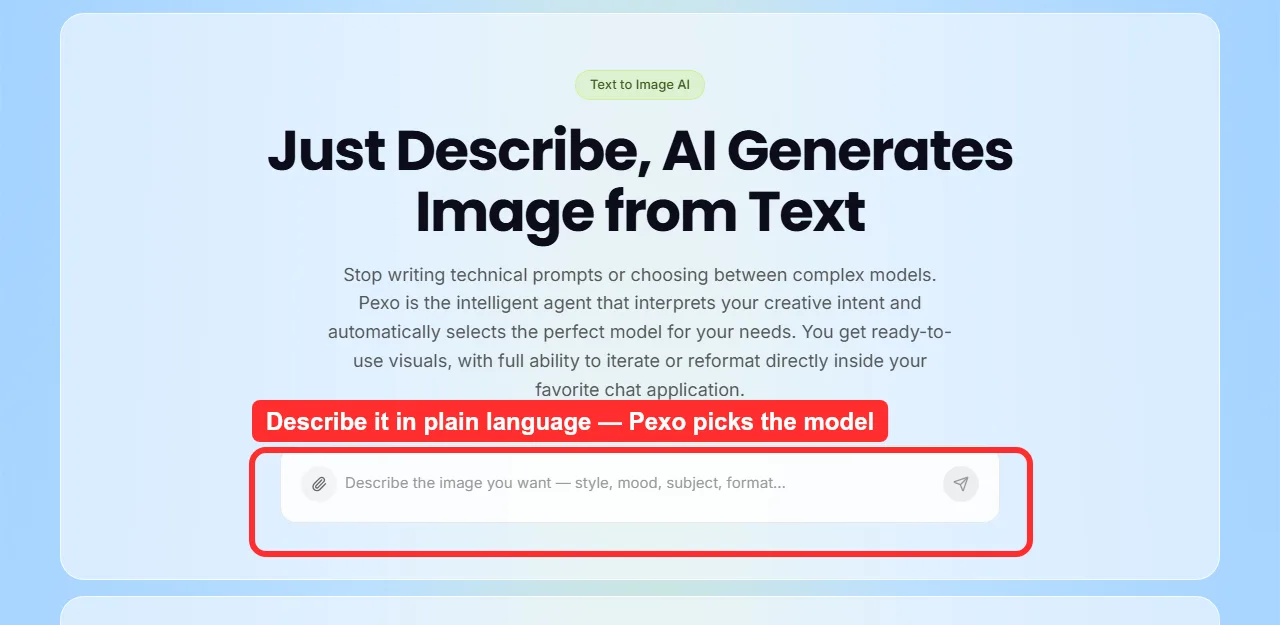 Pexo's text-to-image — describe what you want in plain language and it routes to a fitting model; the still can then become a video in the same place. (Captured June 2026.)
Two things set it apart in a comparison like this. It works with leading image engines — including GPT Image 2, Nano Banana, and more — and routes your request to a fitting one instead of making you pick a model first; and a generated still can be turned straight into a video in the same place, which every pure image generator here leaves you to solve elsewhere.
Where it falls short: if your job is a single, frame-perfect piece of illustration or fine-art rendering, a specialist like Midjourney or Flux 2 will give you more granular control over the one image. Pexo's strength is the connected workflow from idea to image to finished video, not pixel-level art direction on a one-off still, and it's newer than the incumbents.
- Pricing: Free to try with starter credits; credit-based paid plans from $30/month covering the full image-and-video workflow.
How to Choose the Right AI Image Generator for You
Match the tool to the job rather than chasing a single overall winner:
- Free, fast, everyday images: start with Nano Banana 2 in Gemini or GPT Image 2 in ChatGPT — both free to try and good enough for most needs.
- Prompt accuracy and readable text: GPT Image 2 for general work, Ideogram 3.0 when the text absolutely has to be right.
- Photorealism and brand consistency at scale: Flux 2, if you're comfortable with a credit/API workflow.
- Artistic, stylized work where the image is the deliverable: pay for Midjourney V7.
- Commercial rights and Adobe integration: Adobe Firefly.
- Images headed for social or video: Pexo, which generates the still conversationally and lets you carry it straight into a video.
How These Models Rank in Late 2026
Independent blind-vote leaderboards are a useful sanity check on any comparison. On the Artificial Analysis Image Arena, OpenAI's GPT Image 2 currently sits first by the widest margin the board has recorded, ahead of Google's Nano Banana Pro (Gemini 3 Pro Image) and Black Forest Labs' FLUX.2 (LLM-Stats). Since we ran our tests, a few newer entrants are worth watching: Seedream 4.5 for text rendering and 4K product shots, Imagen 4 Ultra for photorealism, and Z-Image Turbo for high-volume work at roughly 0.5 credits per image (Atlas Cloud). The takeaway from our own testing still holds: in 2026 there are no bad options, only better or worse fits for your specific use case.
Conclusion
There's no single best AI image generator in 2026 — there's a best one for the job in front of you. For free everyday use, Nano Banana 2 and GPT Image 2 are the easy starting points; for artistic ceiling, Midjourney; for photorealism, Flux 2; for text, Ideogram; for commercial safety, Adobe Firefly. Each earns its place for a specific reason, and the honest move is to try two or three on your own work before committing a workflow to any one of them.
And if your images are usually a step toward a post or a short video rather than the finished product, that's the gap Pexo is built for — it's worth a look alongside the specialists, not instead of them.






