

 ChatGPT
 Perplexity
 Claude
 Gemini
 Grok
Grok



Making an Instagram Reel used to mean hours hunched over a timeline, cutting clips, syncing music, and hand-keying captions. AI promises to collapse all of that into minutes. The problem is that the phrase "best AI video editor for Instagram Reels" quietly hides two very different jobs: some tools help you edit footage you already shot, and others help you create a Reel from scratch when you have nothing but an idea or a single photo.
Quick disclosure up front: this roundup is written by the team behind Pexo, and Pexo is one of the seven tools we tested. We have kept the scoring honest, including where Pexo is the wrong choice. Below you will find what to look for, an at-a-glance comparison, and a full review of all seven with pricing and a clear "best for" verdict each.
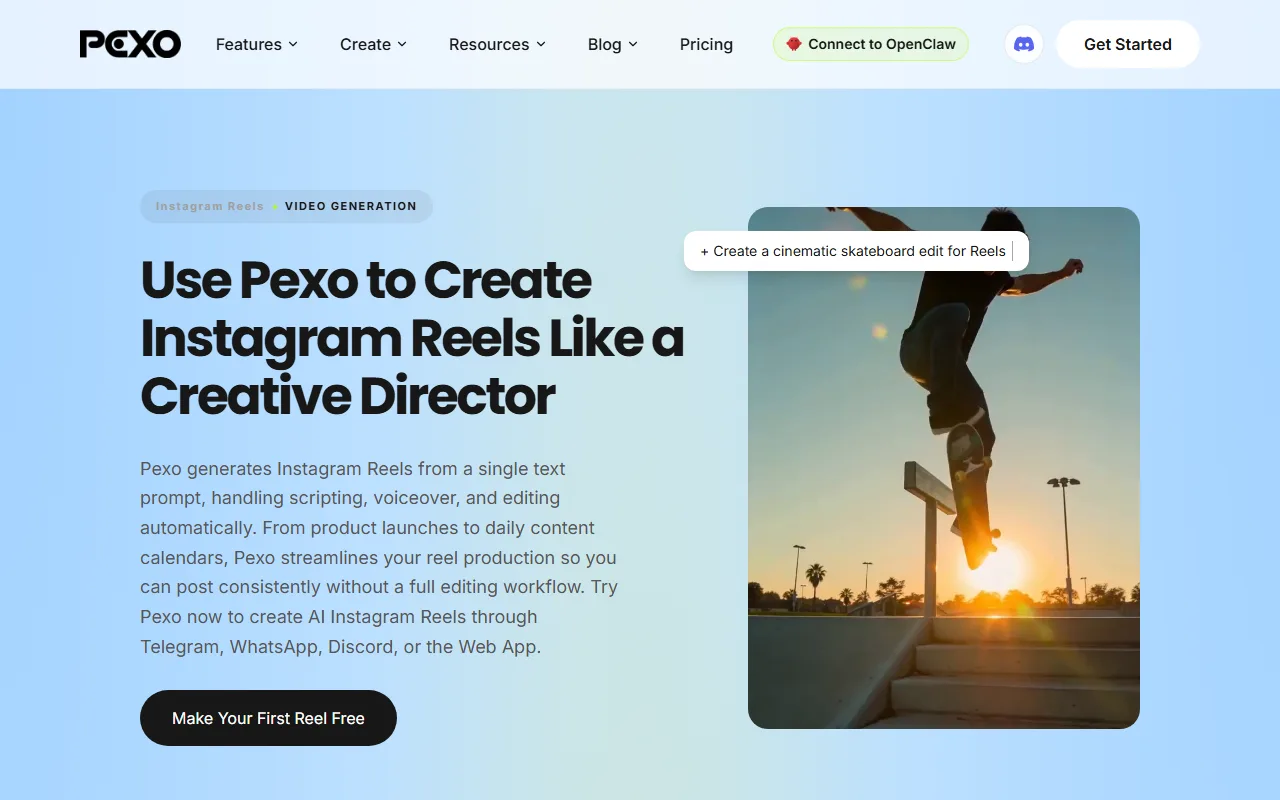 Pexo's Instagram Reel workflow turns a one-line brief into a finished vertical clip, no timeline required.
What to Look for in an AI Video Editor for Instagram Reels
Reels have their own rules, and a tool that is great for YouTube can be clumsy for a 9:16 vertical clip. Before picking one, weigh these five things:
- Starting point. Do you have raw footage to cut, or are you starting from a script, a product photo, or just a concept? Editors assume you already have clips. Generators build the video for you.
- Vertical-first output. A good Reels tool exports clean 9:16 at the resolutions Instagram likes, without forcing you to crop a landscape video by hand.
- Captions. Reels are mostly watched on mute, so fast, accurate, styleable auto-captions are not a nice-to-have. They are the feature.
- Speed to post. The whole point of AI is volume. How quickly can you go from idea to a clip that is ready to upload, and can you keep that pace daily?
- Learning curve and price. A free tool you never master beats a powerful one you abandon. Match the tool to how you actually want to work.
Keep those in mind as you read, because the "best" tool genuinely depends on which of those matters most to you.
The 7 Best AI Reels Tools at a Glance
Here is the short version before we get into the detail. Pricing is current as of June 2026 and is the cheapest paid entry point for each tool; most also offer a free tier.
| Tool | Best for | Starting point | Free plan | Paid from |
|---|---|---|---|---|
| Pexo | Creating Reels from scratch | Idea, script, photo, URL | Yes (free credits) | Credit-based |
| CapCut | Free all-in-one editing | Your own footage | Yes (no card) | ~$7.99/mo |
| InVideo AI | Text-to-Reel at scale | Text prompt | Yes (watermark) | ~$20/mo |
| Veed.io | Browser editing + captions | Your own footage | Yes (watermark) | ~$12/mo |
| Captions | Face-camera creator Reels | Your selfie video | Yes (limited) | ~$9.99/mo |
| Canva | Branded template Reels | Templates + assets | Yes (generous) | ~$12.99/mo |
| Submagic | Viral captions and b-roll | A rough short clip | Yes (3/mo) | ~$14/mo |
How We Compared
We ran each tool through the same brief: produce a 20 to 30 second vertical Reel for a small skincare brand, starting from one product photo and a two-line description. We judged how much manual work each one needed to reach a postable clip, how clean the 9:16 output and captions looked, and how the tool felt at daily volume rather than for a one-off video. Where a tool could not start from "just a photo and a sentence," we noted that as a fit limitation rather than a flaw, because it changes who the tool is for. Pricing and user figures were checked against each company's site and third-party sources in June 2026.
The 7 Best AI Video Editors for Instagram Reels (2026)
1. Pexo, Best for Creating Reels From Scratch
Most tools on this list assume you already shot something. Pexo is built for the opposite moment, when you have an idea but no footage. It is an AI video partner you talk to: describe the Reel you want the way you would text a colleague, hand it a product photo or a page URL, and it plans the scenes, writes the script, adds a voiceover, and assembles a finished vertical clip. There is no timeline to learn and no prompt syntax to memorize.
Its real differentiator is the conversational, no-operating workflow. You direct, Pexo produces, and you redirect by simply saying what to change. Under the hood it routes your project across leading AI models like Seedance and Kling, and more, picking the right one for the scene instead of asking you to choose. You can start from a plain text brief or turn a single product photo into a Reel, and you can do it right inside chat apps like WhatsApp instead of opening yet another web editor.
Best for: solo founders, e-commerce sellers, and social managers who need to post Reels consistently and do not want to film or edit. In testing, going from one product photo to a postable 9:16 clip took a single conversation, which is the fastest start-from-nothing path of any tool here.
Key limitation, stated honestly: Pexo is not a timeline editor. If you have already shot the footage and just want to trim it, cut to the beat, or fix one transition by hand, a hands-on editor like CapCut is the better fit. Pexo shines when you are starting from an idea, not from a folder of clips.
Pricing: free to start with included credits, then credit-based paid plans. Pexo competes on workflow speed rather than sticker price, so treat cost as a secondary factor here.
Pros: no filming or editing skills needed; idea-to-Reel in one conversation; multi-model output; works inside chat apps. Cons: not for editing existing footage; credit-based usage means heavy days cost more.
2. CapCut, Best Free All-in-One Reels Editor
 CapCut leads with a genuinely free, no-card editor aimed at trending social content.
CapCut is the default hands-on editor for short-form creators, and for good reason. It runs on mobile, desktop, and the web, and its free tier is unusually generous, with no credit card required and no watermark on standard exports. If you have your own clips and want full manual control plus a deep bench of AI helpers, this is the one to beat.
Its differentiator is breadth. CapCut packs auto-captions, background removal, AI effects, a huge template library tuned for Reels and TikTok, and trending audio, all in one familiar timeline. As a ByteDance product it sits at the center of the short-video ecosystem and is one of the most-downloaded video editors in the world, which means tutorials and templates for almost any trend are a search away.
Best for: creators who shoot their own footage and want a free, powerful editor with a shallow learning curve. It is also the most credible "I just want to trim and caption my clip" pick on this list.
Key limitation: it is an editor, not a generator. You still need to supply or shoot the raw video, and the sheer number of features can overwhelm someone who just wants a clip out fast. Some AI extras and premium assets sit behind CapCut Pro.
Pricing: free with full core features; CapCut Pro starts around $7.99/month for advanced AI tools and premium assets. See current ratings on CapCut's G2 page.
Pros: powerful free tier; massive template and audio library; cross-platform. Cons: requires existing footage; feature overload; best AI tools need Pro.
3. InVideo AI, Best for Text-to-Reel at Scale
 InVideo AI turns a single text prompt into a full draft video with scenes, stock footage, and voiceover.
InVideo AI sits between an editor and a generator. You type a prompt describing the video you want, and it assembles a full draft from stock footage, generated scenes, voiceover, and captions, which you then refine with more text commands. For faceless, talking-script Reels produced in bulk, it is one of the smoothest options.
The differentiator is its text-command editing. Instead of dragging clips, you tell InVideo what to change ("make the intro shorter, swap the music"), and it re-renders. The company reports a user base in the tens of millions, and its stock and template depth makes it well suited to content marketers who need many variations from one brief.
In our skincare test, a two-line prompt produced a complete 24 second draft with stock b-roll and a synthetic voiceover in roughly two minutes, which was then faster to tweak by command than to rebuild by hand.
Best for: marketers and faceless-channel creators who want script-driven Reels and are comfortable refining a draft rather than crafting every frame.
Key limitation: because it leans on stock footage and templated scenes, the output can look generic without careful prompting, and the most realistic AI generation and higher export volumes require a paid plan. The free tier watermarks exports.
Pricing: free plan with watermark; paid plans start around $20/month (Plus/Business) with higher export limits at the Generative and Unlimited tiers.
Pros: true text-to-video drafting; strong stock library; fast variations. Cons: stock-heavy look; watermark on free; best features are paid.
4. Veed.io, Best for Browser Editing and Captions
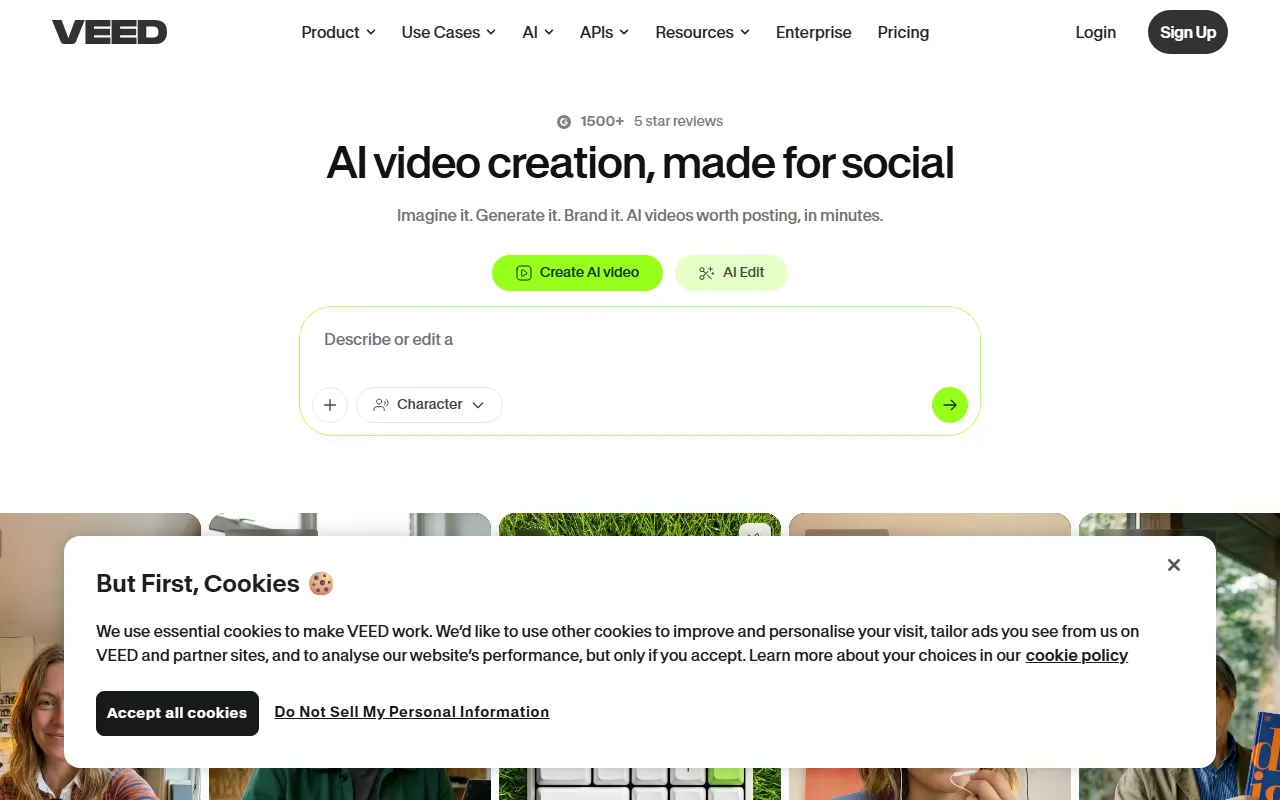 Veed.io pairs a clean browser editor with some of the fastest, most accurate auto-captions we tested.
Veed.io is a browser-based editor that has leaned hard into AI, and its standout strength is captioning. In our test its auto-caption engine transcribed audio and applied styled, animated subtitles in well under a minute, with accuracy good enough to need only light cleanup. For talking-head Reels where captions carry the message, it is hard to beat.
Beyond subtitles, Veed offers a tidy timeline, background removal, an AI eye-contact correction, and brand kits, all in the browser with nothing to install. It ships more than 20 subtitle animation presets, so matching a Reel's vibe is a dropdown rather than a manual keyframe job. It is used by millions of creators and small teams, and its collaboration features make it a favorite for social managers working with clients.
Best for: creators and teams who record talking-head or tutorial Reels and want fast, polished captions plus light editing without desktop software.
Key limitation: AI features consume credits per action, so a project with many revisions can cost more than the base plan suggests, and the free tier watermarks exports. It still assumes you have footage to work with.
Pricing: free plan with watermark; Basic around $12/month, Pro around $25/month with 4K export and longer videos.
Pros: excellent auto-captions; browser-based; strong collaboration. Cons: credit-metered AI; watermark on free; editor, not generator.
5. Captions, Best for Face-Camera Creator Reels
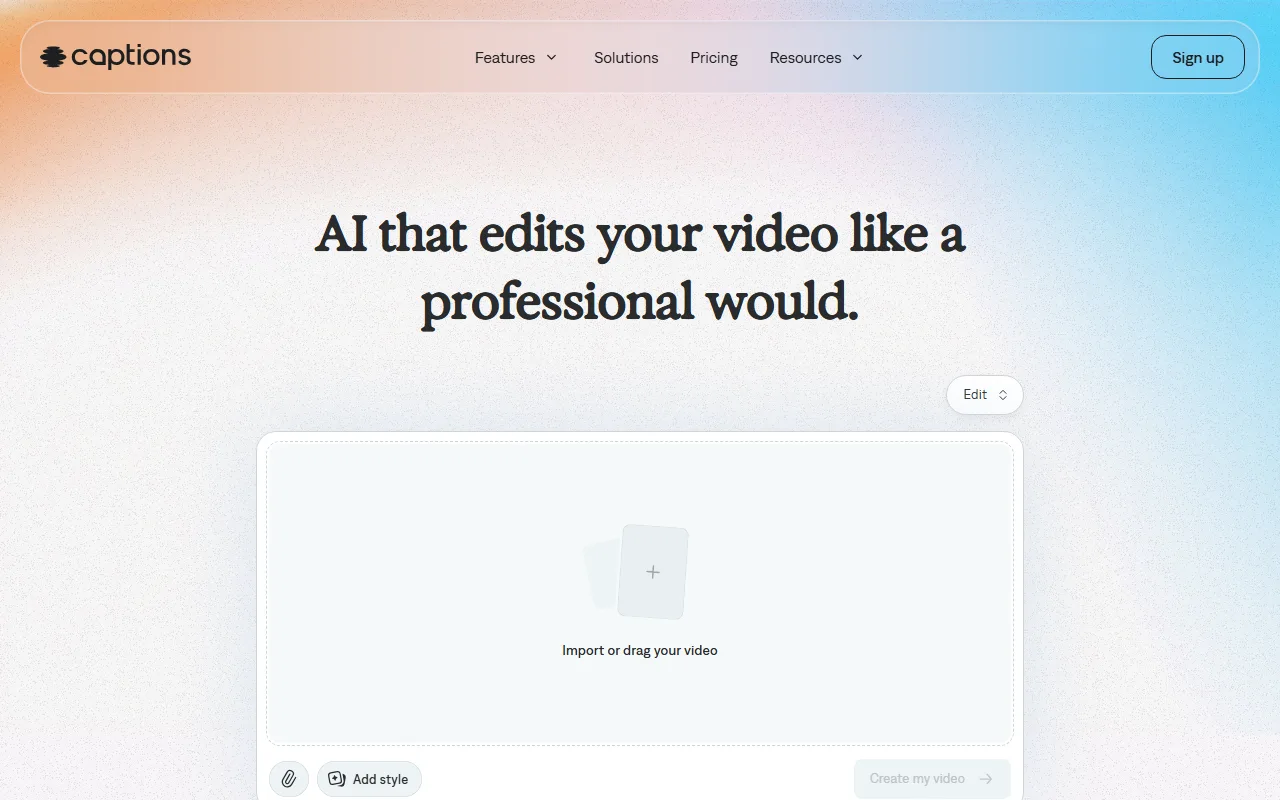 Captions is built around the selfie-video creator, automating edits that usually need a human editor.
Captions is purpose-built for one Reels format: the person talking to camera. Record a selfie video and it automatically removes filler words and pauses, adds animated captions, corrects your eye contact so you can read a script off-screen, and can even generate AI presenters. For creators whose Reels are mostly their own face and voice, it removes the most tedious parts of editing.
Its differentiator is depth in that narrow lane. The eye-contact correction and filler-word removal are genuinely strong, and the app is polished. In testing, a single unscripted selfie take came back trimmed of "ums" and dead air with synced captions in one pass, with no timeline work. Backed by top-tier investors and downloaded by millions, it has matured fast into a creator favorite for talking-head content.
Best for: coaches, educators, and personal-brand creators who film themselves and want a near-automatic edit of face-camera Reels.
Key limitation: it is specialized. If your Reel is not built around a talking person, much of its value disappears, and the generative video and AI-actor features are gated to the higher Max tier rather than the entry plan.
Pricing: limited free plan; Pro around $9.99/month, with generative video and AI actors on Max at around $24.99/month.
Pros: best-in-class talking-head editing; eye-contact correction; very polished app. Cons: narrow use case; top AI features are on the pricier tier.
6. Canva, Best for Branded Template Reels
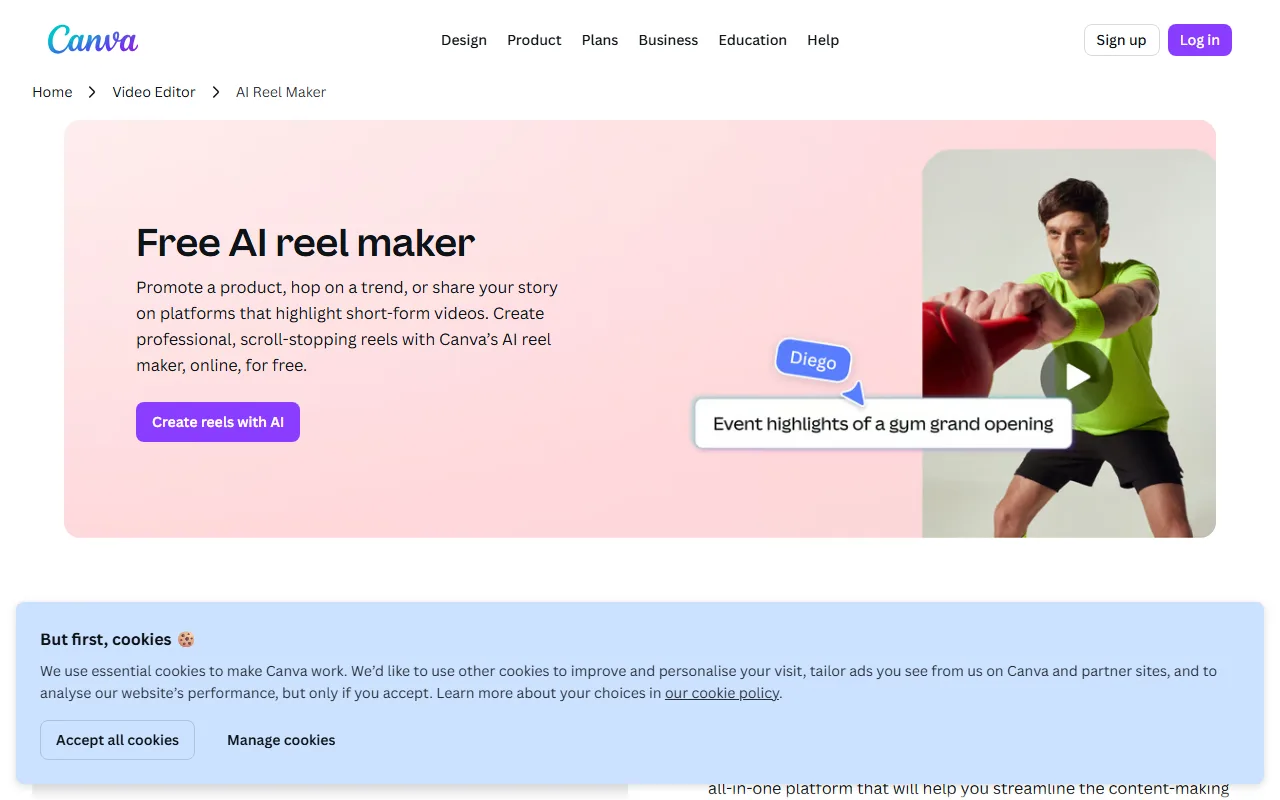 Canva's Magic Studio adds AI video to its enormous template and brand-kit ecosystem.
Canva is where a lot of small businesses already make their graphics, and its Magic Studio has pulled AI video into that same familiar canvas. For brand-consistent Reels built from templates, on-brand fonts, logos, and a vast asset library, Canva is the most comfortable option, especially for non-designers.
The differentiator is the ecosystem. Brand kits keep every Reel on-brand, Magic Media can generate clips and images, and the template gallery is enormous. In our test, starting from a Reels template and swapping in the product photo plus brand colors produced a usable clip in minutes, though the result leaned on the template rather than original AI footage. With a reported user base north of 200 million monthly users, Canva is the path of least resistance for teams who want decent Reels without leaving a tool they already know.
Best for: small-business owners, marketers, and social teams who value brand consistency and templates over cutting-edge generation.
Key limitation: its AI video generation is lighter than the dedicated tools here, and complex edits hit a ceiling. Many premium assets and the best Magic Studio features require Canva Pro.
Pricing: generous free plan; Canva Pro around $12.99/month unlocks brand kits, premium assets, and fuller Magic Studio access.
Pros: huge template and asset library; brand kits; easy for non-designers. Cons: lighter AI video; premium features paywalled; not for advanced edits.
7. Submagic, Best for Viral Captions and B-Roll
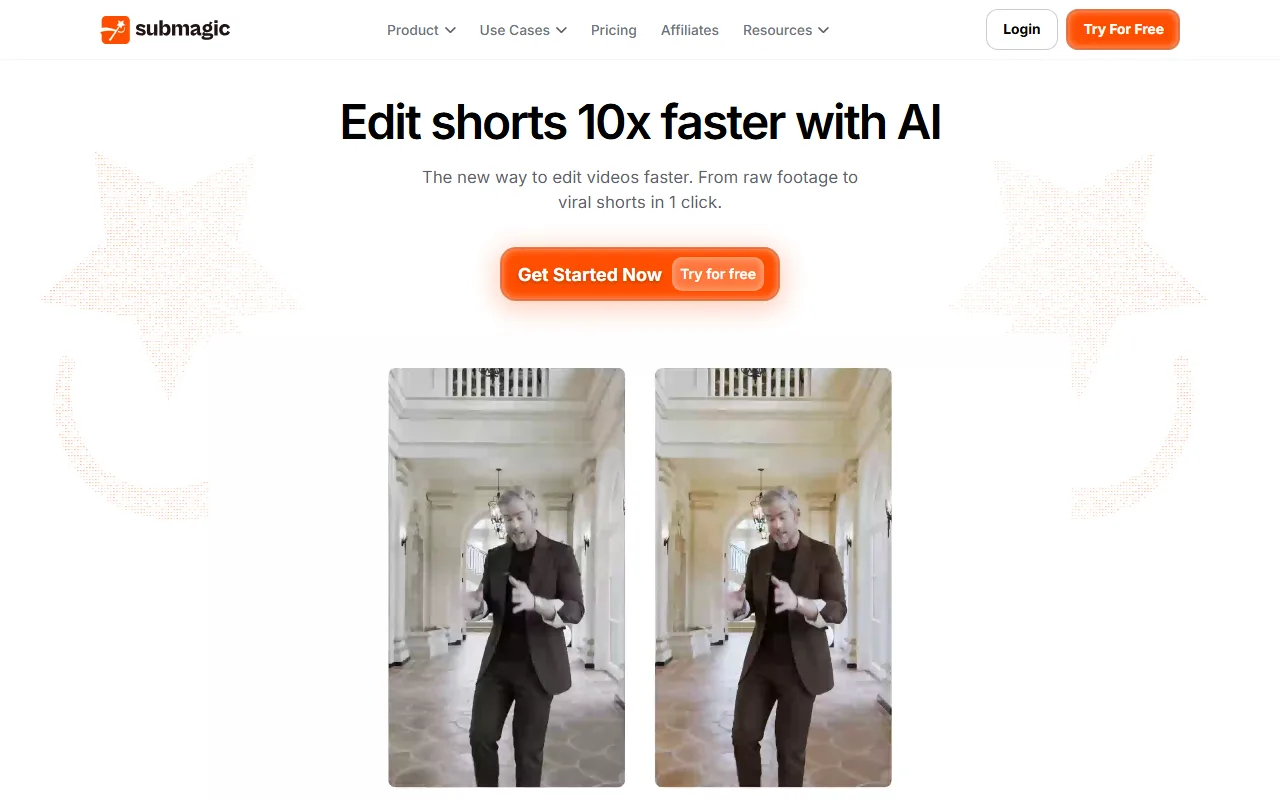 Submagic specializes in the viral-style caption and auto b-roll look popular in Reels and Shorts.
Submagic took the trendy, word-by-word animated caption style popularized by top creators and turned it into a one-click feature. Drop in a rough short clip and it adds punchy captions, relevant b-roll, sound effects, and emojis automatically, giving your Reel that high-retention "edited by a pro" feel without the work.
Its differentiator is taste in a niche: the caption templates and auto b-roll are tuned specifically for the short-form viral aesthetic, and it has grown quickly among creators chasing retention. If your Reels live or die on caption energy and pacing, Submagic nails that single job.
Best for: short-form creators who already have a clip and want the viral caption-plus-b-roll treatment applied in seconds.
Key limitation: it is a finisher, not a full editor or a generator. You need a base clip to start, and the free plan is tight at three videos a month, capped at 90 seconds, with a watermark.
Pricing: free plan (3 videos/month, 90s, watermarked); paid plans start around $14/month for more videos and longer exports.
Pros: excellent viral-style captions; automatic b-roll and effects; very fast. Cons: needs an existing clip; restrictive free tier; narrow purpose.
How to Choose the Right One for You
The honest answer is that the best tool depends on where you start and what you value.
If you already have footage and want hands-on control, start with CapCut for free editing or Veed.io for browser-based work with great captions. If your Reels are you talking to camera, Captions automates the parts you dread. If you want the viral caption look on a clip you already have, Submagic does that one thing beautifully. If brand consistency and templates matter most and you live in Canva already, stay there.
But if you are starting from nothing, an idea, a script, or a single product photo, and you do not want to film or edit at all, that is a fundamentally different job, and it is where Pexo pulls ahead. Instead of handing you a timeline, it has a conversation with you and delivers a finished Reel. For anyone who needs to post consistently without becoming a video editor, that is the shortest path from idea to upload. InVideo AI is the middle ground if you want text-to-video drafting but still expect to refine in an editor-like flow.
Conclusion
There is no single "best AI video editor for Instagram Reels," because creators are split between two jobs: polishing footage they already have, and producing Reels from scratch. For the first job, CapCut, Veed, Captions, Submagic, and Canva each own a clear niche, and any of them will serve you well depending on your format and budget.
For the second job, and for the growing number of people who simply do not want to touch a timeline, Pexo is the standout. You describe the Reel, it thinks with you, picks the right models, and ships a finished vertical clip you can post. If that sounds like your workflow, make your first Instagram Reel with Pexo and see how far one conversation gets you. And if you decide you would rather hand-edit your own footage, CapCut remains the best free place to start.





