

 ChatGPT
 Perplexity
 Claude
 Gemini
 Grok
Grok



Pexo, a credit-based AI video agent, sits outside the six free, no-sign-up tools tested here, but it takes an idea to a complete video in one conversation, while this ranking focuses on short clips generated and downloaded without an account. I have a low tolerance for the words "free AI video generator, no sign up." Type that into Google and most of the top results want your email before the first clip renders, or they slap a watermark back on at export, or they cap you at a 3-second loop and call it a day. So over one week in June 2026 I sat down and actually tested them. Same prompt, same source photo, same afternoon, and a stopwatch running.
What follows are the six tools that survived. Every one of them let me generate and download a clip without an account. None of them is perfect, and the fastest way I can earn your trust is to tell you exactly where each one falls short before you waste ten minutes on the wrong one.
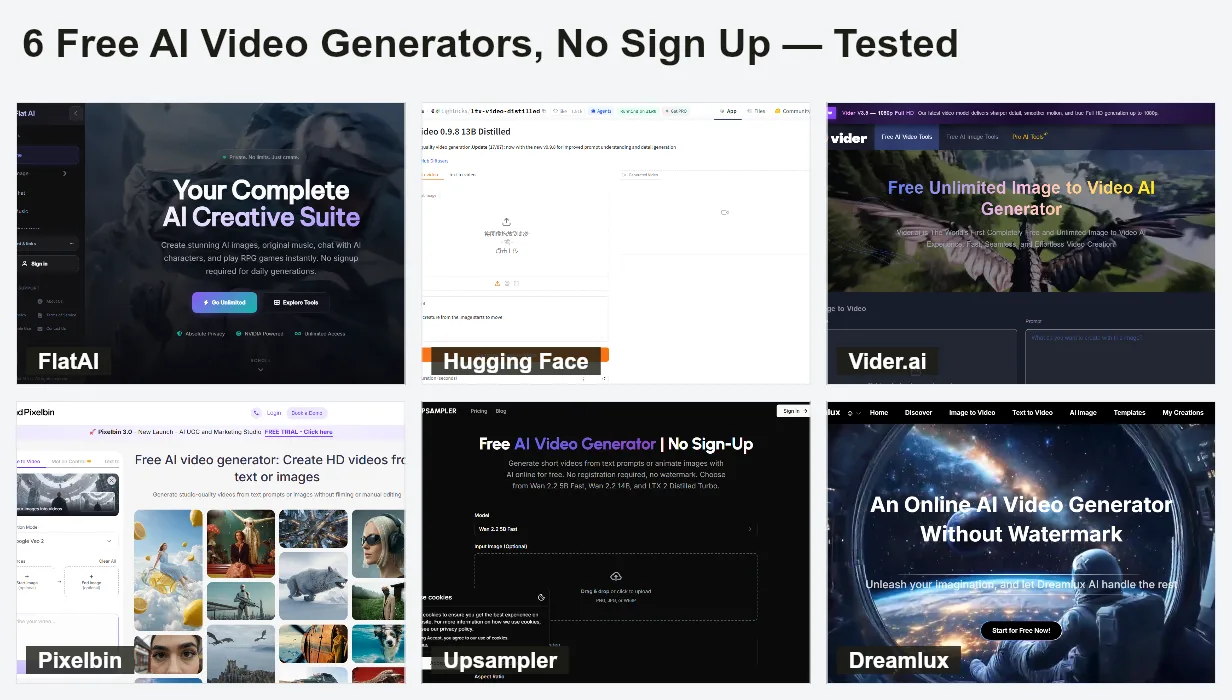 The six no-sign-up tools I kept after a week of testing, lined up the way I compared them.
What "Free, No Sign Up" Really Means in 2026
Here is the honest version, because the search results will not tell you this. A genuinely free, no-account AI video tool in 2026 is almost always paying for your render out of a shared pool of GPU time. That has three predictable consequences, and once you know them you stop being surprised.
First, clips are short. Most no-login tools cap a free render somewhere between 3 and 8 seconds, because compute is the bill they are eating. Second, you either queue or you accept lower quality. The tools that run the strongest open models make you wait in line at peak hours; the instant ones run lighter models. Third, "no watermark" and "no limits" are the two most over-claimed phrases in this category. Several tools that advertise both quietly add a watermark once you hit a daily ceiling, or count your third clip as the last free one. I will flag every one of those traps below.
None of this makes the tools bad. It makes them honest trades. You are swapping a bit of length, polish, or patience for the privilege of skipping the signup wall. For a quick social clip, a mood board, or testing whether an idea is worth pursuing, that trade is often exactly right.
The Free No-Sign-Up AI Video Generators at a Glance
Before the deep dives, here is the comparison I wish I had at the start. Every number in this table is what I observed in my own June 2026 testing, not a spec sheet claim.
| Tool | Input | Max free clip | Resolution | Watermark | Free quota (no account) | Time to first clip |
|---|---|---|---|---|---|---|
| FlatAI | Text or image | ~5 sec | 720p | None | Daily free generations | ~2–3 min |
| Hugging Face Spaces (LTX-2 / Wan) | Text or image | ~5 sec | 720p–768p | None | Shared GPU, queued | ~3–8 min with queue |
| Vider.ai | Image only | ~4 sec loop | 720p | None | A few per session | ~90–120 sec |
| Pixelbin | Text or image | ~5 sec | Up to 1080p | None | 3 clips per month | ~2 min |
| Upsampler | Text or image | ~5 sec | 720p | None | Limited free runs | ~2–5 min by model |
| Dreamlux | Text or image | ~5 sec | 720p | None | Limited free to start | ~2–4 min |
A pattern jumps out: nobody gives you length. The real differences are input type, how clean the output is, and how the free ceiling is enforced. That is what the sections below are really about.
How I Tested
I used one text prompt across every text-to-video tool: "a golden retriever running along a beach at sunset, cinematic, slow motion." For the image-to-video tools I used the same source still, a 1280x720 landscape photo of a coffee cup on a windowsill, and asked each tool for gentle camera motion. I ran everything in a clean Chrome window with no logins, on a normal home connection, between 2 and 4 p.m. on a weekday so I would hit realistic queue times.
For each tool I tracked four things: total time from landing on the page to a downloaded file, whether a watermark appeared, the actual exported resolution, and the first wall I hit (a signup prompt, a daily cap, a quality drop). I marked the key moment in every screenshot with a red box so you can see the catch instead of taking my word for it. Now to the tools.
The 6 Best Free AI Video Generators With No Sign Up
FlatAI: Best for the Fastest Text-to-Video With Zero Friction
FlatAI is the one I now send people to when they say "I just need a clip in two minutes." It turns a text prompt or an uploaded image into a short video right in the browser, with no email field, no account, and no watermark on the way out. You land on the FlatAI video studio, type, generate, download. That is the whole ceremony.
What stood out: the friction is genuinely zero. I went from a cold page to a saved MP4 in about two and a half minutes on my first try, which was the fastest of any tool here. The platform also bundles 16-plus other free AI tools (image generation, text to speech) behind the same no-signup door, so it doubles as a scratchpad.
Who it's for: anyone who wants a disposable clip for a social post or a quick test and does not want to think about it. Marketers sketching an idea, students, anyone making a meme.
Where it falls short: the output is clearly the lightweight tier. My golden retriever clip ran about 5 seconds at 720p, and on close motion the paws smeared. There is a daily free ceiling rather than truly unlimited use, and at busy times I waited in a short queue. This is a "good enough, fast" tool, not a "hero shot for a client" tool.
Free quota: daily free generations with no account, 720p, no watermark in my test.
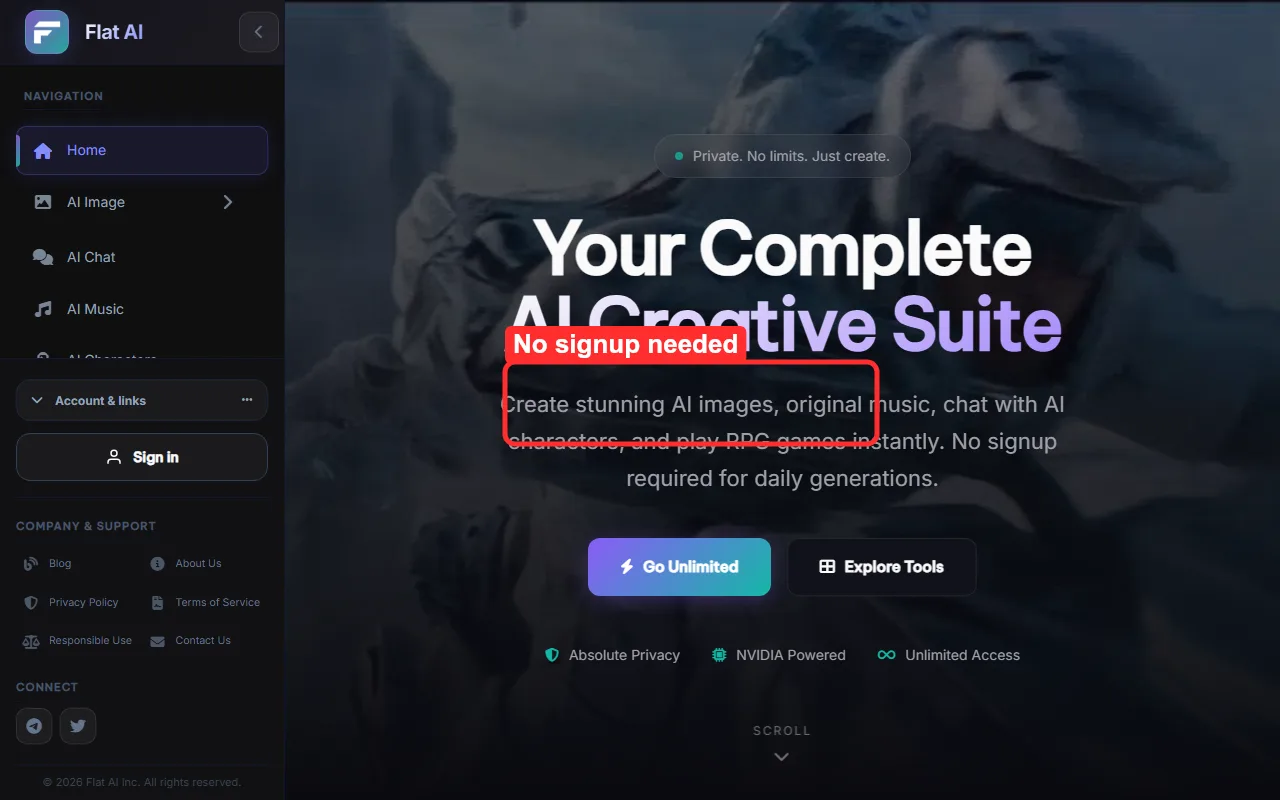 FlatAI, captured June 2026. The red box marks where you generate and download with no account and no email.
Hugging Face Spaces (LTX-2 / Wan): Best Free Quality If You'll Tolerate a Queue
This is the power-user pick, and it is genuinely free because the community foots the compute. Hugging Face Spaces are little web apps that run open video models like LTX-2 by Lightricks and Wan by Wan-AI directly in your browser, and many of them run without any login at all.
What stood out: raw quality. The LTX-2 distilled Space gave me the most coherent beach clip of the whole roundup, with cleaner motion on the dog than the lighter tools managed, and it included sound on one of the newer Spaces. These are the same open models that paid products quietly resell, so you are getting near the front of the quality curve for free.
Who it's for: people who care more about the result than the convenience, and who do not mind a slightly technical interface with sliders for resolution, seed, and frames.
Where it falls short: the queue is the tax. During my afternoon test I waited between three and eight minutes per render, and twice I hit a "GPU quota exceeded" message that asked me to wait or duplicate the Space (duplicating is where a free account would help). The UI assumes you know what a seed is. This is the opposite of FlatAI: best output, least hand-holding.
Free quota: shared community GPU, no login on many Spaces, no watermark; throttled by a queue rather than a hard clip count.
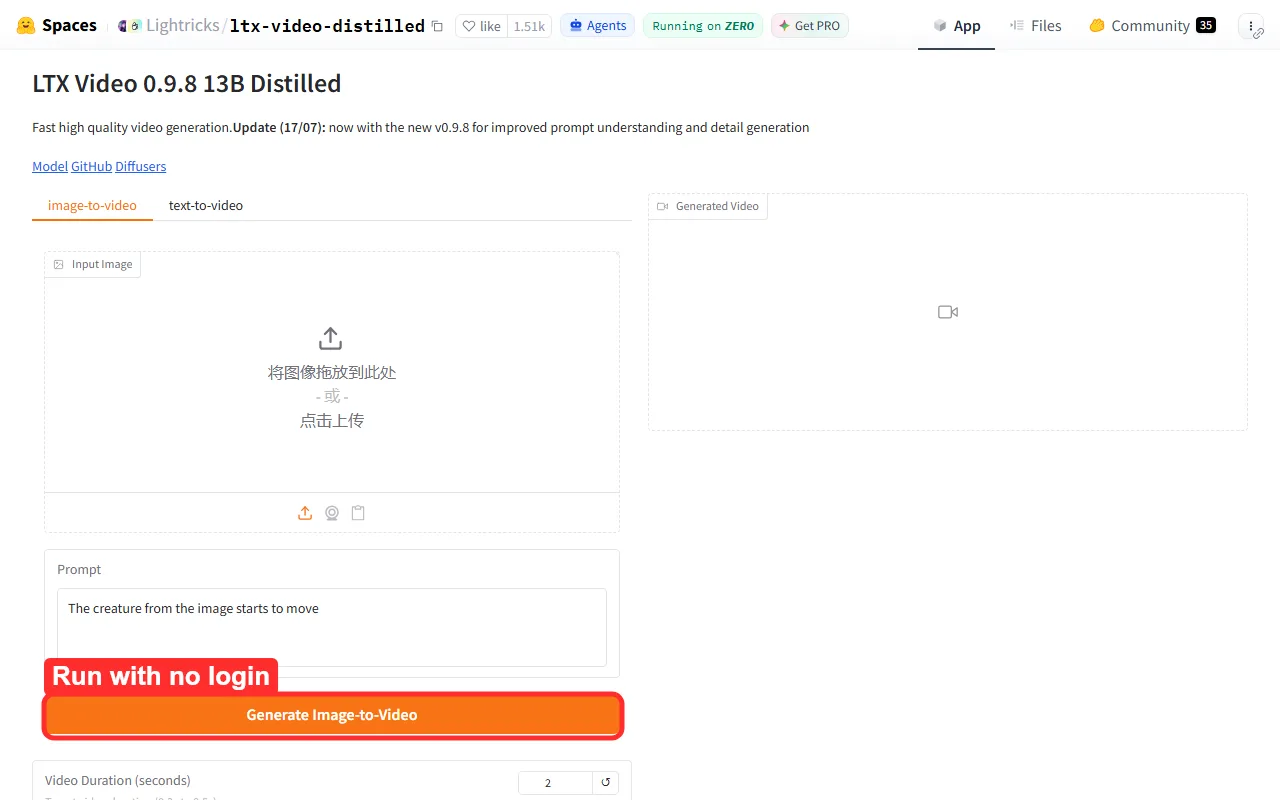 An LTX-2 Space on Hugging Face, June 2026. The red box marks the Run button that works with no login, above the queue notice.
Vider.ai: Best for Image-to-Video (Animate a Single Photo)
If your starting point is a photo rather than a sentence, Vider.ai is the cleanest no-login path I found. You upload one still, set a motion strength, and it hands back a short animated loop. No account, no email.
What stood out: the loops are smooth and genuinely usable. I fed it my coffee-cup-on-a-windowsill still at medium motion and got back a gentle, believable camera drift in about a hundred seconds, with no flicker on the cup edges. For turning a product photo or a landscape shot into a living background, it punches above its weight.
Who it's for: creators who already have a strong still (a product shot, a portrait, a piece of art) and want subtle motion for a Reel, a header, or a loop, without learning prompt syntax.
Where it falls short: it is image-only on the free no-login path, so if you want to generate a scene from a text description this is not your tool. Push the motion strength too high and the image starts to warp, especially on faces and hands. And like everything here the loop is short, around four seconds in my test.
Free quota: a handful of free image-to-video runs per session with no account, 720p, no watermark.
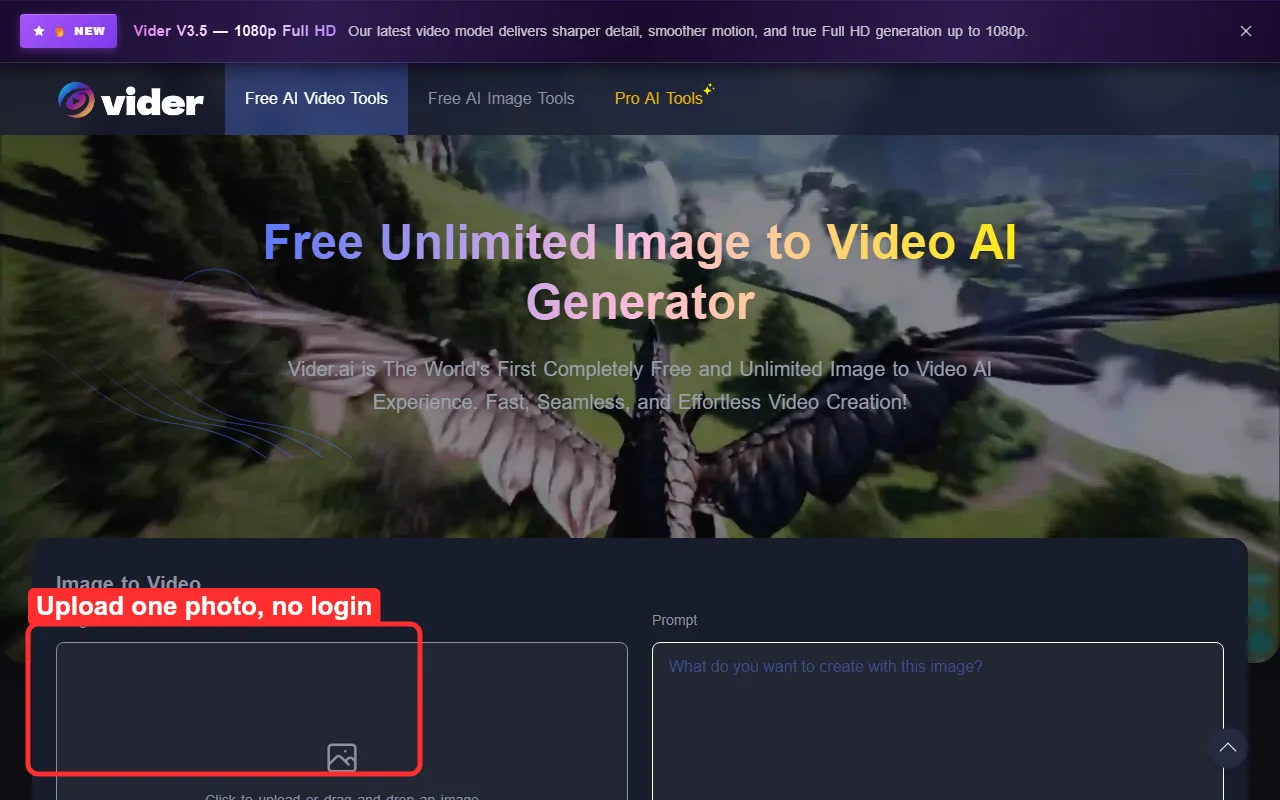 Vider.ai, June 2026. The red box marks the single-photo upload and the motion-strength control that drives the animation.
Pixelbin: Best for Clean 1080p With No Watermark (Small Monthly Cap)
Pixelbin's video generator is the one to use when the clip has to look clean rather than just exist. It runs in the browser with no download and no signup, and crucially it lets a no-account visitor export at up to 1080p with no watermark, which is rare in this group.
What stood out: resolution and cleanliness. This was the only tool that handed me a genuinely 1080p file without asking me to register, and the export was crisp with no logo stamped in the corner. If you need a free clip that does not look free, this is the one.
Who it's for: anyone who needs a small number of polished clips, a freelancer building a quick deliverable, a marketer who needs one clean background loop and cares how it looks on a retina screen.
Where it falls short: the cap is the whole story. Without an account you get roughly three clips per month, and once you hit it the tool stops and asks you to sign up. So it is fantastic for a one-off and useless as a daily driver. Plan your three clips carefully.
Free quota: about 3 clips per month with no account, up to 1080p, no watermark.
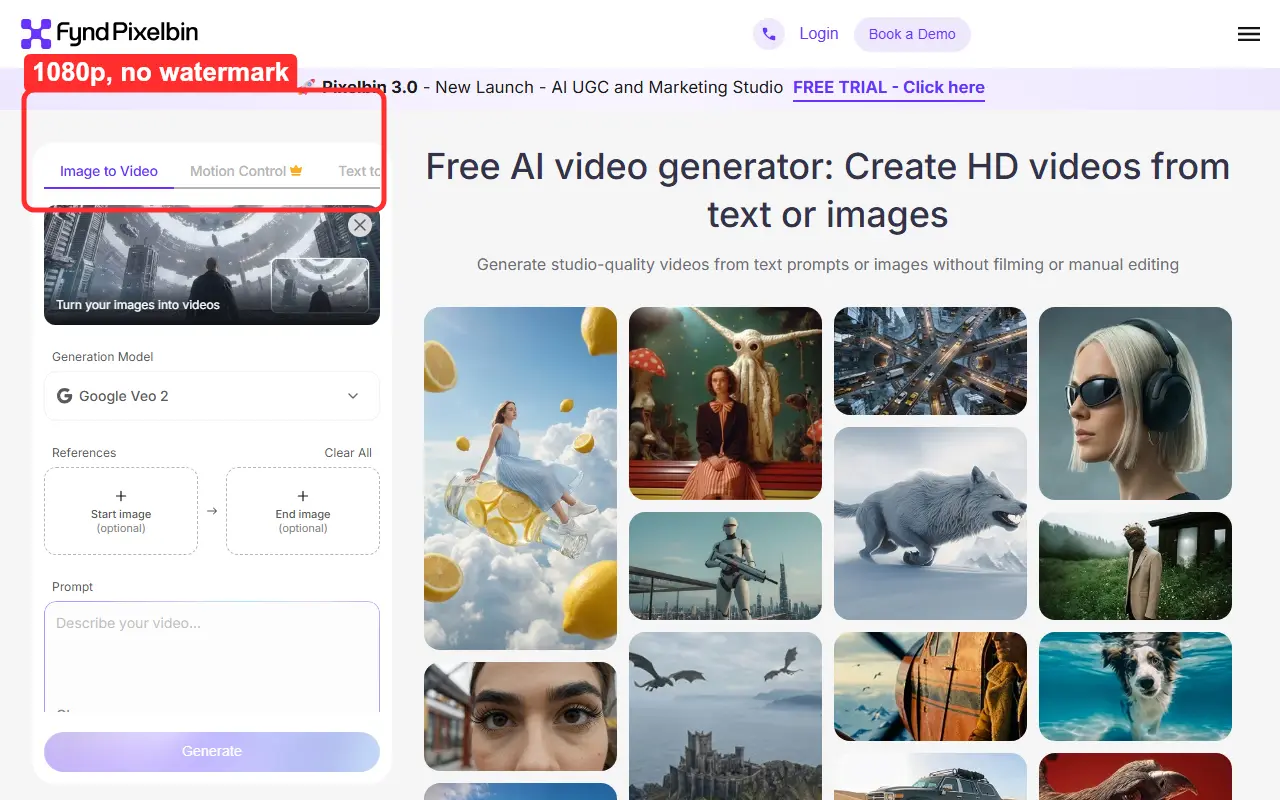 Pixelbin, June 2026. The red box marks the clean 1080p export, with the small monthly free allowance noted on the same panel.
Upsampler: Best for Trying Multiple Open Models in One Place
Upsampler's no-signup video generator is the sampler platter. Instead of one model, it lets you pick between several open ones (in my test it offered Wan 2.2 5B Fast, Wan 2.2 14B, and an LTX 2 Distilled Turbo option) and run them with no registration and no watermark.
What stood out: the model switch. Being able to run the same prompt through a fast small model and a heavier one, side by side, without an account, is a genuinely useful way to learn what these models are good at. The Fast option returned my beach clip in about two minutes; the 14B model took longer but held detail better.
Who it's for: the curious. Anyone trying to understand the difference between open video models before committing to a paid tool, or anyone who wants a fallback when one model is overloaded.
Where it falls short: the heavier models are slow on free compute, and the free run count is limited rather than open-ended, so you ration your experiments. The interface also leans technical, closer to Hugging Face than to FlatAI. It rewards people who already know roughly what they are doing.
Free quota: a limited number of free runs across multiple models, no account, no watermark.
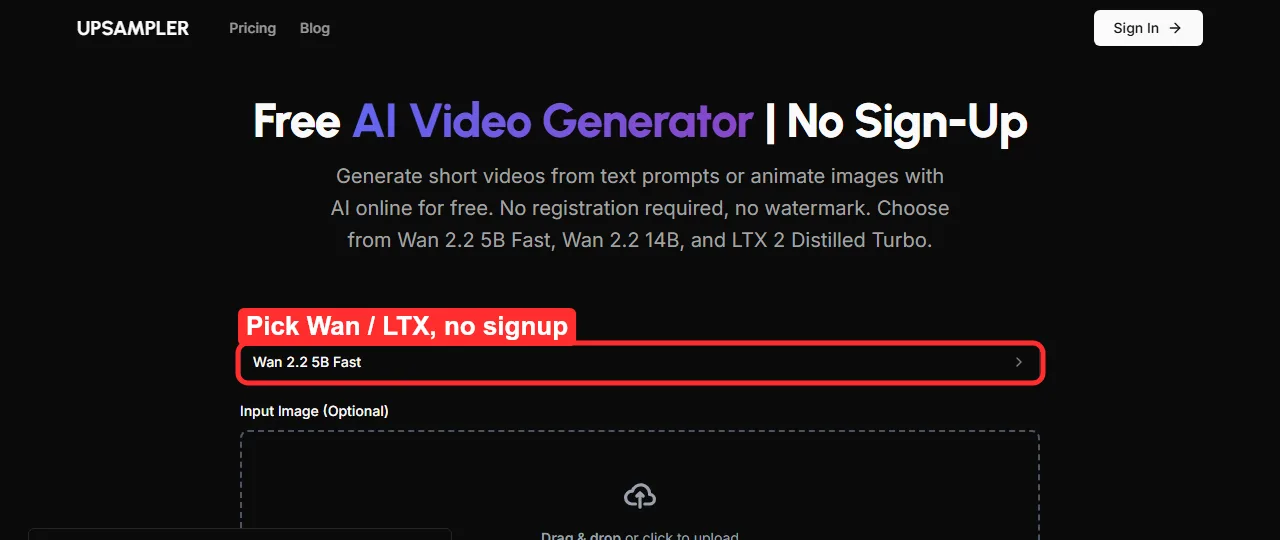 Upsampler, June 2026. The red box marks the model picker that lets you run Wan and LTX options with no signup.
Dreamlux: Best for One-Click Templates and Simple Text or Image to Video
Dreamlux is the most "just press the button" tool of the six. It handles both text-to-video and image-to-video, leans on a library of starting templates, and advertises no-watermark output, with a free tier you can start without signing up.
What stood out: simplicity. Rather than make you engineer anything, Dreamlux pushes you toward a template and a single generate button, so for someone who does not want to think about models or seeds it is the gentlest on-ramp in this group. The no-watermark export is a genuine plus, and the cinematic templates looked the part.
Who it's for: total beginners, and anyone who would rather start from a template (a product spin, a cinematic intro) than stare at an empty prompt box.
Where it falls short: the free tier is the tightest leash here. Dreamlux has a clear pricing page, and in practice the free runs ran out fast before it nudged me toward a plan, and it pushed account creation harder than FlatAI or Vider once I wanted a second clip. Quality also varied by template, with the cinematic ones beating the talking-style ones. Treat the no-signup access as a trial, not a faucet.
Free quota: limited free generations to start with no account, no watermark, then a sign-in or paywall nudge.
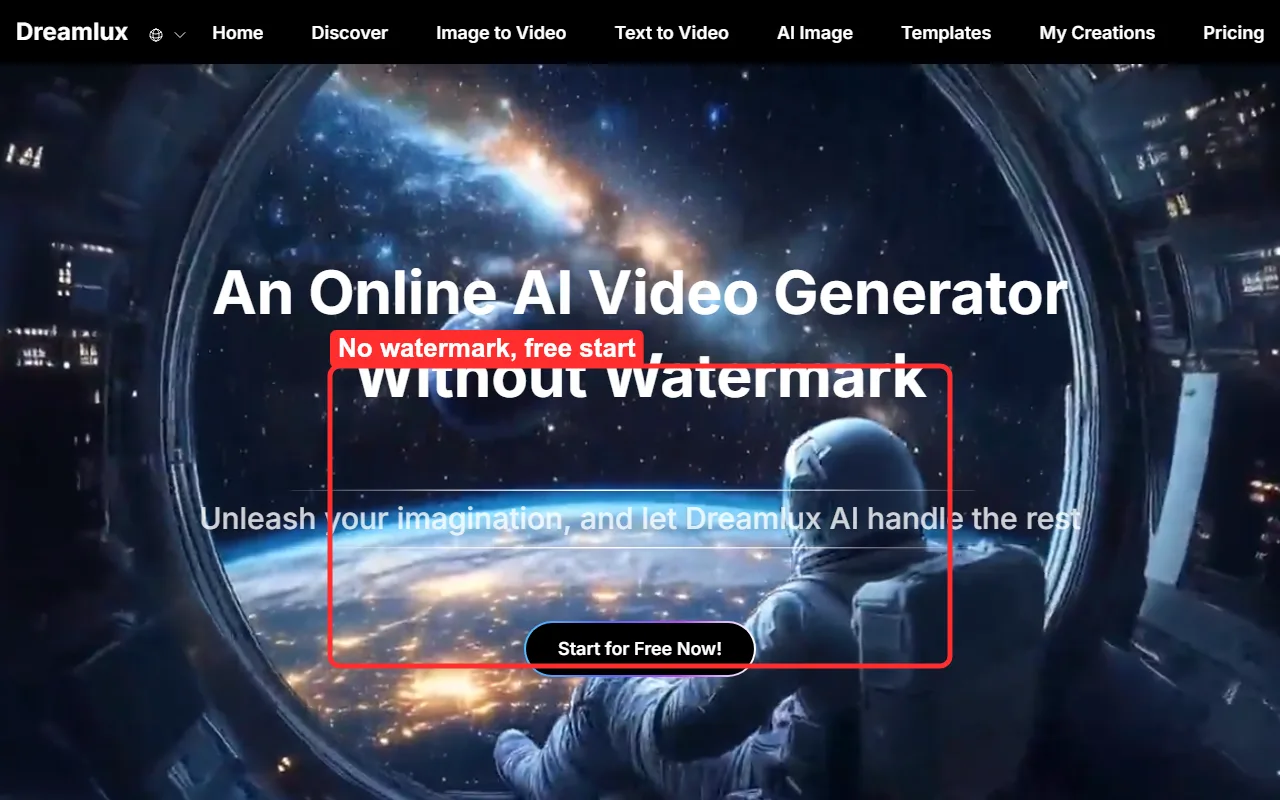 Dreamlux, June 2026. The red box marks the no-watermark claim and the free start that works before any signup.
Free No-Sign-Up vs Free-Account Tools: How to Choose
After a week of this, my honest take is that no-signup tools are a category you reach for deliberately, not a permanent home. Here is how I would route a real decision.
Reach for a no-sign-up tool when the job is small and fast: a throwaway social clip, a quick test of whether an idea looks good in motion, a single background loop, or a meme. The trade you are making (short clips, a queue, a monthly cap) barely matters when you only need one clip and you need it now. For pure speed I would open FlatAI; for the best free quality I would queue on a Hugging Face Space; for animating a photo I would use Vider; and for one clean 1080p export I would spend a Pixelbin credit.
Create a free account, though, the moment you need length past a few seconds, more than a handful of clips a week, project history you can return to, or consistent quality you can rely on. The signup wall exists because longer renders and higher ceilings cost real money, and a free-account tier is usually where those open up. There is no shame in it. The smart move is to prototype in the no-signup tools, then graduate to an account once you know the idea is worth the ten seconds it takes to register.
Conclusion
You can absolutely make an AI video for free without signing up in 2026. The catch is never hidden once you know to look for it: short clips, a queue, or a quiet cap. The six tools above are the ones that pay that trade honestly, and each wins a different small battle. FlatAI is the fastest, the Hugging Face Spaces give the best raw quality, Vider is the photo animator, Pixelbin is the clean 1080p one-off, Upsampler is the model sampler, and Dreamlux is the one-click templated option. Bookmark two of them so you have a fallback when one hits its daily ceiling, and treat the no-signup world as your prototyping bench rather than your studio.





