

 ChatGPT
 Perplexity
 Claude
 Gemini
 Grok
Grok



Posting YouTube Shorts every day sounds simple until you actually try to keep up. Most tools hand you a blank prompt box, a crowded timeline, or they assume you already have footage sitting on a drive. Pexo takes a different route. It is an AI video partner you talk to, so you describe the Short you want and it handles the scripting, voiceover, and assembly for you. This guide is written by the Pexo team, and we kept the comparison honest, including the spots where another tool fits your workflow better.
One thing to settle up front, because it decides which tool you actually need. "AI video generator for YouTube Shorts" covers two very different jobs. Some tools generate a Short from scratch, starting from an idea, a script, or a photo. Others repurpose a long video you already filmed by clipping the best moments. This guide focuses on the first job, generating from an idea, and flags the repurposing option clearly so you can tell which lane each pick belongs to.
 Pexo turns a plain description into a finished vertical Short, no prompt syntax or timeline required.
What to Look for in an AI Video Generator for YouTube Shorts
YouTube Shorts have their own rules, so a general video tool will not automatically serve them well. Per YouTube's own Shorts guidelines, Shorts run vertical at a 9:16 aspect ratio and can be up to three minutes long, and the feed rewards a strong hook in the first second. Before you commit to any tool, check it against the things that actually move the needle for short-form.
Here is what we weighed, roughly in order of how much it matters for daily Shorts:
- Native vertical output. The tool should export true 9:16, not a cropped landscape clip with awkward black bars.
- Speed from idea to finished clip. Shorts are a volume game. A tool that takes ten minutes of fiddling per video will not survive a daily schedule.
- How much it automates. Some tools build the script, voiceover, captions, and pacing for you so you direct rather than operate. Others hand you manual control over every shot. Neither is better in the abstract, so decide which end of that spectrum suits how you work.
- What you can start from. Text, a photo, a product URL, or audio each open a different workflow. The more input types a tool accepts, the more situations it covers.
- Built-in captions and music. Shorts are usually watched on mute first, so auto-captions and a soundtrack are not extras. They are baseline.
- Predictable cost. If you post at high volume, a flat monthly rate is easier to budget than credit-based pricing that draws down as you generate. Worth weighing if your output is heavy and steady.
We compared each tool's current product, published plans, and sample output as of June 2026, weighing how each one fits a daily Shorts workflow rather than a one-off video. Where a tool is built for a different job, we say so instead of forcing it into the ranking.
The Best AI Video Generators for YouTube Shorts at a Glance
Before the full write-ups, here is the quick comparison so you can scan the field. Pricing reflects each tool's published plans as of June 2026 and can change, so confirm on the official site before you buy.
| Tool | Best for | Starts from | Free plan | Paid from |
|---|---|---|---|---|
| Pexo | Generating Shorts by just describing them | Text, image, URL, audio | Yes, free to start | $30/mo (Pro) |
| InVideo AI | Script-to-video with voiceover and captions | Text prompt | Yes, 10 AI min/week (watermark) | $25/mo (Plus) |
| Runway | High-end, cinematic generated shots | Text, image | Yes, 125 one-time credits | $15/mo (Standard) |
| Canva | Template-driven Shorts inside a design tool | Templates, text | Yes, permanent free tier | $15/mo (Pro) |
| Pika | Stylized, effect-heavy short clips | Text, image | Yes, 80 credits/mo (480p) | $10/mo (Standard) |
| OpusClip | Repurposing long videos into Shorts | Existing long video | Yes, 60 min/mo (watermark) | $15/mo (Starter) |
The 6 Best AI Video Generators for YouTube Shorts
1. Pexo: The Best Fit for Generating Shorts From an Idea
Pexo is an AI video partner built around one idea: describe what you want and get a finished video back, without learning a tool. That fits YouTube Shorts well, because the grind of daily Shorts is not the rendering, it is the constant scripting, voicing, and assembling. You tell Pexo the Short you have in mind and it writes the script, adds a voiceover, and builds the vertical clip in one conversation, with no prompt syntax to learn.
Its edge is that conversational workflow paired with multi-model routing. Rather than locking you into one model and a wall of settings, Pexo works with leading video models, including Seedance, Kling, and more, and picks the right one for the shot. It also accepts several starting points, so you can turn a script into a Short or start from a single photo of your product, and it generates stills for thumbnails in the same place.
To see how that plays out, we gave Pexo a single line: a 20-second vertical Short introducing a cold brew coffee, upbeat, with captions. About fifteen minutes later it returned the finished 9:16 clip below, with on-screen captions, a voiceover reading the copy, and a soundtrack already mixed in. We did no editing. The still is a frame from that result, generated in June 2026 on a starter plan, which is why the Pexo watermark is visible.
 A frame from the 9:16 Short Pexo produced from one sentence, captions, voiceover, and music included, no editing on our end.
Best for: Creators, marketers, and e-commerce sellers who want to produce Shorts at a steady cadence without writing prompts, casting, or editing on a timeline.
Where it is not the pick: If your real job is cutting clips out of an hour-long podcast you already recorded, Pexo is the wrong lane. It generates new video, it does not slice existing footage. For that, look at OpusClip below.
Pricing: Free to start with credits, then paid plans from $30 per month (Pro), which Pexo lists as roughly two to five minutes of finished video per month, scaling to Elite at $60 (about five to eleven minutes) and Max at $100 (about nine to twenty minutes). Do the length math against your cadence: the Pro tier suits a few Shorts a month, while a genuine daily schedule points you to Elite or Max. Pexo is not the cheapest option here, and a flat-rate tool can be more predictable at very high volume, but what you are buying is the fastest path from idea to posted Short.
Pros: Conversational, no editing skills needed, multiple input types, multi-model output, captions and voiceover handled for you. Cons: Credit-based usage means heavy days draw down credits, and it is built for generating rather than clipping existing video.
2. InVideo AI: Script-to-Video on Autopilot
InVideo AI leans hard into the text-to-video workflow. You type what the video should be about, and it generates a full draft with stock footage, an AI voiceover, captions, and background music already in place. For faceless Shorts channels that run on a written angle rather than original footage, it is a fast way to get from a topic to a posted clip. You can refine the result by giving it written feedback, which it applies across the whole video at once.
The catch is the output style. Because InVideo assembles a lot of stock and templated scenes, clips can feel similar to other AI channels using the same source library, so you need a sharp script to stand out. InVideo says it has more than 25 million users, and the workflow's main draw is how quickly it gets a beginner from a topic to a finished video.
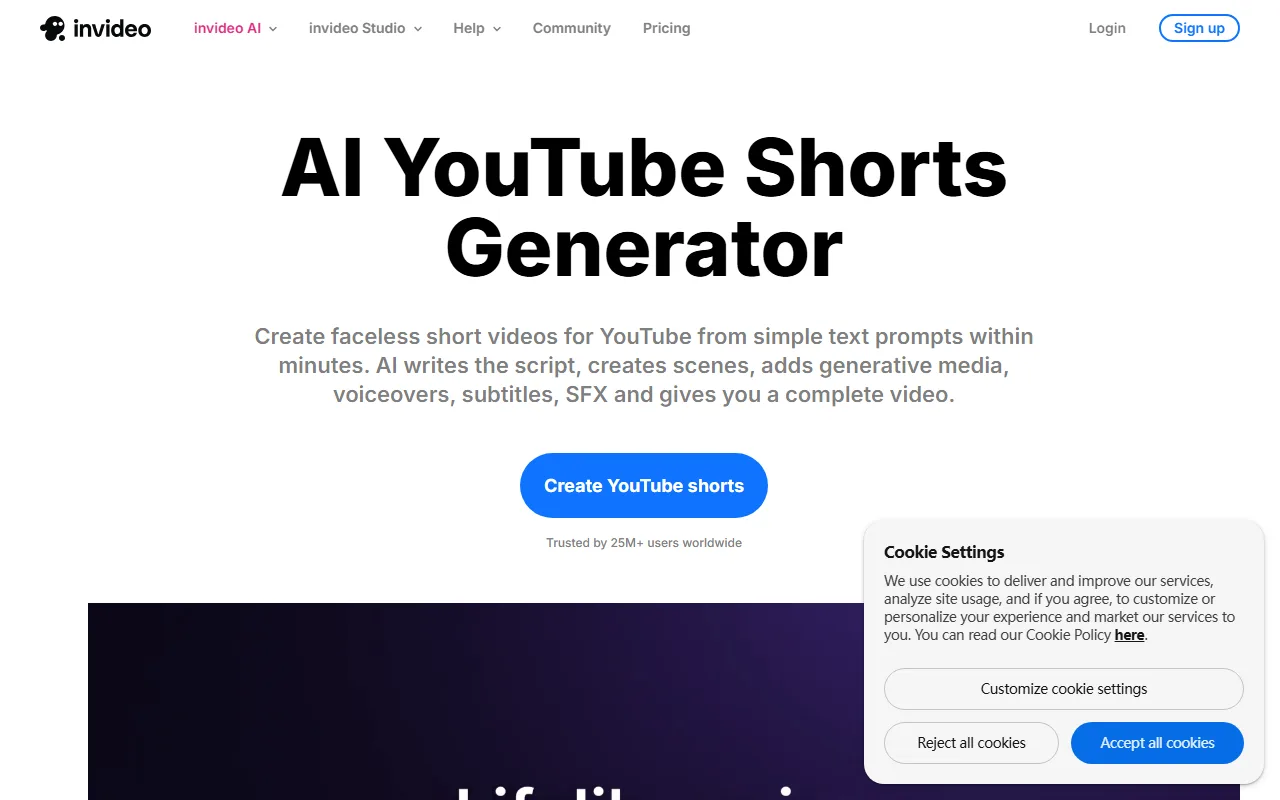 InVideo AI builds a full draft with voiceover, captions, and music from a written topic.
Best for: Faceless, narration-led Shorts channels built on a strong written script.
Pricing: A permanent free plan gives 10 AI generation minutes per week with a watermark and 720p output. The Plus plan removes the watermark at $25 per month, or roughly $20 per month billed annually. See InVideo.
Pros: Very fast topic-to-video, includes voiceover, captions, and music. Cons: Stock-heavy look, weekly minute caps on lower tiers.
3. Runway: Cinematic Generation for Standout Shots
Runway is the pick when you want a Short to look genuinely cinematic rather than templated. Its Gen-4 models produce high-quality generated video from a text prompt or a starting image, with strong control over motion and style. For a creative Short, an intro animation, or a single hero shot that needs to stop the scroll, the visual quality is near the top of the field. It supports vertical output, so you can target the 9:16 frame directly.
The trade-off is that Runway is more of a creative studio than a one-click Shorts maker. You work shot by shot, and you assemble the pieces yourself, which means a real learning curve and more time per video. It also runs on credits that deplete quickly at high quality. The free tier's 125 one-time credits stretch to only about 25 seconds of Gen-4 video, so any serious use pushes you to the $15 per month Standard plan fast.
 Runway focuses on high quality generated shots with fine control over motion and style.
Best for: Creators chasing high visual quality on hero shots, who do not mind assembling clips themselves.
Pricing: A free plan includes 125 one-time credits (about 25 seconds of Gen-4 video). The Standard plan is $15 per month, or $12 billed annually, with refreshing monthly credits and watermark removal. See Runway.
Pros: Top-tier generated visuals, fine creative control. Cons: Steeper learning curve, credits burn fast, more assembly work.
4. Canva: Shorts Inside a Design Tool You Already Know
Canva folds an AI Shorts maker into the design platform millions of people already use. If you live in Canva for thumbnails and social graphics, making a Short there means staying in one familiar place. You start from a template or a text description, and Canva builds a vertical video you can adjust with its drag-and-drop editor, then export straight to the 9:16 frame. Its huge template library makes it easy to keep a consistent channel look.
The limitation is that Canva is a design tool first and a video generator second. The AI generation is lighter than a dedicated model like Runway or Pika, so it shines on template-based, text-and-graphic Shorts more than on fully generated cinematic footage. With a reported user base above 240 million monthly active users, it is the most familiar option here for many people.
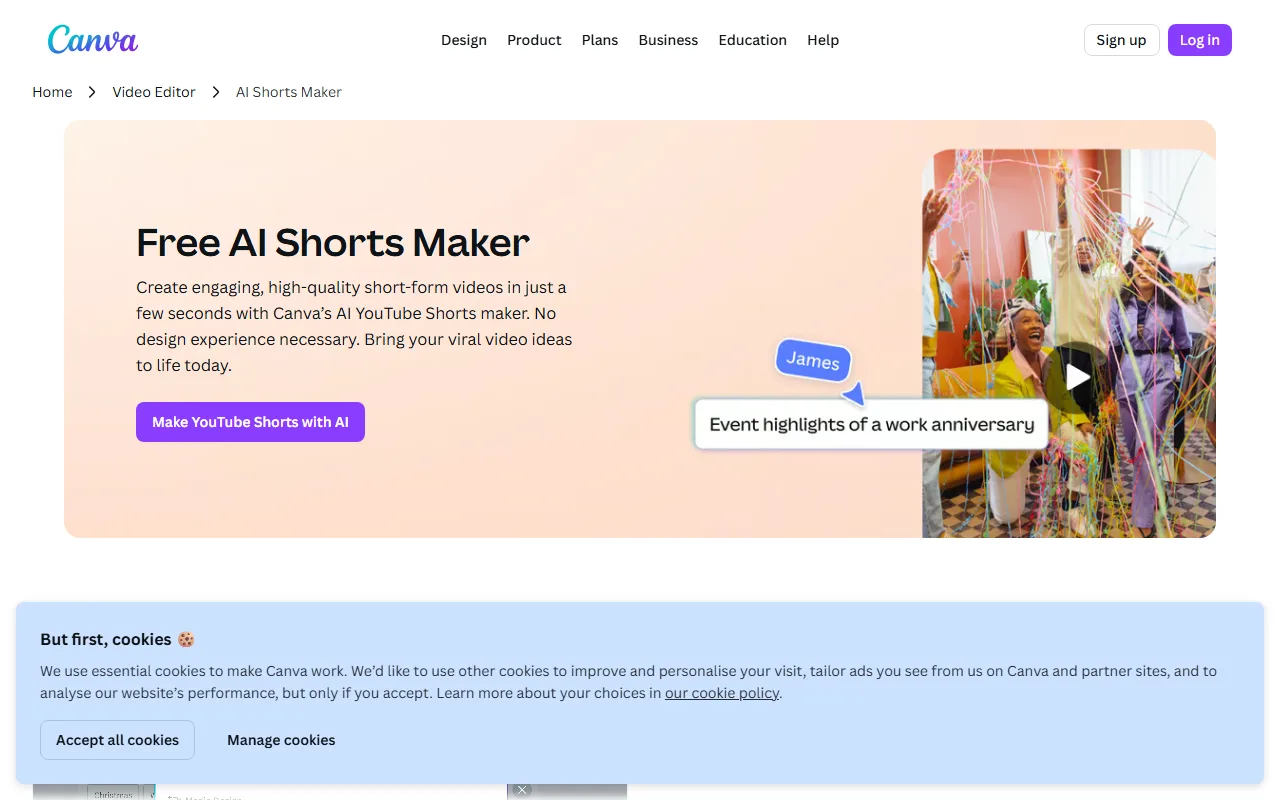 Canva builds template-driven Shorts inside the same design tool you use for graphics.
Best for: Creators and small teams who already use Canva and want template-driven Shorts without a new tool.
Pricing: A permanent free plan covers a lot, including templates and stock. Canva Pro is $15 per month, or $120 billed annually, and unlocks the full asset library and brand features. See Canva.
Pros: Familiar interface, massive template library, all-in-one with your other graphics. Cons: Lighter generative power, more manual design work for original looks.
5. Pika: Stylized, Effect-Driven Short Clips
Pika is built for short, stylized, eye-catching video, which is a natural match for the Shorts feed. You give it a text prompt or an image, and it generates a punchy clip with distinctive effects and transitions that lean creative rather than corporate. Its signature effects, the kind that morph or transform a subject, are tailor-made for the scroll-stopping moments Shorts reward. For creators who want a quirky, visually surprising clip, Pika is a fun and fast option.
The trade-off is scope. Pika generates short clips well, but it is not an end-to-end Shorts producer with scripting and long-form voiceover baked in, so you often pair it with another tool for narration. Free output is also capped at 480p, which is soft for a polished channel. Pika is a younger, more specialized tool than the all-in-one platforms here, focused on the generation step rather than end-to-end production, which is exactly why its clips look punchier and more stylized than a template-built Short.
 Pika specializes in stylized, effect-heavy short clips that suit the Shorts feed.
Best for: Creators who want stylized, effect-heavy short clips with a creative edge.
Pricing: A free plan gives 80 monthly credits at 480p. The Standard plan is $10 per month, or $8 billed annually, and unlocks all resolutions plus watermark-free, commercial-use downloads. See Pika.
Pros: Distinctive effects, fast generation, low entry price. Cons: Short clips only, lower free resolution, no built-in narration workflow.
6. OpusClip: The Pick if You Already Have a Long Video
OpusClip belongs to the other lane, and it is the best in it. Instead of generating a Short from scratch, it takes a long video you already recorded, a podcast, a livestream, or a talking-head upload, and uses AI to find the most clippable moments and cut them into vertical Shorts with captions and reframing. If your channel is built on repurposing long-form content, this is the workflow that saves you hours. It even scores clips on their viral potential to help you choose.
The thing to be clear about is that OpusClip needs existing footage. It is not the tool for someone starting from a blank page or a product photo, which is exactly why it sits at the bottom of a list focused on generating from an idea. OpusClip reports more than 10 million users, which speaks to how popular the repurposing workflow has become.
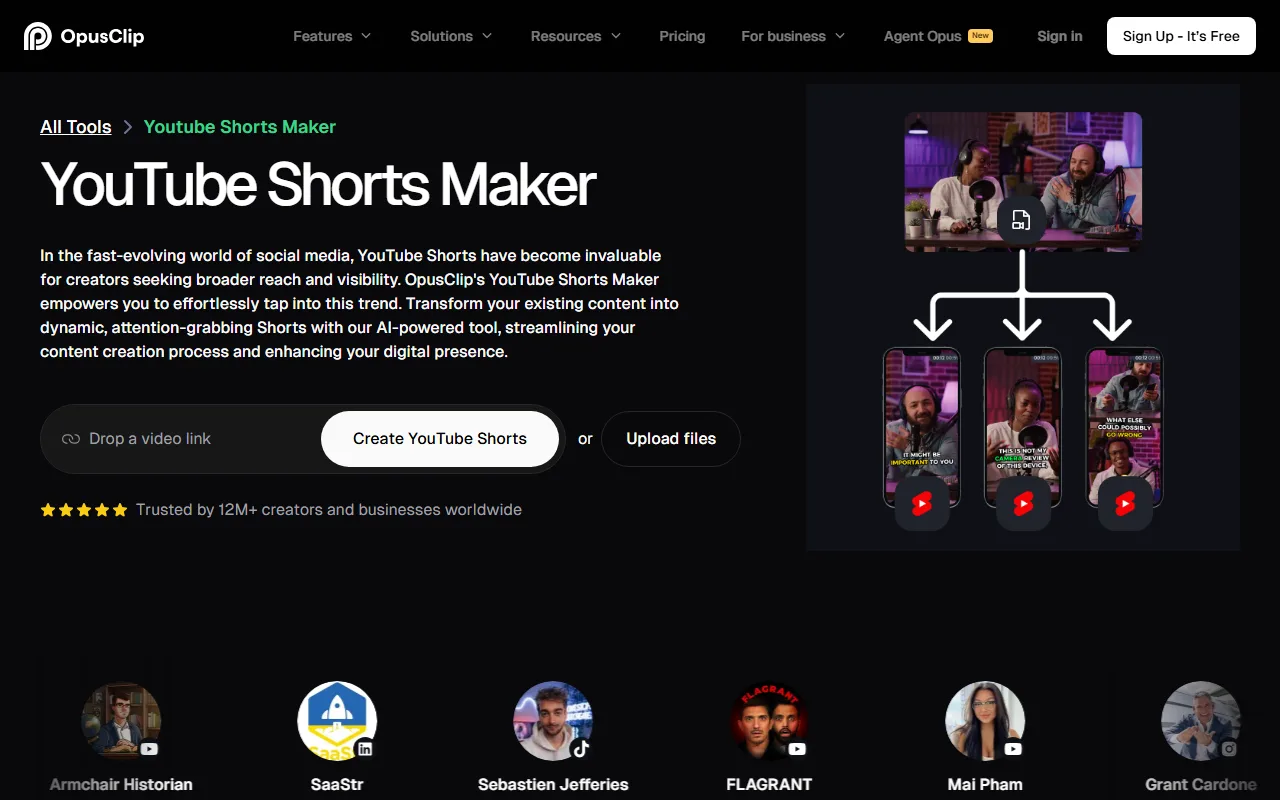 OpusClip works the other lane, cutting Shorts out of long video you already recorded.
Best for: Podcasters and long-form creators repurposing existing video into Shorts.
Pricing: A free plan offers 60 minutes of monthly processing with a watermark. The Starter plan is $15 per month, removing the watermark and extending limits, with a Pro tier at $29 per month. See OpusClip.
Pros: Excellent at finding clip-worthy moments, auto captions and reframing. Cons: Requires existing footage, so it cannot generate anything new.
How to Choose the Right One for You
The fastest way to narrow this list is to answer one question: are you generating a Short from an idea, or cutting one out of footage you already have?
If you are starting from an idea, a script, or a photo, you want a generator. Pexo is the strongest fit when you want to skip the busywork entirely and just describe the Short, because it scripts, voices, and assembles in one conversation. Reach for Runway or Pika instead when the look matters more than the workflow and you are willing to assemble shots yourself. Choose InVideo for narration-led faceless channels, and Canva if you already design there and want template-driven Shorts.
If you are repurposing a long video, none of the generators apply and OpusClip is the clear answer. And if you do both, which many creators do, it is reasonable to run a generator like Pexo for original Shorts and a tool like OpusClip for clips from your long uploads.
How to Make a YouTube Short With Pexo in One Conversation
Generating a Short with Pexo looks less like operating software and more like briefing a teammate. Here is the shape of it.
Start by describing the Short you want, in plain language. The cold brew clip above came from one line: "a 20-second vertical Short introducing my new cold brew, upbeat, with captions." If you have a product photo or a page URL, add it and Pexo will work from that. You do not write a prompt in any technical sense. You just say what you see in your head.
From there Pexo writes the script, picks the right model for the shot, adds a voiceover and captions, and shows you a preview before committing to the full render. If something is off, you say what to change instead of digging through an editor. When it looks right, you export the finished 9:16 clip and post it. When you are ready to try it, make your first Short with Pexo and see how far one description gets you.
The Bottom Line
There is no single best AI video generator for YouTube Shorts, because the right tool depends on the job. For generating Shorts from an idea with the least friction, Pexo is our top pick, since it turns a plain description into a finished vertical clip without prompts or editing. Runway and Pika win on raw visual style, Canva wins on familiarity, InVideo wins for faceless narration channels, and OpusClip wins the separate job of repurposing long video. Match the tool to your workflow, and a daily Shorts schedule stops feeling like a grind.






