

 ChatGPT
 Perplexity
 Claude
 Gemini
 Grok
Grok

Creating compelling explainer videos is easier than ever, with software ranging from full animation studios to AI-powered tools. For a 30-second explainer, your ideal choice depends on your needs: character animation, avatar-led B2B delivery, whiteboard/presentation styles, or conversational generation from a script or URL. Each category offers distinct advantages for different creative visions.
Over two weeks, I ran the same 45-second SaaS explainer brief through six tools, tracking workflow, time to a finished clip, cost, and output quality. This comparison is a workflow and decision benchmark, not a universal ranking. It shows what held up, what didn't, and which tool fits which job.
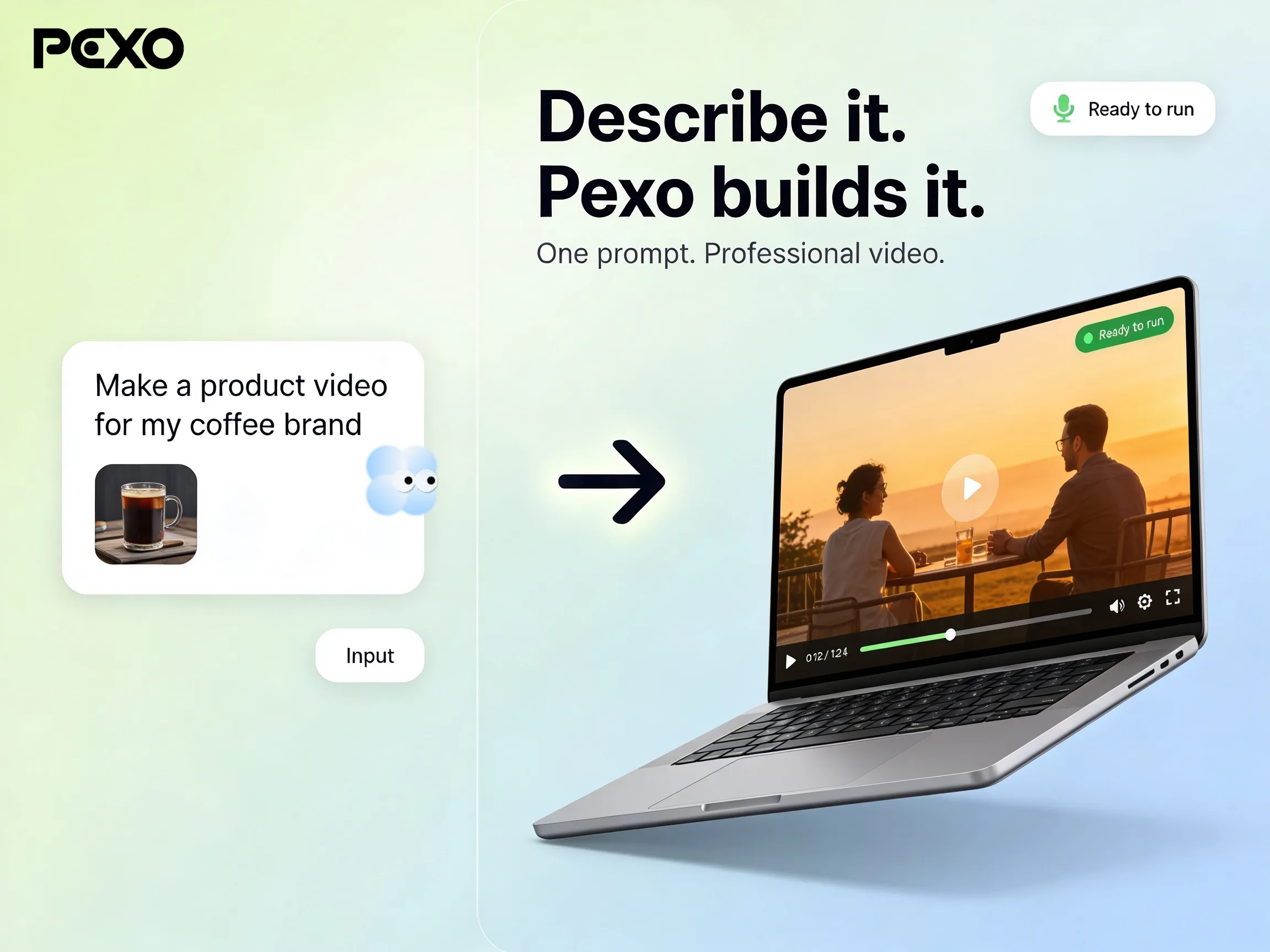 The premise behind newer AI tools like Pexo: describe the video, get a finished clip back, skip the timeline.
What Is Explainer Video Software?
Explainer video software is any tool built to turn an idea or a script into a short video that explains a product, a concept, or a process, usually 30 to 90 seconds long. The point is to communicate one thing clearly, fast, without hiring a motion designer or booking a film crew.
The category splits into four shapes, and knowing which one you need saves you a lot of wasted trial time:
- Character animation: cartoon characters, scenes, and props you assemble on a timeline (Vyond, Animaker). Most control, steepest learning curve.
- Presentation and slide animation: animated text, icons, and templates closer to a souped up slideshow (Powtoon). Fast for simple messaging.
- Whiteboard animation: the hand drawing on a whiteboard look (VideoScribe). A focused style often used for teaching and process explanations.
- AI generated: you describe or script the video and the tool generates scenes, voiceover, or a presenter for you (Synthesia, Pexo). These workflows generally require less timeline assembly.
People go shopping for alternatives for one of three reasons: the tool they tried was too slow to learn, too expensive for how often they make videos, or locked to a style that did not match their brand. The AI-generated slice is the part of this market growing fastest (the AI video generator market is projected to grow about 20% a year through 2033, per Grand View Research), which is why this list mixes established animation tools with newer AI options.
The Best Explainer Video Software at a Glance
To evaluate leading explainer video software, I used the same 45-second explainer brief for a fictional project-management SaaS called Laneline. The brief included a four-line script, one logo, and the instruction to "make it feel friendly and modern." I ran every test in June 2026 on a normal 16-inch laptop with regular broadband and stopped when I reached a publish-ready draft.
I used a qualitative rubric covering script-to-scene fit, generated voice and audio, editing control, elapsed production time, and export cost or limits. I recorded observations for each criterion rather than combining them into a numerical score.
| Tool | Best for | Recorded time | What the test showed | Pricing reference |
|---|---|---|---|---|
| Vyond | Character animation | ~3 hours | Extensive scene, character, and timing work; steep learning curve. | Starter $58/month billed annually (checked September 3, 2026) |
| Synthesia | Avatar-led explainers | ~25 minutes | Script and avatar setup; less scene-level control. | Basic free; Starter $29/month billed monthly (checked September 3, 2026) |
| Pexo | Conversational script or URL workflow | ~8 minutes to first cut plus revisions | Conversational scene and pacing changes; credit-based and less frame-level control. | Credit-based; verify current plan, credit, and export terms (checked September 3, 2026) |
| Powtoon | Presentation-style explainers | ~90 minutes | Template and timeline assembly is straightforward; output can sometimes look templated. | Lite $15/month billed annually (checked September 3, 2026) |
| Animaker | DIY character explainers | ~2 hours | Detailed character, scene, and action assembly; involves credit metering and a denser interface. | Free plan is watermarked; Basic $15/month; Starter $25/month billed annually (checked September 3, 2026) |
| VideoScribe | Whiteboard explainers | ~60 minutes | Focuses on image, text, and draw-on timing; limited to the whiteboard visual language. | Free trial; check current pricing (checked September 3, 2026) |
Only Pexo's entry shows a generated frame from the author's test. Other screenshots document interfaces or plan limits. Vendor-curated examples, not the author's Laneline test exports, are available for visual reference: Vyond, Synthesia, Powtoon, Animaker, and VideoScribe. Pexo's gallery is at pexo.ai/gallery. Treat visual-quality comments as qualitative observations; test your brief before choosing.
The 6 Best Explainer Video Software Tools
Vyond, Best for Studio-Grade Animated Explainers
Vyond is the closest thing on this list to a real animation studio in a browser. You build scenes on a timeline, drag in characters, set actions, lip sync to a voiceover, and control timing frame by frame. It is what agencies reach for when the explainer has to look genuinely produced.
What sets it apart is depth of control. In my Laneline test, Vyond was the only tool where I could make a character point at a specific UI element at a specific second and have the motion look deliberate rather than canned. It rates 4.7 out of 5 on G2 as of June 2026, the highest in this group, and reviewers single out its support quality (9.4 out of 10) and its character animation. That polish is real.
It suits motion designers, L&D teams at larger companies, and anyone producing explainers regularly enough to justify the climb. It is genuinely overkill for a one-off video.
Where it falls short: the learning curve is steep and the price is the steepest here. There is no free plan, only a 14-day trial, and the cheapest paid tier is $58 a month billed annually ($699 up front) for a single user. My first usable Laneline draft took about three hours, most of it learning where things were.
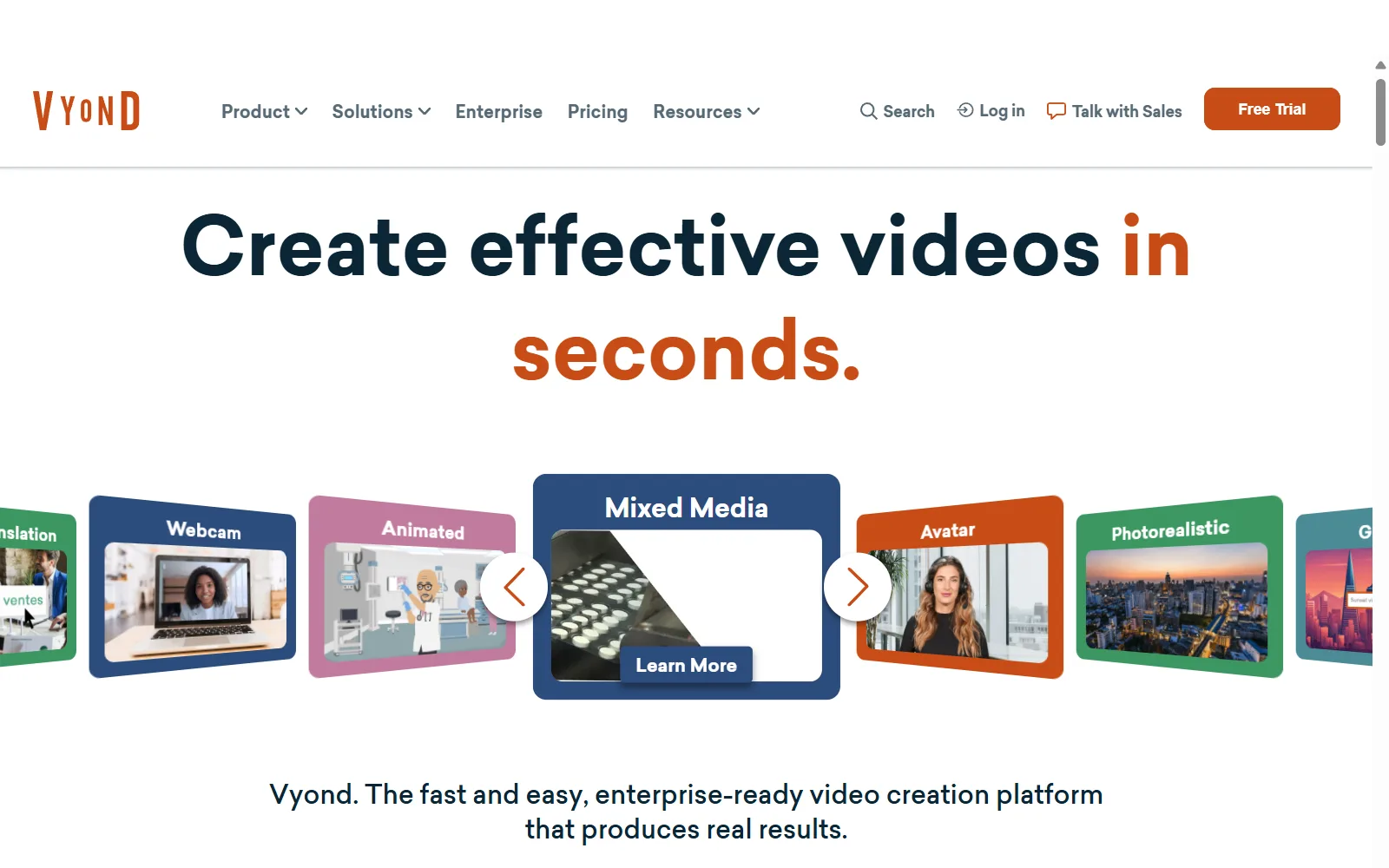 Vyond starts at $58/mo billed annually, and there is no free plan, only a 14-day trial.
Pricing: the official Vyond plans page listed Starter at $58/month billed annually when checked September 3, 2026.
Synthesia, Best for AI Avatar and Talking-Head Explainers
Synthesia takes a different route entirely. Instead of animating scenes, you pick an AI presenter, paste your script, choose a language, and it generates a talking-head video of a realistic avatar delivering your words. For explainers that are really "a person explaining a thing," it is a fast credible option.
Its edge is scale and languages. Synthesia offers a large library of avatars and supports well over 100 languages, which is why it shows up constantly in corporate training. It rates 4.7 out of 5 on G2 from more than 2,000 reviews as of June 2026, and markets itself as the "#1 rated AI video software," used by 50,000-plus teams. In my test, a clean avatar reading the Laneline script was done in about 25 minutes.
It fits SaaS onboarding, internal training, and any explainer where a consistent presenter matters more than animated scenes.
Where it falls short: it is talking-head shaped. If your explainer needs animated product UI, motion graphics, or anything other than a person at a lectern, Synthesia is the wrong tool. Avatars still read slightly stiff on close watching, and the Free plan caps you tightly before you hit a paywall.
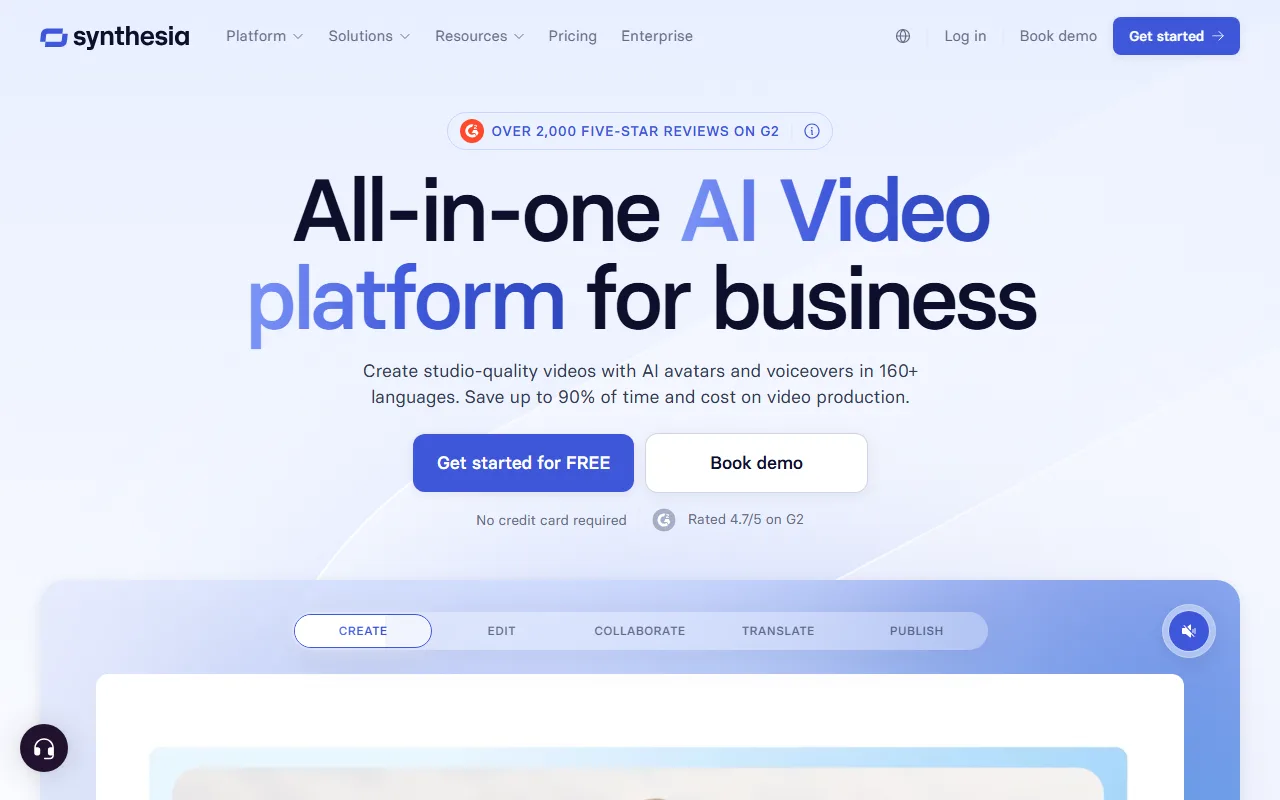 This image documents the pricing interface captured for the test; current plan terms are listed on Synthesia's official pricing page.
Pricing: the official Synthesia pricing page listed Basic as free and Starter at $29/month billed monthly when checked September 3, 2026.
Pexo, Best for Conversational Script or URL to Explainer
Pexo is the one I help build, so read this section with that in mind. It is an AI video partner you talk to rather than a timeline you operate. You describe the explainer you want, or hand it a script or even a product URL, and it plans scenes, generates the visuals and voiceover, and returns a finished clip you can refine by saying what to change. There is no prompt syntax to learn.
The differentiator in practice is starting friction. For the Laneline test I pasted the four line script, added one line of direction, and had a watchable first cut in about eight minutes, then spent a few more asking it to swap a scene and tighten the pacing. It handles text, image, URL, and audio as inputs, which is why a "turn our product page into an explainer" job works without a separate scripting step.
It fits founders, marketers, and small teams who want an explainer fast without learning animation, and who would rather iterate by conversation than by editing.
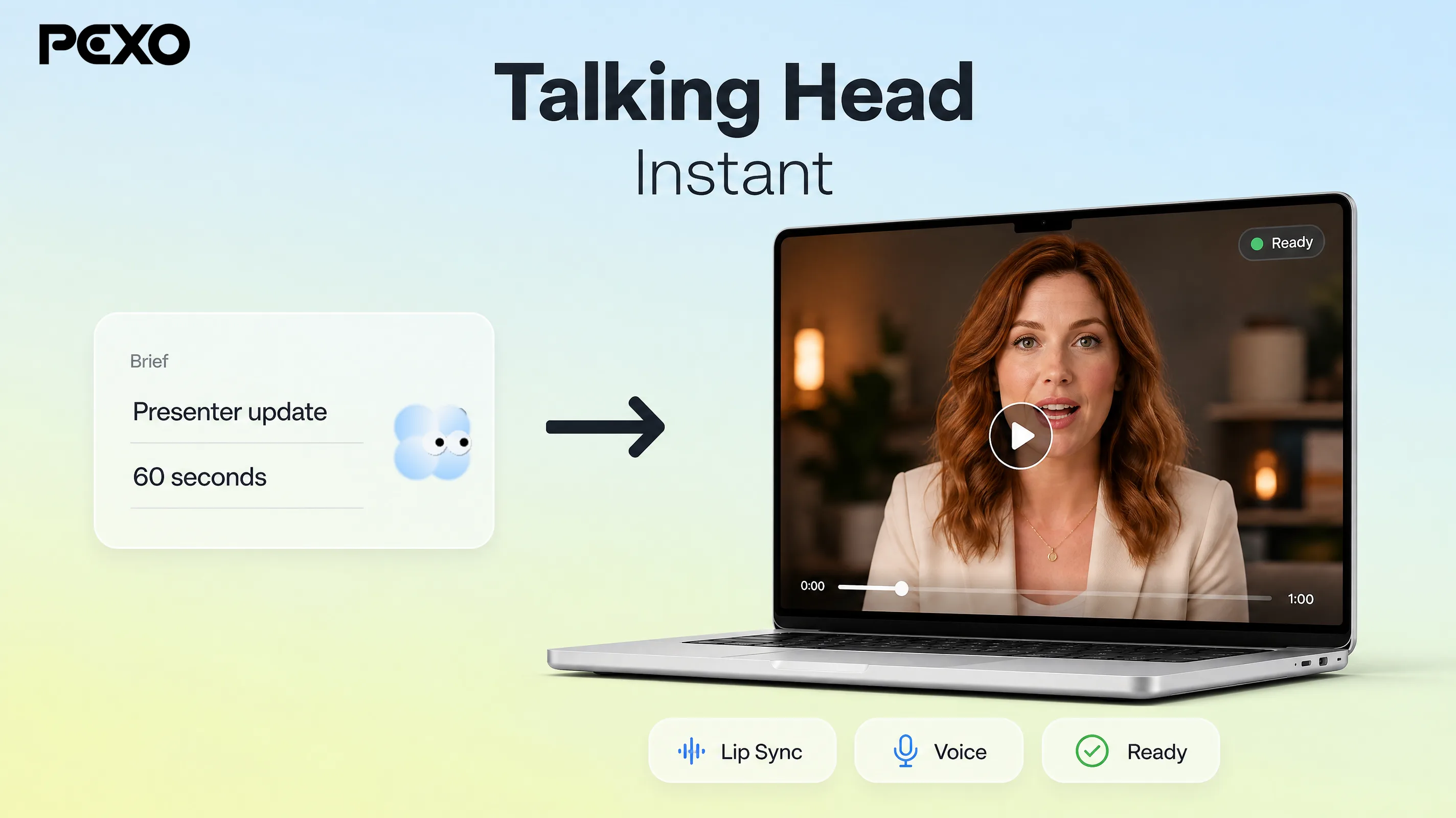 A presenter-style explainer Pexo generated from a short brief, the kind of finished clip the conversation hands back.
Where it falls short: it is credit-based, so heavy users need to watch their balance, and you trade away the frame-perfect control Vyond gives you. If your explainer depends on hand-placed character animation or a specific whiteboard style, a dedicated tool will get you closer.
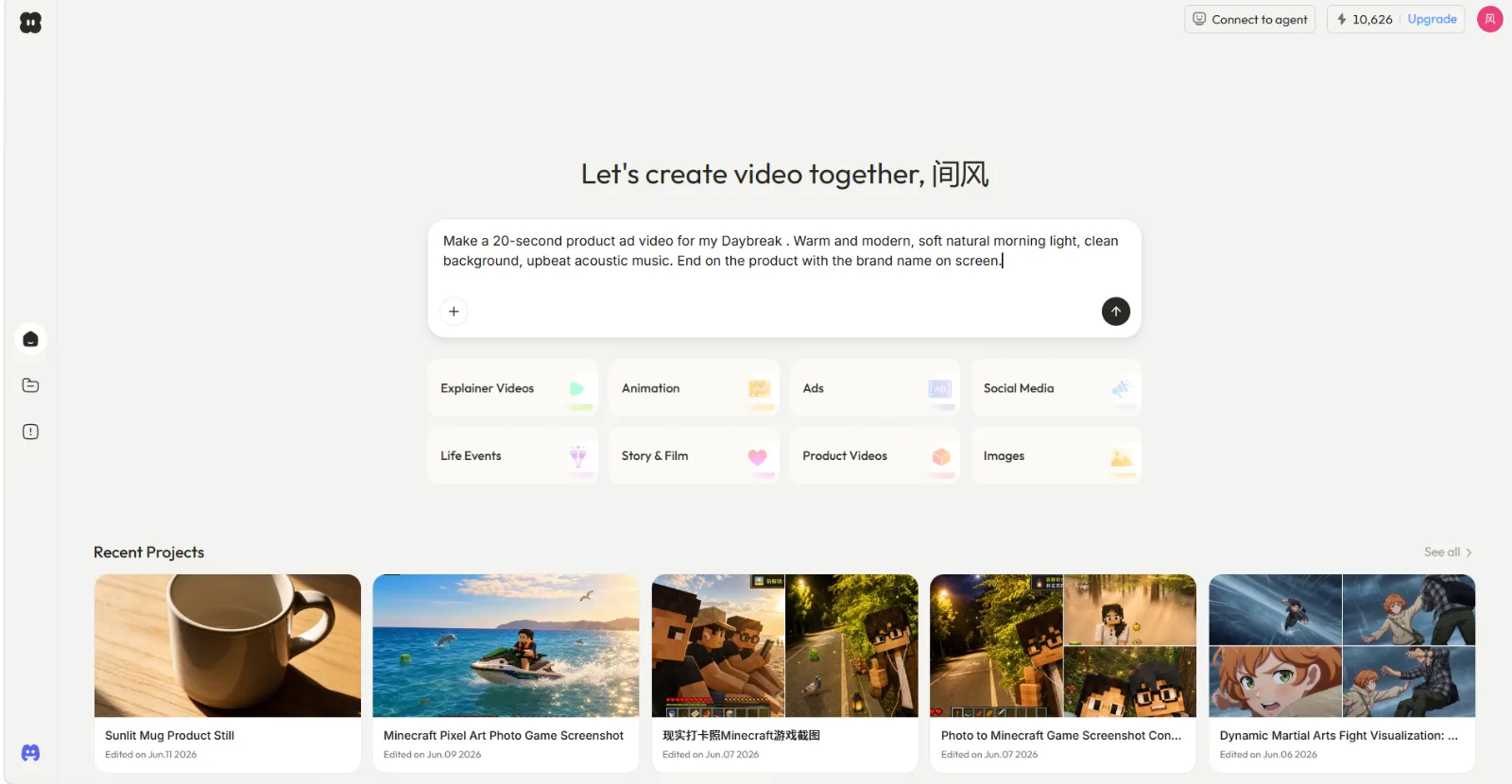 With Pexo you describe the video in plain language instead of writing a prompt, and an explainer preset is one of the starting points.
Pexo is credit-based. Verify current plan, credit, and export terms on the official Pexo pricing page, checked September 3, 2026.
Powtoon, Best for Presentation-Style Explainers
Powtoon sits between a slideshow and full animation. You work from templates, animate text and icons, and assemble scenes that feel like a lively presentation. It is the friendliest of the timeline tools and the one I would hand to a non-designer first.
Its strength is speed to "good enough." The template library is broad and the editor is forgiving, so my Laneline explainer came together in about 90 minutes without any animation background. Powtoon rates 4.4 out of 5 on G2 and 4.5 on Capterra as of June 2026, and it brands itself as a unified AI video platform, with AI script and content help layered into the editor now.
It fits marketers, teachers, and internal comms teams who need clear, on-brand explainers quickly and do not need cinematic motion.
Where it falls short: in the June 2026 test, the free plan was capped at 720p, a three-minute length, and a Powtoon watermark. Current limits may differ, and the output can still read "template-y" without additional customization.
 This June 2026 capture documents the free-plan limits shown during the test; current limits should be checked before publishing.
Pricing: the official Powtoon pricing page listed Lite at $15/month billed annually when checked September 3, 2026. Verify current free-plan export limits before publishing.
Animaker, Best for DIY Character Explainers
Animaker is the budget-friendly character animation option. It has one of the biggest character builders around, a huge prop and template library, and a drag and drop editor aimed squarely at non-professionals who still want animated characters in their explainer.
Its differentiator is the character library combined with price. You can build a custom character, drop it into a scene, and animate basic actions without touching a real animation tool. My Laneline explainer took about two hours, slower than Powtoon because the timeline has more moving parts, but the result had more personality. Animaker now meters its plans with AI video credits (3,000 a month on Starter), and holds a solid rating in the mid-4s on G2 as of June 2026.
It fits social media creators, small business owners, and anyone who wants animated characters on a real budget.
Where it falls short: the credit metering is the catch. Generative features and premium exports draw from a monthly credit pool, so a busy month can run dry. The interface also gets cluttered fast once a scene has several elements, and rendering felt slower than the others.
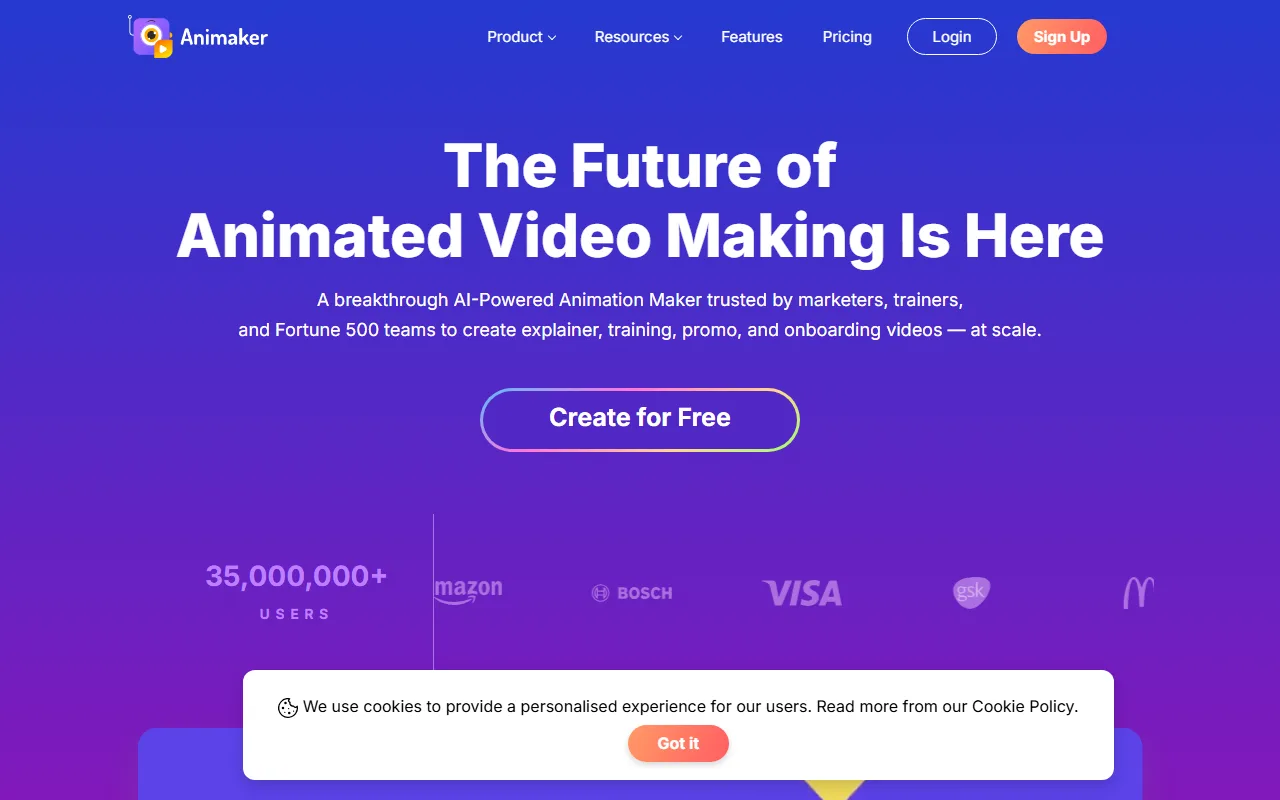 Animaker's Starter is $25/mo and meters usage with monthly AI video credits, which heavier users can exhaust.
Pricing: the official Animaker pricing page listed a watermarked free plan, Basic at $15/month, and Starter at $25/month billed annually when checked September 3, 2026.
VideoScribe, Best for Whiteboard and Doodle Explainers
VideoScribe, from Sparkol, does one thing: the hand-drawing-on-a-whiteboard style. You add images and text and it animates a hand sketching them onto the canvas. It is a narrow style, but for teaching and step-by-step concepts it still works, and nothing else here does it as cleanly.
Its strength is simplicity and a low floor. There is almost nothing to learn, and every plan includes unlimited projects, a music library, and 1080p MP4 export. My whiteboard version of the Laneline explainer took about an hour, and the draw-on effect gave a dry script some warmth. It rates 4.1 out of 5 on G2 as of June 2026, the lowest here, which tracks with how single-purpose it is.
It fits educators, course creators, and anyone whose explainer genuinely suits the sketch aesthetic.
Where it falls short: the whiteboard look is the whole product, so if that style does not match your brand there is no fallback. There is no permanent free plan, only a 7-day trial, and the asset library feels dated next to the others.
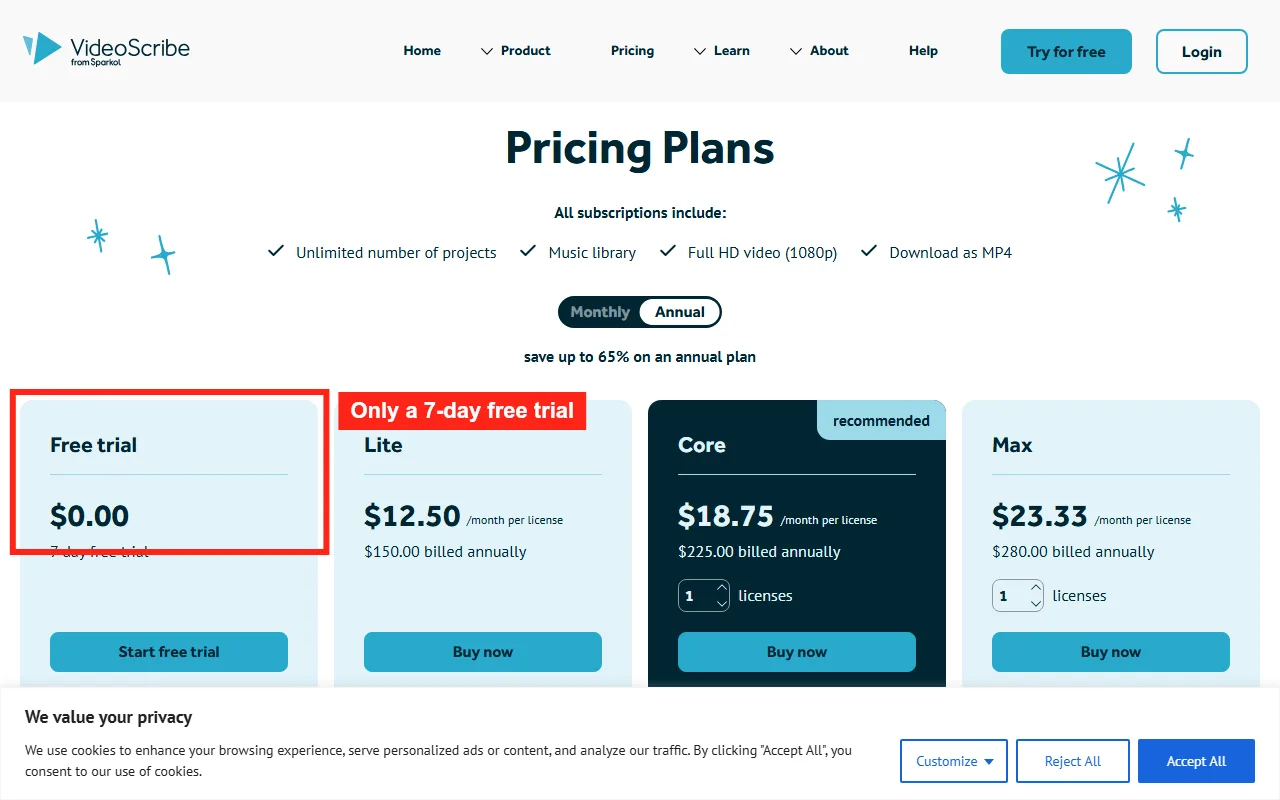 This image documents the trial and paid-plan interface captured for the test; current amounts should be checked on the official pricing page.
Pricing: VideoScribe offered a free trial and Lite, Core, and Max subscriptions when checked September 3, 2026; see the official VideoScribe pricing page for current amounts.
How to Choose the Right Explainer Video Software
After two weeks, the decision came down to three questions rather than a single winner.
What style does your explainer need? Consider Vyond or Animaker for character-led animation, Synthesia for presenter-led delivery, VideoScribe for a whiteboard treatment, and Powtoon for presentation-style messaging.
How much time do you have, and how often will you do this? Timeline-based animation gives you more direct control but required more assembly in this test. Pexo and Synthesia reached a first usable clip inside half an hour in the recorded workflow, while the other tools traded additional build time for different forms of control.
What is your real budget? Compare the current plan price with the export resolution, watermark, credit, and commercial-use terms you actually need. Free access and trials are not equivalent across these products, so check each official pricing page before committing.
There is no single best tool here, only the best fit for your style, cadence, and budget.
Conclusion
The test does not produce one universal winner. Choose Vyond or Animaker when character control matters, Synthesia when an avatar-led explanation fits the message, Powtoon for presentation-style assembly, VideoScribe for whiteboard storytelling, or Pexo when conversational generation from a script or URL fits the workflow.
Before committing, compare a real draft, the revision process, and current export terms. The best fit is the tool whose output style, editing model, and ongoing cost match how your team will actually produce videos. For more, see how to create an explainer video and explainer video script examples.





