

 ChatGPT
 Perplexity
 Claude
 Gemini
 Grok
Grok



OpusClip has become the default recommendation when someone asks for an AI tool to turn long-form video into short-form clips. The product is genuinely strong: it handles upload-to-published in fewer steps than most competitors, and its Virality Score is now the de facto benchmark for how AI clipping tools are evaluated. For many creators that is enough, and they never need to look elsewhere.
For the meaningful share who do look elsewhere, the reasons are predictable. The monthly credit allowance does not survive a real podcast publishing schedule. The editing controls required to refine a clip are reserved for the Pro tier. And the AI's first pass still needs hands-on cleanup before it is publishable, often enough to eat into the time the tool was supposed to save. This guide examines the seven OpusClip alternatives worth considering in 2026, with pricing verified from each vendor's official page in May 2026. Vendors change tiers frequently; double-check before subscribing.
Why Creators Look for OpusClip Alternatives
Three friction points come up repeatedly in conversations about OpusClip's limits.
The first is credit economics. OpusClip Pro costs $29 per month and includes 300 credits, where one credit equals one minute of source video. A creator releasing a single hour-long podcast per week consumes 240 of those credits before any livestream recap, guest interview, or behind-the-scenes content enters the queue. For weekly publishers, the monthly allowance frequently runs out before the month does.
The second is the editor paywall. The Starter plan at $15 per month generates clips, but it does not allow meaningful adjustments to them. Trimming, AI hook customization, and B-roll insertion are all reserved for Pro. Creators who want more than a take-it-or-leave-it output need to move to the $29 tier, accept the AI's first draft as final, or look at a competitor that includes editing on cheaper plans. The free tier adds further constraints: every export carries a watermark, clips expire after three days, and the Virality Score, which is central to OpusClip's marketing, is unavailable.
The third is the manual cleanup that the AI's first pass still demands. OpusClip reaches a draft quickly, but creators routinely report discarding a meaningful share of generated clips and hand-correcting many of the rest, most often because the captions contain errors or the auto-reframe crops the wrong part of the shot. That cropping tends to drift on screen recordings and whenever the speaker is off-camera. The built-in editor exists to fix these problems, but enough users describe that cleanup as slow and fiddly that it offsets part of the time the AI was supposed to save.
None of these limits make OpusClip a weak product. They simply explain why a comparison market exists and why this article does as well.
Our Evaluation Framework
Five criteria carry the most weight when comparing OpusClip alternatives for a given workflow. They are listed here in roughly the order most useful for narrowing a shortlist of OpusClip competitors.
Clip quality is the most important axis. The question is whether the AI surfaces moments that perform on a feed rather than moments that look promising in a preview. Variance in moment-detection quality between these tools is larger than variance in pricing, and it is the dimension creators most often regret underweighting.
Editing depth follows. Once the AI delivers a first pass, the question becomes how much you can shape the result. Some tools open the door to B-roll swaps, word-level caption editing, and brand kit application; others ship the AI's output essentially read-only.
Ease of use is the third axis. How quickly can a new user reach a usable first clip? This includes UI density, the quality of default settings, and whether the key actions are visible without a tutorial.
Export options cover format breadth. Vertical, square, and landscape outputs; multi-aspect renders in a single job; platform-specific dimensions for TikTok versus YouTube Shorts; and whether scheduling is built in or left to a separate tool.
Pricing and credit economics appear last on purpose. The realistic tier that most users would actually purchase matters more than the marketing-friendly entry tier, and the credit allowance has to survive a normal publishing cadence rather than a one-off test.
The 7 Best OpusClip Alternatives in 2026
1. Vizard — Best for transcript-based editing
Vizard's signature feature is text-driven clipping. After upload, the tool produces a full transcript of the source video, and the user highlights a passage to generate the corresponding clip. For podcasters, interview producers, and anyone who thinks about their content in quotes rather than timecodes, this is a more direct mental model than waveform scrubbing.
 Vizard leads with a transcript first workflow tailored to podcast and interview content.
The free tier is more usable than most. It includes 60 credits per month with a watermark on exports, but the underlying workflow is identical to the paid Creator plan, which makes it a credible space to evaluate the tool on a real episode before subscribing. Transcription supports more than one hundred languages, paid exports reach 4K, and the Brand Kit on Creator is sufficient for small teams.
The most consistent limitation is hook detection. OpusClip's Virality Score tends to surface the loudest moments in an hour of conversation, while Vizard's selections are more even-handed and less aggressive. Creators who rely heavily on viral-score guidance for selection will end up doing more manual curation in Vizard, though the always-present transcript makes that curation efficient.
- Pricing: Free (60 credits/month, watermark, 720p). Creator $29/month, or approximately $14.50/month billed annually (800 minutes/month, no watermark, 4K export). Business tier with shared workspaces and brand kit available.
- Best for: podcasters, interview shows, and anyone who edits by reading rather than scrubbing.
A more in-depth look at Vizard's day-to-day workflow is available in our full Vizard review.
2. Submagic — Best for word-level animated captions
Submagic is the strongest tool in this category for caption design. The library of styles is substantially larger than its competitors', with word-by-word highlighting, emoji triggers tied to specific keywords, configurable sound effects on chosen phrases, and typography customization deep enough to reproduce the styles seen across most major TikTok niches.
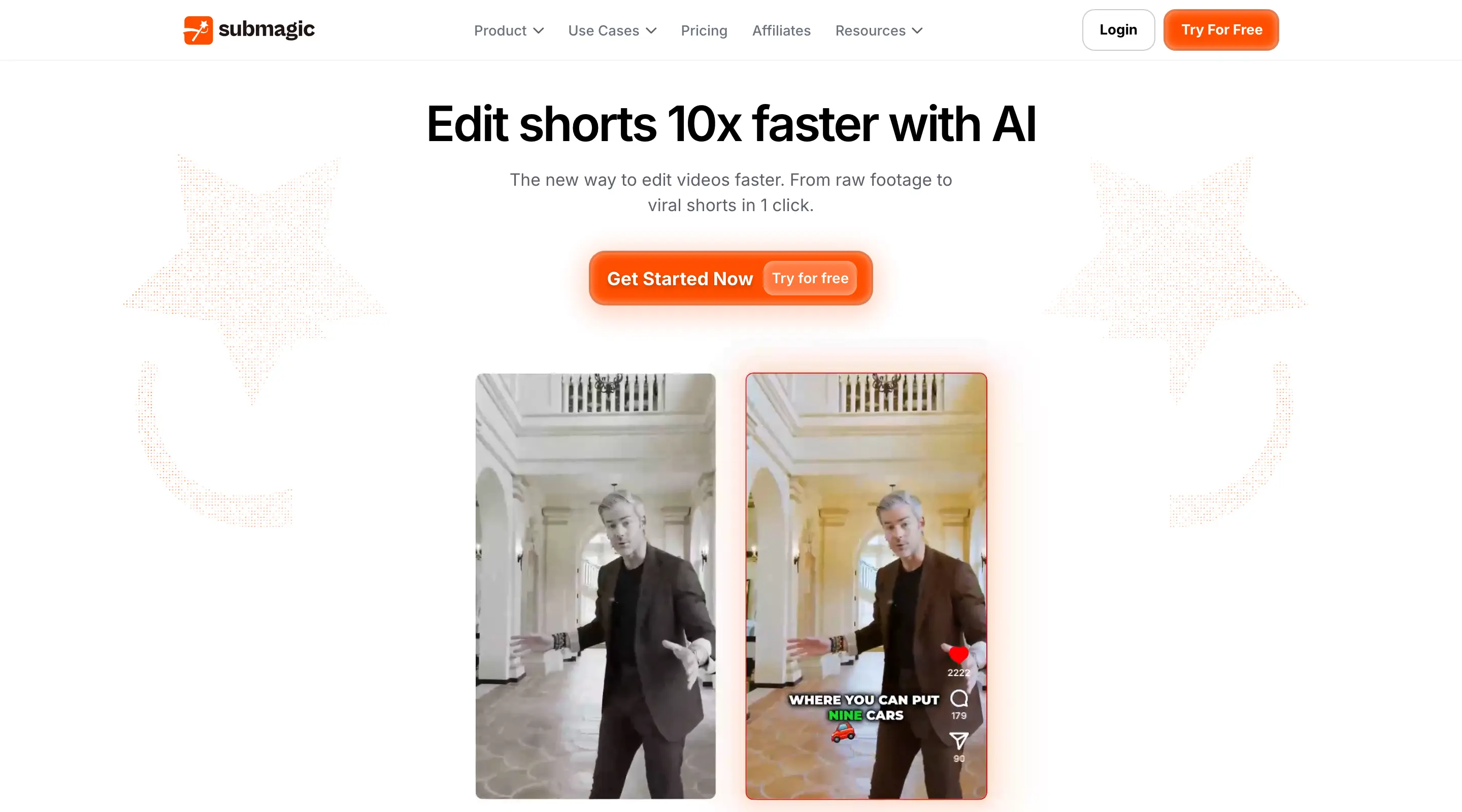 Submagic positions the entire homepage around its caption styling library.
The product is best understood as a finishing tool rather than a long-form repurposing engine. Source videos longer than approximately twenty minutes start to strain its moment-selection model, which relies on a single signal rather than the multi-signal approach OpusClip uses. A separate Magic Clips add-on at $19/month ($12 annual) attempts to extend Submagic into long-form territory, but in head-to-head comparisons it has trailed OpusClip's ClipAnything on pick quality. A quieter strength worth noting is AI Clean Audio on the Pro plan, which performs noticeably better on bedroom-recorded podcasts than its presentation suggests.
- Pricing: Free (3 videos/month, watermark). Starter $19/month ($12 annual). Pro $39/month ($23 annual). Business + API $69/month ($41 annual).
- Best for: short-form creators whose captions function as the primary production value.
3. Pexo — Best for creators with no editing experience
Most tools in this comparison assume a baseline of editing fluency. Pexo does not. It is a conversational AI video agent, which means the work happens in a chat window rather than on a timeline or in a panel of editing controls. For creators who have avoided clipping tools because the editors felt intimidating, that difference is the whole point.
 Pexo runs the clip-to-publish workflow through chat: upload a file or paste a link, then describe the edits you want.
Getting started takes one of two forms. You can upload a long recording directly, or you can paste a podcast or video link and let Pexo download the source for you. From there, every change is something you type rather than something you build: pull the strongest segments into short clips, add subtitles, apply styling and packaging, and resize each clip to the native dimensions for TikTok, Reels, or YouTube Shorts. There is no timeline to learn and no settings panel to navigate. If you can describe the edit in plain language, Pexo carries it out.
Two capabilities are worth highlighting. The first is batch clipping: rather than producing one clip at a time, Pexo can turn a single long source into a set of platform-ready clips in one pass, which matters for anyone working at volume. The second is that Pexo is not limited to footage that already exists. The same chat interface generates video from a script, a product page URL, a set of images, or an audio file, which covers the case where there is no long-form source to clip from at all.
The honest caveat is maturity. Pexo is in active rollout, so it has a shorter public track record than OpusClip and a smaller body of third-party reviews to weigh against. Creators who want a tool with years of benchmark data behind it have other options on this list. Creators who want the shortest, least technical path from raw material to finished clip will find Pexo hard to beat.
- Pricing: Credit-based. Current tiers are listed on the Pexo pricing page; the product is in active rollout, so third-party summaries tend to lag the official page.
- Best for: beginners and non-editors who want to clip, caption, and resize through conversation, anyone who needs batch output, and creators with no long-form source to start from.
4. Veed — Best all-in-one online editor
Veed is not strictly an OpusClip competitor. It is a full browser-based video editor that includes AI Clips as one of more than fifteen AI features, alongside a multi-track timeline, transitions, manual overrides, AI avatars, dubbing, translation, and text-to-video generation. For teams that want the AI's first pass plus the ability to do real editing on top of it, no other tool in this comparison covers as much surface area in a single subscription.
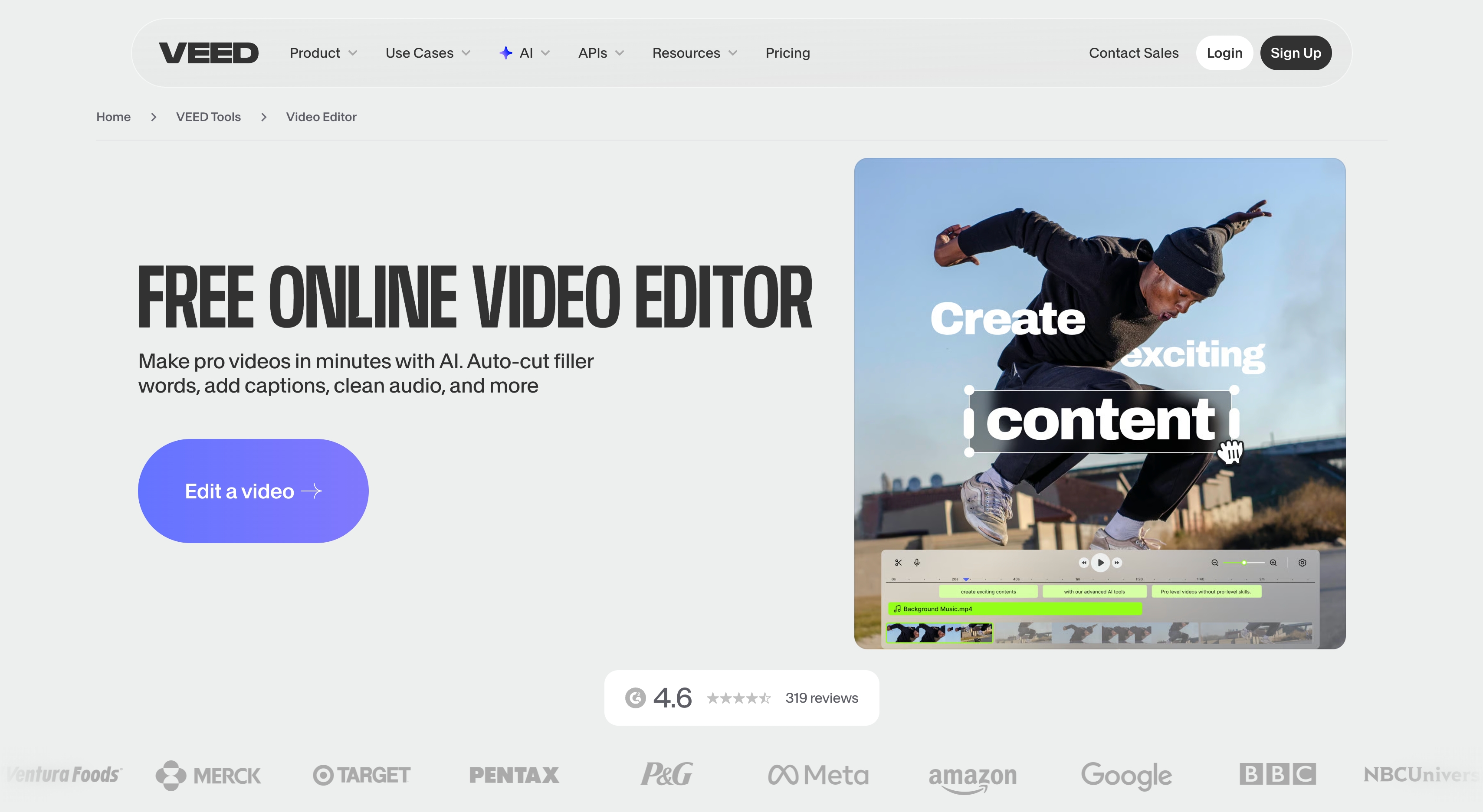 )
Veed bundles AI clipping alongside a wider suite of browser editing tools.
)
Veed bundles AI clipping alongside a wider suite of browser editing tools.
The same breadth carries a cost. The interface is denser than single-purpose tools such as Klap or Submagic, and first-clip time for new users tends to be longer as a result. AI features bill per action rather than per rendered video, so heavy editing sessions with several revision rounds can consume credit allowances faster than the headline pricing implies. Teams whose primary need is AI clipping with light polish will be served better by a more focused tool; teams that genuinely need an editor are better served by Veed than by stitching together two tools.
- Pricing: Free (watermarked). Basic $12/month billed annually. Pro $49/month per editor. Business $70/month. Annual billing typically reduces totals by 30 to 40 percent.
- Best for: teams that need AI clipping, traditional editing, and AI generation under a single subscription.
5. Klap — Best for high-volume clip output
Klap is the most economical option for teams that already understand what works for their audience and need scale rather than algorithmic discovery. The Starter plan at $14/month (with the 50 percent annual discount applied) provides 100 clips per month across 10 uploads of up to 45 minutes each. The Pro tier at $39/month increases that to 300 clips from 30 uploads of up to two hours each. As a clips-per-dollar figure, those tiers are among the strongest in the category.
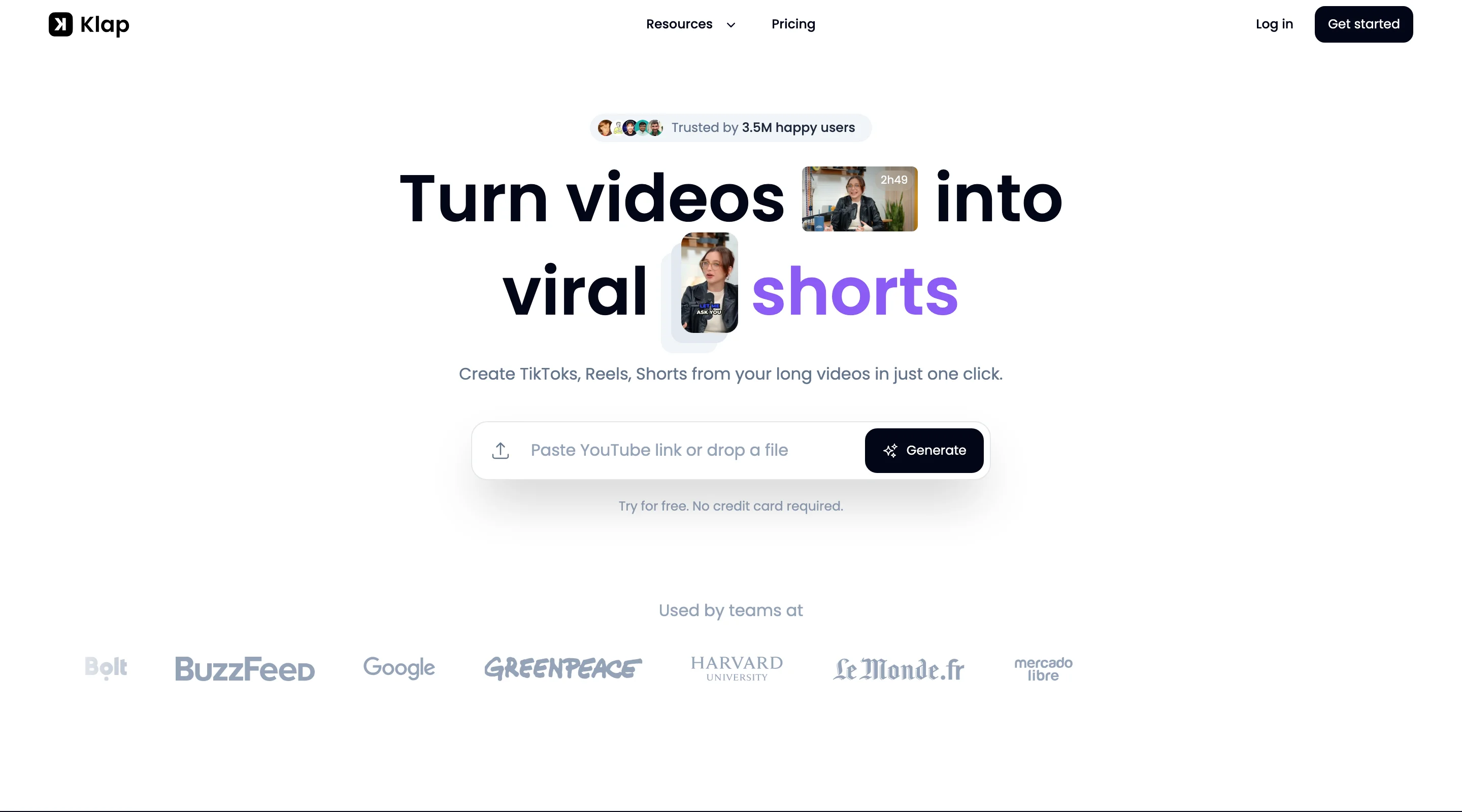 Klap leans into clip volume per dollar and bundles AI dubbing on higher tiers.
Klap's other meaningful differentiator is AI dubbing into 29 languages on the Pro and Pro+ plans. For creators repurposing English-language content into non-English markets without a translation pipeline of their own, that feature alone can justify the subscription. Where Klap does not particularly shine is in moment selection: the AI is competent but rarely surprises a user who already knows the source material, which makes it less appealing for creators who want the tool to do the talent-spotting work.
- Pricing: Starter $14/month, Pro $39/month, Pro+ $94/month. Annual billing assumed with 50 percent discount applied.
- Best for: agencies, multi-account managers, and creators publishing across many channels.
6. Captions — Best for mobile-first short-form
Captions began as a mobile application, and that heritage continues to show in the product. The phone workflow is genuinely native rather than a desktop interface compressed onto a small screen. On the Max plan, the AI Eyes and AI Edit features add generative components: complete short-form videos can be assembled with custom B-roll, music, and sound effects, placing Captions somewhere between a clipper and a generative video tool.
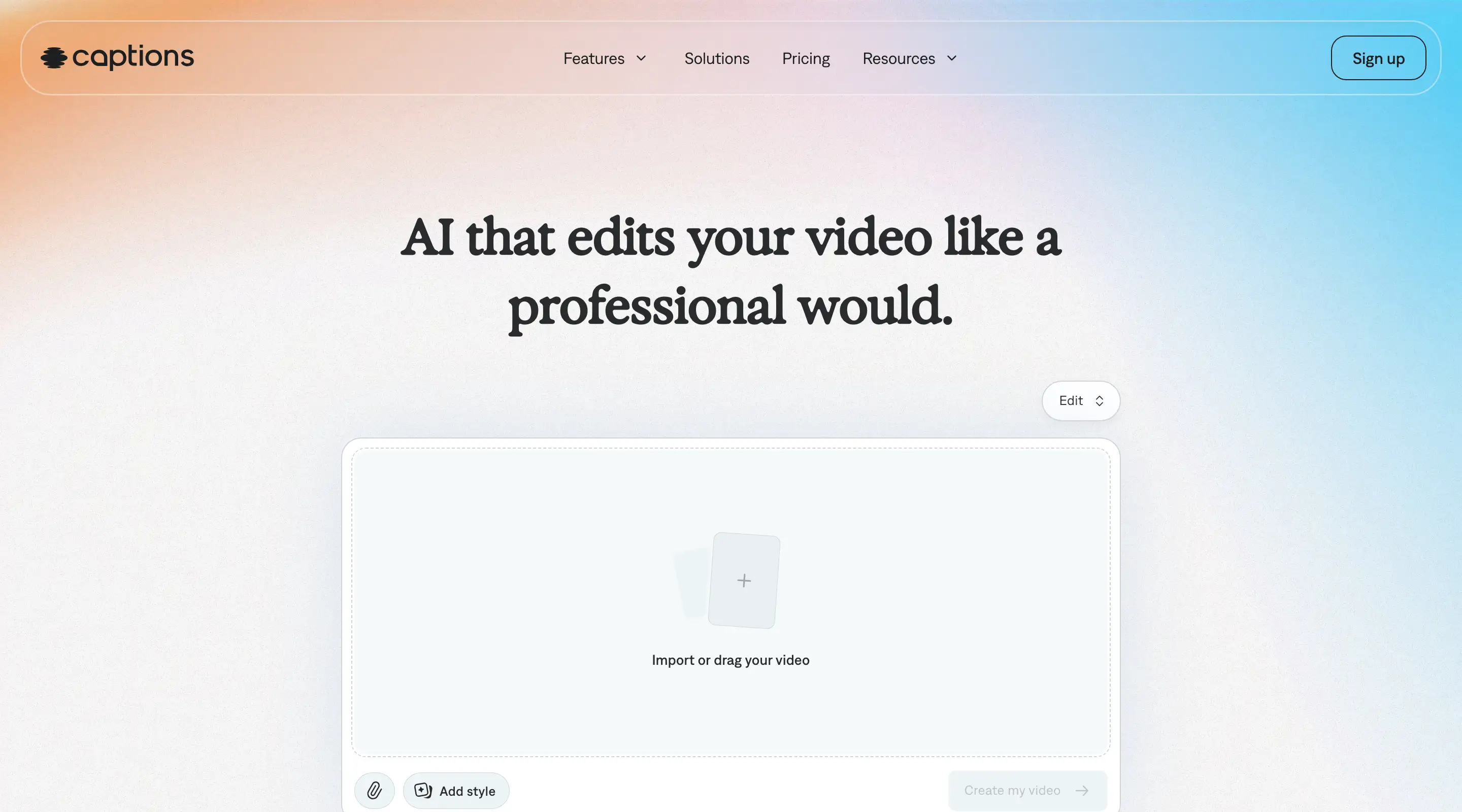 Captions began as a phone first editor and still treats mobile as the primary workflow.
Pricing is Captions' most notable feature in a different way. The Pro tier at $9.99/month is the lowest watermark-free entry point in this comparison and unlocks captions in more than one hundred languages. The Max tier at $24.99/month adds generative features and 500 credits per month. Above Max, however, the price curve steepens quickly: Scale tiers run from $69.99 to $279.99/month and become a meaningful expense for any user who relies on generative output at volume. Clip selection is competent rather than differentiated; the case for Captions sits on its mobile experience and entry pricing rather than its moment-detection AI.
- Pricing: Free (limited). Pro $9.99/month. Max $24.99/month (500 credits). Scale tiers $69.99–$279.99/month.
- Best for: mobile-first creators, and budget-conscious creators who want AI-generated polish included.
7. Quso — Best for solo creators publishing daily
Quso, formerly known as Vidyo.ai, is among the most well-rounded all-in-one platforms aimed at individual creators. The Essential tier provides one-click scheduling across seven platforms, filler-word removal, and a set of more than ten AI tools under a single subscription. The Growth tier adds bulk publishing and analytics, which is useful when social channels are managed as a single funnel rather than treated independently.
 Quso bundles clipping, scheduling, and basic editing into a single solo creator subscription.
Pricing is where Quso clearly separates from OpusClip for individual creators. Annual rates land between $15 and $25 per month across Lite, Essential, and Growth, noticeably below OpusClip's $29 Pro tier. The free tier offers 75 watermarked credits, which is enough to evaluate the full workflow before paying. The consistent tradeoff is that Quso is not best-in-class on any single dimension. Clip quality benchmarks place it a step below OpusClip and Vizard, and the bundled AI tools tend to be sufficient rather than exceptional. For creators who would prefer one well-integrated tool to four specialized ones, that tradeoff is reasonable.
- Pricing: Free (75 credits, watermark). Lite $24/month or $15 annual. Essential $32 or $20 annual. Growth $40 or $25 annual. Custom tiers $42–$83 annual.
- Best for: solo creators and small teams that value one-tool simplicity.
OpusClip Alternatives: Quick Comparison Table
Ease of use is rated as easy, medium, or advanced from the perspective of a new user attempting to produce a usable first clip within an hour of signup.
| Tool | Ease of Use | Best Use Case | Pricing (USD) |
|---|---|---|---|
| Vizard | Easy | Transcript-based clipping for podcasts | Free (60 cr, watermark) / Creator $29 ($14.50 annual) / Business |
| Submagic | Easy | Word-level animated captions | Free (3 vid, watermark) / Starter $19 ($12 annual) / Pro $39 ($23 annual) |
| Pexo | Easy | Conversational clipping for beginners; batch and generation | Credit-based; see pexo.ai/pricing |
| Veed | Advanced | All-in-one editor with AI clipping | Free (watermark) / Basic $12 annual / Pro $49 / Business $70 |
| Klap | Easy | High clip volume with multilingual dubbing | Starter $14 / Pro $39 / Pro+ $94 (annual rates) |
| Captions | Easy | Mobile-first short-form with generative B-roll | Free / Pro $9.99 / Max $24.99 / Scale $69.99+ |
| Quso | Medium | Multi-platform scheduling plus clipping | Free (75 cr, watermark) / Lite $24 ($15 annual) / Essential $32 / Growth $40 |
How to Choose the Right OpusClip Alternative
The most reliable filter is the shape of the source material, followed by the publishing cadence, followed by budget. A few patterns hold up consistently.
Podcasters releasing weekly hour-long episodes derive the most value from Vizard's transcript-driven workflow or Veed's editor-plus-AI combination. The credit math is more forgiving than OpusClip's in both cases, and the transcript model maps directly onto how most podcasters already think about their own content. Submagic is also worth considering for this audience, but as a finishing tool applied to clips that have already been selected elsewhere, not as the primary tool.
Caption-driven creators, whose on-screen typography functions as the brand, should evaluate Submagic first and Captions second. Submagic's customization library is deeper and the per-keyword triggers are more flexible; Captions is meaningfully cheaper but more constrained.
Agencies and high-volume operators handling hundreds of clips per month across multiple accounts will see the strongest return from Klap's volume pricing. Monthly cost is higher than solo-creator tiers, but per-clip cost remains favorable at scale.
Solo creators publishing daily who want a single tool covering clipping, scheduling, and light editing should begin their evaluation with Quso, where the Essential tier at $20 per month annual is the most credible all-in-one option in the lineup.
Creators who find editing interfaces intimidating, or who simply prefer to describe an edit rather than perform it, should start with Pexo. The entire workflow runs through chat — upload a file or paste a podcast link, then type instructions to clip, caption, resize, and package — and it supports batch output as well. It is equally the right call when no long-form source exists yet, since the same interface can generate a video from a script or a URL. The quickest way to feel the difference is to create a YouTube Short directly from a brief.
Conclusion
OpusClip is a strong product, and for many creators it remains the best default choice. The reason a market for OpusClip alternatives exists at all is that what counts as "best" depends substantially on the underlying workflow: a podcaster, a caption-driven short-form creator, an agency operator, a mobile-first producer, and a beginner who would rather describe edits than perform them will each rank these tools differently. The right approach is to match the tool to the workflow first and to the price tag second, since the most expensive tier in this comparison is still less expensive than the time lost to a tool that does not fit. For creators who want the least technical path of all — clipping, captioning, and resizing by describing the change rather than performing it — Pexo is the right starting point, whether or not a long-form source already exists.





