

 ChatGPT
 Perplexity
 Claude
 Gemini
 Grok
Grok

You have a backlog of webinars, podcast episodes, and YouTube recordings sitting untouched. Each one could become a week's worth of TikToks, Reels, and Shorts if you had the time to edit them. That is exactly the problem Vizard AI was built to solve. But what if your content strategy goes beyond recycling old footage and you need to create original videos from scratch? Tools like Pexo AI already make that possible. So is Vizard still the right choice in 2026? This vizard ai review covers the platform's core features, real pricing breakdown, honest pros and cons, and the best alternative for creators who need original video creation, not just clips from old footage.
What Is Vizard AI?
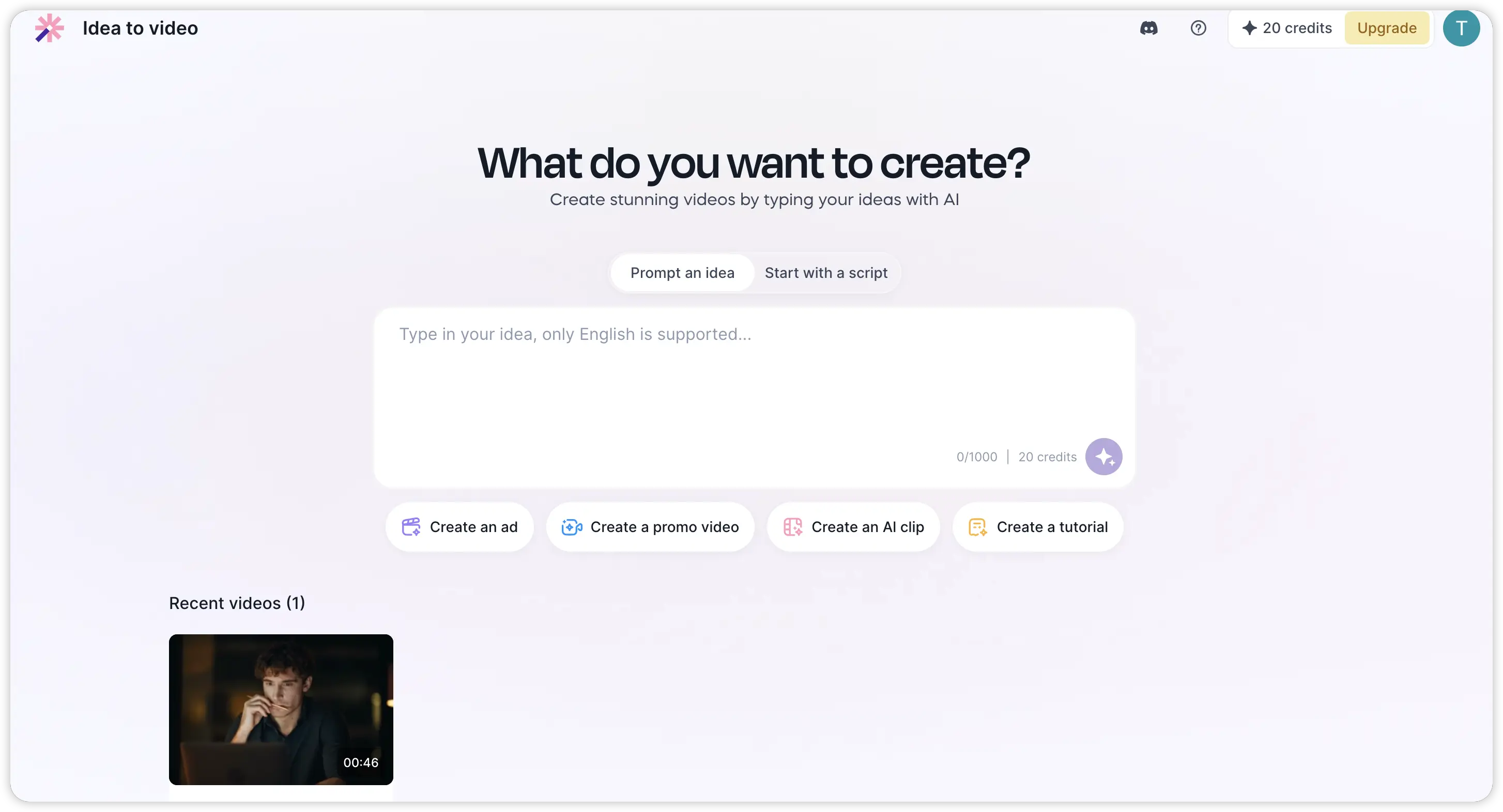 Vizard AI is an AI-powered video repurposing platform that turns long-form videos into short, social-ready clips. You upload a video file or paste a YouTube URL, and the AI automatically identifies the most engaging segments, generates short clips, and formats them for platforms like TikTok, Instagram Reels, and YouTube Shorts.
The platform is designed primarily for spoken-word content. Podcasters, educators, interviewers, and YouTubers make up the bulk of Vizard's user base. The AI analyzes speech patterns, identifies high-engagement moments, and assigns each clip a "virality score" so you can prioritize which ones to post first.
One thing worth understanding upfront: Vizard AI does not create new content. Every clip it produces comes from footage you already have. If you need to generate original videos from scratch, whether for product ads, explainer content, or social campaigns, you will need a different category of tool entirely.
How Does the Vizard AI Video Editor Work?
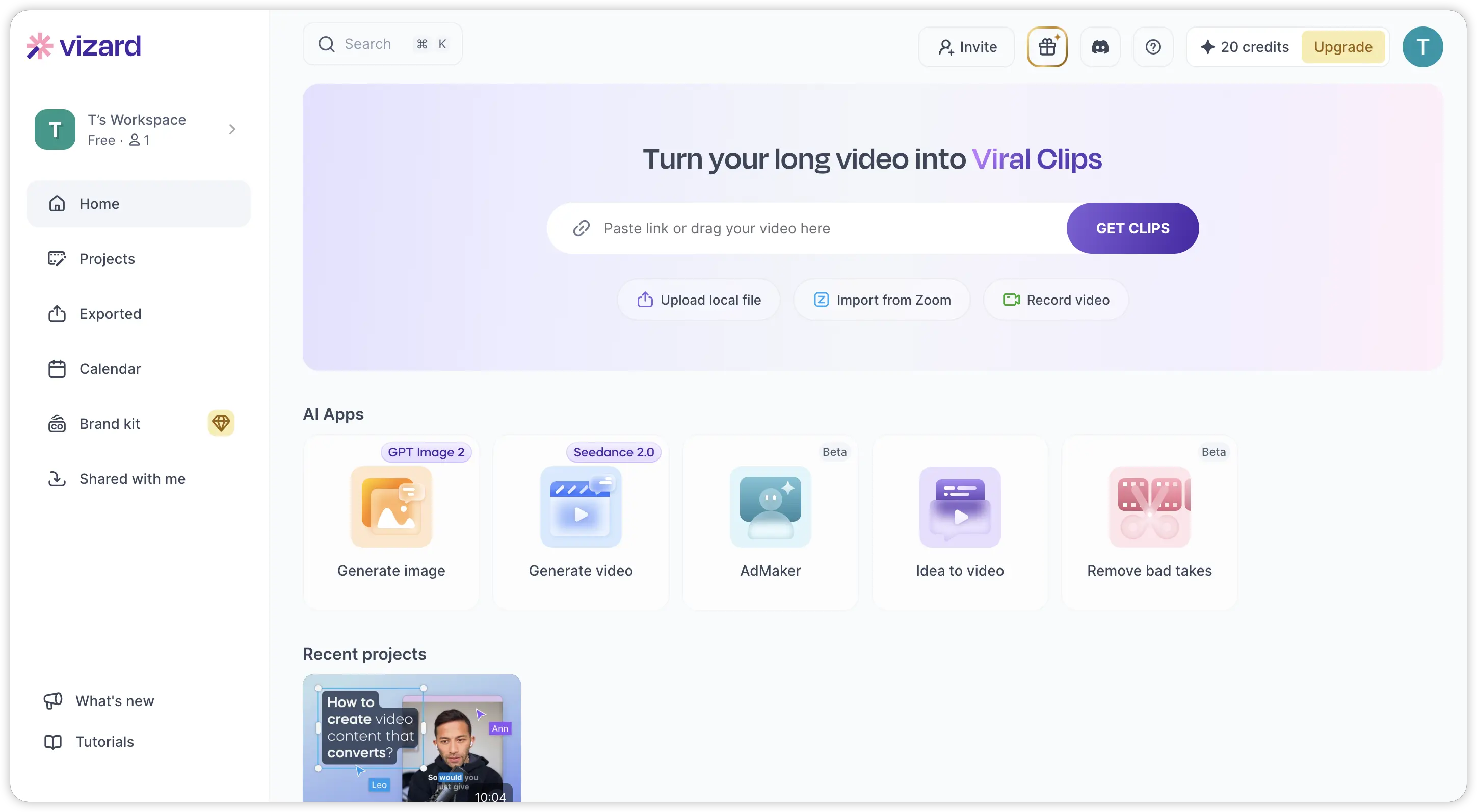 The workflow inside Vizard is designed to be fast and low-effort. Here is how the process works from start to finish:
- Upload your video by dragging a file into the dashboard, pasting a YouTube link, or connecting Google Drive and Vimeo. Paid plans support files up to 10 GB and 10 hours long.
- AI scans and clips the content automatically. The engine identifies high-engagement segments based on speech content and generates multiple short clips, each with a virality score.
- Review and edit using the built-in text-based editor. You can trim clips by deleting text from the transcript, adjust caption styles, reposition subtitles, and apply brand templates.
- Export and publish in vertical (9:16), square (1:1), or horizontal (16:9) formats. Paid users can export at up to 4K resolution and schedule posts directly to connected social accounts.
Processing time is typically three to six minutes for a 45-minute video. The entire process from upload to publishable clip can happen in under 15 minutes, which is the primary selling point for busy creators.
Key Features of Vizard AI
Before deciding whether Vizard fits your needs, it helps to understand what the platform actually delivers. Here are the core capabilities that define the Vizard AI experience in 2026.
AI-Powered Video Clipping
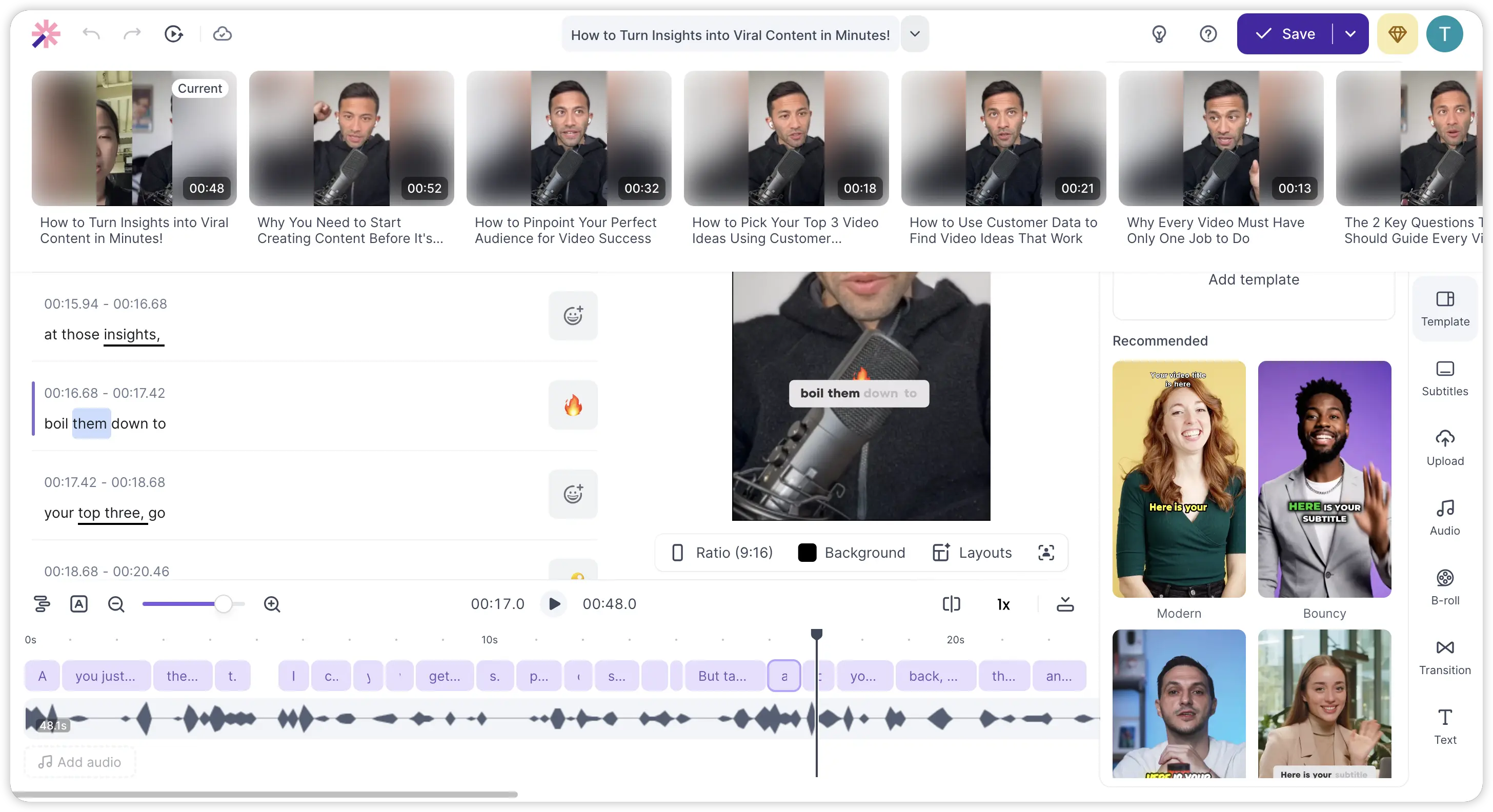 This is the heart of the product. The AI engine scans your full video transcript, identifies segments with the highest engagement potential, and cuts them into standalone short clips. Each clip receives a virality score so you can sort and prioritize. You can also regenerate clips with different parameters if the initial batch doesn't match your expectations.
Auto Captions and Subtitle Translation
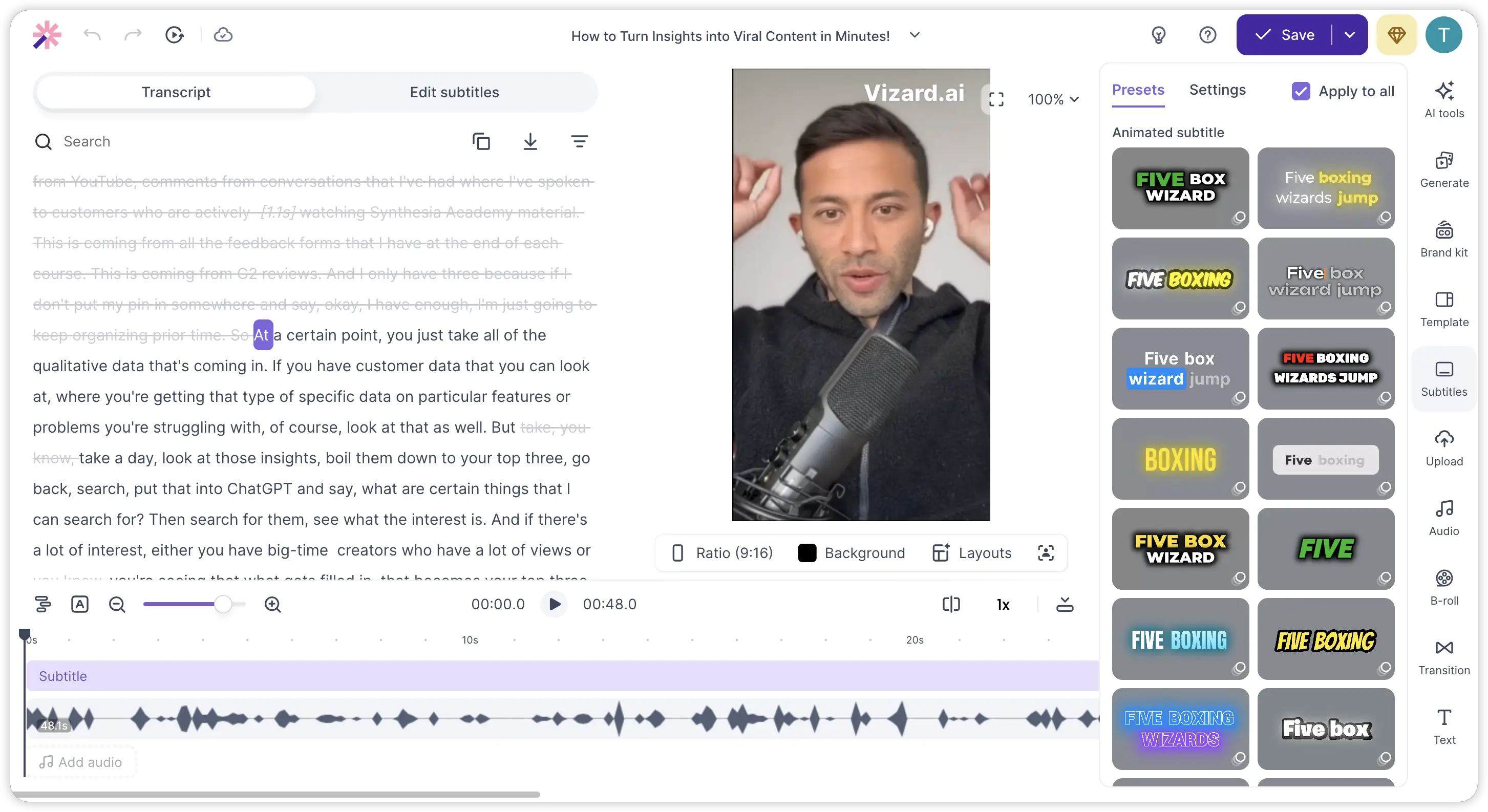 Vizard generates animated captions automatically for every clip. Caption styles are customizable with different fonts, colors, and animation effects. The platform also supports subtitle translation into 100+ languages, making it useful for creators targeting international audiences.
AI Face Tracking and Auto Reframe
For talking-head content shot in 16:9, Vizard tracks the speaker's face and keeps it centered when reformatting to vertical 9:16. This removes the need for manual reframing and works reliably for single-speaker footage. Multi-speaker scenarios can occasionally require manual adjustments.
Brand Kit and Templates
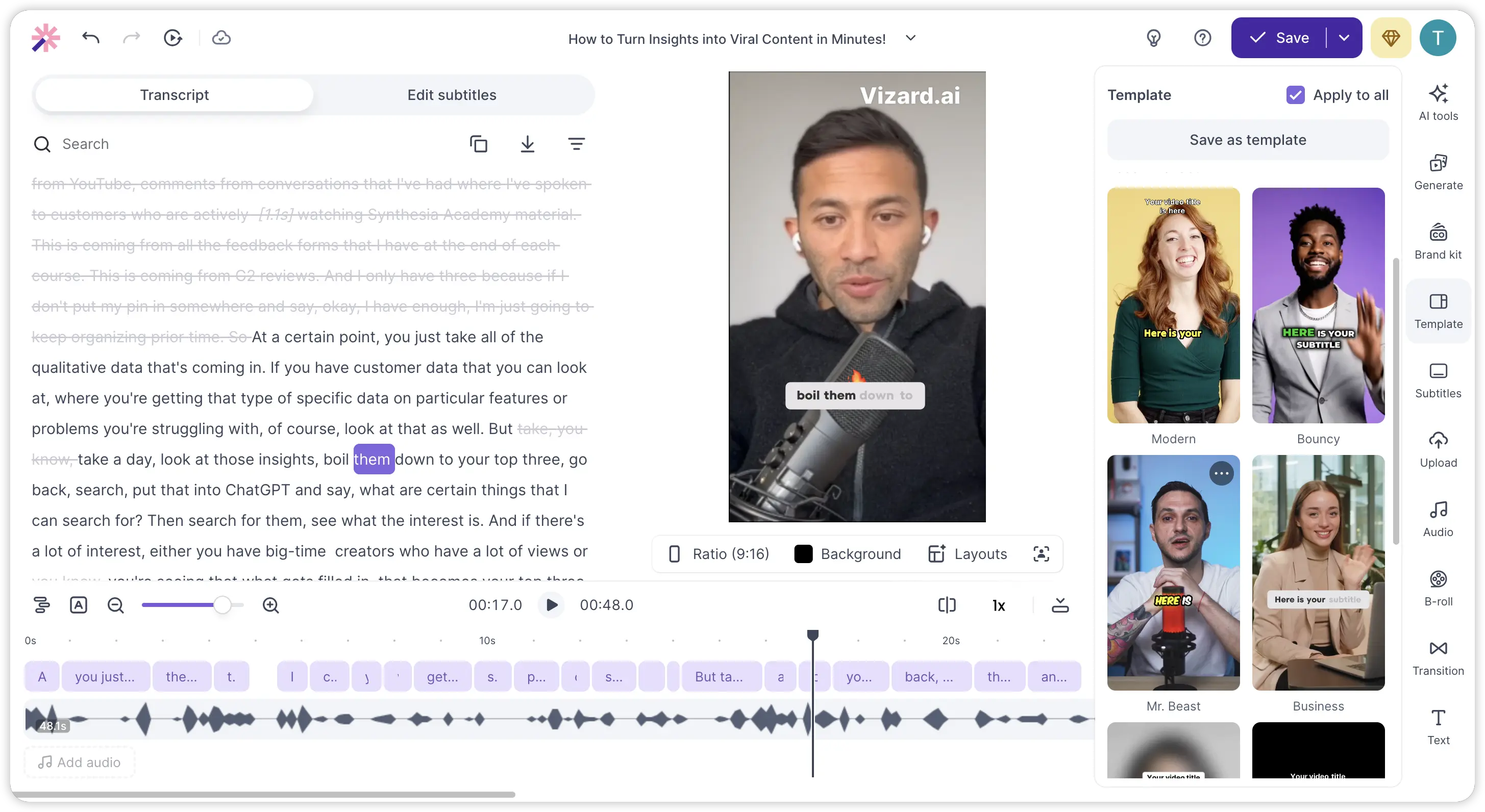 Paid plans include a Brand Kit feature where you can save custom fonts, colors, logos, and subtitle styles. This ensures consistent branding across all exported clips. Vizard also provides pre-designed templates to speed up the styling process.
Social Scheduling and Direct Publishing
Creator and Business plans allow you to connect up to six social media accounts and schedule posts directly from the Vizard dashboard. This eliminates the need for a separate scheduling tool, though the functionality is fairly basic compared to dedicated social media management platforms.
Text-Based Video Editing
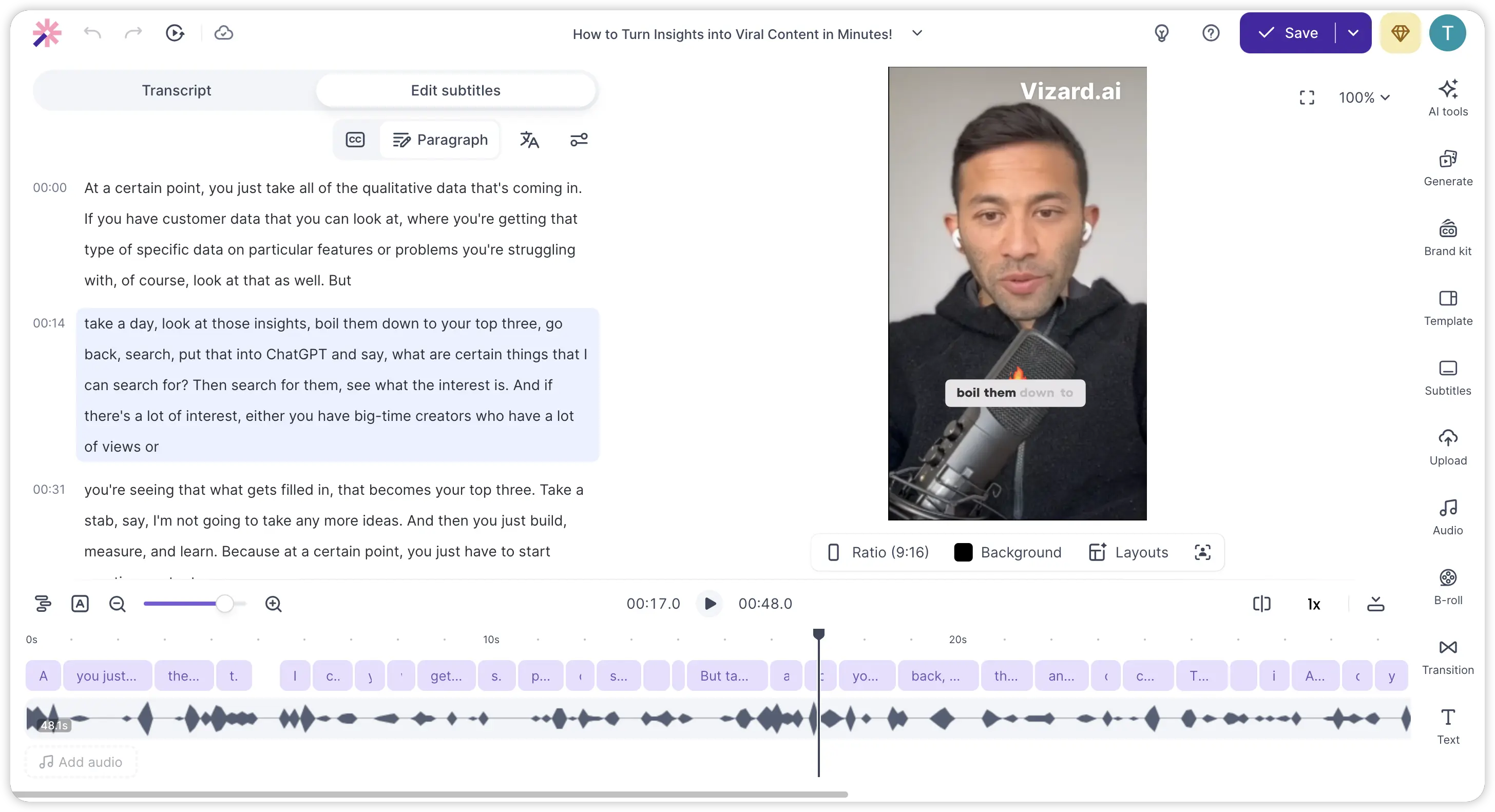 Instead of working with a traditional timeline, you edit clips by modifying the transcript text. Deleting a sentence from the transcript removes the corresponding video segment. This approach lowers the editing barrier significantly, especially for creators who are not comfortable with traditional video editors.
Vizard AI Pricing in 2026
Understanding the cost structure is essential before committing to any plan. Vizard uses a credit-based system where one credit equals one minute of uploaded video. Here is the current pricing breakdown:
| Plan | Monthly Price (Annual) | Credits/Month | Key Features |
|---|---|---|---|
| Free | $0 | 60 | 720p export, watermark, 3-day storage |
| Creator | $16.90/month | 600 | 4K export, no watermark, Brand Kit, API, 6 social accounts |
| Business | $22.80/month | 600+ | Shared workspace, custom fonts, client access, priority processing |
| Enterprise | Custom | 10,000+ | 99.99% SLA, dedicated support |
Monthly billing is significantly more expensive. The Creator plan jumps to $29/month and Business to $39/month without annual commitment. Vizard positions this as "5 months free" when you choose annual billing, which is the most substantial discount available.
The free plan works for testing the platform, but the 720p resolution limit, watermarked exports, and three-day storage make it impractical for regular content production. Most serious creators will need at least the Creator plan.
Pros and Cons of Vizard AI: An Honest Look
No tool is perfect. Here is a balanced assessment based on real user feedback and hands-on testing.
What Vizard AI does well:
- Fast clip extraction that saves hours of manual editing per episode
- Accurate AI clipping for spoken-word content like podcasts and interviews
- Clean animated captions with customizable styles
- Reliable face tracking for single-speaker talking-head videos
- Text-based editing that makes trimming intuitive even for non-editors
- Free API access on paid plans for workflow integration
Where the Vizard AI tool falls short:
- Cannot generate original content from scratch, only repurposes existing footage
- AI-selected clips often need manual review and adjustment
- Processing can be slow during peak usage times
- Right-to-left subtitle languages require manual correction
- Limited advanced editing capabilities compared to full production suites
- No text-to-video capability for creating fresh content from ideas
- The free plan is too restrictive for any real production workflow
Who Should Use Vizard AI?
 Vizard AI works best for a specific type of creator. If you already produce long-form spoken-word content regularly and need to turn that existing library into short clips for multiple platforms, this tool delivers genuine value.
The ideal users include weekly podcasters who want ten to twenty clips per episode, YouTubers looking to repurpose long videos into Shorts, educators turning lectures into bite-sized content, and marketing teams sitting on a backlog of webinar recordings.
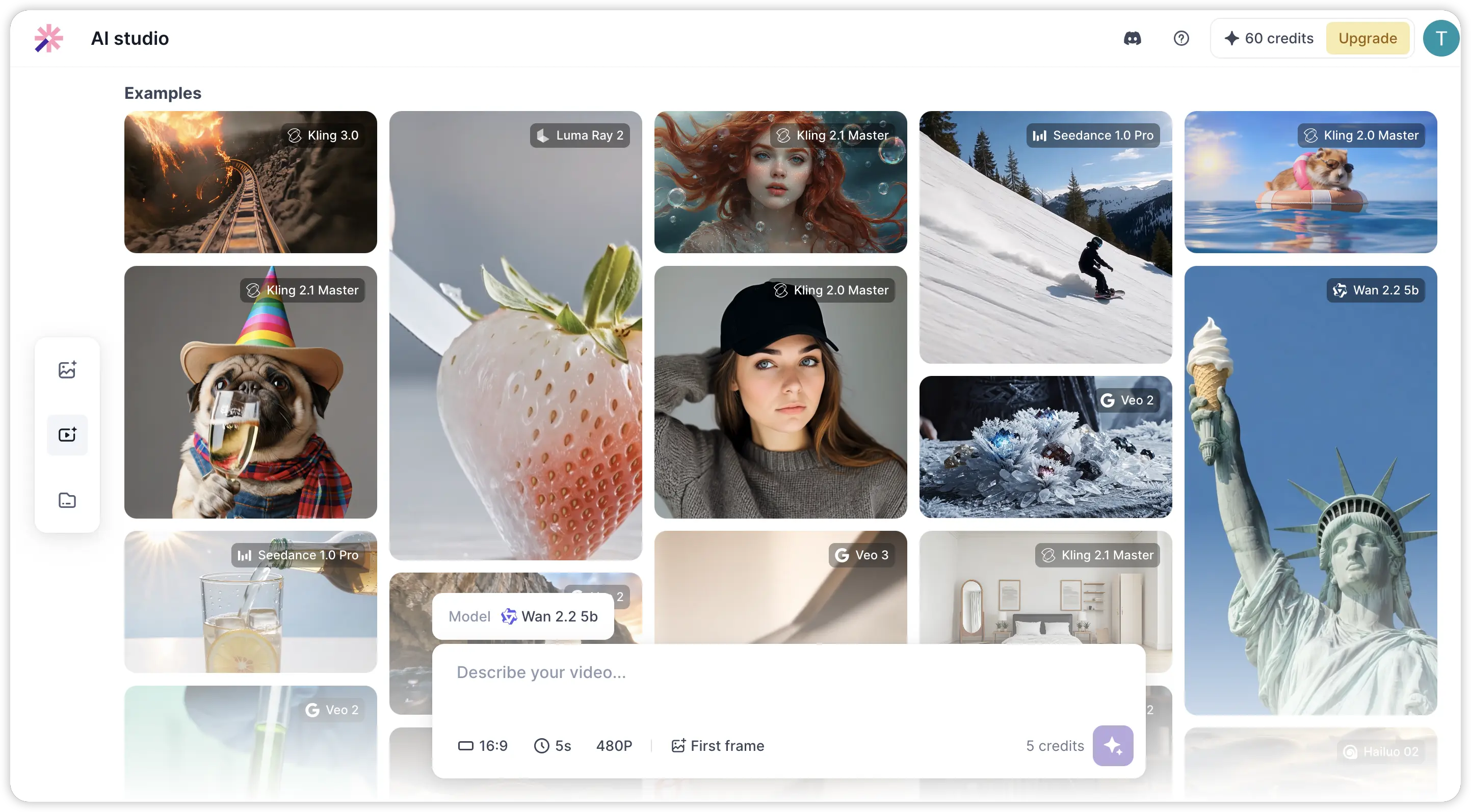
However, Vizard AI is not the right fit for brands that need original product ad videos, agencies producing creative campaigns from scratch, or creators who want to build content without filming first. If your workflow involves creating new videos rather than recycling old ones, a different approach is needed.
Vizard AI vs Pexo AI: Which One Fits Your Workflow?
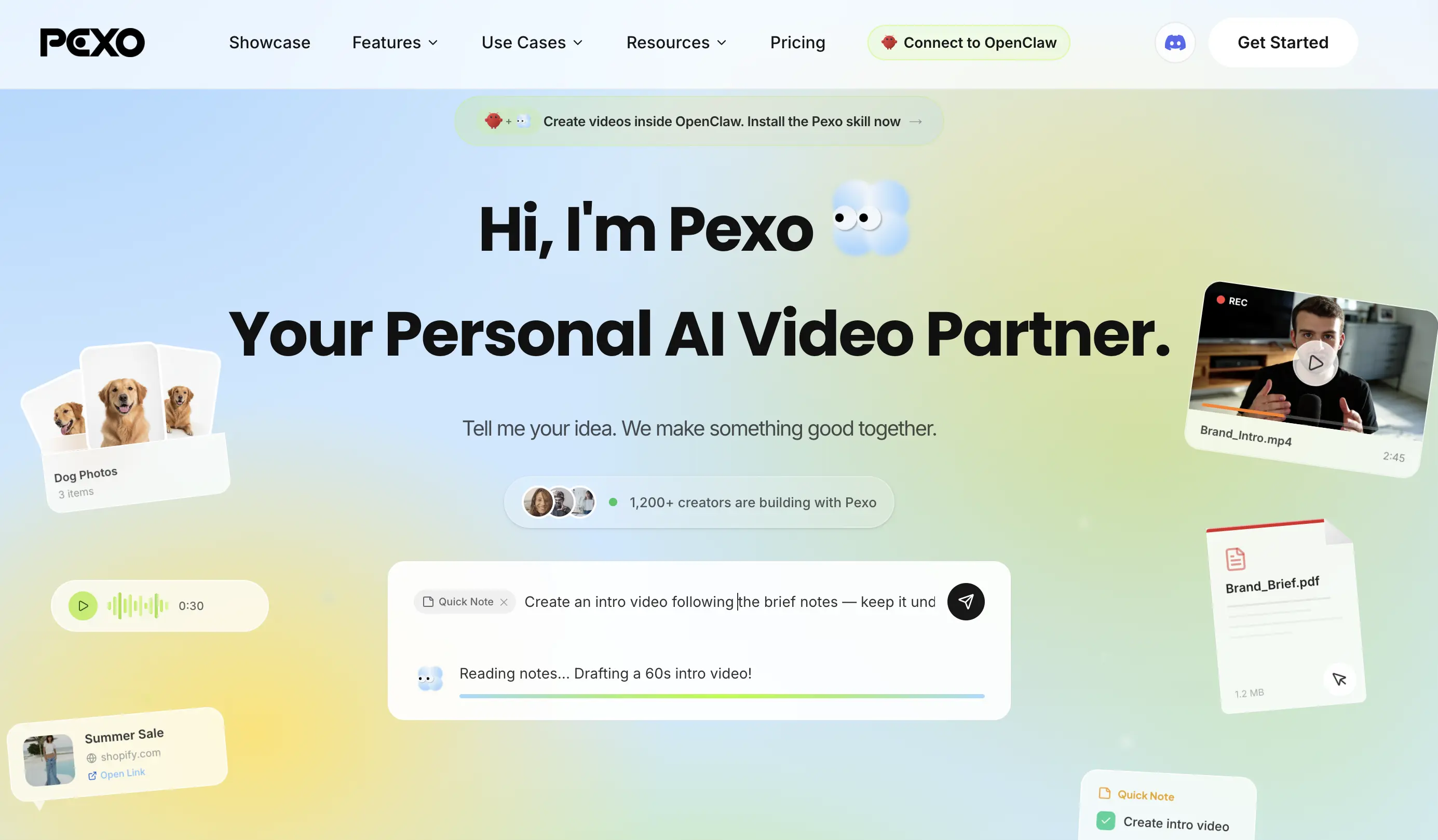 The core difference between these two platforms comes down to repurposing versus creation. Vizard AI extracts clips from footage that already exists. Pexo AI generates entirely new videos from your ideas, text, images, or URLs using multiple AI models working together.
| Feature | Vizard AI | Pexo AI |
|---|---|---|
| Core Function | Repurposes existing video into clips | Generates original videos from scratch |
| Text to Video | Not available | Full text-to-video with AI scenes and voiceover |
| Image to Video | Not available | AI-powered image-to-video generation |
| AI Voiceover | Not available | Multi-language AI voice generation |
| Music and Sound | Not available | AI-generated soundtrack and effects |
| Script Writing | Not available | Built-in AI scriptwriter |
| Editing Style | Text-based transcript editing | Conversational feedback and iteration |
| Best For | Repurposing long-form YouTube and podcast content | Creating original short-form, ads, and marketing videos |
| Commercial Rights | Depends on source video copyright | Full ownership of all generated content |
For creators managing a large library of existing footage, Vizard AI handles the repurposing task efficiently. But for anyone whose content strategy requires producing fresh material, whether that is social media content, explainer videos, or promotional clips, Pexo AI covers a fundamentally broader range of use cases.
Why Pexo AI Is the Best Vizard AI Alternative
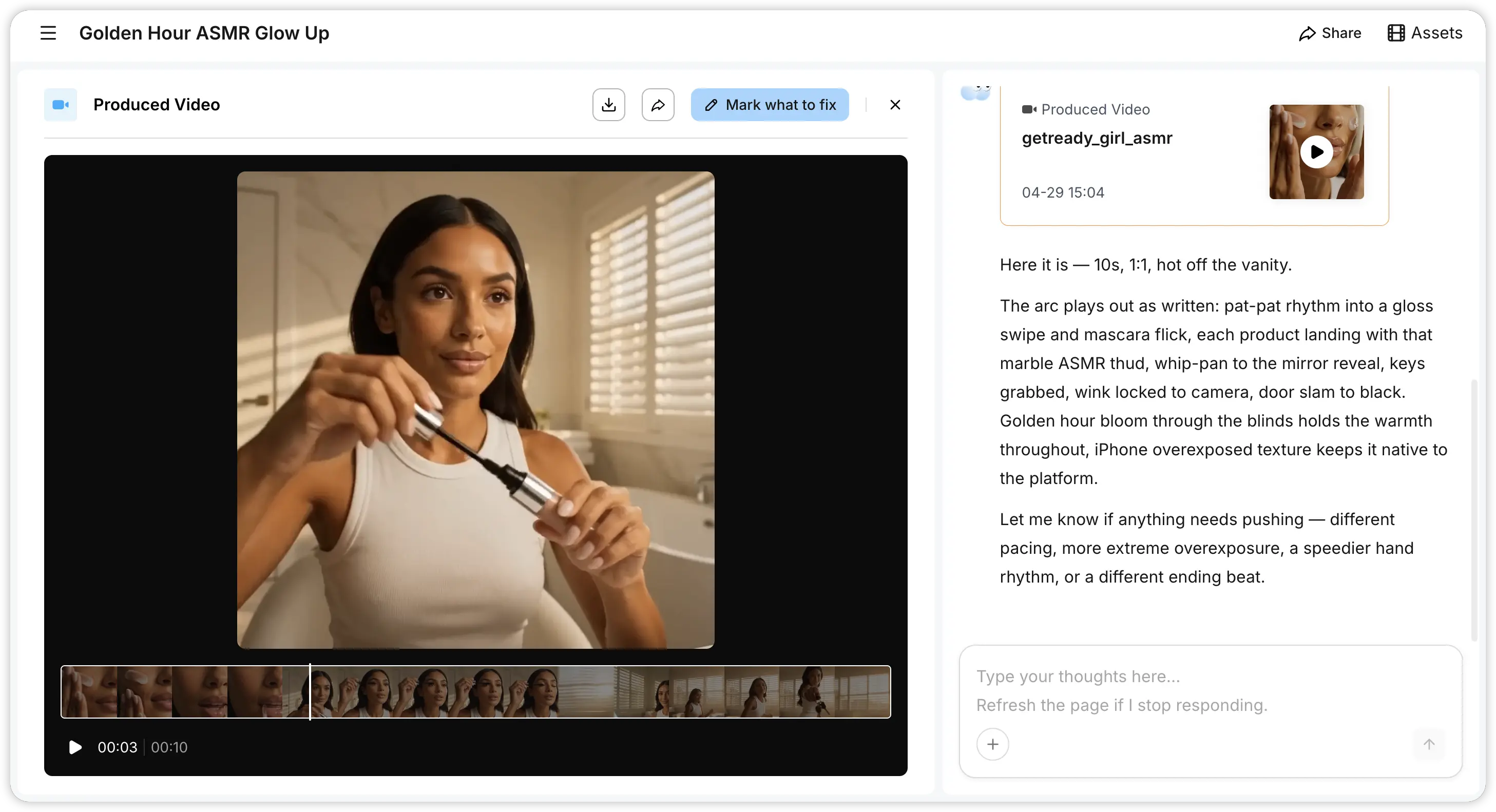 If you have been using Vizard AI and feel limited by its repurposing-only approach, Pexo AI fills the gaps that matter most.
Create Videos from Ideas, Not Just Existing Footage
With Pexo, you describe your video concept in plain language and the AI handles everything from scriptwriting to scene generation. No pre-existing footage required. You can produce social media videos, explainer content, product ads, and creative shorts, all from a single conversation.
Multi-Model Intelligence
Pexo automatically selects from leading AI video models, including Seedance, Kling, and others, based on what best fits your content type. You never have to manually choose a model or configure technical settings. The platform optimizes output quality behind the scenes.
Full Commercial Rights on Everything You Create
Every video Pexo generates is original content you fully own. No copyright complications, no dependency on someone else's footage, and no risk of takedown notices when you run paid ads. This is critical for brands and marketers who need content cleared for commercial use.
Works Inside Your Existing Tools
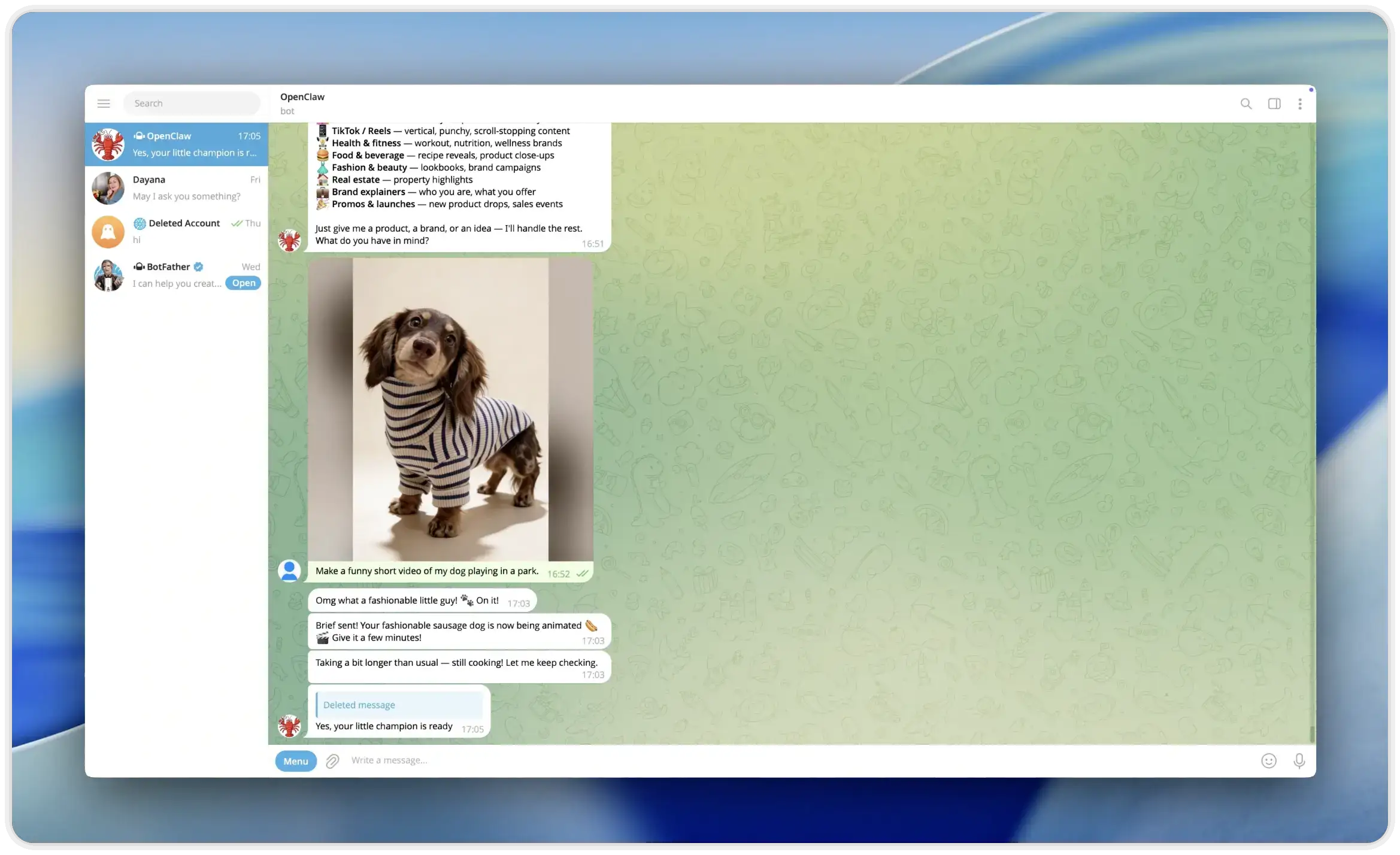 Pexo integrates with Telegram, WhatsApp, Discord, Slack, and Lark through OpenClaw, letting you create videos directly inside the messaging apps your team already uses. Video creation becomes just another message in your workflow.
Also read: Top 10 Best AI Video Generators in 2026
Conclusion
Vizard AI does one thing well: turning existing long-form video into short, social-ready clips with minimal effort. For podcasters and YouTubers with hours of footage waiting to be repurposed, it is a practical time-saver. But in a content landscape where original creation drives growth, relying solely on repurposed clips puts a ceiling on what you can achieve. Pexo AI removes that ceiling entirely, giving you the ability to generate professional, fully original videos from nothing more than an idea.
Also read: Best InVideo AI Alternatives 2026: Top 6 AI Video Tools





