

 ChatGPT
 Perplexity
 Claude
 Gemini
 Grok
Grok



If you searched for the best Pictory alternatives, you probably hit one of Pictory's walls: the AI picks stock clips that miss your point, the editor stutters, or your credits run out mid-project. This roundup is written by the Pexo team, so we will be upfront that Pexo is one of the five picks below. We have kept the comparison honest, because the right alternative depends entirely on which half of Pictory's job you actually need.
 A finished scene generated with Pexo from a short text brief, the from-scratch route some Pictory users are after.
What Is Pictory and Why Look for Alternatives?
Pictory is an AI video platform that does two related jobs. It turns a script, blog post, or URL into a narrated video with stock footage and captions, and it takes a long video, webinar, or recording and pulls out short, captioned highlight clips. That range is why it became popular with marketers and faceless-channel creators who wanted to avoid an editing timeline.
The reasons people shop for alternatives are consistent across review sites. In user reviews on Capterra and G2, the recurring complaints are that the AI selects visuals that do not match the script, the editor can feel unstable on longer projects, the credit-based plans create surprise limits, and support can be slow to respond. None of that makes Pictory a bad tool. It just means the best alternative is the one that fixes the specific thing that pushed you to leave, so the picks below are split by job rather than ranked on a single scoreboard.
The 5 Best Pictory Alternatives at a Glance
Here is how the five compare before the detail. Prices are the lowest advertised monthly rate (several are billed annually) and are current as of June 2026; check each site for the latest.
| Tool | Best for | Free option | Paid from |
|---|---|---|---|
| InVideo AI | Text-to-video from a single prompt | Yes: 720p with a watermark | Plus from $20/mo, Max from $48/mo |
| Pexo | Generating a video from scratch by describing it | Trial credits (credit-based, no free-forever plan) | Pro $30/mo, Elite $60/mo, Max $100/mo |
| OpusClip | Turning long videos into short clips | Yes: 60 min/mo, watermarked | Starter $15/mo, Pro $29/mo |
| Fliki | Budget voiceover-led faceless videos | Yes: 5 min/mo, watermarked | Standard from $21/mo, Premium from $66/mo |
| Descript | Text-based editing and repurposing | Yes: 60 min/mo | Hobbyist from $16/mo, Creator from $24/mo |
How We Compared
This is a capabilities comparison, not a lab benchmark. For each tool we looked at the input it starts from, what it actually produces, how it handles captions and voiceover, the free and paid tiers available in June 2026, and the published user ratings on G2 and Capterra. The screenshots are from each product's current site. The most important filter was job fit: some of these tools generate video from text, and some reshape video you already have. We say plainly which is which, because sending a repurposing job to a generator (or the reverse) is the fastest way to be disappointed.
The 5 Best Pictory Alternatives
Here are the five, starting with the closest text-to-video replacement and covering both of Pictory's jobs.
1. InVideo AI: Best for Text-to-Video From a Single Prompt
InVideo AI is the most like-for-like swap for Pictory's text-to-video mode. You type a prompt or paste a script, and it assembles stock footage, an AI voiceover, captions, transitions, and music into a full draft you can refine with more text commands. For a faceless channel that wants to publish at volume, that prompt-to-draft speed is the main reason to switch. It also exports to vertical, square, and widescreen ratios, so one script can become a Short and a long-form upload without rebuilding the project.
It leans on large stock libraries and now bundles generative footage on higher tiers, which gives it more visual range than Pictory's stock picker. The trade-off is familiar: because the raw output draws from shared libraries, videos can look generic until you swap clips and tighten the script, and the free plan caps exports at 720p with a watermark.
Pros:
- Very fast from a single prompt to a full draft with voiceover and captions
- Large stock and template range, plus command-based re-editing
Cons:
- Stock-driven look needs tuning to feel original
- Free tier is 720p with a watermark
Pricing: Free (720p, watermark); Plus from $20/mo; Max from $48/mo.
Data point: InVideo reports 25 million-plus users worldwide (invideo.io).
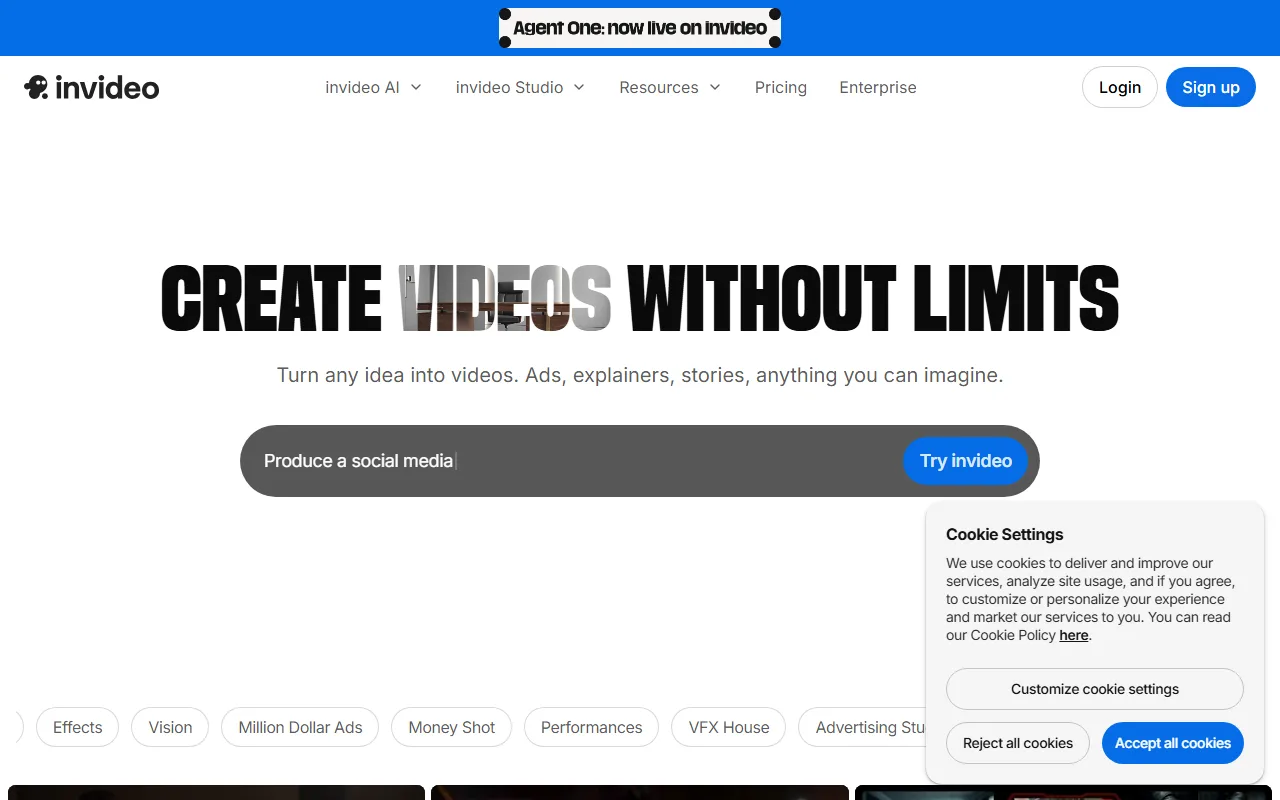 InVideo AI turns a single prompt into a full video with stock footage, voiceover, and captions.
2. Pexo: Best for Generating a Finished Video From Scratch by Describing It
Pexo is the AI video partner our team builds, and it is the pick for people who would rather generate a video than assemble one. Instead of a prompt box plus a stock picker, you describe the video you want in plain language and Pexo plans it, chooses the model that suits the scene, and returns a finished cut. That is the positioning in plain terms: no prompts to engineer, you just describe what you want and shape what comes back.
For the jobs Pictory users care about, Pexo can turn a script into a video or turn a blog post into a video, the same starting points Pictory uses, but it generates the scenes rather than pulling shared stock. Because it works with leading models like Seedance, Kling, and more, and routes to the best one for each scene, you are not locked to one look.
Here is the honest limit, and it matters for this list: Pexo generates from a description, an image, a URL, or audio. It does not take an existing long video and chop it into clips. If your reason for leaving Pictory is repurposing a back catalogue of webinars or recordings, Pexo is the wrong half of the job; OpusClip or Descript below fit that better. Pexo is also newer and credit-based, with no free-forever plan.
Pros:
- Generates finished scenes from a description, no stock-assembly or prompt syntax
- Multiple models behind one conversation, aimed at original, on-brief visuals instead of shared stock
Cons:
- Does not repurpose or clip existing video you already have
- Newer entrant, credit-based with no permanent free tier
Pricing: Credit-based. Pro $30/mo, Elite $60/mo, and Max $100/mo, with trial credits to test first.
Data point: As a newer entrant, Pexo reports 1,000+ creators already building with it (pexo.ai, June 2026).
 Pexo generates a finished scene from a script or reference, rather than assembling stock clips.
3. OpusClip: Best for Turning Long Videos Into Short Clips
OpusClip covers the other half of Pictory's job, and it does it better than most. You hand it a long video, podcast, or stream, and its AI finds the highlight moments, reframes them vertically, adds animated captions, and scores each clip for viral potential. For creators sitting on hours of long-form content, this is the most direct way to keep a steady feed of shorts running. You can adjust the auto-generated captions and B-roll before exporting, and connect a social scheduler so finished clips post on a cadence.
The highlight detection and virality scoring are the real draw, and they save the manual hunt for the best 30 seconds. The limits are built into the model: OpusClip needs existing footage to work from, the free plan watermarks exports and deletes files after three days, and processing is metered by input minutes.
Pros:
- AI highlight detection and virality scoring across long footage
- Auto reframing and captions tuned for vertical short-form
Cons:
- Needs existing video; it does not generate anything from scratch
- Free exports are watermarked and deleted after three days
Pricing: Free (60 min/mo, watermark, 1080p); Starter $15/mo; Pro $29/mo.
Data point: Rated 4.6 out of 5 across 118 reviews on G2.
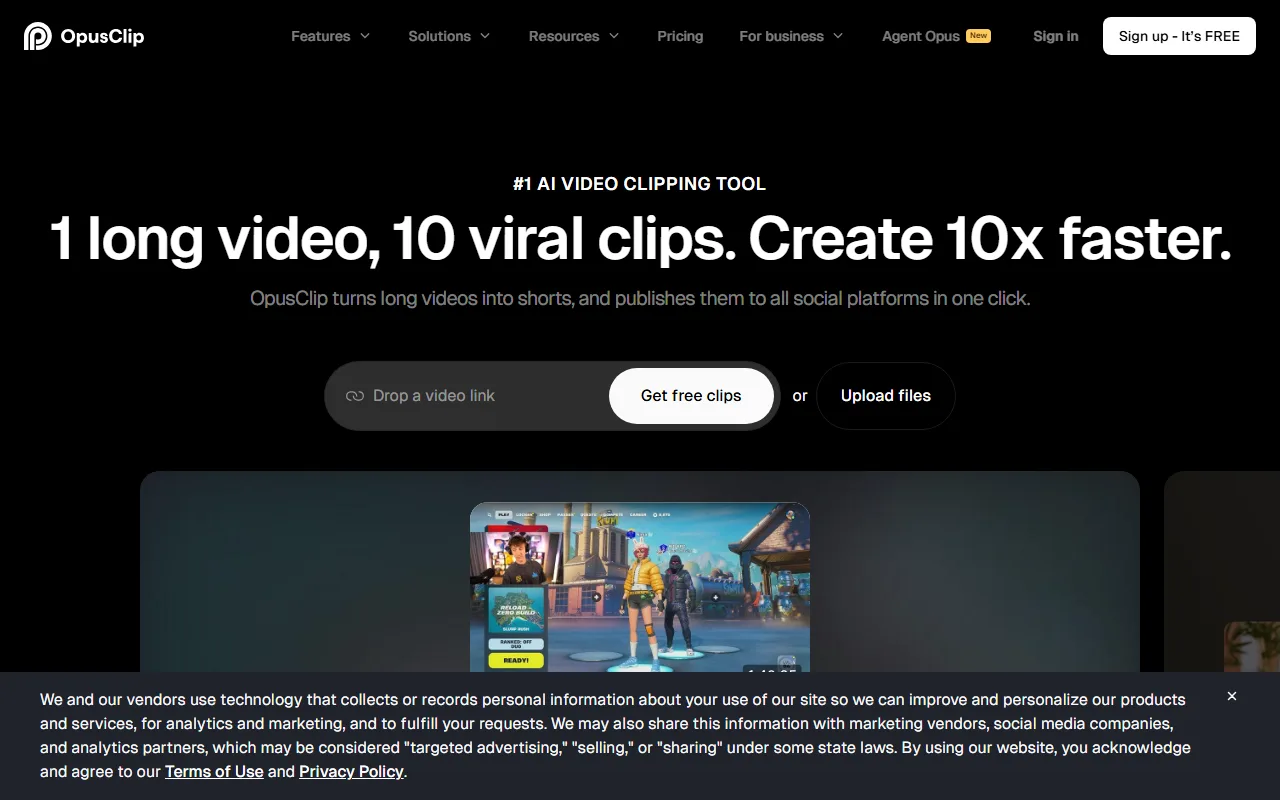 OpusClip turns long videos into captioned vertical clips with AI highlight detection.
4. Fliki: Best for Budget-Friendly, Voiceover-Led Faceless Videos
Fliki is the closest budget match to Pictory's text-to-video side. You paste a script, blog, or idea, pick from a large library of AI voices, and Fliki assembles a faceless video with stock visuals and captions. For creators who mainly need a clean voiceover over relevant footage without paying enterprise prices, it is hard to beat on cost. Fliki also turns a blog URL into a narrated video in one step, the exact Pictory workflow many switchers want to keep.
Its voice range and language support are the standout, with realistic voices across 75+ languages and voice cloning on higher tiers. As with any stock-driven tool, the visuals can feel templated, and the free plan is capped at five minutes a month in 720p with a watermark, so a paid tier is effectively required for regular publishing.
Pros:
- Large, realistic AI voice library with broad language support
- Affordable entry tier for steady faceless output
Cons:
- Stock-driven visuals can look templated
- Free tier is just 5 minutes a month, 720p with a watermark
Pricing: Free (5 min/mo, 720p, watermark); Standard from $21/mo; Premium from $66/mo.
Data point: Rated 4.7 out of 5 across 170 reviews on G2.
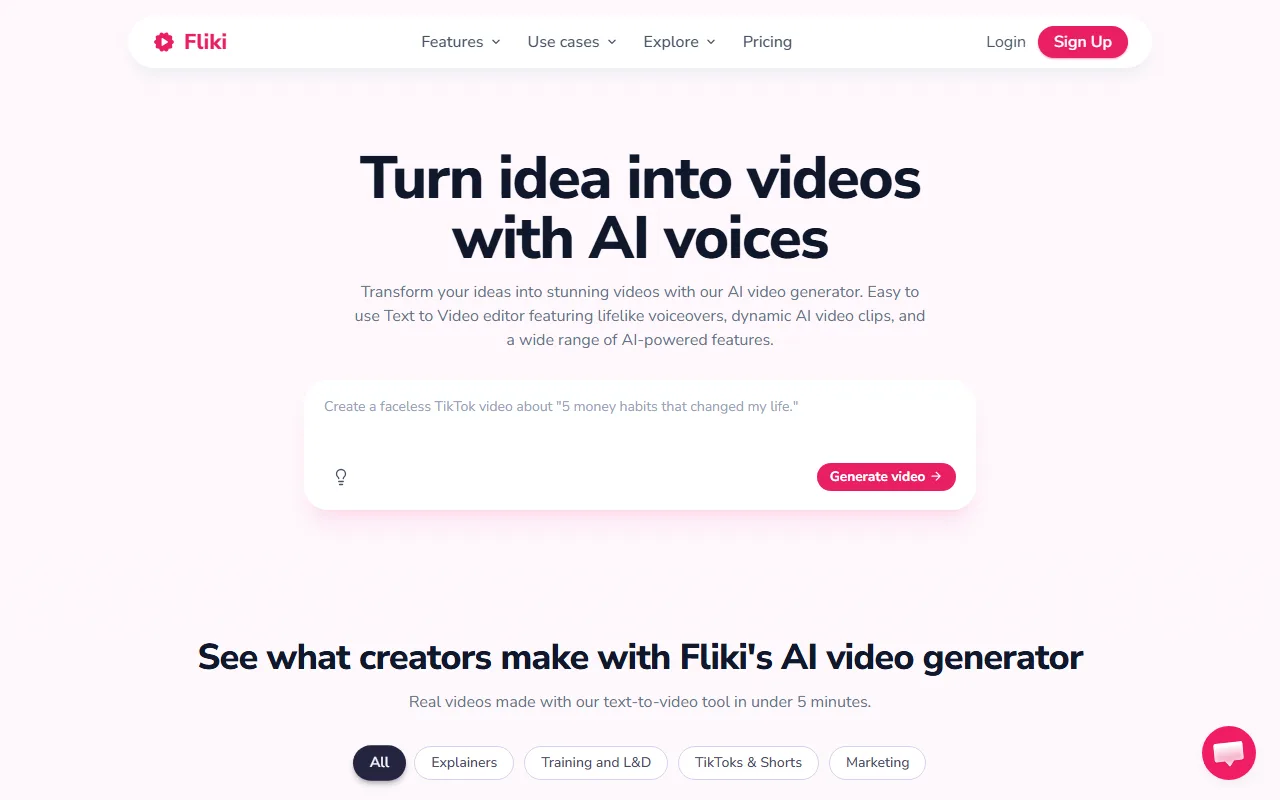 Fliki turns a script into a faceless video with AI voiceover and stock visuals.
5. Descript: Best for Text-Based Editing and Repurposing
Descript is the pick when your source is spoken video or audio. It transcribes your recording and lets you edit the video by editing the text, so cleaning up a podcast, interview, or talking-head clip is as simple as deleting words. Its Underlord AI assistant and Studio Sound features round out a workflow built for creators repurposing recorded conversations. It also exports clips in multiple aspect ratios and keeps the transcript, captions, and edits in sync, so one recording can feed several shorts.
The text-based editing genuinely lowers the barrier for people who do not edit, and it is the most comfortable of these tools for long, spoken content. The downsides, echoed across reviews, are pricing that confuses new users and a free tier limited to one media hour a month with watermarked exports.
Pros:
- Edit video by editing the transcript, ideal for spoken content
- Strong cleanup tools for podcasts, interviews, and talking-head clips
Cons:
- Needs existing footage or audio; not a from-scratch generator
- Plan structure and tier limits tend to confuse many new users at first
Pricing: Free (60 min/mo); Hobbyist from $16/mo; Creator from $24/mo.
Data point: Rated 4.6 out of 5 across 800-plus reviews on G2.
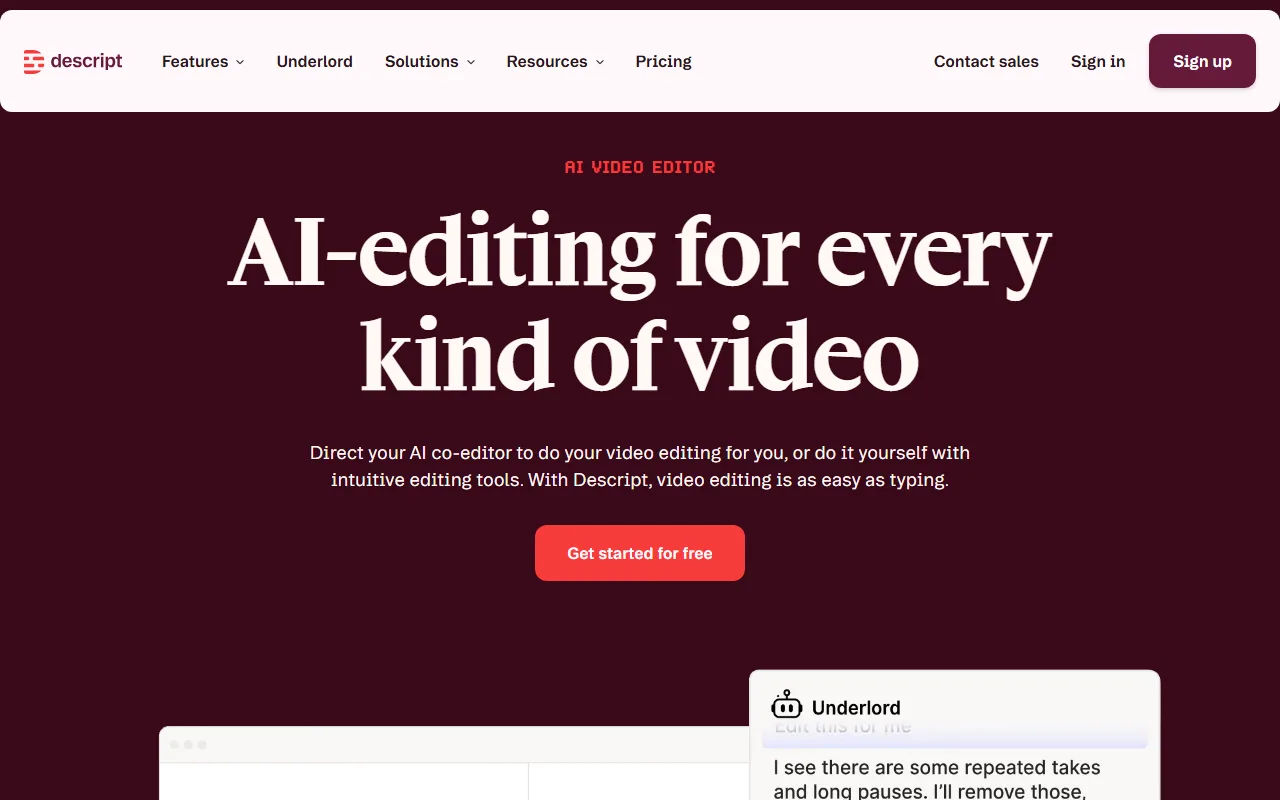 Descript lets you edit video by editing its transcript, built for repurposing spoken content.
How to Choose the Right Pictory Alternative
Match the tool to the job that made you leave Pictory:
- You want to generate a video from a prompt or script, fast: InVideo AI is the closest like-for-like swap, and Fliki is the budget version of the same idea.
- You want to generate original scenes from a description, not assemble stock: Pexo is the from-scratch, conversational route, and it starts from a script or a blog URL the same way Pictory does.
- You already have long footage to turn into clips: OpusClip is the strongest pick for AI highlight clipping, and Descript is best when the source is spoken video or audio you want to clean up.
- You are price-sensitive: OpusClip, Descript, Fliki, and InVideo all have usable free tiers to test before paying.
The deciding question is whether you are making a video from scratch or reshaping one you already have. Pictory tried to do both; most of these alternatives do one of them better.
Conclusion
The honest takeaway is that there is no single Pictory replacement, only a better fit for your half of the job. If you are generating videos from a script or an idea and want original scenes instead of recycled stock, Pexo is the most direct from-scratch route, and InVideo AI is the strongest prompt-to-video alternative. If you are repurposing existing long videos into clips, OpusClip and Descript will serve you far better than any generator.
If your work starts from an idea rather than a finished recording, start creating a video with Pexo and see how far one description gets you.






