

 ChatGPT
 Perplexity
 Claude
 Gemini
 Grok
Grok


Realistic AI images are easy to fake at thumbnail size and hard to get right at full resolution. Zoom in and the tells show up fast: waxy skin, a hand with six fingers, light that falls from two directions at once, eyes that don't quite focus on anything. The gap between "looks great in the feed" and "holds up when someone actually looks" is where most generators fall apart.
This guide is written by the team behind Pexo. We compared the leading realistic generators on the same demanding scenes, a close-up portrait, a pair of hands holding a coffee cup, a product shot on a table, and a moody low-light street, and cross-checked our read against independent benchmarks. Below are the seven that hold up best, what each one is genuinely good at, where it breaks, and what it costs, so you can pick the right one instead of the loudest one.
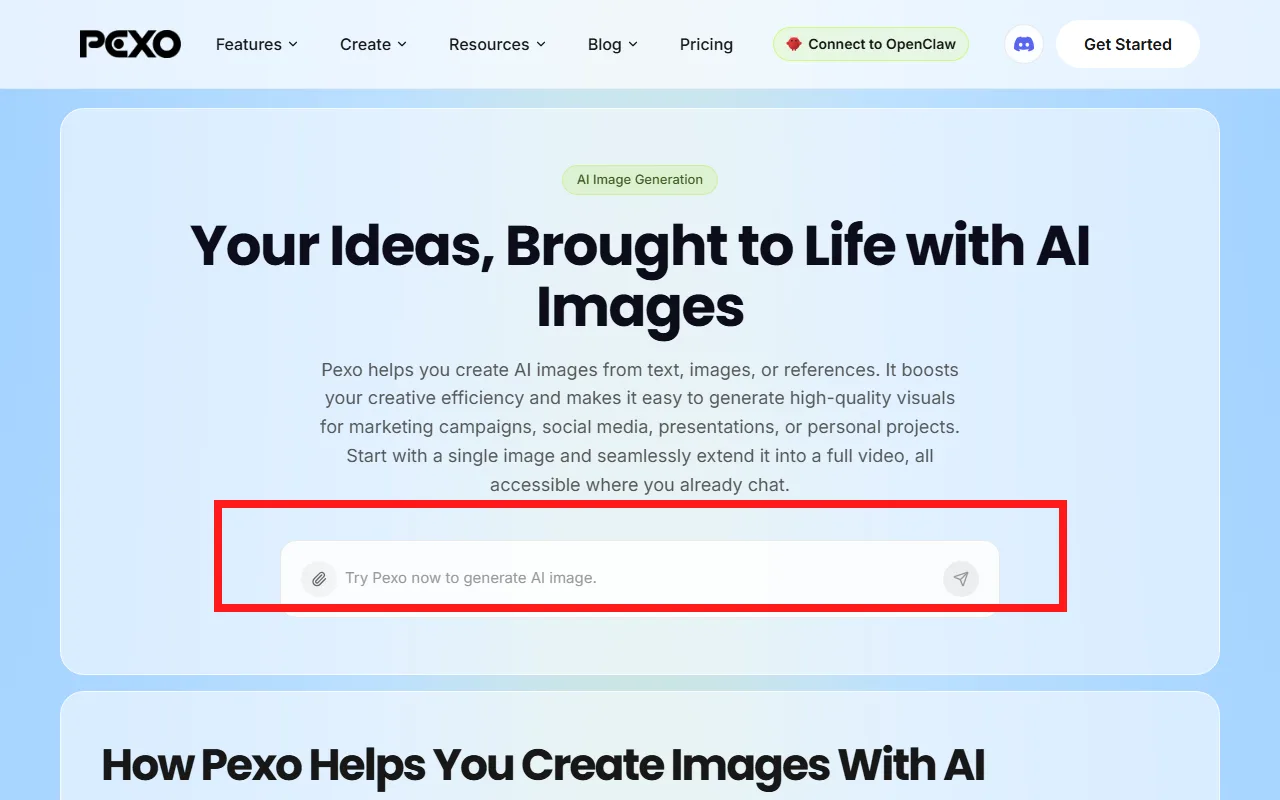 Pexo's AI image generation page: describe the image you want in plain language and Pexo routes it to the right model. Official page captured June 2026.
What Makes an AI Image Generator "Realistic"?
"Realistic" is not one thing, so it helps to break it into the parts that actually betray an AI image. These are the five signals we weighed for every tool.
- Skin and texture. Real skin has pores, fine hair, and uneven tone. AI skin often goes plastic-smooth or oddly airbrushed. This is the single biggest giveaway in portraits.
- Hands and anatomy. Fingers, teeth, ears, and the way limbs connect. This used to be a disaster across the board and is now the clearest line between a strong model and a weak one.
- Lighting and shadow physics. A realistic image has one coherent light source, shadows that match it, and reflections that make sense. Flat or contradictory lighting reads as "rendered," not "photographed."
- Prompt adherence. If you ask for "a man in his 50s, side light, shot on a 50mm lens," a realistic result actually honors those details instead of giving you a generic glamour shot.
- Resolution and artifacts. Clean edges, no melted backgrounds, legible text where text belongs, and detail that survives a zoom.
A truly realistic generator does not have to win every category. The best tool for you depends on which of these matters most for your work, which is exactly why this is a list of seven and not a single winner.
The Best Realistic AI Image Generators at a Glance
Here is the quick comparison before we get into the detail. Pricing is current as of June 2026 and is worth re-checking, since these tools change plans often.
| Tool | Best for | Realism strength | Free tier | Starting price |
|---|---|---|---|---|
| Midjourney | Overall photoreal aesthetics | Lighting, mood, texture | No (as of 2026) | $10/mo |
| FLUX (Black Forest Labs) | Sharp detail and anatomy | Hands, skin micro-detail | Limited (partner playgrounds) | ~$0.04/image (API) |
| Pexo | Realistic stills without prompts, then video | Plain-language realism via top models | Free credits to start | $30/mo |
| Google Nano Banana (Gemini) | Editing real photos and consistency | Edits, character consistency | Yes (Gemini app + AI Studio) | Free; API ~$0.04/img |
| GPT Image (ChatGPT) | Following a detailed brief | Complex scene accuracy | Limited (ChatGPT free) | ChatGPT Plus $20/mo |
| Adobe Firefly | Commercially safe realism | Clean, license-safe photoreal | Yes (25 credits/mo) | $9.99/mo |
| Ideogram | Realistic images with text | Legible in-image text | Yes (10/day) | $8/mo |
How We Compared: Our Evaluation Methodology
To compare these tools on realism rather than hype, we judged each against the five signals above using a consistent set of demanding scenes: a tight portrait under window light (skin and lighting), two hands wrapping a ceramic mug (anatomy), a product on a marble counter (reflections), and a rain-soaked street at night (low-light coherence).
How each tool fares on those signals reflects its documented behavior and current model version as of June 2026, cross-checked against the independent Artificial Analysis image arena, which benchmarks these models head to head. Pricing and plan details were confirmed against each tool's own pages in June 2026, and each tool's official page is shown in its section so you can run the same scenes yourself.
The 7 Best Realistic AI Image Generators
The ranking below reflects real fit, not raw model power alone. The first two slots go to the tools that win photorealism outright; the rest each own a clear niche.
1. Midjourney: Best Overall for Photorealistic Aesthetics
Midjourney turns a short description into images with the most cinematic sense of light and texture of any generator we compared. In portrait and low-light scenes, its skin tones, fabric, and ambient light read as genuinely photographed rather than rendered, and the current V7 release tightened up coherence and fine detail compared with earlier versions.
It is the tool art directors and marketers reach for when the look is the point. Where it is weaker is precision: it nails mood but is less literal about exact instructions, specific product accuracy, or text in the frame. There is also no free tier as of 2026, and you work through its web app rather than a deep editing suite.
Pricing: four paid tiers from $10/month (Basic) up to $120/month (Mega), with roughly 20% off on annual billing and no free plan.
Pros: best-in-class photoreal lighting and texture; fast, striking results; strong creative community.
Cons: no free tier; weaker prompt precision and text rendering; no traditional editing tools.
 Midjourney's homepage, where it bills itself as a lab building the most beautiful AI models. Captured June 2026.
See our Midjourney v8.2 breakdown for what its latest version changed.
2. FLUX: Best for Sharp Detail and Accurate Anatomy
FLUX, from Black Forest Labs, is the model to reach for when hands, fine detail, and crisp edges matter most. It is consistently among the strongest on anatomy, with fewer mangled fingers than most, and its micro-detail on skin and fabric stays sharp under zoom. It is an open, developer-friendly family: the widely used FLUX1.1 Pro plus the newer FLUX.2 line as of 2026.
The trade-off is that there is no single polished consumer app. Most people use FLUX through a partner playground or the API (fal, Replicate, Freepik, Krea, and others), which means a little setup and pay-as-you-go costs rather than a flat subscription. For builders and power users, that flexibility is the point.
Pricing: pay-as-you-go from about $0.04 per image for FLUX1.1 Pro on the API; some partner playgrounds include free trial credits.
Pros: excellent anatomy and fine detail; open and API-friendly; strong independent benchmark scores.
Cons: no native consumer app or true free tier; setup curve; usage-based billing adds up at volume.
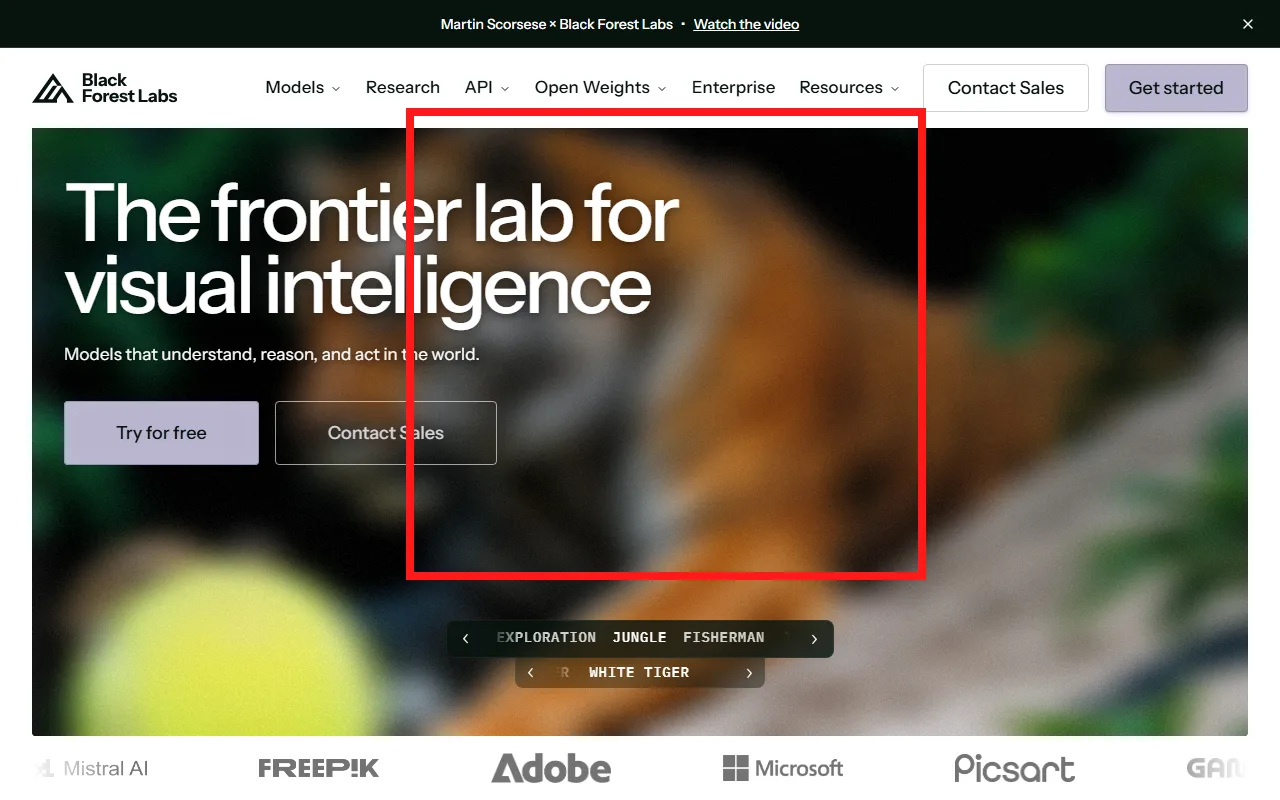 Black Forest Labs leads its site with a photoreal FLUX sample, highlighted above. Official page captured June 2026.
Learn more in our FLUX 3 breakdown.
3. Pexo: Best for Realistic Images Without Prompt Engineering
Pexo is best known as an AI video partner, but it also generates realistic still images, and it does it without prompt engineering. Instead of staring at an empty prompt box, you describe the photo you want the way you would tell a colleague, and Pexo handles the rest. That rests on two of its core ideas: no prompts, just talk, and no choosing models, just the best one for the job. Under the hood it routes your request across leading image models, and you can generate realistic images inside Pexo without picking any of them yourself.
The reason it earns a top-three spot here is the workflow, not a claim to beat Midjourney pixel for pixel. You skip the prompt-syntax learning curve and the "which model is best" question entirely. And because Pexo is a video partner, the same realistic still can become a short clip in the same place, so you can turn the still into a product video without exporting to another app. For a marketer or seller who wants a clean product shot or social visual, that round trip is the whole point.
Be clear about the trade-off. Pexo is not a fine-grained image studio. If you need seed control, in-painting, or pixel-level retouching, a dedicated tool like Midjourney or FLUX gives you more manual control. Pexo's strength is speed and plain-language simplicity, especially when the image is a step toward video.
Pricing: free credits to start, then credit-based plans from $30/month (Pro), $60/month (Elite), and $100/month (Max), with no watermarks and credits that cover the full workflow.
Pros: no prompt engineering; automatic model routing across top engines; still-to-video in one place; no watermarks on paid plans.
Cons: not a dedicated image studio; fewer manual controls; credit-based usage rather than unlimited.
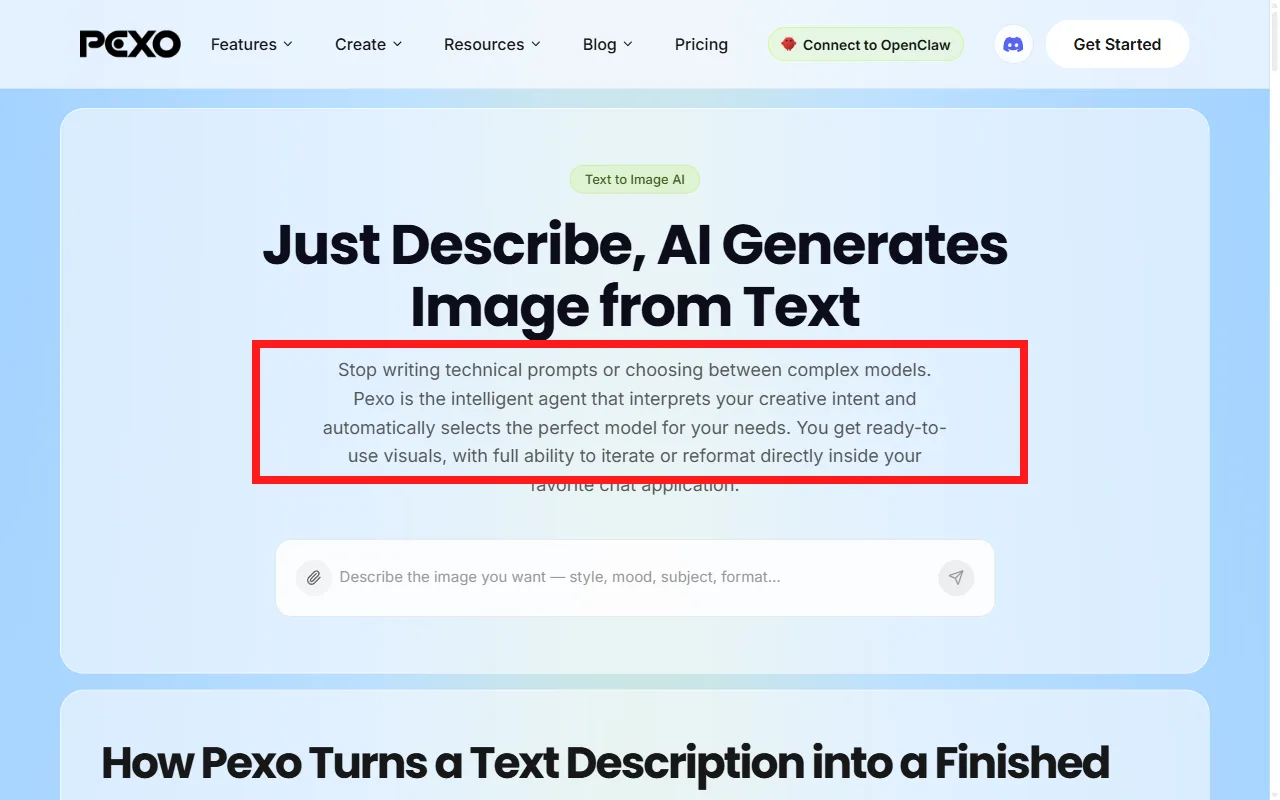 Pexo's text to image page spells out the workflow: no technical prompts, no choosing models, it selects the right one for you. Official page captured June 2026.
See Pexo's image generation to try it.
4. Google Nano Banana (Gemini): Best for Editing Real Photos and Consistency
Google's image model, nicknamed "Nano Banana," is the standout when you start from a real photo and want realistic edits, or you need the same character or product to stay consistent across a set. As of June 2026 the current versions are Nano Banana Pro (Gemini 3 Pro Image) and Nano Banana 2, and both handle conversational edits well: "change the background, keep the face" mostly does what you mean.
Its realism is clean and natural, and subject consistency is among the best in this group. The catch is that the free app tier is capped at a few images a day, and the highest-resolution outputs need a paid plan or the API. Results can also lean a touch smooth and "safe" compared with Midjourney's grit.
Pricing: free in the Gemini app (around three images a day) and a generous free tier in Google AI Studio (up to roughly 500 images a day); API from about $0.04 per image for the Flash model, more for Pro. That AI Studio allowance is the most generous free API tier among the major providers.
Pros: best-in-class photo editing and consistency; very generous free API tier; conversational edits.
Cons: app free tier is small; top resolution is paid; can look slightly over-smoothed.
 Google's Gemini page announcing Nano Banana 2, its latest image and photo editing model. Official page captured June 2026.
Explore what it does in our Nano Banana 2 Lite breakdown.
5. GPT Image (ChatGPT): Best for Following a Detailed Brief
OpenAI's GPT Image, built into ChatGPT, is the best at actually honoring a long, specific description. Give it "a man in his 50s, soft side light from the left, shot on a 50mm lens, slight film grain" and it reads the brief literally instead of defaulting to a generic glamour shot. It also handles in-image text more reliably than most and lets you refine conversationally inside ChatGPT.
On pure photoreal skin and lighting it trails Midjourney and FLUX at the high end, and some outputs carry a recognizable look. But for anyone who already lives in ChatGPT and needs an image that matches an exact spec, it is hard to beat for accuracy. Worth noting: Pexo can route image requests to the GPT Image model too, so you can tap this engine through a plain-language conversation as well.
Pricing: limited free generations on ChatGPT's free tier; ChatGPT Plus at $20/month; API usage roughly $0.011 to $0.167 per 1024px image depending on quality.
Pros: excellent prompt accuracy; strong in-image text; conversational refinement.
Cons: photorealism trails the top two; heavy use needs a paid plan; a recognizable house style.
 GPT Image runs inside ChatGPT on OpenAI's platform, shown above. Official page captured June 2026.
More at openai.com.
6. Adobe Firefly: Best for Commercially-Safe Realism
Firefly is the realistic generator built specifically for commercial use. It is trained on licensed and Adobe Stock content, so its output is designed to be safe to ship in client and brand work, a real consideration that the raw-quality leaders mostly ignore. Realism is clean and controllable, and it lives natively inside Photoshop and Adobe Express, which makes it the natural pick if you already work in Adobe's tools.
The aesthetics can feel a little conservative next to Midjourney, and premium features like video and partner models consume credits faster. But for agencies and brands that need photoreal images they can legally use, the trade is usually worth it.
Pricing: free tier with 25 generative credits per month; paid plans from $9.99/month (Standard) and $29.99 (Pro) up to $199.99 (Premium), with unlimited standard image generations on paid tiers.
Pros: commercial-safety focus; deep Adobe integration; clean, controllable realism.
Cons: more conservative aesthetics; premium features burn credits; best value only inside the Adobe ecosystem.
 Adobe Firefly's site positions it for commercially safe creation across top models. Official page captured June 2026.
Try it at Adobe Firefly.
7. Ideogram: Best for Realistic Images With Text
Ideogram is the one to use when your realistic image needs readable text baked in: a storefront sign, a product label, a poster headline. Its text rendering is the best in this group, and version 3.0 narrowed the realism gap so the surrounding scene holds up too, not just the lettering.
For pure photoreal faces and skin it still trails the top two, and the free tier runs in a slower queue. But for social creators and marketers making posters and ad creative where the words have to be legible, nothing else here comes as close.
Pricing: free tier with 10 slow generations per day; Basic at $8/month (400 priority credits), Plus at $20/month, and Pro at $48/month with API access.
Pros: best in-image text rendering; solid realistic scenes; affordable entry tier.
Cons: faces and skin trail the leaders; free tier is slow; heavy use needs a paid plan.
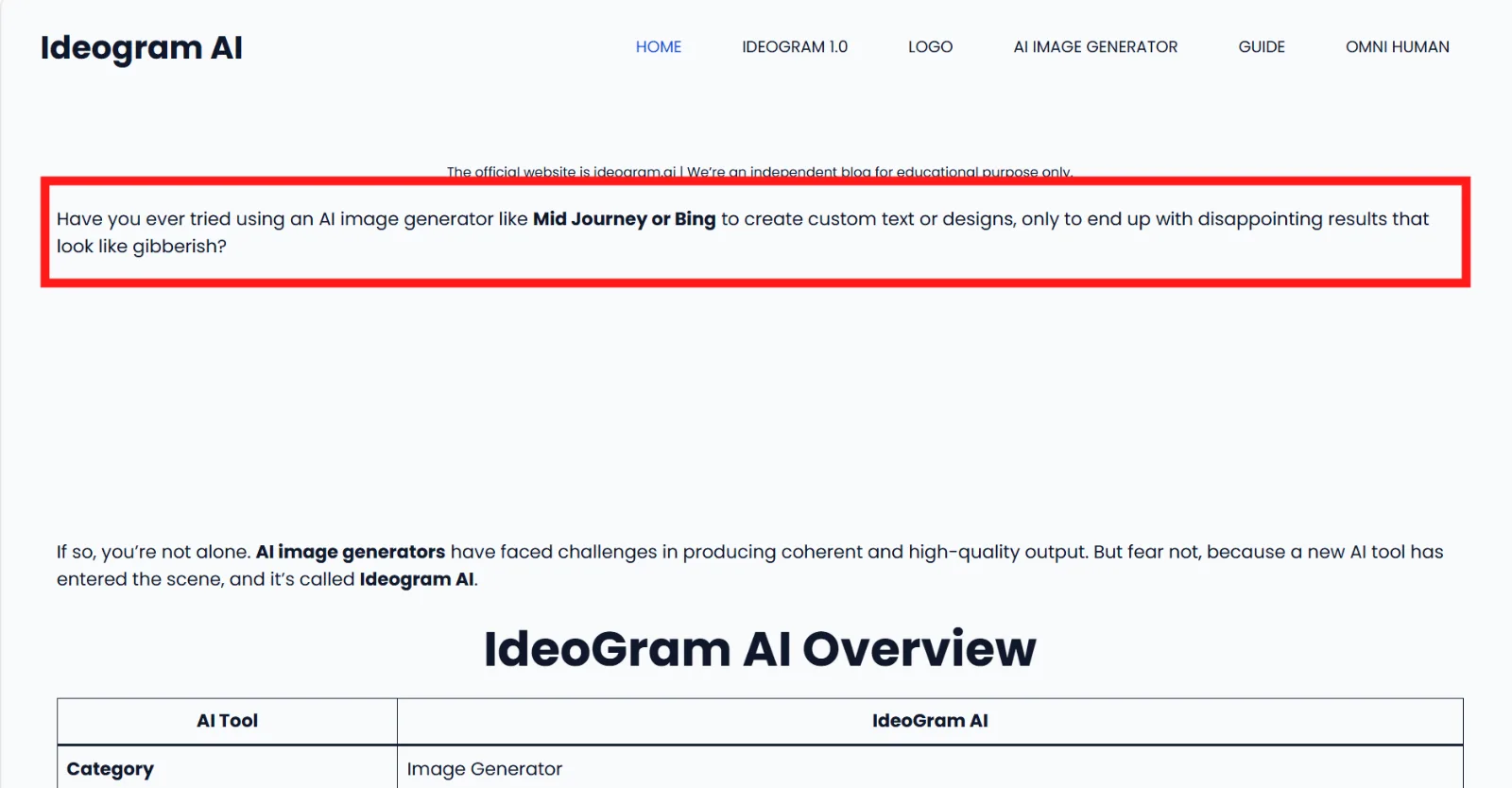 An Ideogram AI overview page highlighting its strength at legible text in images. Captured June 2026.
Try it at ideogram.ai.
How to Choose the Right Realistic AI Image Generator
There is no single best realistic AI image generator, only the best one for what you are making. Match the tool to the job:
- You want the best overall photoreal look: Midjourney, with Firefly as the commercially safe alternative.
- You need flawless hands, fine detail, or API access: FLUX.
- You want a realistic still without learning prompts, especially one you will turn into video: Pexo, with Midjourney or Firefly as alternatives if you need a dedicated image studio instead.
- You are editing a real photo or need a consistent character: Google Nano Banana.
- You are working from a precise, detailed brief: GPT Image inside ChatGPT.
- You need readable text in the image: Ideogram.
If your realistic image is really the first frame of something that moves, that is where Pexo's approach pays off. You describe the shot in plain language, Pexo routes it to a strong image model for you, and the finished still can become a short video in the same conversation. For everyone chasing a single perfect frame to print or post, one of the dedicated studios above will serve you better.
Conclusion
The realistic AI image space no longer has one clear winner. Midjourney and FLUX set the bar for raw photorealism, Firefly keeps it commercially safe, Nano Banana owns photo editing, and Ideogram wins on text. Pexo earns its place for a different reason: it is the fastest way to a realistic still when you would rather describe an image than engineer a prompt, and the only option here that can carry that still straight into video. Start from the job in front of you, and you can generate a realistic image inside Pexo or pick whichever tool above fits best.






