

 ChatGPT
 Perplexity
 Claude
 Gemini
 Grok
Grok


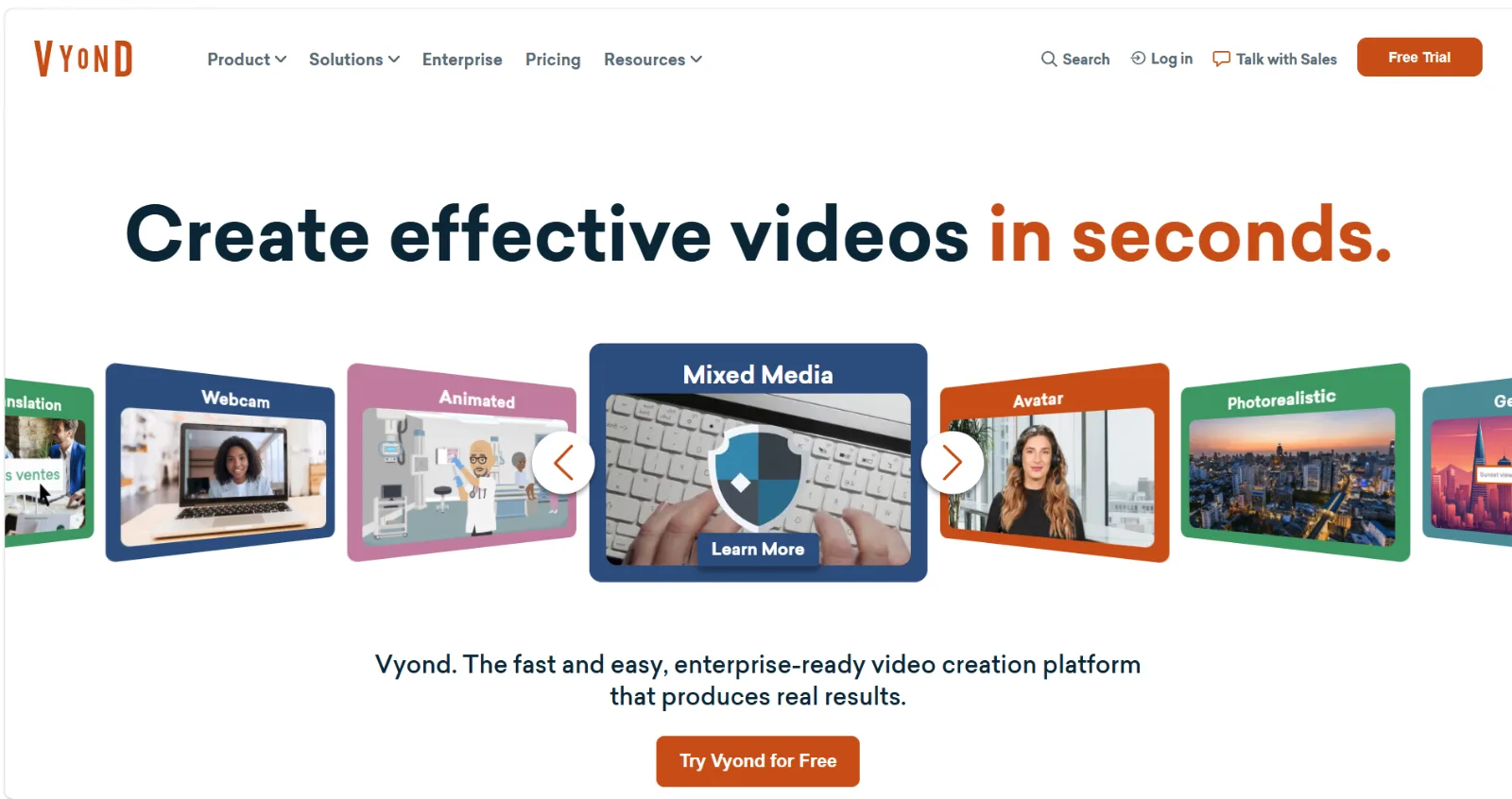
Vyond is a solid choice for corporate animated video, but it is not the right fit for everyone. Two complaints come up again and again in reviews:
- Enterprise-leaning pricing. Vyond's plans are built for L&D teams and large organizations, and solo creators or small businesses often find the cost hard to justify.
- A real learning curve. Vyond is still a timeline editor at heart. You build scenes shot by shot, place characters, and time every action yourself.
This guide, written by the Pexo team, compares 7 Vyond alternatives across pricing model, workflow, and best-fit use case. Pexo is on the list (ranked first, and we explain exactly why), alongside six other platforms we cover with the same depth and honesty.
What Is Vyond?
Vyond is an animated video platform used mainly for training, HR, and internal communication videos. It gives you:
- A library of animated characters, props, and scene templates in a few house styles (contemporary, business-friendly, whiteboard)
- A drag-and-drop timeline editor where you assemble scenes, add dialogue, and time animations
- AI features layered on top, such as script-to-video drafts and AI voices
The key limitations that send people looking for alternatives:
- Pricing sits at the enterprise end of the market, with the most useful features gated behind higher tiers
- Output looks recognizably "Vyond", since most videos draw from the same character and scene libraries
- You still do the assembly work on a timeline, which takes hours per video until you are fluent in the editor
The Best Vyond Alternatives: Quick Comparison
| Tool | Best for | Workflow | Pricing model |
|---|---|---|---|
| Pexo | Finished videos from a conversation, no editor to learn | Describe your idea in chat, review previews, ship | Credit-based, self-serve |
| Animaker | DIY animated videos on a budget | Template + drag-and-drop editor | Free tier + affordable paid plans |
| Powtoon | Business presentations and explainer decks | Slide-style editor with animation | Free tier + per-seat paid plans |
| Synthesia | AI avatar training videos with realistic presenters | Script in, avatar video out | Entry plan + enterprise pricing |
| Renderforest | Branded template videos plus logos and mockups | Template customization | Free tier + subscription plans |
| Doodly | Whiteboard-style sketch videos | Drag-and-drop whiteboard canvas | One-time license (Voomly ecosystem) |
| Moovly | Teams that want a browser-based Vyond-style editor | Timeline editor with media library | Entry plan + enterprise options |
1. Pexo: Best for Getting a Finished Video Without Learning an Editor
Full disclosure: Pexo is our product. We rank it first for one specific, honest reason. Every other platform on this list, including Vyond itself, hands you an editor and asks you to learn it. Pexo is the AI video partner that removes that step entirely.
What it is:
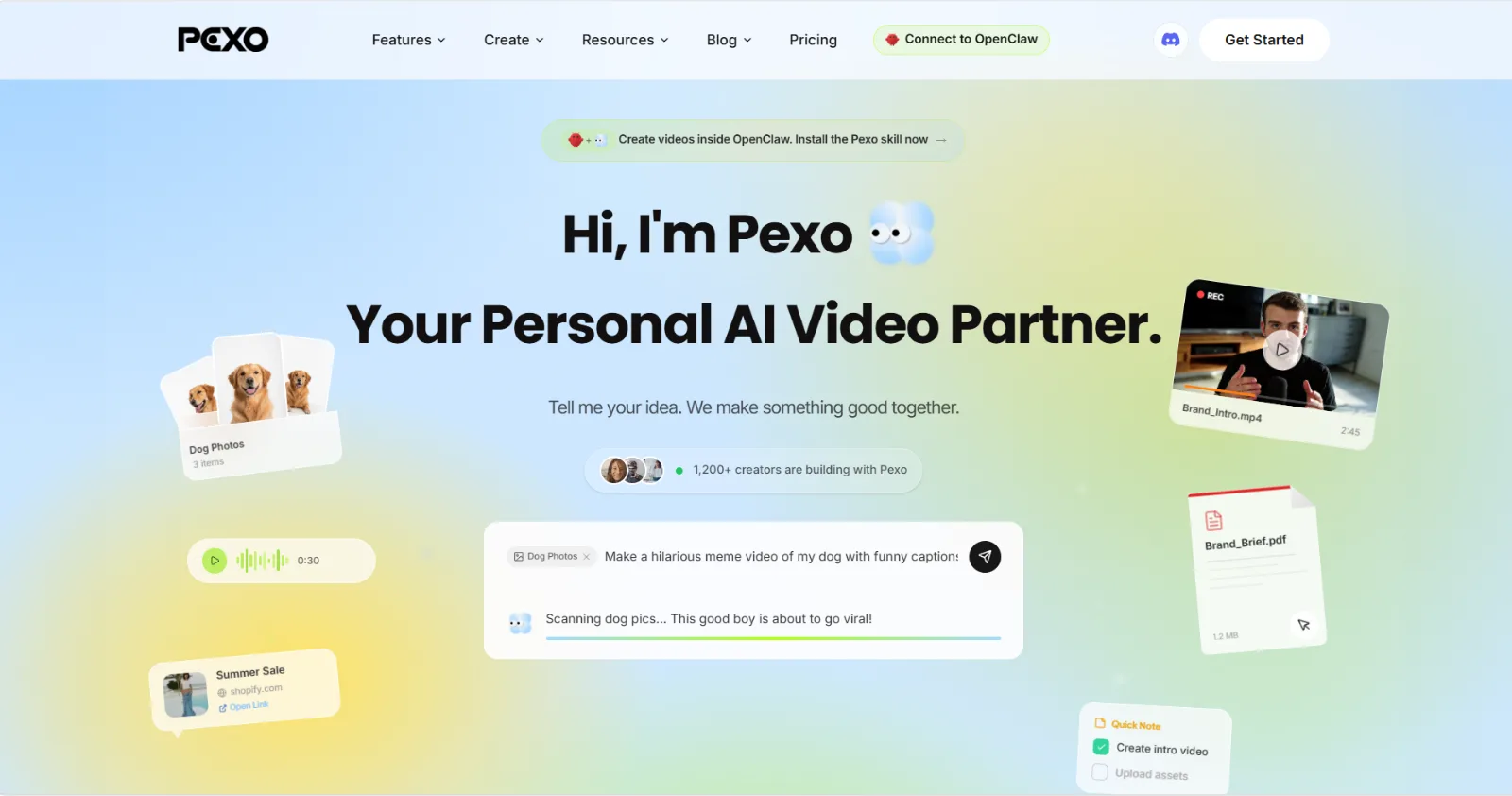
- Pexo is the AI video partner that meets you where you are. You describe the video you want the way you would text a colleague, and Pexo thinks with you, suggests directions, shows previews, and delivers a complete video with transitions, soundtrack, and pacing.
- No timeline, no scene assembly, no character rigging. The entire production happens in one conversation.
Why it beats the Vyond workflow for most switchers:
- No menus, just one conversation. Vyond's editor has hundreds of features to master. Pexo handles that complexity behind a single chat, so the time-to-first-video is minutes, not a training week.
- No choosing models. Pexo works with leading AI video models like Seedance, Sora, Kling, and more, and picks the right one per scene, so you are not locked into one animation house style the way Vyond libraries lock you in.
- Flexible inputs. Start from text, an image, a product URL, or audio. An explainer request can literally be "60-second explainer for how our app works, here is the product page."
- It shows its work. You see the plan and quick previews before full production, and you redirect anytime by just saying what to change.
Best for:
- Marketers, founders, and SMB teams who need explainer, product, or social videos regularly but have no one on staff who wants to live inside an animation editor
Limitations (honest ones):
- If your job requires Vyond's exact cartoon-character aesthetic with a consistent cast across a 40-module training library, a character-library editor is still the more literal match
- Pexo generates video from ideas and assets (text, images, URLs, audio). It is not an editor for footage you already filmed, and it does not pretend to be
Pricing:
- Self-serve and credit-based, so you pay for what you generate rather than committing to an enterprise seat license
If explainers are your main use case, Pexo's explainer video workflow and text-to-video feature are the fastest places to see the difference.
2. Animaker: Best for DIY Animation on a Small Budget
What it is:
- A browser-based animated video maker with a large template library, character builder, and drag-and-drop editor
- Covers a broad range of styles: 2D characters, infographics, and simple whiteboard
Strengths:
- Custom character builder with a wide range of facial expressions and outfits, closer to Vyond's character depth than most budget tools
- A genuinely usable free tier, and paid plans priced for individuals rather than enterprises
- Built-in voiceover recording and text-to-speech
Limitations:
- The editor can feel sluggish with longer, scene-heavy projects
- Animation quality is a step below Vyond's polish, especially for lip-sync and complex movement
Best for:
- Solo creators, teachers, and small teams who want the Vyond-style character workflow at a fraction of the cost and can accept rougher output
Pricing:
- Free tier with watermark, plus affordable paid tiers; check the current pricing page since plans change frequently
3. Powtoon: Best for Presentation-Style Explainers
What it is:
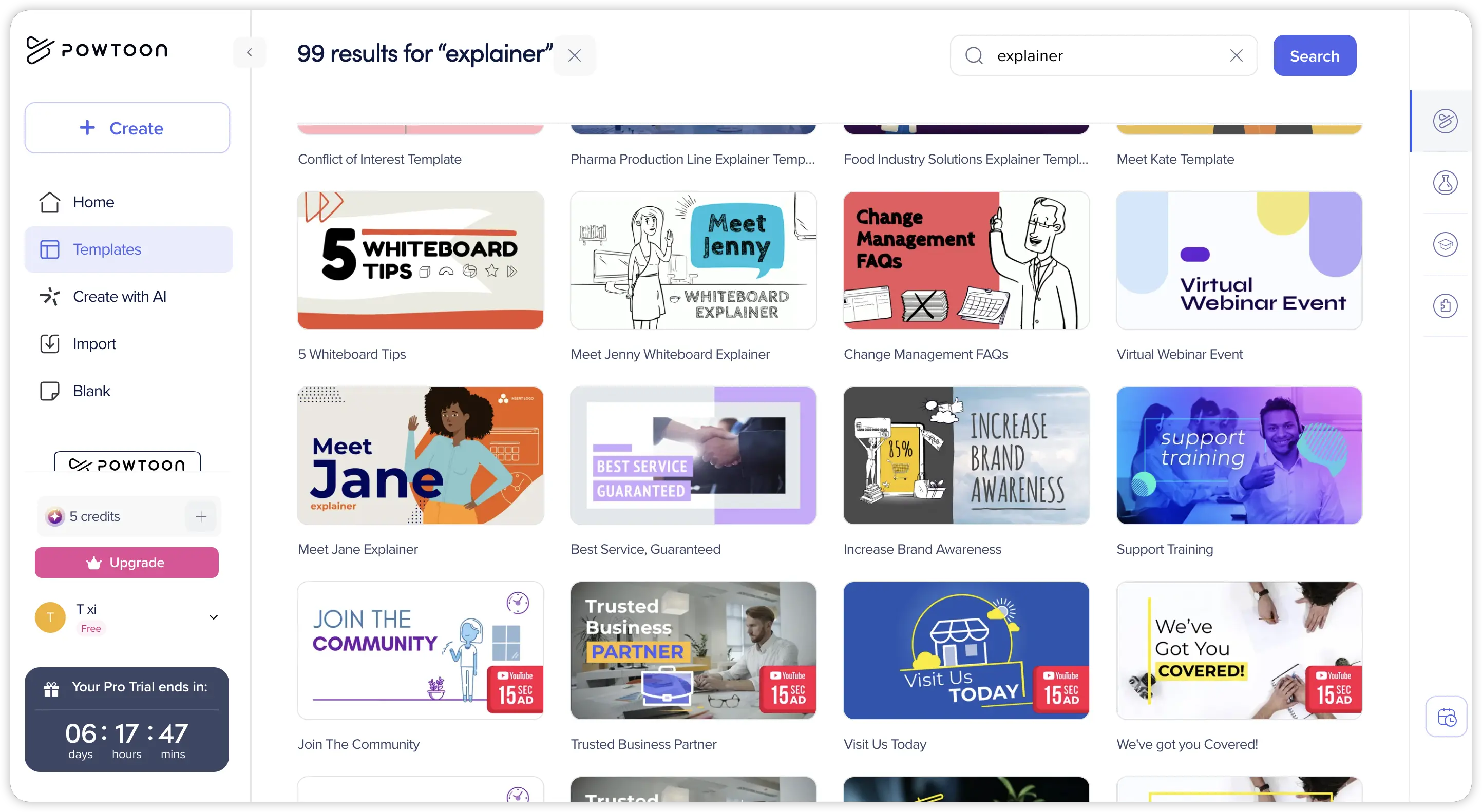
- One of the oldest names in the explainer space, built around a slide-based editor that feels like animated PowerPoint
- Strong library of business-oriented characters, icons, and scene templates
Strengths:
- The slide metaphor is instantly familiar to anyone who makes presentations, so onboarding is faster than Vyond's timeline
- Good fit for internal comms, HR announcements, and sales enablement decks turned into video
- Exports to video or interactive presentation formats
Limitations:
- Slide-based structure limits fluid, cinematic motion; scenes tend to feel like animated slides because they are
- The most useful assets and export options sit behind higher-tier plans
Best for:
- Corporate teams making presentation-style explainers who value familiarity over animation depth
Pricing:
- Free tier available; paid plans are per-seat with business tiers for teams
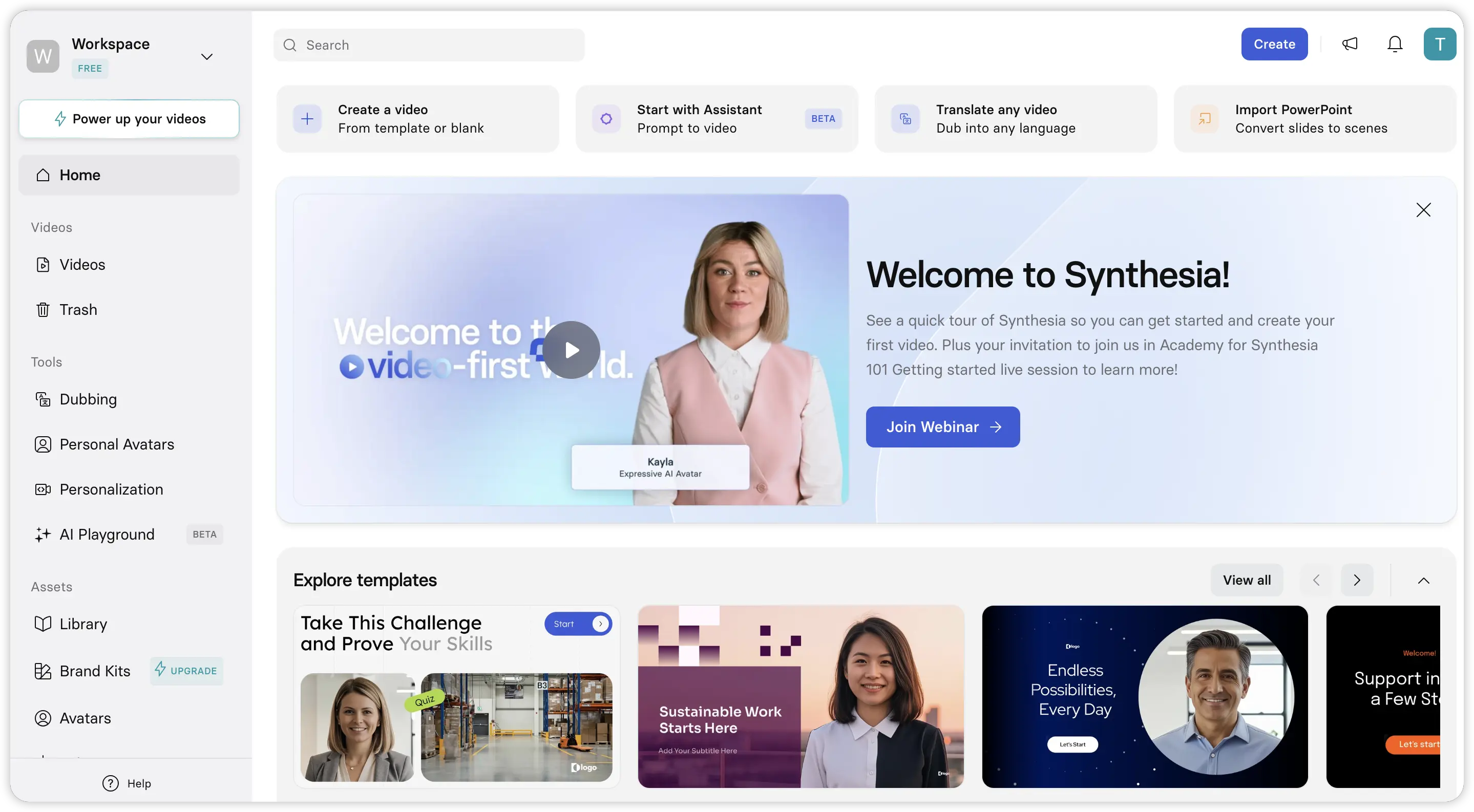
4. Synthesia: Best for AI Avatar Training Videos
What it is:
- An AI avatar platform: you paste a script, pick a realistic human presenter, and get a talking-head video with voiceover in 140+ languages
- A different genre from Vyond's cartoons, but it targets the same job: training and internal communication at scale
Strengths:
- Replaces filming a presenter entirely, which is the single biggest cost in traditional training video
- Updating a video is as easy as editing the script and regenerating, ideal for compliance content that changes yearly
- Enterprise-grade team features and brand controls
Limitations:
- Avatar delivery is professional but noticeably synthetic in gesture and emphasis; it works for training, less so for marketing
- Like Vyond, pricing skews enterprise, so it does not solve the budget complaint, only the workflow one
Best for:
- L&D teams producing high volumes of presenter-led training who want to stop booking studios
Pricing:
- Entry plan for individuals with limited minutes, then enterprise pricing for teams
5. Renderforest: Best All-in-One Branding Suite
What it is:
- A template-driven platform that bundles animated video, intros, slideshows, logo design, and website mockups in one subscription
Strengths:
- Huge template catalog for explainers, intros, and promos, so you rarely start from a blank canvas
- The bundled logo and mockup tools make it appealing for early-stage brands consolidating tools
- Simpler and cheaper than Vyond for template-based work
Limitations:
- Customization is shallow: you fill in a template rather than direct a scene, so distinctive results are hard
- Character animation depth is well below Vyond and Animaker
Best for:
- Small businesses that want passable branded videos plus design assets from one subscription, and do not need custom character animation
Pricing:
- Free tier with watermark; paid subscription tiers unlock HD exports and premium templates
6. Doodly: Best for Whiteboard Sketch Videos
What it is:
- A desktop app dedicated to one style: whiteboard and blackboard videos where a hand draws your scenes
Strengths:
- Does its one style well, with a large library of pre-drawn images and the option to import your own
- Sold through the Voomly ecosystem with a one-time license option, which appeals to buyers tired of subscriptions
- Whiteboard remains an effective format for educational and explainer content
Limitations:
- One style only; if you outgrow whiteboard, you outgrow Doodly
- Desktop software with a dated interface, and audio editing is minimal, so most users finish the sound elsewhere
Best for:
- Course creators and educators committed to the whiteboard format who prefer a one-time purchase
Pricing:
- One-time license through the Voomly ecosystem; verify current terms before buying since the bundle structure has changed over time
7. Moovly: Best Browser-Based Vyond-Style Editor for Teams
What it is:
- A cloud-based video editor with a Vyond-like timeline, a stock media library, and template workflows aimed at businesses and education
Strengths:
- The closest workflow match to Vyond on this list: scenes, timeline, animation library, all in the browser
- Integrates stock footage and images alongside animated assets, so you can mix live-action and animation
- API and automation options for teams generating videos at volume
Limitations:
- The asset library and animation polish trail Vyond noticeably
- The interface has a learning curve of its own, so you are trading one editor education for another
Best for:
- Teams that specifically want the Vyond editing model at a lower commitment, and are fine with plainer output
Pricing:
- Entry plan for individual users with enterprise options for organizations
How to Choose the Right Vyond Alternative
Match the tool to the actual problem that made you leave Vyond:
- The problem is price → Animaker or Renderforest give you the DIY template workflow at small-business cost
- The problem is the learning curve → Pexo removes the editor entirely; Powtoon softens it with a slide metaphor
- You need presenter-led training at scale → Synthesia replaces the film crew
- You are committed to whiteboard style → Doodly, with a one-time license
- You want Vyond's workflow, just cheaper → Moovly is the most literal substitute
One more filter worth applying: ask whether you want to operate a tool or direct a result. Every timeline editor on this list still makes you the operator. If your goal is simply "explainer video, done, this afternoon," a conversational workflow is the shorter path, and that is the gap Pexo was built for.
Conclusion
Vyond earned its position in corporate animation, but in 2026 you no longer have to choose between enterprise pricing and doing everything yourself on a timeline:
- Pexo is our pick for most switchers because it changes the workflow itself: describe the video, review previews, ship, with no editor to learn. If that is not your fit, Animaker is the strongest like-for-like budget choice.
- Powtoon, Renderforest, and Moovly keep the DIY editor model at friendlier price points
- Synthesia and Doodly win in their specific genres: AI presenters and whiteboard sketches
If you want to see the conversational approach before committing anywhere, try turning your next script into a video with Pexo's text-to-video workflow. It takes one message to find out whether you ever needed a timeline in the first place.





