

 ChatGPT
 Perplexity
 Claude
 Gemini
 Grok
Grok


Fliki and InVideo both turn text into finished video, but they win on opposite strengths. Fliki is voice-first: paste a script and it narrates with one of thousands of AI voices in minutes. InVideo is footage-first: describe a video and it assembles stock clips, templates, music, and captions you can keep editing. This guide compares the two across approach, voices and avatars, templates and stock, ease of use, speed, and pricing, then routes you with a clear "choose Fliki if / choose InVideo if" verdict for 2026.
Fliki vs InVideo: The Quick Verdict
If you make narrated, script-driven content (explainers, faceless YouTube, training clips), Fliki is the faster path because its voiceover engine is the best part of the product. If you make visual, trend-driven social content and want a real editor plus a deep stock library, InVideo gives you more to work with. Most people are choosing between "I have a script and need a voice" (Fliki) and "I have an idea and need footage" (InVideo).
Here is the at-a-glance breakdown, all figures current as of June 2026 (both tools change tiers often, so confirm on their pricing pages):
| Dimension | Fliki | InVideo |
|---|---|---|
| Core approach | Voice-first: script to narrated video | Footage-first: prompt to edited video |
| Voices | 2,000+ voices, 80+ languages | Voice cloning, 50+ language output |
| AI avatars | Photo avatars and digital twins | Express Clones, 240+ avatars |
| Templates | Modest, voice-focused | 10,000+ templates |
| Stock library | Limited built-in | 16M+ iStock, millions of stock assets |
| Editing control | Light, block-based | Full timeline editor plus AI commands |
| Free tier | Yes (5 min/mo, 720p, watermark) | Yes (limited, watermark) |
| Entry paid plan | Standard, $28/mo ($21/mo billed annually) | Plus, $25/mo ($20/mo billed annually) |
| Best for | Voiceovers, explainers, faceless channels | Social content, stock-heavy, editor control |
This comparison draws on each tool's official feature and pricing pages plus aggregated G2 and Capterra user ratings, all current as of June 2026. Written with AI assistance.
Core Approach: Voice-First vs Prompt-First
The two tools solve the same goal from different ends. Fliki starts with words: you paste a script, blog post, or document, pick a voice, and it produces a narrated video with matching scene visuals. The whole product is built around making the audio sound human, with the visuals as support.
InVideo starts with a single prompt or a template. Its AI agent can turn one prompt into a full video, complete with script, voiceover, stock footage, music, and captions, then drop you into an editor to refine it. Winner: tie, by intent. Fliki wins when your script already exists and audio is the priority; InVideo wins when you have an idea but no assets and want the visuals built for you.
Voices, Languages, and AI Avatars
This is Fliki's stronghold. It offers 2,000+ AI voices across 80+ languages and 100+ dialects, with voice cloning on its paid tiers so you can train a model of your own voice. In aggregated G2 and Capterra reviews, audio quality is the feature Fliki users praise most, which tracks with how voiceover-led its whole workflow is.
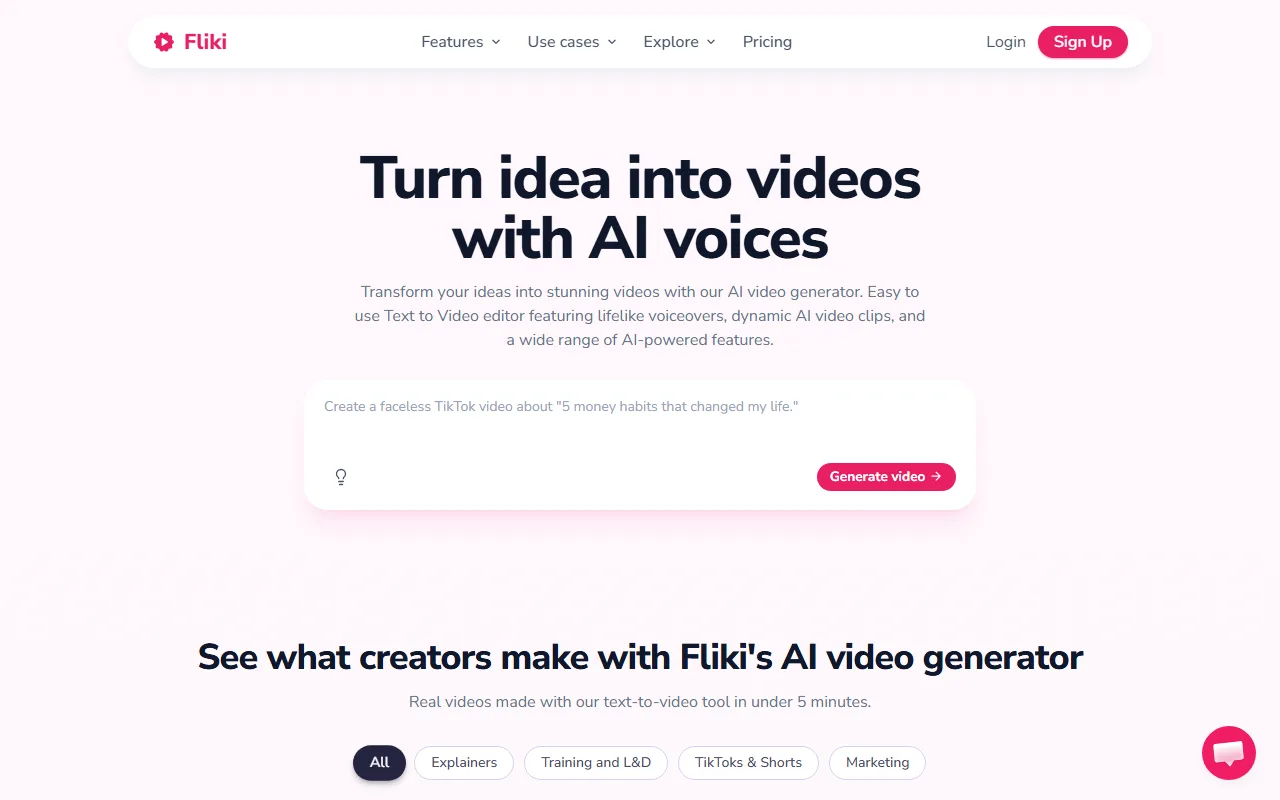 Fliki centers the workflow on script and voice, turning written text into narrated video blocks.
InVideo is no slouch here. It supports voice cloning and 50+ language outputs, and its avatar feature, Express Clones, produces expressive presenters with bigger gestures and varied facial movement than a static talking head. Fliki's own avatars and digital twins lean toward steady, professional lip-sync. Winner: Fliki for pure voice range and language coverage; InVideo edges ahead if an expressive on-screen presenter matters more than voice count.
Templates, Stock Media, and Editing Control
Here the advantage flips hard to InVideo. Its template library has grown past 10,000 options spanning Instagram Stories, YouTube intros, product promos, real estate walkthroughs, and more, and its iStock integration gives paid users access to 16M+ premium assets without a separate subscription. On top of that sits a full timeline editor with conversational AI commands and a "VFX House" for effects like relighting and color grading.
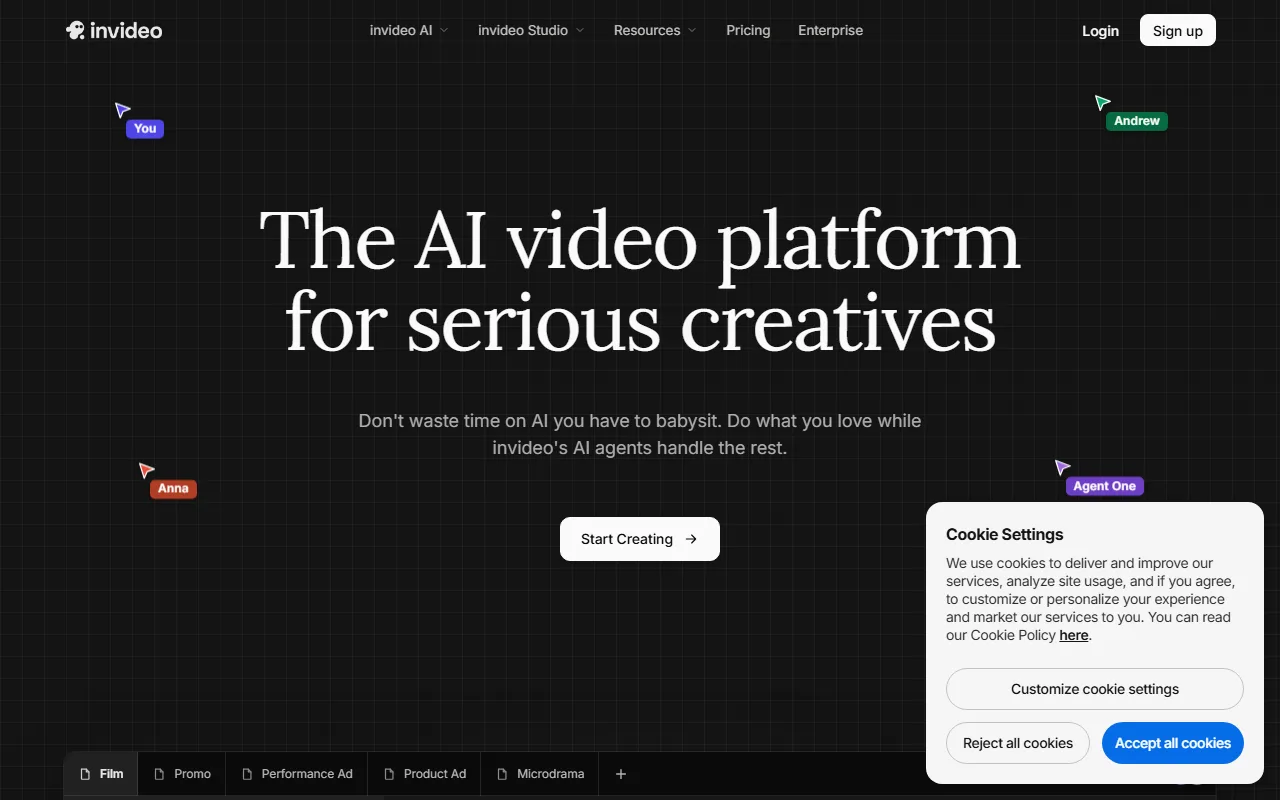 InVideo builds a full video from a prompt, then hands you a timeline editor and a large stock library to refine it.
Fliki keeps editing deliberately light. You work in script-and-scene blocks rather than a timeline, swapping stock visuals per line. That is faster for narrated explainers but limiting if you want frame-level control or heavy visual variety. Winner: InVideo, clearly, for anyone whose videos live or die on footage and editing flexibility.
Ease of Use and Speed
For a first video, Fliki is the quicker on-ramp. Paste text, choose a voice, generate. There is little to configure, which is exactly why script-driven creators reach for it. The trade-off is that the simplicity caps how far you can push a project.
InVideo's prompt-to-video is also fast, often producing a draft in under ten minutes, but the editor adds a learning curve once you start refining. Beginners feel that curve; people who want control welcome it. Winner: Fliki for fastest time to a finished narrated clip; InVideo if you accept a little more setup in exchange for a deeper toolkit.
Pricing and Value Compared
Both tools run a free tier and tiered paid plans, and both lean on annual billing for their headline prices. Fliki's free plan caps you at about 5 minutes a month at 720p with a watermark. Its paid Standard plan is $28/mo, or about $21/mo billed annually, and unlocks 1080p, voice cloning, longer exports, and the full voice catalog; Premium climbs higher for heavy output. InVideo's Plus plan is $25/mo, or $20/mo billed annually, and Max is $60/mo, or $48/mo annually, with the jump mainly buying more iStock credits and export volume.
Winner: InVideo on entry price, Fliki on voiceover value. On raw entry cost, InVideo's $20 annual Plus tier just undercuts Fliki's $21 annual Standard, so budget-first beginners lean InVideo. But the meters differ, and that decides the real cost. Fliki bills around export minutes; InVideo bills around iStock credits plus export volume.
Work it through for four videos a month. If they are 5-minute narrated explainers, you are buying minutes: Fliki's Standard covers them and InVideo's stock credits sit unused, so Fliki is the cheaper fit. If they are 60-second promos pulling three or four iStock clips each, you are buying credits: InVideo Plus includes only a limited monthly iStock allowance that can run thin by month-end and push you toward Max, while Fliki's limited stock library cannot serve that job well at all. The plan that is "cheaper" is whichever meter your content actually runs up. (See Capterra's side-by-side for the current feature grid.)
Choose Fliki If / Choose InVideo If
The honest verdict is that this is not a winner-take-all matchup. Match the tool to the job.
Choose Fliki if:
- You write scripts and need top-tier AI narration in many languages.
- You run a faceless YouTube or explainer channel and want speed over editing depth.
- Voice cloning and a huge voice library are central to your content.
Choose InVideo if:
- Your videos depend on stock footage, templates, and visual variety.
- You want a real timeline editor, not just script-and-scene blocks.
- You publish trend-driven social content and value a large asset library.
Fliki pros and cons: Best-in-class voices and language coverage, fast script-to-video, easy for beginners. On the downside, limited editing control and a thin stock library. (Both rate well across G2 and Capterra user reviews as of mid-2026.)
InVideo pros and cons: Massive templates and stock, full editor, strong prompt-to-video. On the downside, a steeper learning curve and credit limits that add up on heavy use.
A Third Path: One Conversation Instead of Two Workflows
Both tools still ask you to assemble the result: pick a plan, a voice or template, then drive the editor. If that setup is itself the friction, a third approach skips it. With Pexo, an AI video partner, you describe the video in plain language and it plans the clip, selects a model for the scene, and returns a draft you reshape by saying what to change.
The point of difference against both tools is models. Fliki and InVideo each keep you on their own stack; Pexo works with Seedance, Sora, Kling, and more, and routes each scene to the one that fits. It takes text, an image, a URL, or audio as a starting point. It suits people who would rather direct than edit, and it is the wrong pick if you specifically want a hands-on timeline, which is squarely InVideo's territory. If that approach fits how you work, describe your idea to Pexo and see what comes back.
Conclusion
Between these two, the call is clear enough. Fliki and InVideo are both strong in 2026, just for opposite reasons. Pick Fliki when audio leads and your script is ready. Pick InVideo when footage leads and you want an editor and a deep stock library. Put simply: if your bottleneck is narration, that points to Fliki; if it is footage, InVideo.





