ChatGPT
 Perplexity
 Claude
 Gemini
 Grok
Grok


Interactive videos are a way to get people to pay attention online. They let viewers click, make choices, answer questions, and interact with your content directly. This results in engagement, better learning outcomes, and higher conversions.
If you're new to interactive videos don't worry. This guide will walk you through making a video from start, to finish. You'll learn how to plan and publish your video. We'll also share tips on using AI video generators to make the process easier. Interactive videos help you connect with your audience.
What Is an Interactive Video?
An interactive video lets viewers take action while watching. Common interactive elements include:
-
Clickable hotspots that reveal extra information
-
Quizzes and knowledge checks
-
Branching paths where viewer choices lead to different outcomes
-
Shoppable buttons linking to products
-
Forms to collect emails or feedback
These features turn a video into something that really grabs your attention. It feels more like you're chatting with someone than watching a video. Interactive videos are super helpful for things like marketing and also for training sessions.
Making an interactive video comes down to six moves: plan a controlled branching flow, produce short video segments, choose an interactive video platform, layer clickable elements (hotspots, CTAs, lead-capture forms, or quizzes), test every path, then publish with tracking. Keep the structure controlled: 3 to 5 branches per video, 5 to 10 seconds for each choice, and an interactive moment every 60 to 90 seconds tend to work best (interactive video best practices). Done well, interactivity has lifted viewer retention by 30 to 50% in training contexts.
Step-by-Step: How to Make an Interactive Video
1. Define Your Goal and Plan the Experience
Start by deciding what you want to achieve. Do you want to teach people something sell them a product or get their information to follow up with them later?
You should make a plan and draw a basic diagram. This will help you figure out where you want the website users to be able to interact with the website. You need to think about what the website users should see when they click on something or make a choice on the website.
2. Create Your Base Video
You don’t need a professional filming crew anymore.
People can make videos quickly with modern video generators.
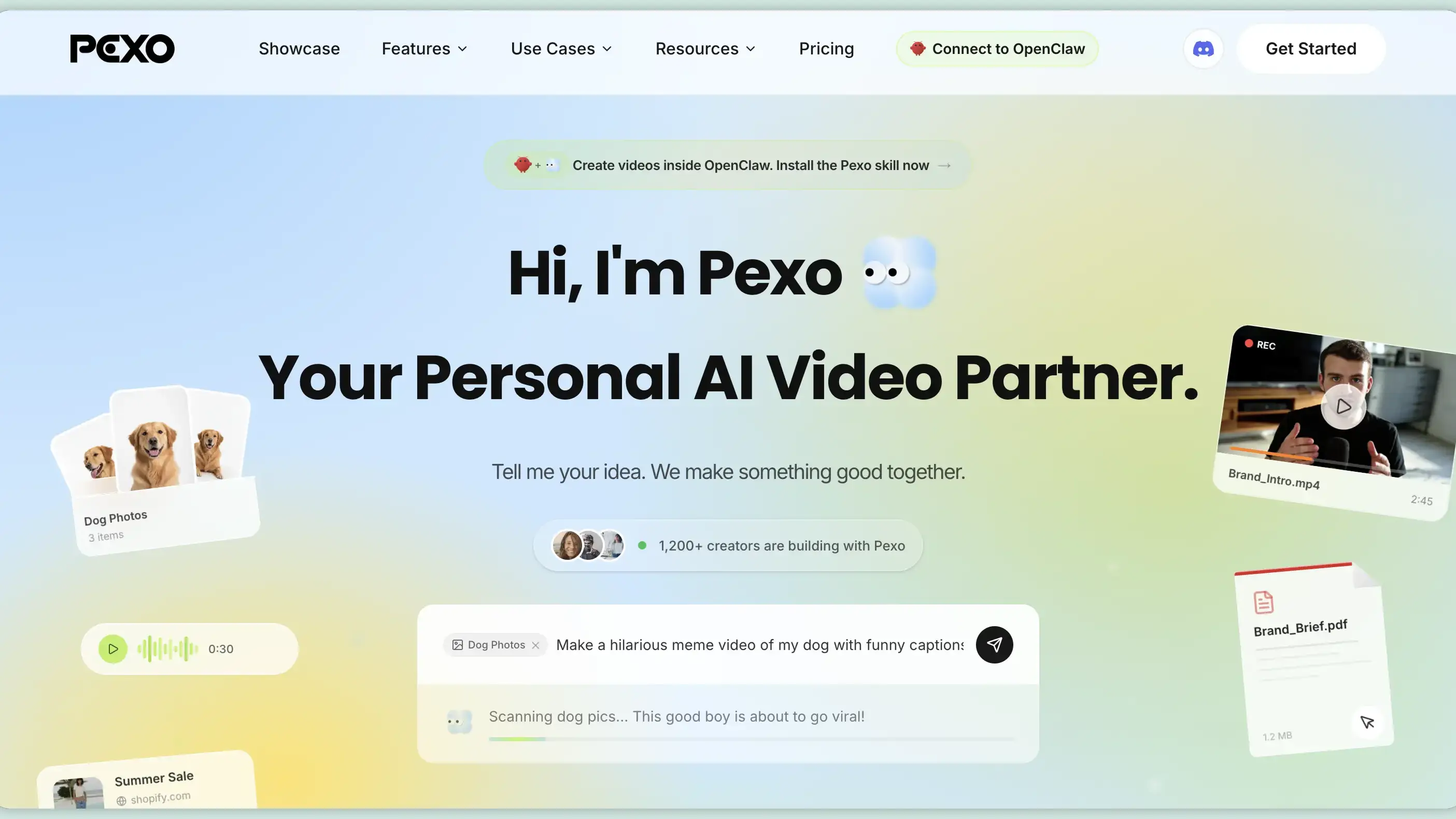
For example,Pexo AI is an AI agent that lets you tell it your idea or paste something you wrote and Pexo AI makes a video, with fake people, voices, pictures and nice transitions in just a few minutes.
Using Pexo AI and other tools like it helps you get a video without spending a lot of time fixing things.
3. Choose the Right Interactive Video Platform
After you create your base video the next thing to do is pick a platform to add features. This will help shape how viewers experience your video. You need to choose a platform that can help you add these features and create a viewer experience, with your video.
Different platforms support types of interactivity. Some platforms are good for things like hotspots and clickable content. Other platforms are better for quizzes or branching scenarios or learning experiences with the learning experiences. The learning experiences and quizzes are supported by these platforms.
When choosing a platform, consider:
-
What type of interactions you need
-
Whether you want branching storylines or simple clickable elements
-
Mobile compatibility
-
Analytics and viewer tracking
-
Ease of use for beginners
Most interactive video platforms offer drag-and-drop editors, so you can build engaging experiences without coding.
4. Add Interactive Elements
Upload your base video to the chosen platform and start building:
-
Place hotspots or buttons at key moments
-
Create quizzes with multiple choice answers
-
Set up a way for the video to change based on what the viewer picks like if they choose Option A they see a scene, next
-
Add calls-to-action, links, or forms
-
Customize colors and text to match your brand
Take your time to make the video feel like it is really helping the viewer and that it feels natural.
5. Test Everything Thoroughly
This step is very important. Watch the full interactive video multiple times and test every possible path. Check it on both desktop and mobile. Get some friends or coworkers to try it out and give you feedback. Fix any parts that are confusing or any broken links before you publish.
6. Publish and Track Results
Once everything works smoothly, publish your video. You can put it on your website share it with an email or add it to your learning system. Most video platforms give you stats. You can see where people click, how long they watch and which parts work best. This helps you understand what people like and don't like. Most interactive video platforms provide analytics so you can see where people click, how far they watch, and which parts are most effective.
Best Practices for Interactive Videos
-
Keep the video length reasonable — 3 to 8 minutes usually works best
-
Make interactions meaningful and relevant to the content
-
Give steps so people know exactly what to do
-
Make sure it works well on mobile phones because lots of people watch on their phones
-
Add a progress indicator so viewers know how much is left
Remember, the goal is to enhance the experience, not overwhelm the viewer with too many clicks.
Best AI Video Generators for Interactive Videos
AI video generators make creating videos a lot simpler. You do not have to film and edit everything by hand which can be really time consuming. With AI video generators you can make videos using AI avatars, voiceovers and visuals that are already made for you.
Popular AI video generators include:
-
Pexo AI — An all-in-one solution for creating AI-generated videos with customizable scenes and interactive storytelling potential. Ideal for beginners and creators who want a streamlined workflow.
-
Synthesia — Popular for AI presenters and multilingual video creation.
-
HeyGen — Known for realistic avatars and conversational video experiences.
-
Colossyan — Strong for training videos and AI-powered learning content.
-
Pictory — Useful for turning articles or scripts into videos quickly.
Choosing the AI video generator really depends on what you want to achieve how much you are willing to spend and the way you like to work. If you are a beginner you want something to use,Pexo AI is a choice for creating professional videos.
Conclusion
Interactive videos are not just a trend. They are a good way to get people to pay attention help them learn new things and make them do what you want them to do. When you make a plan for what you want to achieve,create a video with Pexo adds some interactive things that make people think. Interactive videos like this can be very helpful. You can use videos to make people interested, in what you have to say.
Start small and try out features that let people interact, and soon you’ll master the art of creating interactive videos that leave a lasting impact.
Ready to create your first interactive video?
Create your base video with Pexo, then enhance the experience with interactive elements using the platforms mentioned above.