

 ChatGPT
 Perplexity
 Claude
 Gemini
 Grok
Grok



If you are weighing Luma AI against Runway in 2026, you are comparing two of the most-used AI video generators on the market, and they pull in opposite directions. Luma optimizes for the quality of the world it generates. Runway optimizes for your control over that world. So the useful question is not "which one wins," it is "which job are you hiring it for."## Luma AI vs Runway at a Glance
A quick scan table you can screenshot, then the evidence for every cell below.
| Factor | Luma AI (Dream Machine) | Runway |
|---|---|---|
| Flagship model | Ray3 (Sep 2025) | Gen-4 / Gen-4.5 |
| Output quality | Photoreal edge, strong physics | Cinematic, slightly more stylized |
| Native HDR | Yes, 16-bit HDR exported as EXR | No |
| Character animation | Basic | Act-Two performance capture |
| Resolution range | 540p to 4K | Up to 4K |
| Free tier | Yes, limited daily drafts | Yes, 125 one-time credits |
| Entry paid plan | ~$9.99/mo (Lite) | $15/mo (Standard, 625 credits) |
| Render speed | Faster drafts (often 2x or more) | Slower, steadier |
| First-try production-ready rate | Lower (rough drafts, then refine) | Higher (more usable on attempt one) |
| API access | Yes | Yes |
| Best for | Realism, speed, atmospheric B-roll | Control, VFX, character work |
Comparison data as of June 2026. Pricing and model versions change often, so check each official pricing page before you buy.
What Is Luma AI (Dream Machine)?
Luma AI's Dream Machine is a text-to-video and image-to-video platform built around the Ray3 model, released in September 2025. Its signature trick is realism: Ray3 was the first AI video model to generate native 16-bit HDR, which it can export as EXR straight into a professional color pipeline. That is a capability no direct rival has matched.
You feed Dream Machine a prompt or a still image, and it returns a clip with strong physics, natural motion, and good character consistency across resolutions from 540p up to 4K. The free tier gives you a handful of watermarked daily drafts, which makes it easy to test before you pay.
 Luma leans on realism and speed, with a stripped-back interface that gets you to a first draft fast.
What Is Runway?
Runway is the broader creative suite of the two. Its Gen-4 and Gen-4.5 models handle cinematic text-to-video, and the platform layers a full toolkit on top: Act-Two for character animation, video-to-video, inpainting, custom voices, and Veo integration for dialogue.
The trade-off is a steeper learning curve. Runway gives you more knobs, which means more control and more to learn. Its free plan starts you with 125 one-time credits, and paid plans begin at $15/mo. If you have read our Sora vs Runway comparison, you already know Runway's strength is the control surface, not raw speed.
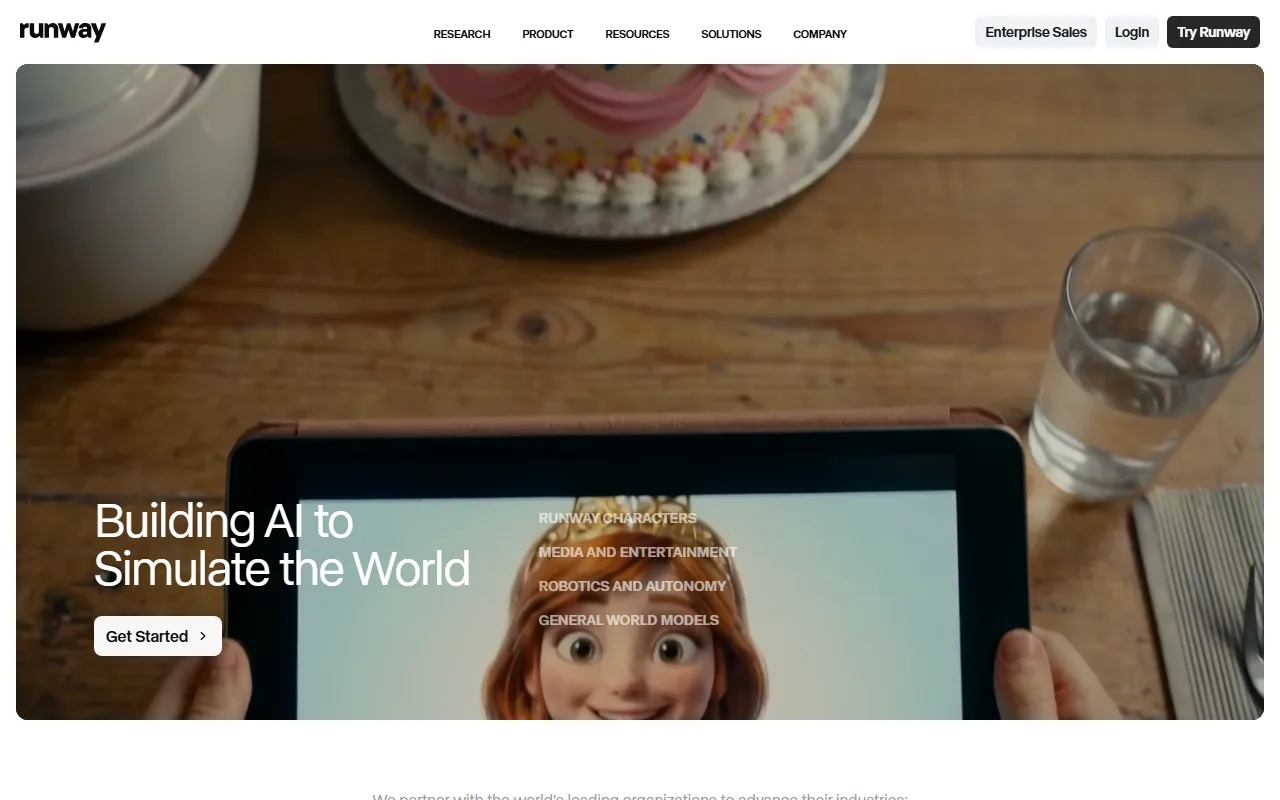 Runway positions itself as a full creative suite, with Act-Two and a deep toolkit layered on top of its Gen-4 model.
Both models sit near the top of the field in independent blind-preference rankings (LLM-Stats video leaderboard, 2026), so this is not a strong-versus-weak matchup. It is a difference in priorities.
Output Quality and Realism: Luma's HDR Edge
For raw photorealism, footage a viewer cannot tell from a real camera, independent 2026 head-to-head tests give Luma Ray3 the edge (Aloa hands-on comparison, 2026). Its native 16-bit HDR and physics handling make it the pick for establishing shots, product reveals, and atmospheric B-roll. Runway's Gen-4 output is cinematic and consistent, but reviewers note it reads slightly more stylized on like-for-like prompts.
One honest caveat on the HDR pitch, because it gets oversold: native 16-bit HDR and EXR export only help if you actually push footage through a color-grading pipeline. Most social and ad creators never will. If that is you, what you are really buying from Luma is the realism and the speed, not the EXR.
Where Runway wins: consistency across a multi-shot sequence. When you need the same character or set to hold up across several generations, Runway's reference controls keep things stable better than Luma's. Winner: Luma for a single hero shot, Runway for a consistent sequence.
Ease of Use and Learning Curve: Luma Pulls Ahead
If you are new, Luma gets you to a first clip faster. By our count, a first usable draft in Dream Machine is roughly a 3 to 4 step path: open it, describe the shot or drop an image, generate, refine. Runway's interface exposes far more, so a first project can easily run twice as many steps once you account for setting up references and dialing in controls.
That extra surface is a feature for pros and a wall for beginners. Winner: Luma on first-run ease; Runway once you have climbed the curve and want the control.
Speed and Rendering: Luma's Draft Advantage
Luma is built for fast iteration. Independent comparisons clock its draft mode at roughly 2x the speed of a comparable Runway generation (Aloa, 2026), which matters when you are reworking a shot ten times to land it. Runway trades that raw speed for reliability: one 2026 test pegs its first-try production-ready rate near 60 to 70% against Luma's 20 to 30% (AI Productivity, 2026), so you may render fewer times overall.
So this one is a wash that depends on your style, and there is a rough break-even: if you re-roll a shot more than about three times to land it, Luma's draft speed wins the round; if you mostly generate once and move on, Runway's higher first-try rate wins it. Winner: tie, decided by how you work.
Creative Control and Features: Runway's Toolkit
This is Runway's home turf. Act-Two is the headline: you provide a driving performance video and a character reference, and Runway transfers the motion, speech, and expression onto your character. Add video-to-video, inpainting, custom voices, and Veo-powered dialogue, and Runway is closer to a studio than a single generator.
Luma keeps a tighter, more focused feature set built around generation and realism, with less granular post control. Winner: Runway, clearly, for anyone doing character work, VFX, or multi-layer scenes.
Pricing and Value
Both tools are credit-based with free tiers, so you can test before paying. Luma's paid plans start around $9.99/mo (Lite), making it the lower-cost entry. Per Runway's published pricing page (June 2026), Standard is $15/mo for 625 credits, Pro is $35/mo for 2,250 credits, and Max is about $95/mo for high-volume work, with annual billing taking roughly 20% off.
 Runway's published plans as of June 2026: a free tier, then $15, $35, and ~$95 monthly steps. Annual billing discounts each.
The catch on both sides is effective cost: your real spend per usable second is higher than the raw credit price once you count failed generations. Winner: Luma on sticker entry price; Runway often better value at high volume thanks to its higher first-try success rate.
Ecosystem, Integrations, and Support
Both ship an API, so developers can build either into a pipeline. Runway carries the larger ecosystem: more tutorials, a deeper academy, and a community built around its broader toolkit. Luma's docs are leaner but its model news cadence is fast, with frequent Ray updates. Winner: Runway on ecosystem depth; Luma on model release velocity.
Pros and Cons at a Glance
A fast scan before the decision split.
Luma AI
- Pros: best-in-class photorealism, native 16-bit HDR/EXR, roughly 2x faster drafts, lower $9.99/mo entry.
- Cons: weaker multi-shot consistency, basic character animation, more rough first drafts that need re-rolling.
Runway
- Pros: deepest toolkit (Act-Two, video-to-video, inpainting), strong shot-to-shot consistency, higher first-try usable rate, larger learning ecosystem.
- Cons: steeper learning curve, no native HDR, slower generations, higher $15/mo entry.
Choose Luma AI If / Choose Runway If
The clean decision split:
Choose Luma AI if you:
- Want the most photoreal output or need native HDR/EXR for a color pipeline
- Iterate heavily and value fast, cheap drafts over first-try polish
- Make establishing shots, product reveals, or atmospheric B-roll
- Want the lower entry price to start
Choose Runway if you:
- Need character animation, lip sync, or performance capture (Act-Two)
- Do VFX, compositing, or multi-layer shots that need per-object control
- Want a higher share of production-ready output on the first attempt
- Prefer one deep suite over a single fast generator
One-line verdict: Luma AI wins on realism, speed, and entry price; Runway wins on control, character animation, and first-try reliability.
The Multi-Model Alternative: When Neither Locks You In
Worth flagging, since this is our blog and we would rather be upfront: both Luma and Runway share one constraint. Each ties you to its own model. You commit to Ray3, or you commit to Gen-4, and you live with that model's strengths and blind spots on every shot. For a lot of people that is fine. But if the question slowing you down is "which model do I even pick," there is now a way to not pick.
Pexo is an AI video partner that works across Seedance, Sora, Kling, and more and routes each shot to whichever model fits it, so you are not betting a whole workflow on one generator's weak spots. You describe what you want in plain language and let it handle the model choice. It is credit-based and free to start, and you can browse the lineup from Seedance to Kling or jump into text-to-video.
To be fair about the trade: it will not replace a deep VFX timeline the way Runway can, and for a single photoreal hero shot Luma's dedicated realism may still edge it. But if not having to commit to one model is what you actually want, that is a real option now.
Conclusion
Luma AI and Runway are not really competing for the same job in 2026. Luma is the realism-and-speed specialist; Runway is the control-and-character suite. If you mostly need photoreal shots fast, start with Luma. If you need a deep toolkit and character animation, start with Runway. And if your real problem is that you do not want to commit to one model at all, a multi-model partner like Pexo lets you skip that choice and go straight from idea to finished video. Try Pexo free and see which model fits your next project.





