

 ChatGPT
 Perplexity
 Claude
 Gemini
 Grok
Grok


Most Sora tutorials online were written for an app that no longer exists. OpenAI shut down the Sora app on April 26, 2026, and the API follows on September 24, about three months from now. So a useful Sora tutorial today has to answer three questions: what still works, how to use it while it lasts, and how to get the same results once it's gone.
This guide covers all three. You'll learn the two remaining ways to access Sora 2, the prompt structure that made it famous (which transfers directly to its replacements), and a step-by-step workflow for producing Sora-style cinematic clips with current tools.
What Happened to Sora?
The short version: OpenAI previewed Sora in 2024, shipped the Sora app and Sora 2 model in late 2025, and announced the shutdown in March 2026. Running the service reportedly cost around $1 million a day against fewer than 500,000 active users. The economics never closed.
The model itself didn't get worse. Sora 2 still produces physically accurate motion with synchronized dialogue and sound effects, up to about 25 seconds per clip. What disappeared is OpenAI's consumer way to use it. Our Sora review and alternatives roundup covers the full timeline; this tutorial focuses on what you can actually do today.
Can You Still Use Sora 2 in 2026?
Two routes remain, one of them with an expiry date.
Route 1: The API, Until September 24
Developers can still call Sora 2 through the OpenAI video generation API. If you have an OpenAI platform account, you can generate clips programmatically until the September 24 cutoff. This is practical for developers archiving a workflow or finishing a project, and impractical for everyone else: there's no interface, you pay per generation, and anything you build dies in three months.
Route 2: Third-Party Platforms That License Sora 2
Several video platforms licensed Sora 2 and serve it through their own interfaces. These remain the only no-code way to run the actual model. Availability shifts month to month as licensing terms evolve, so check the model list before subscribing to any platform specifically for Sora 2 access.
Route 3 (The Realistic One): Use What Replaced It
For most creators, the honest answer is that the current generation of video models matches or beats Sora 2. Kling 3.0, Seedance 2.0, and Veo 3 each surpassed it on different dimensions: longer clips, better character consistency, stronger physics. The skill that transfers is prompting, and that's what the rest of this tutorial teaches.
What You Need
- A clear idea of one scene. Sora-style generation works best with a single, specific moment, not a montage
- An AI video tool with a current cinematic model. The steps below use Pexo AI, which routes prompts to Kling, Seedance 2.0, Veo 3, and more; any tool with one of those models will follow the same logic
- Reference material, optionally. A still image or product URL anchors the output's look and gets you consistency that text alone won't
How to Make a Sora-Style Video, Step by Step
The famous Sora demo clips all share a structure you can reproduce. Here's the workflow.
Step 1: Write the Prompt Like a Shot Description
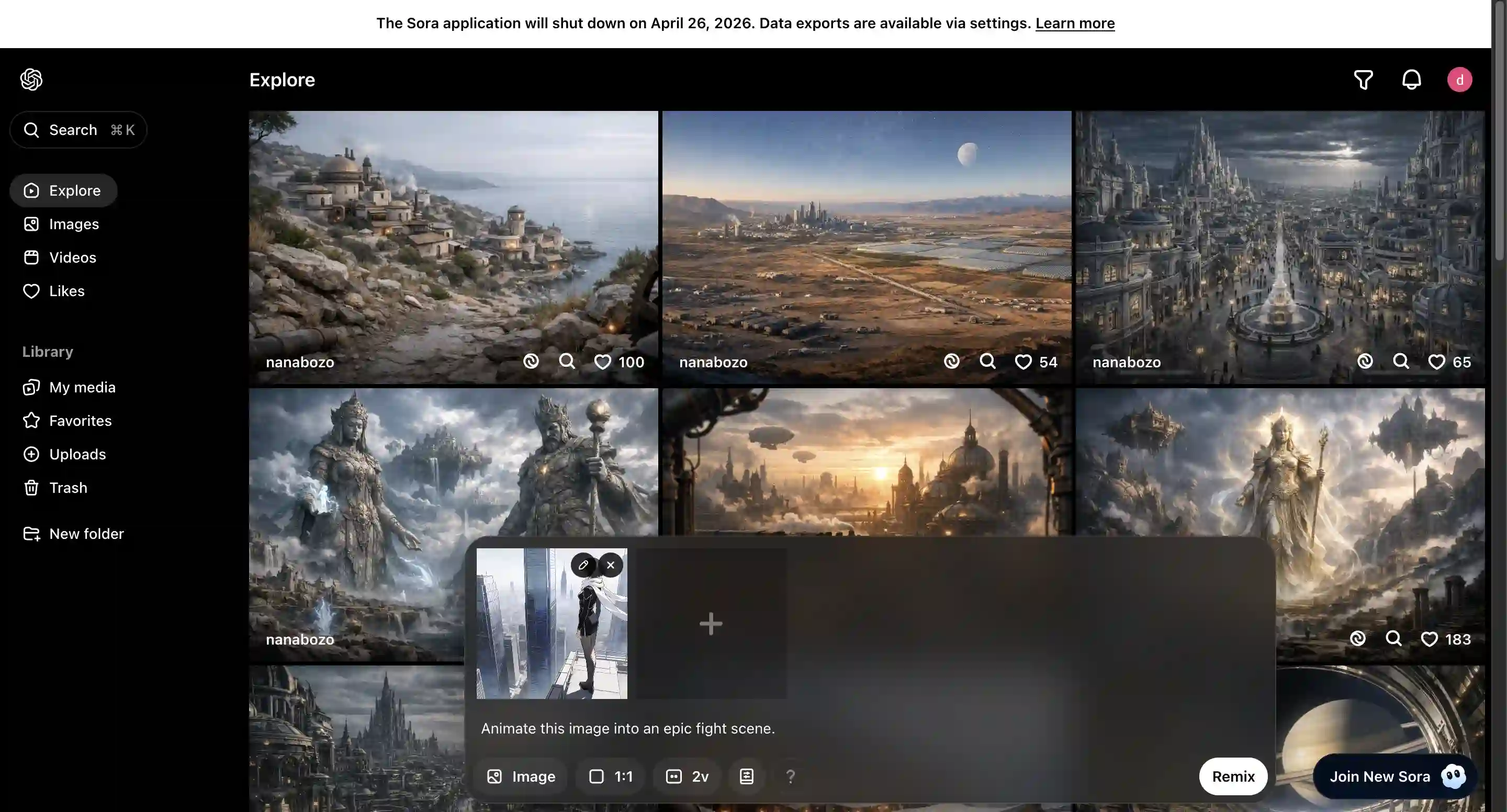
Sora's best results always came from prompts written like a cinematographer's shot notes, not a wish list. The structure:
[Shot type] + [Subject with specific details] + [Action] + [Environment] + [Lighting/mood] + [Camera movement]
Compare:
❌ "A beautiful video of a woman walking in Tokyo"
✅ "Medium tracking shot of a woman in a red wool coat walking through a neon-lit Tokyo street at night, rain reflections on the pavement, shallow depth of field, camera gliding alongside her"
The second prompt works in Sora 2, Kling, Seedance, or Veo with minor dialect differences. Specificity is the entire game.
Step 2: Anchor the Style with a Reference

If you need a consistent look, start from an image instead of pure text. Upload a still frame, a product photo, or a style reference, then describe the motion. Image-to-video generation preserves the subject and palette far better than re-describing them in every prompt. In Pexo this means dropping the image into the conversation; in other tools, look for the image-to-video input.
Step 3: Generate, Then Iterate on One Variable
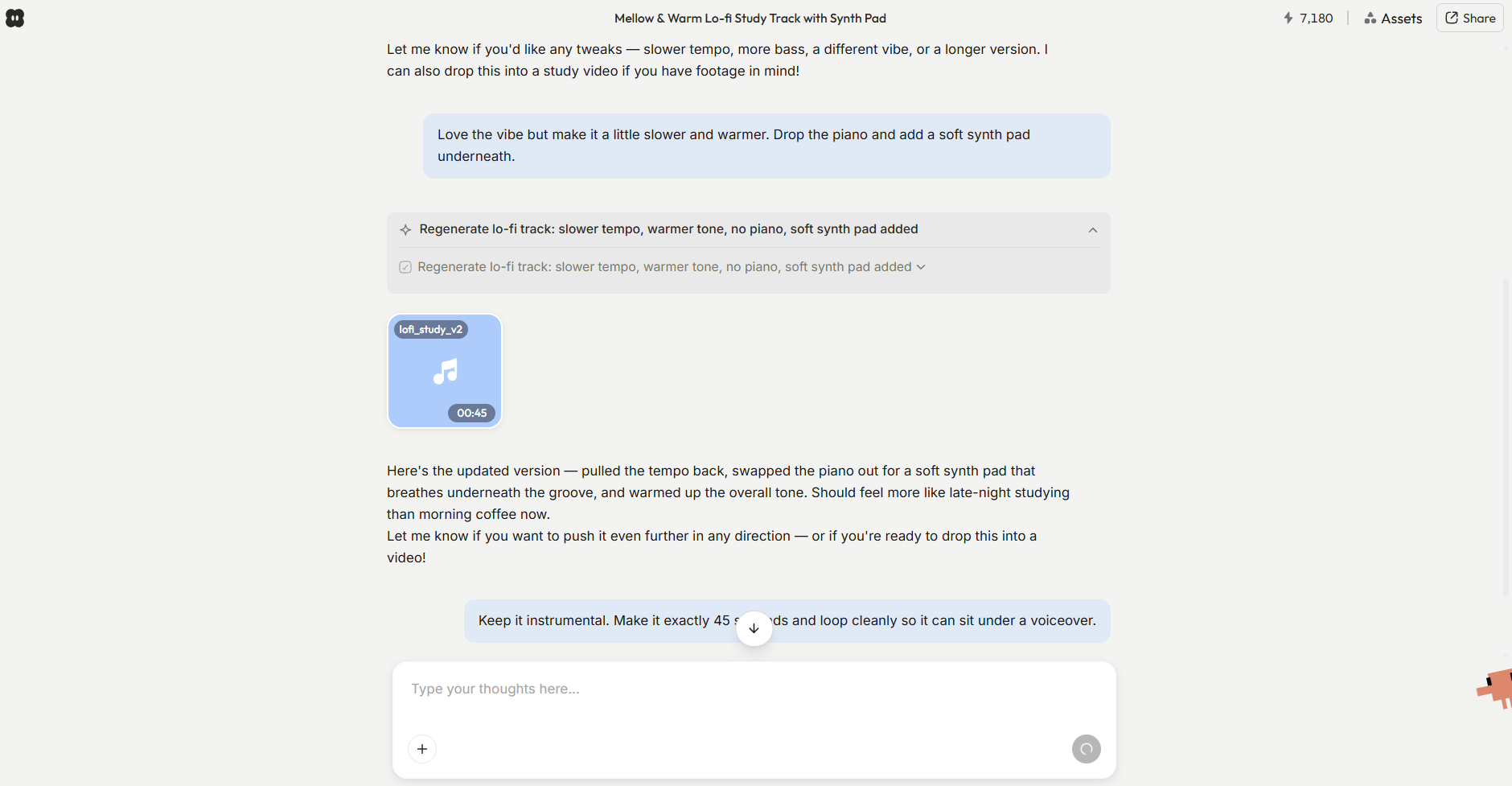
First generations are rarely final. The mistake beginners make is rewriting the whole prompt after a near-miss, which throws away what worked. Change one variable per iteration: the camera movement, the lighting, or the action, never all three. Two or three focused iterations usually beat ten rewrites.
In a conversational tool you can say "same shot, but slow the camera and make it golden hour." In prompt-box tools, copy the previous prompt and edit only the clause you're fixing.
Step 4: Extend Beyond the Clip Length
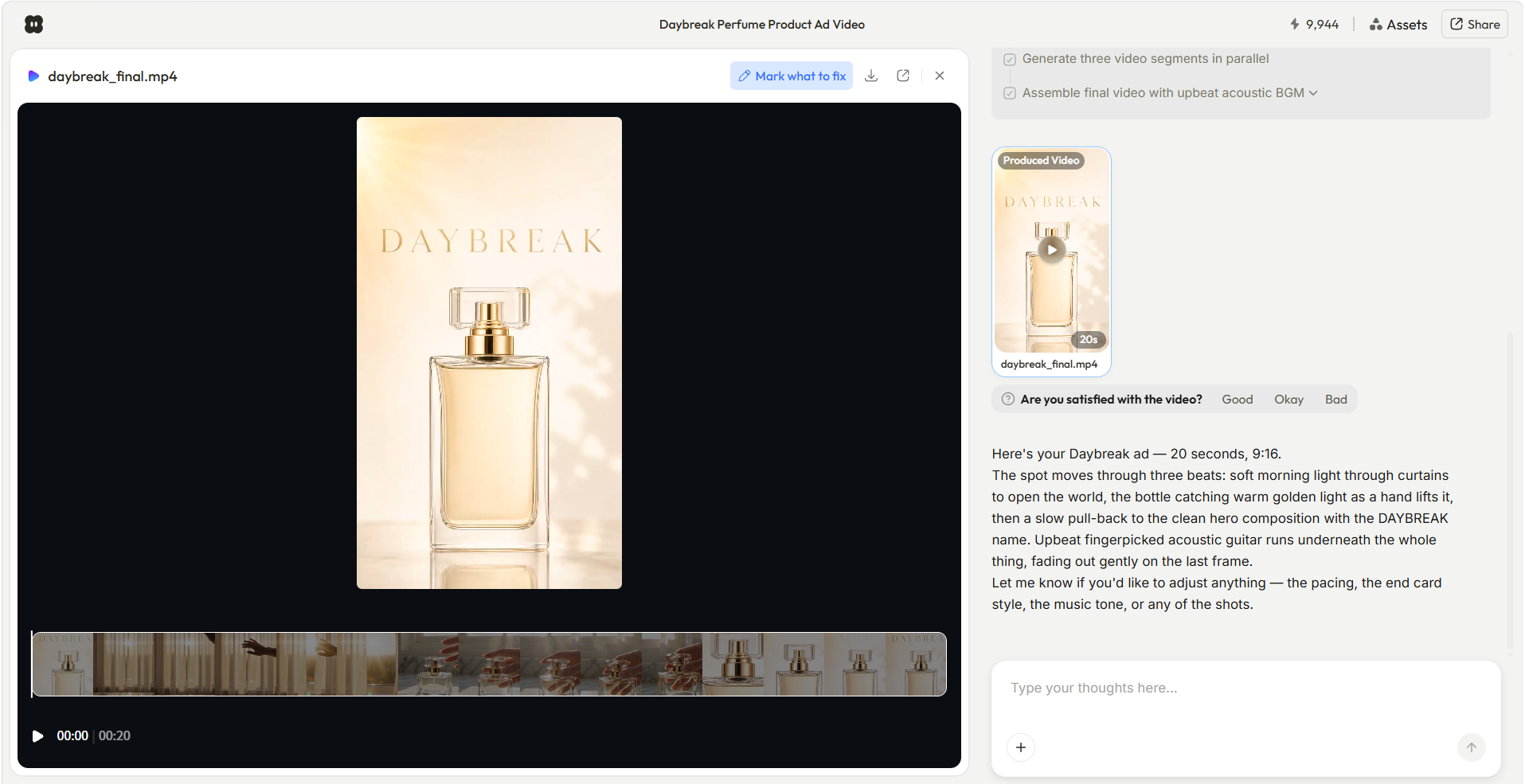
Sora 2 capped at ~25 seconds, and most current models generate 10-30 second shots. To build longer videos, think in shots, not clips: generate each scene separately with consistent style anchors, then sequence them. This is where an agent workflow saves real time; Pexo assembles multi-shot videos up to 2 minutes from one brief, handling the per-shot consistency itself.
Step 5: Add Sound and Export
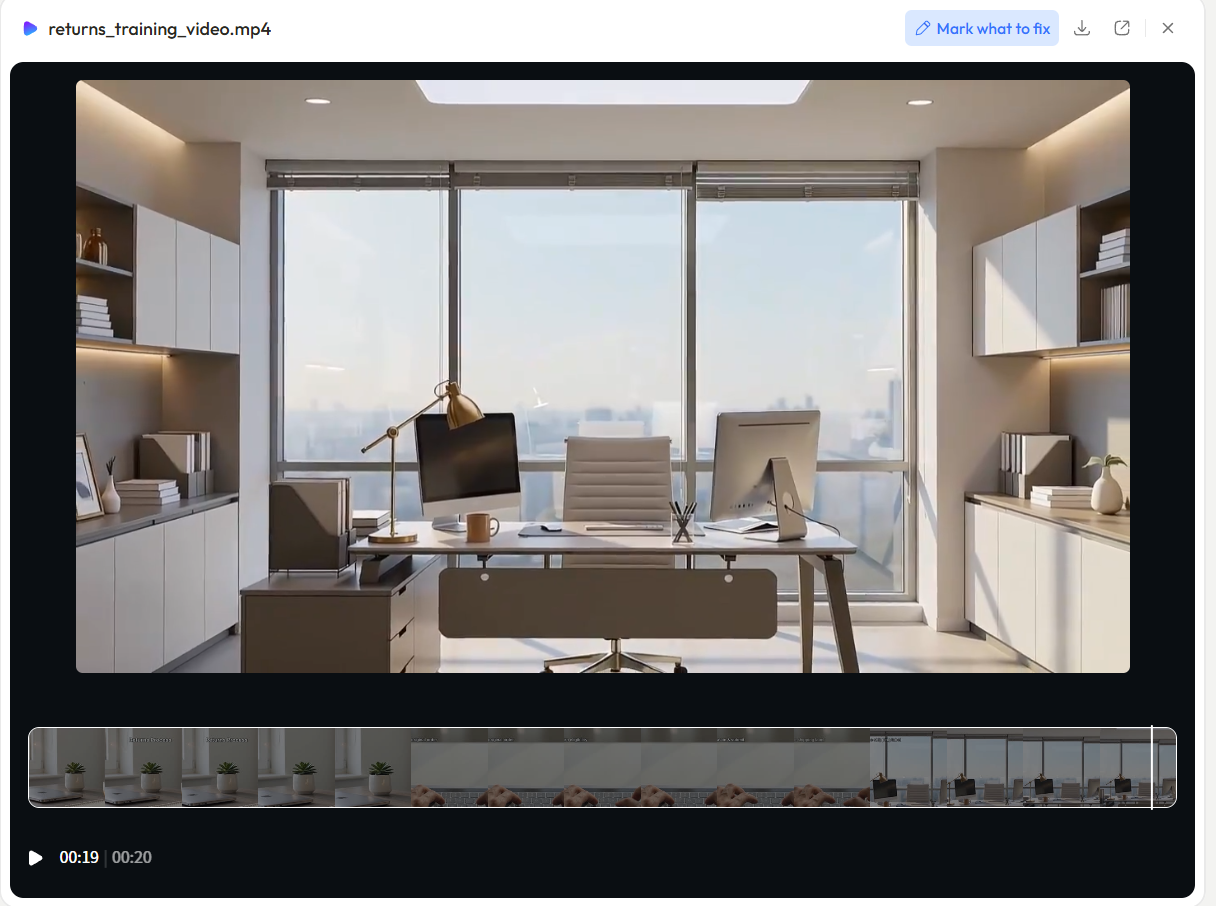
Sora 2's synchronized audio was its signature trick, and it's now table stakes: Veo 3 and Seedance generate native audio too. If your tool doesn't, add a music bed and sound effects in post. Export at 1080p for social, and match the aspect ratio to the platform: 9:16 for TikTok and Reels, 16:9 for YouTube.
Common Mistakes with Sora-Style Prompts
- Stacking too many subjects. "A market street with vendors, children playing, dogs, and a parade" generates mush. One subject, one action, one environment.
- Describing emotions instead of visuals. Models can't render "a feeling of nostalgia"; they can render "warm afternoon light, 35mm film grain, muted colors."
- Ignoring camera language. Prompts without a shot type and camera movement default to a static medium shot, which is why beginner results look like security footage.
- Re-rolling instead of refining. Generating the same vague prompt five times costs five generations' worth of credits and teaches you nothing. Fix the prompt, not the dice.
What Else Can You Use?
If you're choosing where to land after Sora, three directions:
- Pexo AI: a conversational agent that handles the full workflow, scripting, generation across multiple models, editing, and export. Best when you want finished videos, not raw clips.
- Runway: the strongest manual creative control, with post-generation editing via Aleph.
- Kling 3.0: the closest current model to Sora 2's cinematic feel, at an aggressive price point.
Our Sora alternatives guide compares ten options in depth.
Final Thoughts
A Sora tutorial in 2026 is really a prompting tutorial wearing a product name. The app is gone, the API has a countdown on it, and the third-party access route depends on licensing that shifts monthly. What survives is the craft: shot-description prompts, image anchoring, single-variable iteration, and thinking in shots rather than clips.
Those skills work in every model that outlived Sora. Pick a current tool, take the five steps above, and the videos you make will look better than the ones the original app produced. If you'd rather describe the video once and skip the per-shot work entirely, try a product video with Pexo and see what the agent workflow feels like.





