

 ChatGPT
 Perplexity
 Claude
 Gemini
 Grok
Grok


If you landed here, you probably already know Sora is gone. The app shut down, the API has an expiration date, and whatever video workflow you had built around it needs a new home. We have been testing the alternatives for the past few weeks — partly because our own team used Sora for quick product clips, partly because half the creators in our orbit started asking "what now?" the moment the redirect went live.
The good news: the rest of the AI video market kept moving while Sora was bleeding users. Kling shipped 4K with native audio. Seedance added identity locking. A few platforms started bundling multiple models behind one interface so you would never get stuck on a single provider again.
This guide covers the shutdown details you need to know, walks through six tools worth testing, and lays out a framework for picking the right one based on what your videos actually require — not just spec comparisons.
The Sora Shutdown: What Actually Happened
Quick recap for anyone who missed the details. OpenAI posted two hard dates — no extensions, no "we'll revisit this later":
- April 26, 2026: The consumer app and web experience went offline. Already happened.
- September 24, 2026: The API (sora-2, sora-2-pro, all snapshot versions) stops accepting requests. Still a few months out.
The short version of why: Sora was burning roughly $1 million a day in compute. The Decoder dug into the numbers — subscription revenue never cracked an estimated $2 million a month, and lifetime in-app purchases totaled about $2.1 million. For OpenAI's most hyped product launch, those are indie-app numbers. Usage peaked near a million accounts, then steadily dropped below 500,000.
If you still have code hitting sora-2 or sora-2-pro — directly or through a wrapper like Pollo — that September date is a hard wall. Worth keeping in mind as you read through the rest of this guide.
What Made Sora Useful (And Where It Fell Short)
Before jumping into alternatives, it helps to be honest about what Sora was actually good at — and where it left you hanging.
What worked:
- Strong text-to-video quality for short clips (up to 20 seconds at 1080p)
- Reasonably good motion coherence for single-scene generations
- Simple prompt-based interface for users comfortable with text prompts
Where it struggled:
- No native audio generation — every clip needed separate sound work
- Inconsistent character identity across scenes
- High cost per generation, which made iterative workflows expensive
- Prompt engineering was non-trivial — getting the right output often took multiple attempts
- No multi-model fallback; if Sora's style did not fit your use case, you were stuck
Keep these trade-offs in mind as you read the alternatives below — each tool closes a different subset of those gaps.
6 Best Sora Alternatives for AI Video in 2026
1. Kling 3.0
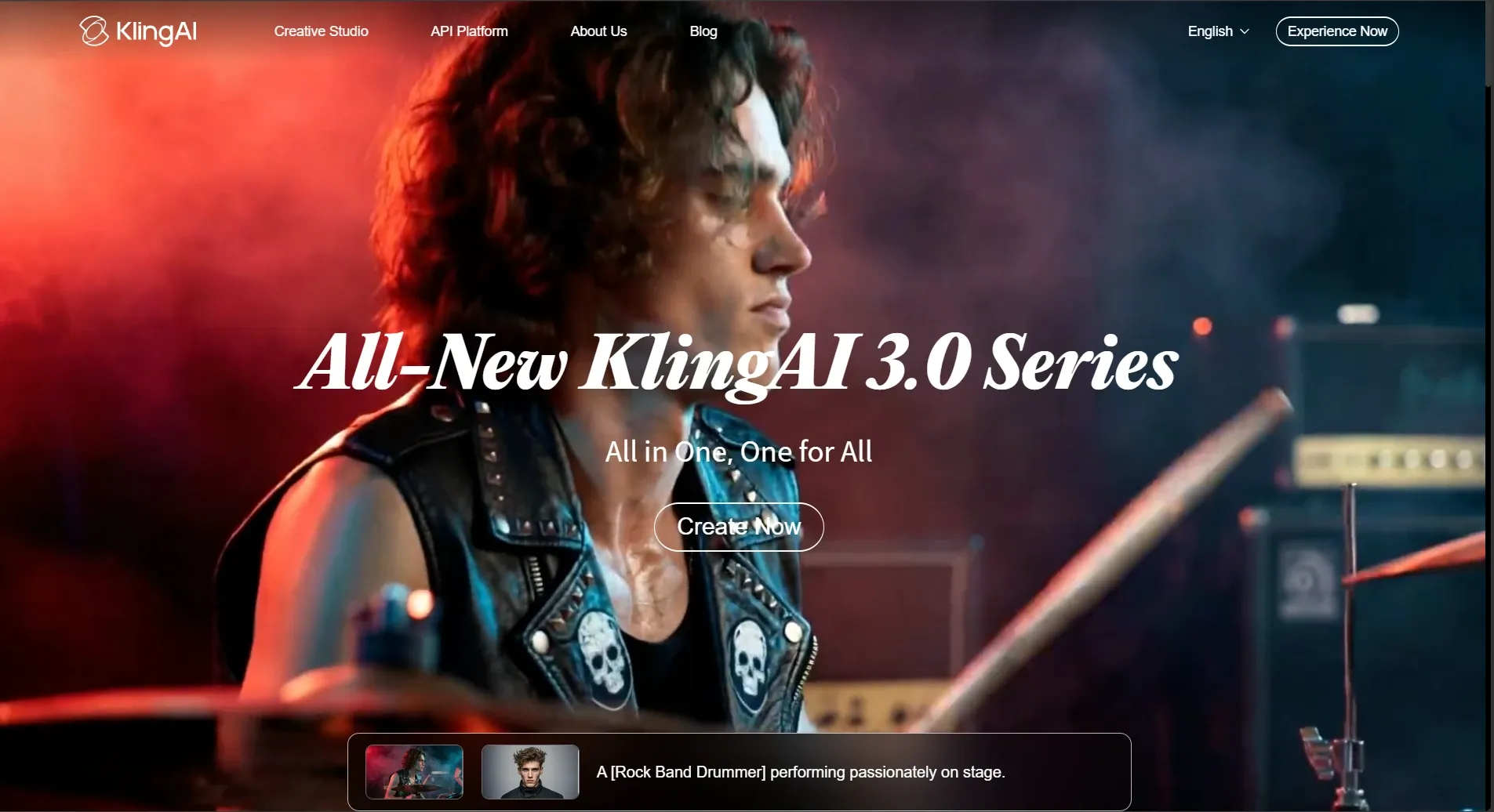 Kling 3.0 supports 4K video at 60fps with native audio
If raw output quality was the reason you chose Sora, Kling 3.0 is probably the first thing you should test. The 2026 update pushed it well past what Sora shipped at 1080p.
- Generates 4K video at 60fps with native audio
- Multi-shot mode maintains consistency across connected scenes
- Subject Binding keeps faces and characters stable across angles
- Stronger motion handling than Sora offered at 1080p
Best for: Creators who prioritized Sora's visual fidelity and want a direct quality upgrade with audio built in.
Limitations: The interface is still prompt-heavy. If you want a more guided workflow, you may need to pair it with an orchestration layer.
2. Seedance 2.0
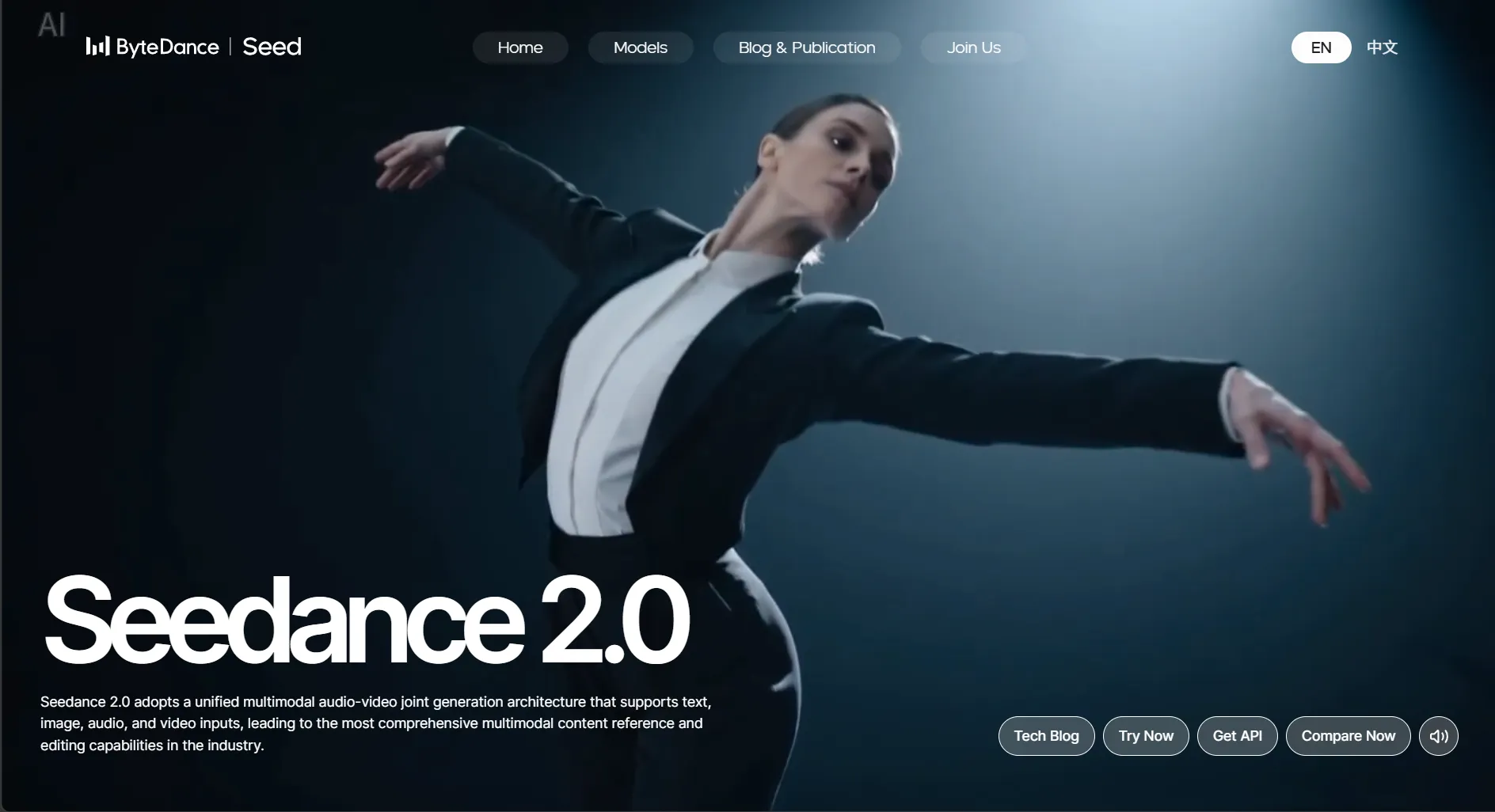 Seedance 2.0 keeps character identity stable across scenes
Anyone who tried to build a multi-scene ad or a short series in Sora knows the frustration: your character's face drifts from shot to shot. ByteDance built Seedance 2.0 around fixing exactly that problem.
- Identity Lock maintains exact facial features across multiple scenes and camera angles
- Strong motion quality, particularly for human figures and dance choreography
- Competitive generation speed
Best for: Anyone who needs character consistency — product spokespersons, recurring brand characters, serialized content.
Limitations: Less established ecosystem than Kling or Runway. Availability may vary by region.
You can access Seedance 2.0 directly through Pexo's Seedance 2.0 model page alongside other generation models.
3. Google Veo 3.1
Google's latest video model leans hard into photorealism — and right now, Veo 3.1 leads on prompt fidelity across almost every public benchmark.
- Strongest prompt fidelity among current models
- Native audio generation built into the pipeline
- Long-form generation support (up to 60 seconds)
Best for: Creators who need the highest possible visual realism and are working within Google's ecosystem.
Limitations: Access is primarily through Google's platforms. Less flexibility if you want to mix models or route through third-party tools.
4. Runway Gen-4.5
Runway has been in the AI video space longer than most competitors on this list, and Gen-4.5 doubles down on what their user base cares about most: granular creative control over every shot.
- Heavy focus on cinematic quality and creative control
- Camera control and motion brush tools for precise direction
- Strong community and established workflow ecosystem
Best for: Filmmakers, creative agencies, and anyone who wants fine-grained control over visual output.
Limitations: Premium pricing. The creative control tools have a learning curve that casual users may not need.
5. Wan 2.6
For engineering-heavy teams that want to own the stack, Wan 2.6 is the open-source pick. You self-host it, you tune it, and you pay only for your own GPU time.
- Reference-to-video and video extend capabilities
- Open-source availability for self-hosting
- Multiple control modes beyond basic text prompts
Best for: Dev teams and ML engineers who already run GPU infrastructure and would rather own the weights than rent an API.
Limitations: Setup is not trivial — expect Docker, CUDA dependencies, and model-weight downloads before your first render. Non-technical creators should look elsewhere.
6. Pexo
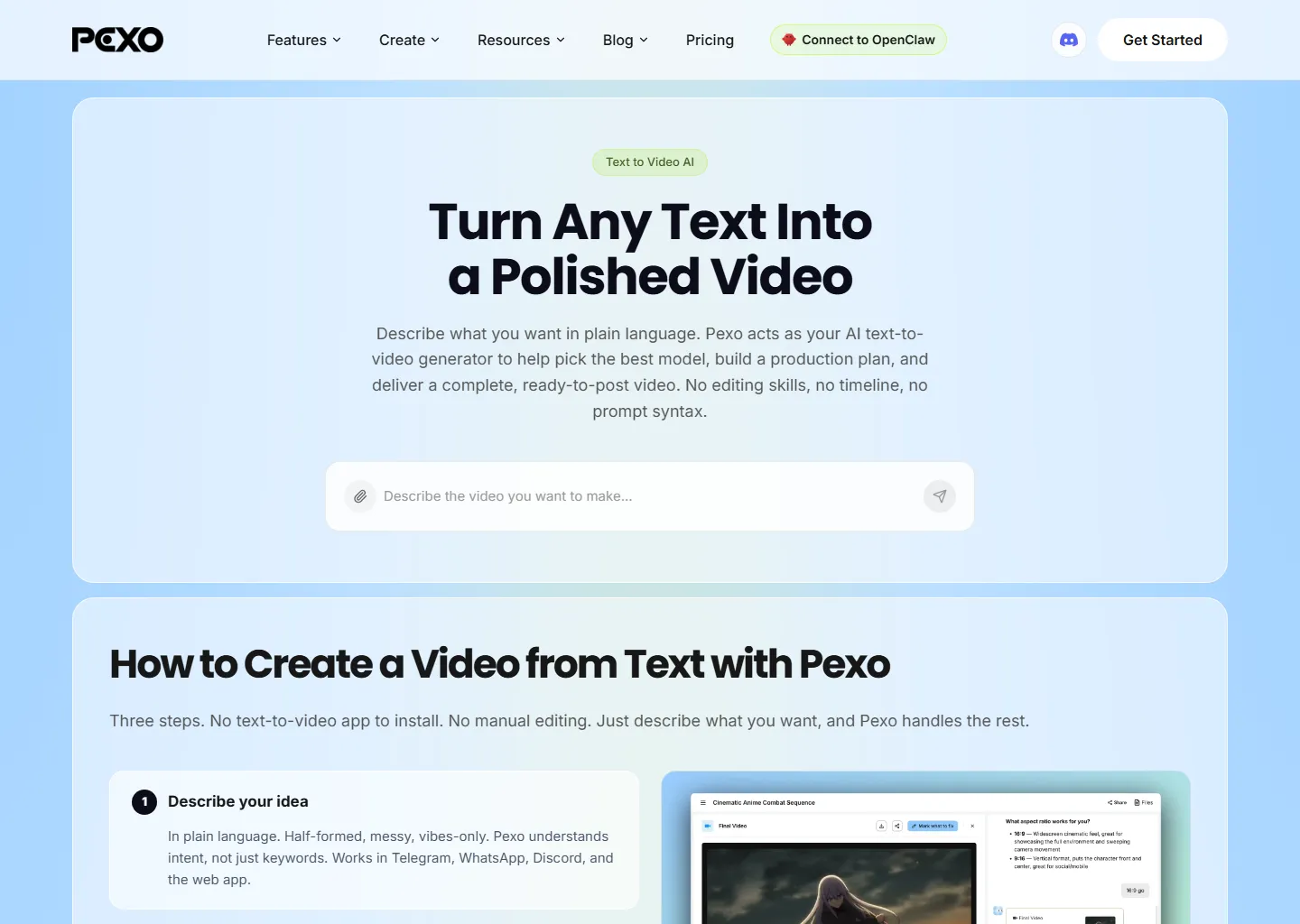 Pexo lets you describe your video in conversation instead of writing prompts
The five tools above all share one assumption: you already know which model you want. Pexo drops that assumption. You open a chat, describe the video in plain language, and the platform picks from Kling, Seedance 2.0, and other available models to match your brief.
- No prompt engineering required: describe what you need in plain conversation
- Supports text, image, URL, and audio as inputs
- Routes through multiple models so you are not locked to a single provider
- Credit-based pricing lets you control costs per project
The most common starting point for ex-Sora users is the text-to-video feature — write what you want, get a clip back. If your team already has product photography or brand stills sitting in a drive folder, the image-to-video path turns those files into motion pieces without a reshoot or a stock footage license.
Best for: The marketing manager who posts three videos a week and does not have time to learn Kling's prompt quirks on Monday and Runway's UI on Tuesday.
Limitations: You trade away some of the shot-by-shot tweaking that Runway offers. If your work demands frame-level camera control, a dedicated creative suite still wins on that axis.
Quick Comparison Table
| Tool | Best Strength | Native Audio | Multi-Model | Interface Style | Ideal User |
|---|---|---|---|---|---|
| Kling 3.0 | 4K + motion quality | Yes | No | Prompt-based | Quality-focused creators |
| Seedance 2.0 | Character consistency | No | No | Prompt-based | Brand video, serialized content |
| Veo 3.1 | Photorealism | Yes | No | Google ecosystem | Realism-first creators |
| Runway Gen-4.5 | Cinematic control | Limited | No | Creative tools | Filmmakers, agencies |
| Wan 2.6 | Open-source flexibility | No | No | Technical | Developers, self-hosters |
| Pexo | Multi-model + conversational | Via models | Yes | Conversation | Marketers, small teams |
How to Choose the Right Sora Alternative
A TikTok ad buyer testing five hooks a day and a VFX artist compositing product shots — those two people will never agree on a "best" tool, and they shouldn't. Skip the ranking debates. Look at what your next video actually requires, then work backward.
Sharpest possible output matters most? Kling 3.0 and Veo 3.1 both left Sora's 1080p behind. Kling bundles audio natively; Veo nails prompt fidelity better than anything else available right now.
Recurring character across multiple scenes? That was Sora's weak spot. Seedance 2.0 built Identity Lock specifically for brand spokesperson series, walkthrough sequences, and serialized shorts where the face cannot drift.
Frame-level camera direction? Runway Gen-4.5 hands you motion brushes, camera paths, and composition controls. Nobody else on this list matches that granularity.
Burned by single-vendor lock-in? Understandable — Sora proved how fast a provider can disappear. Multi-model platforms like Pexo let you swap the engine underneath without touching your workflow.
Sora API still in your codebase? The clock is ticking on those endpoints. Test replacements now while you can still compare against Sora's output side by side.
If You Still Have Sora API Calls Running
The API works today. Your sora-2 and sora-2-pro endpoints still respond normally. But "it works today" is not a migration plan — it is procrastination with a countdown attached.
Here is what we have seen teams with real production schedules do:
- List everything that touches a Sora endpoint. Every cron job, webhook, microservice. Write down the output resolution, clip length, and visual style each one needs — you will want those specs when you test replacements.
- Run your actual briefs through alternatives now. Not next month. Feed the same prompts into Kling, Seedance, or a multi-model tool like Pexo and compare while Sora is still around as a baseline.
- Set your own internal cutover for late August. Give yourself a four-week buffer before the hard stop. That is enough time to catch the weird edge cases that only show up in production.
- Route through more than one model. You just watched a provider disappear. Putting all your generation calls into a single replacement is the same bet with a different name.
For teams that push social clips weekly, Pexo's social media video workflow can slot in where a basic Sora integration used to sit — product teasers, short promos, platform-native cuts — without rebuilding a custom API wrapper.
The Bigger Lesson: Why Single-Model Dependency Is Risky
Sora is not even the first AI product to spike, burn cash, and disappear mid-stride. It just happened to be the loudest. The pattern has played out before: hype launch, rapid adoption, unsustainable unit economics, then a sunset notice that gives teams barely enough time to scramble.
Who came out of the Sora shutdown with the least damage? Mostly people who had already been splitting video generation across two or three services — not out of foresight about OpenAI specifically, but because they never trusted any single model to be permanent infrastructure.
You do not have to build a custom routing layer to learn from that. Just stop treating any one API as a foundation. If your video tool only runs on one model, you are exactly one corporate budget meeting away from doing this whole migration dance again.
Multi-model platforms earn their spot not by being faster or cheaper on a single render. They earn it by still working the morning after a provider pulls the plug.
Conclusion
Losing Sora hurt, but it also forced a useful reckoning: which AI video tools can actually hold up under a real production schedule? Kling 3.0 took the quality lead. Seedance 2.0 cracked the identity-drift problem Sora never fixed. Veo 3.1 still sets the bar on realism. Runway Gen-4.5 hands creative directors the fine-grained controls they have been asking for. And platforms like Pexo sidestep the single-vendor trap by routing across model families inside one conversation.
If sora-2 is still somewhere in your stack, pick two tools from this list and throw your last Sora brief at them. You will know within an afternoon which one fits — and that beats scrambling when the API finally goes dark.
Try Pexo on your next video brief — one conversation, multiple models, no prompt syntax to memorize.





