
Audio to Video AI
Visualize Your Music
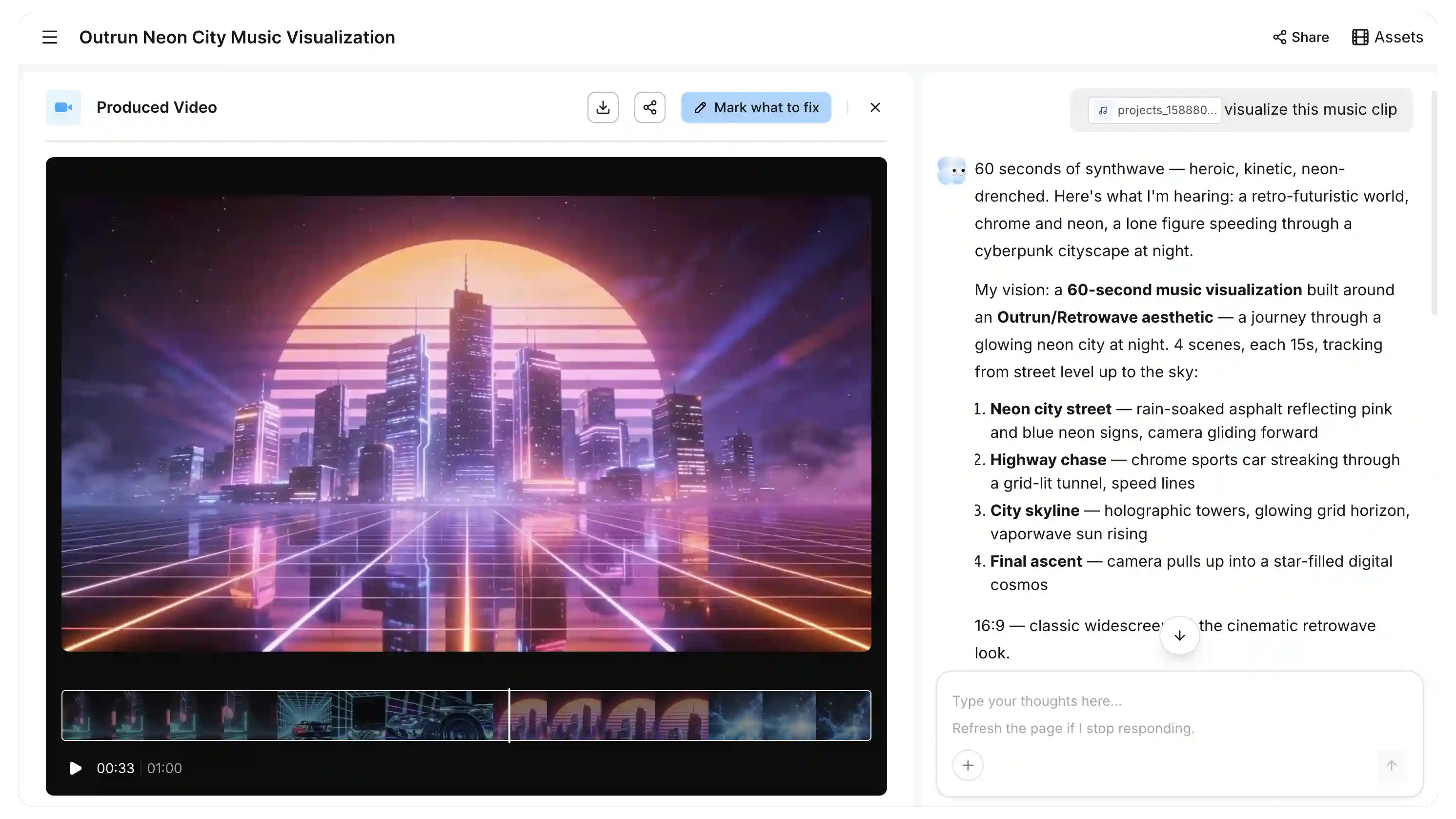
Whether you have a music track, podcast clip, voiceover, or sound effect, Pexo reads the emotional tone and rhythmic energy of your audio automatically and generates visuals that match. Describe the look you want in plain language and receive a finished video, formatted for your target platform and ready to post without additional editing.
How Pexo Generates Video from Audio in Plain Language
Upload your audio, describe the visual style, and Pexo delivers a finished video — no production decisions, no editing steps, no separate tools required.
Upload Your Audio and Describe the Look
Upload any audio file or paste a link, then describe the visual style you want in plain language. No prompt syntax or technical vocabulary is required; Pexo reads your intent directly from how you describe it.
Pexo Reads, Plans, and Generates
Pexo analyzes your audio's emotional tone and rhythmic structure, generates matching visual scenes, syncs cuts to the beat, and selects the appropriate model. The entire workflow happens automatically in the background.
Your Video, Ready to Post
The finished video is delivered directly in your conversation, already formatted for the platform you specified. If you want a different mood, aspect ratio, or lyric overlay style, request it in a follow-up message without re-uploading the audio or restart the process.
Every Audio to Video AI Capability, in One Conversation
All six production capabilities are triggered through a single audio upload and plain-language description.
Any Audio, Any Style — Pexo Generates the Visuals Around It
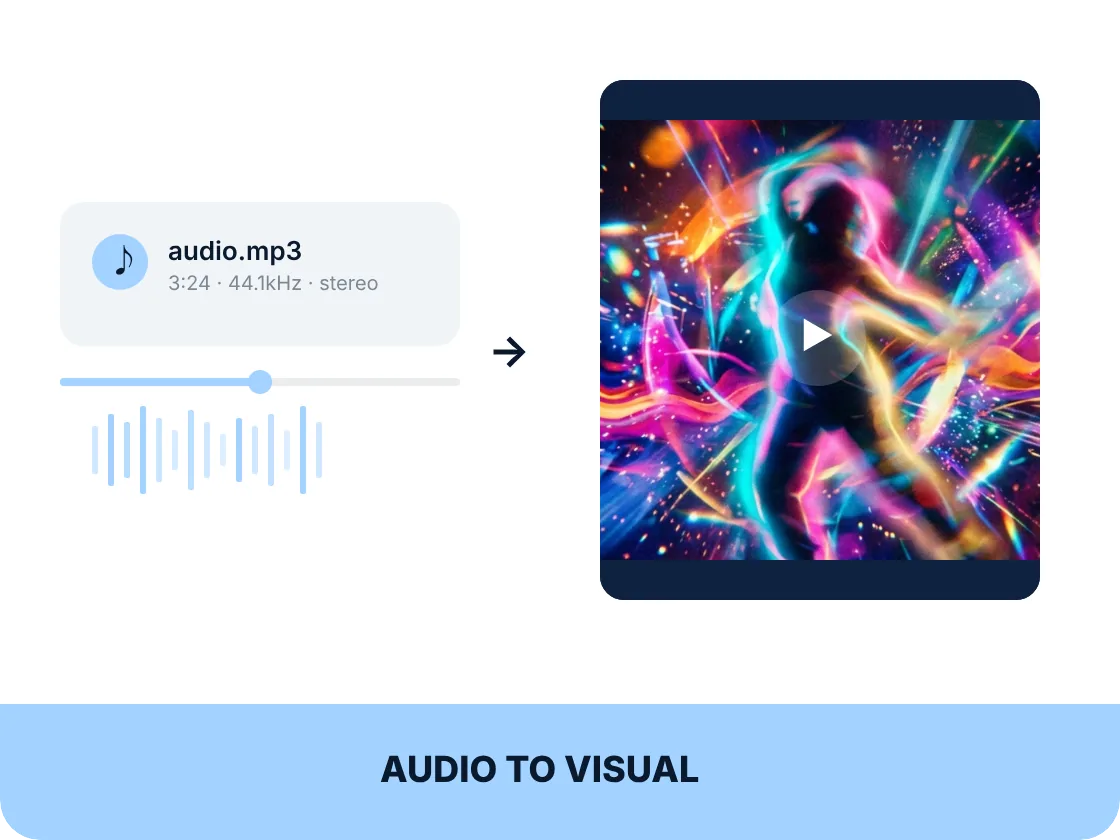
Describe the visual aesthetic you want and Pexo uses both your description and the audio's character to generate a fully coherent visual output from scratch. You never need to source footage, arrange clips in a timeline, or trim assets to fit. Pexo builds the visuals directly from the audio and your stated intent.
Pexo Reads the Emotional Tone and Matches the Visuals
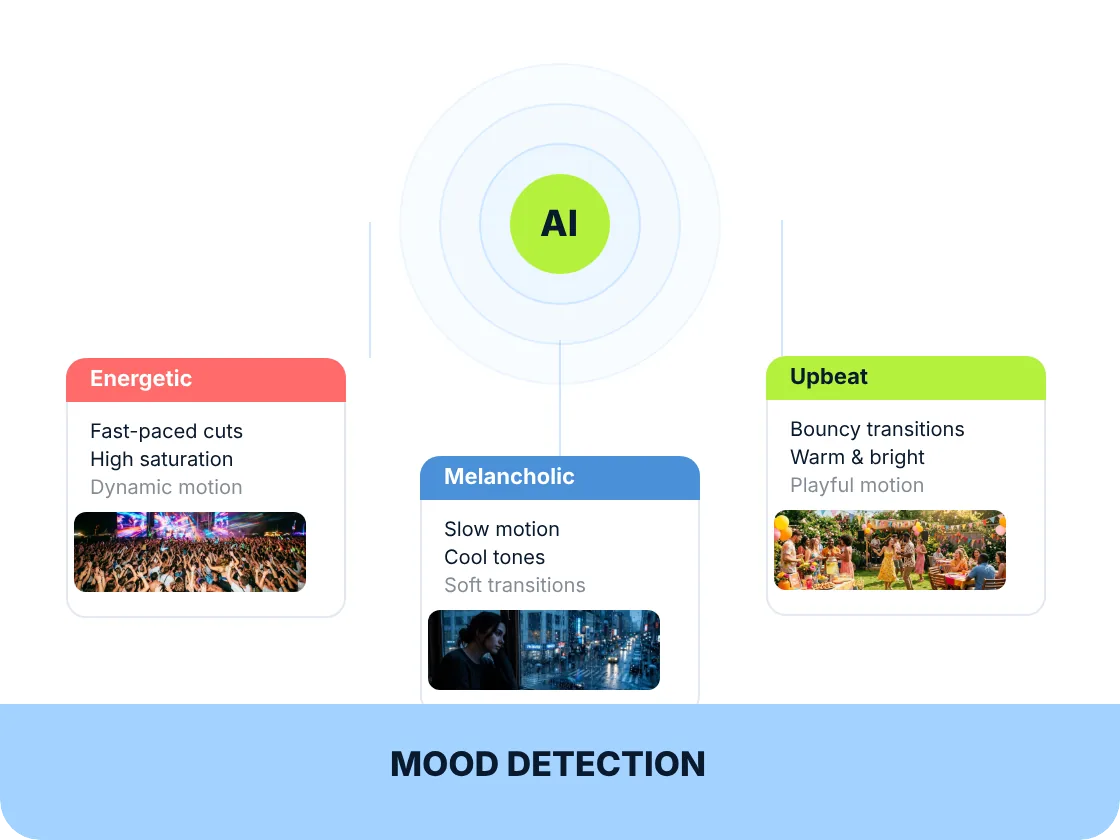
Pexo automatically detects your audio's emotional register. Whether it is melancholic, energetic, tense, or calm, it generates visuals that match without you specifying mode parameters manually. This works across audio types: a lo-fi beat, a dramatic podcast segment, and an upbeat brand voiceover each produce a visually appropriate output driven by the audio's character.
Cuts and Motion That Hit on the Beat, Every Time
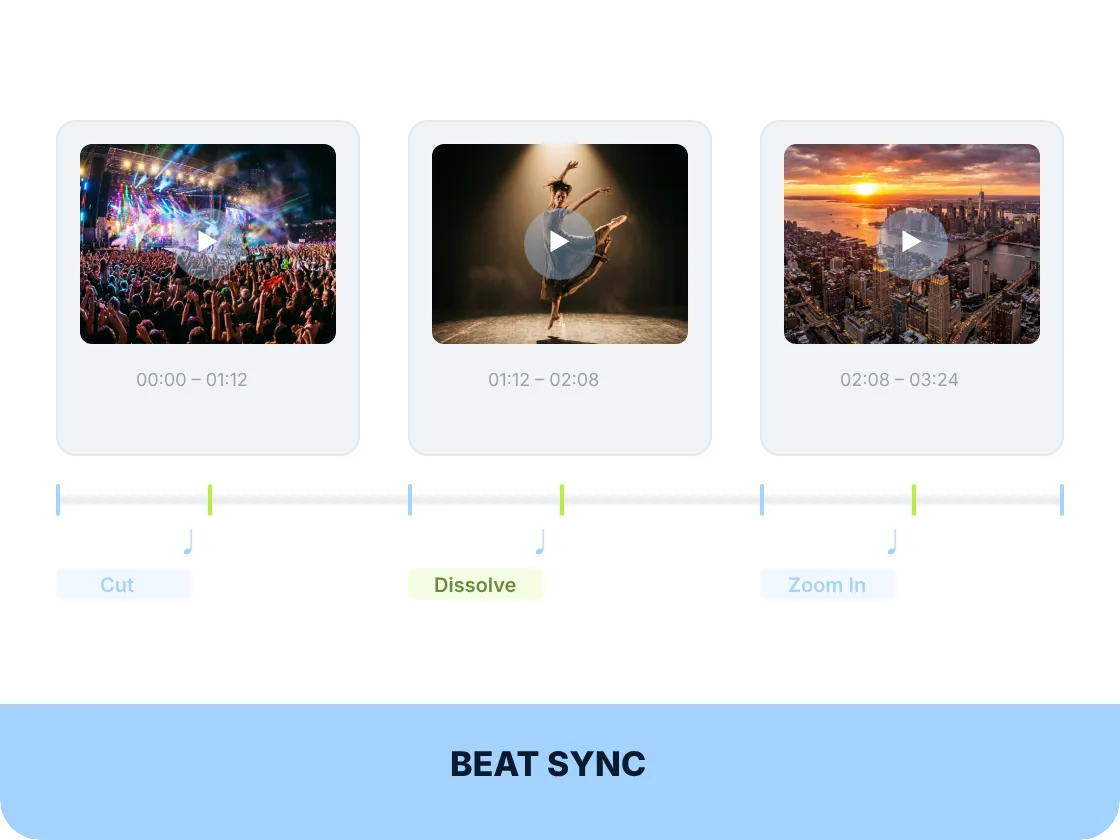
Pexo detects the rhythmic structure of your audio and aligns scene transitions and visual motion to the beat automatically. For music creators and social video producers who previously spent hours cutting footage to match a track, this step is handled entirely by the agent.
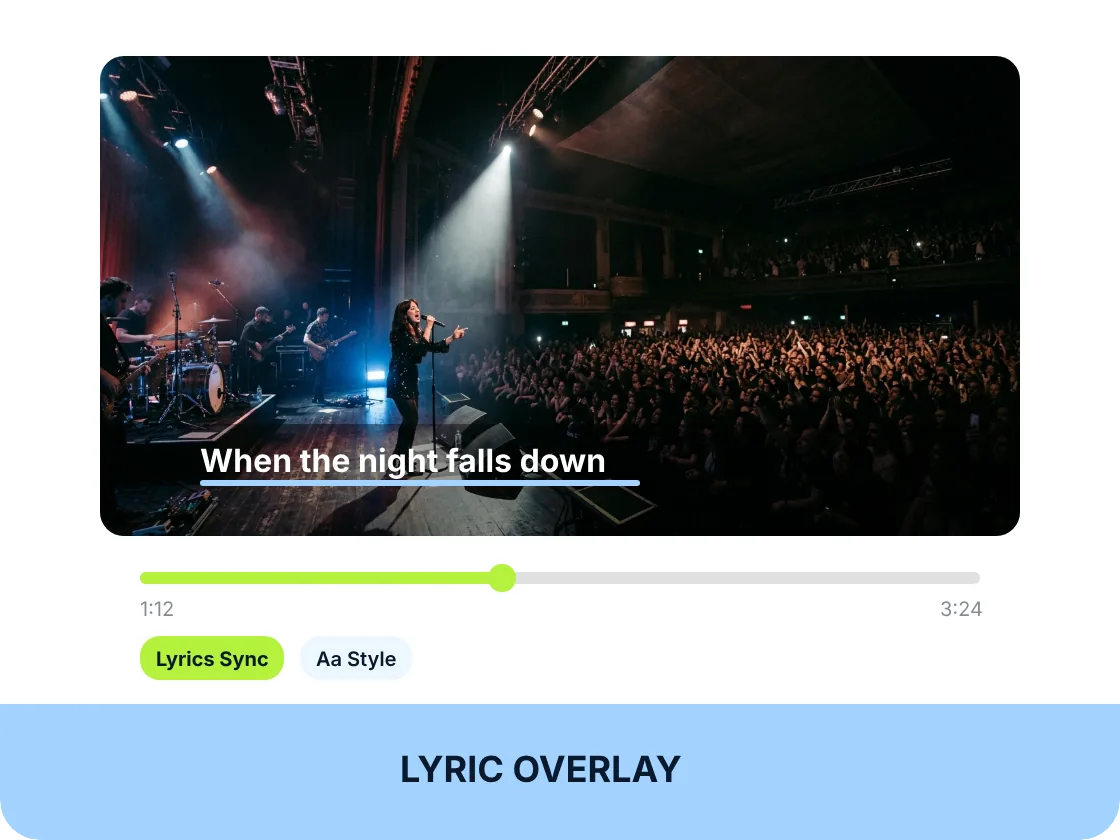
Lyrics On Screen, Synced to the Track, No Editor Needed
Request a lyric or caption overlay through a plain-language description, and Pexo generates and syncs them to the audio automatically. This applies to music tracks with lyrics as well as spoken-word and podcast content, where caption style directly affects engagement on social platforms.
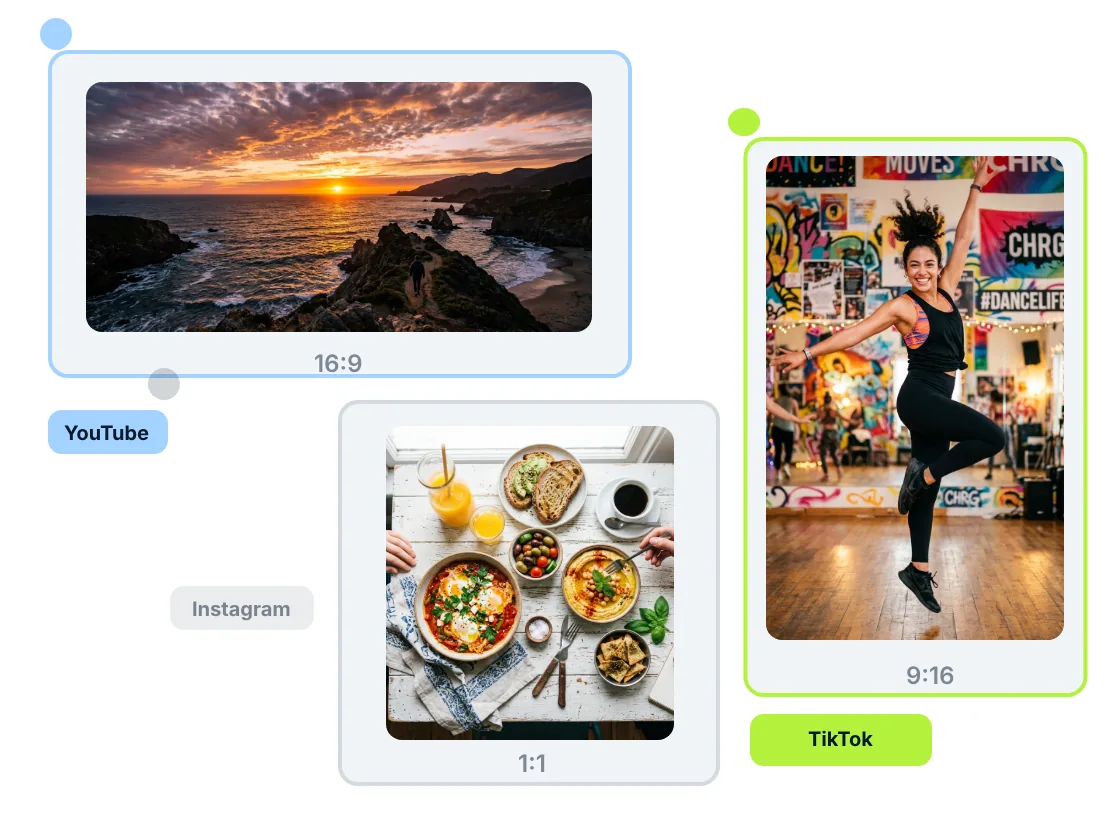
Specify the Platform — Get the Right Format Automatically
Declare the target platform as part of your request — for TikTok, a YouTube video, or a square for Instagram. Pexo generates the output at the correct dimensions without a separate export or resize step. Composition is adapted per format, not center-cropped, so the visual focus holds and the content reads correctly on every platform variant.
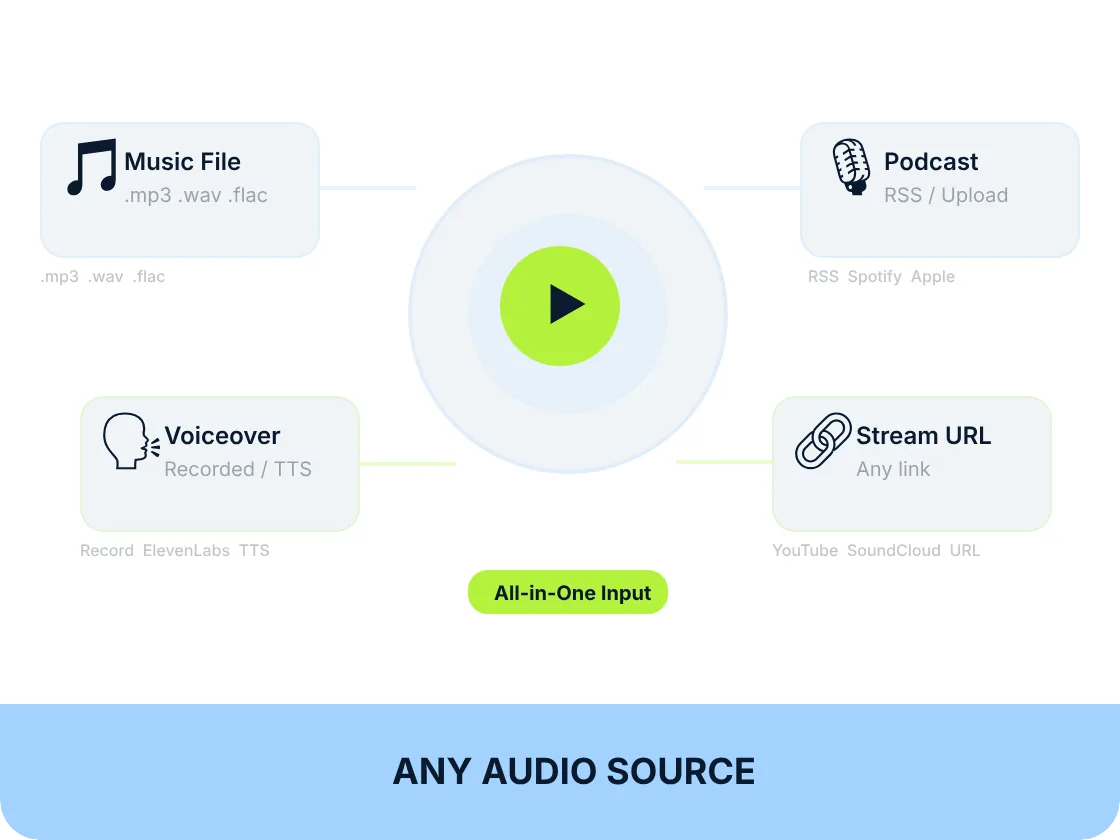
Music, Podcast, Voiceover — Pexo Works with Whatever You Have
Pexo accepts uploaded audio files, streaming links, recorded audio, and AI-generated music produced within Pexo. The breadth of supported input means musicians making lyric videos, podcasters clipping highlights, brand teams working from approved voiceover files, and creators using Pexo-generated music all work from a single, consistent workflow.
Pexo vs. Traditional Audio to Video Editing Tools
Traditional tools accept your audio upload then hand the entire visual production back to you — source footage, arrange clips, trim to beat, add captions separately; Pexo generates the visuals from your audio and description together.
| Traditional Audio-to-Video Editor | Pexo | |
|---|---|---|
| Input method | Audio upload, then manual production | Audio upload plus plain-language description |
| Visual sourcing | User must find and arrange footage | Visuals generated from audio and description |
| Mood matching | Manual footage curation required | Automatic emotional tone detection |
| Beat synchronization | Manual timeline keyframing | Automatic beat-aligned scene cuts |
| Lyric and caption overlay | Separate captioning tool required | Synced overlay from plain-language request |
| Aspect ratio handling | Post-export resize or crop | Native format generation per platform |
| Iteration flow | Re-edit and re-export for each change | Follow-up message in the same conversation |
| Where it works | Desktop editing software only | Integrated in chat apps |
Input method
Audio upload, then manual production
Audio upload plus plain-language description
Visual sourcing
User must find and arrange footage
Visuals generated from audio and description
Mood matching
Manual footage curation required
Automatic emotional tone detection
Beat synchronization
Manual timeline keyframing
Automatic beat-aligned scene cuts
Lyric and caption overlay
Separate captioning tool required
Synced overlay from plain-language request
Aspect ratio handling
Post-export resize or crop
Native format generation per platform
Iteration flow
Re-edit and re-export for each change
Follow-up message in the same conversation
Where it works
Desktop editing software only
Integrated in chat apps
What you can make with Pexo
No prompt writing. No model picking. Just describe what you want.
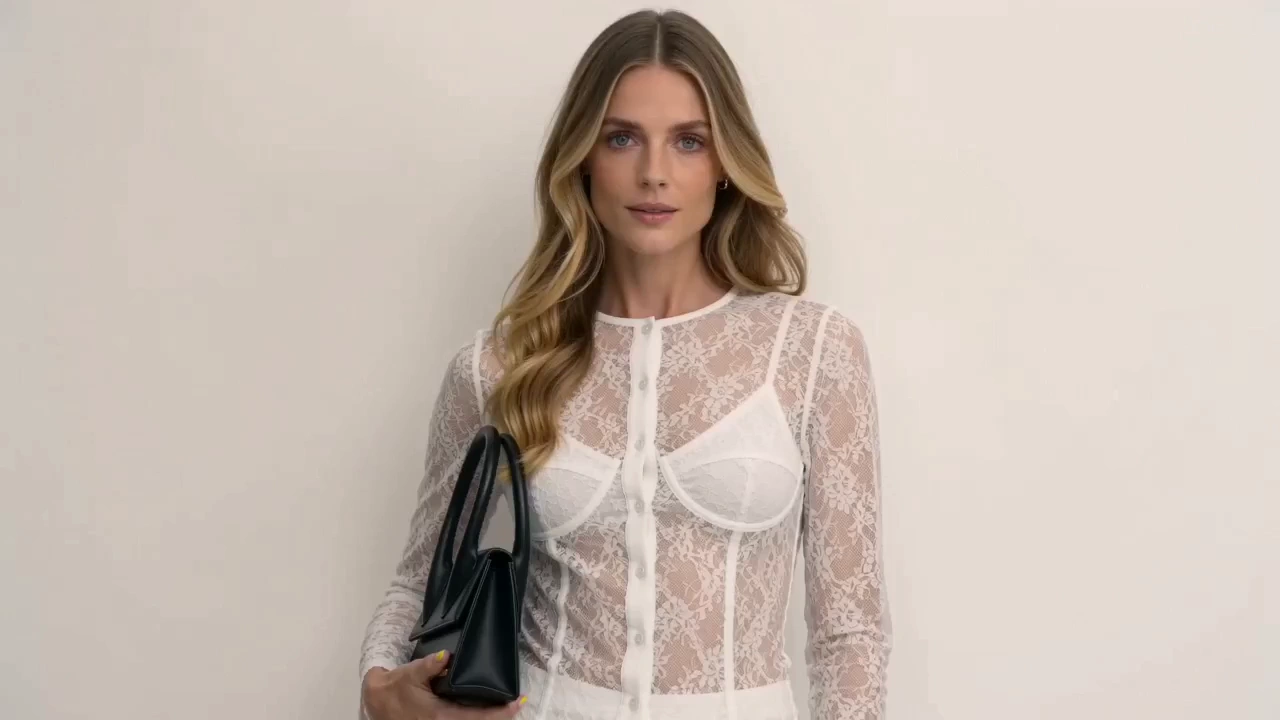
Product Ad Video
Sell products with stunning video ads
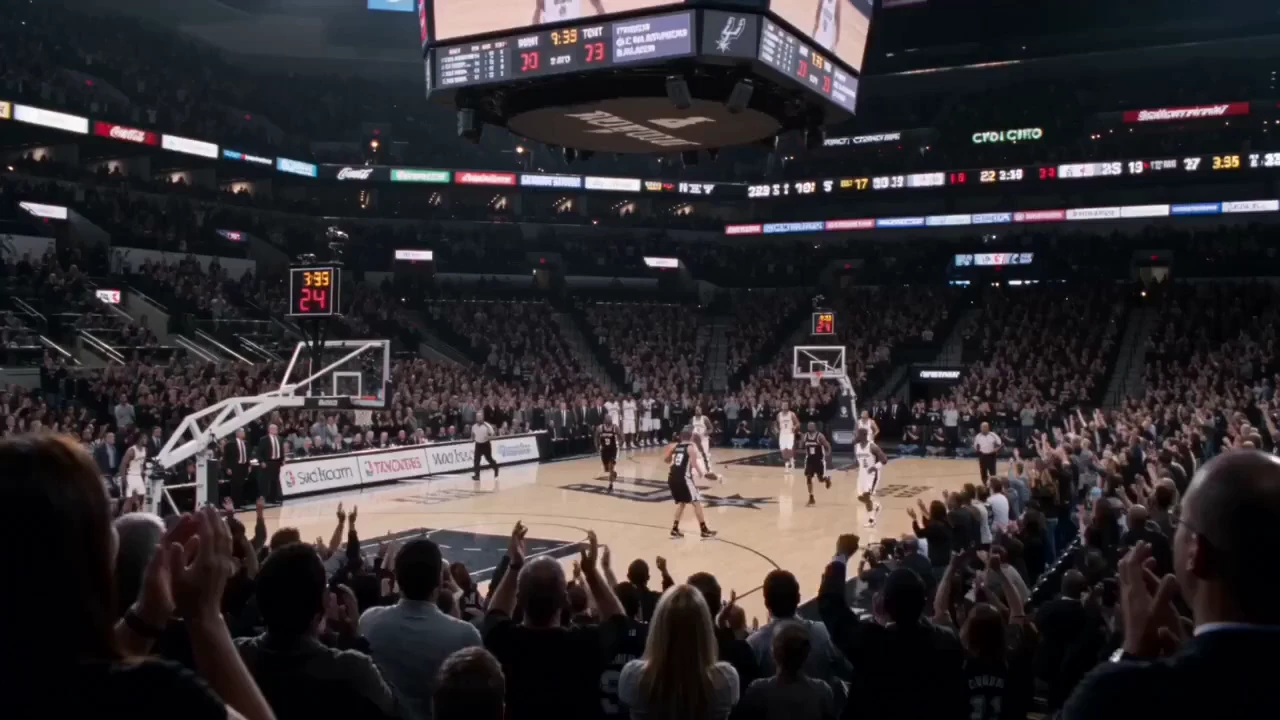
Social Media
Post scroll-stopping videos in minutes

Explainer Video
Simplify complex ideas with clear visuals
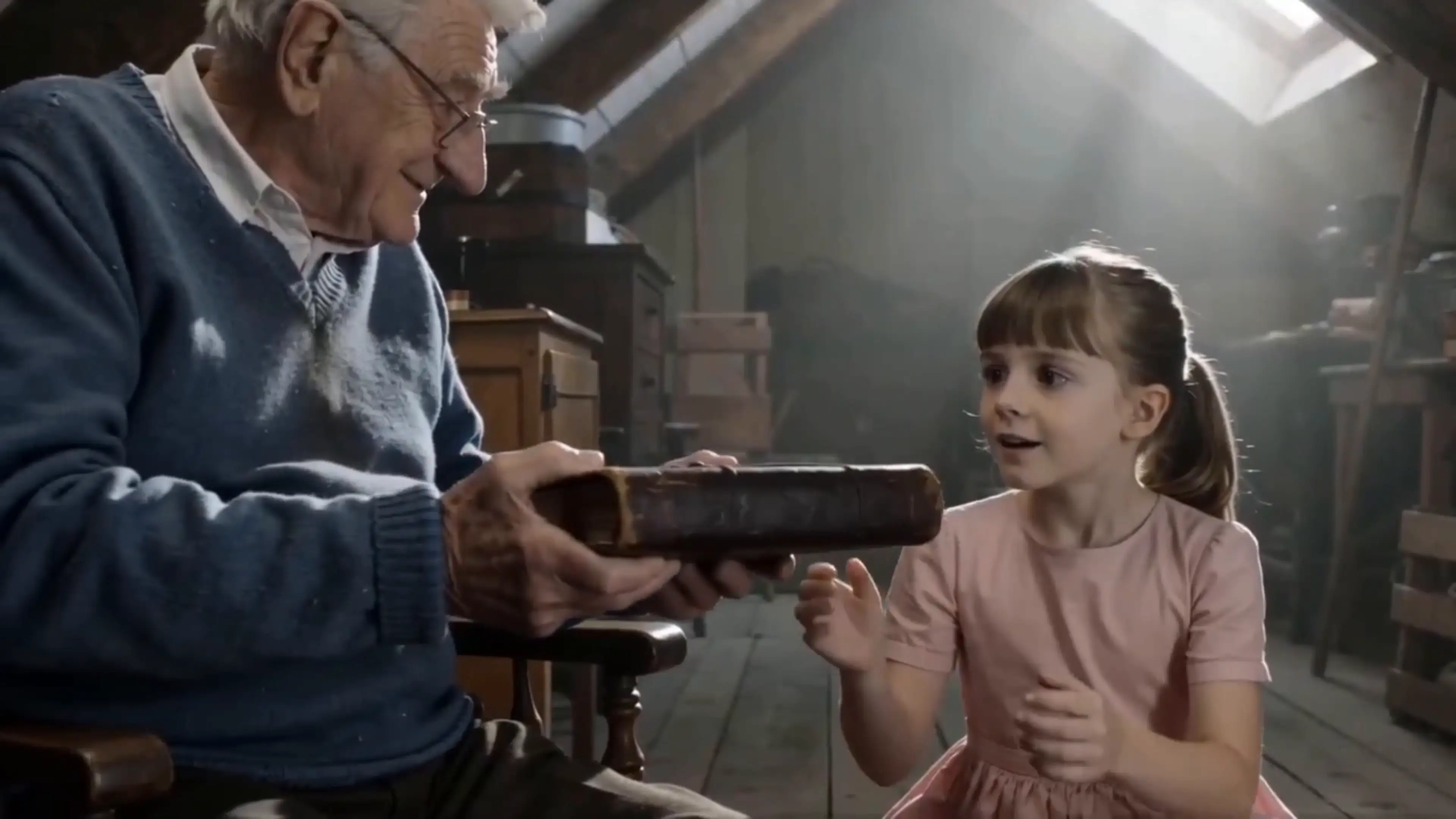
Short Story
Tell compelling stories in short form
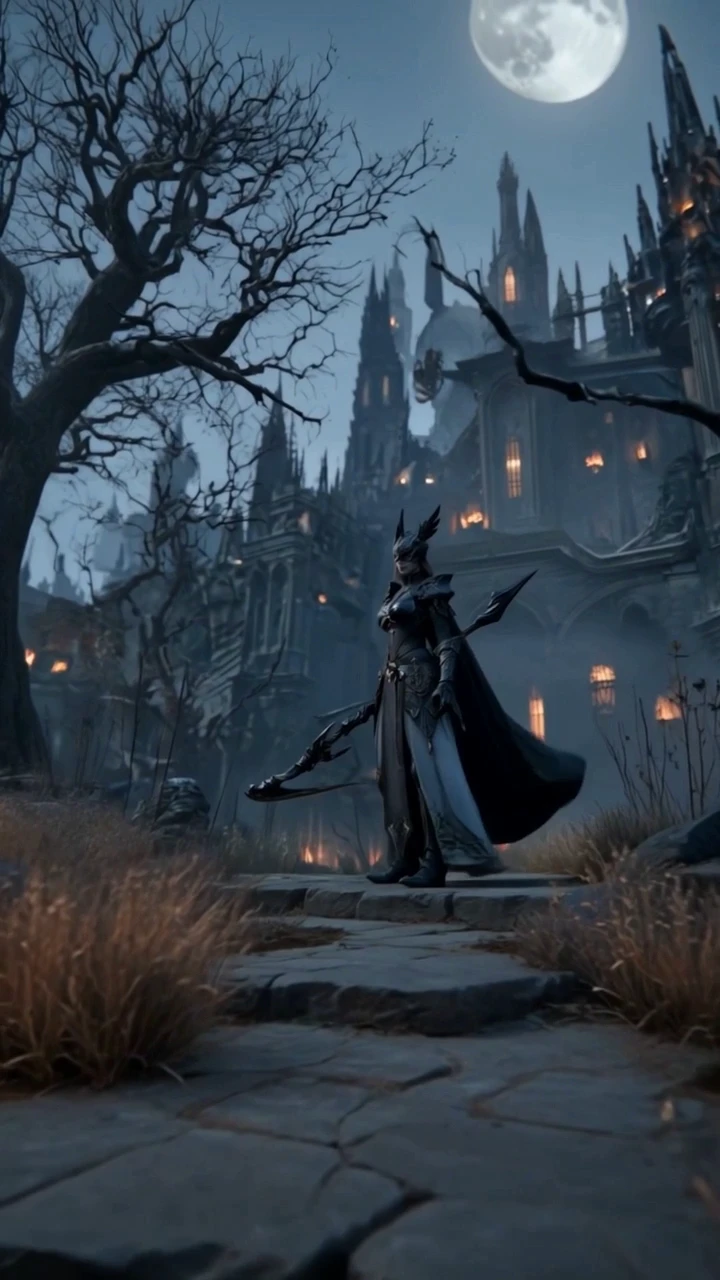
Anime Video
Generate stunning anime art & videos with AI

Dance Video
Turn any song into a beat-synced video
Creators Using Pexo as Their Audio to Video Partner

Independent musician, content creator
I kept finishing tracks with no idea how to make a video for them — no budget, no editing experience, just a waveform graphic that performed terribly on social. I described the mood and aesthetic to Pexo and got a beat-synced lyric video back that actually looked like the music sounded. Posted it the same day I finished the track.

Podcast producer, solo show
Clipping podcast highlights into social content used to take me half a day — finding footage, adding captions, exporting separate formats for TikTok, Reels, and YouTube Shorts. Now I upload the clip to Pexo, describe the tone, and get captioned video in the right aspect ratio for each platform in one session. It's cut my weekly content time dramatically.

Brand video strategist
Clients hand me approved voiceover and expect a finished video ad fast. Sourcing footage and syncing it to narration used to eat most of that time. With Pexo, I paste the audio, describe the visual style the brief calls for, and the first draft — beat-synced, captioned — is ready in minutes. I spend my time on refinements, not production setup.
Frequently Asked Questions
What is audio to video AI and how does Pexo use it?
Audio to video AI is a technology that generates matching video visuals from an audio input. Pexo uses this as an intelligent agent. You upload your audio and describe the visual style you want, and Pexo analyzes the audio's tone and rhythm to generate, sync, and deliver a finished video automatically without requiring you to source or arrange footage.
How is Pexo different from other audio to video AI tools?
Most tools accept your audio and then hand the visual production back to you. You still have to find footage, trim clips, and sync captions manually. Pexo generates the visuals from your audio and a plain-language description together, handling beat sync, mood matching, captions, and platform formatting in a single automated step.
Does Pexo automatically sync video cuts to the beat of the audio?
Yes. Pexo detects the rhythmic structure of your audio and aligns scene transitions and visual motion to the beat automatically. No manual keyframing or timeline work is required. The sync is handled entirely by the agent during generation.
Can Pexo detect the mood of my audio and match the visuals automatically?
Yes. Pexo reads the emotional register of your audio. Whether it is calm, energetic, melancholic, or tense, it generates visuals that match that character without you specifying mood parameters. This works across music tracks, podcast clips, and voiceover recordings.
Can I add lyrics or captions to a video generated from audio in Pexo?
Yes. You can request a lyric or caption overlay as part of your description, including style and placement preferences . Pexo generates and syncs them to the audio automatically. This works for music with lyrics as well as spoken-word and podcast content.
What audio file formats and sources does Pexo support?
Pexo accepts uploaded audio files, streaming links, recorded audio, and AI-generated music produced within Pexo. You are not limited to a specific file format or source, which means the same workflow covers everything from finished music tracks to raw voiceover recordings.
How do I get the right aspect ratio when using Pexo as an audio to video AI?
Include your target platform in the request, for example, mention TikTok, YouTube, or Instagram, and Pexo generates the video at the correct dimensions automatically. The composition is adapted for each format rather than cropped, so your visual focus holds regardless of the platform.
Is there a free plan for generating video from audio with Pexo?
Yes, we offer a free plan that lets you start generating video from audio immediately without a credit card. You can upload your first audio file, describe the visual style you want, and experience the full quality of Pexo's output before committing to any paid plan.
Start Generating Video from Audio with AI — Free
Upload your audio, describe the look, and Pexo handles the rest — no editing experience, footage library, or credit card required.