ChatGPT
 Perplexity
 Claude
 Gemini
 Grok
Grok


Introduction
Creating high-quality AI avatar videos is now easier than ever, but choosing the right AI video maker tool still depends on your specific needs and budget. Although HeyGen has gained significant popularity for generating realistic AI avatars, many users are actively seeking best HeyGen alternatives that better match their workflow, reduce complexity, and lower costs.
From small marketing teams to content creators, people want AI avatar video tools that deliver fast results without steep learning curves or heavy post-production work.
Why Consider a HeyGen Alternative?
HeyGen is undoubtedly a solid choice for generating AI avatar videos. However, depending on your specific goals, you might encounter certain limitations:
-
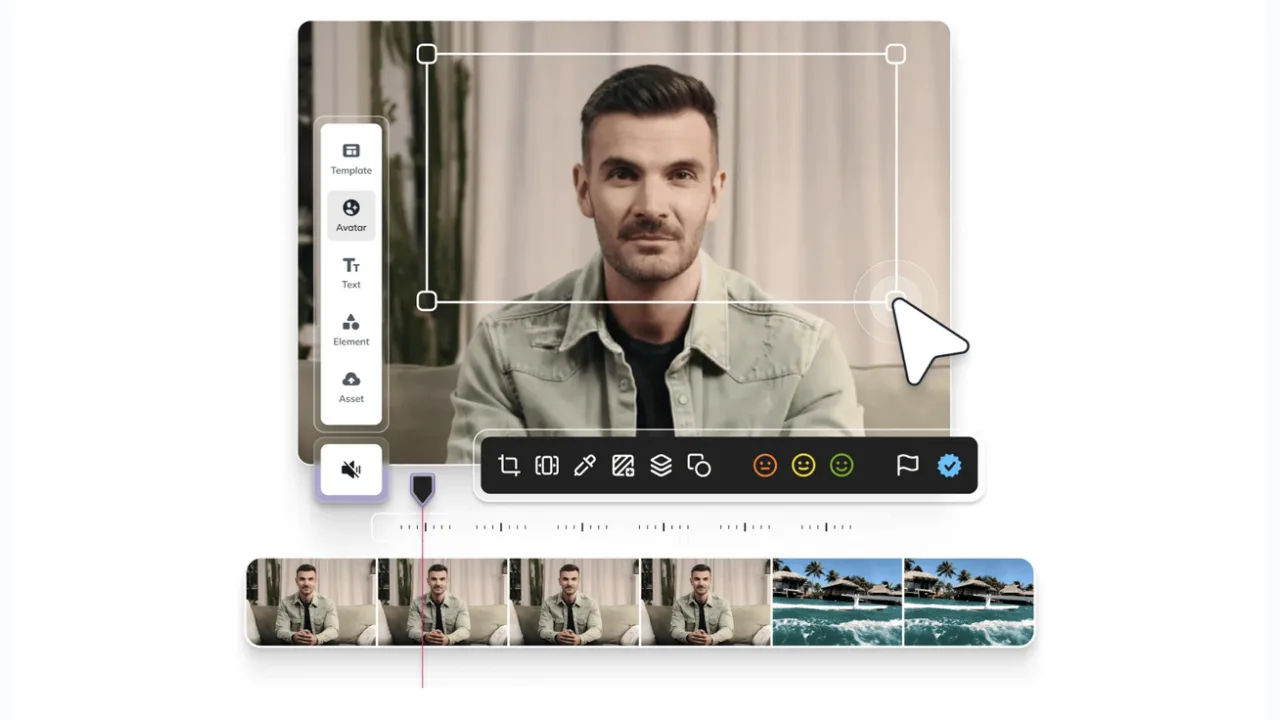
Customization Complexity: To create an avatar that truly resembles you, HeyGen demands a highly specific setup (e.g., lighting, background, consent recordings), which can feel like overkill for many users.
-
Multilingual Challenges: HeyGen works great for English-language videos, but if you need high-quality multilingual support, you might struggle with awkward lip-syncing and unnatural translations.
-
Post-production Hassle: You’ll likely need to export your video and use a separate editing tool (like CapCut or Premiere), which adds unnecessary complexity to your workflow.
Let’s break down some of the best ai video generators and HeyGen alternatives that can address these pain points, offering smoother and more efficient experiences tailored to real user needs.
Top 10 Alternatives to HeyGen for AI Avatar Video Creation
From quick social media ads to enterprise training videos and interactive customer experiences, these tools address the main pain points people face with HeyGen. Here’s a side-by-side comparison, followed by detailed breakdowns of each option.
| Tool | Starting Price | Key Differentiator |
|---|---|---|
| Pexo | Credit-based (Free Trial Available) | Zero skill required, conversational interface |
| Synthesia | Free (3 min/month); Starter $29/mo | 240+ avatars, 140+ languages, SCORM export |
| Creatify | Free (10 credits/month); $33/mo | Automated ad creation from product URL |
| D-ID | Custom Pricing | Interactive real-time avatars, API-first |
| Rask.ai | From $49/mo | Multilingual dubbing, preserves original voice |
| InVideo AI | Free (2 min, watermarked); $35/mo | Quick script-to-video, 6000+ templates |
| Veed.io | Free Plan; From $12/mo | Full video editing suite with AI features |
| Fliki | Free Plan; From $14/mo | 2500+ voices, voice-first video generation |
| Pictory | $19/mo (Starter); $29/mo (Pro) | Blog-to-video, stock footage and AI voiceover |
| Colossyan | Free Trial; From $27/mo | Interactive learning, branching scenarios, SCORM export |
1. Pexo
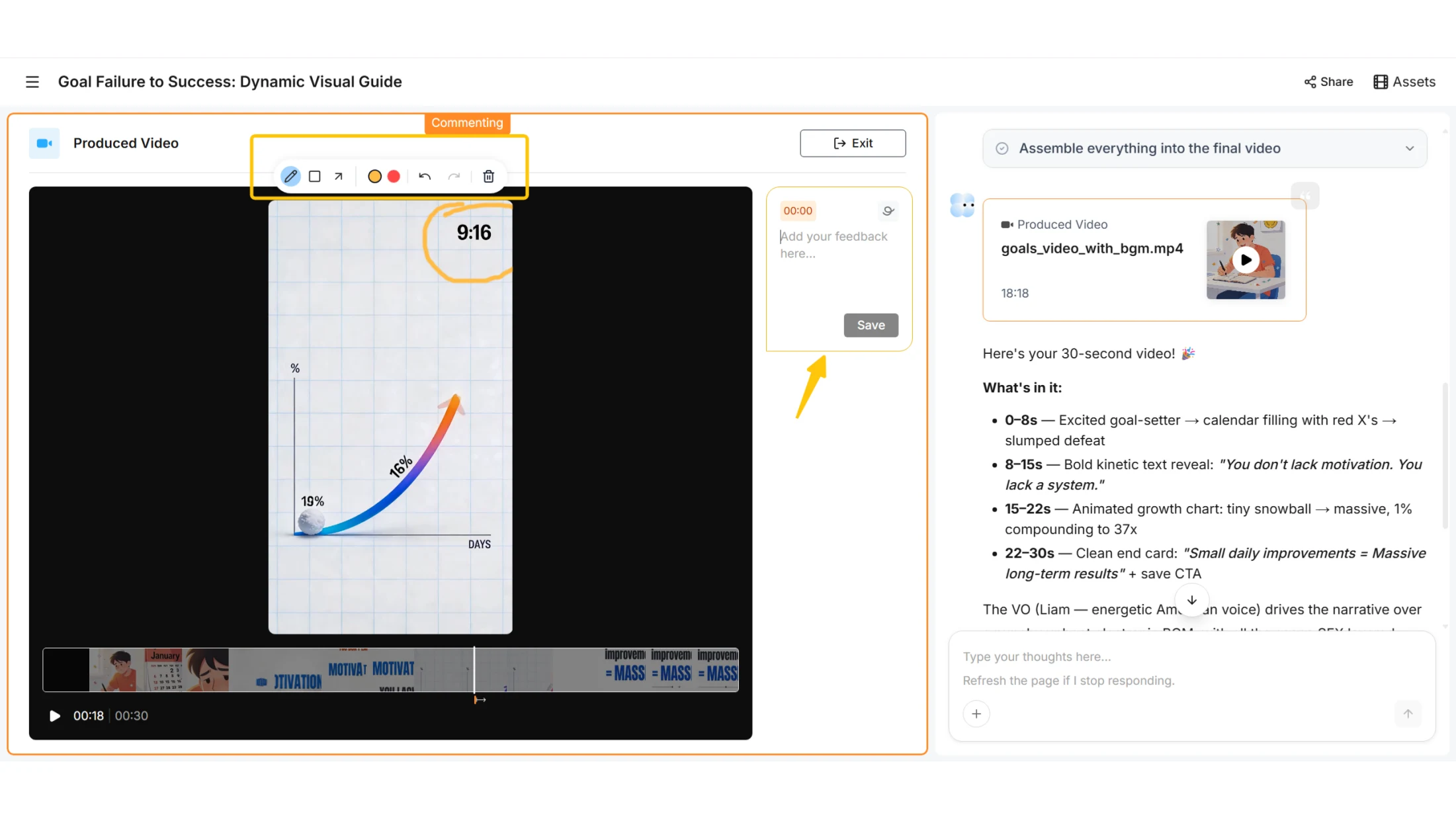
Best For: Users who want to create AI avatar videos without needing to learn complicated tools.
Why You’ll Love It: Pexo is designed for those who want AI-generated videos without the steep learning curve. Instead of navigating complex menus and settings, you simply tell Pexo what you need, and it creates the video for you.
Example Scenario:
- You need a quick product demo video. With Pexo, you simply type: "Switch to a young female avatar in a casual office setting with a calm voice." Pexo processes the request and delivers a ready-to-use video in minutes—no editing required.
Why It Solves Your Problem: Perfect for busy marketers and small teams, Pexo offers an incredibly intuitive approach to AI video creation. You can focus on the message, while Pexo handles the rest.
Limitations: Pexo is still evolving, so it’s not yet suitable for complex enterprise-level needs (like SCORM or LMS integration).
2. Synthesia
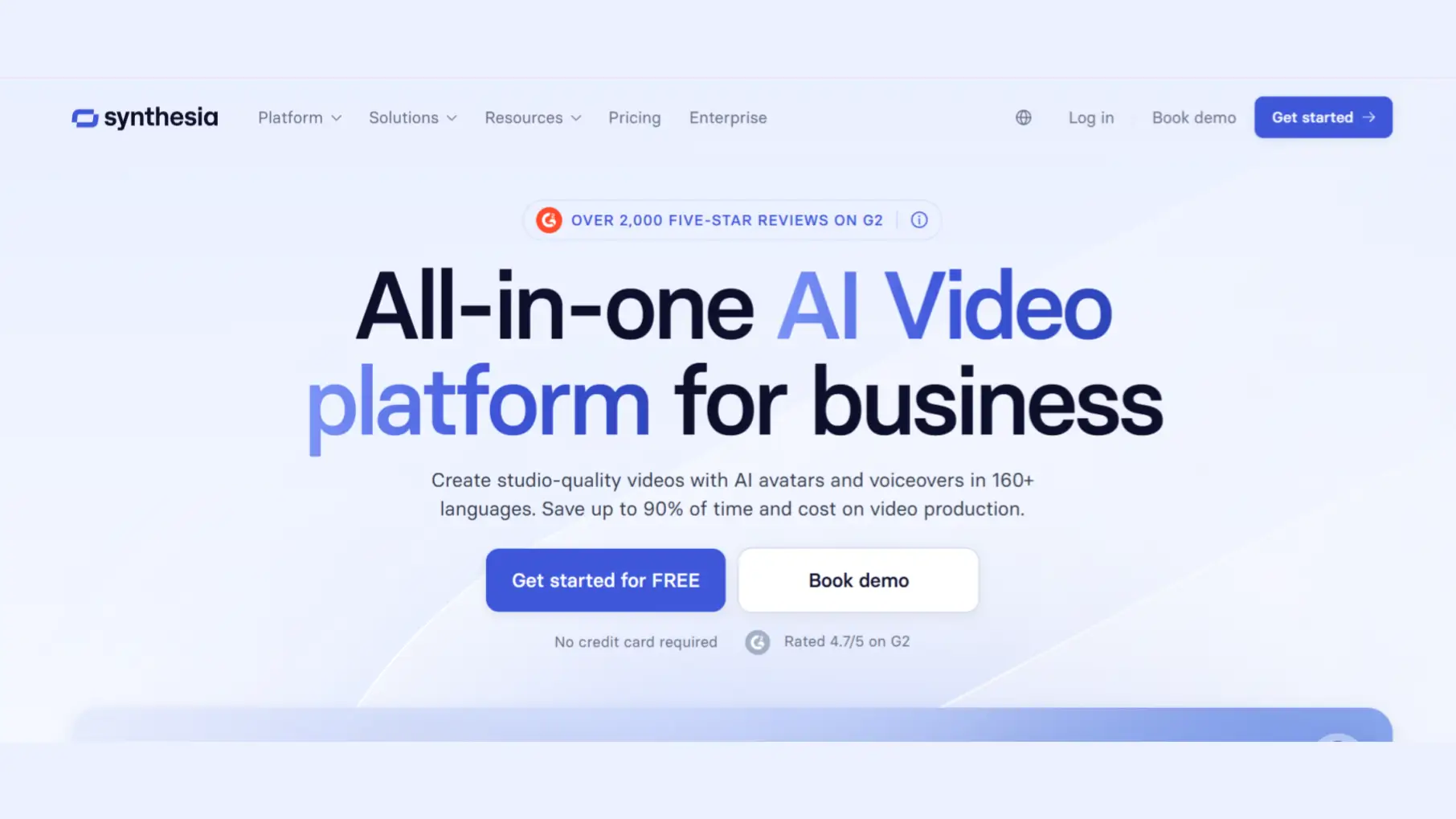
Best For: Businesses that need scalable, multilingual training videos or corporate communications.
Why You’ll Love It: Synthesia is perfect for enterprise users who need consistent, multilingual video content. With 240+ avatars and 140+ languages, it’s designed to help businesses scale video production without compromising quality.
Example Scenario:
- You’re onboarding employees across multiple countries. With Synthesia, you can create a training video in English, then quickly generate localized versions in French, Spanish, and Japanese—all with the same avatar and style.
Why It Solves Your Problem: Synthesia streamlines the process of creating multilingual training and corporate content, saving time and resources. The integration with LMS systems is a huge bonus for large organizations.
Limitations: While great for training videos, it lacks the creative flexibility you might need for marketing or storytelling videos.
3. Creatify
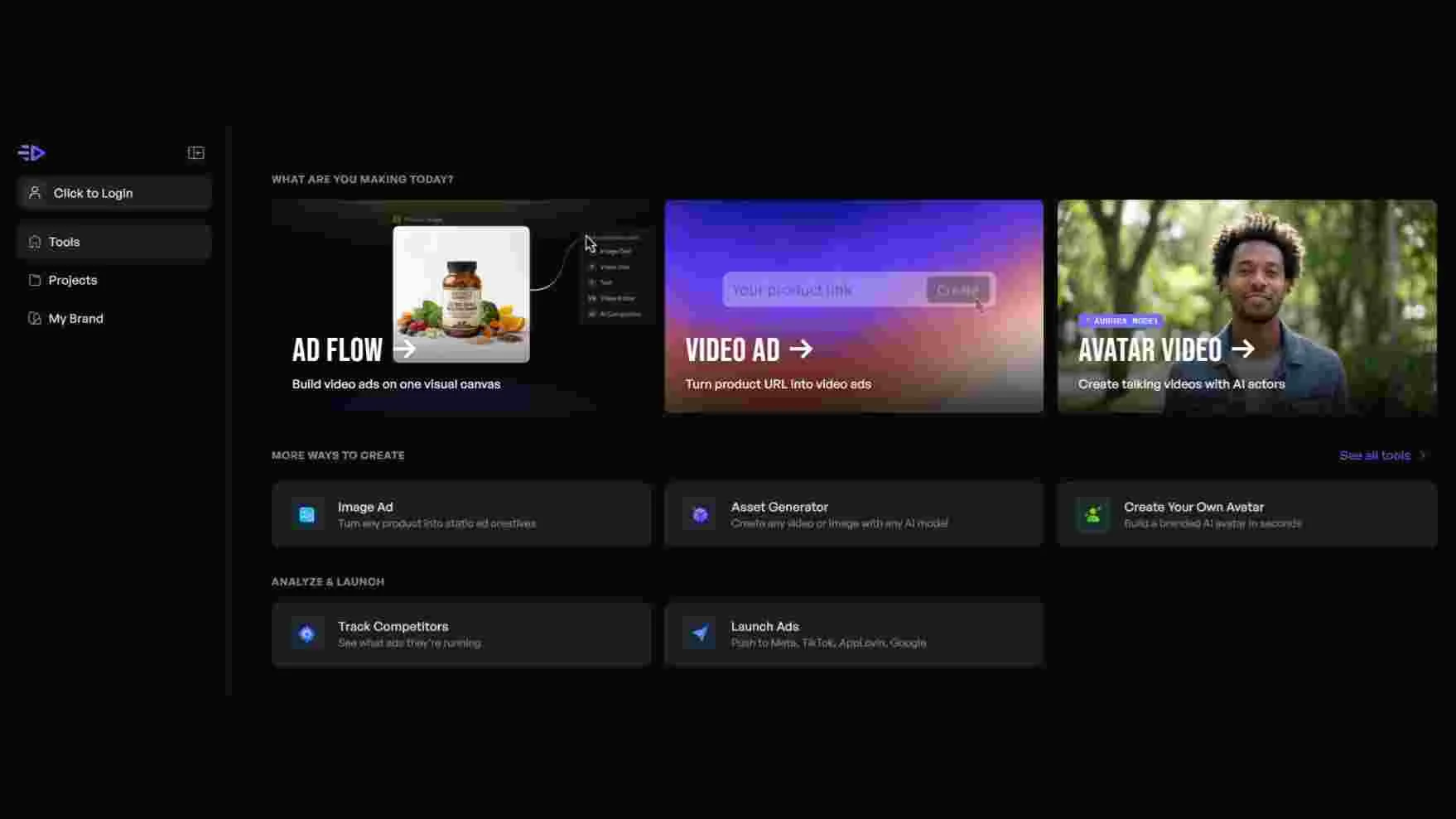
Best For: E-commerce brands needing to create a lot of short-form video ads for social media.
Why You’ll Love It: Creatify makes it easy to generate multiple video ads in a short amount of time, making it a great choice for social media marketers. It pulls in product images and descriptions automatically, and you can generate A/B test variations in minutes.
Example Scenario:
- You’re launching a new product and need 10 different ad variations for Instagram and TikTok. With Creatify, you paste the product URL, and it generates 10 unique AI video ads for you to test.
Why It Solves Your Problem: Creatify automates the ad creation process, saving you hours compared to manually shooting or editing videos. It’s perfect for marketers looking to quickly test different versions of ads.
Limitations: Creatify is focused on short-form content and works best as an AI video agent for ads, not for long-form videos or more creative storytelling projects.
4. D-ID
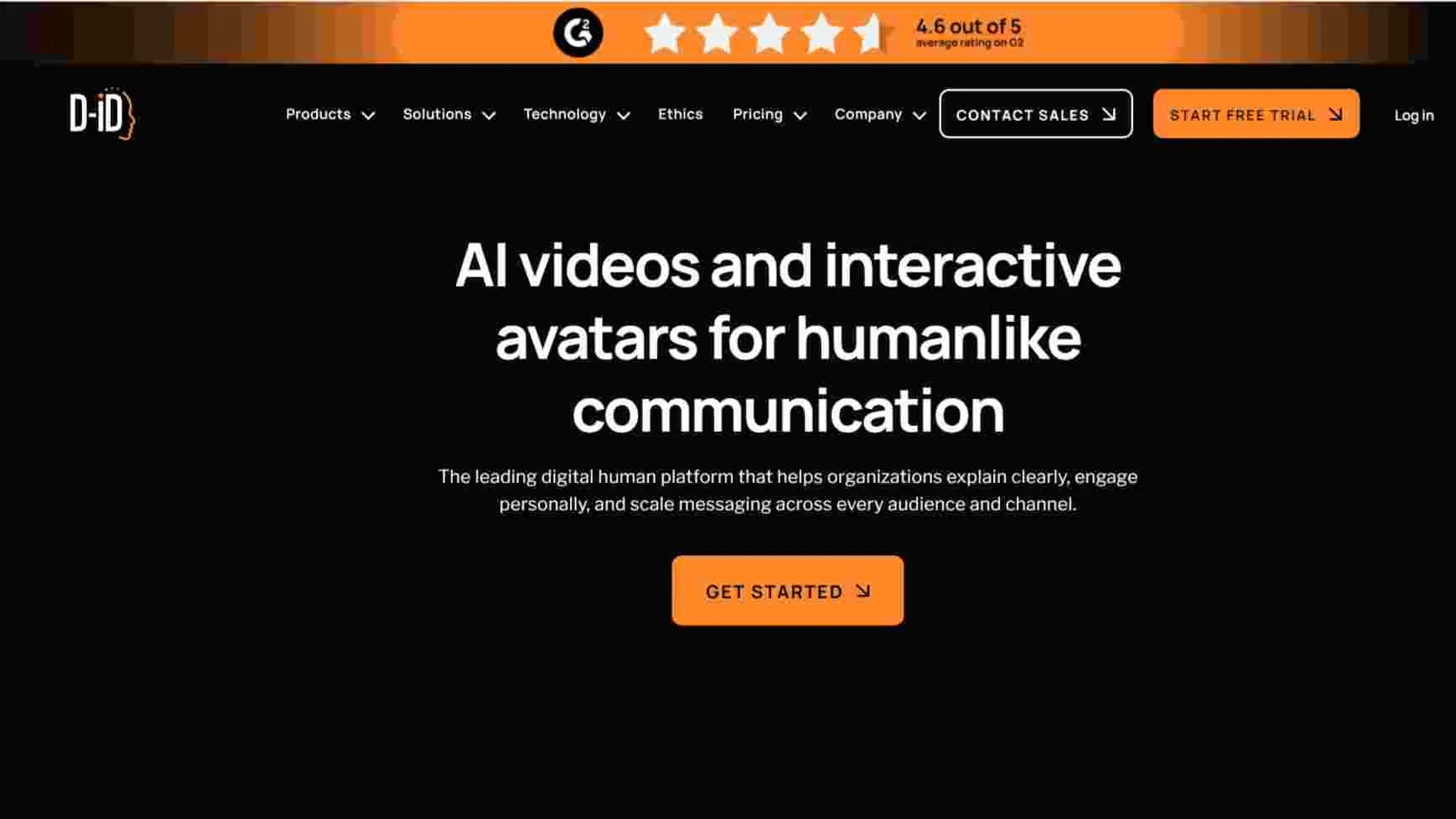
Best For: Businesses that want to create engaging, real-time interactive experiences with avatars.
Why You’ll Love It: D-ID combines AI avatars with real-time interaction, enabling you to create customer-facing video experiences that respond to user queries. Perfect for building virtual assistants or interactive tutorials.
Example Scenario:
- You run a website and want a virtual concierge that helps users book services or answer questions. D-ID’s avatars can interact with customers in real time, giving a personalized and engaging experience.
Why It Solves Your Problem: D-ID is ideal for businesses that want to take customer engagement to the next level by adding interactivity to their videos.
Limitations: The real-time interaction feature can be complex to set up and may require developer expertise. Pricing is also geared more toward enterprise clients.
5. Rask.ai
Best For: Teams with existing video content needing to reach multilingual audiences without re-recording.
Why You’ll Love It: Rask.ai specializes in dubbing existing videos in over 130 languages, preserving the original speaker’s voice and ensuring natural lip-syncing. It's a fantastic solution for content creators who want to quickly localize videos without shooting new footage.
Example Scenario:
- You’ve created a series of English-language product demo videos, but now you need to make them available to customers in Europe and Asia. Rask.ai allows you to dub these videos into French, German, Mandarin, and more—without the need to re-record the entire video.
Why It Solves Your Problem: Rask.ai saves you the time and cost of re-shooting content by localizing existing footage, making it ideal for teams with large video libraries.
Limitations: It doesn’t generate new videos, so it’s not useful if you need fresh content or AI avatars.
6. InVideo AI
Best For: Social media managers, YouTubers, and content creators who need fast, polished videos from a script or rough idea.
Why You’ll Love It: InVideo allows you to input a topic or script and automatically assembles a complete video. It pulls from a massive stock library to add B-roll, voiceovers, and transitions, and provides over 6,000 templates optimized for social media.
Example Scenario:
- You need a video for your YouTube channel based on a script. With InVideo, you input the script, and the platform creates a fully polished video complete with relevant B-roll and music.
Why It Solves Your Problem: InVideo is perfect for social media content creators who need to churn out polished videos quickly without spending hours on editing.
Limitations: Avatar capabilities are minimal. It’s better suited for stock-footage-driven content than for generating custom avatars or creative videos.
7. Fliki
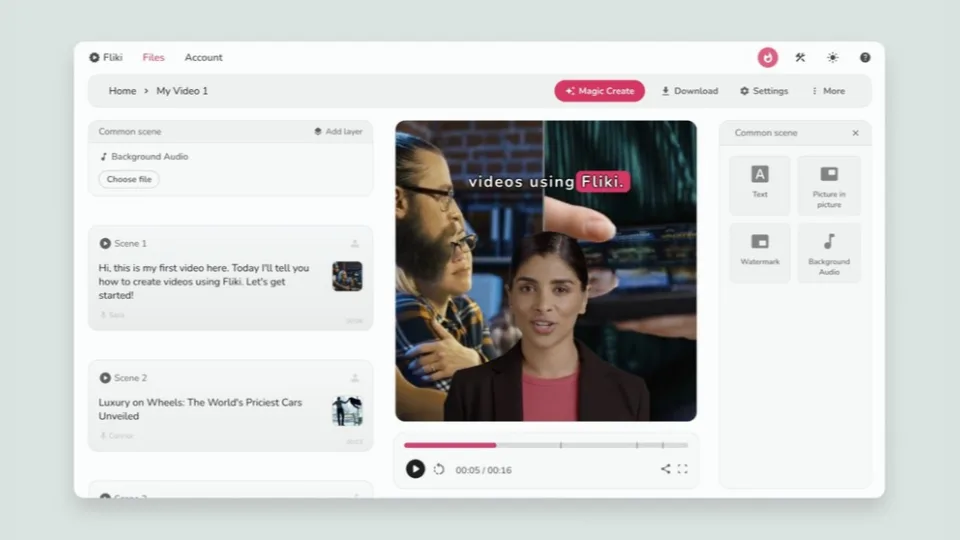
Best For: Podcast creators and multilingual marketing teams who prioritize voice quality over visual complexity.
Why You’ll Love It: Fliki offers a voice-first platform with 2,500+ AI voices across 80+ languages. It’s designed for creating voiceovers, audio narratives, and podcasts, with automatic visual matching and voice cloning.
Example Scenario:
- You’re a podcast creator who wants to turn your episodes into videos. With Fliki, you can automatically generate voiceovers and sync them with visuals, enhancing your content with minimal effort.
Why It Solves Your Problem: Fliki makes it easy for creators to focus on their voice content while automating the video process, making it perfect for audio-first creators.
Limitations: Fliki’s avatar library is small, and the platform focuses more on voice and narration than on visual elements.
8. Veed.io
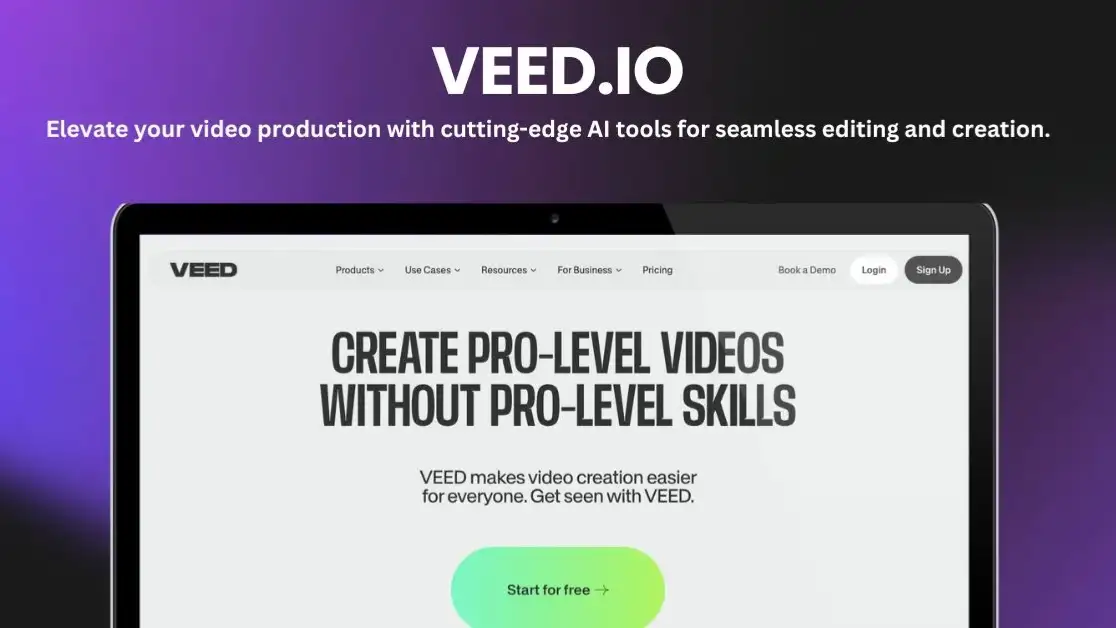
Best For: Content creators who need a full suite of editing tools with AI assistance.
Why You’ll Love It: Veed.io offers an all-in-one platform for video editing with built-in AI features like automatic subtitles, noise removal, eye contact correction, and more.
Example Scenario:
- You’ve shot a video but want to quickly clean it up for social media. With Veed.io, you can automatically add subtitles, adjust eye contact, remove noise, and even change the background in just a few clicks.
Why It Solves Your Problem: Veed.io is perfect for creators who need both video editing and AI assistance to quickly polish their content.
Limitations: Its AI avatar capabilities are limited, and it’s more of an editing tool than an avatar creation tool.
9. Pictory
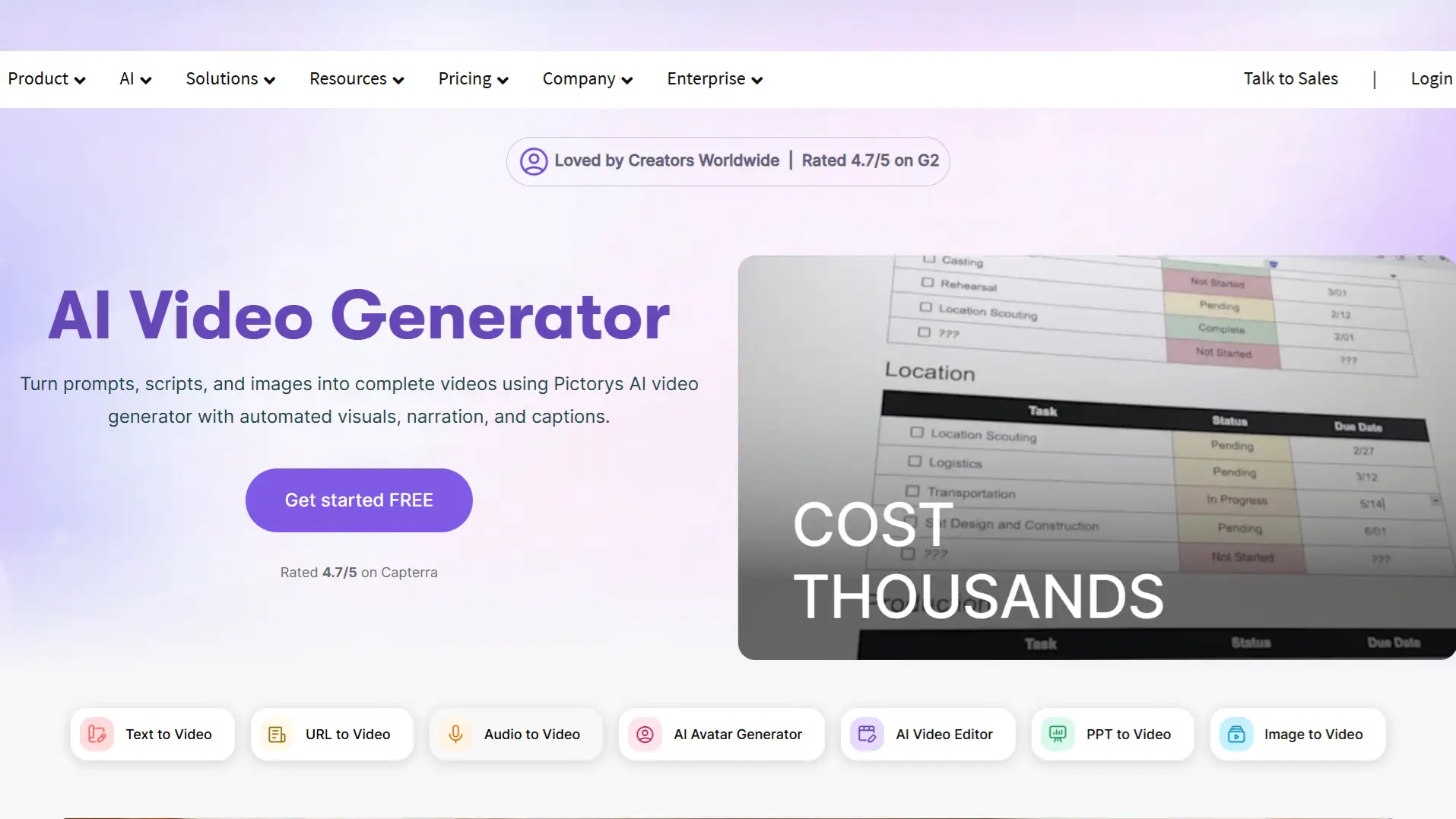
Best For: Content marketers who need to repurpose blog posts into engaging videos.
Why You’ll Love It: Pictory can turn long-form blog posts into short video clips, adding stock footage and AI voiceover. Perfect for social media posts, email marketing, or repurposing written content.
Example Scenario:
- You’ve just written a great blog post and want to repurpose it into a video for YouTube or LinkedIn. With Pictory, you paste the URL, and it creates a professional-looking video with narration and relevant visuals.
Why It Solves Your Problem: Pictory saves you time by converting written content into videos quickly, making it easier to distribute across multiple platforms.
Limitations: It doesn’t offer AI avatars and relies on stock footage and text overlays for visuals.
10. Colossyan
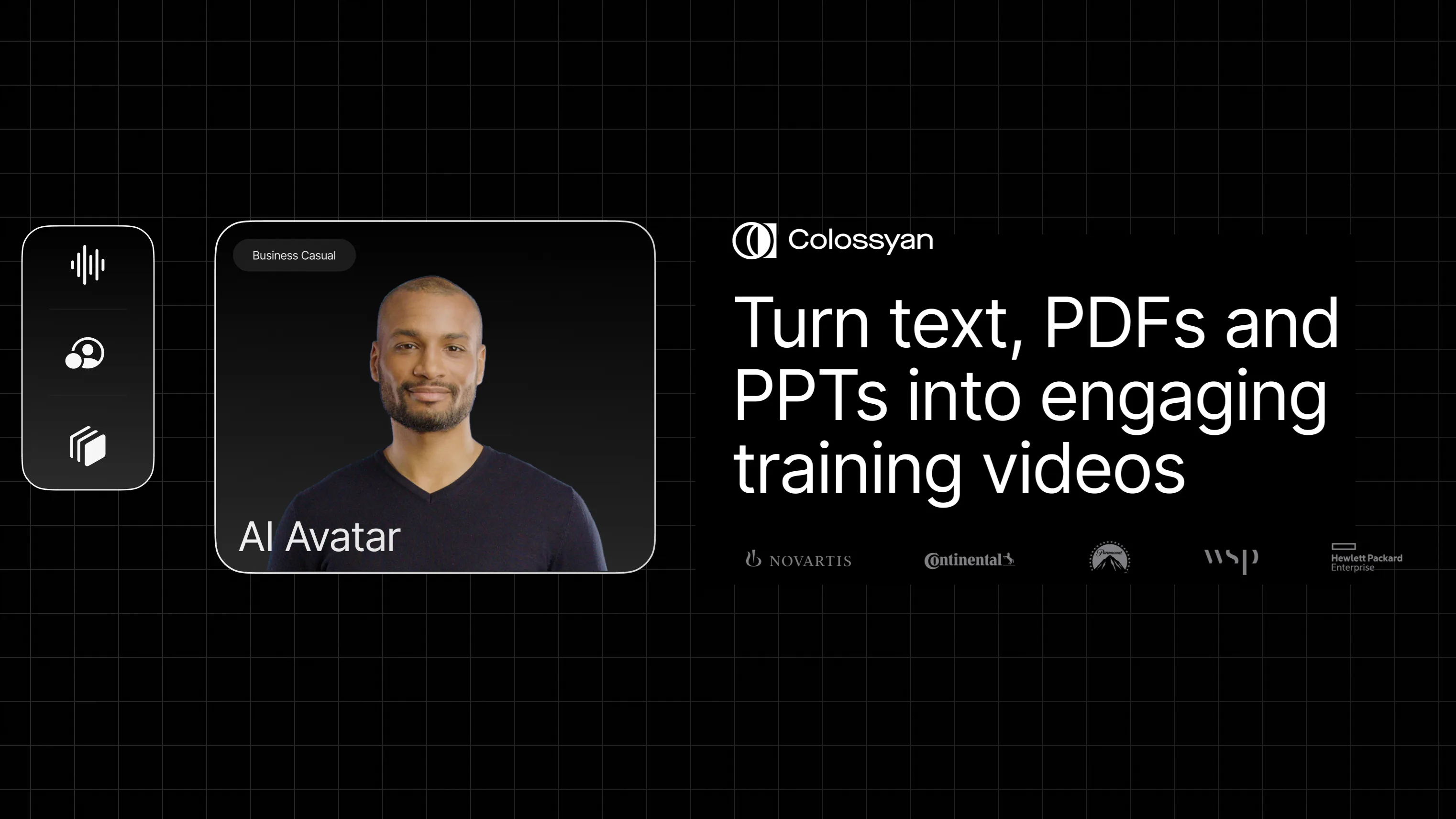
Best For: Companies that need to create interactive learning and compliance training videos.
Why You’ll Love It: Colossyan provides a unique feature—branching scenarios. Viewers can make choices during training, which is perfect for compliance training or interactive courses.
Example Scenario:
- You’re creating training for employees to navigate a new software. Colossyan lets users select options and scenarios as they go through the video, providing a hands-on learning experience.
Why It Solves Your Problem: Colossyan’s interactive features ensure training is engaging and tailored to your team’s needs, while its SCORM export ensures compatibility with your LMS.
Limitations: It performs well for structured educational content, though avatar expressiveness is more limited than some other HeyGen alternatives aimed at marketing use.
Conclusion
When it comes to the best AI video tool, what matters in your choice mainly is the pricing, and what it can offer. Here is a short comparison for you to check which one suits your needs and pocket the best.
Pexo AI vs HeyGen clearly shows why Pexo shines for those seeking true ease of use. You can make professional quality AI avatar videos with no skills required — just have a conversation with Pexo AI.
New to video making? Pexo is one of the easiest and most intuitive AI video generators that’s ideal for marketers, creators, and small teams. Unlike Synthesia and other tools that cater to enterprises, Pexo is a simple and flexible solution for anyone that wants to create high-quality videos without having to learn the software.
If you want to produce content fast for social media or get a big number of ads, Creatify and InVideo AI are two other great options with low cost and quick video production processes.