
Try Pexo as Your
Image to Video AI
Stop wrestling with keyframes and animation timelines. Pexo serves as your image-to-video partner, interpreting your movement descriptions to automatically animate any still image. You receive a polished, export-ready video clip delivered directly in your conversation, without ever needing to switch apps or manage complex render settings.
How to Turn an Image into a Video with Pexo
Pexo replaces your entire animation workflow by allowing you to upload, describe, and receive professional motion clips in a single conversation.
Upload Your Image and Describe the Motion
Upload any photo, illustration, or rendered asset. Describe the desired motion in plain language, such as camera direction or subject behavior, without worrying about keyframes, timelines, or technical vocabulary.
Pexo Interprets and Animates
Pexo reads your motion description and automatically generates the animation. It selects the optimal models and technical output parameters, ensuring your visual intent is captured perfectly without manual configuration.
Your Video Clip, Ready to Export
The finished animation is delivered inline. You can request duration changes, style adjustments, or different camera angles in a follow-up message, keeping your workflow centered in one place.
Every Image to Video AI Capability, in One Conversation
Access all powerful animation functions through a single, intuitive conversation that adapts to your creative requirements instantly.
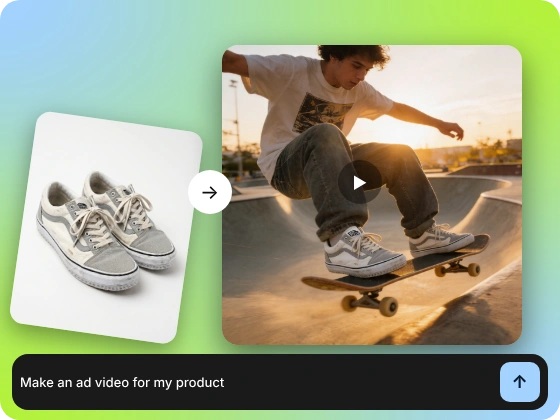
Any Still Image, Described Into Motion
Animate product photos, portraits, or illustrations by simply stating your motion goals. You get usable, professional video clips without having to define complex animation paths or manage frame-by-frame curves.
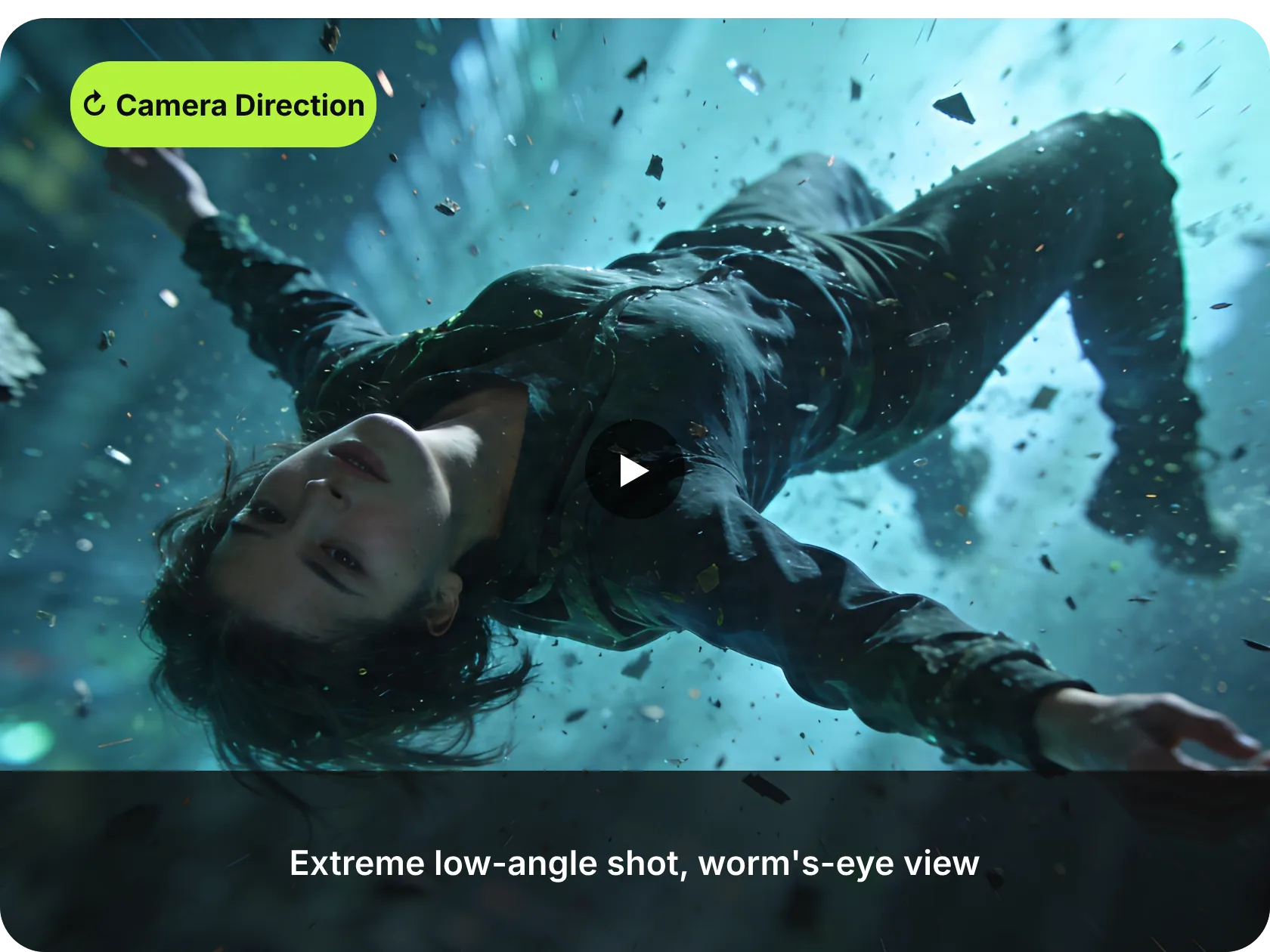
Camera Pan, Zoom, Subject Walk. All in Plain Language
Direct specific movements like camera dollies or subject turns using natural language. Pexo executes these behaviors precisely, offering cinematic control without requiring you to learn motion vectors or keyframe positions.
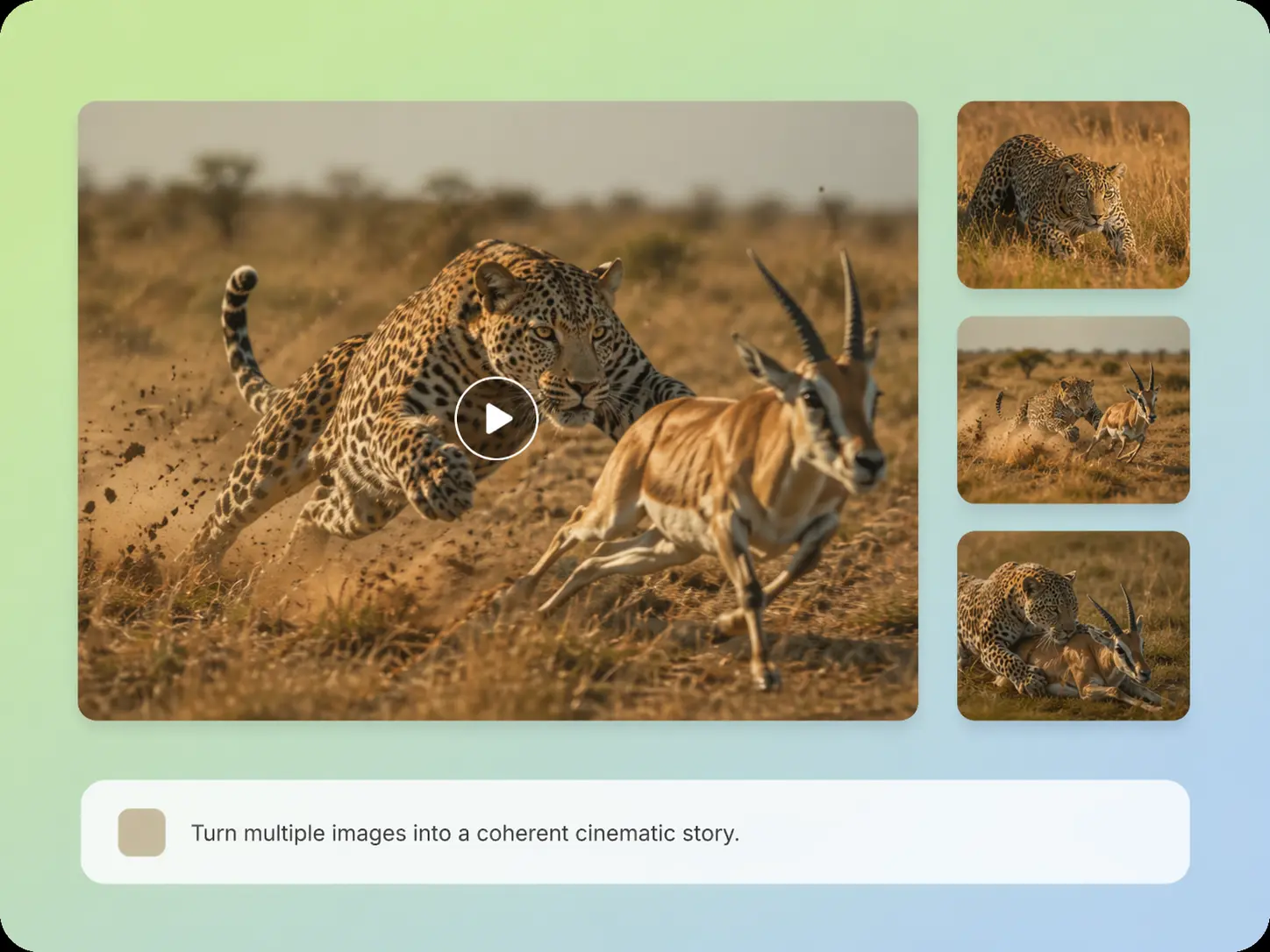
Chain Multiple Images into One Flowing Video
Submit a sequence of images and describe the narrative flow between them. Pexo generates a continuous, cohesive video rather than isolated clips, ideal for product stories or portfolio showcases.
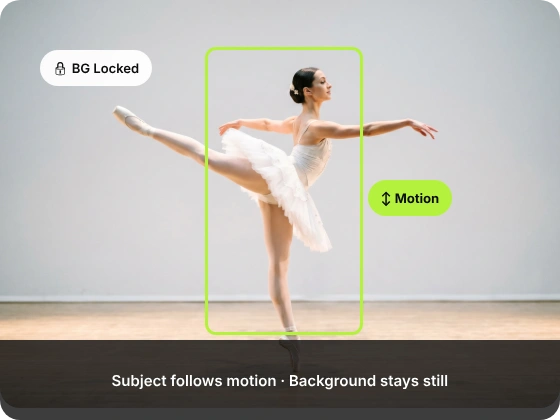
Animate One Element — Leave the Rest of the Image Still
Direct animation at specific elements like a product lid or atmospheric smoke while keeping the background static. This precision allows you to maintain composition integrity while adding necessary life to your frame.
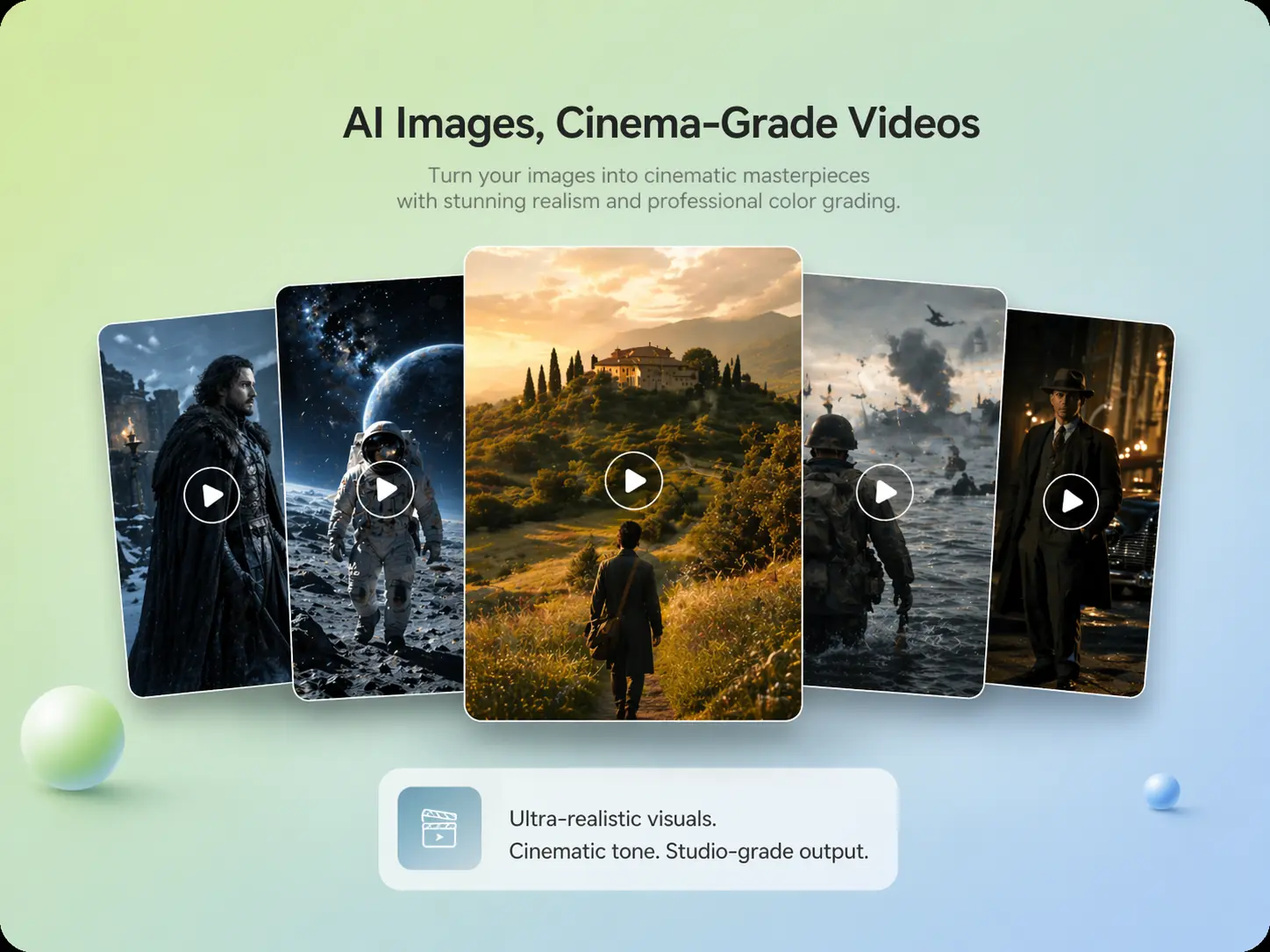
Film Grain, Depth of Field, Motion Blur — Described in Words
Specify lens behavior and texture details through plain-text descriptions. Pexo applies these cinematic parameters to your output, ensuring the result is ready for high-quality social campaigns and professional editorial use.
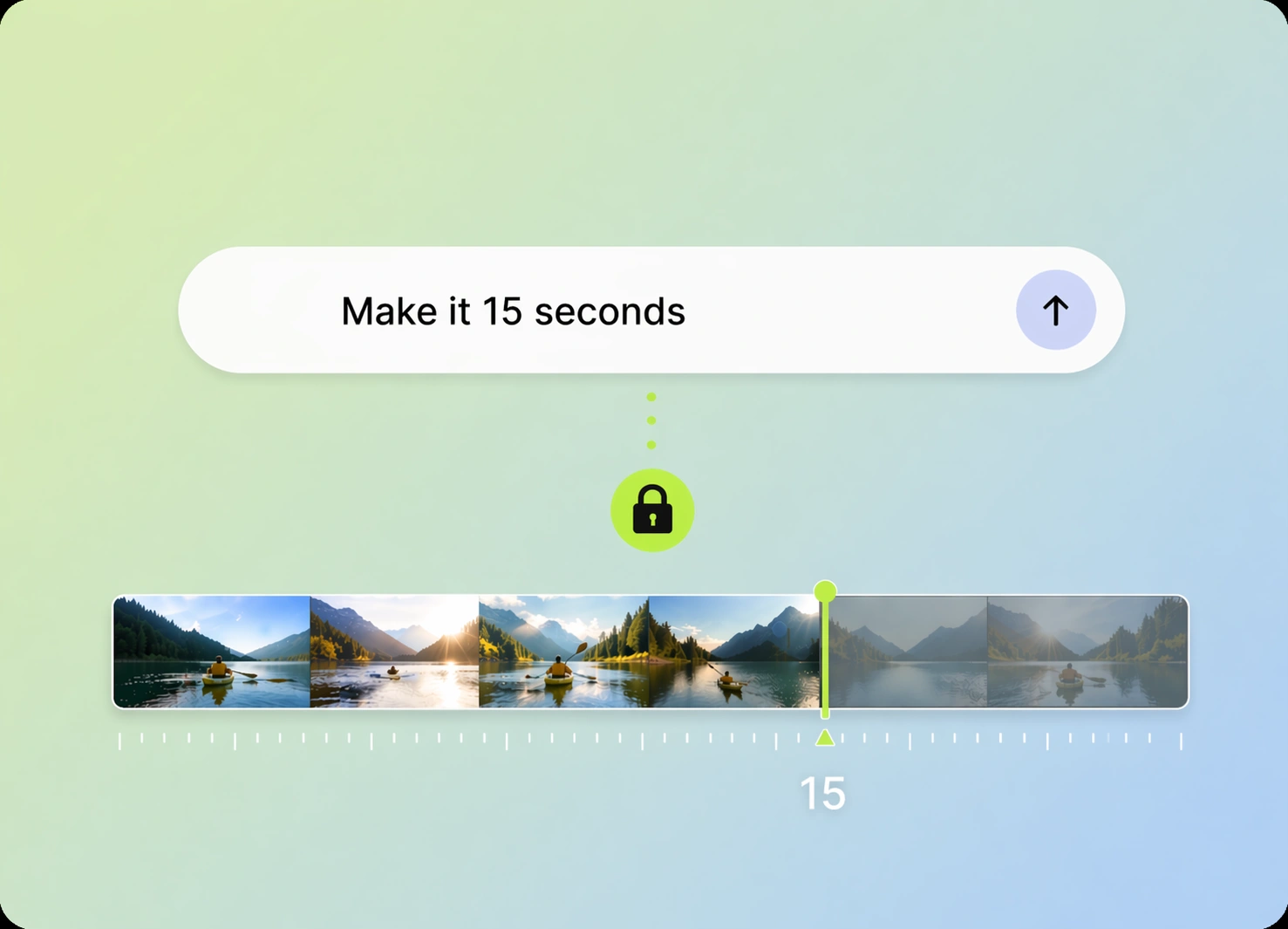
Three Seconds or Thirty — Set Clip Length in Plain Language
Define your exact clip length simply by asking. Pexo generates your animation to the requested duration, allowing you to match platform requirements or ad specifications perfectly without manual trimming.
Pexo vs. Standalone Image to Video AI Generators
Traditional tools force you to act as an animator; Pexo acts as your partner to eliminate configuration overhead.
| Standalone Image-to-Video Tool | Pexo | |
|---|---|---|
| Input method | Keyframe and path configuration | Natural language conversation |
| Motion direction | Manual coordinate mapping | Conversational motion intent |
| Subject-specific animation | Complex layer masking | Automated selective targeting |
| Multi-image sequencing | External timeline editing | Integrated narrative flow |
| Cinematic quality control | Advanced render settings | Conversational quality styling |
| Duration specification | Post-generation trimming | Native length generation |
| Iteration flow | Separate export workflows | Continuous chat updates |
| Where it works | Siloed web interface | Integrated in chat apps |
Input method
Keyframe and path configuration
Natural language conversation
Motion direction
Manual coordinate mapping
Conversational motion intent
Subject-specific animation
Complex layer masking
Automated selective targeting
Multi-image sequencing
External timeline editing
Integrated narrative flow
Cinematic quality control
Advanced render settings
Conversational quality styling
Duration specification
Post-generation trimming
Native length generation
Iteration flow
Separate export workflows
Continuous chat updates
Where it works
Siloed web interface
Integrated in chat apps
What you can make with Pexo
No prompt writing. No model picking. Just describe what you want.
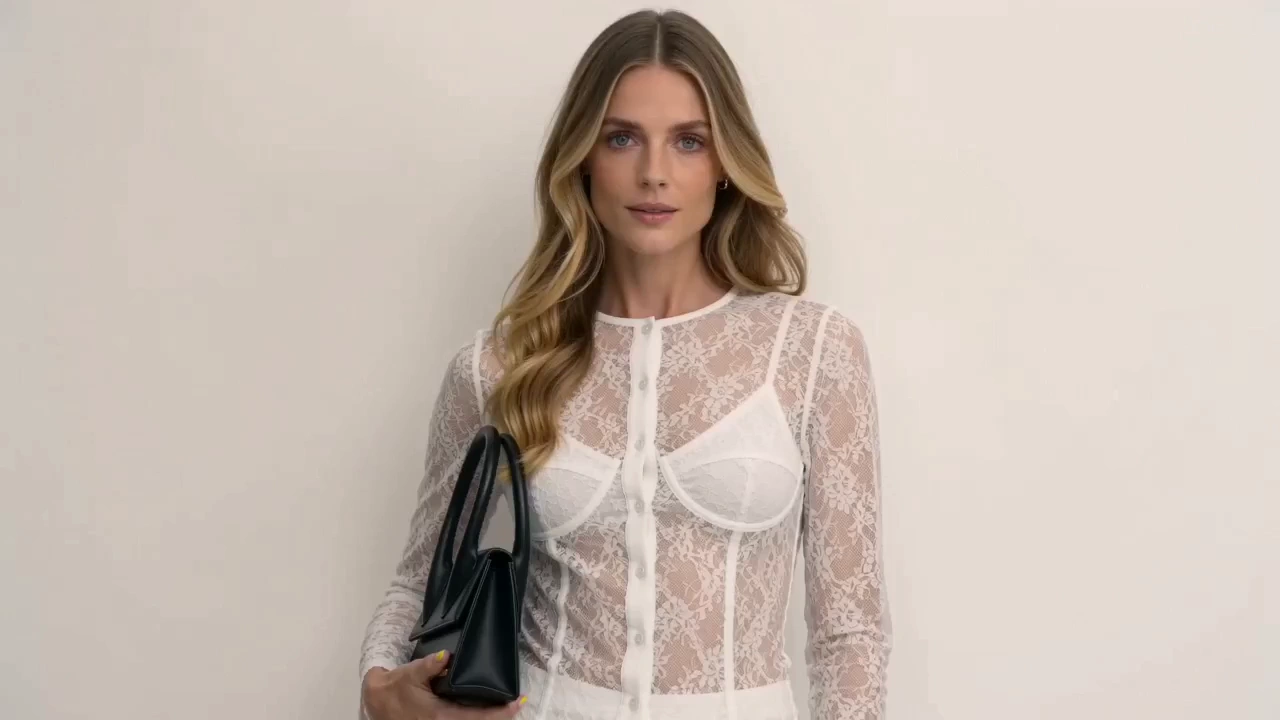
Product Ad Video
Sell products with stunning video ads
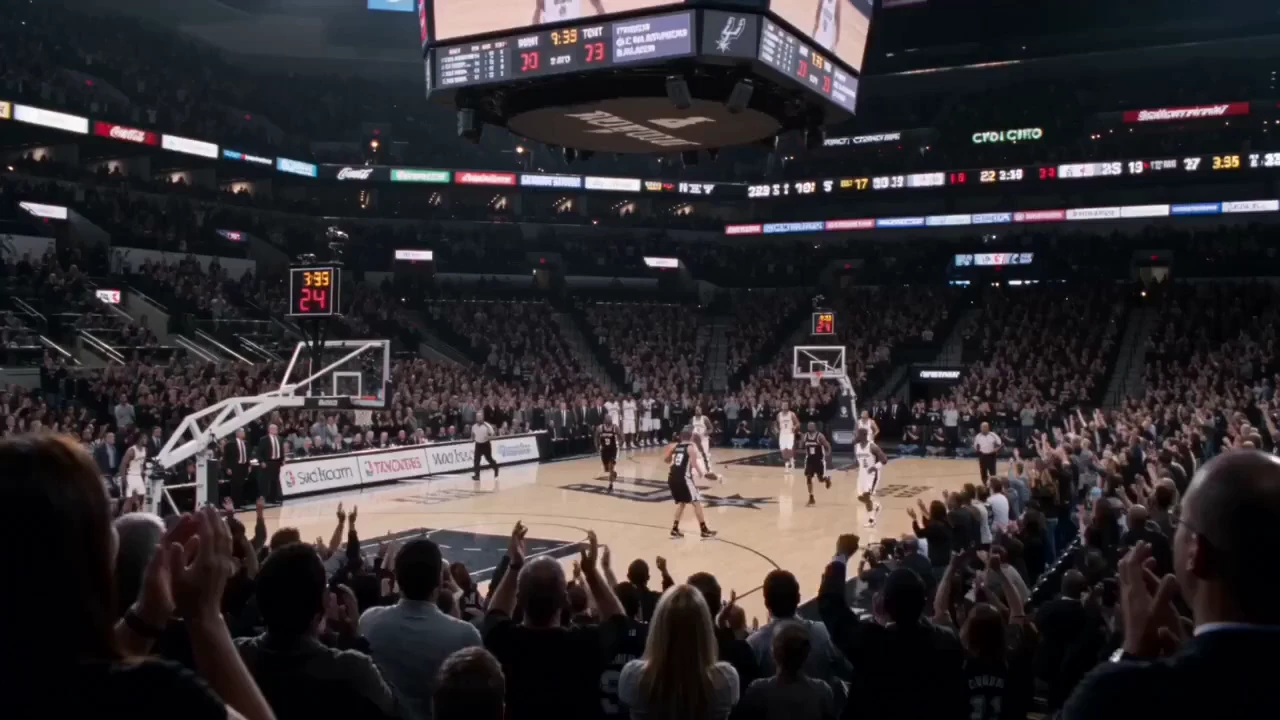
Social Media Video
Post scroll-stopping videos in minutes
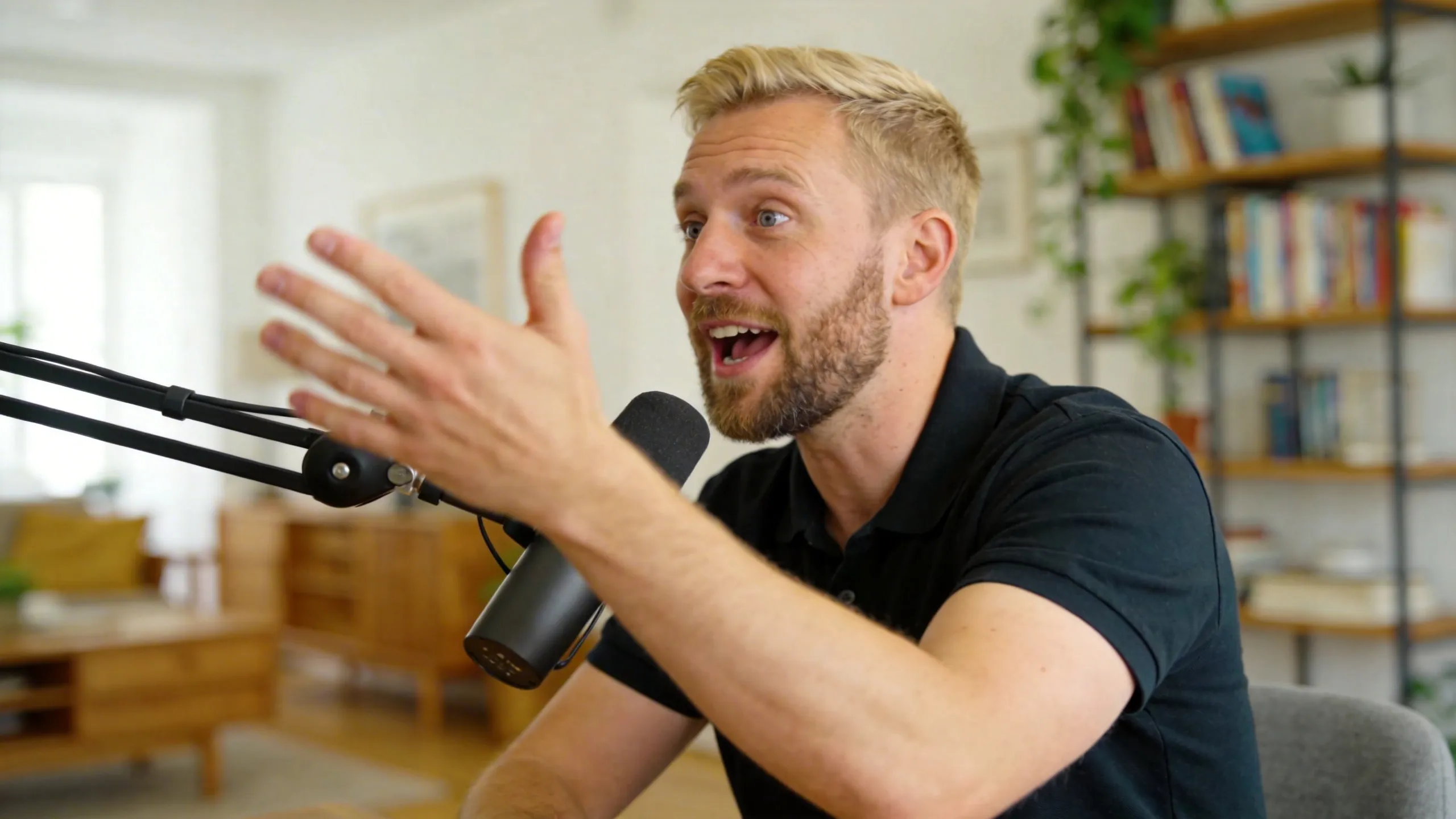
Explainer Video
Simplify complex ideas with clear visuals
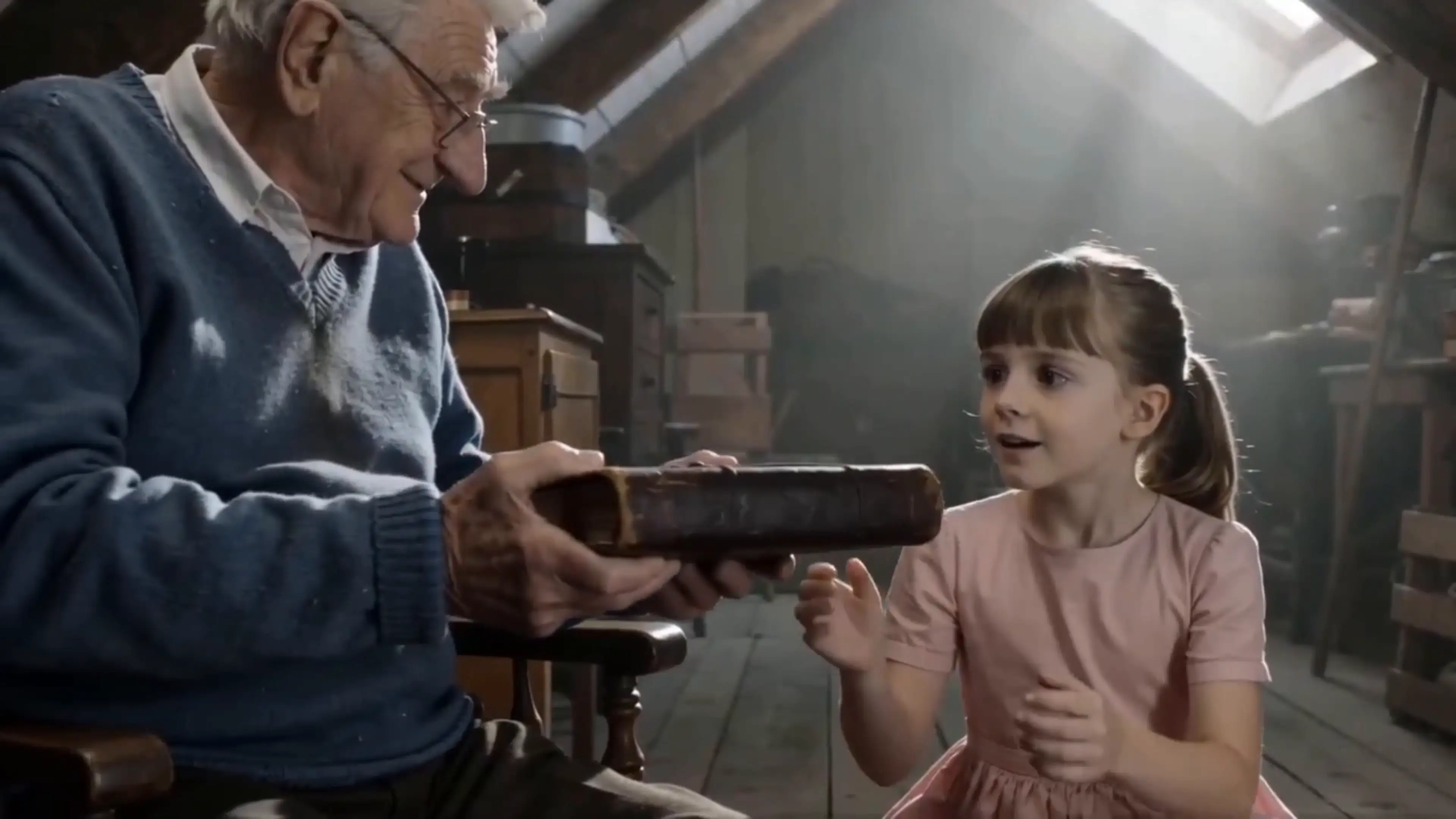
Short Story
Tell compelling stories in short form
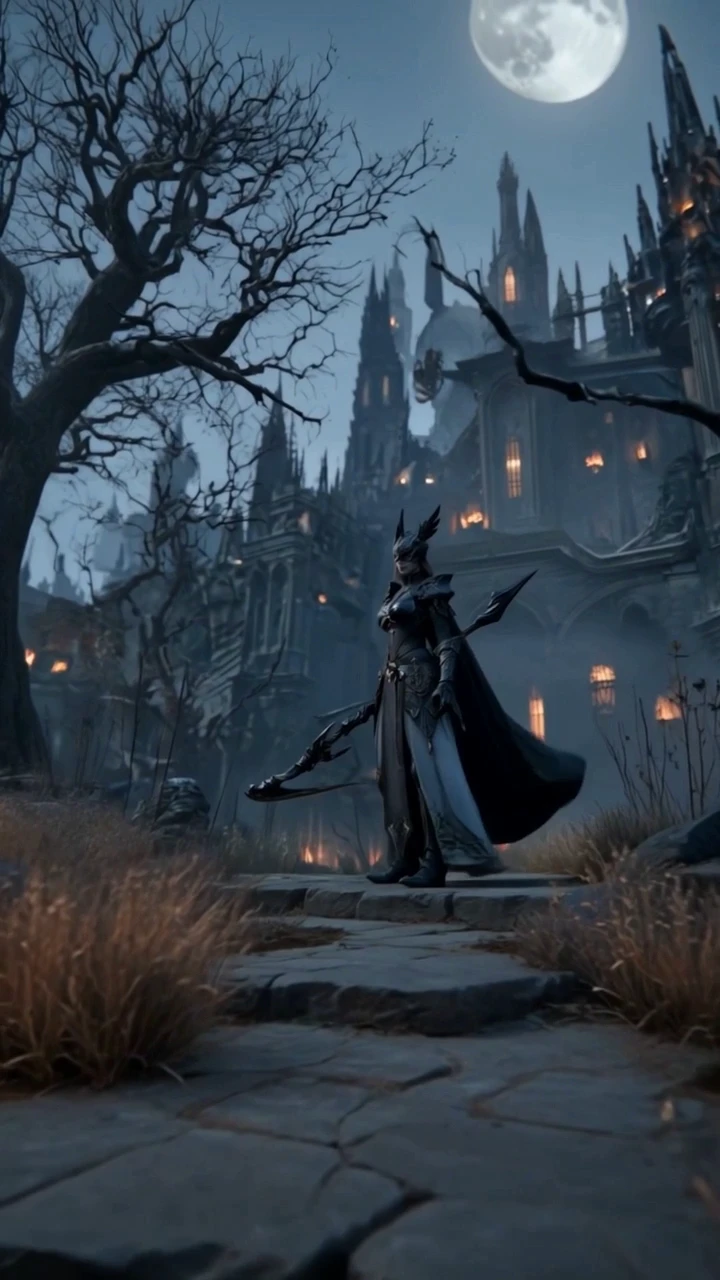
Anime Video
Generate stunning anime art & videos with AI
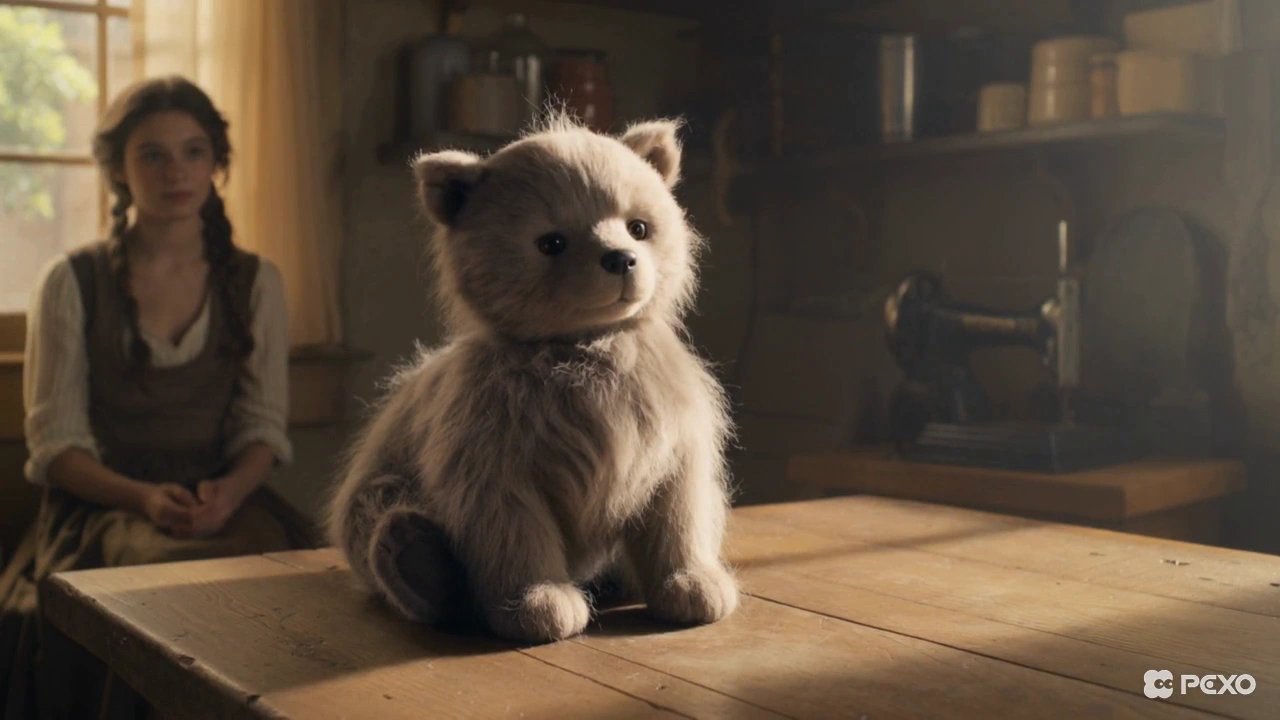
Dance Video
Turn any song into a beat-synced video
Creators Using Pexo as Their Image to Video Partner

E-commerce brand owner
My product images felt static and failed to grab attention in social ads. Pexo let me upload those photos and describe a simple camera push, resulting in a polished animated clip that significantly increased our click-through rates.

Freelance motion designer
I often have tight deadlines to animate client stills. Using Pexo to generate the base animation from a plain description has slashed my production time per asset, allowing me to focus on refining the final look.

Social media content creator
I lacked the budget and expertise to animate photos for my Reels. With Pexo, I simply state the platform and motion style, and I receive perfectly formatted, animated clips instantly without needing any new software.
Frequently Asked Questions
What is image to video AI and how does Pexo use it?
Image to video AI is technology that transforms still images into animated footage. Pexo uses this as an intelligent agent, interpreting your intent to handle all animation and production steps automatically.
How is Pexo different from other image to video AI tools?
Pexo provides a conversational, agent-based experience that removes the need for manual keyframing or configuration. We focus on delivering high-quality, export-ready animation based on your natural language descriptions.
Can I control exactly how my image moves using Pexo's image to video AI?
Yes. You can describe specific movements like camera pans, zooms, or subject actions in your request, and our agent will interpret these to create the precise motion you envisioned.
How fast does Pexo generate an animated video from a still image?
Pexo is designed for high-speed creative output. Most animations are generated in minutes, allowing you to iterate on your video content without lengthy wait times.
Can I animate multiple images into one continuous video with Pexo?
Yes. You can upload a sequence of images and describe the flow or transitions you want, and Pexo will combine them into a single, flowing video clip.
Is the video output from Pexo good enough for commercial use?
Yes. Pexo delivers production-quality, cinematic video clips ready for commercial use in your professional brand campaigns, advertising, and social media content.
How do I set the clip length when using Pexo to animate an image?
You simply include the desired duration in your request. Whether you need a quick 3-second cut or a 15-second clip, Pexo will generate your animation to that length automatically.
Is there a free plan for using Pexo as an image to video generator?
Yes, we provide a free plan that allows you to start animating your images immediately. You can test our quality and ease of use without needing a credit card to begin.
Start Animating Images with AI — Free Today
Animate your first image instantly without any software or timeline knowledge—just describe the motion and start for free.