
Meet Pexo: Generate Videos from Script with AI
Stop wasting time on manual video production. Pexo acts as your script-to-video partner, turning any written draft into a fully produced video with visuals, voiceover, and captions automatically. You retain full control to adjust individual scenes before final render, ensuring the output perfectly matches your creative vision.
How Pexo Turns a Script into a Finished Video
Pexo collapses your production workflow into a single conversation, delivering export-ready content from just your written input.
Paste Your Script into Pexo
Enter any form of written content—from rough notes to polished screenplays. You can optionally describe your desired style, and Pexo prepares the production without requiring templates or timeline setup.
Pexo Splits, Visualizes, and Narrates
Pexo automatically segments your script into logical scenes, generates matching visuals, and adds a professional AI voiceover paced perfectly to your content. All production decisions are handled by the agent.
Review Scenes, Export the Video
Preview your video scene-by-scene. Approve the draft or request changes to specific visuals or narration in plain language, then export your finished, captioned video for any platform.
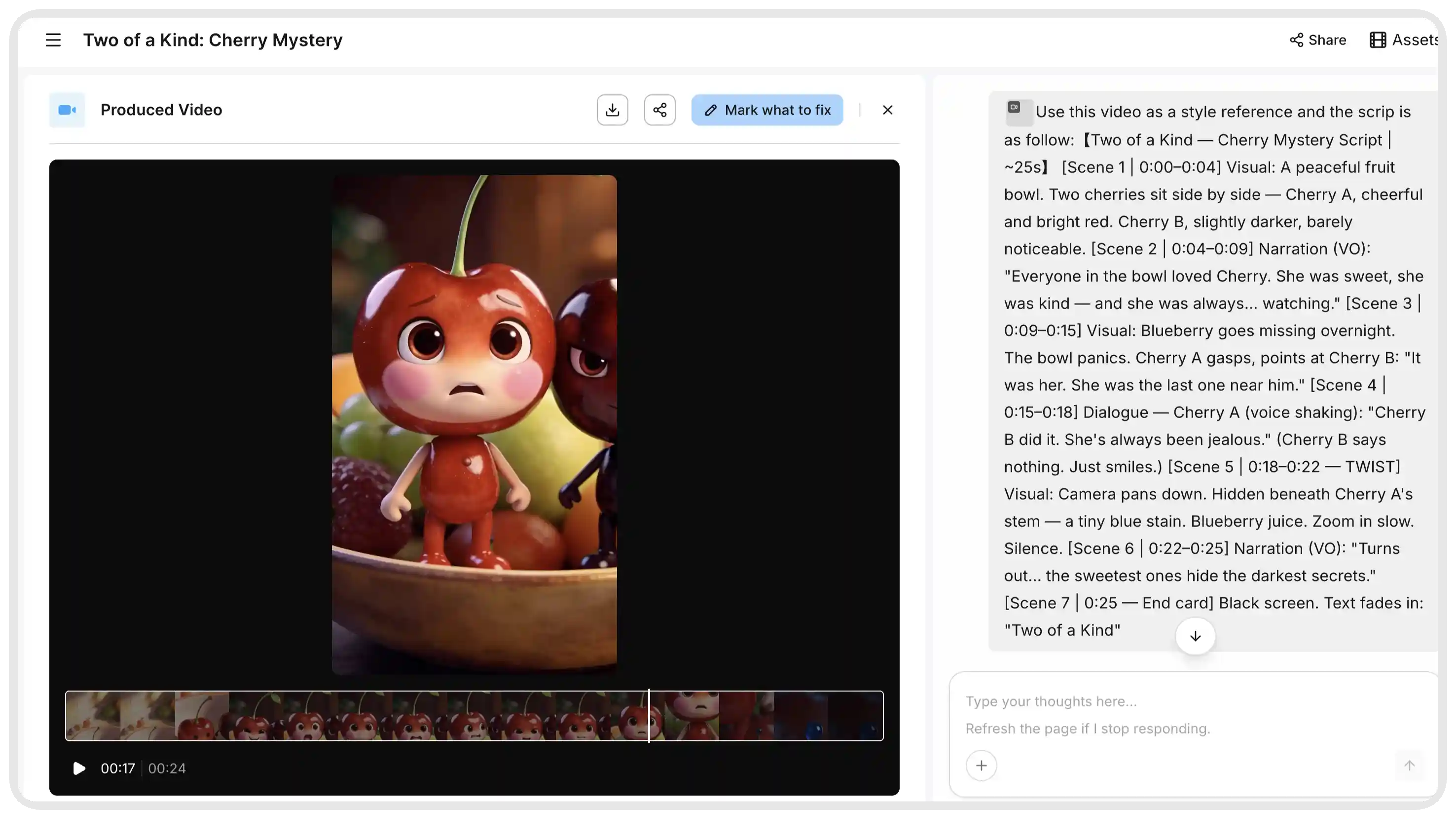
Every Script to Video AI Capability, Handled in One Conversation
Experience a unified production process where every essential video creation step flows seamlessly from your initial script input.
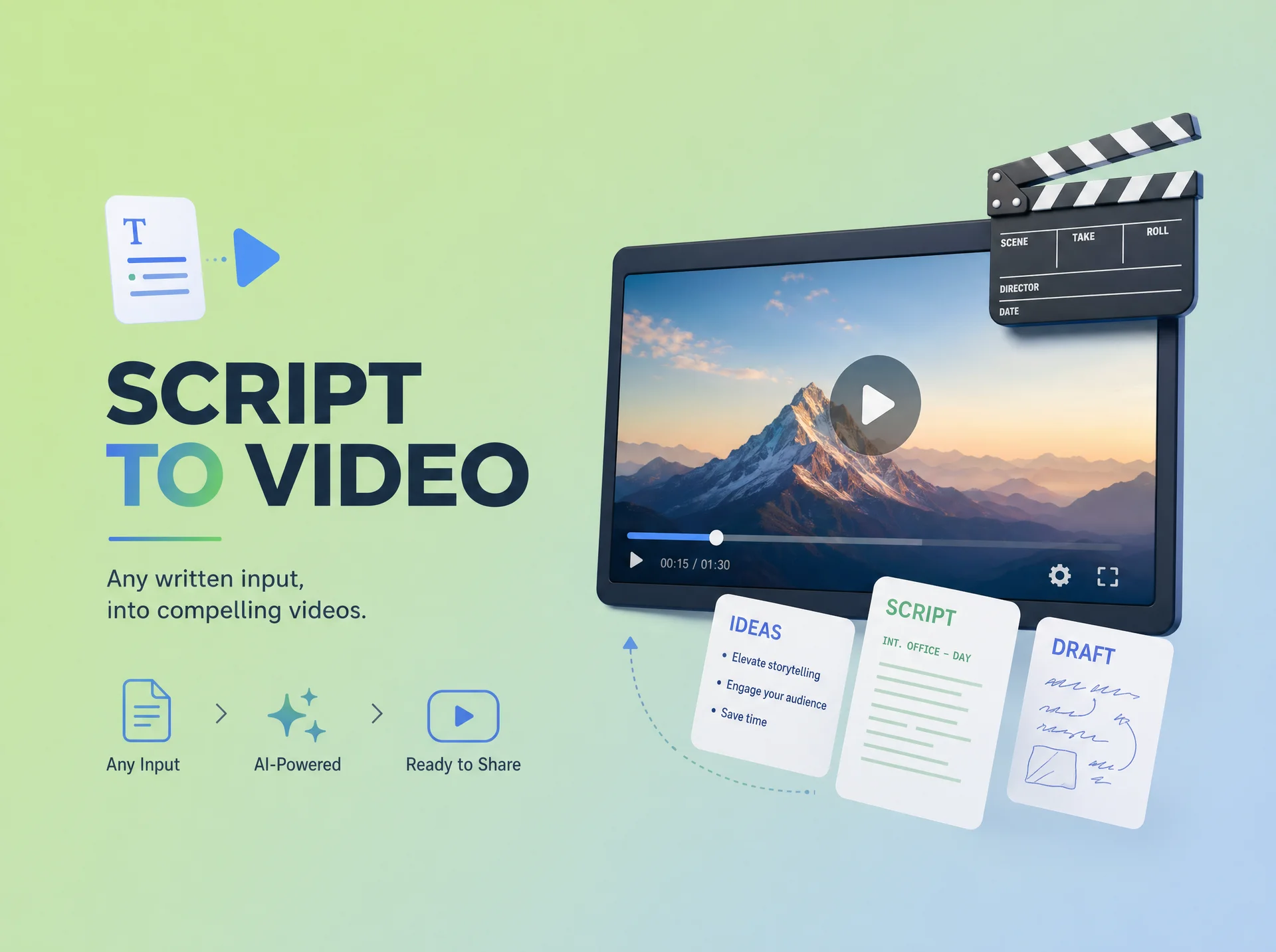
Any Script Format, Turned into Video Automatically
Pexo accepts any written input, including bullet points, informal drafts, or structured screenplays. You never need to reformat your work to fit rigid templates, as our agent understands narrative structure regardless of how you paste it.
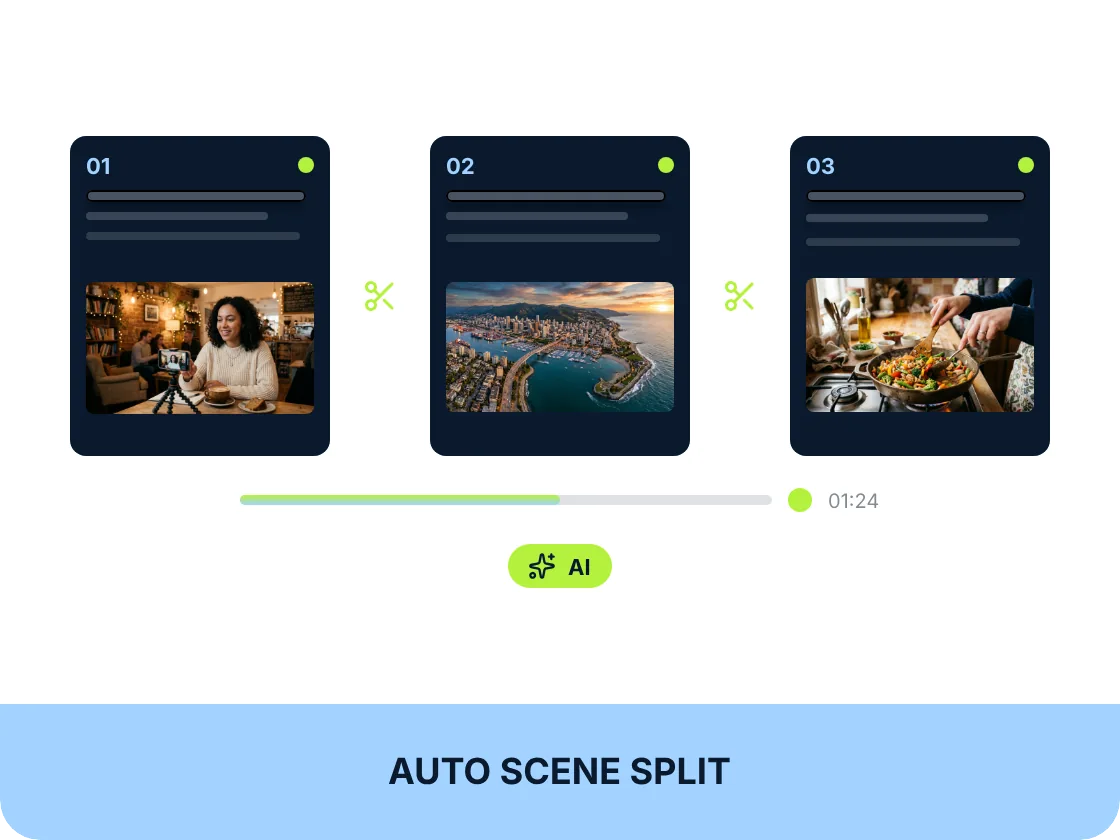
Pexo Reads the Script and Divides It into Scenes
Scene segmentation happens automatically. Pexo identifies narrative beats and logical topic shifts within your text, removing the need for manual scene-building steps before visual generation begins.
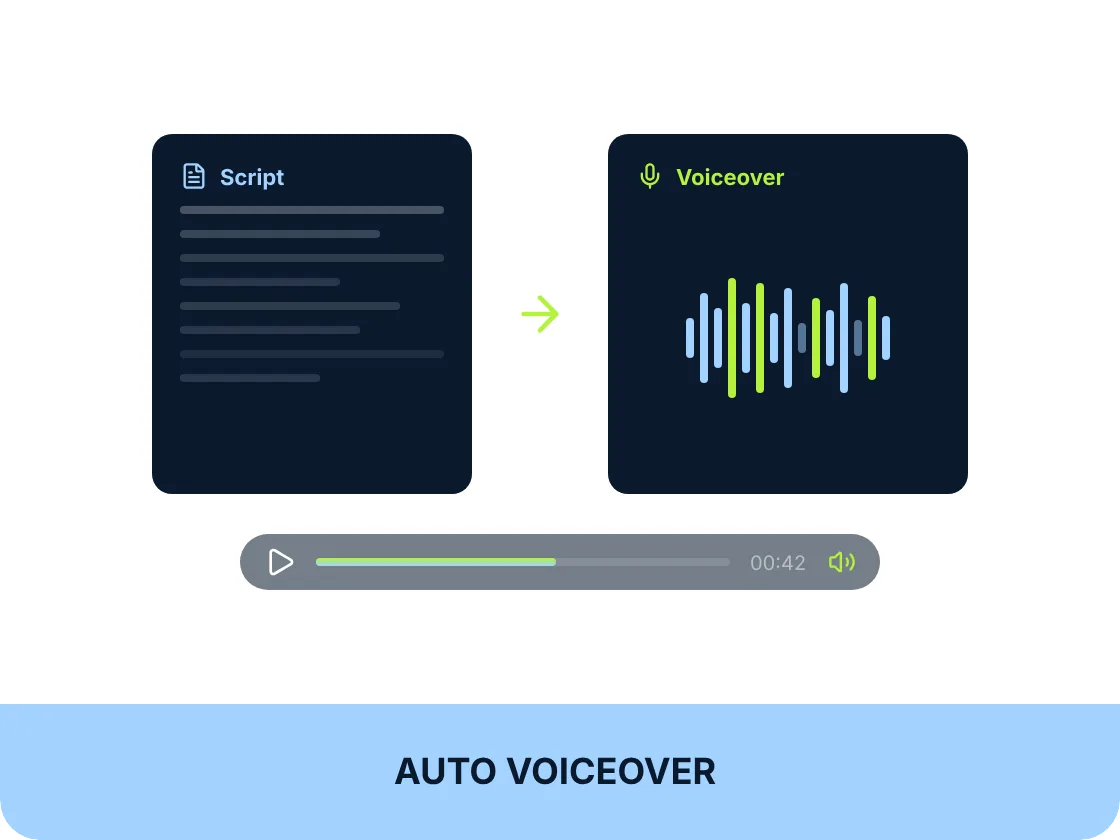
AI Narration That Matches the Tone and Pace of the Script
Your script is converted into natural AI narration with pacing matched to your specific content type. If you need a different tone, simply request an update in the chat, and Pexo adjusts the delivery instantly.
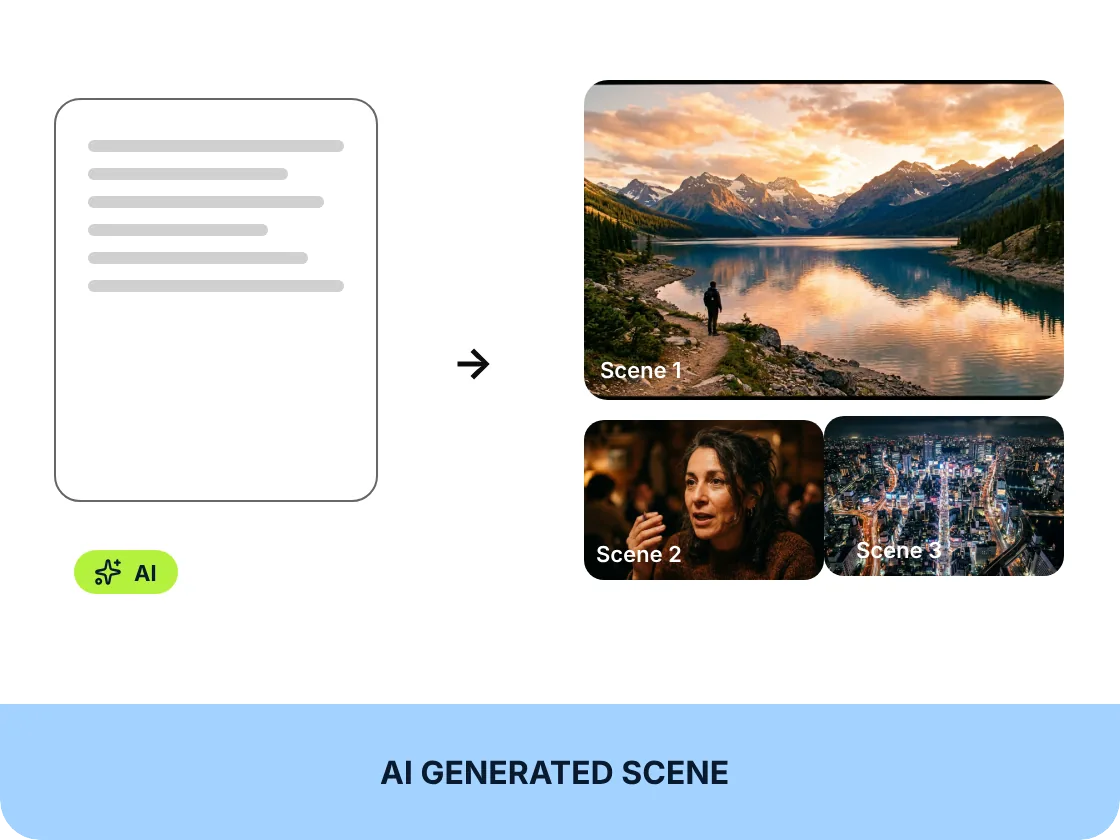
Matching Visuals Generated for Every Scene, Automatically
Pexo generates high-quality visuals tailored to your script's context and your chosen style. You get consistent, professional imagery for every scene without the need to source stock clips or manually select assets.
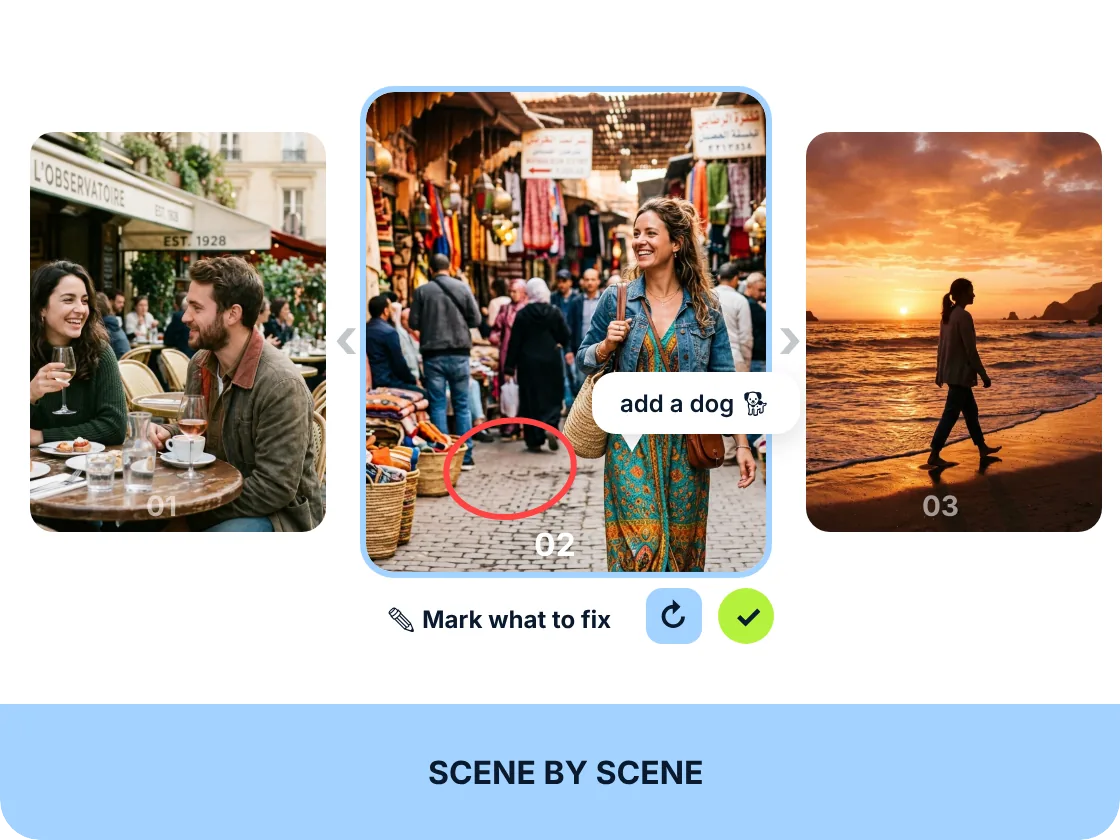
Review and Redirect Individual Scenes Before Final Render
You maintain editorial authority over every scene. If a visual doesn't match your intent, ask Pexo to redirect it, change the voiceover tone, or rewrite content—all through plain-language feedback rather than timeline rebuilding.
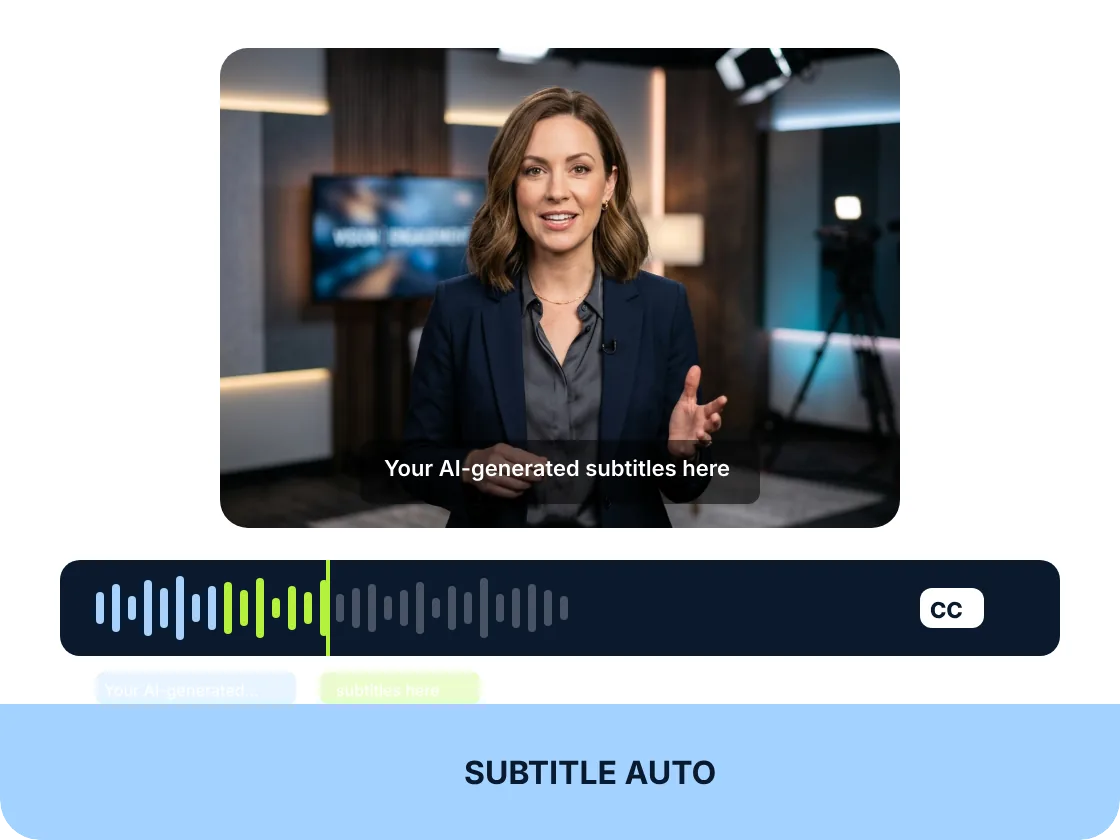
Captions Synced to Voiceover — Ready for Silent Autoplay
Every video includes automatically generated and perfectly synced subtitles. This ensures your content is optimized for silent social consumption immediately, removing the final manual step in your video production workflow.
Pexo vs. Traditional Script to Video AI Platforms
Traditional platforms force you through fragmented interfaces; Pexo handles every production step from a single script input.
| Traditional Script-to-Video Platform | Pexo | |
|---|---|---|
| Script input format | Requires rigid templates | Accepts any written format |
| Scene splitting | Manual setup required | Automatic logical segmentation |
| Visual generation | Manual stock selection | Context-aware AI generation |
| Voiceover | Separate TTS configuration | Integrated tone-matched narration |
| Scene-level control | Complex timeline editing | Conversational scene redirection |
| Subtitle generation | Third-party caption tools | Automatic synced output |
| Iteration flow | Fragmented export workflows | Continuous chat updates |
| Where it works | Multi-step web interface | Integrated in chat apps |
Script input format
Requires rigid templates
Accepts any written format
Scene splitting
Manual setup required
Automatic logical segmentation
Visual generation
Manual stock selection
Context-aware AI generation
Voiceover
Separate TTS configuration
Integrated tone-matched narration
Scene-level control
Complex timeline editing
Conversational scene redirection
Subtitle generation
Third-party caption tools
Automatic synced output
Iteration flow
Fragmented export workflows
Continuous chat updates
Where it works
Multi-step web interface
Integrated in chat apps
What you can make with Pexo
No prompt writing. No model picking. Just describe what you want.
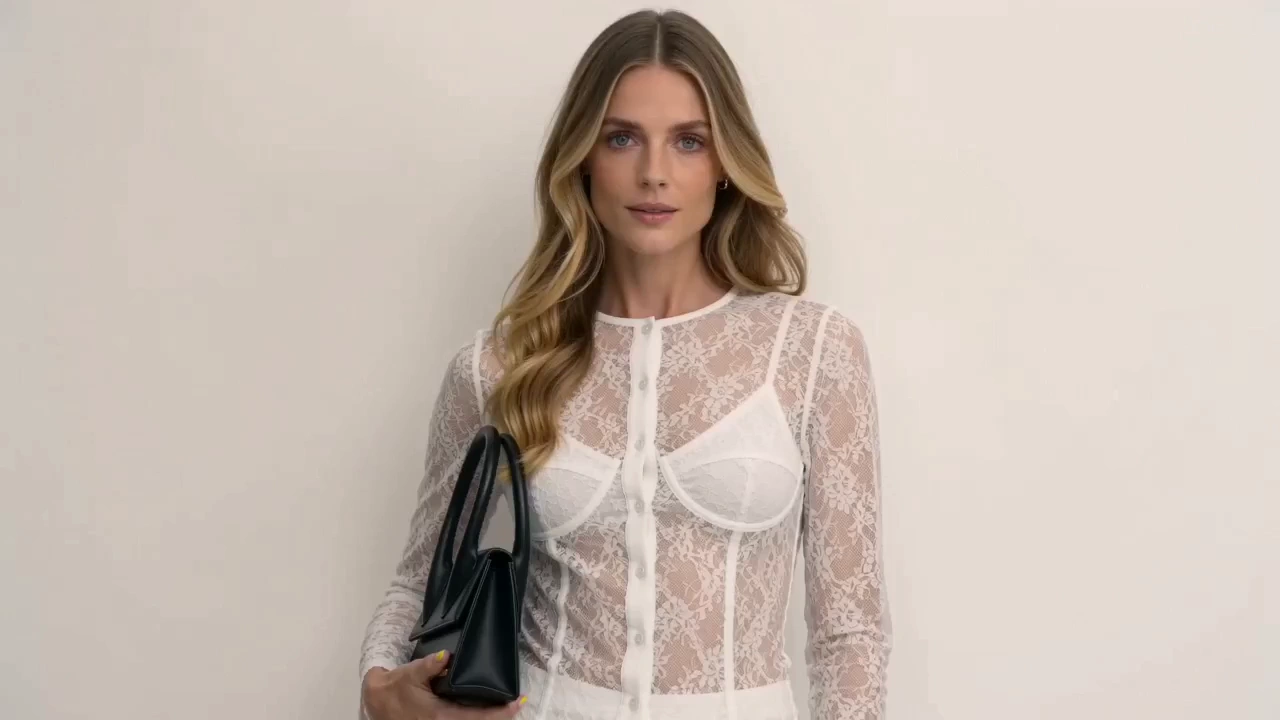
Product Ad Video
Sell products with stunning video ads
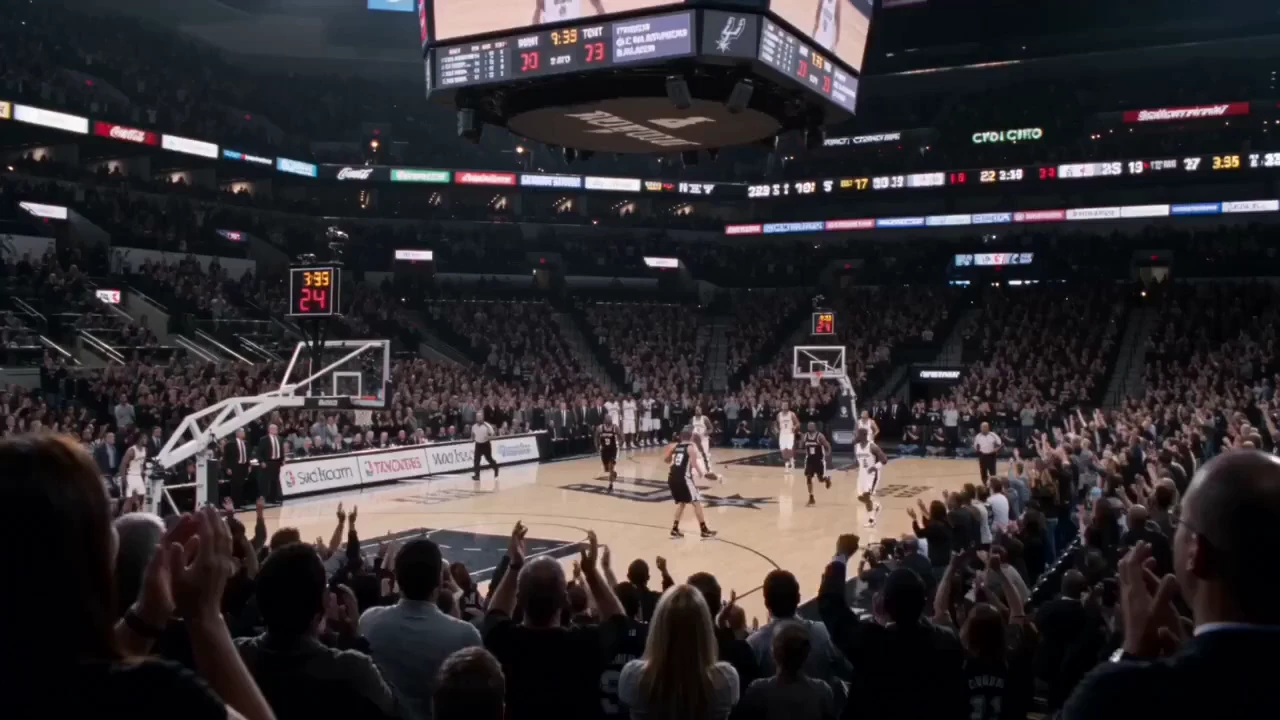
Social Media
Post scroll-stopping videos in minutes

Explainer Video
Simplify complex ideas with clear visuals
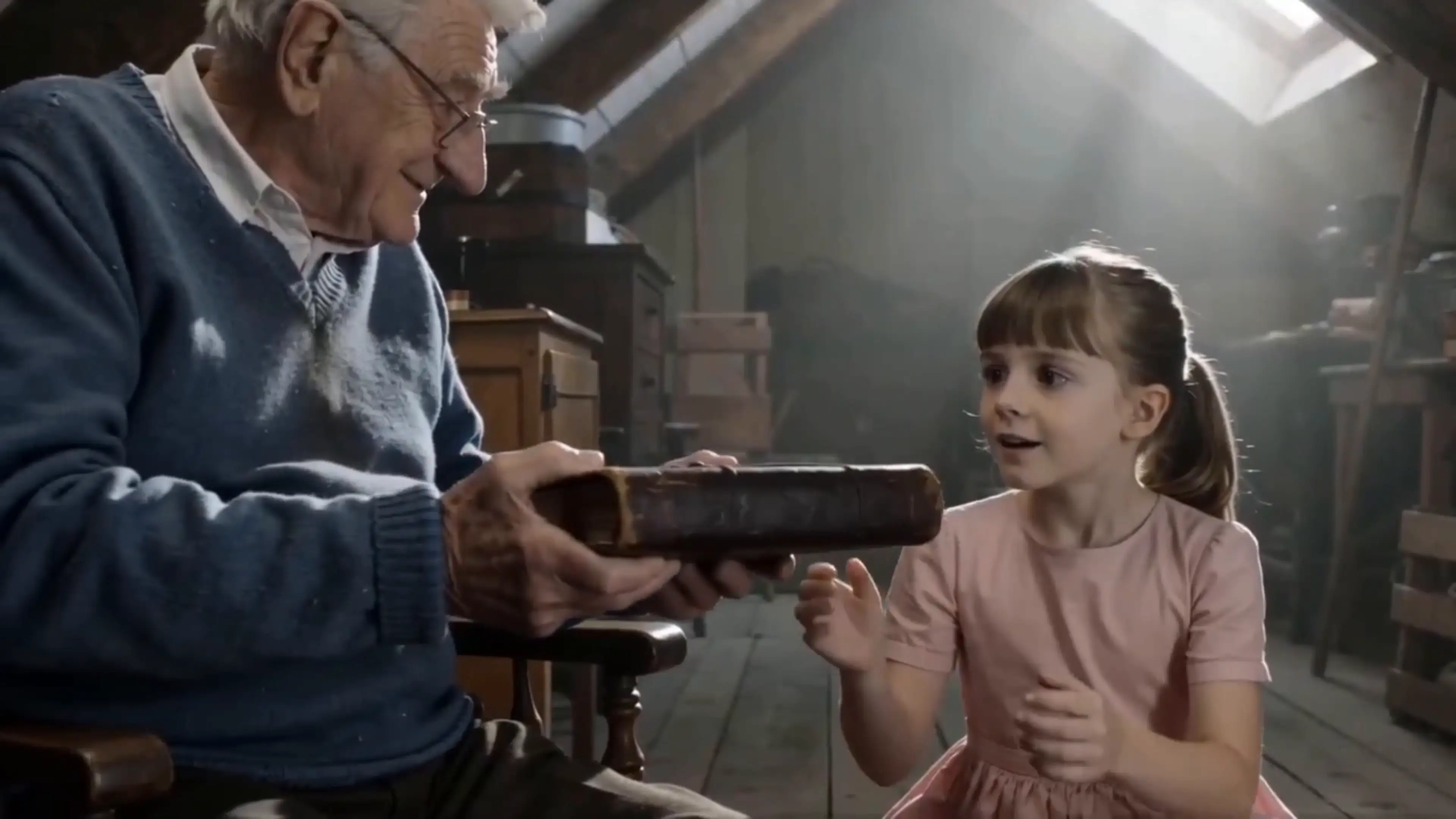
Short Story
Tell compelling stories in short form
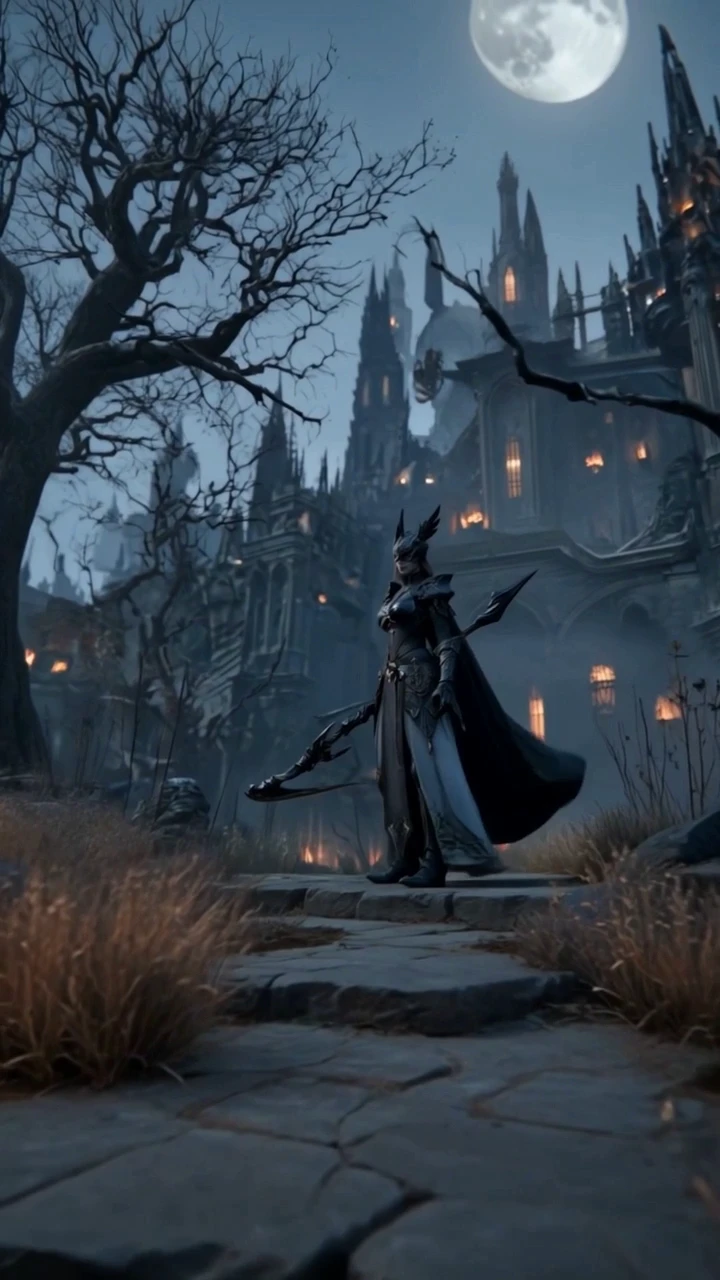
Anime Video
Generate stunning anime art & videos with AI
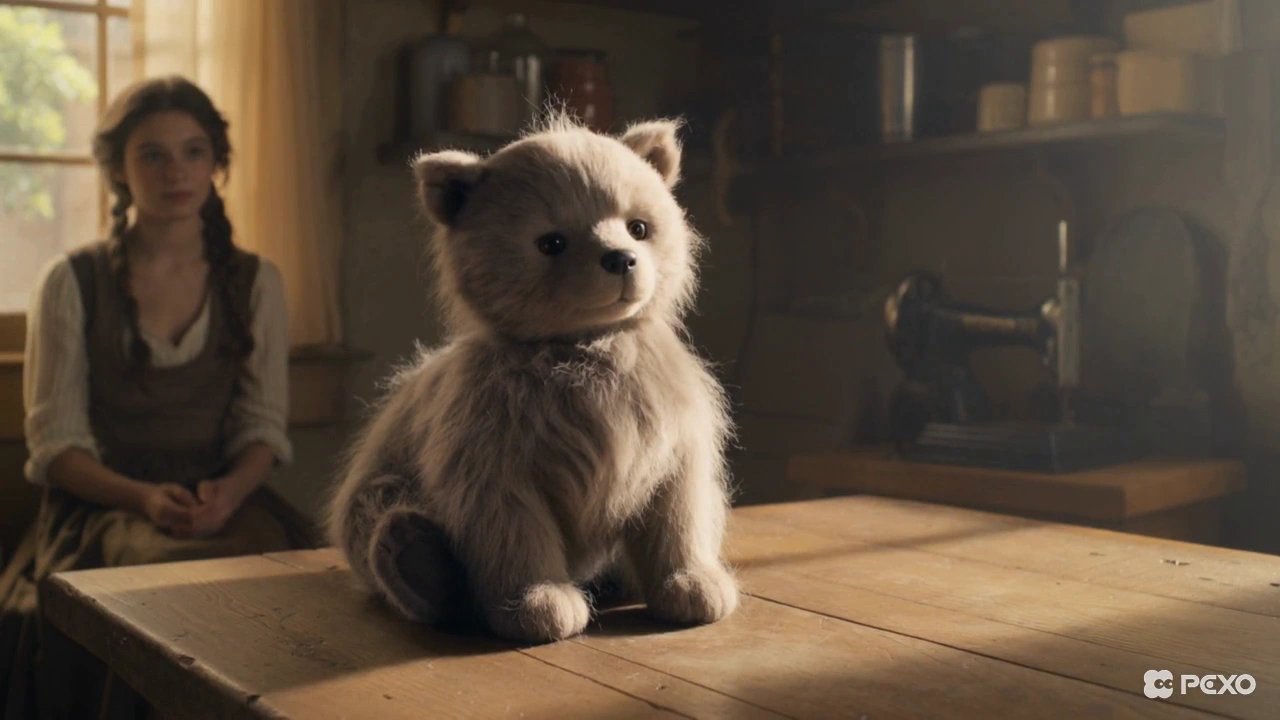
Dance Video
Turn any song into a beat-synced video
Creators Using Pexo as Their Script to Video Partner

SaaS content marketer
I had a massive backlog of blog posts that needed to become videos. Pexo turned that written content into structured explainer videos, complete with voiceover and captions, without me needing a video editor or designer.

Online course creator
My scripted lessons were just sitting in a doc. Using Pexo, I generated video segments directly from those scripts, reviewed the scenes, and exported caption-ready files in minutes. It saved me weeks of recording and editing work.

Freelance video producer
My clients have incredibly tight turnaround times, and visualizing scripts is usually the bottleneck. Running their scripts through Pexo to generate a visual draft gives me a perfect artifact to collect feedback before final production.
Frequently Asked Questions
What is script to video AI and how does Pexo use it?
Script to video AI converts written text into a complete visual production. Pexo serves as your partner in this process, intelligently handling scene splitting, visual generation, and audio production automatically.
How is Pexo different from other script to video AI platforms?
Pexo provides a single-input production experience. While other platforms force you to navigate through separate scene builders and editors, Pexo manages the entire chain of production within your conversation.
What script formats does Pexo accept — does it need to be formatted a specific way?
Pexo accepts any text input. Whether you paste a rough outline, a bulleted list, or a formal screenplay, our agent will structure and visualize it without requiring you to use a specific template.
Can I control individual scenes when using Pexo as a script to video AI?
Yes. You have full editorial control; after the draft is generated, you can approve scenes or request visual and narrative changes for any specific scene directly through the chat.
How good is the AI voiceover Pexo generates from my script?
The voiceover is highly professional and automatically paced to your script. It adapts its tone based on the context of your video, and you can easily request variations if you need a different delivery style.
Does Pexo generate subtitles automatically when turning a script into video?
Yes. Every video generated by Pexo includes perfectly synced captions as part of the output, ensuring your content is ready for silent viewing on any social platform immediately.
How fast does Pexo turn a full script into a finished video?
Pexo is optimized for speed. Once you paste your script, the agent quickly processes the text to create a scene-split visual draft, allowing you to move to final production in a fraction of the time of traditional methods.
Is there a free plan for using Pexo to generate video from a script?
Yes, we offer a free plan that lets you experience Pexo's capabilities without a credit card. You can start turning your scripts into video content and see the quality of our production agent immediately.
Start Turning Scripts into Video with AI — Free
No editing software or production experience is required—paste your script and let Pexo handle the rest, free today.