
Pexo
Kling 4.0

Kling 4.0
Plan the whole scene.

Kuaishou’s multimodal video model brings longer generation, richer references, and more keyframe control into one creative workflow.

Released October 15, 2026

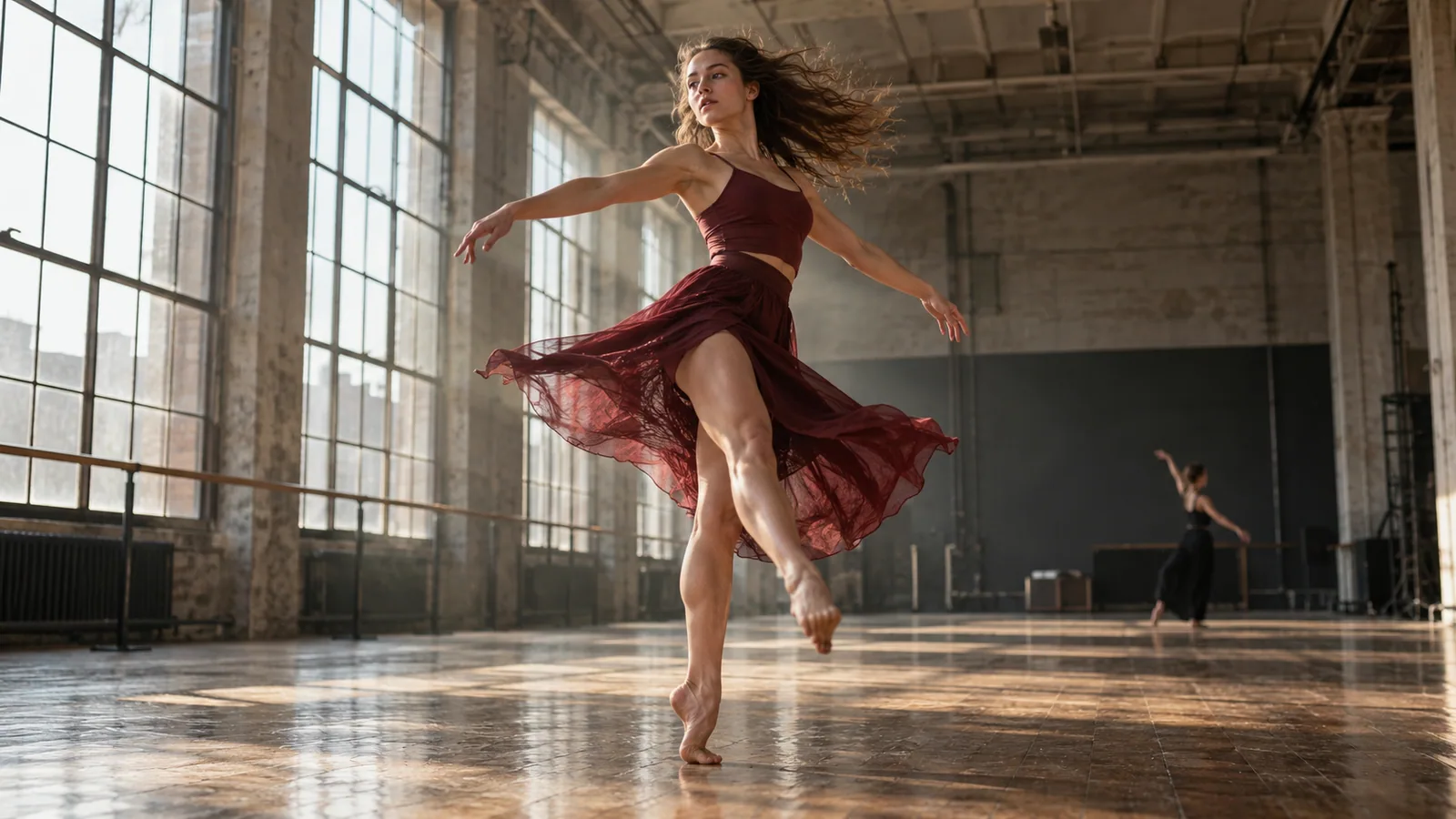
An original cinematic concept of a dancer turning in a sunlit industrial studio
30 secondsMaximum native generation
15 referencesCombined reference allowance
10 keyframesVisual milestones per sequence

Core capabilities

Match the control to the scene: action, duration, references, keyframes, editing, or dialogue.

Close-up portrait of a woman with long dark hair

01 / Motion & camera

Direct action and camera movement

Kling describes improved handling of fast action, continuous movement, tracking shots, and camera orbits. Start from text or an image, then describe the action and the camera together. Review body structure, spatial relationships, and continuity throughout the clip.

A courier handing a parcel to a cafe owner at dusk

02 / Narrative duration

Give a scene up to 30 seconds

The full model supports native generation from 3 to 30 seconds. Use the extra duration to connect an opening, a developing action, and a closing reaction. A longer clip gives the story room; it still needs a clear sequence.

Example brief: approach the cafe → hand over the parcel → hold on the owner’s reaction.
Official reference sheet containing three people, vehicles, and production equipment
Official Kling example

03 / Multimodal references

Bring the right references into one task

Omni Reference accepts combinations of images, videos, subjects, and voice references, up to 15 items overall. Individual ceilings include 10 images, 5 videos, and 7 subjects. These limits share the combined allowance; they are not quantities to add together.

Reference videos have a combined duration limit of 30 seconds. Voice reference is distinct from general-purpose audio editing.
Five official keyframe reference images showing successive visual moments in a scene
Official Kling example

04 / Visual milestones

Guide the moments between the first and last frame

Supply up to 10 keyframe images to establish important moments within the sequence. This adds intermediate visual guidance beyond a start-and-end pair, helping you plan subject changes, camera positions, and story progression.

The separate Keyframes entry accepts images only. Its controls cannot be combined with the Omni Reference entry in one task. Check the generated transitions as well as the key moments.
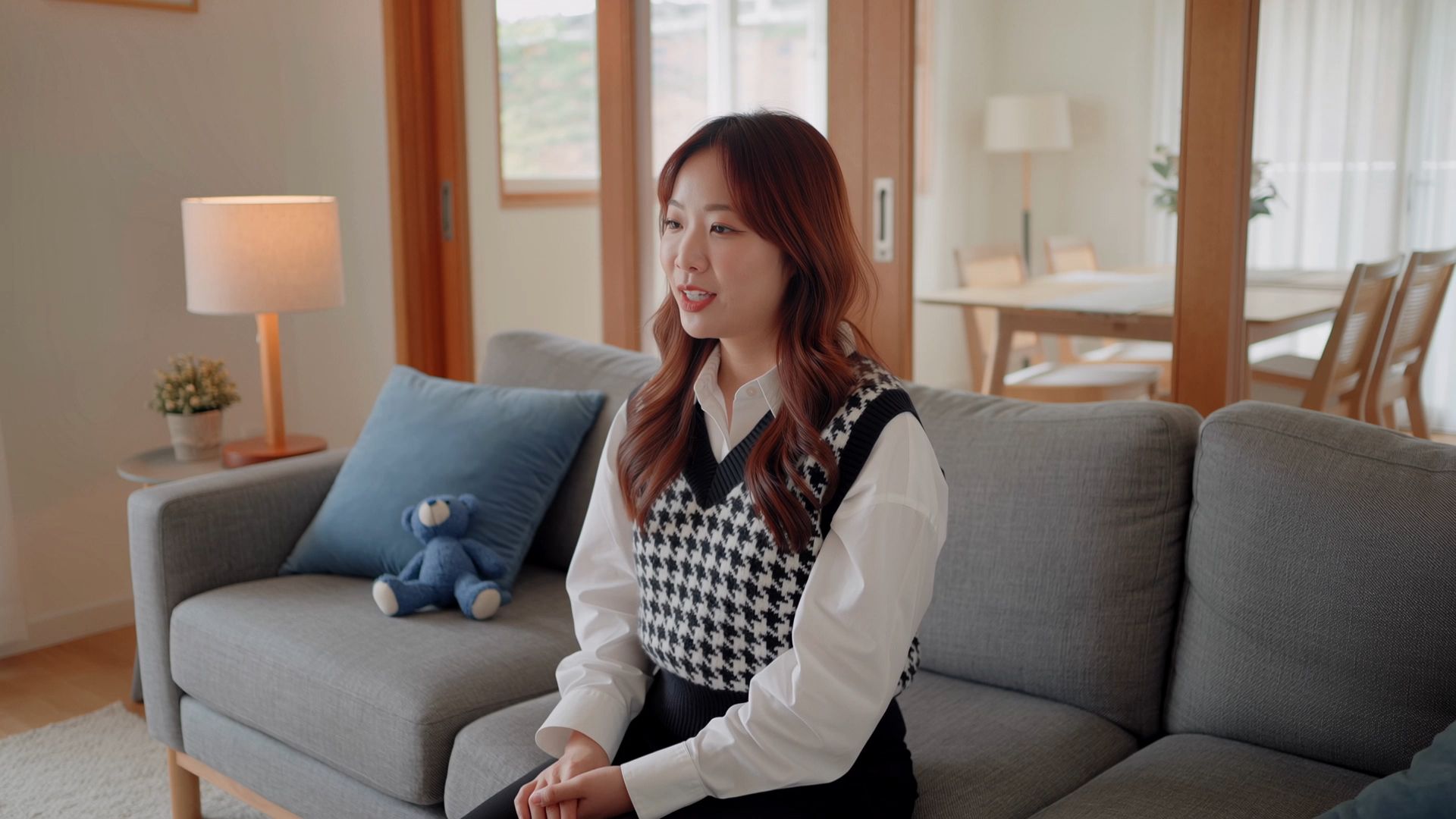
Official source-video frame: a brown-haired woman on a gray sofa in a living roomSource scene
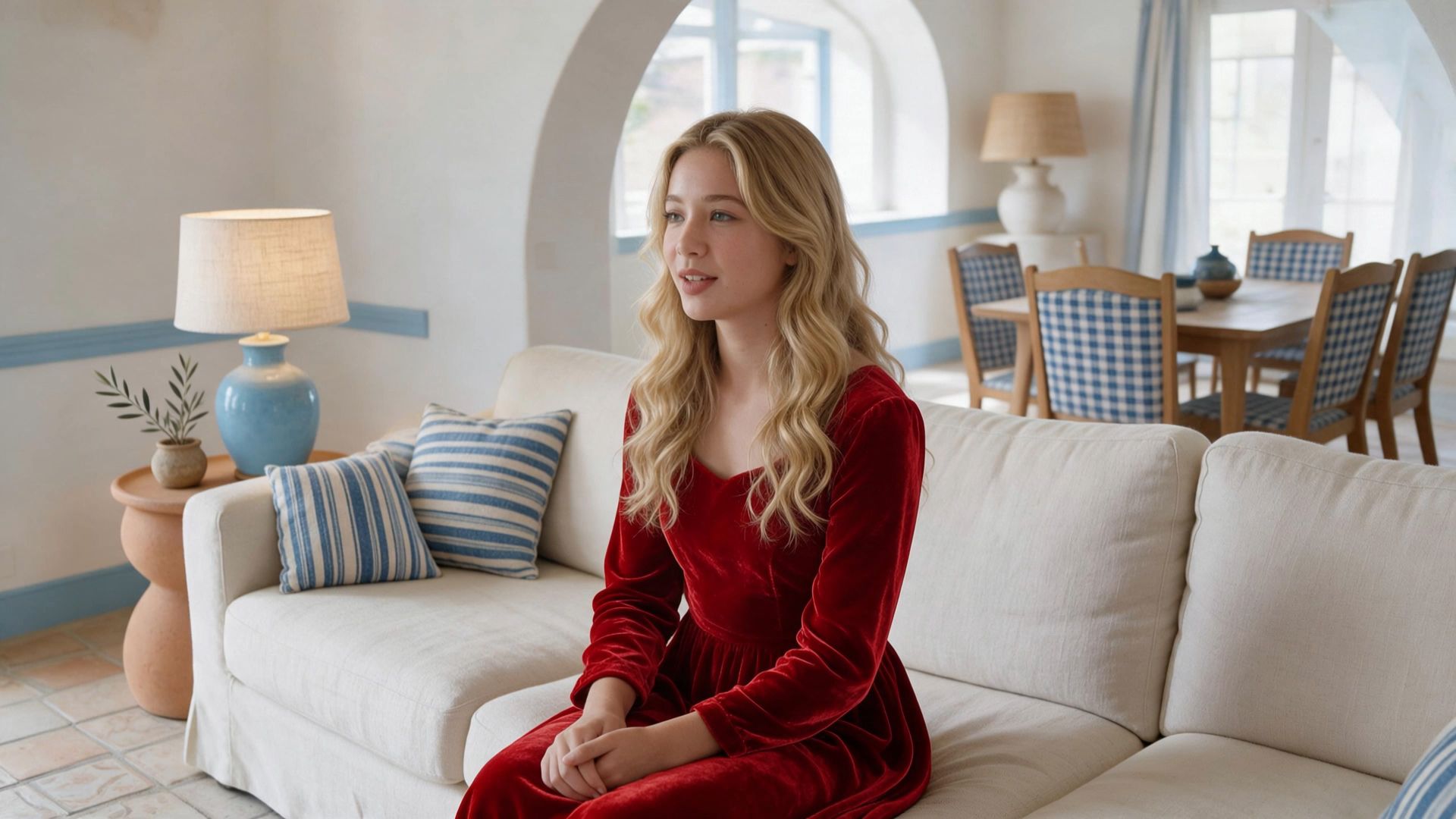
Official edited-video frame: a blonde woman in a red dress in a different living roomCharacter + setting replaced
Official Kling example

05 / Revise existing footage

Change a scene without rebuilding the brief

Use text and visual references to revise existing footage, including subjects, backgrounds, appearance, or camera direction. The documented editing task accepts up to five clips, including one primary video, with a combined length of no more than 30 seconds.

Review the changed area and the rest of the sequence for unintended changes in appearance, action, and timing.
Two friends speaking and listening across a cafe table

06 / Voice & performance

Plan dialogue, performance, and stereo sound

Kling documents two-channel stereo output, native dialogue, and expanded multilingual support. Include who speaks, the delivery, and relevant ambience in the brief. Review the generated words and synchronization with the visible performance.

Kling 4.0 vs 3.0 vs 4.0 Flash

Compare the full model with the earlier generation and the lighter Flash variant.

DimensionKling 4.0Kling 3.0 seriesKling 4.0 Flash
Starting inputsText, images, and supported multimodal referencesText and image generation; reference controls vary by variantText, image, and Omni Reference
Native clip duration3–30 seconds3–15 secondsUp to 20 seconds
Intermediate keyframesUp to 10Start and end frames; no multi-keyframe inputNo first/last-frame or multi-keyframe control
Reference allowanceUp to 15 combined itemsUp to 7 images/subjects without video; 1 video + 4 images/subjectsOmni Reference with task-specific limits
Resolution720p / 1080p / 4K listed; check mode and rollout720p / 1080p / 4K listed across the seriesUp to 720p; 8-bit SDR
Workflow emphasisLonger scenes, intermediate keyframes, multimodal editsShorter sequences and earlier reference workflowsLightweight generation with a smaller control set

Use cases

Build the brief around the shot you need.

An amber perfume bottle being handled in warm window light

Product reveal films

Plan the pack shot, reveal, and product use as connected visual moments. Use references for appearance and keyframes for the major beats.

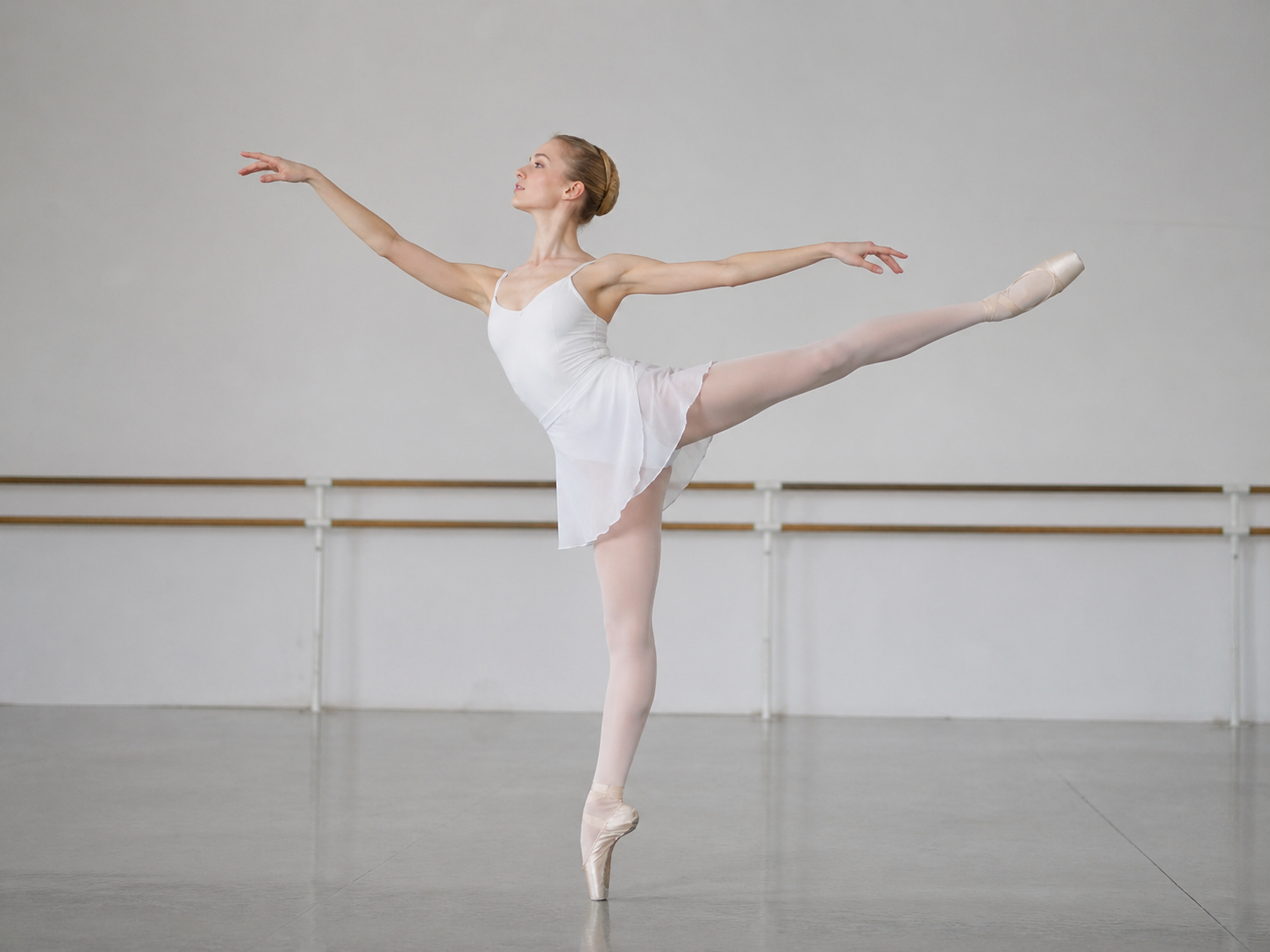
A ballerina performing in a rehearsal studio

Dance and performance

Describe the performer’s movement alongside the camera direction. Review body mechanics and continuity over the full sequence.

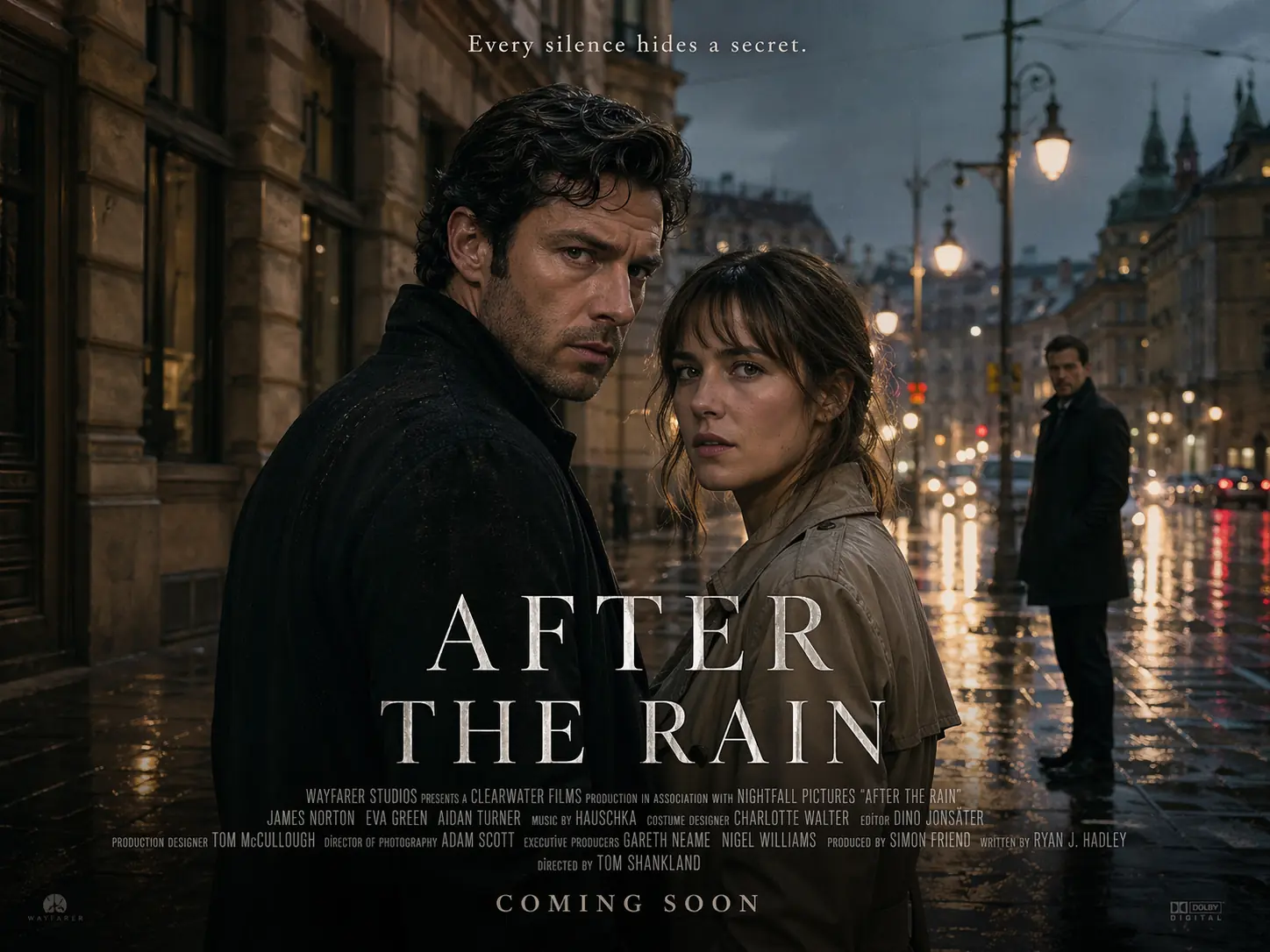
A cinematic story poster showing two characters in a rain-soaked street

Short cinematic stories

Use the longer duration to connect action, a reaction, and a final composition, with dialogue and ambience where they serve the scene.

FAQ

What is Kling 4.0?

Kling 4.0 is Kuaishou’s multimodal video-generation model, launched on October 15, 2026. It combines longer native generation with references, keyframes, and video editing.

How long can Kling 4.0 generate?

The full model lists 3–30 seconds per generation. Flash lists a maximum of 20 seconds. Planned extension to two minutes is separate from native clip length.

Is Kling 4.0 Flash the same model configuration?

No. Flash offers a subset: up to 20 seconds and 720p, without first/last-frame or multi-keyframe controls. Confirm the model variant before planning the task.

Can all reference limits be combined at once?

No. The full model has a shared maximum of 15 reference items. The individual image, video, and subject ceilings do not override that combined limit.

Can Kling 4.0 edit existing video?

Yes. The documented editing workflow accepts one primary video and additional supported clips, up to five total and 30 seconds combined. Inspect the revised sequence for unintended changes.

Does every mode provide 4K and HDR?

Do not assume that. Official pages contain differing rollout language. Check the current model, mode, and endpoint for the output format you need.

Describe your idea and
start your next creation.

Start creating

Frequently Asked Questions (FAQ)

What is Kling 4.0?

Kling 4.0 is Kuaishou’s multimodal video-generation model, launched on October 15, 2026. It combines longer native generation with references, keyframes, and video editing.

How long can Kling 4.0 generate?

The full model lists 3–30 seconds per generation. Flash lists a maximum of 20 seconds. Planned extension to two minutes is separate from native clip length.

Is Kling 4.0 Flash the same model configuration?

No. Flash offers a subset: up to 20 seconds and 720p, without first/last-frame or multi-keyframe controls. Confirm the model variant before planning the task.

Can all reference limits be combined at once?

No. The full model has a shared maximum of 15 reference items. The individual image, video, and subject ceilings do not override that combined limit.

Can Kling 4.0 edit existing video?

Yes. The documented editing workflow accepts one primary video and additional supported clips, up to five total and 30 seconds combined. Inspect the revised sequence for unintended changes.

Does every mode provide 4K and HDR?

Do not assume that. Official pages contain differing rollout language. Check the current model, mode, and endpoint for the output format you need.