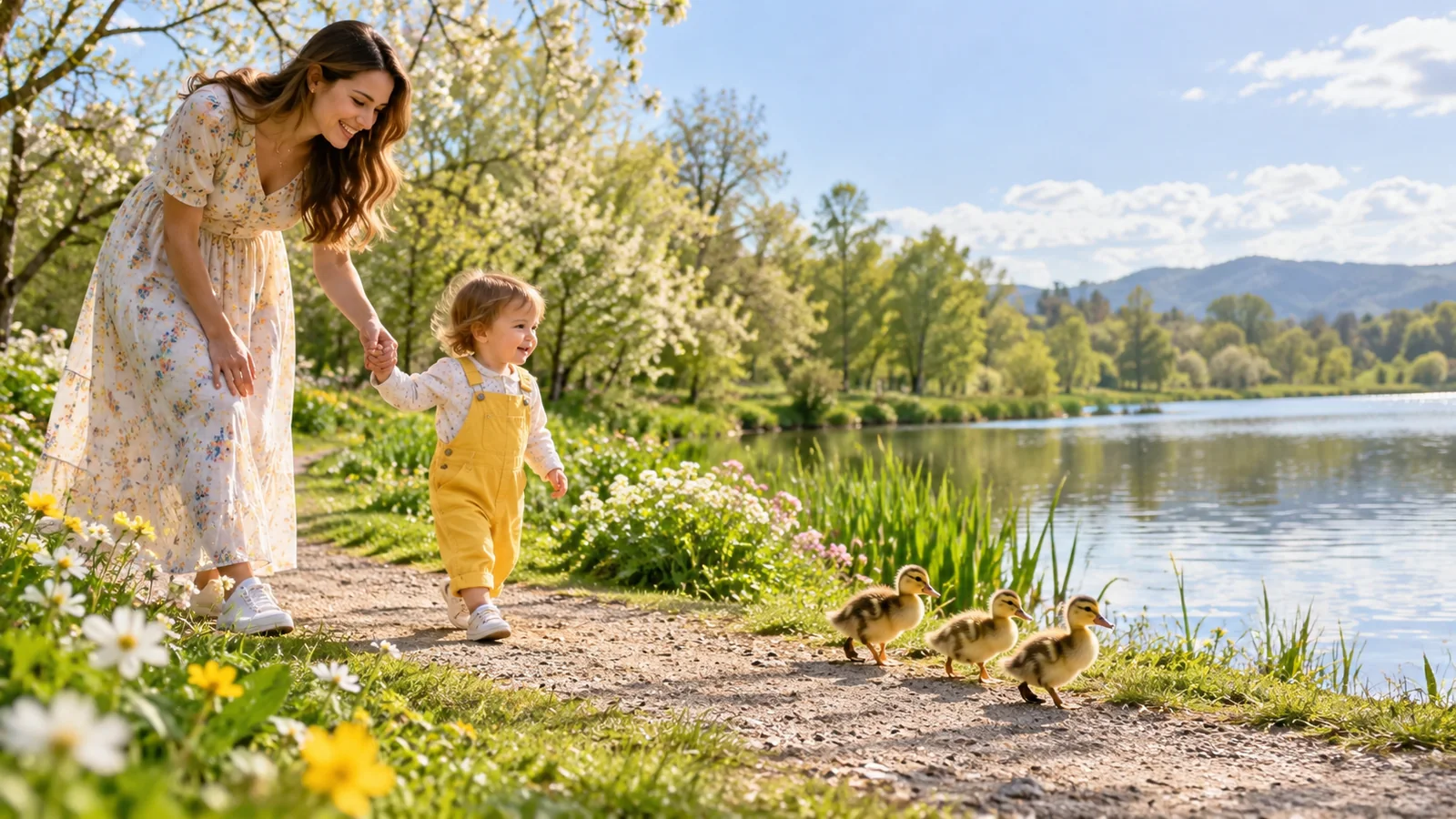
Pexo
MiniMax H3 Max

MiniMax H3 Max
Give a small moment room to move.

MiniMax H3 Max is fal’s post-trained version of MiniMax H3. It brings text-to-video, image-led generation, and video continuation into a family of creative workflows, with controls for framing, prompt expansion, and sound.

Post-trained by fal · Built on MiniMax H3

Text or images

Describe a scene or establish its visual endpoints

Up to 15 seconds

Create a focused short scene

Continue a clip

Develop the action beyond an existing ending

Core capabilities

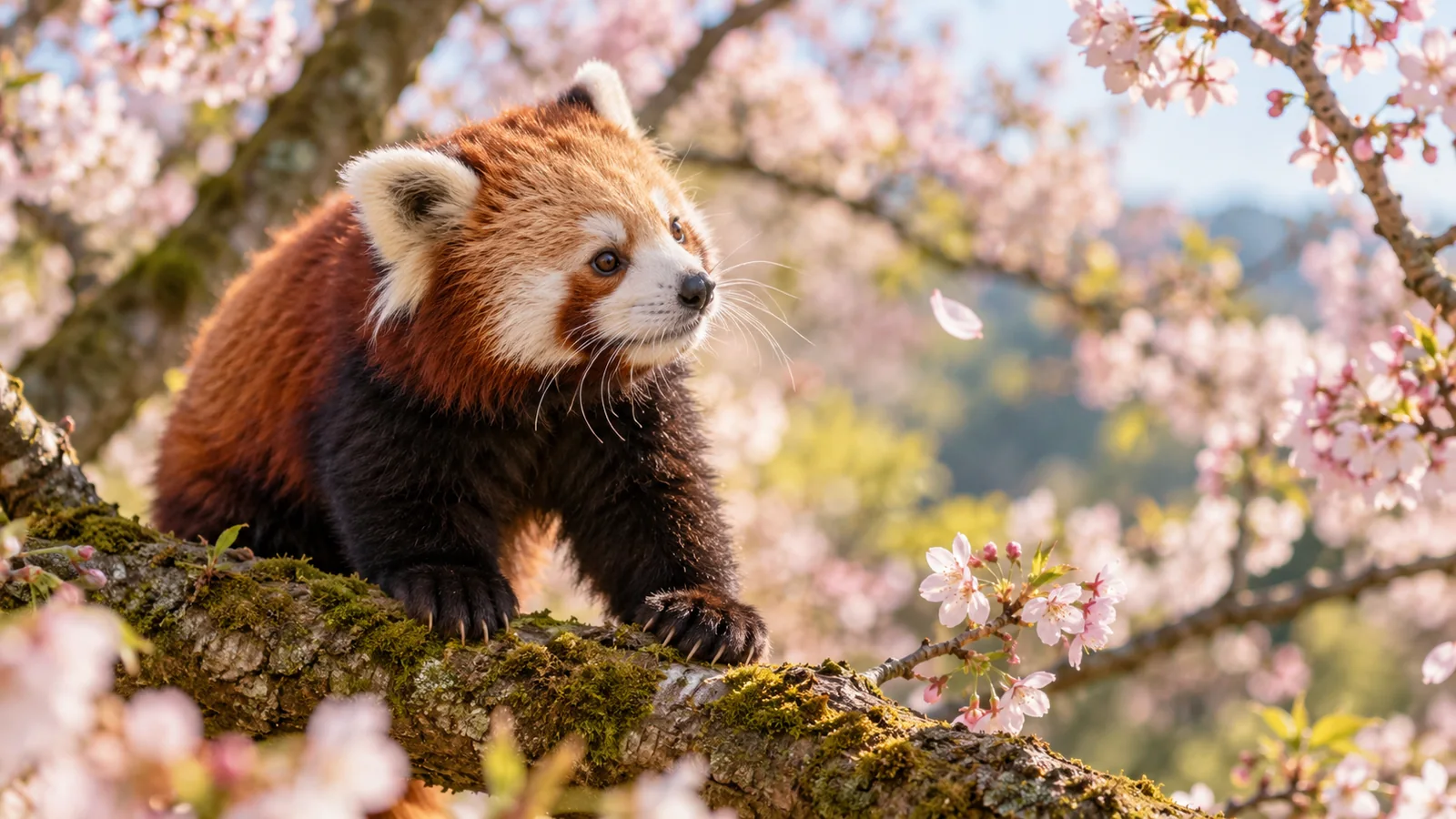
A red panda turning toward a drifting cherry blossom on a mossy branch
Motion brief

A red panda watches a cherry blossom drift past its branch. It turns its head and lifts one paw. Move closer slowly, keeping its eyes in focus.

01 / TEXT-TO-VIDEO

Write the action the camera should follow

Start with an event, then give it a viewpoint.

H3 Max generates a scene from a written prompt. Describe the subject, its movement, and the camera in the same brief: a red panda follows a falling blossom, shifts one paw, and looks up. A cinematic video starts to take shape when the camera has a clear reason to move.

Prompt expansion can be disabled, balanced, or quality-focused. Keep the key action explicit whichever option you choose.
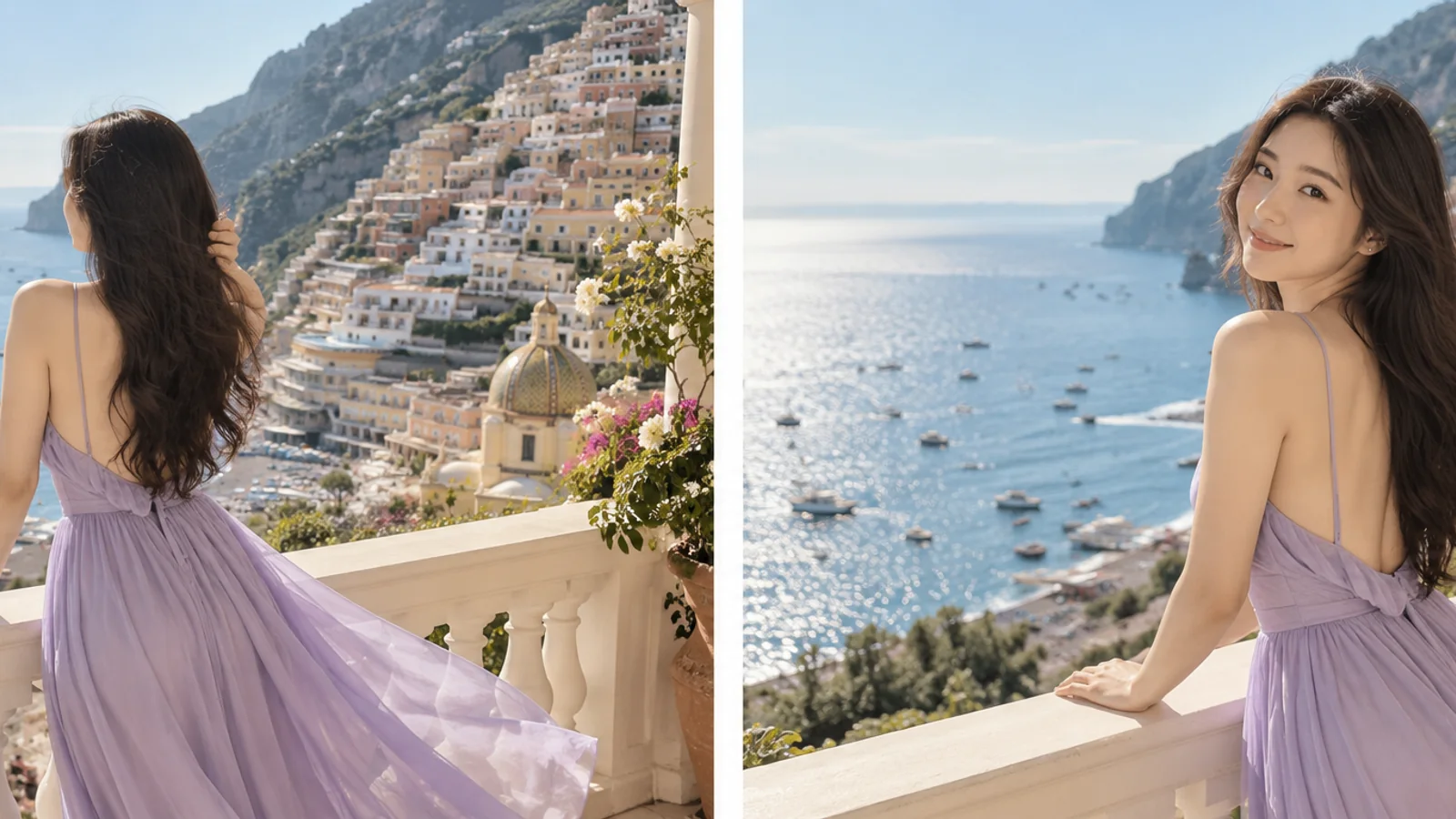
Two poses of a woman in a lavender dress on the same sunny coastal balcony
Opening → ending

Begin with the woman facing the sea. She turns toward the camera as the breeze lifts her hair. Finish on her smile, keeping the balcony and daylight consistent.

02 / IMAGE KEYFRAMES

Choose where the shot begins and ends

Let the images establish the visual direction.

The image route accepts an opening frame, an ending frame, or both. With an opening image, the canvas follows that image; with an ending image alone, it follows the final frame. For a story video, use the prompt to connect those visual states through a simple, readable action.

Keep the subject, setting, and lighting compatible across the two frames, then describe what changes between them.

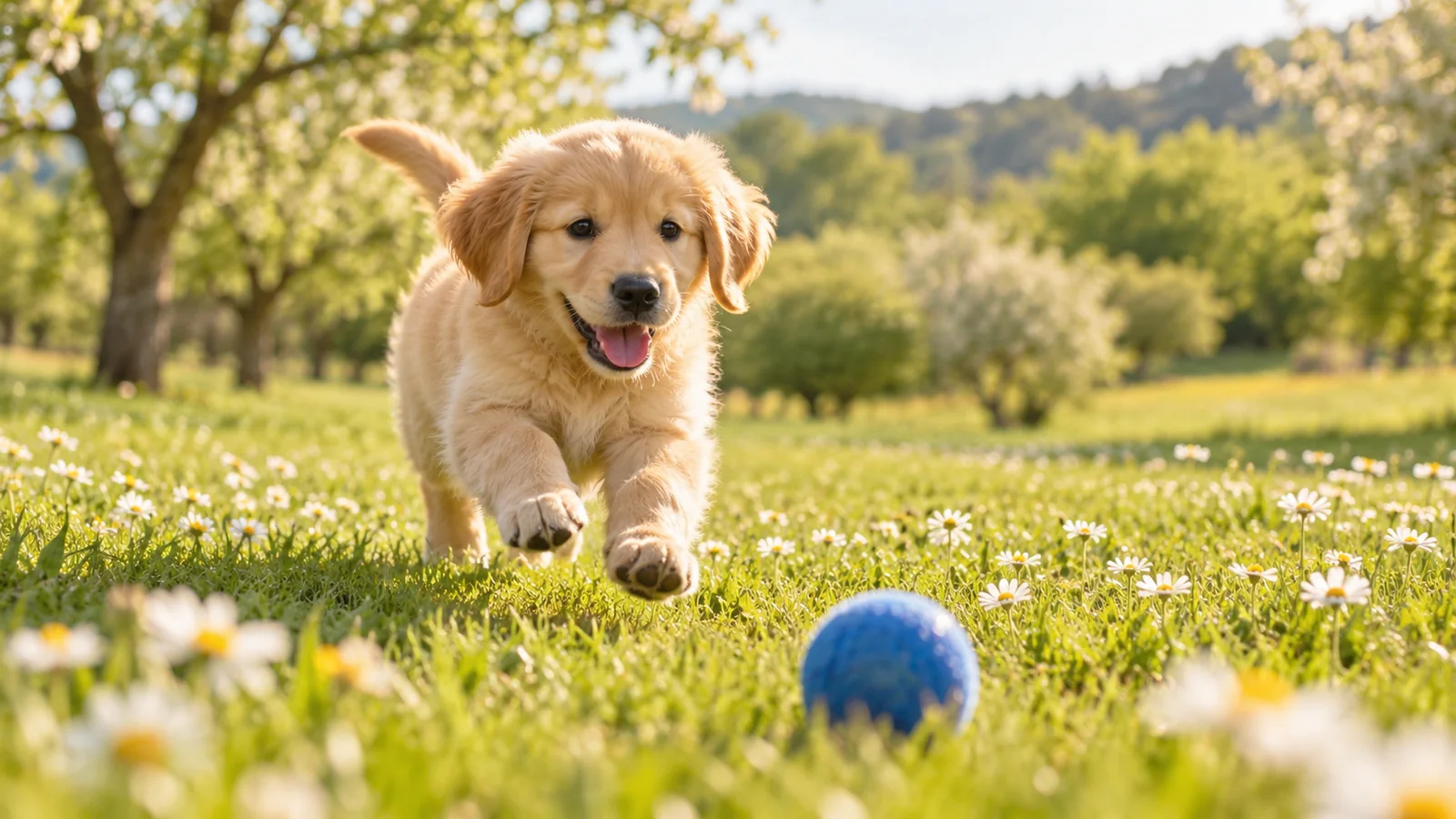
A golden retriever puppy bounding toward a blue ball in a sunny daisy meadow
Next action

Continue as the puppy reaches the blue ball, nudges it once, and looks up. Keep the low camera angle, daisies, and soft morning light.

03 / VIDEO CONTINUATION

Carry the movement into the next moment

Describe the next beat of the scene.

The extension route takes an existing clip and a prompt for what follows. A puppy can reach the ball, pause, then look toward someone outside the frame. The result can include the source and new footage together, or return the continuation for a short film you are assembling.

Continuation-only output includes 1.625 seconds from the source ending. Account for that overlap when joining clips.

Image showcase

Painted ceramic detail from an official H3 Max video
Painted ceramic detail
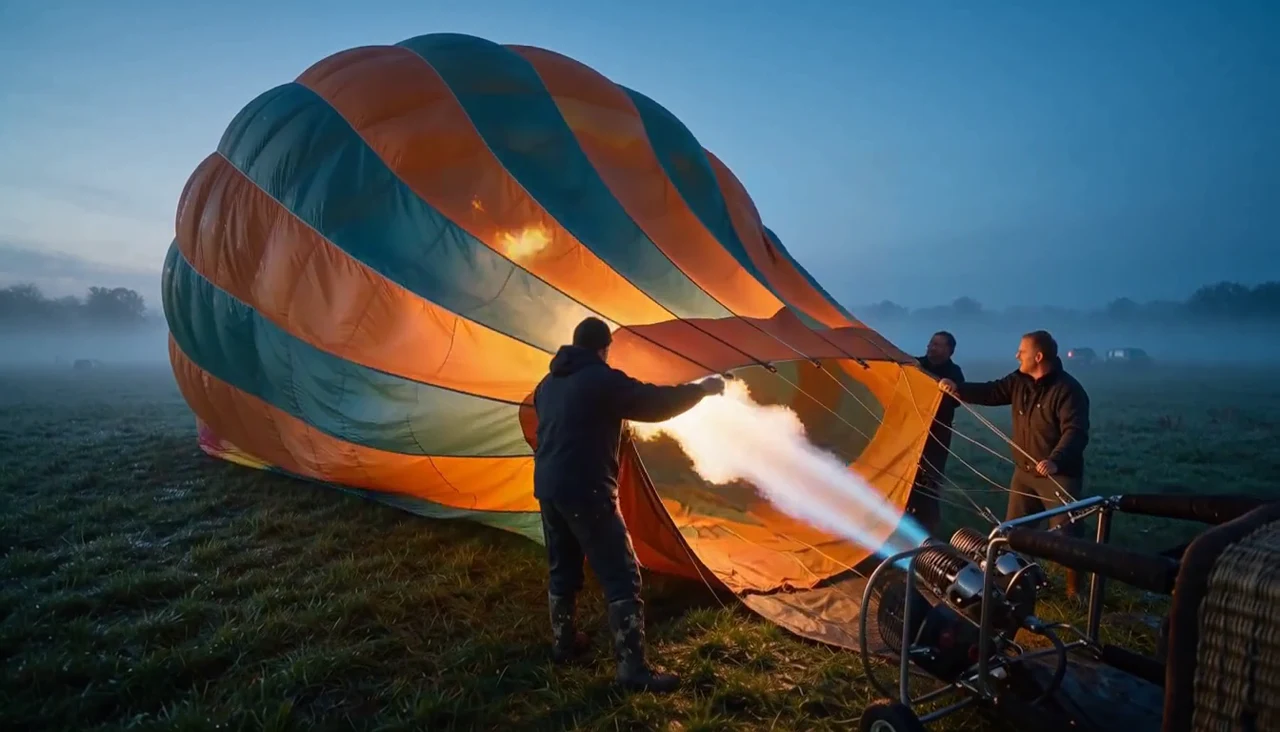
Balloon at dawn from an official H3 Max video
Balloon at dawn
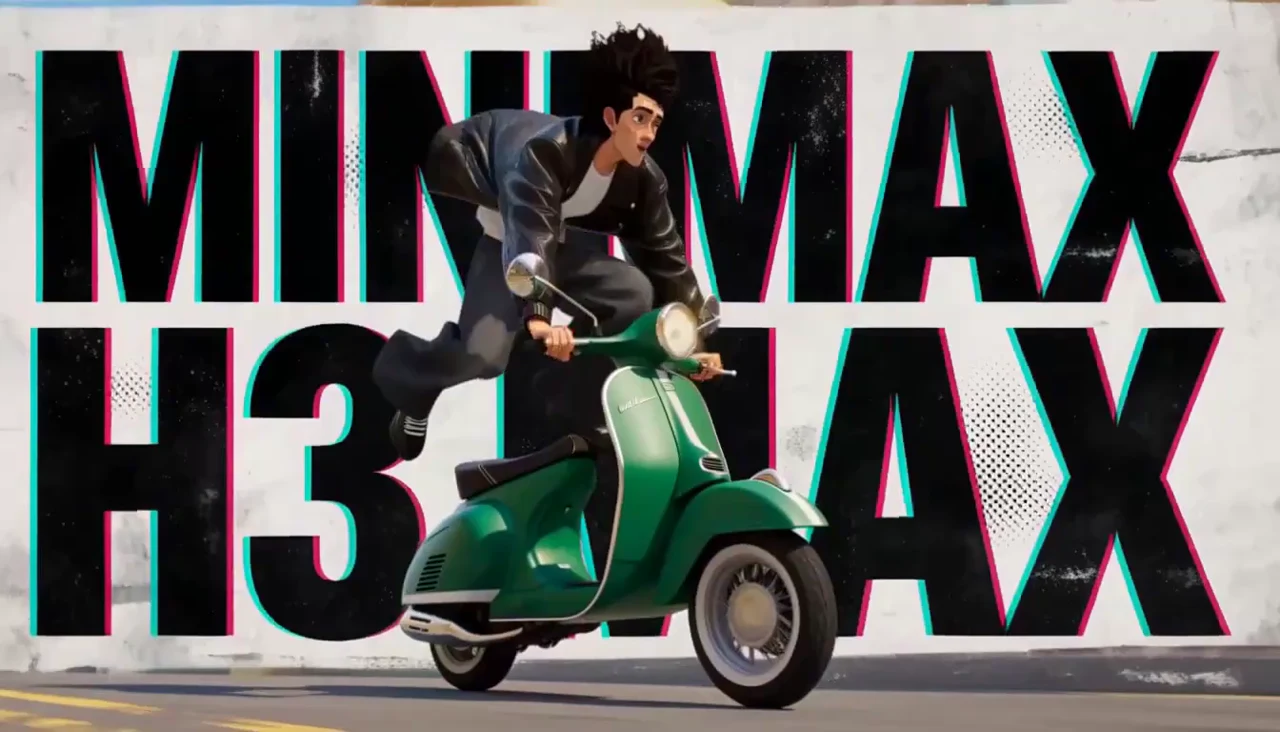
Product motion from an official H3 Max video
Product motion
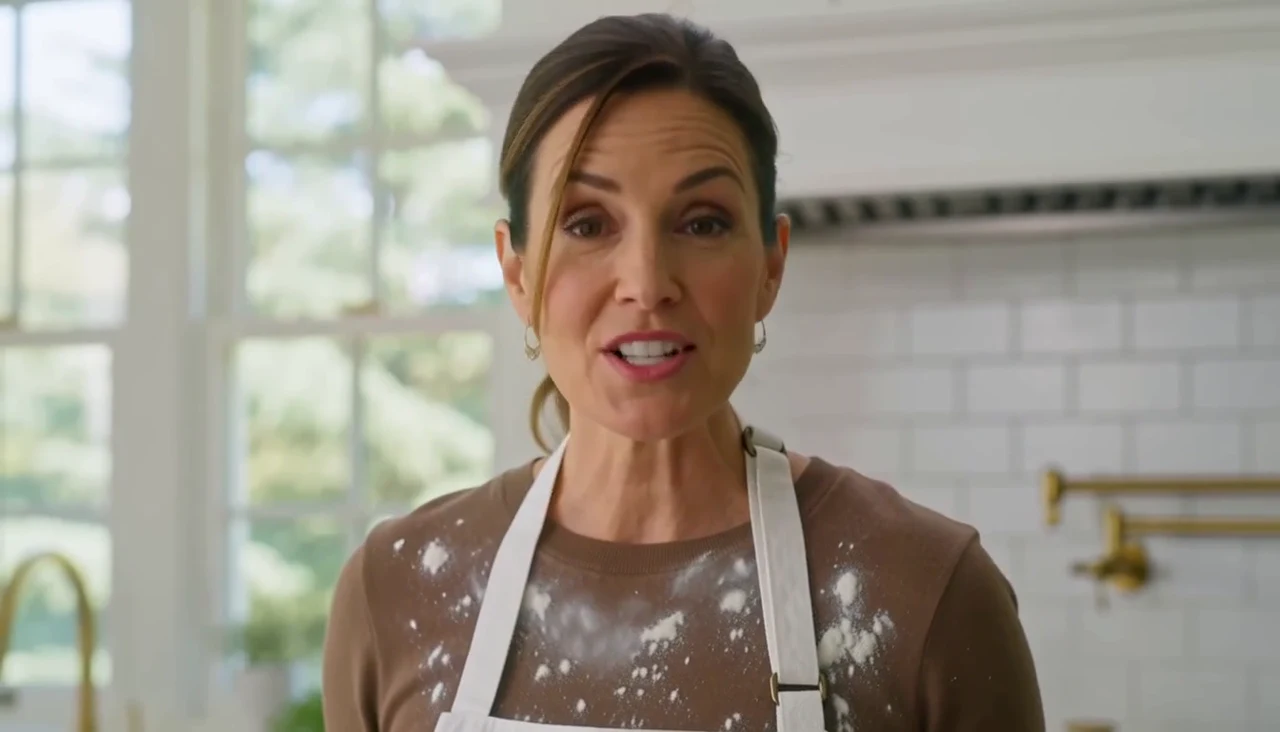
Kitchen portrait from an official H3 Max video
Kitchen portrait
Clay animation from an official H3 Max video
Clay animation
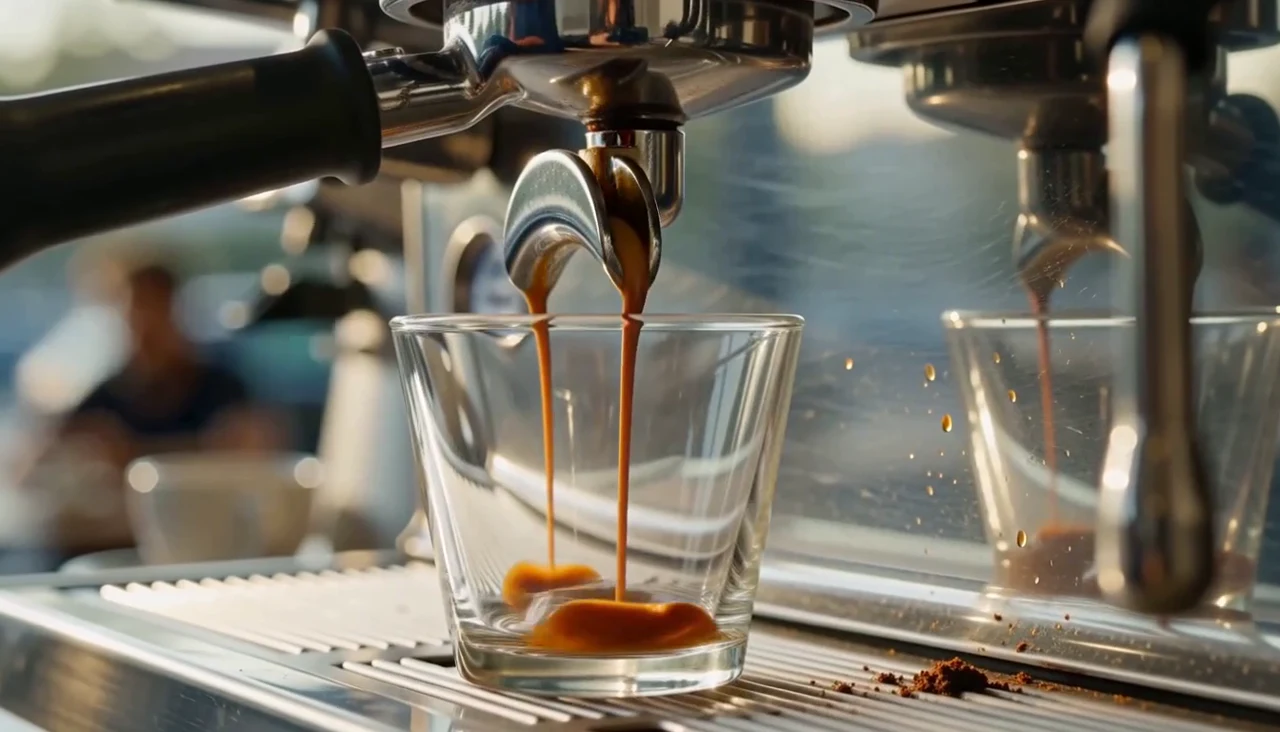
Espresso close-up from an official H3 Max video
Espresso close-up

Source: official fal demos

Shape the output around the shot

Choose the canvas and delivery size before refining a scene. These settings refer to H3 Max’s text and image generation routes.

DURATION

Up to 15 seconds

Build a short scene around one clear action.

OUTPUT

480p · 768p · 1080p

1080p uses latent refinement from a native 768p source.

TEXT CANVAS

Six aspect ratios

21:9, 16:9, 4:3, 1:1, 3:4, and 9:16.

SOUNDTRACK

Generate or supply audio

An uploaded soundtrack can replace the output audio.

Text-led or image-led generation?

Choose whether the prompt or an existing image establishes the opening composition.

ControlText-to-videoImage-to-video
Visual starting pointA written scene descriptionFirst frame, final frame, or both
CanvasChoose one of six aspect ratiosFollows the supplied keyframe
DirectionDescribe subject, action, setting, and cameraDescribe the movement connecting visual states
Useful starting pointA scene you want to explore from scratchAn established character, composition, or ending

Use cases

Explore Create workflows for product movement, character moments, and everyday stories.

Connect the action, camera, and sound

Give every instruction a role in one focused scene.

A woman and her friend launching a blue kite on a sunny coastal clifftop

01

Establish the frame

A sunny coastal meadow. One friend holds a blue kite while the other stands nearby with the spool.

02

Direct the movement

She raises the kite into the breeze. The camera tracks sideways as it lifts, then holds on the two friends watching it climb.

03

Give the sound a source

Wind through the grass, a flutter of kite fabric, and one spoken line: “Ready?” Leave room for the reply.

FAQ

What is MiniMax H3 Max?

H3 Max is fal’s post-trained variant of MiniMax H3. Its main routes generate video from text or image keyframes, with a separate extension route for continuing existing footage.

How is H3 Max different from H3 and H3 Max Turbo?

MiniMax H3 is the underlying model. H3 Max is fal’s post-trained version, while H3 Max Turbo is a separate speed-oriented variant. Choose the specific route and settings for the task you need.

Can I use both a first and a final image?

Yes. The image route supports a first frame, a final frame, or both. When the first frame is present, its proportions establish the canvas; an ending-only request follows the final image.

Does H3 Max support audio?

fal describes H3 Max output with native audio. The text and image routes also accept a supplied soundtrack: longer audio is trimmed to the video, and shorter audio is followed by silence.

Is 1080p a native generation setting?

The API offers 480p, 768p, and 1080p. Its resolution description identifies 1080p as latent refinement from a native 768p source.

Can I return only the new part of an extended video?

Yes. The extension route can return the full extended video or the continuation. Continuation output begins with a 1.625-second repeat of the original ending before the new footage.

Describe your idea and start your next creation.

Start creating

Frequently Asked Questions (FAQ)

What is MiniMax H3 Max?

H3 Max is fal’s post-trained variant of MiniMax H3. Its main routes generate video from text or image keyframes, with a separate extension route for continuing existing footage.

How is H3 Max different from H3 and H3 Max Turbo?

MiniMax H3 is the underlying model. H3 Max is fal’s post-trained version, while H3 Max Turbo is a separate speed-oriented variant. Choose the specific route and settings for the task you need.

Can I use both a first and a final image?

Yes. The image route supports a first frame, a final frame, or both. When the first frame is present, its proportions establish the canvas; an ending-only request follows the final image.

Does H3 Max support audio?

fal describes H3 Max output with native audio. The text and image routes also accept a supplied soundtrack: longer audio is trimmed to the video, and shorter audio is followed by silence.

Is 1080p a native generation setting?

The API offers 480p, 768p, and 1080p. Its resolution description identifies 1080p as latent refinement from a native 768p source.

Can I return only the new part of an extended video?

Yes. The extension route can return the full extended video or the continuation. Continuation output begins with a 1.625-second repeat of the original ending before the new footage.